
Hyper-Realistic Coffee Powder Face Impression
A detailed image generation prompt for creating a hyper-realistic tabletop product photo.
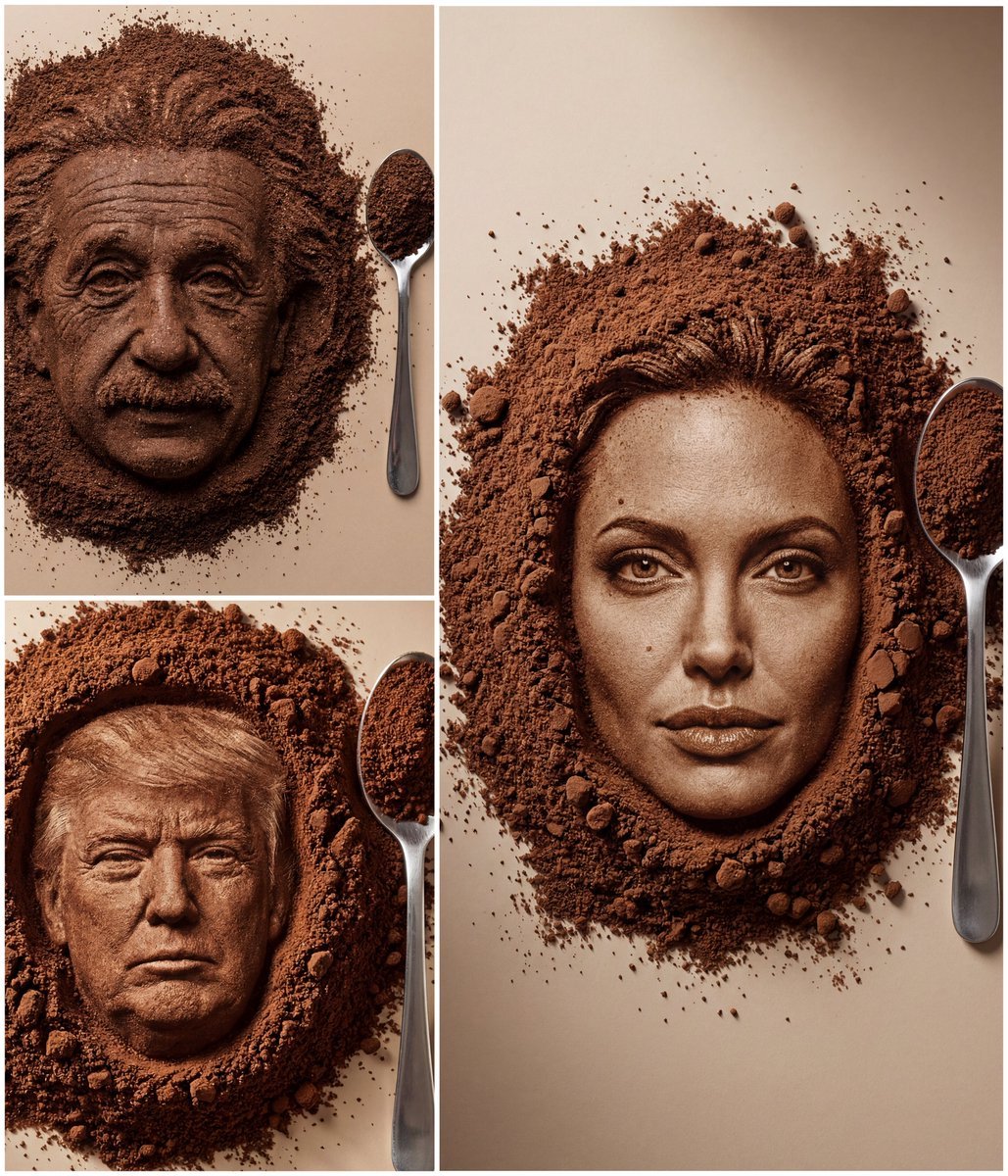
- Prompt included
- Model and format preset
- Free template
The prompt behind this image
Copy the exact prompt behind Hyper-Realistic Coffee Powder Face Impression, or open it in the studio and make it yours.
- Input › Referenced Image Ids
- <USER_UPLOADED_PHOTO_ID>
- Frame › Aspect Ratio
- 3:4
- Frame › Shot Size
- Close-Up (CU)
- Frame › Orientation
- Portrait
- Frame › Composition Guide
- Center Framed
- Subject › Subject Type
- Human Face Impression (from reference)
- Subject › Identity Summary
- Match the uploaded person’s face exactly, but formed as a pressed bas-relief impression in finely ground coffee (not a drawing/print).
- Subject › Visual Signature › Facial Signature › Face Shape
- Match reference exactly
- Subject › Visual Signature › Facial Signature › Eye Nose Lips Jaw
- Match reference exactly
- Subject › Visual Signature › Facial Signature › Unique Features
- Do not change identity or proportions
- Subject › Visual Signature › Material Signature › Material Type
- Finely ground coffee powder
- Subject › Visual Signature › Material Signature › Texture Detail
- Ultra-detailed micro-granules, clumps, scattered dust, realistic compression
- Subject › Inventory › Objects Present
- Coffee grounds mound with face impression centered, Stainless-steel teaspoon on the right filled with coffee
- Subject › Inventory › Objects Absent
- No extra props, No text/logos
- Environment › Setting Type
- Indoor Studio Tabletop
- Environment › Background Surface
- Warm neutral beige surface, minimal and clean
- Lighting › Primary Source
- Softbox upper-left
- Lighting › Shadow Quality
- Soft realistic shadows
- Lighting › Color Temperature
- Neutral-warm daylight
- Camera › Angle
- Top-Down / Near Top-Down
- Camera › Focal Length Mm
- 50
- Camera › Aperture
- f/5.6
- Camera › Focus Behavior
- Sharp on face and spoon, slight falloff at edges
- Post Processing › Art Medium
- Photography
Raw JSON
{
  "input": {
    "referenced_image_ids": ["<USER_UPLOADED_PHOTO_ID>"]
  },
  "frame": {
    "aspect_ratio": "3:4",
    "shot_size": "Close-Up (CU)",
    "orientation": "Portrait",
    "composition_guide": "Center Framed"
  },
  "subject": {
    "subject_type": "Human Face Impression (from reference)",
    "identity_summary": "Match the uploaded person’s face exactly, but formed as a pressed bas-relief impression in finely ground coffee (not a drawing/print).",
    "visual_signature": {
      "facial_signature": {
        "face_shape": "Match reference exactly",
        "eye_nose_lips_jaw": "Match reference exactly",
        "unique_features": "Do not change identity or proportions"
      },
      "material_signature": {
        "material_type": "Finely ground coffee powder",
        "texture_detail": "Ultra-detailed micro-granules, clumps, scattered dust, realistic compression"
      }
    },
    "inventory": {
      "objects_present": [
        "Coffee grounds mound with face impression centered",
        "Stainless-steel teaspoon on the right filled with coffee"
      ],
      "objects_absent": ["No extra props", "No text/logos"]
    }
  },
  "environment": {
    "setting_type": "Indoor Studio Tabletop",
    "background_surface": "Warm neutral beige surface, minimal and clean"
  },
  "lighting": {
    "primary_source": "Softbox upper-left",
    "shadow_quality": "Soft realistic shadows",
    "color_temperature": "Neutral-warm daylight"
  },
  "camera": {
    "angle": "Top-Down / Near Top-Down",
    "focal_length_mm": 50,
    "aperture": "f/5.6",
    "focus_behavior": "Sharp on face and spoon, slight falloff at edges"
  },
  "post_processing": {
    "art_medium": "Photography",
    "style_modifiers": "Hyper-realistic, tabletop product photo, 8K detail look, natural color/contrast"
  },
  "negative": {
    "artifact_suppression": "blur, lowres, CGI/3D look, distorted face, changed identity, extra features, floating spoon, unrealistic reflections",
    "content_excludes": "text, watermark, logo, cups/mugs/plates, hands/people, illustration/cartoon"
  }
}How to use Hyper-Realistic Coffee Powder Face Impression in 3 steps
- 1Upload ImagePNG, JPG or paste
Add your photo
Upload the photo the template builds on. The prompt, model and format are already set.
- 2…a portrait of your subject in softgolden-hour light, 85mm…
Personalize
Edit the subject and creative details for your destination.
- 3Generate
Generate
Press Generate — your image is created in PicX Studio, so you can compare it with the original and refine one variable at a time.
More like this
Templates with the same subject, style or setup. Open one to see its prompt.

Astronaut Zero-Gravity Coffee Splash

Cappuccino Bottle Splash Product Ad

Dancer Character - Four View Reference Sheet

Nano Banana - Paris Cafe Editorial
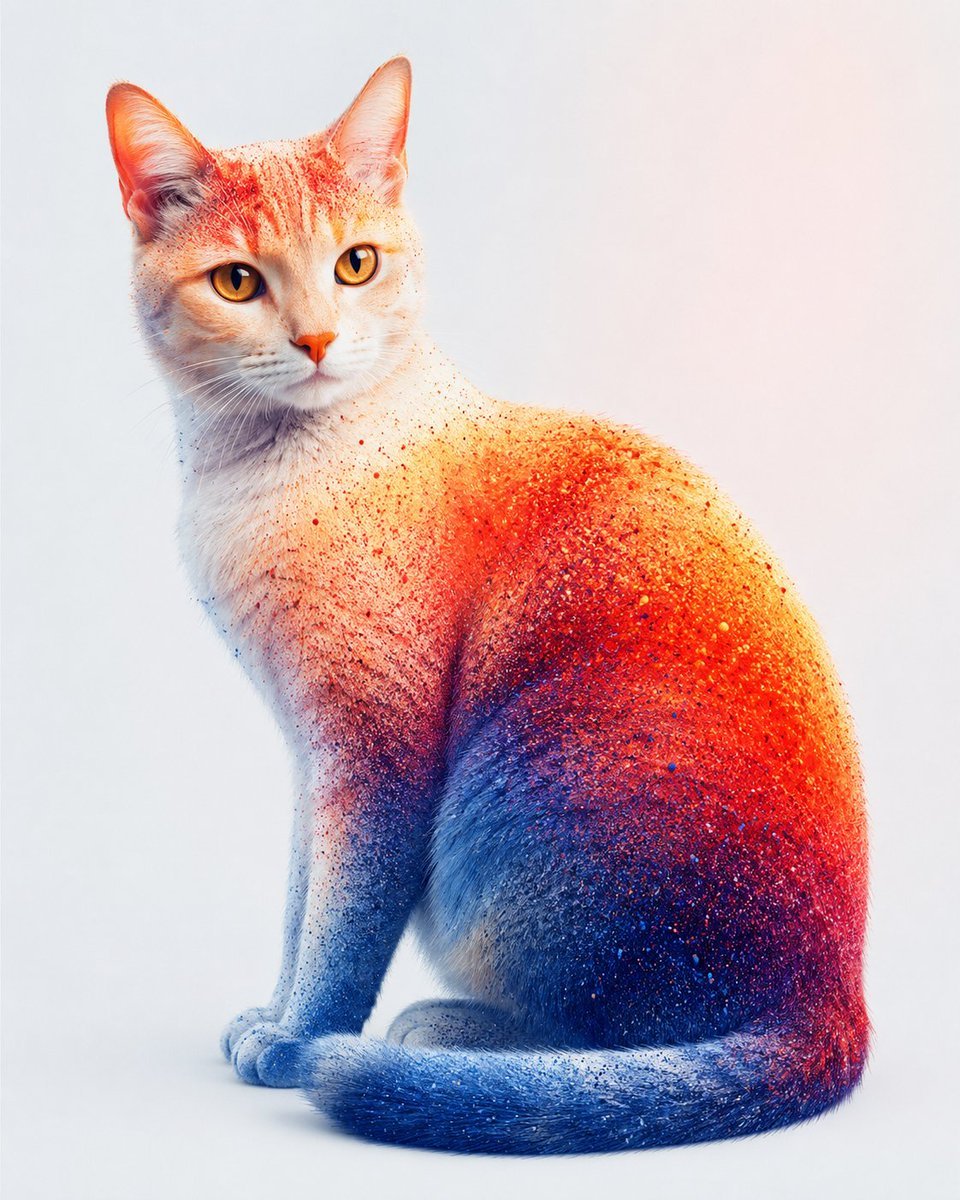
Color Powder Cat Portrait
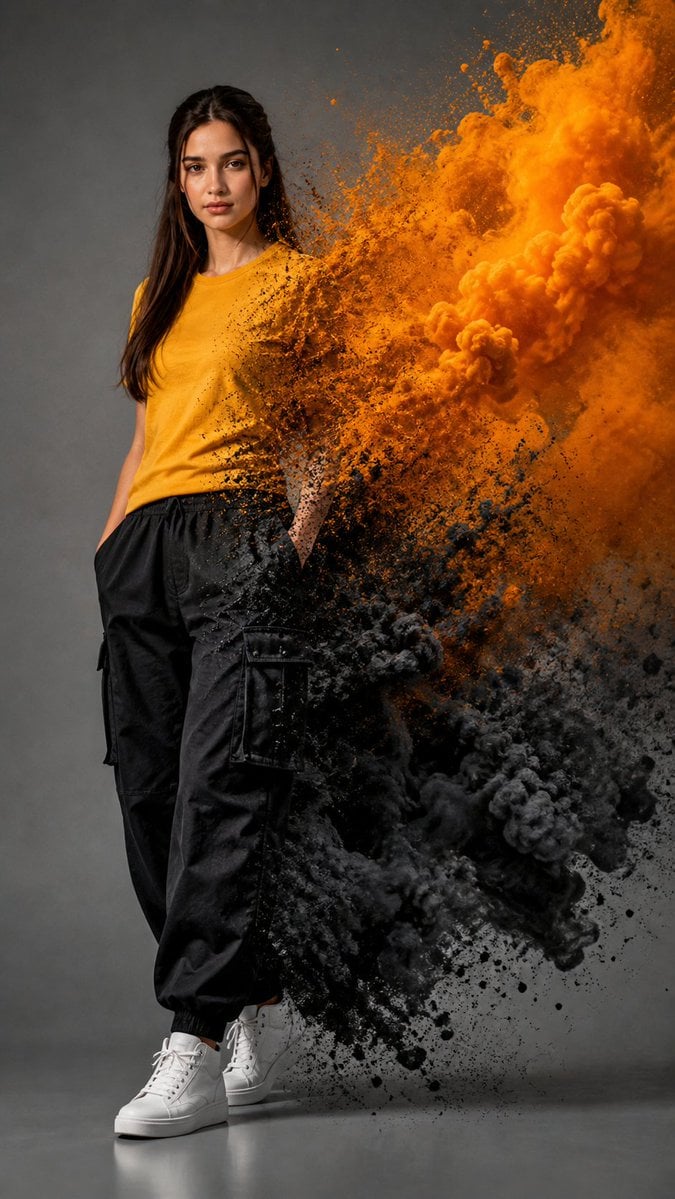
Fashion Portrait With Powder Disintegration

Underwater Macro Face Portrait

Nano Banana Pro Identity Lock — Composition + Face Reference

Realistic portrait 100 identical face, no editing allowed
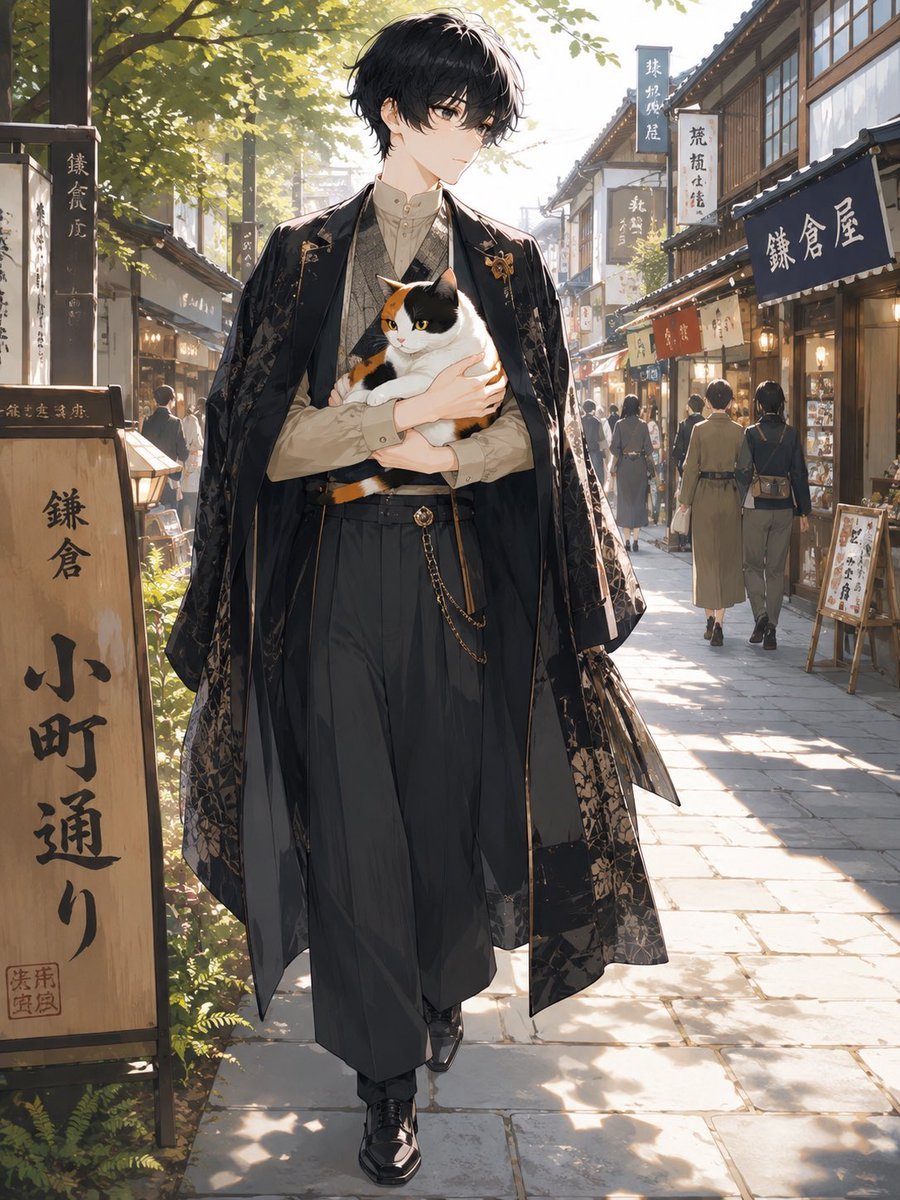
Faceless Anime Man Holding Calico Cat

Floral Face Paint Anime Portrait

Faceless Anime Cosplay Expo Duo
Make it yours
Hyper-Realistic Coffee Powder Face Impression works as-is. These are the safest ways to change it without losing the look.
Swap the setting
Keep the rest of the prompt and replace the location block. The current setting is “Indoor Studio Tabletop”.
Swap the light
One lighting change is enough to compare takes. Current light: “Softbox upper-left”.
Change one field
Copy a single group, rewrite it, and generate again so you can see what that field is doing.
| If the result… | Why | Fix |
|---|---|---|
| The result drifts from the preview | Too many fields changed at once. | Reuse Hyper-Realistic Coffee Powder Face Impression as-is first, then change one group — subject, light, or setting. |
| Nano Banana 2 ignores part of the JSON | Some models flatten or skip nested keys. | Keep the same values and paste them as a short paragraph instead. |
More Nano Banana 2 templates
Other prompts made for Nano Banana 2.

Photorealistic Leaf Shaped Like a Dragon

K-Pop Idol Portrait Grid for Rapid Selection

Poetic Rain Forest Portrait During Golden Hour

Urban Street Portrait with Cartoon Inner Self Duo

Candid Nighttime Photo with Cat Prompt

High-Concept 3D Diorama Generation Prompt

Cinematic Futuristic Studio Portrait Template

Skincare Editorial Photography Collage Prompt

Hyper-Realistic Commercial Product Photography (Splash Effect)

Hyper-Realistic Nightclub Portrait Prompt
More image prompts
Fresh picks from across the catalog.
Fashion Editorial Studio Portrait

Character Expression and Pose Variation Prompt (20 Patterns)
Neon Portrait Prompt
Surreal upside-down face portrait
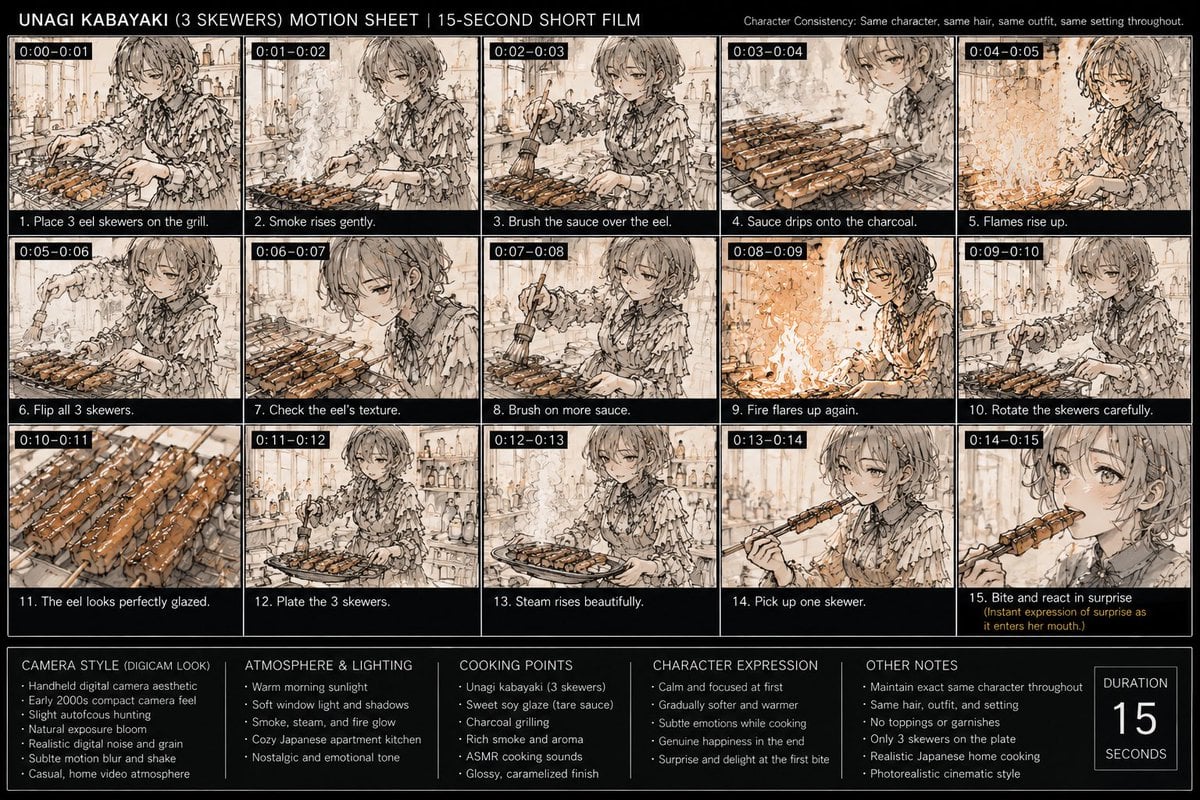
Unagi Kabayaki Motion Sheet

Minimalist Children's Book Illustration
Dark AI Chat 4K Upscale Tutorial
Healthy Breakfast Flat-Lay Ad Poster
Luxury Lipstick Ad Transformation

Maison Vogue Claymation Fashion Cover
Browse template categories
Hyper-Realistic Coffee Powder Face Impression questions
How do I use the Hyper-Realistic Coffee Powder Face Impression template?
Add your photo if the template asks for one, edit the prompt if you like — the template's model and format are already selected — and press Generate. Your version opens in PicX Studio.
Can I customize the Hyper-Realistic Coffee Powder Face Impression template?
Yes. You can change the subject, setting, lighting, mood, format, and available model controls before creating your image.
Is the Hyper-Realistic Coffee Powder Face Impression template free?
Opening and editing this template is free. Generating uses credits, shown on the Generate button when you are signed in.
Which AI model should I use?
Start with Nano Banana 2, which is the model associated with this template. You can compare another compatible model for a different finish.
Looking for something else? Browse all templates.

Your photo, any look
Thousands of ready templates for every top image and video model, from one credit balance.