
Unagi Kabayaki Motion Sheet
Creates a 15-panel anime storyboard production sheet for a short film about grilling three unagi kabayaki skewers.
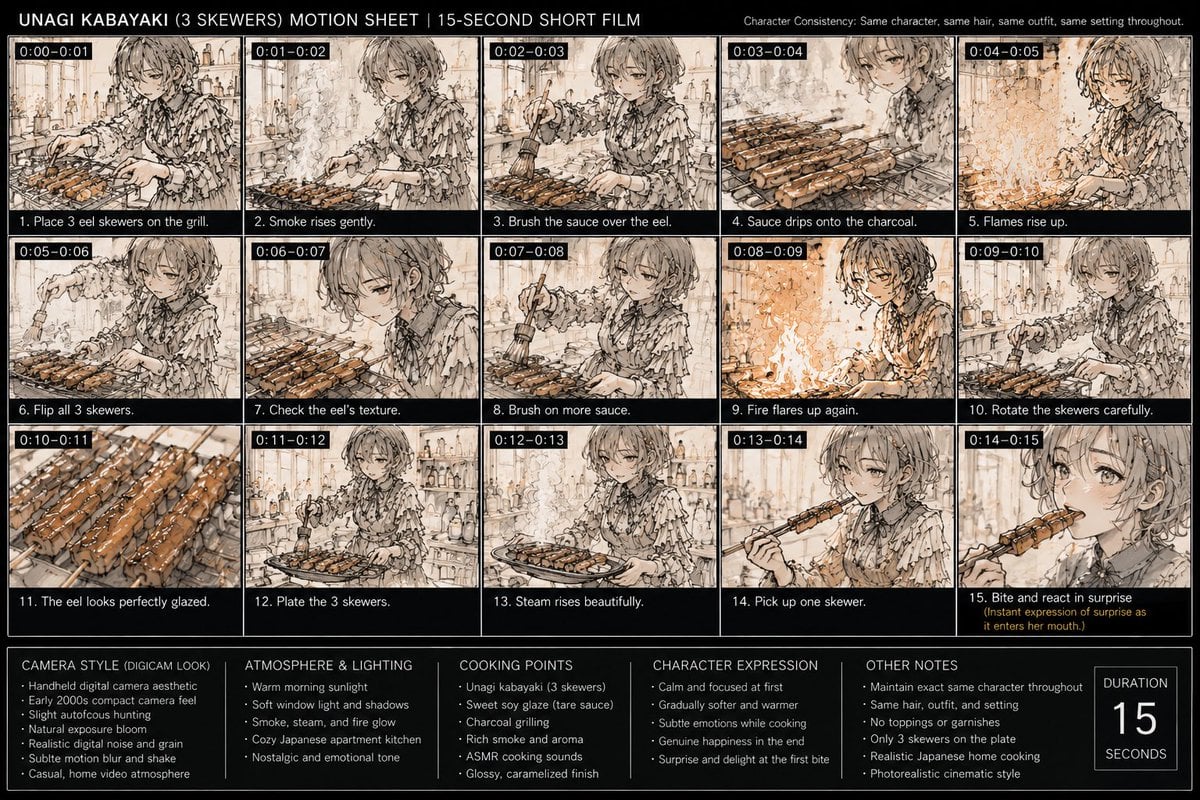
- Prompt included
- Model and format preset
- Free template
The prompt behind this image
Copy the exact prompt behind Unagi Kabayaki Motion Sheet, or open it in the studio and make it yours.
Goal: Create a detailed anime-style motion sheet for a 15-second short film about making {argument name="dish name" default="Unagi Kabayaki (3 Skewers)"}, laid out like a storyboard contact sheet with captions and production notes. Canvas: Wide 16:9 black-background production board, high-resolution, with thin white panel borders and a hand-drawn cinematic sketch aesthetic. Use a muted sepia, charcoal, beige, and warm orange palette with glossy brown eel glaze and firelight accents. Top header: Large white title text on the left: “UNAGI KABAYAKI (3 SKEWERS) MOTION SHEET | 15-SECOND SHORT FILM”. Small white note on the right: “Character Consistency: Same character, same hair, same outfit, same setting throughout.” Main layout: Use exactly 15 storyboard panels arranged in a 3-row by 5-column grid. Each panel has a black timecode label in the top-left corner and a black caption strip along the bottom. The character must remain consistent throughout: {argument name="main character" default="a young anime woman with short wavy ash-brown hair, soft tired eyes, and a ruffled patterned blouse with an apron"}, cooking in {argument name="setting" default="a cozy Japanese apartment kitchen with shelves, bottles, utensils, soft window light, smoke, steam, and a tabletop charcoal grill"}. The visual style should resemble a digicam-recorded anime cooking documentary: hand-drawn ink linework, lightly watercolor-washed backgrounds, realistic food detail, subtle motion blur, warm morning light, smoke, steam, and charcoal glow. Storyboard panels: Include exactly these 15 timed shots and captions: 1. Timecode “0:00–0:01”; character places 3 eel skewers on the grill; caption: “1. Place 3 eel skewers on the grill.” 2. Timecode “0:01–0:02”; smoke gently rises around the grill; caption: “2. Smoke rises gently.” 3. Timecode “0:02–0:03”; character brushes sauce over the eel with a basting brush; caption: “3. Brush the sauce over the eel.” 4. Timecode “0:03–0:04”; close-up of glazed skewers as sauce drips onto charcoal; caption: “4. Sauce drips onto the charcoal.” 5. Timecode “0:04–0:05”; orange flames rise beside the character; caption: “5. Flames rise up.” 6. Timecode “0:05–0:06”; character flips all 3 skewers; caption: “6. Flip all 3 skewers.” 7. Timecode “0:06–0:07”; close view of character checking the eel texture; caption: “7. Check the eel’s texture.” 8. Timecode “0:07–0:08”; character brushes on more sauce; include a small vertical beige blur block partially obscuring the upper face area; caption: “8. Brush on more sauce.” 9. Timecode “0:08–0:09”; fire flares up again with bright orange flames; caption: “9. Fire flares up again.” 10. Timecode “0:09–0:10”; character carefully rotates the skewers with focused hands; caption: “10. Rotate the skewers carefully.” 11. Timecode “0:10–0:11”; close-up of the 3 glossy caramelized eel skewers on the grill; caption: “11. The eel looks perfectly glazed.” 12. Timecode “0:11–0:12”; character plates the 3 skewers on a dish; caption: “12. Plate the 3 skewers.” 13. Timecode “0:12–0:13”; plated skewers with steam rising beautifully as the character holds the plate; caption: “13. Steam rises beautifully.” 14. Timecode “0:13–0:14”; character picks up one skewer and brings it toward her mouth; caption: “14. Pick up one skewer.” 15. Timecode “0:14–0:15”; close-up of the first bite with a beige rectangular blur block obscuring much of the face while the skewer enters her mouth; caption: “15. Bite and react in surprise.” Add a smaller orange parenthetical line below: “(Instant expression of surprise as it enters her mouth.)” Bottom production notes: Beneath the 15 panels, add a black notes band divided into exactly 6 labeled areas: 5 text columns plus 1 duration box. Column 1 title: “CAMERA STYLE (DIGICAM LOOK)” with 6 bullets: “Handheld digital camera aesthetic”; “Early 2000s compact camera feel”; “Slight autofocus hunting”; “Natural exposure bloom”; “Realistic digital noise and grain”; “Subtle motion blur and shake”; “Casual, home video atmosphere”. Column 2 title: “ATMOSPHERE & LIGHTING” with 5 bullets: “Warm morning sunlight”; “Soft window light and shadows”; “Smoke, steam, and fire glow”; “Cozy Japanese apartment kitchen”; “Nostalgic and emotional tone”. Column 3 title: “COOKING POINTS” with 6 bullets: “Unagi kabayaki (3 skewers)”; “Sweet soy glaze (tare sauce)”; “Charcoal grilling”; “Rich smoke and aroma”; “ASMR cooking sounds”; “Glossy, caramelized finish”. Column 4 title: “CHARACTER EXPRESSION” with 5 bullets: “Calm and focused at first”; “Gradually softer and warmer”; “Subtle emotions while cooking”; “Genuine happiness in the end”; “Surprise and delight at the first bite”. Column 5 title: “OTHER NOTES” with 6 bullets: “Maintain exact same character throughout”; “Same hair, outfit, and setting”; “No toppings or garnishes”; “Only 3 skewers on the plate”; “Realistic Japanese home cooking”; “Photorealistic cinematic style”. Column 6: A boxed duration badge reading “DURATION” at top, large number “15”, and “SECONDS” below. Constraints: Use exactly 3 eel skewers whenever the dish is visible. Keep all text in clean white sans-serif type on black labels. Do not add extra panels, extra skewers, unrelated food, logos, watermarks, or modern UI elements. Maintain the same character, same outfit, same kitchen, and same warm sketchy anime documentary style throughout.
How to use Unagi Kabayaki Motion Sheet in 3 steps
- 1Upload ImagePNG, JPG or paste
Add your photo
Upload the photo the template builds on. The prompt, model and format are already set.
- 2…a portrait of your subject in softgolden-hour light, 85mm…
Personalize
Edit the subject and creative details for your destination.
- 3Generate
Generate
Press Generate — your image is created in PicX Studio, so you can compare it with the original and refine one variable at a time.
More like this
Templates with the same subject, style or setup. Open one to see its prompt.
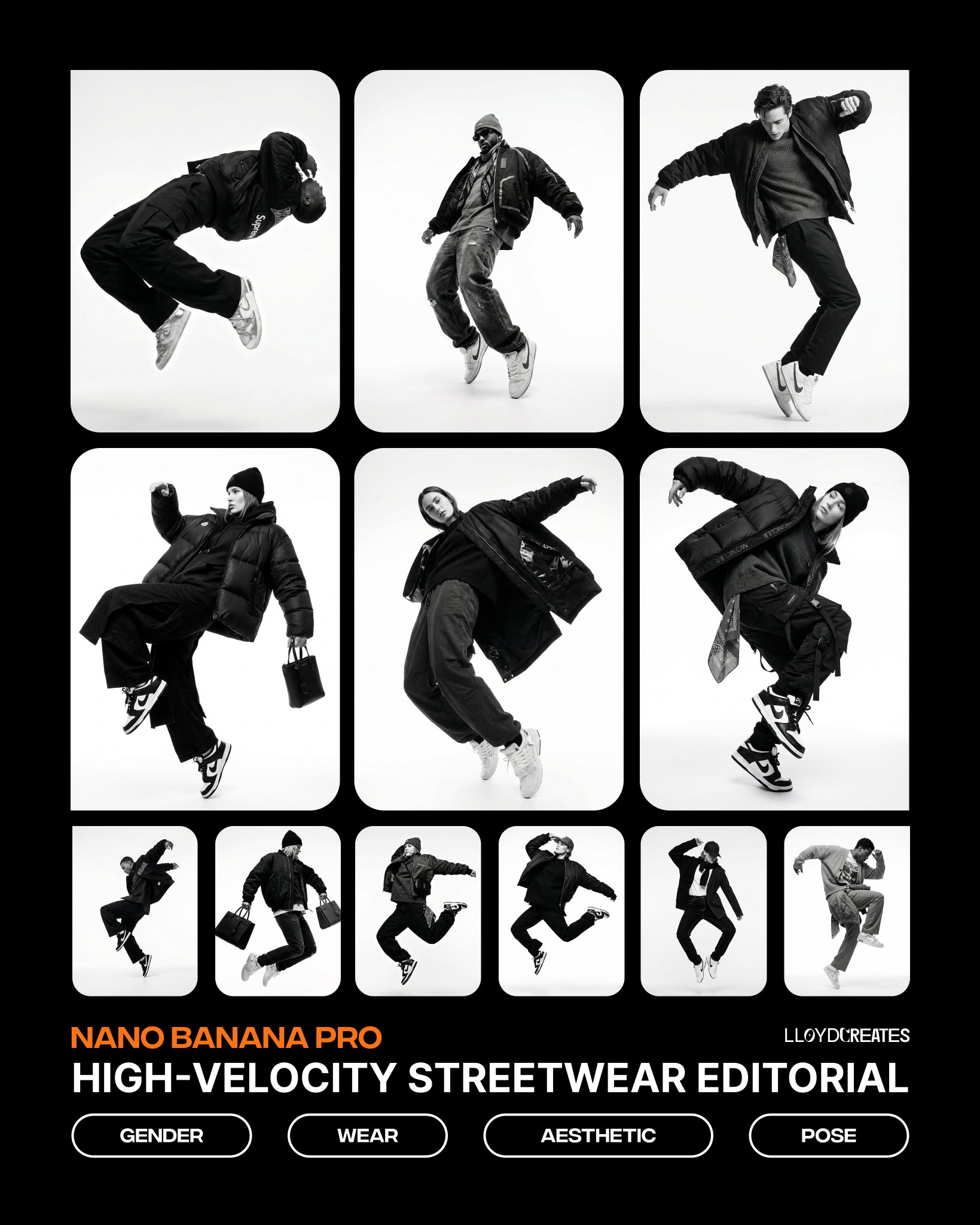
Monochrome Hypebeast Street Fashion Editorial Motion
Monochrome Hypebeast Street Fashion Editorial Motion
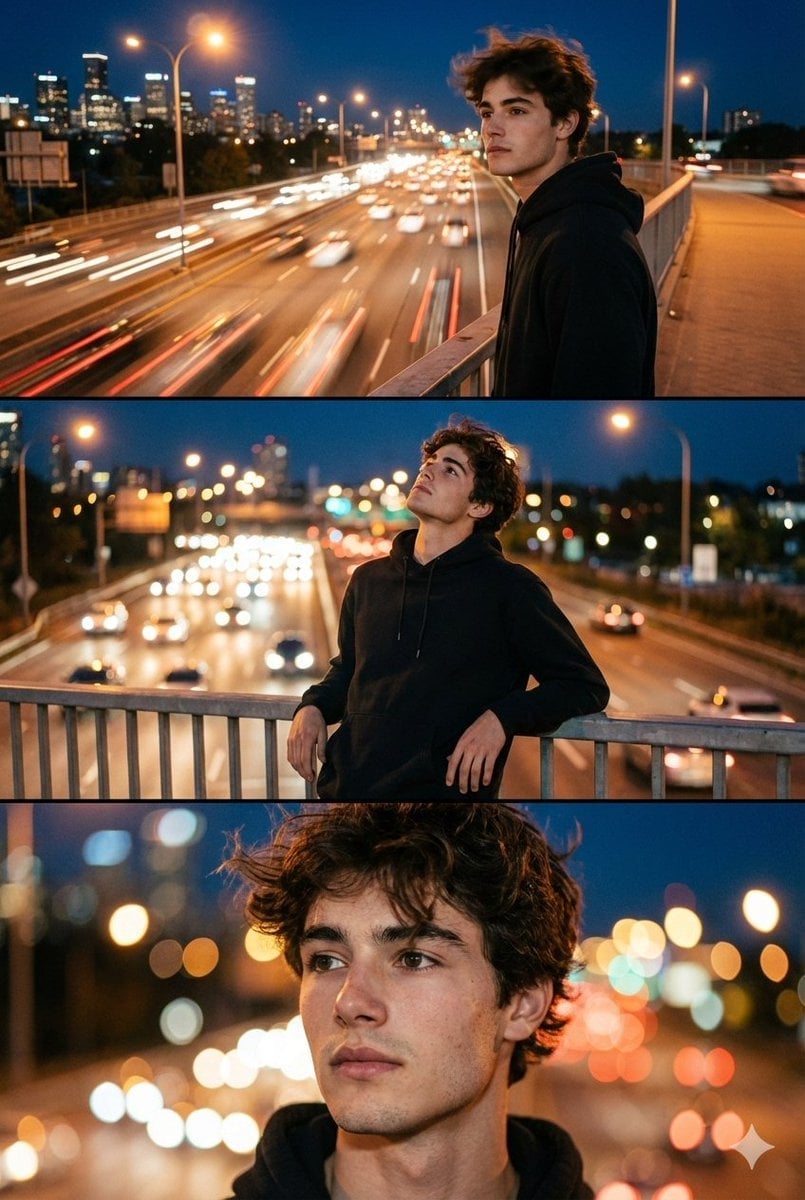
Night City Bridge Triptych Portrait Session
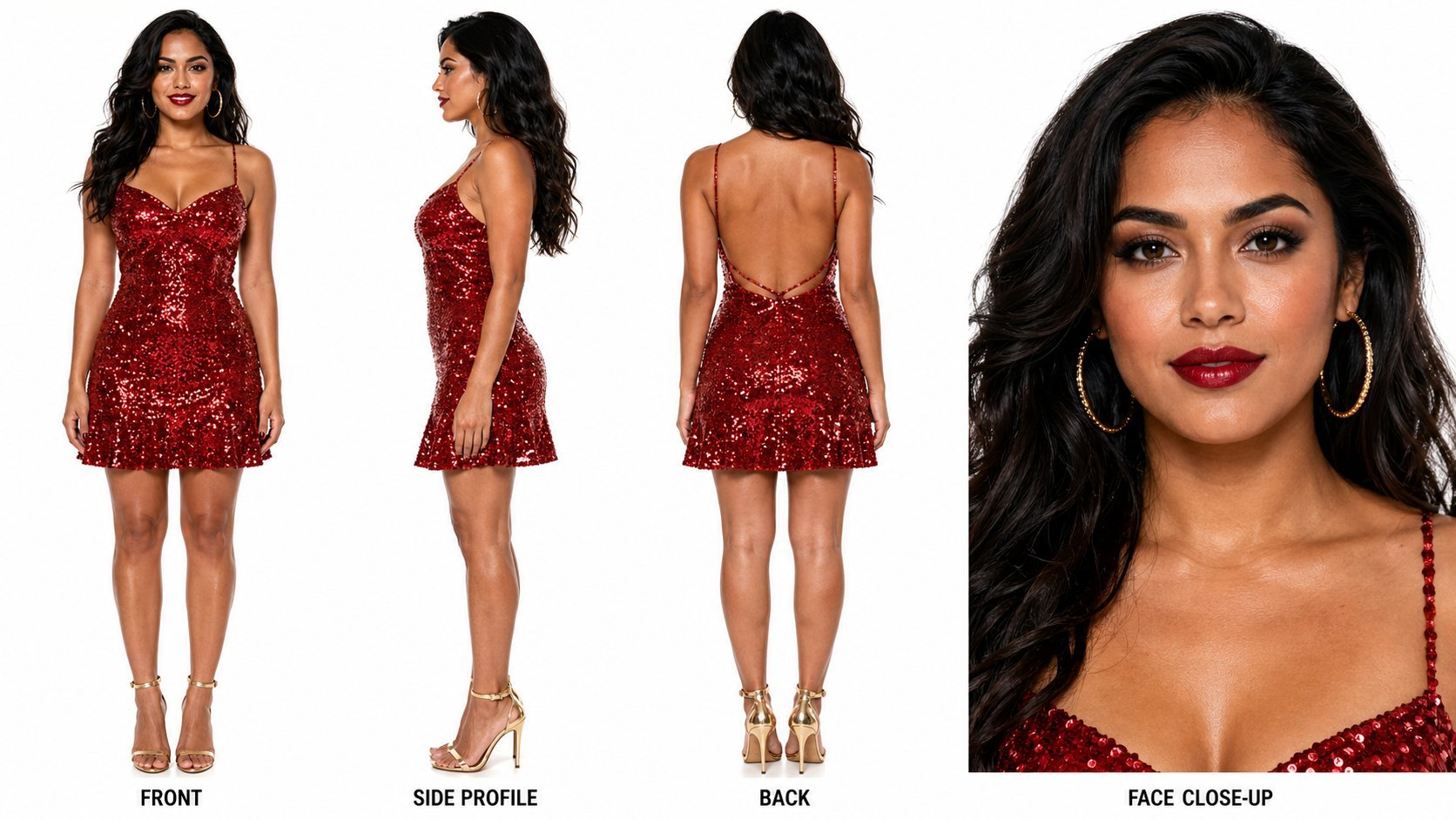
Dancer Character - Four View Reference Sheet
Movement Sheet - Dance Reference (Seedance 2.0)
Freedom in Motion — Cinematic Sprint
action movie hollywood movie hollywood fight scene... (IMAGE-NANO_BANANA)
Seedance - Anime Fighting Game Finisher
Motion Design Minimal - Seedance 2.0
Mixed Media Fashion Film - Seedance 2.0
2D Cel Animation - Seedance 2.0
Videogame Cinematic Trailer - Seedance 2.0
Make it yours
Unagi Kabayaki Motion Sheet works as-is. These are the safest ways to change it without losing the look.
Change one field
Copy a single group, rewrite it, and generate again so you can see what that field is doing.
Keep the frame, change the subject
Hold the composition and light of Unagi Kabayaki Motion Sheet, then swap wardrobe, props or the person for a new take.
| If the result… | Why | Fix |
|---|---|---|
| The result drifts from the preview | Too many fields changed at once. | Reuse Unagi Kabayaki Motion Sheet as-is first, then change one group — subject, light, or setting. |
| The model over-stylizes the scene | The prose prompt leaves finish and camera underspecified. | Add one camera or lighting sentence and stay on GPT Image 2. |
More GPT Image 2 templates
Other prompts made for GPT Image 2.

Realistic Portrait of Woman and Deer

The Vista Modular Condo Poster

AI Model Routing Comparison Infographic

2.5D Anime Art Board

Isometric Productivity Desk Scene

New York Double Exposure Poster

Four-Panel AI Landscape Comparison

Japanese Tatami Lifestyle Magazine Cover

NESCAFÉ Coffee Map Poster

Brutalist Cogito Chinese Typography Poster
More image prompts
Fresh picks from across the catalog.
Black and White Multiple Exposure Portrait

Whimsical Couple Selfie Illustration
Misty Spring Mountain Village
Anime Boy at Night Window
Cartoon Character Design Sheet with Personality
Studio Product Render From Blueprint
Luxury Sneaker Fashion Poster
Neon Foam Pop Logo Prompt
Y2K Grunge Flash Photography Portrait JSON
Masterful Realistic Oil Painting of a Live Model
Browse template categories
Unagi Kabayaki Motion Sheet questions
How do I use the Unagi Kabayaki Motion Sheet template?
Add your photo if the template asks for one, edit the prompt if you like — the template's model and format are already selected — and press Generate. Your version opens in PicX Studio.
Can I customize the Unagi Kabayaki Motion Sheet template?
Yes. You can change the subject, setting, lighting, mood, format, and available model controls before creating your image.
Is the Unagi Kabayaki Motion Sheet template free?
Opening and editing this template is free. Generating uses credits, shown on the Generate button when you are signed in.
Which AI model should I use?
Start with GPT Image 2, which is the model associated with this template. You can compare another compatible model for a different finish.
Looking for something else? Browse all templates.

Your photo, any look
Thousands of ready templates for every top image and video model, from one credit balance.