
Whimsical Couple Selfie Illustration
Generates a cozy hand-drawn 2.5D couple selfie scene with playful diary-like doodles for romantic lifestyle illustration.
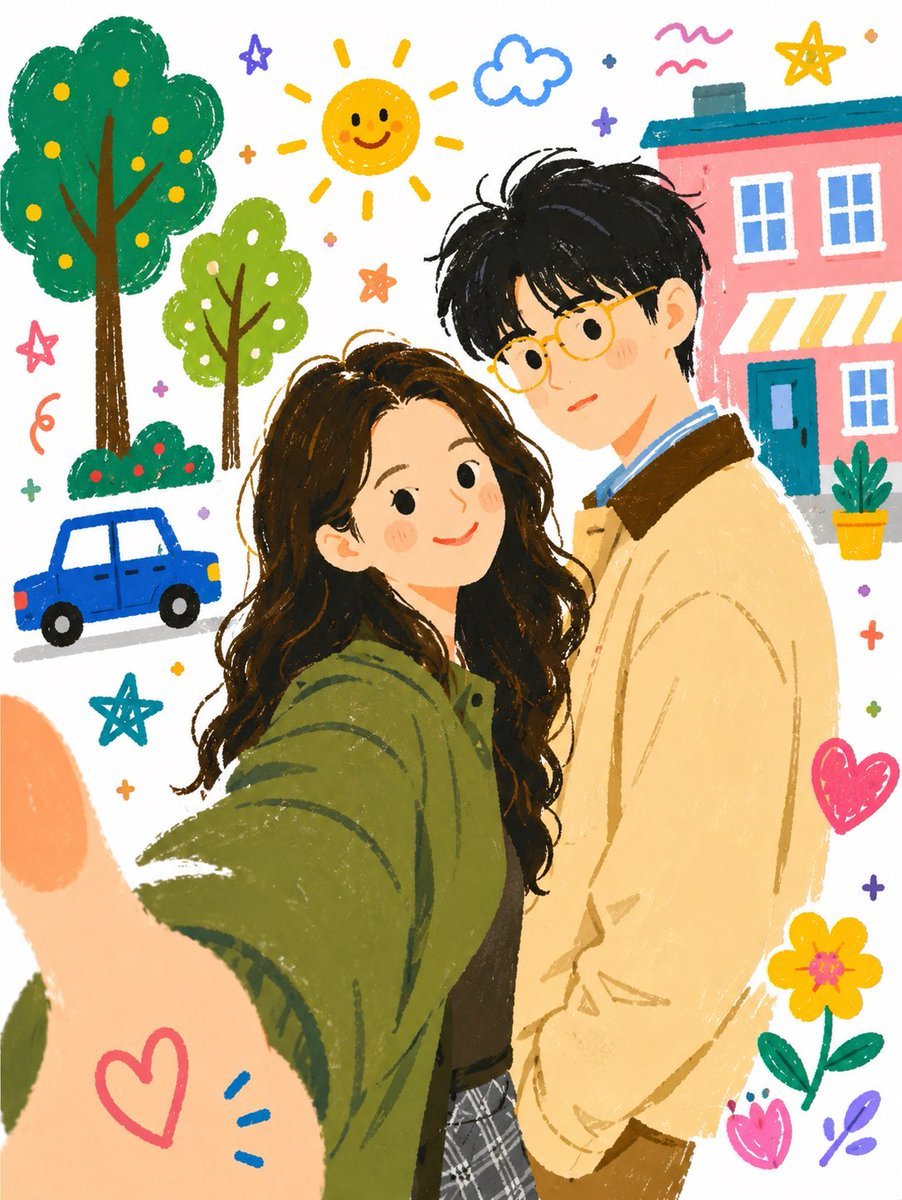
- Prompt included
- Model and format preset
- Premium template
The prompt behind this image
Copy the exact prompt behind Whimsical Couple Selfie Illustration, or open it in the studio and make it yours.
Create a warm vertical lifestyle couple illustration in a 2.5D flat, hand-drawn storybook doodle style, like a tender diary entry made from an everyday selfie. Show {argument name="couple description" default="a young woman and a young man standing close together"} in the foreground, waist-up, with intentionally simplified or softly blank facial details. The woman is closest to the viewer, taking a selfie with her arm stretched toward the camera so her large thumb fills the lower-left foreground; she has {argument name="woman hair" default="long wavy dark brown hair"} and wears {argument name="woman outfit" default="an oversized olive-green jacket over a dark top and gray plaid skirt"}. The man stands slightly behind her on the right, taller, leaning in gently, with {argument name="man hair" default="messy short black hair"} and wearing {argument name="man outfit" default="a pale beige jacket over a blue collared shirt with brown pants"}. Use soft crayon-like textures, rough sketch outlines, playful brush strokes, cozy pastel colors, and a white background filled with cheerful doodles: exactly 2 trees on the left, 1 small blue car near the lower-left, 1 smiling yellow sun near the top center, 1 blue cloud, 1 pink building with a teal roof and striped awning on the upper-right, 1 potted plant, 5 star doodles, 3 heart doodles, 2 flowers, scattered tiny plus signs and colorful squiggles. The composition should feel intimate, nostalgic, whimsical, and gentle, like a fairy-tale picture book memory hidden in a photo album.
How to use Whimsical Couple Selfie Illustration in 3 steps
- 1Upload ImagePNG, JPG or paste
Add your photo
Upload the photo the template builds on. The prompt, model and format are already set.
- 2…a portrait of your subject in softgolden-hour light, 85mm…
Personalize
Edit the subject and creative details for your destination.
- 3Generate
Generate
Press Generate — your image is created in PicX Studio, so you can compare it with the original and refine one variable at a time.
More like this
Templates with the same subject, style or setup. Open one to see its prompt.

Decorative Folk Flat Paper Cut Illustration
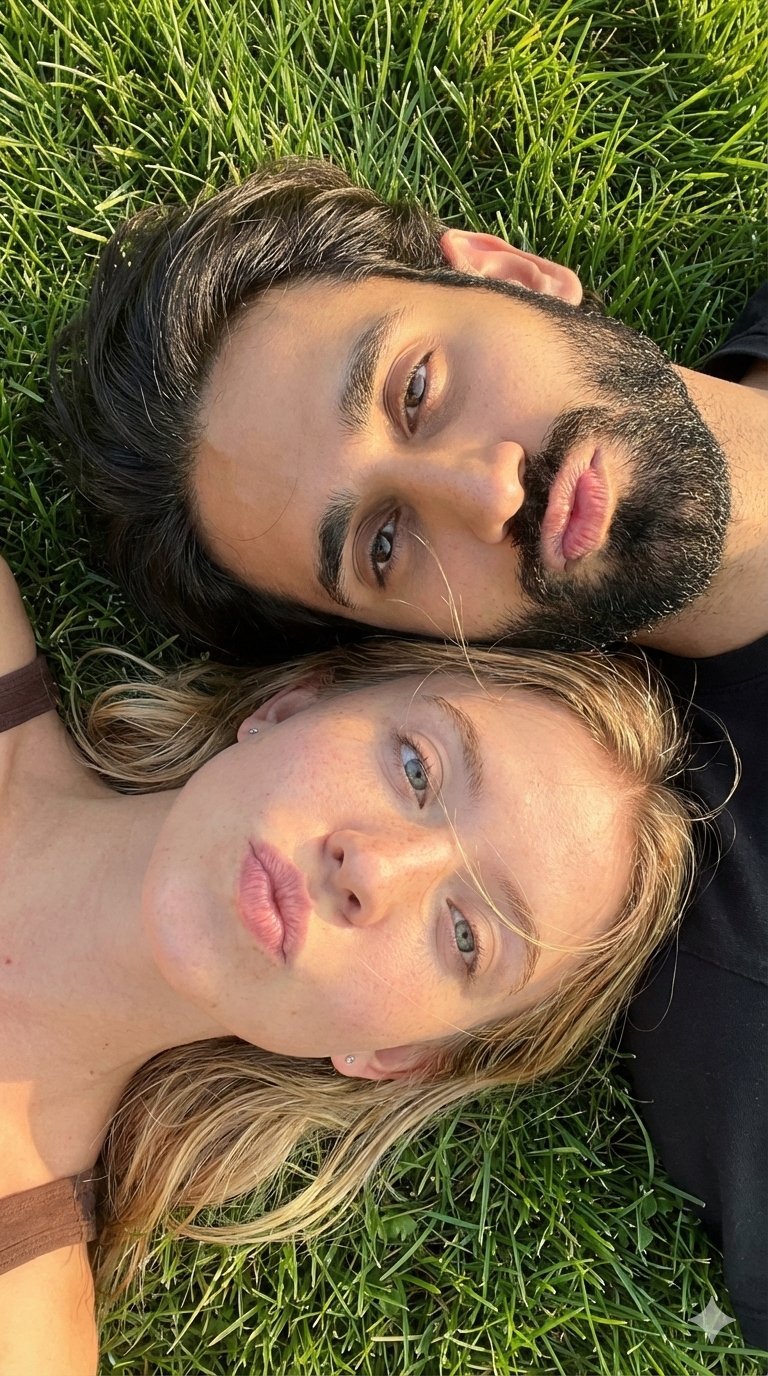
Selfie with Sydney Sweeney and Ana De Ar

Sunday Afternoon, 1988

Two Tickets, One Night

If We Met in 1985

Found Photograph: Us, 1970

One Dance Before Midnight

Before We said Goodbye

Our Song was on a Cassette

Meet Me When It Rains

The Date After College

Two Hearts. One Scooter.
Make it yours
Whimsical Couple Selfie Illustration works as-is. These are the safest ways to change it without losing the look.
Change one field
Copy a single group, rewrite it, and generate again so you can see what that field is doing.
Keep the frame, change the subject
Hold the composition and light of Whimsical Couple Selfie Illustration, then swap wardrobe, props or the person for a new take.
| If the result… | Why | Fix |
|---|---|---|
| The result drifts from the preview | Too many fields changed at once. | Reuse Whimsical Couple Selfie Illustration as-is first, then change one group — subject, light, or setting. |
| The model over-stylizes the scene | The prose prompt leaves finish and camera underspecified. | Add one camera or lighting sentence and stay on GPT Image 2. |
More GPT Image 2 templates
Other prompts made for GPT Image 2.

Six VTuber Japanese Logo Sheet

Realistic Portrait of Woman and Deer

The Vista Modular Condo Poster

AI Model Routing Comparison Infographic

2.5D Anime Art Board

Isometric Productivity Desk Scene

New York Double Exposure Poster

Four-Panel AI Landscape Comparison

Japanese Tatami Lifestyle Magazine Cover

NESCAFÉ Coffee Map Poster
More image prompts
Fresh picks from across the catalog.
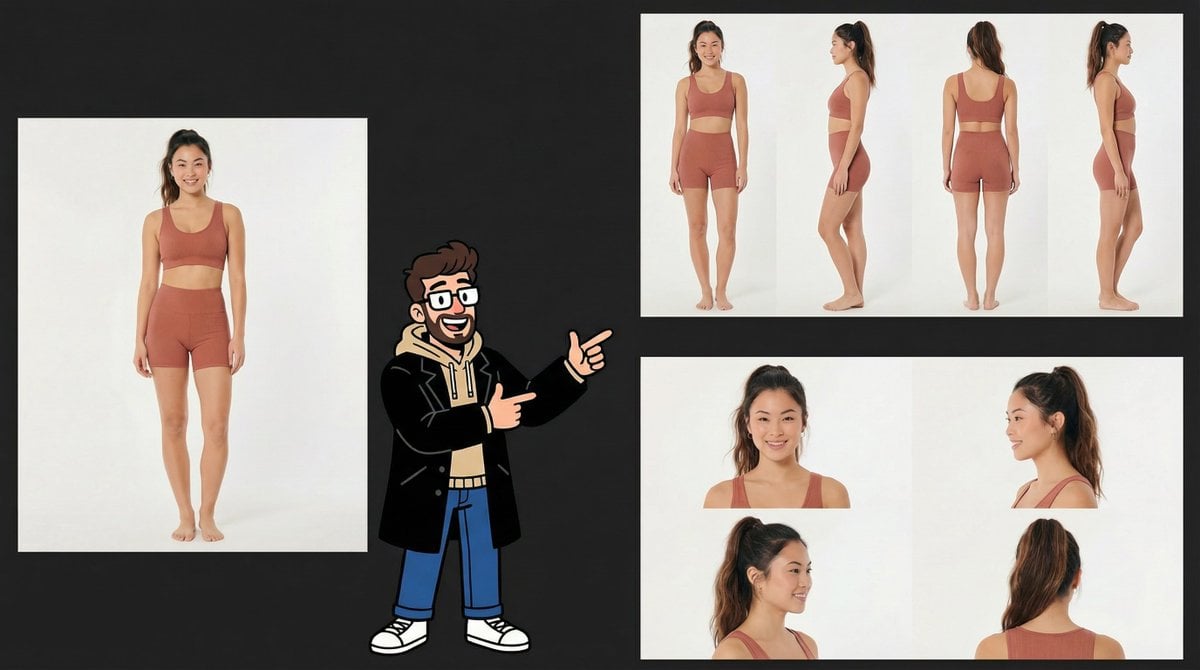
Consistency Prompt for 360 Turnaround Views
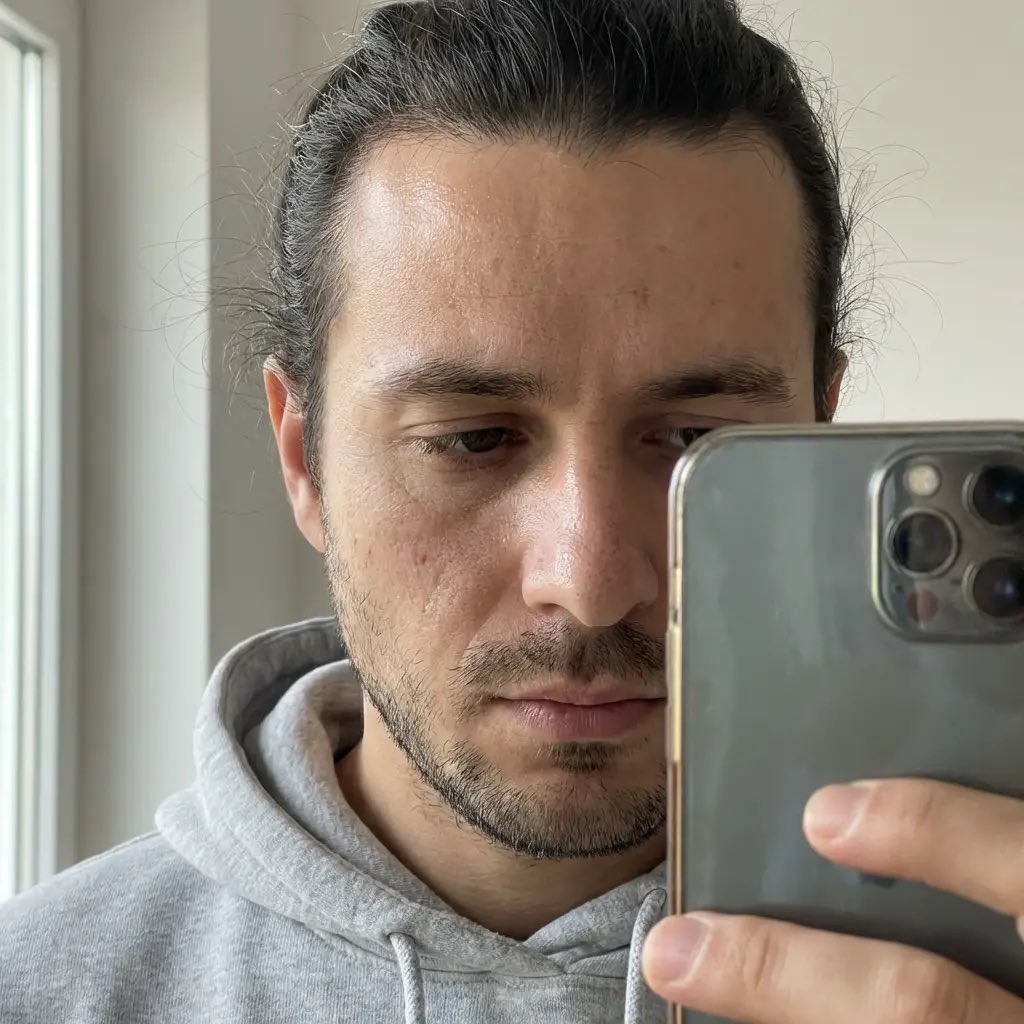
Hyper-Realistic Portrait of a Woman in a Studio (from ALT text)

Artemis II Mission Journal Diorama
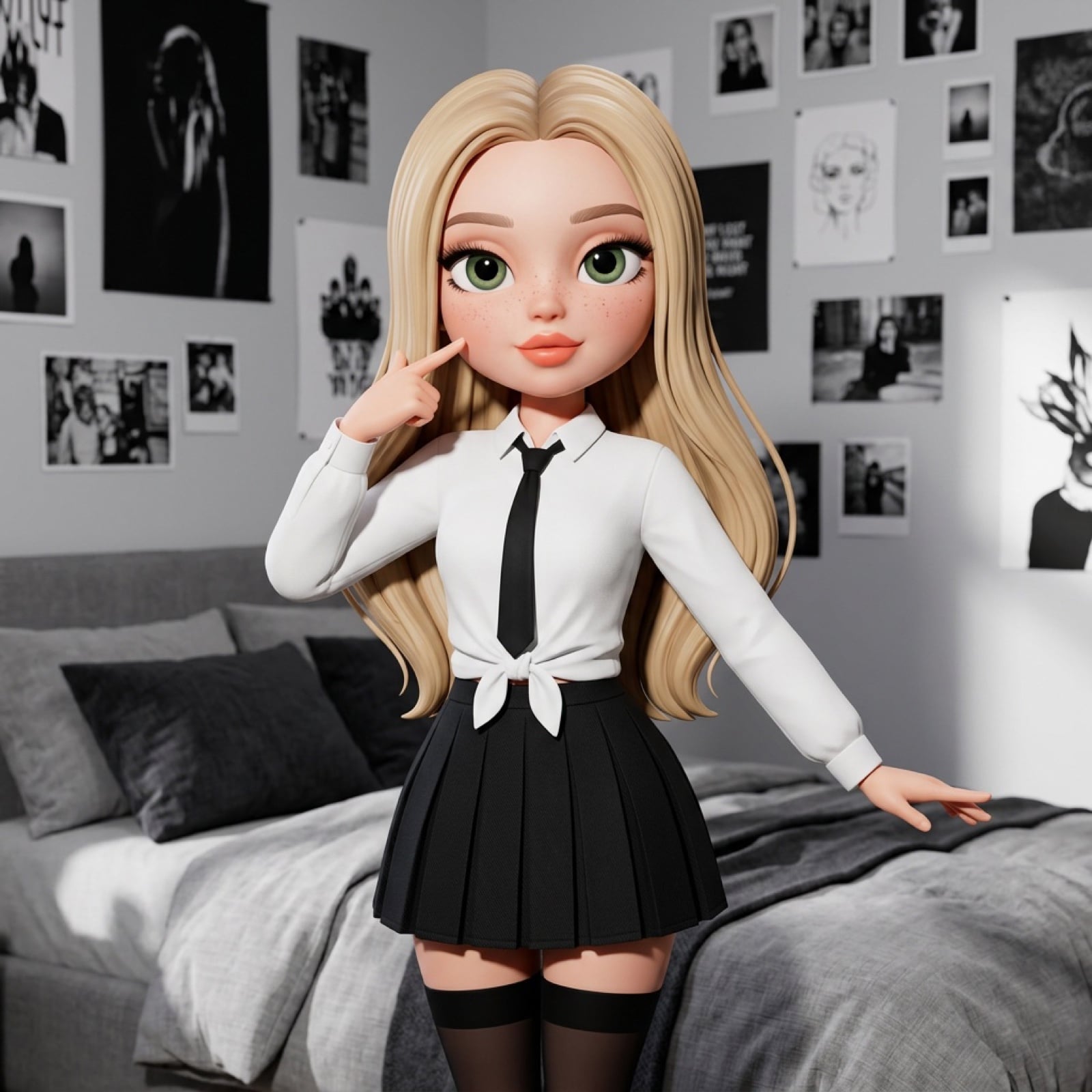
3D Stylized Doll Character Prompt
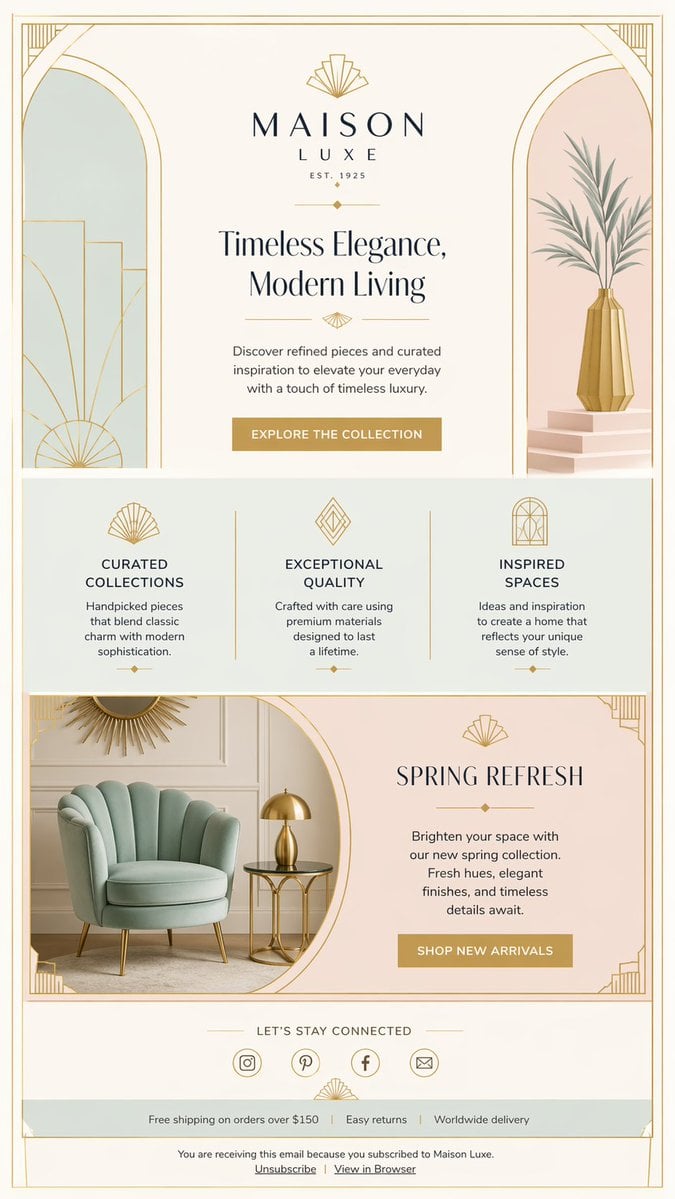
Luxury Art Deco Home Decor Email

Product Ad: White Monster Energy Can Submerged in Water

Vintage Wuhan Hot Dry Noodles Poster
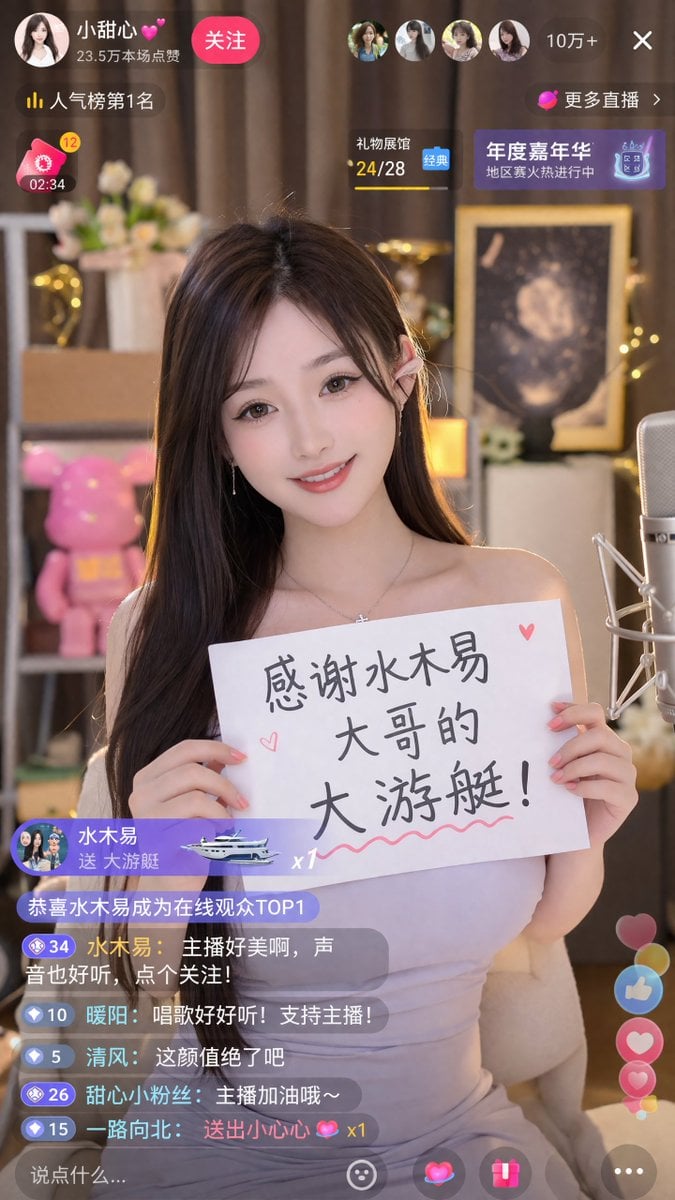
Livestream Screenshot Prompt
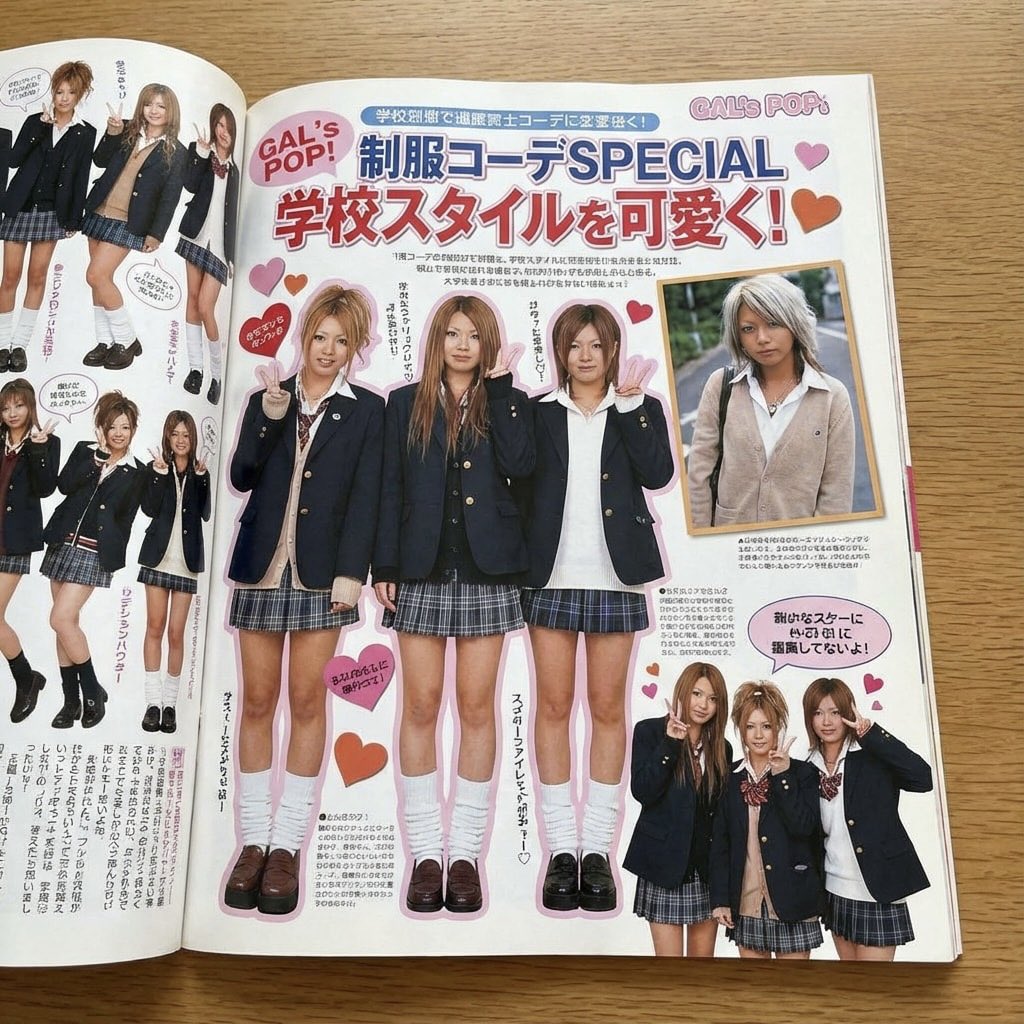
Japanese gyaru magazine spread on school uniforms
Bookstore POP display with acrylic marker illustration
Browse template categories
Whimsical Couple Selfie Illustration questions
How do I use the Whimsical Couple Selfie Illustration template?
Add your photo if the template asks for one, edit the prompt if you like — the template's model and format are already selected — and press Generate. Your version opens in PicX Studio.
Can I customize the Whimsical Couple Selfie Illustration template?
Yes. You can change the subject, setting, lighting, mood, format, and available model controls before creating your image.
Is the Whimsical Couple Selfie Illustration template free?
Opening and editing this template is free. Generating uses credits, shown on the Generate button when you are signed in.
Which AI model should I use?
Start with GPT Image 2, which is the model associated with this template. You can compare another compatible model for a different finish.
Looking for something else? Browse all templates.

Your photo, any look
Thousands of ready templates for every top image and video model, from one credit balance.