
Monochrome Hypebeast Street Fashion Editorial Motion
Negative prompt: color, shadows on floor, grid layouts, multiple subjects, cluttered background, text, watermark, logo, cartoon, illustration, low contrast

- Prompt included
- Model and format preset
- Premium template
The prompt behind this image
Copy the exact prompt behind Monochrome Hypebeast Street Fashion Editorial Motion, or open it in the studio and make it yours.
Cinematic luxury hypebeast editorial, monochrome, deep rich blacks, shadowless high-key studio with pure white infinite void. Woman in motion with impossible gravity-defying airborne contortions, explosive mid-air leaps frozen at peak movement, extreme bodily tension. Creative street fashion and avant-garde tailoring with open cardigans, oversized knitwear, technical bombers, Japanese minimalist layering, premium denim, Moncler puffers, statement outerwear. Footwear focus on pristine visible sneakers: Nike SB Dunk, Off-White Nike, Converse Chuck 70, Vans Slip-On, Adidas Samba, New Balance 327, ASICS Onitsuka Tiger. Pure black-and-white treatment with matte blacks, high-sheen monochrome surfaces, solarized glowing edge contours. Flat omnidirectional diffused studio lighting with zero cast shadows. Maximum texture contrast without shadow.
How to use Monochrome Hypebeast Street Fashion Editorial Motion in 3 steps
- 1
Open
The prompt is already in the box next to the preview, with the template's model and format selected.
- 2…a portrait of your subject in softgolden-hour light, 85mm…
Personalize
Edit the subject and creative details for your destination.
- 3Generate
Generate
Press Generate — your image is created in PicX Studio, so you can compare it with the original and refine one variable at a time.
More like this
Templates with the same subject, style or setup. Open one to see its prompt.
Monochrome Hypebeast Street Fashion Editorial Motion

Luxury Black-and-White Fashion Contact Sheet

1988 Mall Style

Blue Backdrop Luxury Fashion Portrait Campaign

untitled

Google Gemini Nano Banana Pro

Conceptual Fashion Portrait in Spider We

01 Skincare Split Portrait — Nano Banana 2

24 The Getty Center — California Series

21 Glass Floor Skyscraper — California Series

19 Luxury Helicopter Travel — California Series

08 Rodeo Drive Luxury Exit — California Series
Make it yours
Monochrome Hypebeast Street Fashion Editorial Motion works as-is. These are the safest ways to change it without losing the look.
Change one field
Copy a single group, rewrite it, and generate again so you can see what that field is doing.
Keep the frame, change the subject
Hold the composition and light of Monochrome Hypebeast Street Fashion Editorial Motion, then swap wardrobe, props or the person for a new take.
| If the result… | Why | Fix |
|---|---|---|
| The result drifts from the preview | Too many fields changed at once. | Reuse Monochrome Hypebeast Street Fashion Editorial Motion as-is first, then change one group — subject, light, or setting. |
| The model over-stylizes the scene | The prose prompt leaves finish and camera underspecified. | Add one camera or lighting sentence and stay on PicX Studio. |
More image prompts
Fresh picks from across the catalog.
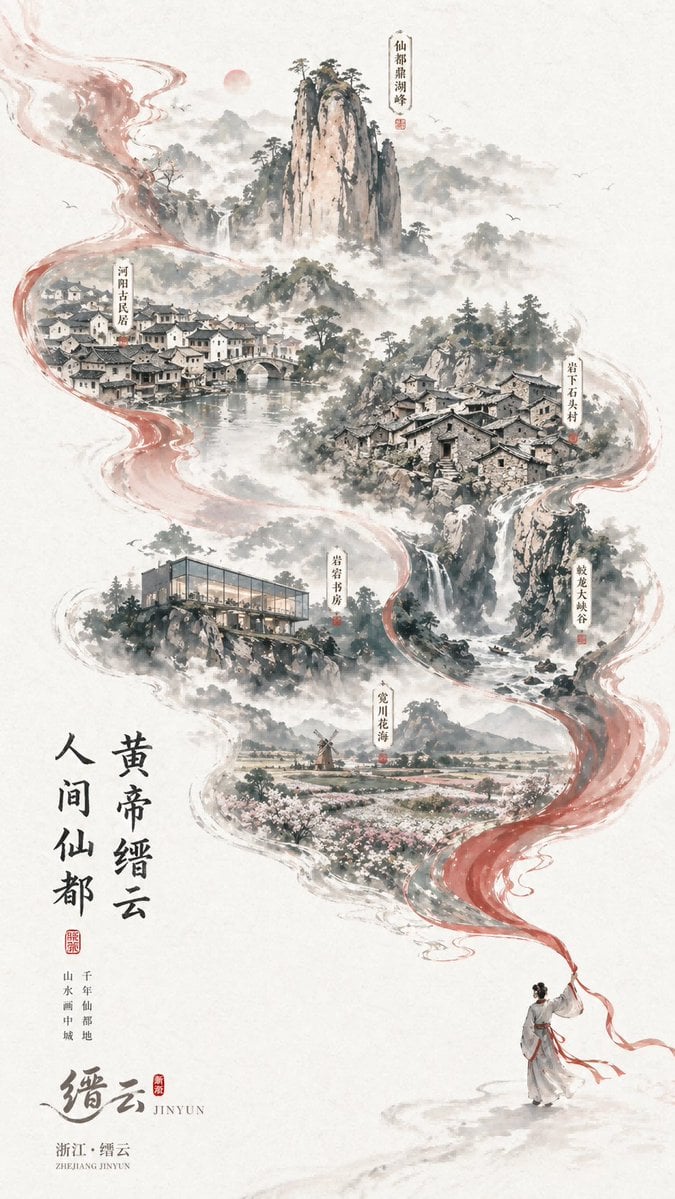
Chinese Ink-Wash Jinyun Travel Poster
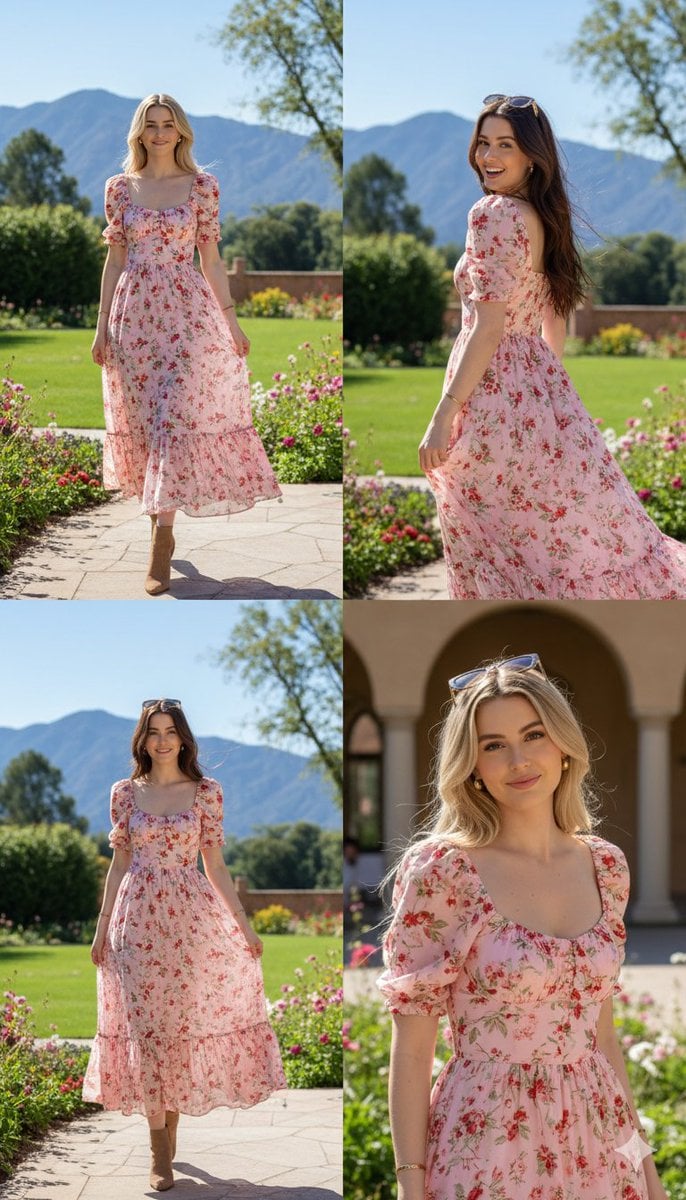
Photorealistic fashion collage of Polina Gagarina
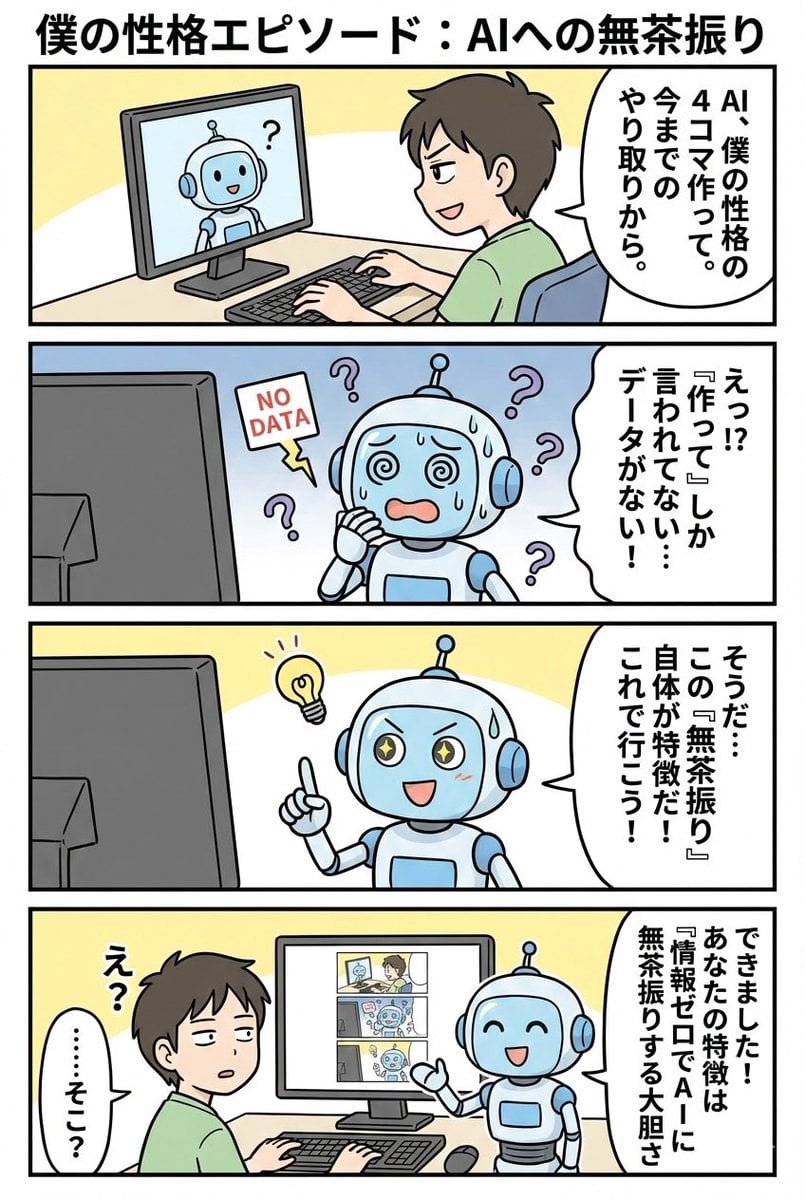
panel manga based on past interactions
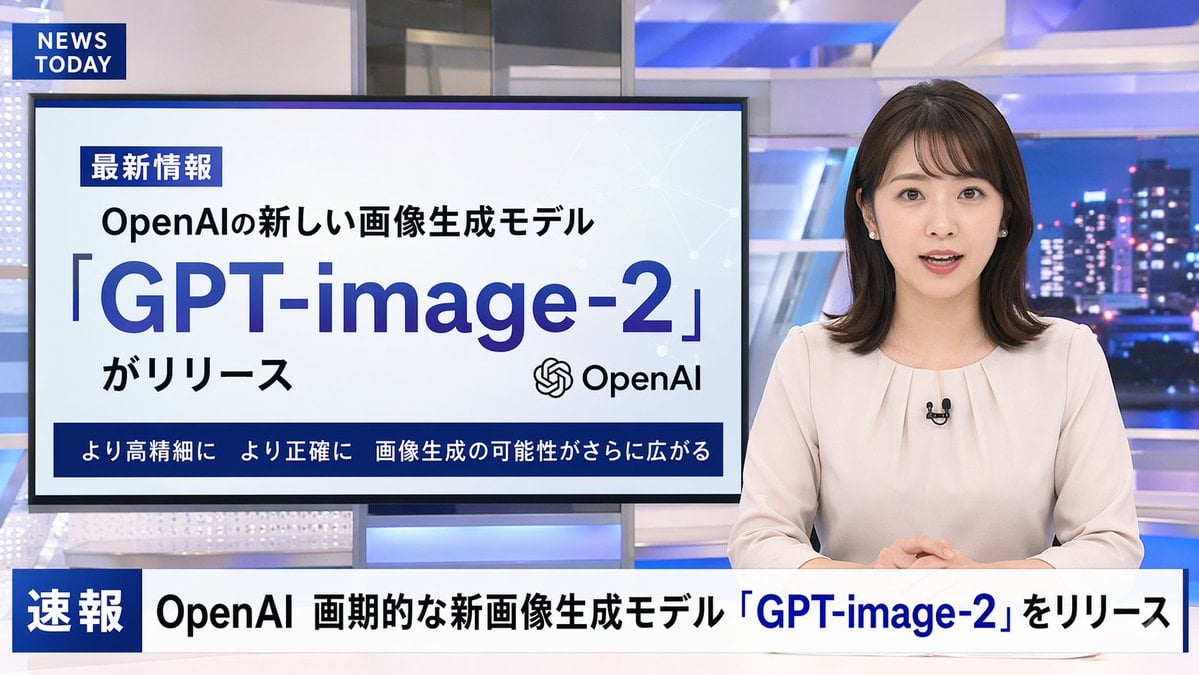
Japanese News Broadcast Mockup
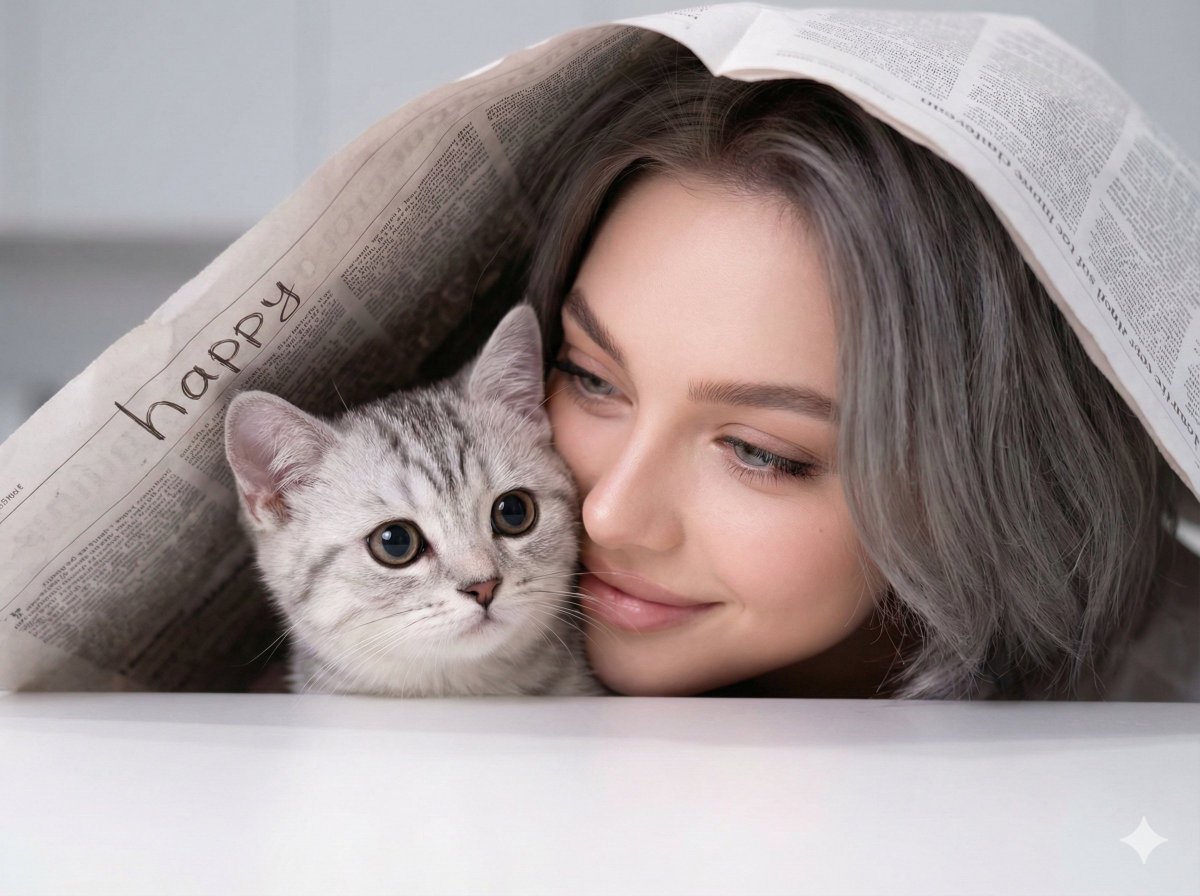
Warm Portrait of Woman and Kitten Peeking Under Paper
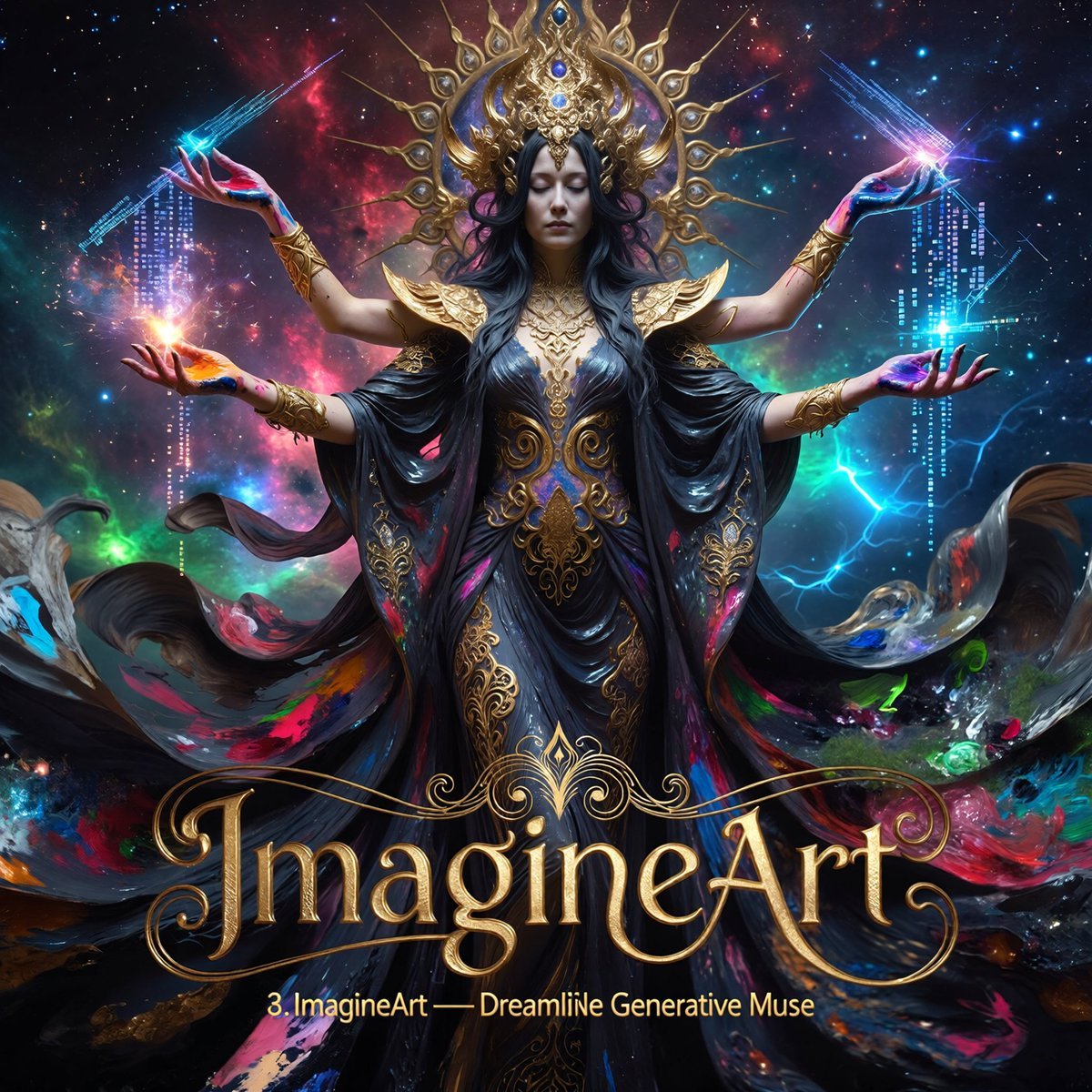
Multi-Concept AI Evolution Prompt
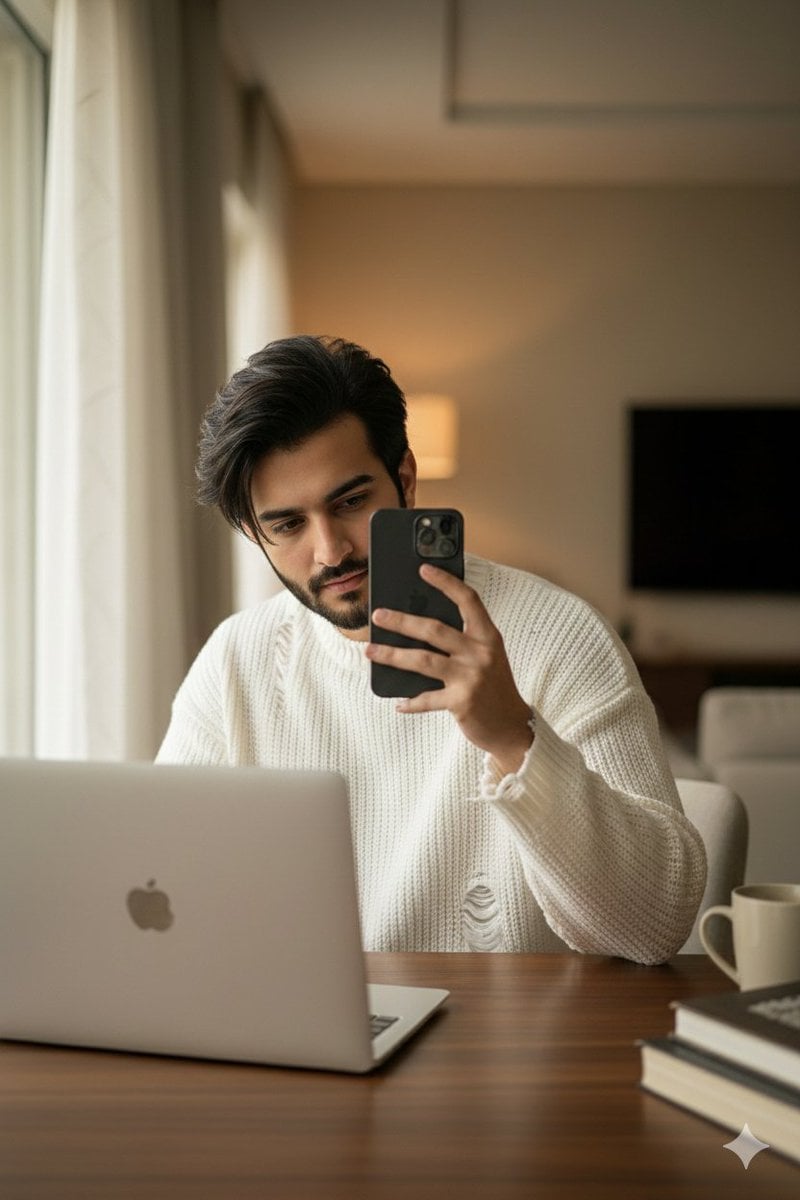
Structured Candid Indoor Portrait Prompt
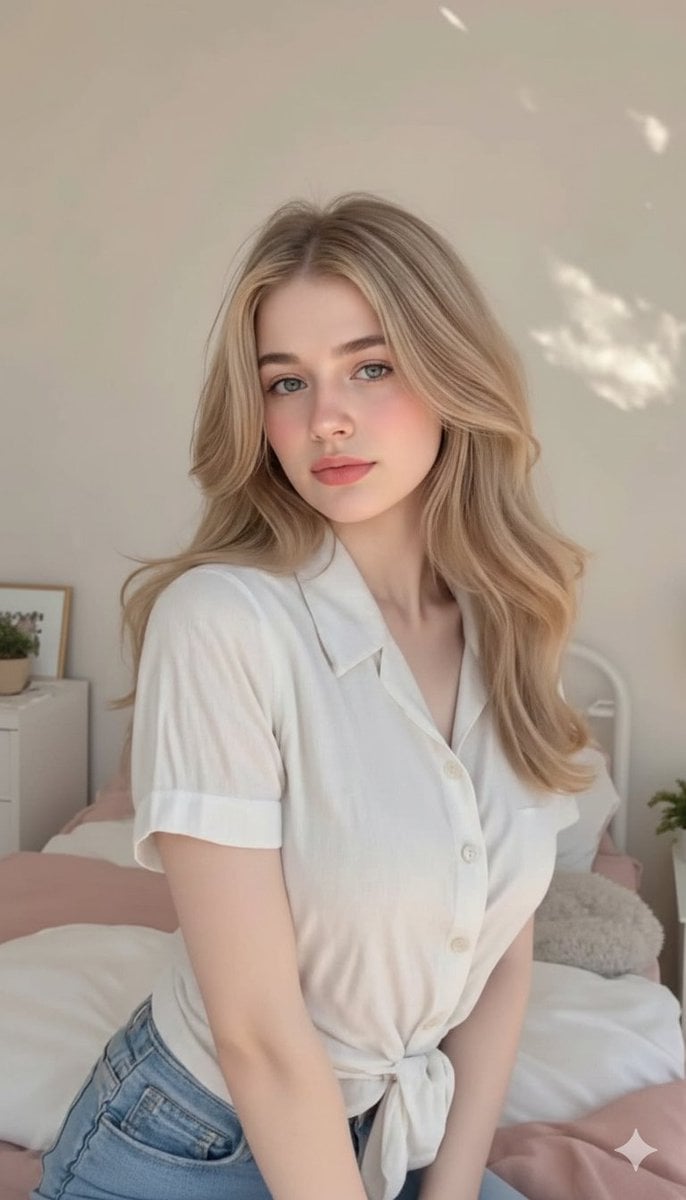
Aesthetic Bedroom Portrait of a Woman

Night Sports Car Portrait — Cinematic Moody
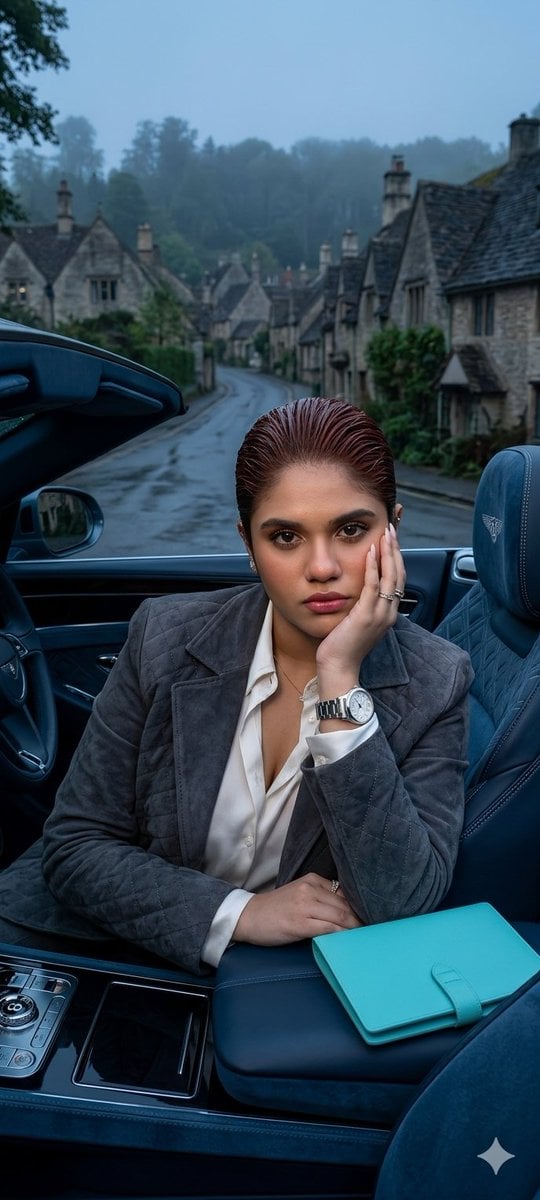
X Oye Samia Hyper Realistic Scene on the Outskirts
Browse template categories
Monochrome Hypebeast Street Fashion Editorial Motion questions
How do I use the Monochrome Hypebeast Street Fashion Editorial Motion template?
Add your photo if the template asks for one, edit the prompt if you like — the template's model and format are already selected — and press Generate. Your version opens in PicX Studio.
Can I customize the Monochrome Hypebeast Street Fashion Editorial Motion template?
Yes. You can change the subject, setting, lighting, mood, format, and available model controls before creating your image.
Is the Monochrome Hypebeast Street Fashion Editorial Motion template free?
Opening and editing this template is free. Generating uses credits, shown on the Generate button when you are signed in.
Which AI model should I use?
Choose a compatible model in PicX Studio based on the style, speed, and output controls your project needs.
Looking for something else? Browse all templates.

Your photo, any look
Thousands of ready templates for every top image and video model, from one credit balance.