
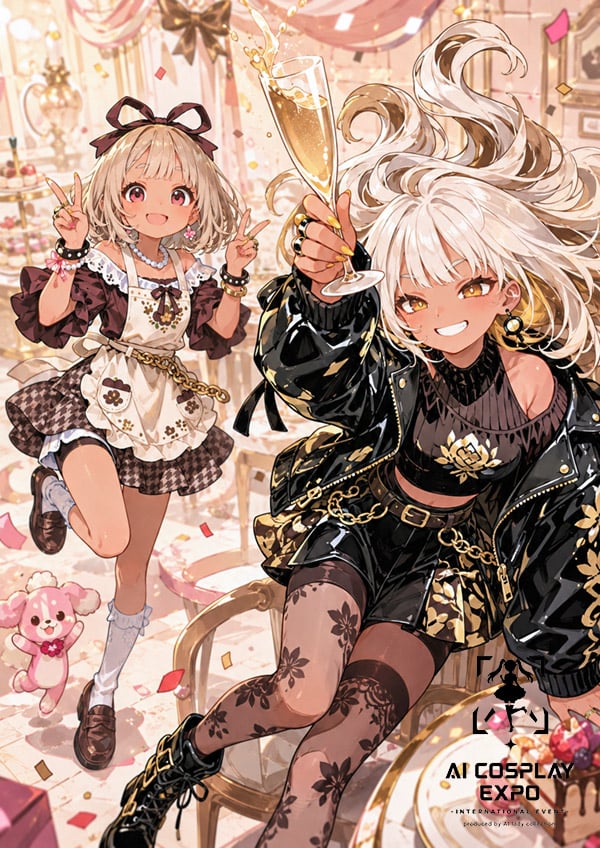
Faceless Anime Cosplay Expo Duo
Generates a detailed vertical anime event poster of two fashionable faceless cosplay girls celebrating in a pastel party room.
- Prompt included
- Model and format preset
- Premium template
The prompt behind this image
Copy the exact prompt behind Faceless Anime Cosplay Expo Duo, or open it in the studio and make it yours.
Create a polished 2D anime fashion illustration for an event poster featuring exactly two faceless young women posing together in a luxurious pastel party room. The composition is vertical, portrait-oriented, with a lively “best friends at a cosplay expo” mood. The left character is a cute girly-lolita girl with {argument name="left character hair color" default="light beige blonde"} short wavy bob hair, a large dark bow headband, both hands raised in peace signs, one knee lifted playfully, wearing a frilly cream apron dress over a brown checkered skirt, puff sleeves, lace trim, pearl necklace, bracelets, chain belt, white socks, and brown loafers. The right character is closer to the camera and larger, seated on an ornate chair, with {argument name="right character hair color" default="platinum blonde"} long flowing hair dramatically sweeping upward, holding one tall champagne flute filled with sparkling golden drink, wearing a glossy black cropped jacket with gold floral embroidery, black top, short black skirt, gold chain belt, black lace-pattern thigh-high stockings with floral motifs, and black lace-up boots. Both faces must be deliberately covered by flat peach-colored rectangular censor blocks with no facial features visible. Include exactly one small pink teddy bear mascot near the lower left, exactly one champagne flute in the raised hand, scattered red and gold confetti, pink drapery, chandeliers, desserts, flowers, framed wall decor, warm sunlight, and ornate café furniture in the background. Use highly detailed Japanese anime rendering, elegant linework, glossy highlights, soft peach-pink-gold color palette, dynamic hair and fabric motion, celebratory atmosphere, shallow depth of field, and rich fashion-accessory detail. Add poster-style event text in the lower right: large bold title {argument name="event title" default="AI COSPLAY EXPO"}, smaller subtitle {argument name="event subtitle" default="INTERNATIONAL EVENT"}, and tiny producer line {argument name="producer line" default="produced by AI lady collection"}. Keep the logo-like black silhouette mark above the event title, but avoid adding extra readable text elsewhere.
How to use Faceless Anime Cosplay Expo Duo in 3 steps
- 1Upload ImagePNG, JPG or paste
Add your photo
Upload the photo the template builds on. The prompt, model and format are already set.
- 2…a portrait of your subject in softgolden-hour light, 85mm…
Personalize
Edit the subject and creative details for your destination.
- 3Generate
Generate
Press Generate — your image is created in PicX Studio, so you can compare it with the original and refine one variable at a time.
More like this
Templates with the same subject, style or setup. Open one to see its prompt.










Make it yours
Faceless Anime Cosplay Expo Duo works as-is. These are the safest ways to change it without losing the look.
Change one field
Copy a single group, rewrite it, and generate again so you can see what that field is doing.
Keep the frame, change the subject
Hold the composition and light of Faceless Anime Cosplay Expo Duo, then swap wardrobe, props or the person for a new take.
| If the result… | Why | Fix |
|---|---|---|
| The result drifts from the preview | Too many fields changed at once. | Reuse Faceless Anime Cosplay Expo Duo as-is first, then change one group — subject, light, or setting. |
| The model over-stylizes the scene | The prose prompt leaves finish and camera underspecified. | Add one camera or lighting sentence and stay on GPT Image 2. |
More GPT Image 2 templates
Other prompts made for GPT Image 2.

Six VTuber Japanese Logo Sheet

Realistic Portrait of Woman and Deer

The Vista Modular Condo Poster

AI Model Routing Comparison Infographic

2.5D Anime Art Board

Isometric Productivity Desk Scene

New York Double Exposure Poster

Four-Panel AI Landscape Comparison

Japanese Tatami Lifestyle Magazine Cover

NESCAFÉ Coffee Map Poster
More image prompts
Fresh picks from across the catalog.
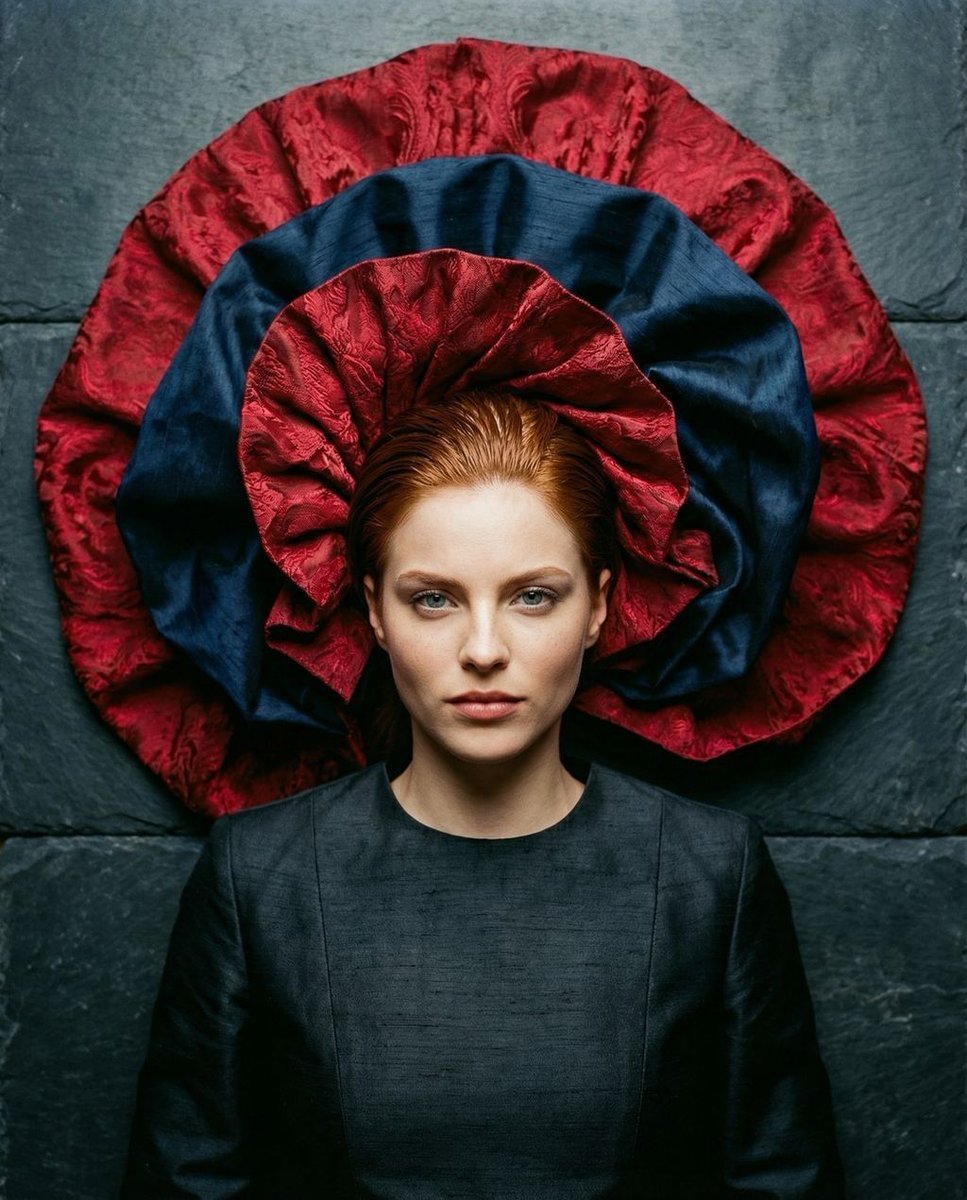
Avant-Garde Top-Down Fabric Halo Portrait
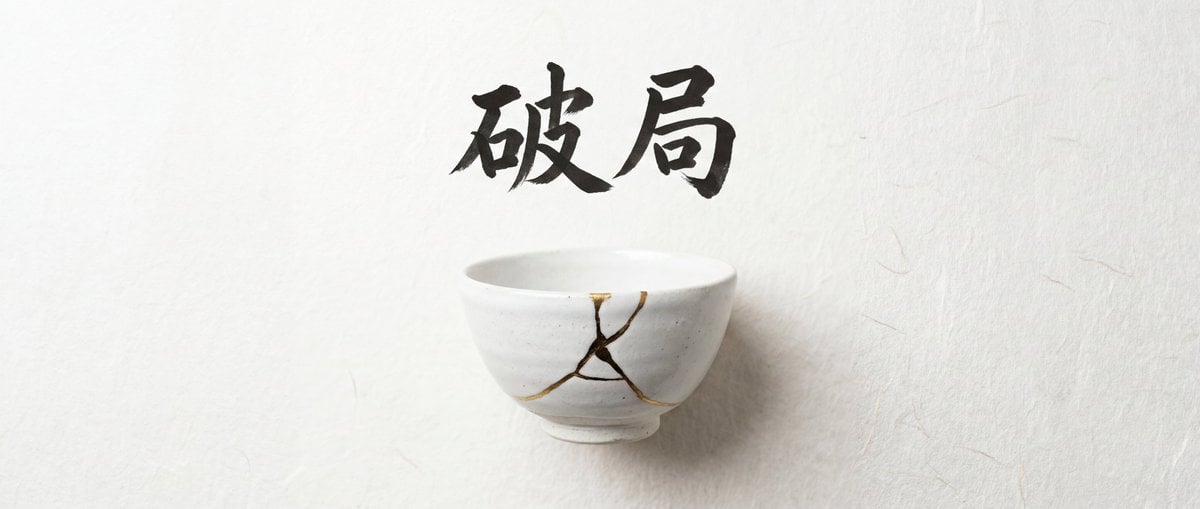
Infographic Generation with Chinese Text Support
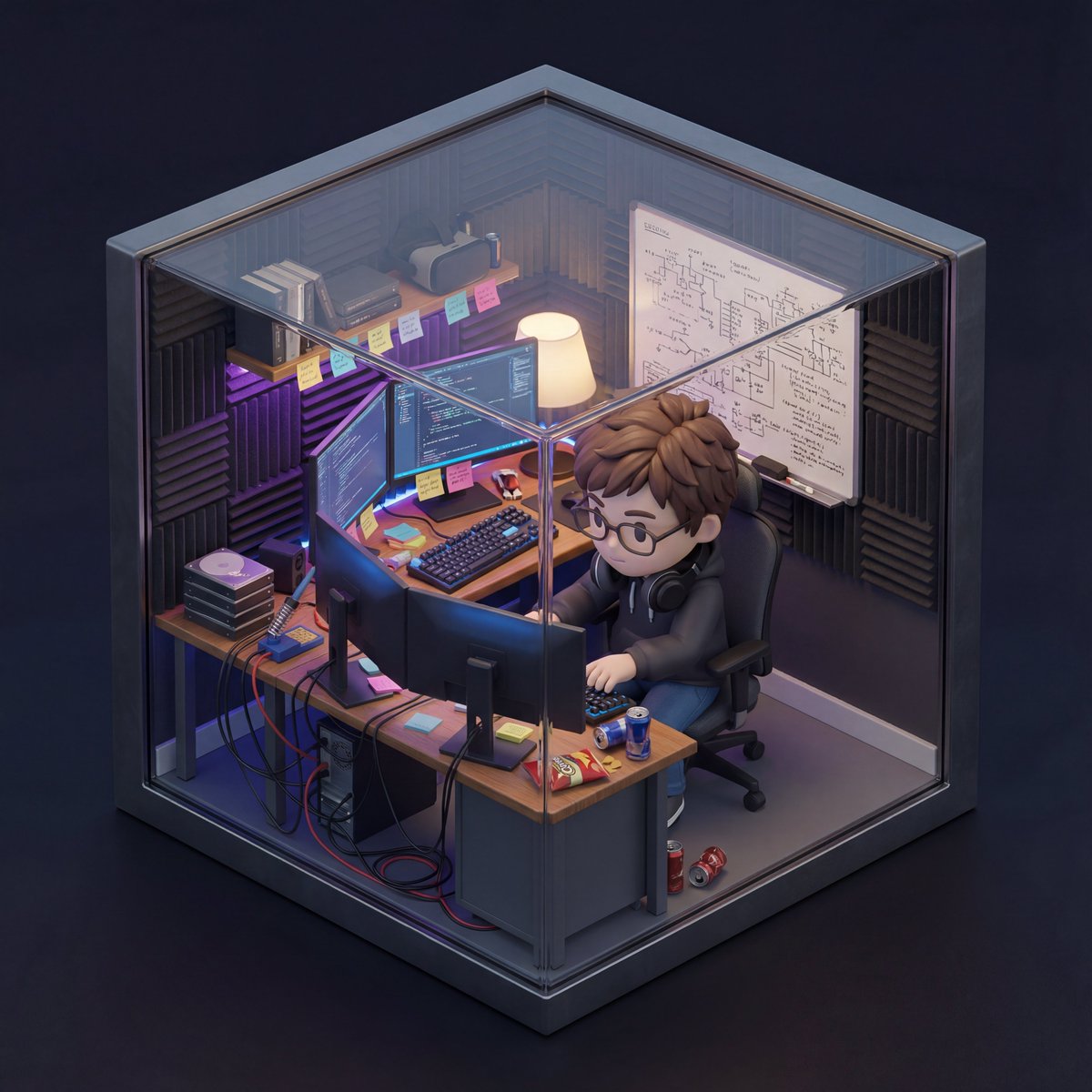
Isometric 3D Miniature Room with Chibi Character Prompt
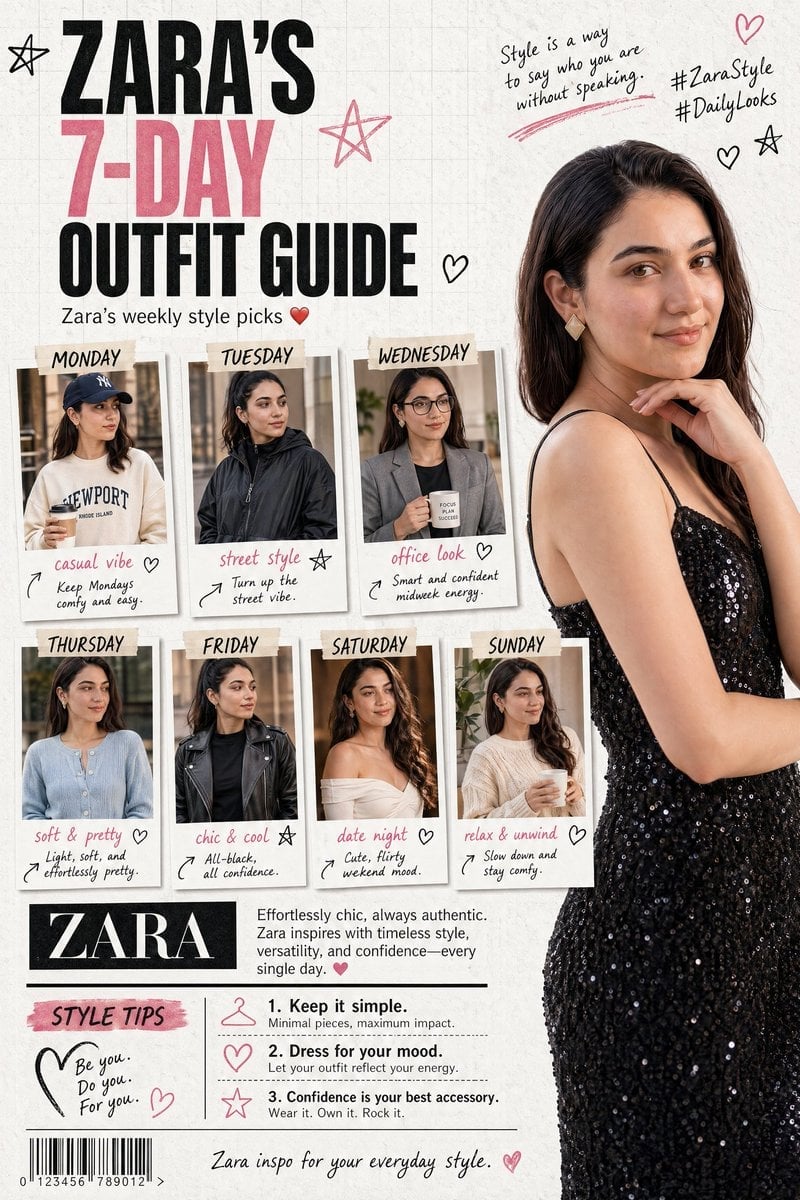
Fashion Magazine Collage Guide
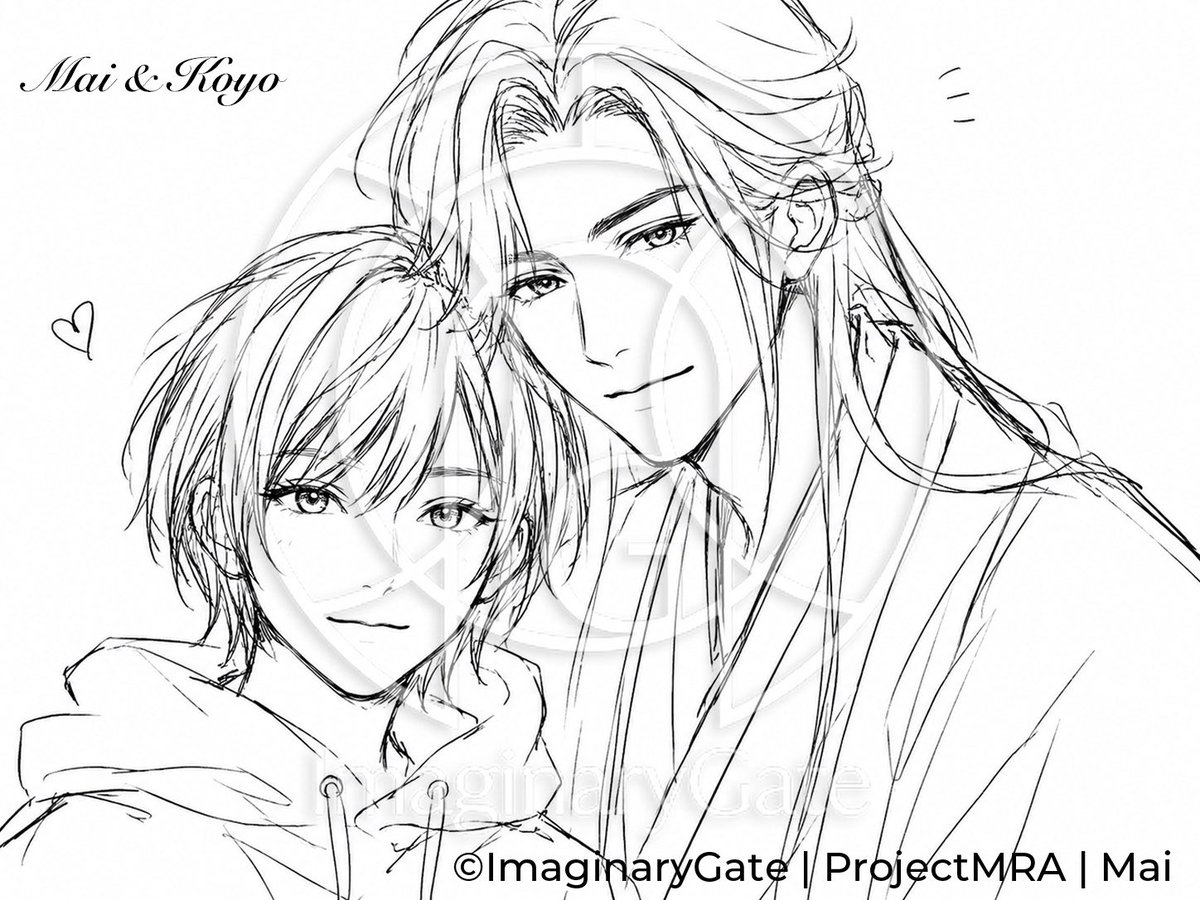
Monochrome Anime Couple Sketch
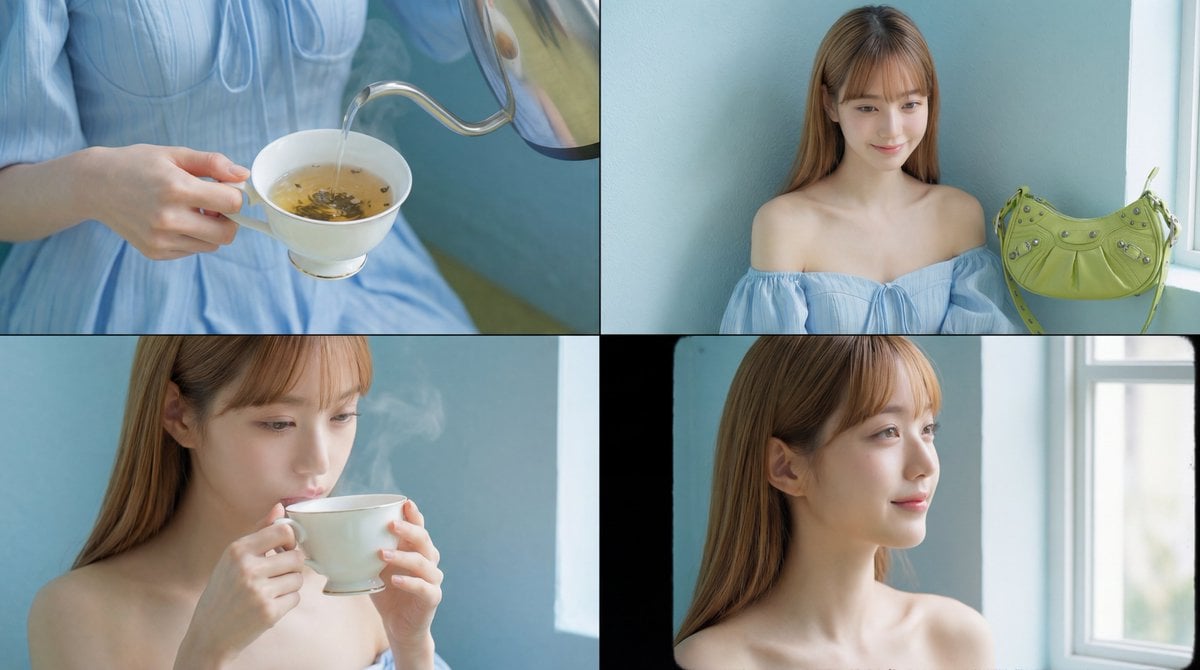
Cinematic Tea Time Prompt (Shared for Image and Video Generation)
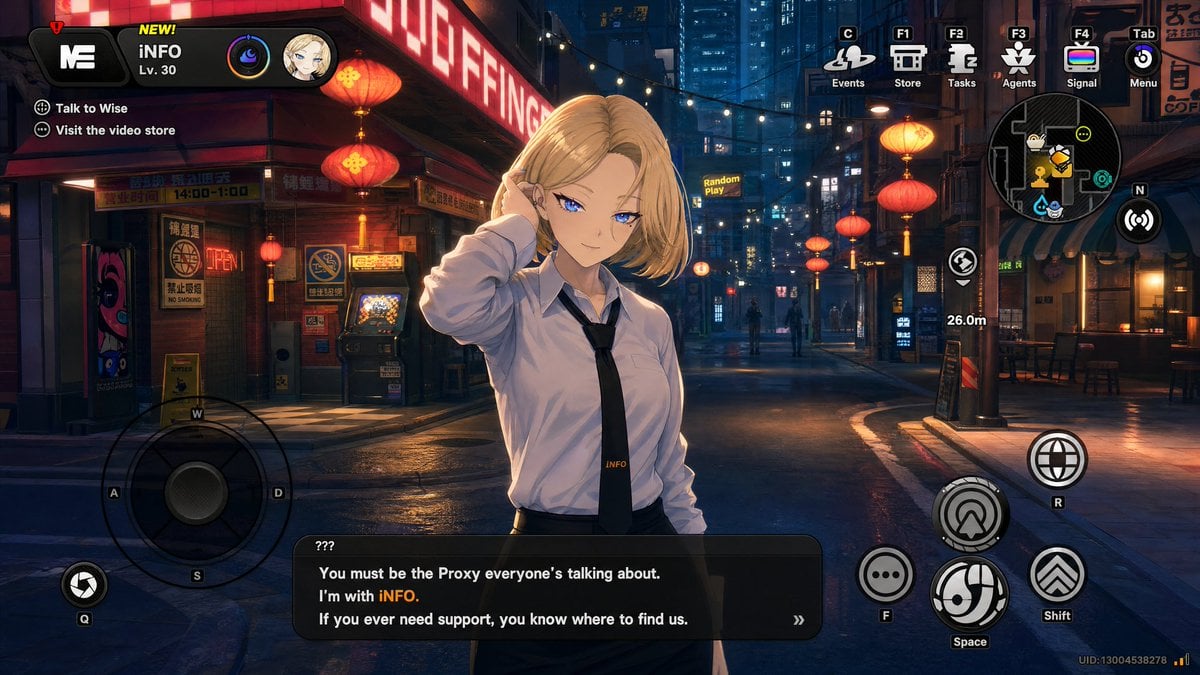
Cyberpunk Gacha Game Dialogue Screenshot
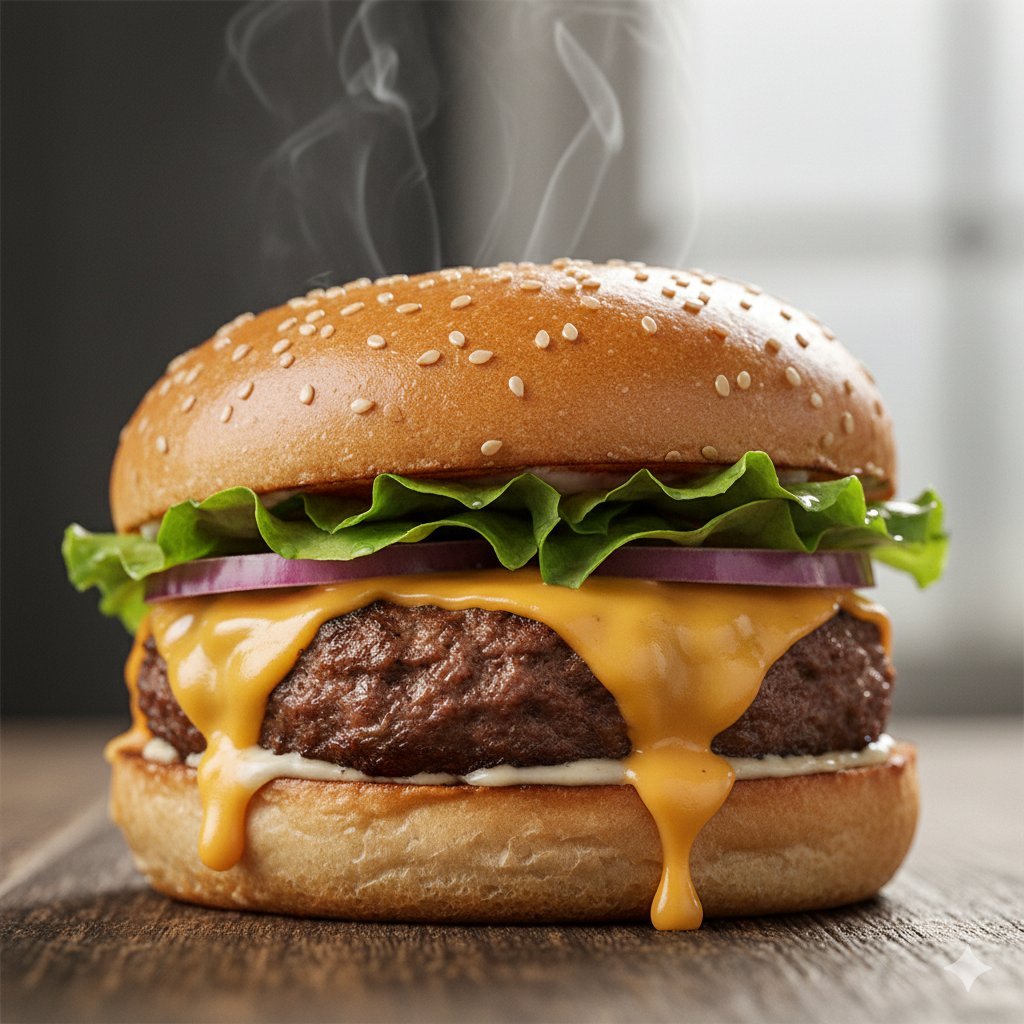
Macro Food Photography of a Juicy Beef Burger
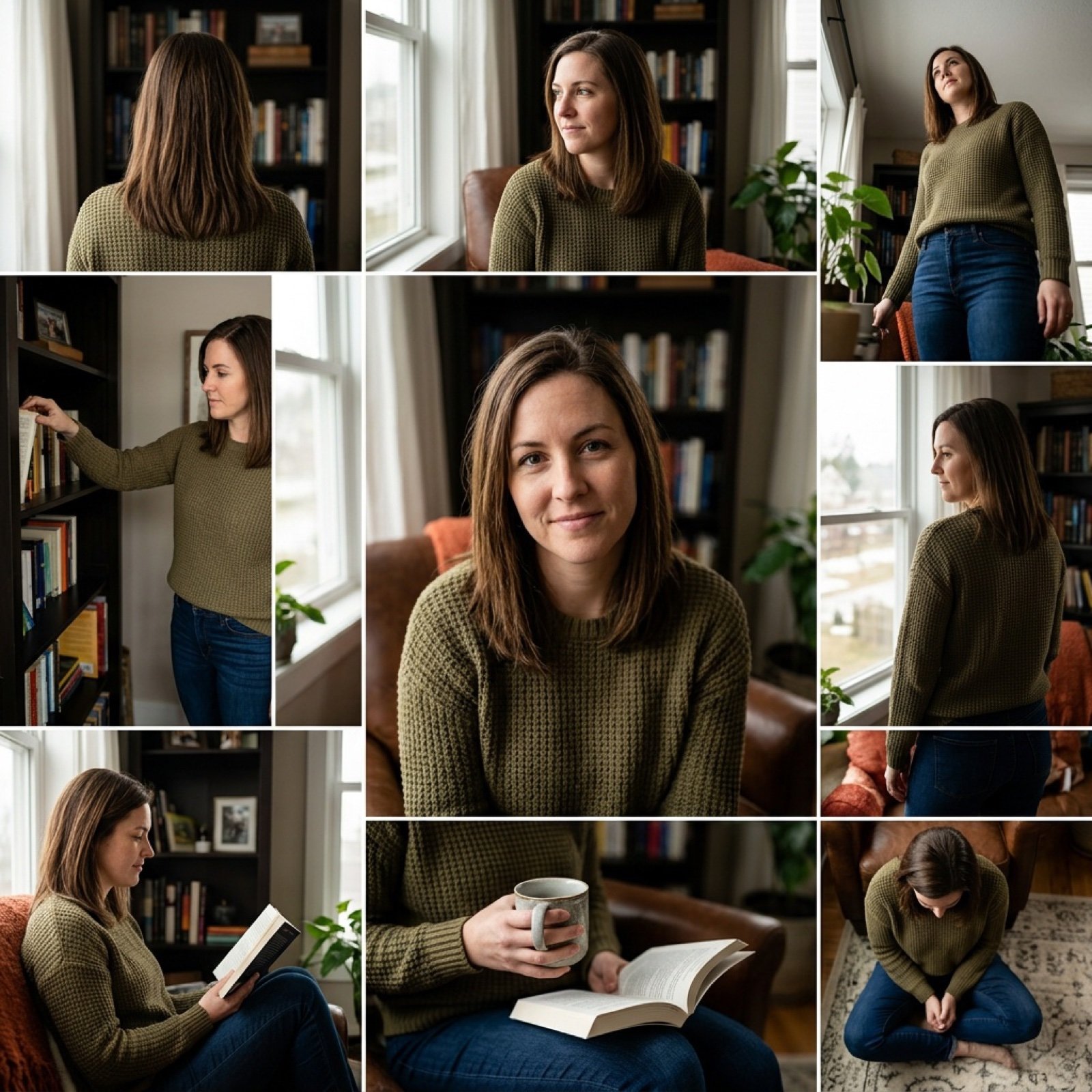
3x3 Keyframe Grid Generation for Video Workflow
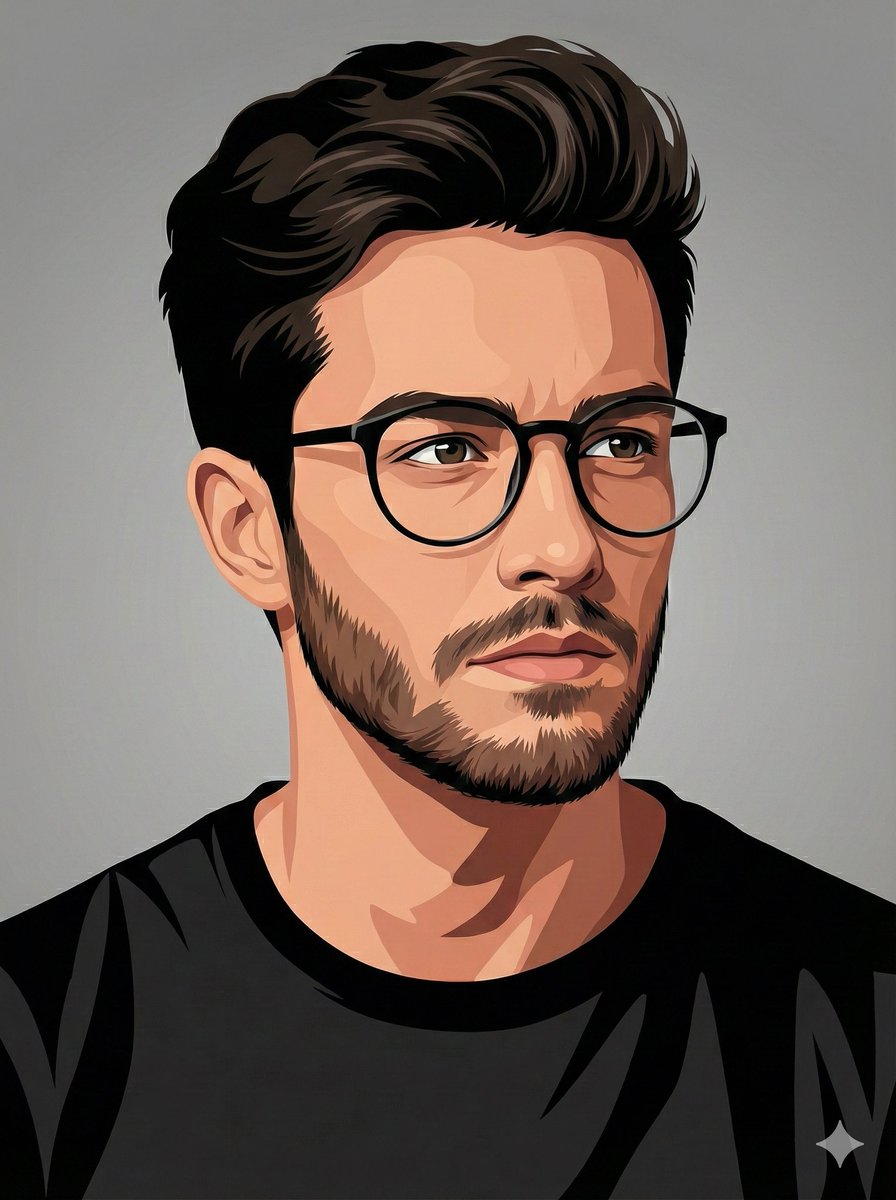
Vector-Style Character Illustration Portrait
Browse template categories
Faceless Anime Cosplay Expo Duo questions
How do I use the Faceless Anime Cosplay Expo Duo template?
Add your photo if the template asks for one, edit the prompt if you like — the template's model and format are already selected — and press Generate. Your version opens in PicX Studio.
Can I customize the Faceless Anime Cosplay Expo Duo template?
Yes. You can change the subject, setting, lighting, mood, format, and available model controls before creating your image.
Is the Faceless Anime Cosplay Expo Duo template free?
Opening and editing this template is free. Generating uses credits, shown on the Generate button when you are signed in.
Which AI model should I use?
Start with GPT Image 2, which is the model associated with this template. You can compare another compatible model for a different finish.
Looking for something else? Browse all templates.

Your photo, any look
Thousands of ready templates for every top image and video model, from one credit balance.