
Overhead Fantasy Hanfu Cosplay Duo
A richly detailed overhead portrait of two ornate hanfu-inspired fantasy cosplayers posed among cherry blossoms for cinematic character art.
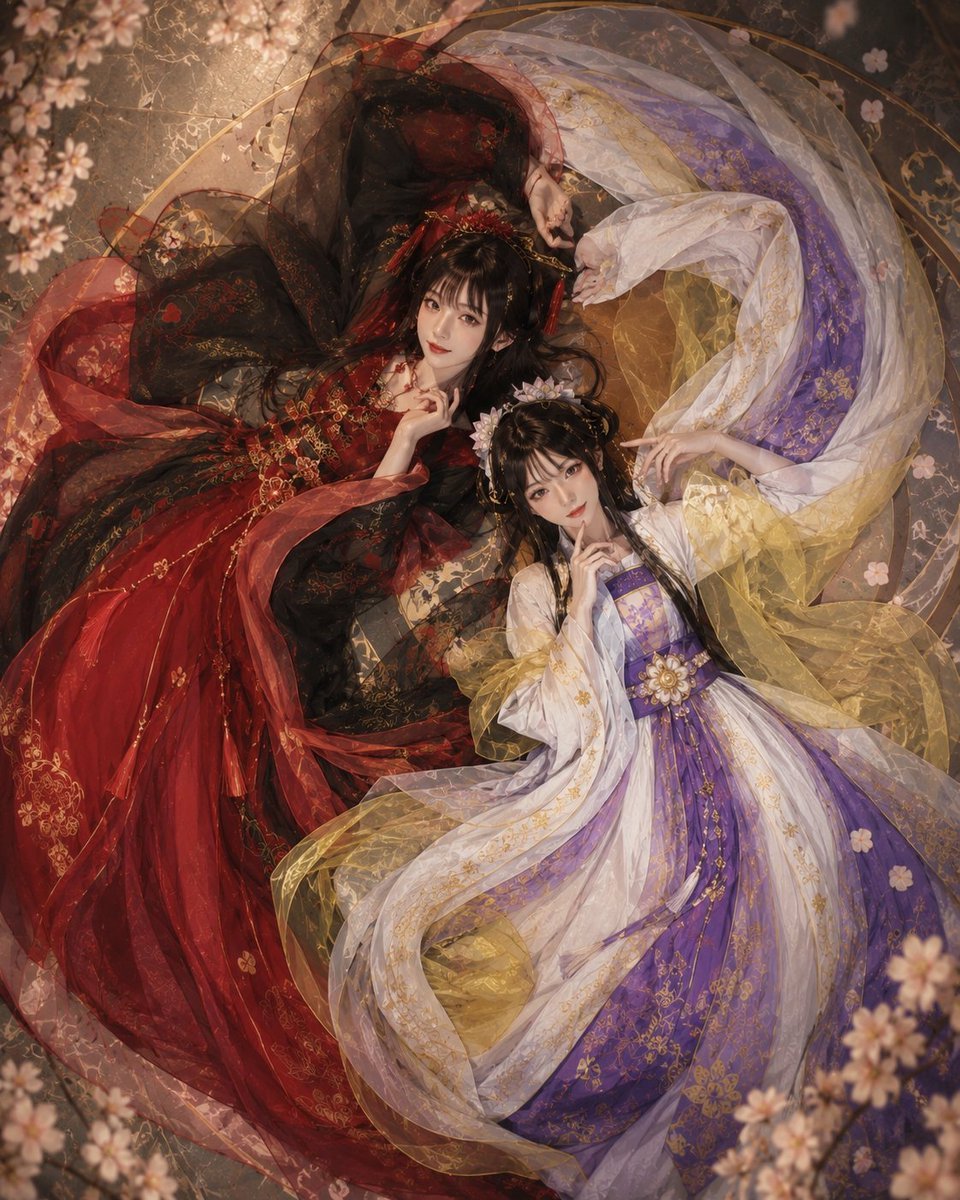
- Prompt included
- Model and format preset
- Free template
The prompt behind this image
Copy the exact prompt behind Overhead Fantasy Hanfu Cosplay Duo, or open it in the studio and make it yours.
Create a square, top-down cinematic fantasy cosplay portrait of two young East Asian noblewomen lying side by side on an ornate antique floor, surrounded by soft cherry blossoms and gauzy fabric. The composition is an overhead view with the figures forming a graceful yin-yang swirl: the left woman wears {argument name="left character outfit" default="a black and deep crimson imperial hanfu-style gown"} with voluminous layered skirts, translucent red and black veils, gold embroidery, floral brocade, dangling gold chains, red tassels, and an elaborate black hair updo with red-and-gold hair ornaments; the right woman wears {argument name="right character outfit" default="a white, lavender, purple, and pale gold imperial hanfu-style gown"} with layered flowing robes, sheer golden organza sleeves, white outer drapery, a purple bodice, intricate gold floral embroidery, and a large jeweled flower ornament at the waist. Both women have long glossy black hair, pale porcelain makeup, soft red lips, delicate anime-inspired facial features, and calm playful expressions; each raises one finger near her lips in a secretive pose while their other hands curve elegantly above them, almost touching. The fabrics should be extremely abundant and decorative, spreading across the floor in circular arcs with translucent overlays, embroidered blossoms, metallic gold thread, and lace-like textures. Use warm diffused studio lighting from above, shallow depth of field at the edges, painterly realism, ultra-detailed costume texture, dreamy romantic atmosphere, muted bronze and sepia background, scattered pale pink sakura petals and blurred cherry blossom branches framing all four corners. Color palette: rich black-red on the left, luminous white-purple-gold on the right, balanced symmetrically. No text, no watermark, no modern objects, no extra people. High-resolution fashion editorial cosplay photography blended with fantasy illustration aesthetics.
How to use Overhead Fantasy Hanfu Cosplay Duo in 3 steps
- 1Upload ImagePNG, JPG or paste
Add your photo
Upload the photo the template builds on. The prompt, model and format are already set.
- 2…a portrait of your subject in softgolden-hour light, 85mm…
Personalize
Edit the subject and creative details for your destination.
- 3Generate
Generate
Press Generate — your image is created in PicX Studio, so you can compare it with the original and refine one variable at a time.
More like this
Templates with the same subject, style or setup. Open one to see its prompt.

Open Travel Journal Overhead Still Life
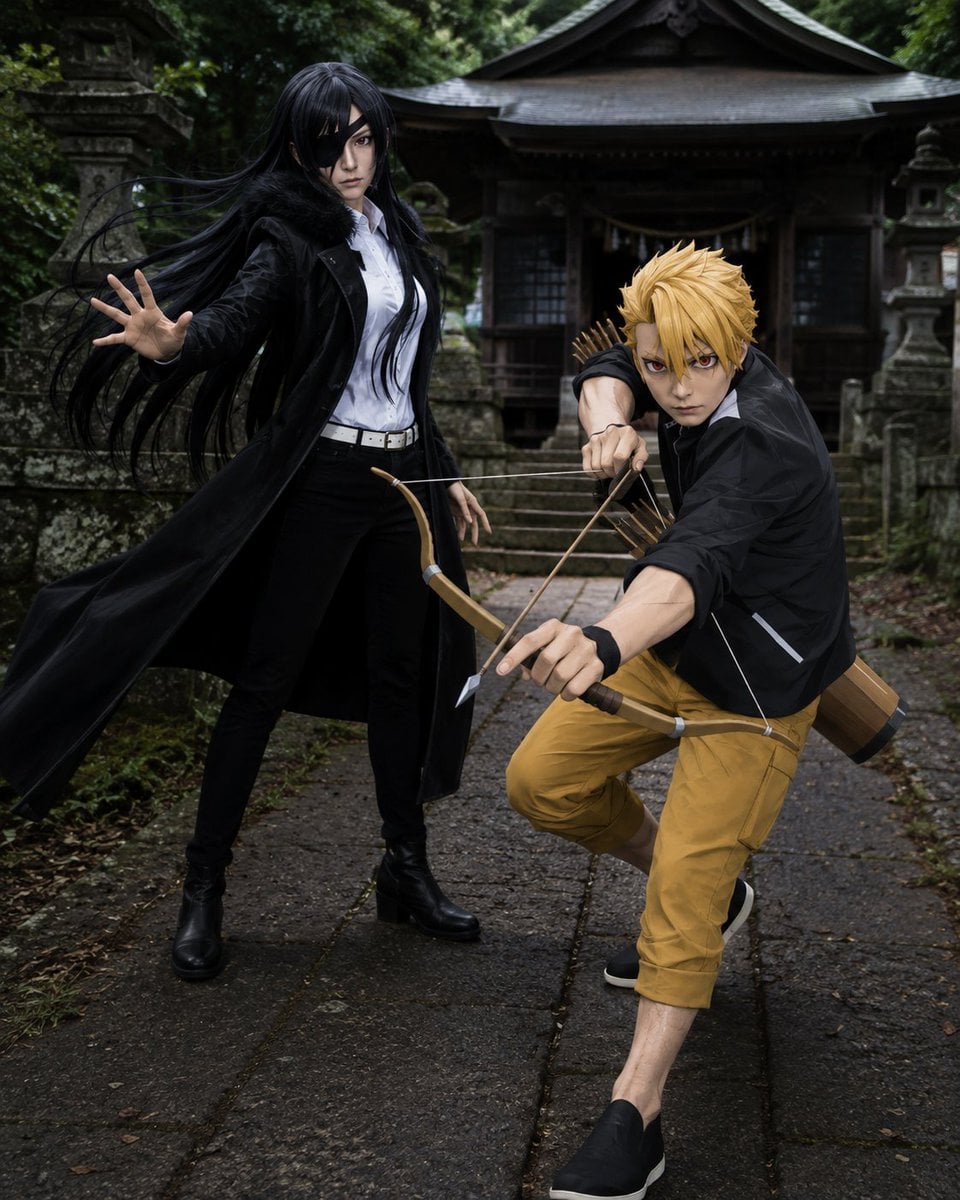
Anime Cosplay Duo at Forest Shrine
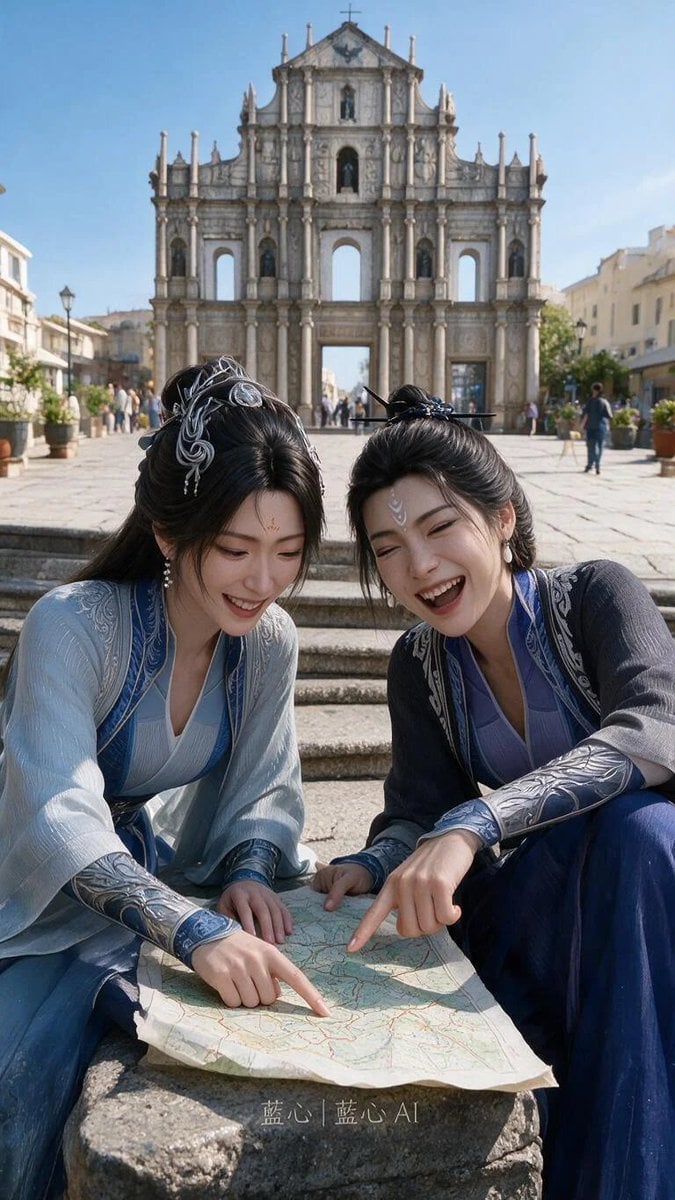
Fantasy Hanfu Travelers at Historic Church
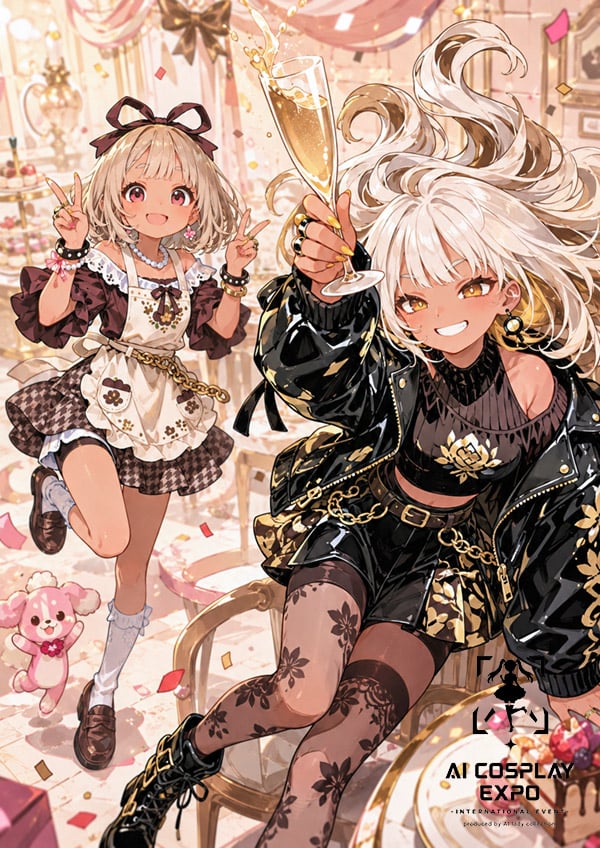
Faceless Anime Cosplay Expo Duo

Anime Fantasy Celestial Movie Poster

Japanese Café Sketch Duo Illustration
Anime Fantasy Celestial Movie Poster

Minecraft Fantasy Kingdom Voxel Landscape

Unfinished Sketch Comes Alive Portrait

Tiny Woman Miniature Fantasy Macro Scene
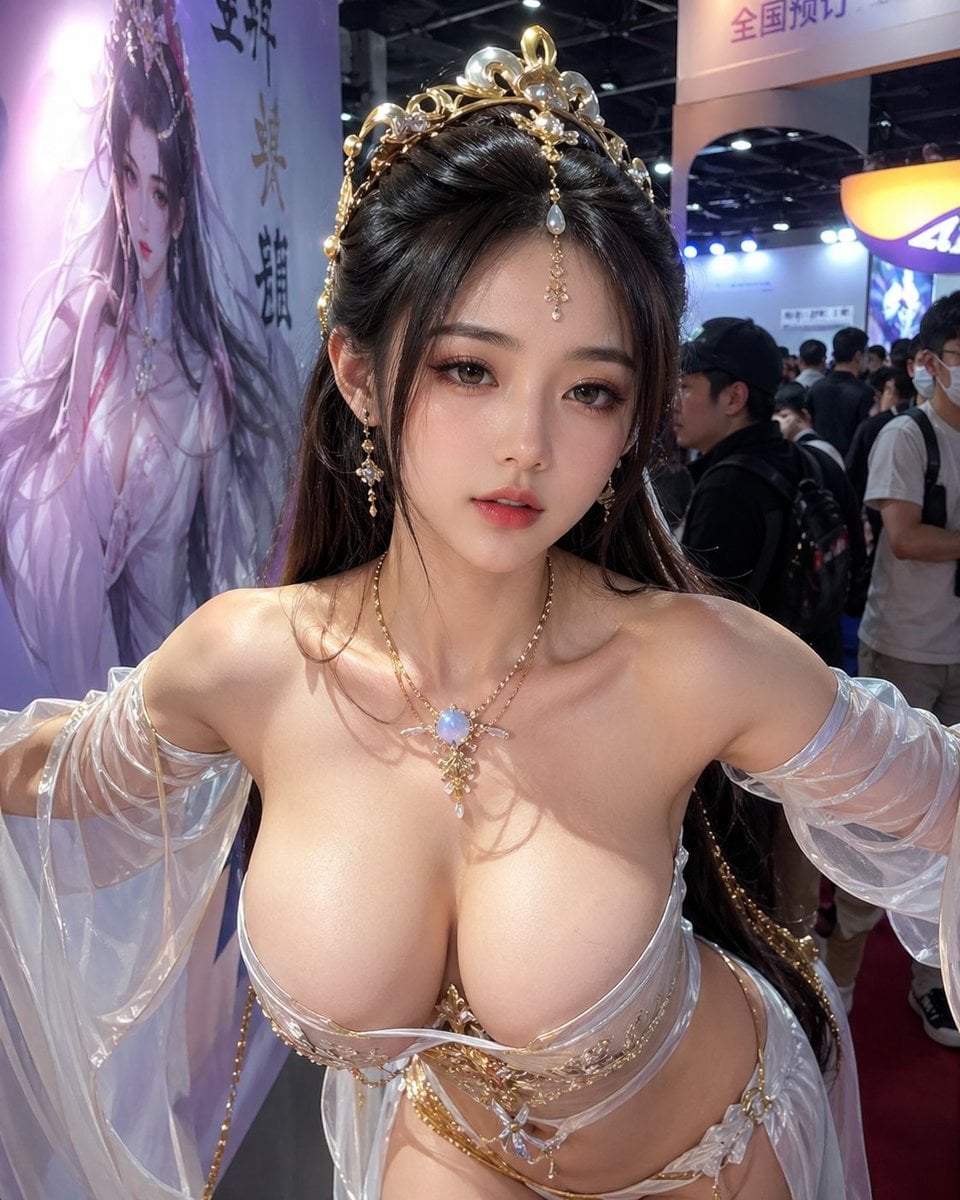
Censored Fantasy Cosplayer at Expo
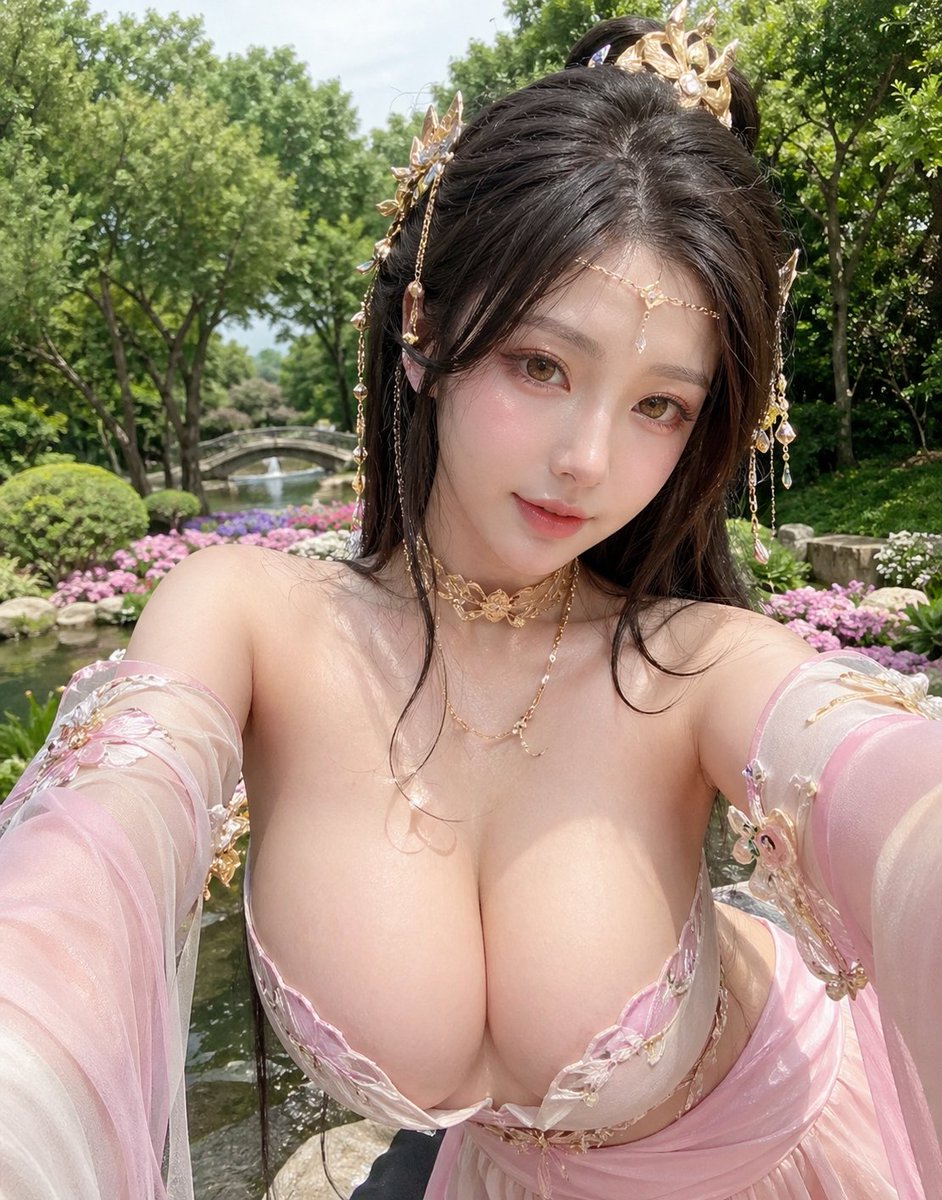
Fantasy Garden Hanfu Selfie
Make it yours
Overhead Fantasy Hanfu Cosplay Duo works as-is. These are the safest ways to change it without losing the look.
Change one field
Copy a single group, rewrite it, and generate again so you can see what that field is doing.
Keep the frame, change the subject
Hold the composition and light of Overhead Fantasy Hanfu Cosplay Duo, then swap wardrobe, props or the person for a new take.
| If the result… | Why | Fix |
|---|---|---|
| The result drifts from the preview | Too many fields changed at once. | Reuse Overhead Fantasy Hanfu Cosplay Duo as-is first, then change one group — subject, light, or setting. |
| The model over-stylizes the scene | The prose prompt leaves finish and camera underspecified. | Add one camera or lighting sentence and stay on GPT Image 2. |
More GPT Image 2 templates
Other prompts made for GPT Image 2.

Six VTuber Japanese Logo Sheet

Realistic Portrait of Woman and Deer

The Vista Modular Condo Poster

AI Model Routing Comparison Infographic

2.5D Anime Art Board

Isometric Productivity Desk Scene

New York Double Exposure Poster

Four-Panel AI Landscape Comparison

Japanese Tatami Lifestyle Magazine Cover

NESCAFÉ Coffee Map Poster
More image prompts
Fresh picks from across the catalog.
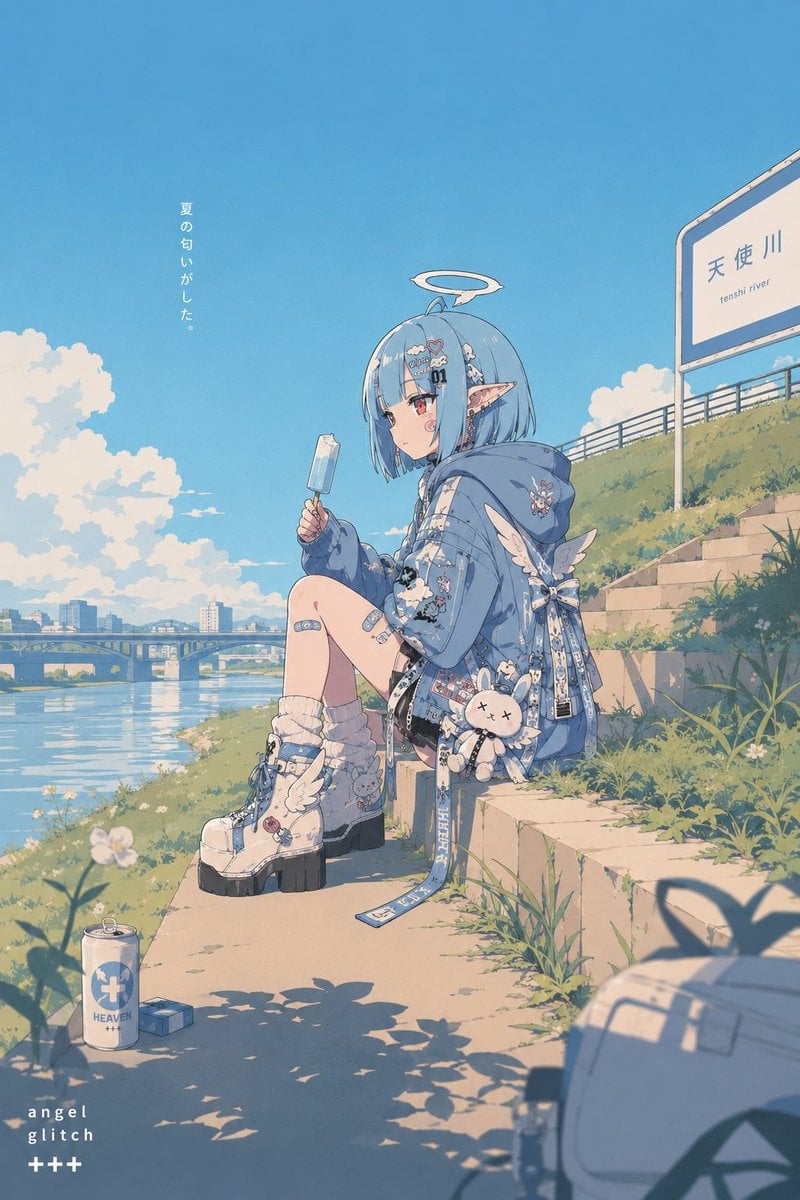
Retro Pop Riverbank Key Visual
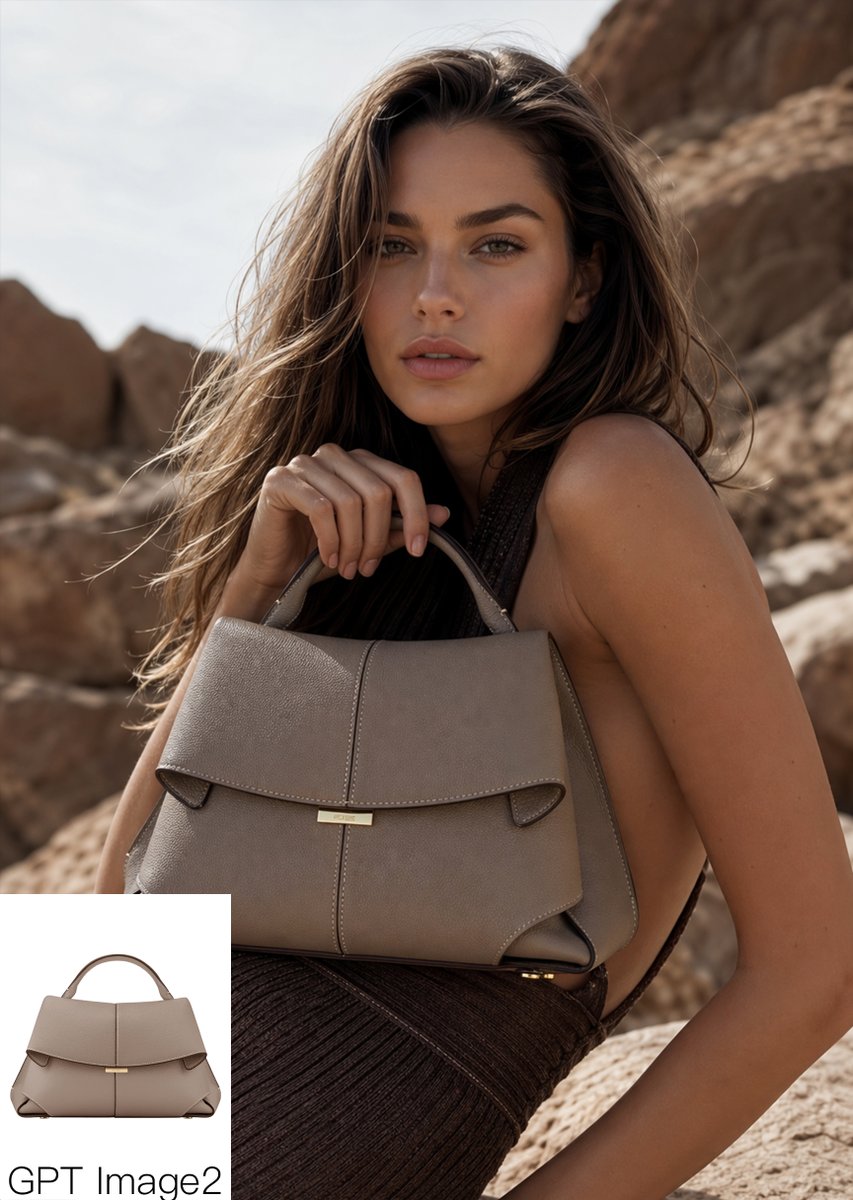
Luxury Desert Handbag Campaign
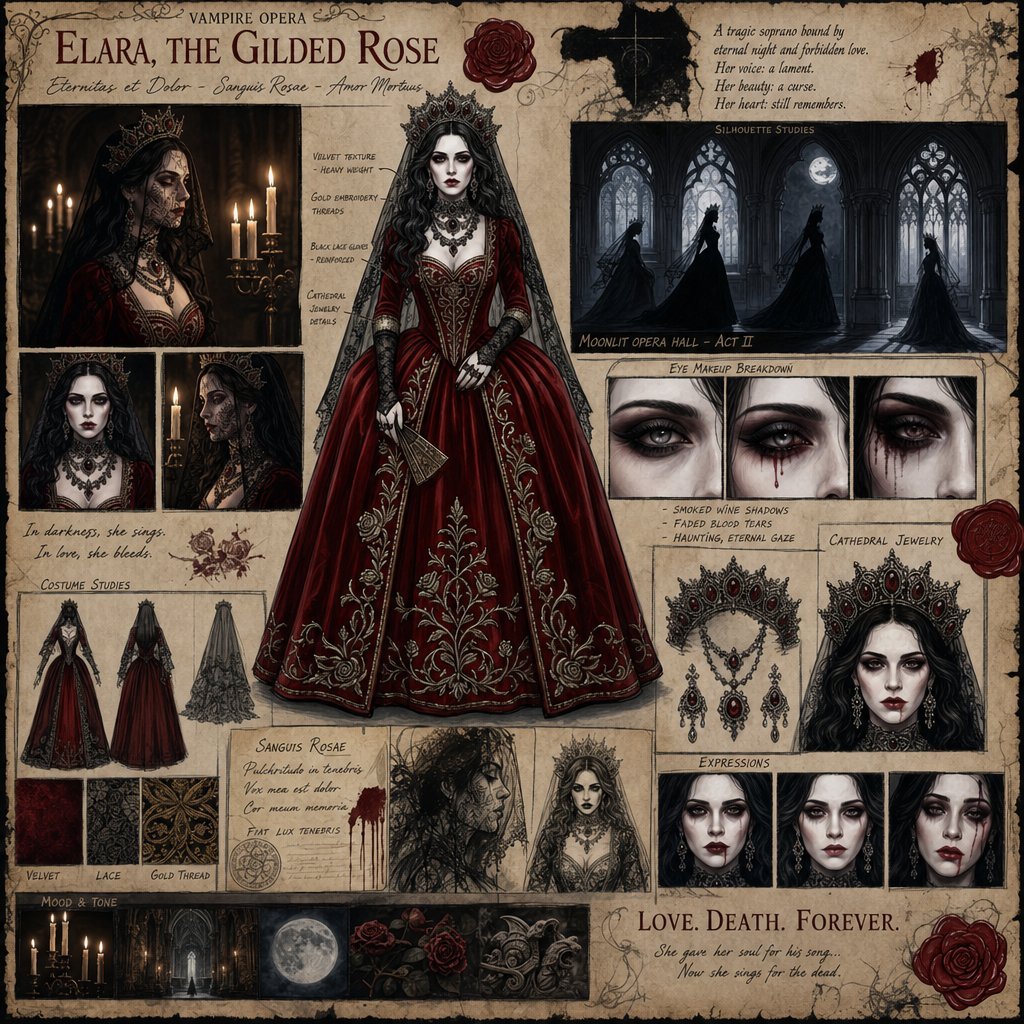
Dark Gothic Vampire Opera Character Design
Anonymous Night Bus Portrait

Eclipse Desert Sports Car Portrait
Obscured Cafe Portrait
Botanical Plant Dye Canvas Painting
Luxury Golden Star Fortune Teller
Neon Light High-Contrast Portrait Template
瓦楞纸艺术作品框格展示
Browse template categories
Overhead Fantasy Hanfu Cosplay Duo questions
How do I use the Overhead Fantasy Hanfu Cosplay Duo template?
Add your photo if the template asks for one, edit the prompt if you like — the template's model and format are already selected — and press Generate. Your version opens in PicX Studio.
Can I customize the Overhead Fantasy Hanfu Cosplay Duo template?
Yes. You can change the subject, setting, lighting, mood, format, and available model controls before creating your image.
Is the Overhead Fantasy Hanfu Cosplay Duo template free?
Opening and editing this template is free. Generating uses credits, shown on the Generate button when you are signed in.
Which AI model should I use?
Start with GPT Image 2, which is the model associated with this template. You can compare another compatible model for a different finish.
Looking for something else? Browse all templates.

Your photo, any look
Thousands of ready templates for every top image and video model, from one credit balance.