
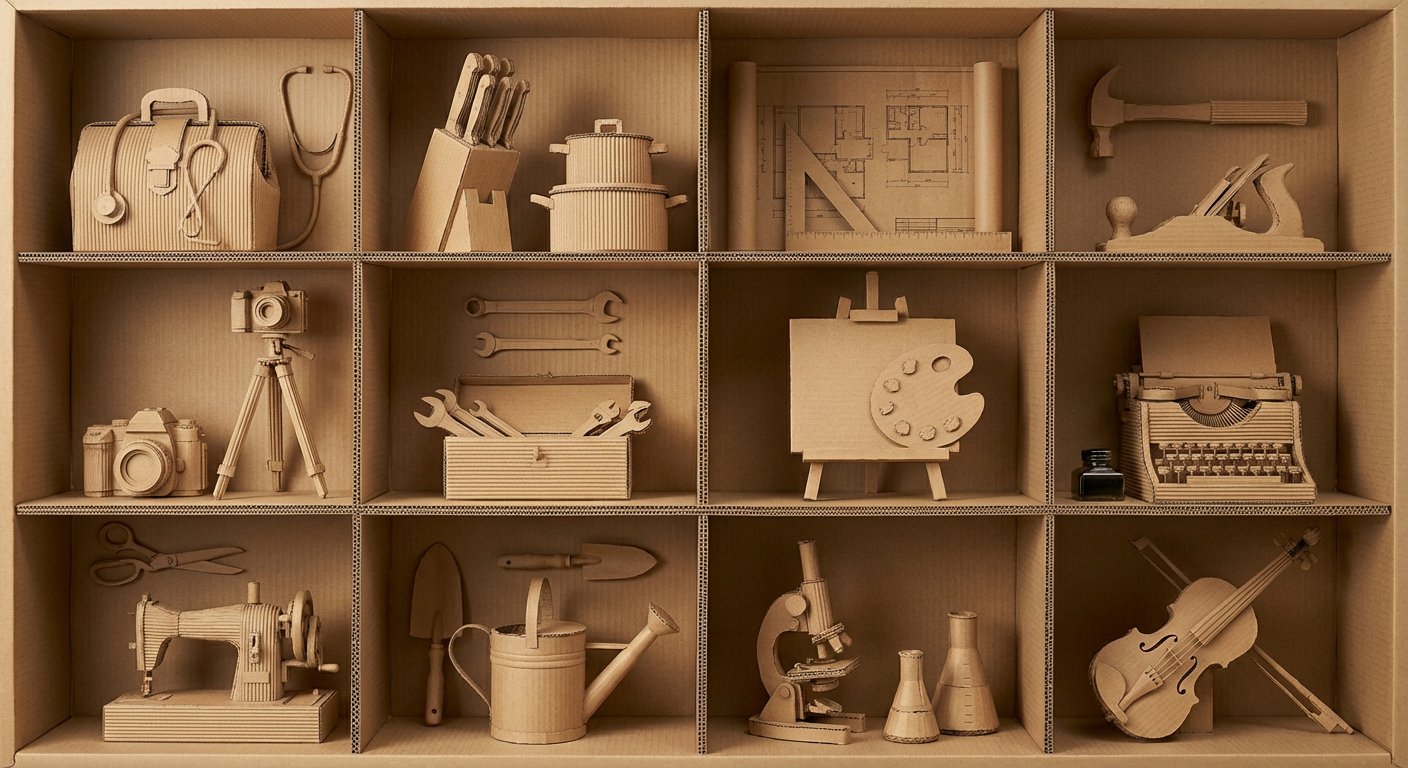
瓦楞纸艺术作品框格展示
它用于让模型精准生成一张“全瓦楞纸材质、3×4 分格、每格展示不同纸艺工具”的结构化手工艺术照片。适用于纸艺展示或需要统一材质与严格构图的视觉创作场景。
- Prompt included
- Model and format preset
- Free template
The prompt behind this image
Copy the exact prompt behind 瓦楞纸艺术作品框格展示, or open it in the studio and make it yours.
这是一张标准手工艺术品的照片。整体材质:瓦楞纸。 整体颜色:浅棕色(常见瓦楞纸的本色)。 艺术品所展示的内容:它是用瓦楞纸制作的3×4的分隔式大盒子。其中,每个格子里面都展示着(竖直摆放)使用瓦楞纸制作的各种不同职业的工具或用品(物品不能重复,不能超出格子)。它们的制作非常精良,细节都极为丰富,都符合结构学。照片的光照很均匀,亮度适中,每一处的瓦楞纸材质和纹理都非常清晰。 以下为物品列表,总计 12 个,用逗号分隔: {argument name="物品列表" default="医生包与听诊器、刀具套装与锅、建筑图纸与三角尺、锤子与木工刨、相机与三脚架、工具箱与扳手、画架与调色板、打字机与墨水瓶、缝纫机、园艺工具(铲子与水壶)、显微镜与化学器皿、小提琴与琴弓" }
How to use 瓦楞纸艺术作品框格展示 in 3 steps
- 1
Open
The prompt is already in the box next to the preview, with the template's model and format selected.
- 2…a portrait of your subject in softgolden-hour light, 85mm…
Personalize
Edit the subject and creative details for your destination.
- 3Generate
Generate
Press Generate — your image is created in PicX Studio, so you can compare it with the original and refine one variable at a time.
Make it yours
瓦楞纸艺术作品框格展示 works as-is. These are the safest ways to change it without losing the look.
Change one field
Copy a single group, rewrite it, and generate again so you can see what that field is doing.
Keep the frame, change the subject
Hold the composition and light of 瓦楞纸艺术作品框格展示, then swap wardrobe, props or the person for a new take.
| If the result… | Why | Fix |
|---|---|---|
| The result drifts from the preview | Too many fields changed at once. | Reuse 瓦楞纸艺术作品框格展示 as-is first, then change one group — subject, light, or setting. |
| The model over-stylizes the scene | The prose prompt leaves finish and camera underspecified. | Add one camera or lighting sentence and stay on Nano Banana 2. |
More Nano Banana 2 templates
Other prompts made for Nano Banana 2.

Photorealistic Leaf Shaped Like a Dragon

K-Pop Idol Portrait Grid for Rapid Selection

Poetic Rain Forest Portrait During Golden Hour

Urban Street Portrait with Cartoon Inner Self Duo

Candid Nighttime Photo with Cat Prompt

High-Concept 3D Diorama Generation Prompt

Cinematic Futuristic Studio Portrait Template

Skincare Editorial Photography Collage Prompt

Hyper-Realistic Commercial Product Photography (Splash Effect)

Hyper-Realistic Nightclub Portrait Prompt
More image prompts
Fresh picks from across the catalog.
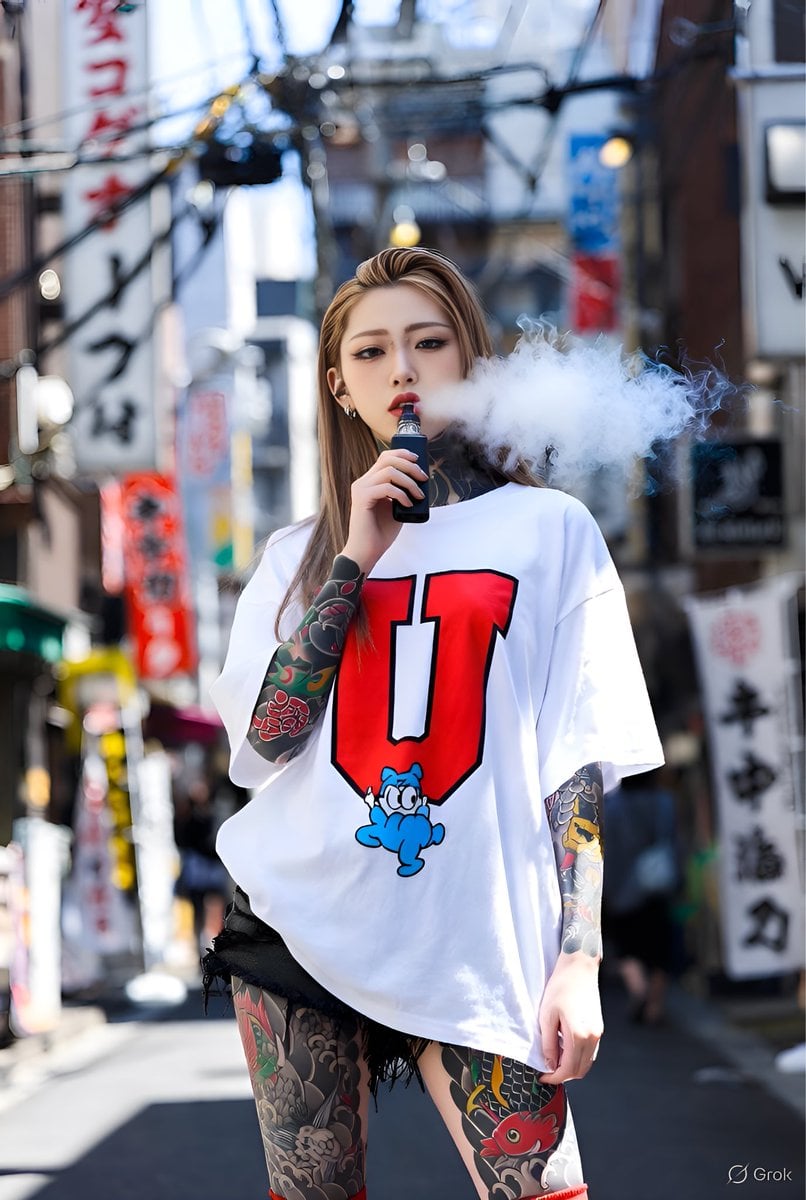
Edgy Urban Street Style Portrait in Tokyo Alleyway
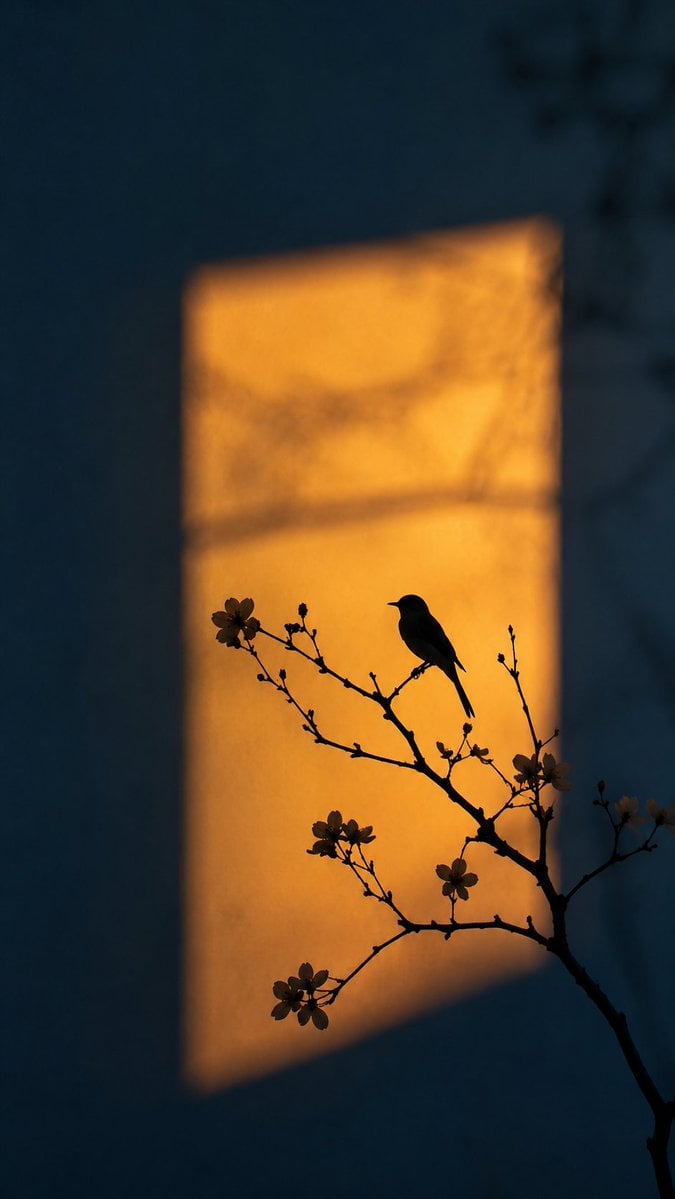
Artistic Silhouette Amber Light Photography
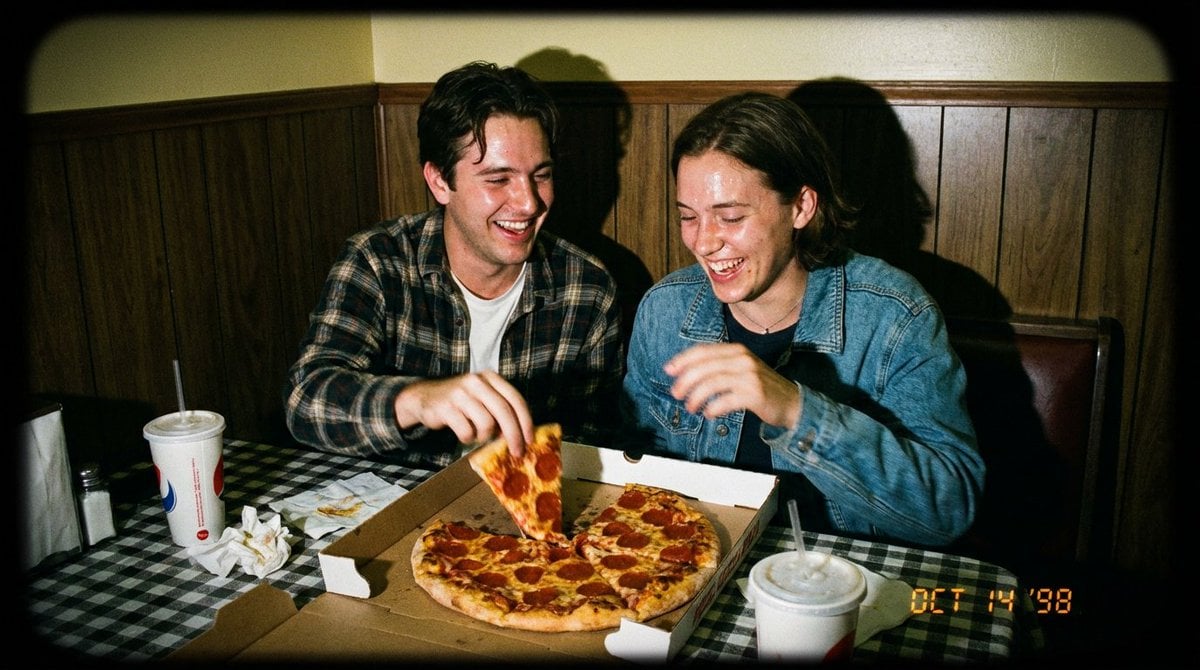
1998 Disposable Camera Photo of Friends in a Diner
Coffee Pouring Cinematic Artwork (Dual Monitor)
Y2K Retro Glamour Photoshoot

Panel Japanese Advertising Grid

X Chatgptpaglu Gpt Image 2 on Yapper So
Stylish European Street Portrait
Advanced Japanese Text Adjustment for Nano Banana Pro
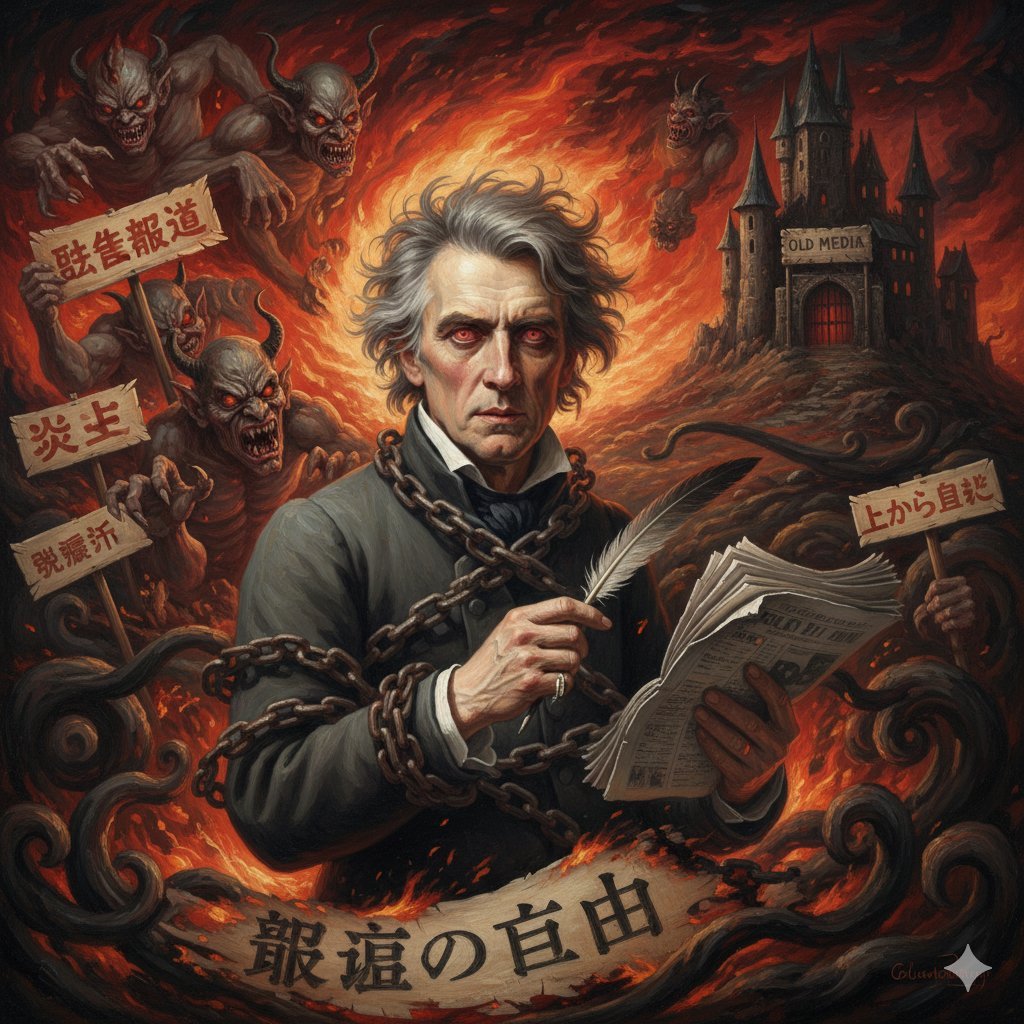
Image Generation Prompt for Chopin in Delacroix Style
Browse template categories
瓦楞纸艺术作品框格展示 questions
How do I use the 瓦楞纸艺术作品框格展示 template?
Add your photo if the template asks for one, edit the prompt if you like — the template's model and format are already selected — and press Generate. Your version opens in PicX Studio.
Can I customize the 瓦楞纸艺术作品框格展示 template?
Yes. You can change the subject, setting, lighting, mood, format, and available model controls before creating your image.
Is the 瓦楞纸艺术作品框格展示 template free?
Opening and editing this template is free. Generating uses credits, shown on the Generate button when you are signed in.
Which AI model should I use?
Start with Nano Banana 2, which is the model associated with this template. You can compare another compatible model for a different finish.
Looking for something else? Browse all templates.

Your photo, any look
Thousands of ready templates for every top image and video model, from one credit balance.