
Luxury Desert Handbag Campaign
This prompt generates a realistic high-end fashion advertisement image featuring a structured handbag in a desert editorial setting, useful for luxury product marketing and brand mockups.
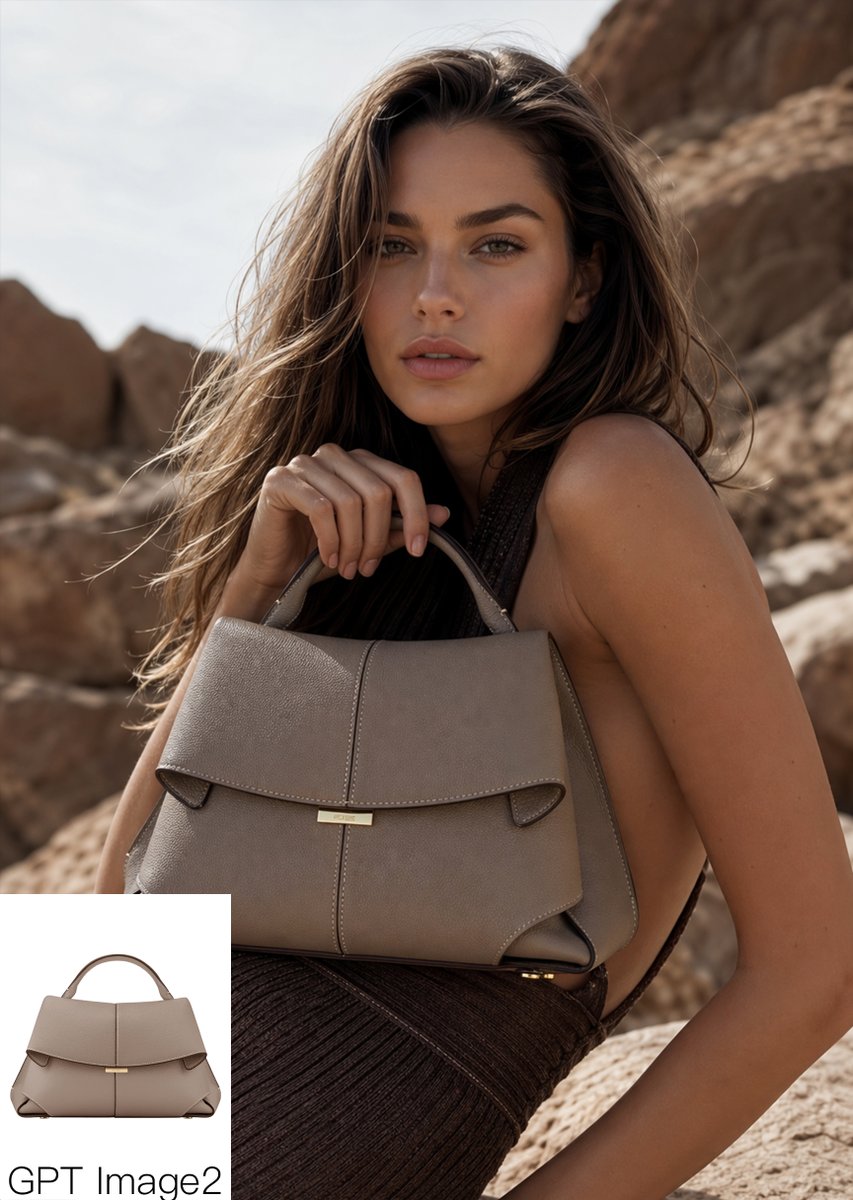
- Prompt included
- Model and format preset
- Free template
The prompt behind this image
Copy the exact prompt behind Luxury Desert Handbag Campaign, or open it in the studio and make it yours.
Luxury fashion editorial product shot of a {argument name="bag color" default="taupe gray"} structured leather handbag with a top handle, wide folded flap, centered vertical seam, small gold bar clasp, and angular side gussets, carried by a glamorous woman posed in a rocky desert landscape. Medium close-up portrait composition, the bag prominently centered in the foreground and held near chest level by one hand gripping the handle, the model turned slightly sideways with bare shoulder and arm visible, wearing a dark brown pleated or textured dress. Long windblown wavy hair in {argument name="hair color" default="light brown with sun-kissed highlights"}, warm tanned skin, high-end campaign styling, confident elegant posture. Natural outdoor sunlight, warm earthy palette, beige and sandstone rock formations softly blurred in the background, shallow depth of field, realistic luxury advertising photography, rich texture on the leather, subtle highlights on the metal hardware, premium fashion magazine look. Add a small white rectangular picture-in-picture inset in the bottom-left corner showing the same handbag alone from the front on a clean white background, with the text {argument name="caption text" default="GPT Image2"} below it in simple black sans-serif lettering.
How to use Luxury Desert Handbag Campaign in 3 steps
- 1Upload ImagePNG, JPG or paste
Add your photo
Upload the photo the template builds on. The prompt, model and format are already set.
- 2…a portrait of your subject in softgolden-hour light, 85mm…
Personalize
Edit the subject and creative details for your destination.
- 3Generate
Generate
Press Generate — your image is created in PicX Studio, so you can compare it with the original and refine one variable at a time.
More like this
Templates with the same subject, style or setup. Open one to see its prompt.

Polo Ralph Lauren Luxury American Heritage Fashion Campaign

Blue Backdrop Luxury Fashion Portrait Campaign
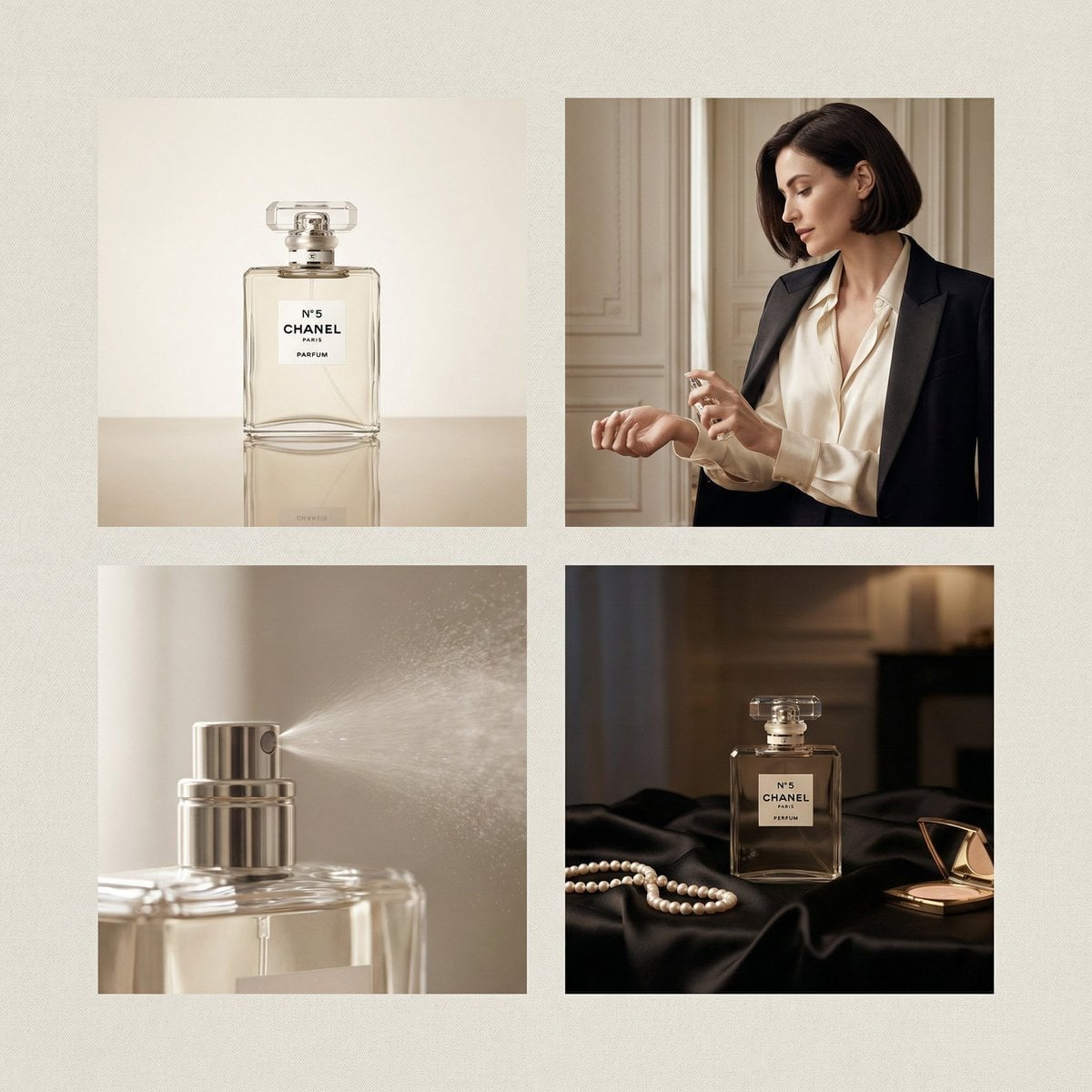
Chanel Perfume 2x2 Grid Luxury Campaign

Saudi Arabia Paper Cut Travel Poster
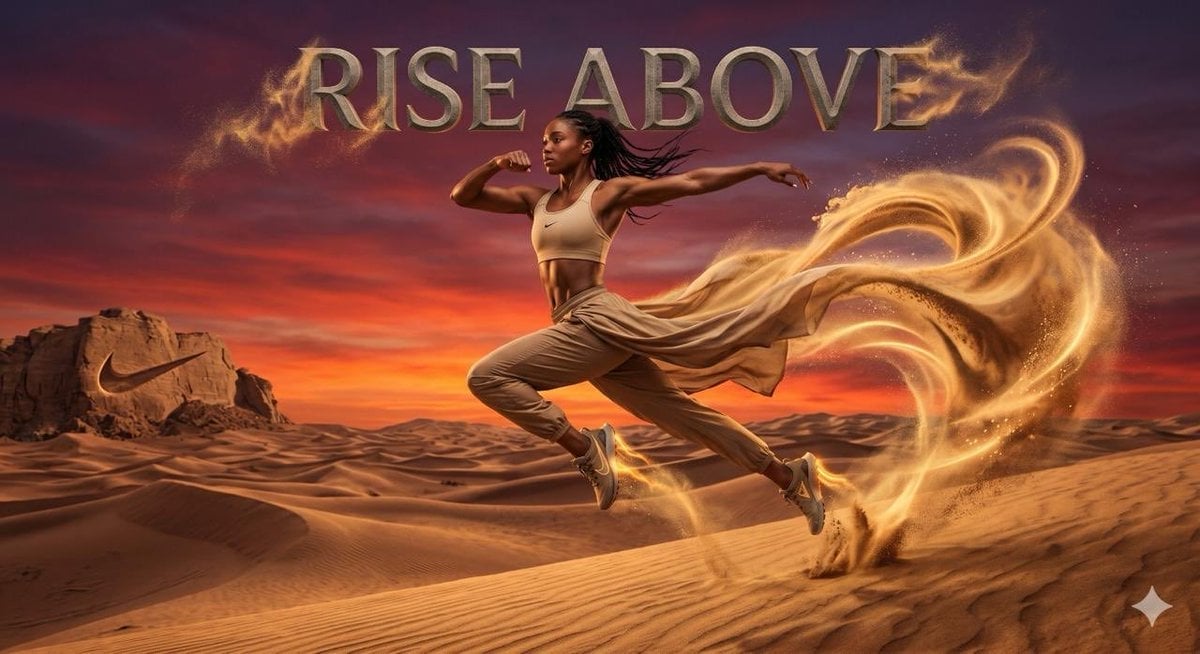
Surreal desert athletic campaign
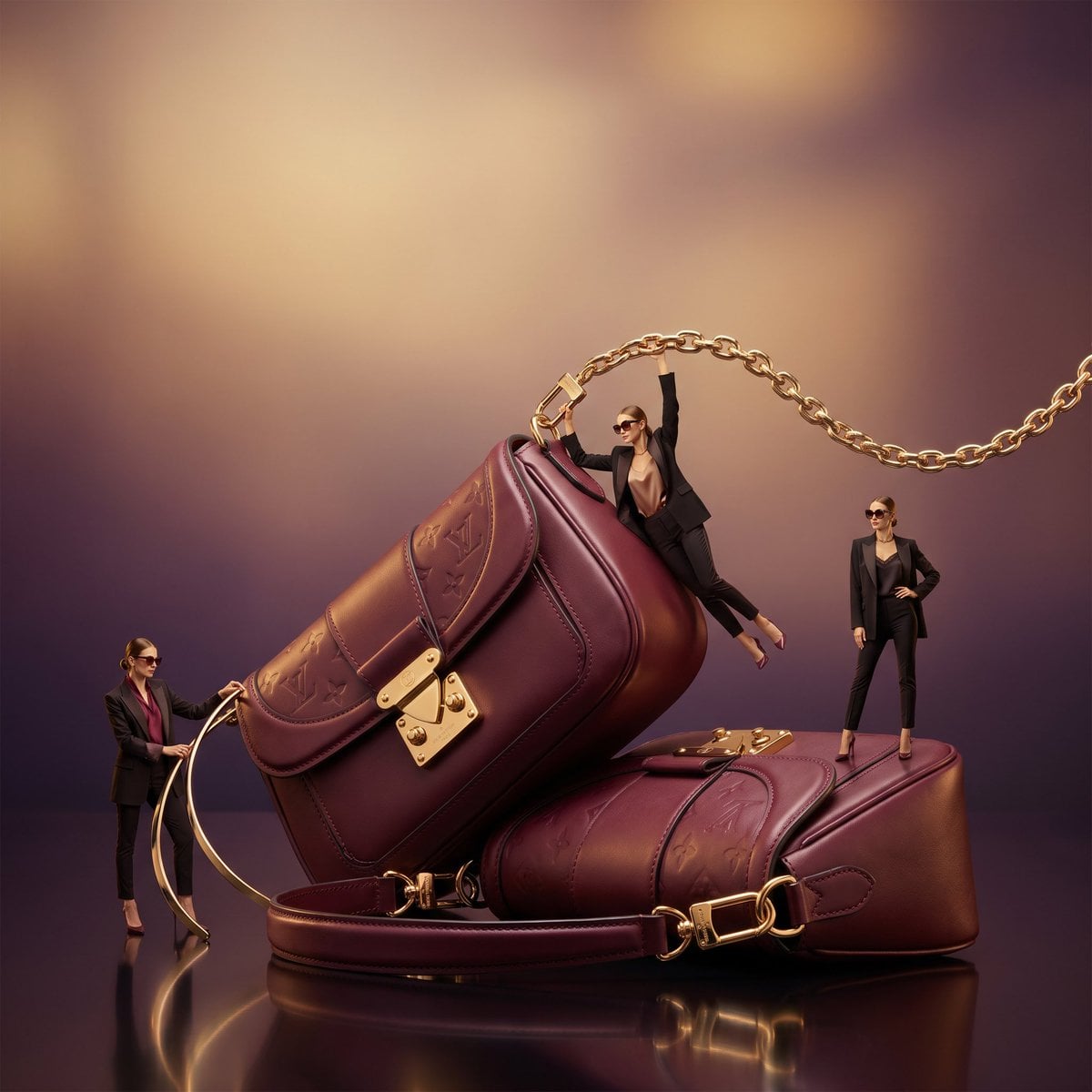
Surreal Luxury Handbag Editorial
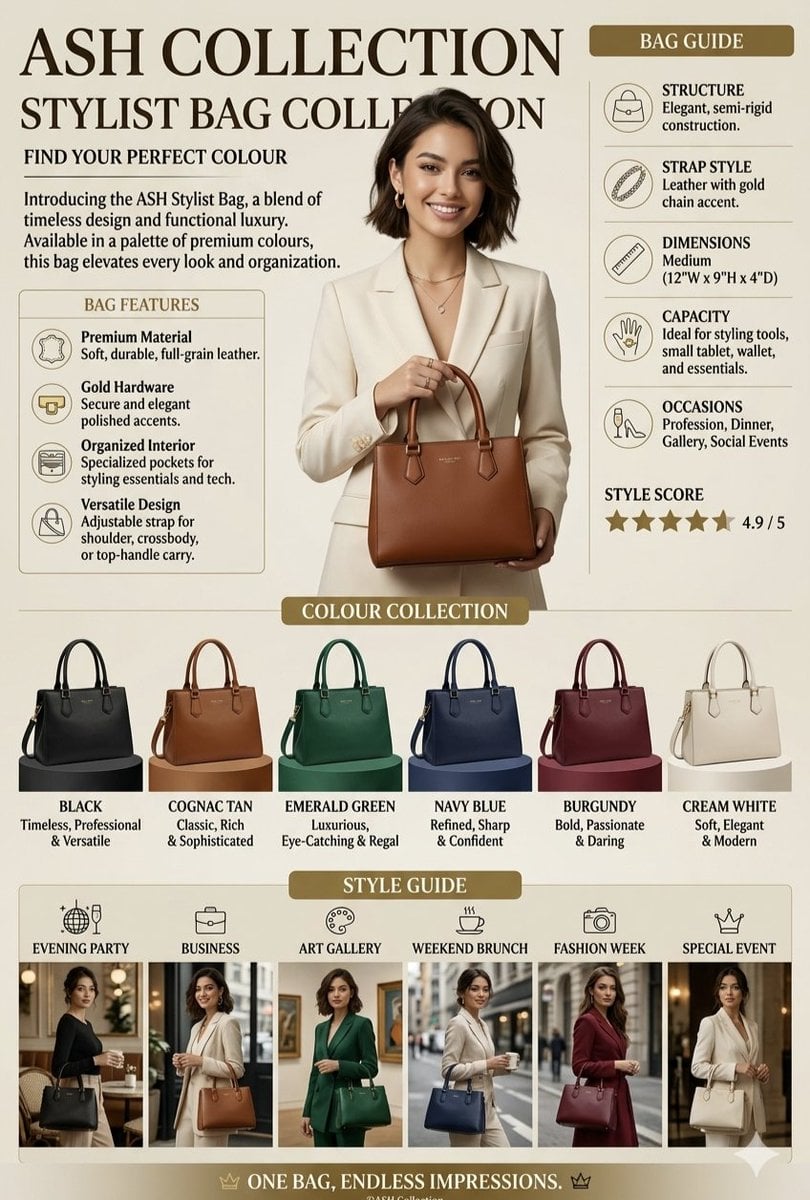
Luxury Handbag Promotional Infographic
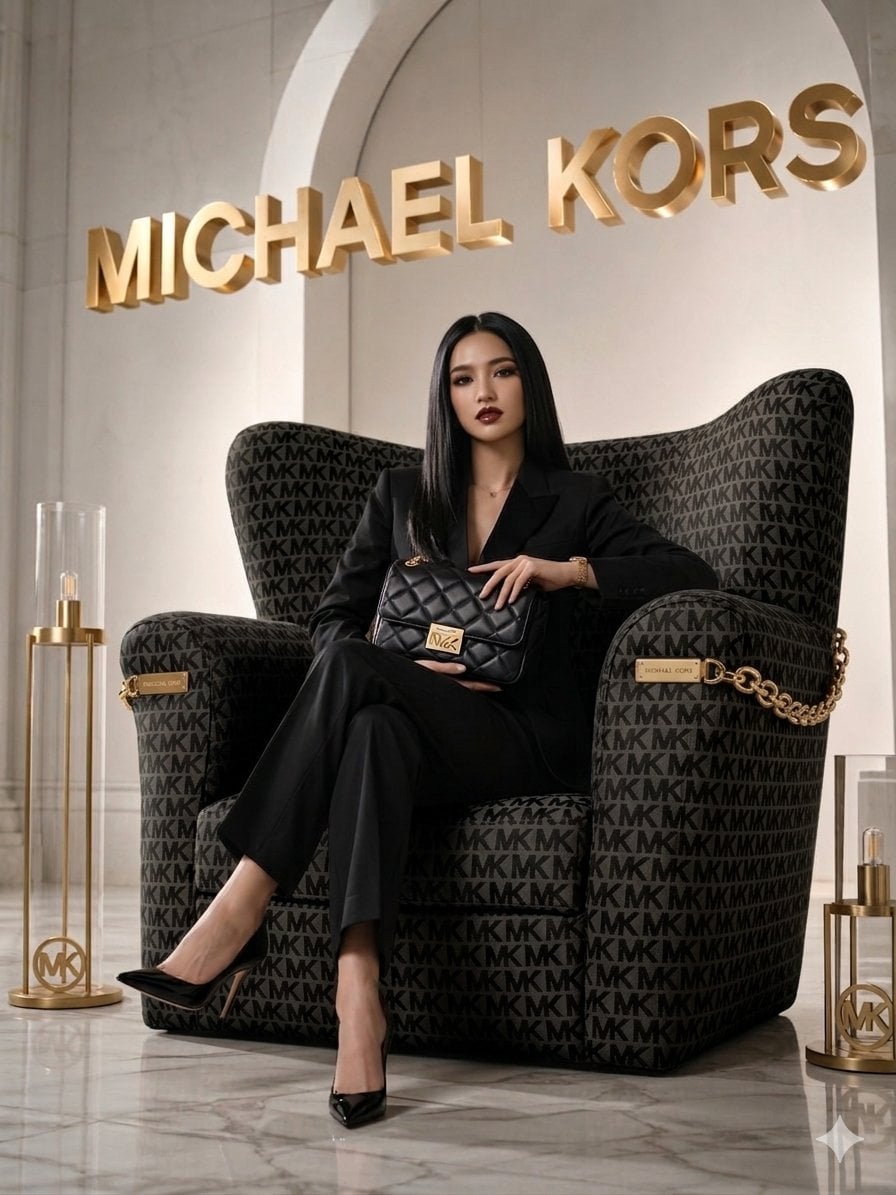
Luxury Brand Campaign Portrait

Sealing Wax Letter Desk

Ballroom Floor Reflections

Vintage Camera Leather Case

Hedge Maze Aerial Dawn
Make it yours
Luxury Desert Handbag Campaign works as-is. These are the safest ways to change it without losing the look.
Change one field
Copy a single group, rewrite it, and generate again so you can see what that field is doing.
Keep the frame, change the subject
Hold the composition and light of Luxury Desert Handbag Campaign, then swap wardrobe, props or the person for a new take.
| If the result… | Why | Fix |
|---|---|---|
| The result drifts from the preview | Too many fields changed at once. | Reuse Luxury Desert Handbag Campaign as-is first, then change one group — subject, light, or setting. |
| The model over-stylizes the scene | The prose prompt leaves finish and camera underspecified. | Add one camera or lighting sentence and stay on GPT Image 2. |
More GPT Image 2 templates
Other prompts made for GPT Image 2.

Six VTuber Japanese Logo Sheet

Realistic Portrait of Woman and Deer

The Vista Modular Condo Poster

AI Model Routing Comparison Infographic

2.5D Anime Art Board

Isometric Productivity Desk Scene

New York Double Exposure Poster

Four-Panel AI Landscape Comparison

Japanese Tatami Lifestyle Magazine Cover

NESCAFÉ Coffee Map Poster
More image prompts
Fresh picks from across the catalog.
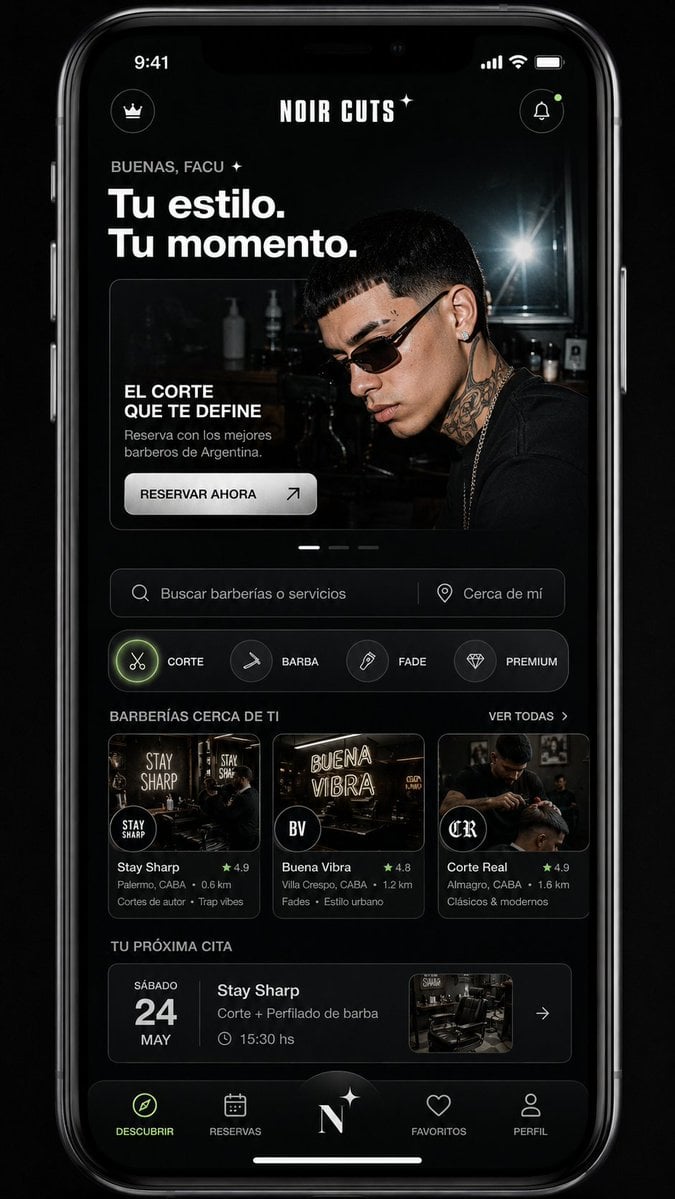
Mobile App UI Redesign
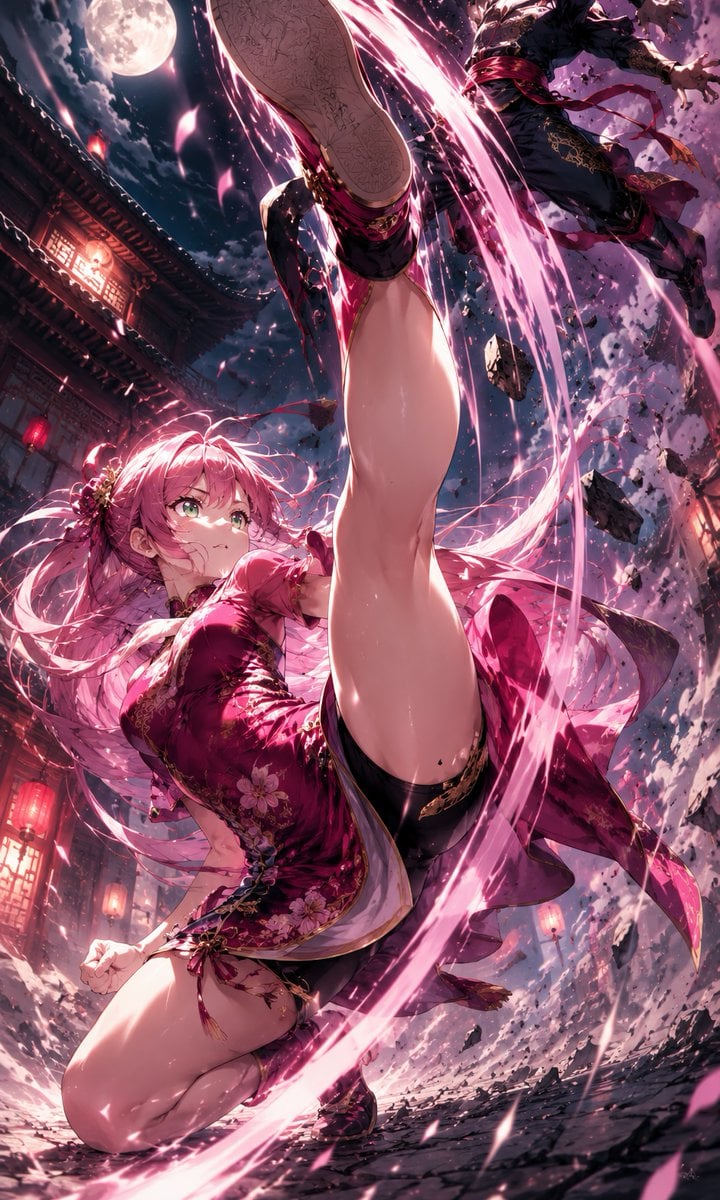
Moonlit Anime Martial Artist Kick
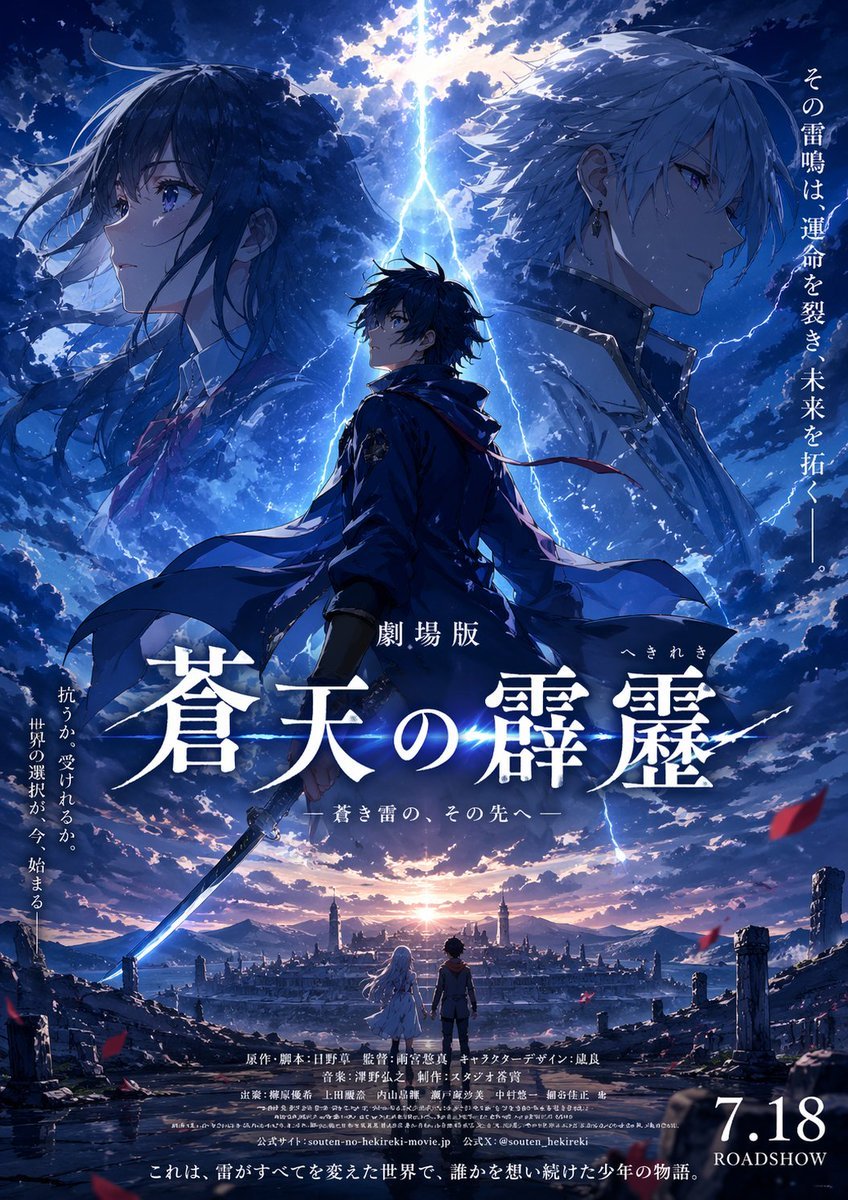
Fictional Anime Movie Poster
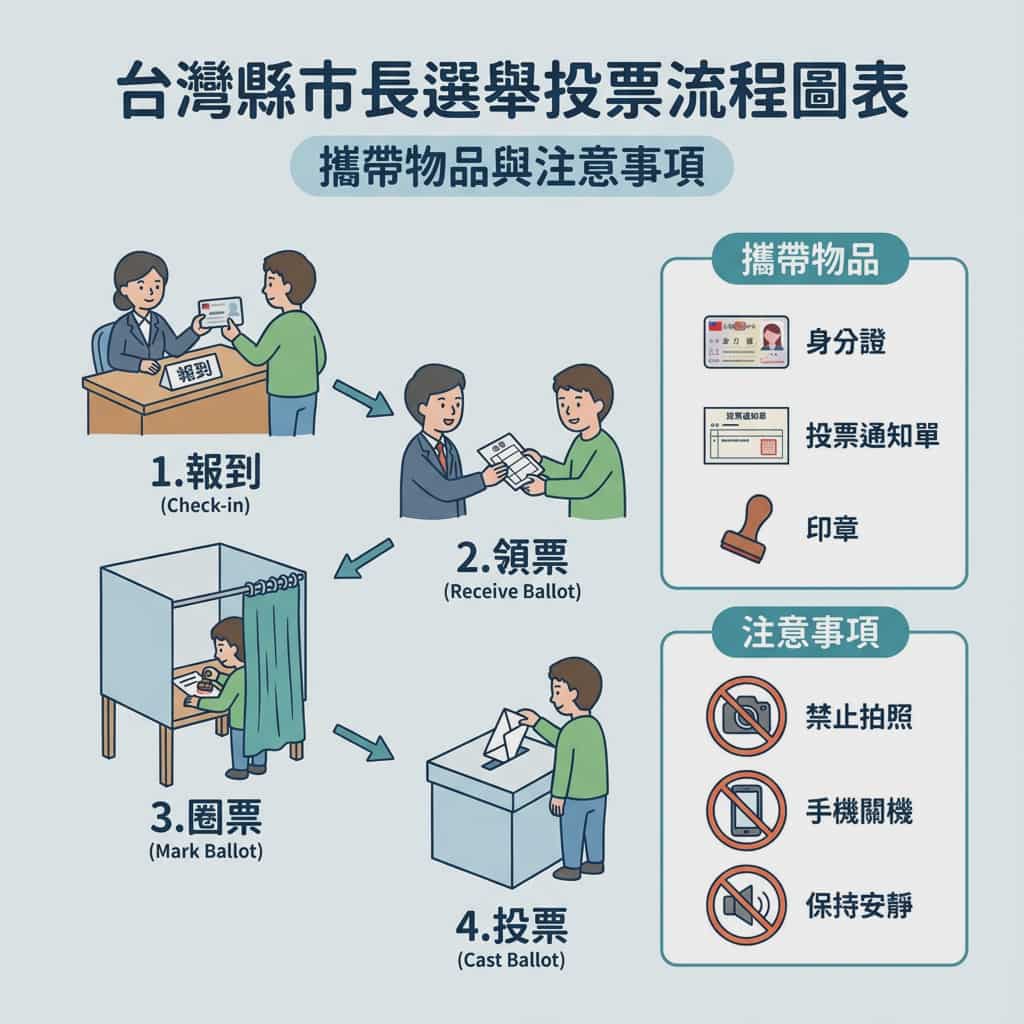
Taiwan election voting flowchart in Traditional Chinese
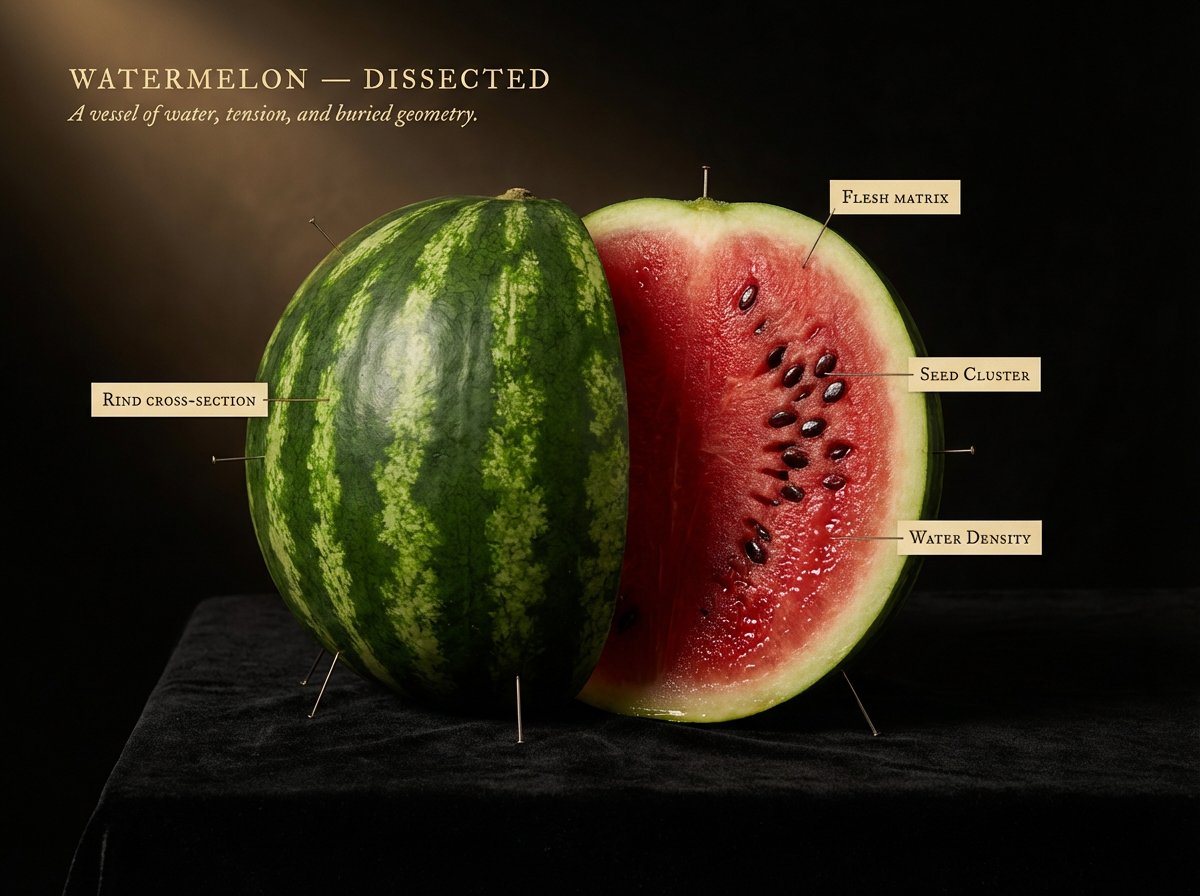
Caravaggio Meets National Geographic Dissection
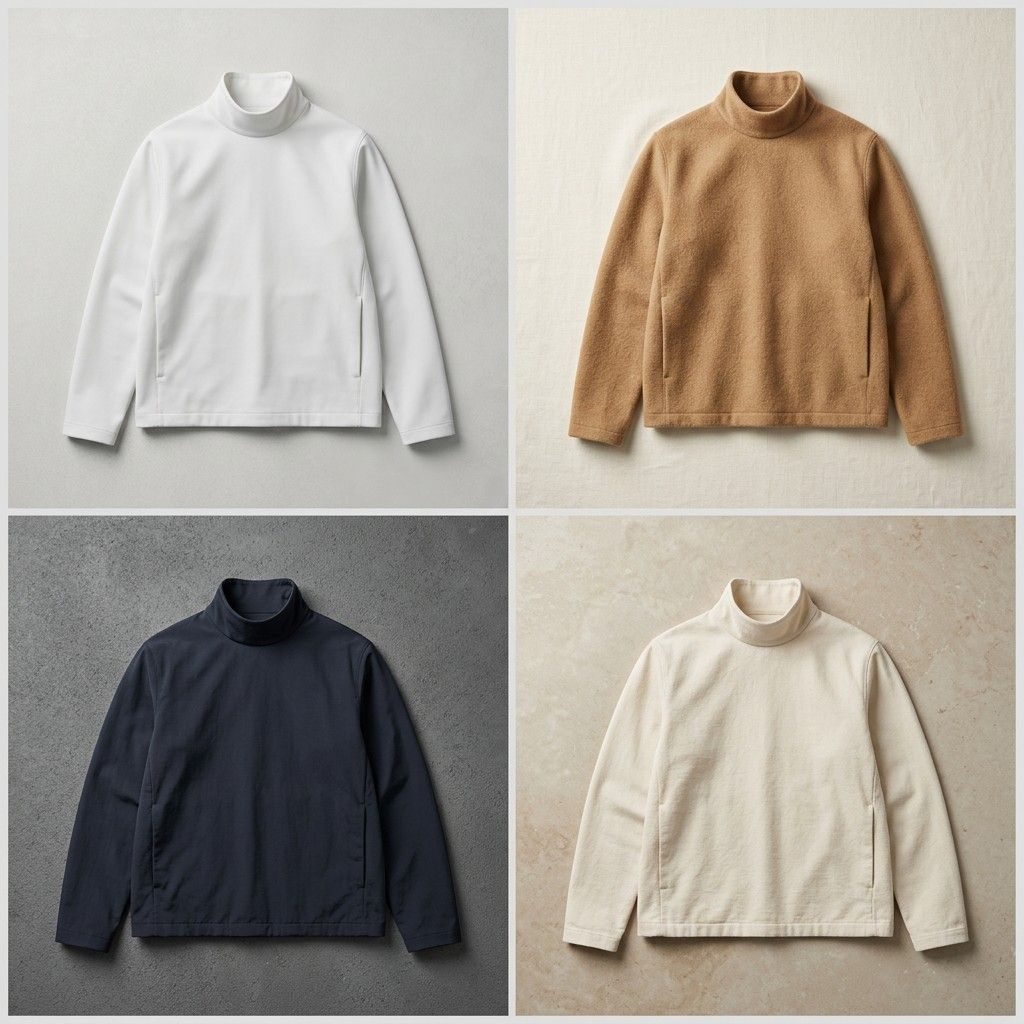
Seamless Jacket Design
Cinematic Playful Couple Action Blur Editorial
Steampunk Cat Airship Over the Sea
Comparison Prompt for Midjourney V8 and Nano Banana 2
Anime Elf Girl on Forest Path
Browse template categories
Luxury Desert Handbag Campaign questions
How do I use the Luxury Desert Handbag Campaign template?
Add your photo if the template asks for one, edit the prompt if you like — the template's model and format are already selected — and press Generate. Your version opens in PicX Studio.
Can I customize the Luxury Desert Handbag Campaign template?
Yes. You can change the subject, setting, lighting, mood, format, and available model controls before creating your image.
Is the Luxury Desert Handbag Campaign template free?
Opening and editing this template is free. Generating uses credits, shown on the Generate button when you are signed in.
Which AI model should I use?
Start with GPT Image 2, which is the model associated with this template. You can compare another compatible model for a different finish.
Looking for something else? Browse all templates.

Your photo, any look
Thousands of ready templates for every top image and video model, from one credit balance.