How do I use the Surreal desert athletic campaign template?
Choose the primary action to open PicX Studio with the available template settings. Review the model and format, personalize the creative direction, and generate when ready.
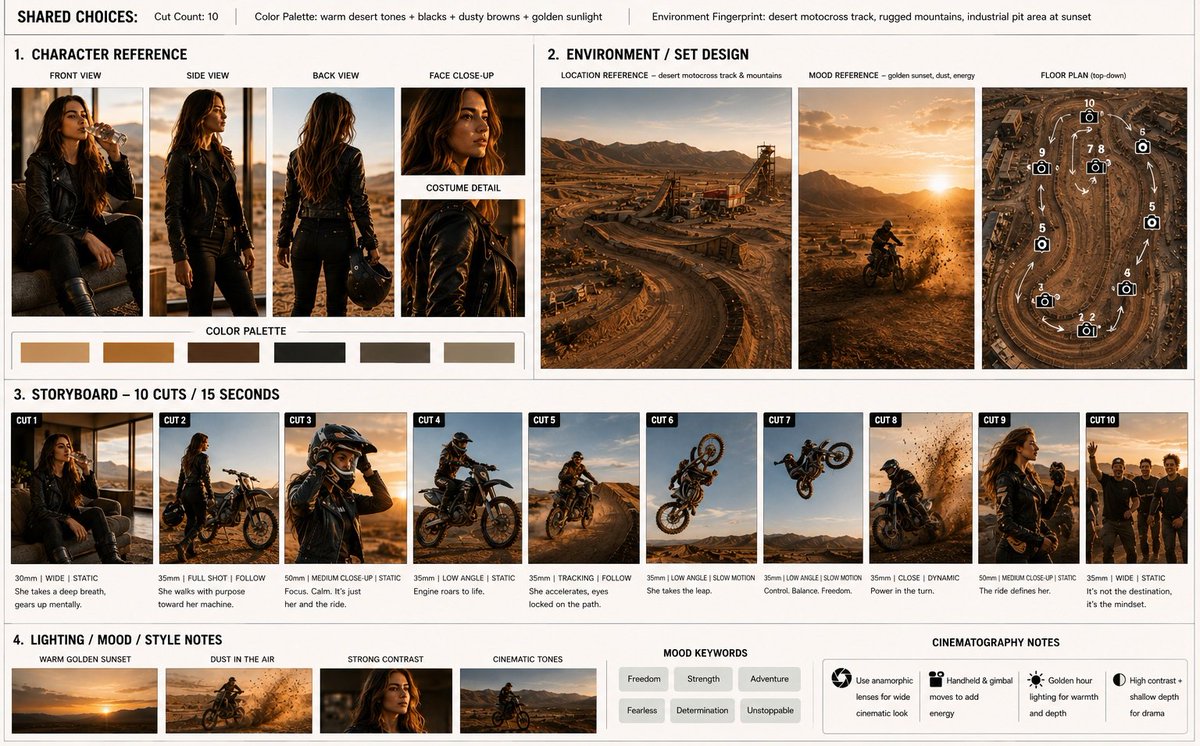
A high-concept athletic campaign prompt featuring a female athlete leaping over desert dunes with wind energy effects and stone-metal typography.

A surreal, ultra-detailed athletic campaign image featuring a powerful young female athlete mid-air above {argument name="landscape" default="vast desert dunes at sunset"}. Her body is arched in a graceful yet explosive leap, as if defying gravity. She wears a {argument name="top" default="sand-toned Nike sports bra"} with minimal branding and lightweight flowing training pants that ripple like fabric caught in windstorms. Her sneakers are rugged yet futuristic Nike trail runners with dust-reactive glowing amber accents. A massive wave of golden sand and wind energy rises behind her, forming abstract spirals and particle trails that follow her motion. The sky is dramatic with deep orange, crimson, and violet gradients fading into twilight. Lighting is cinematic and warm, highlighting muscle definition and fabric movement. Large floating text reads “{argument name="slogan" default="Rise Above"}” in carved stone-metal typography, partially dissolved into sand particles. {argument name="brand" default="Nike Swoosh"} appears etched into a rock formation in the distance.
Choose the primary action to open PicX Studio with the available template settings. Review the model and format, personalize the creative direction, and generate when ready.
Yes. You can change the subject, setting, lighting, mood, format, and available model controls before creating your image.
This template is free to open and customize. Generation usage is shown in PicX Studio before you create.
Start with Nano Banana 2, which is the model associated with this template. You can compare another compatible model for a different finish.
Follow a topic to a crawlable collection of related PicX Studio templates.