
Hand-Drawn Storybook Portrait Illustration
A whimsical prompt for transforming a photo into a minimalist hand-drawn storybook illustration with a soft pastel aesthetic.
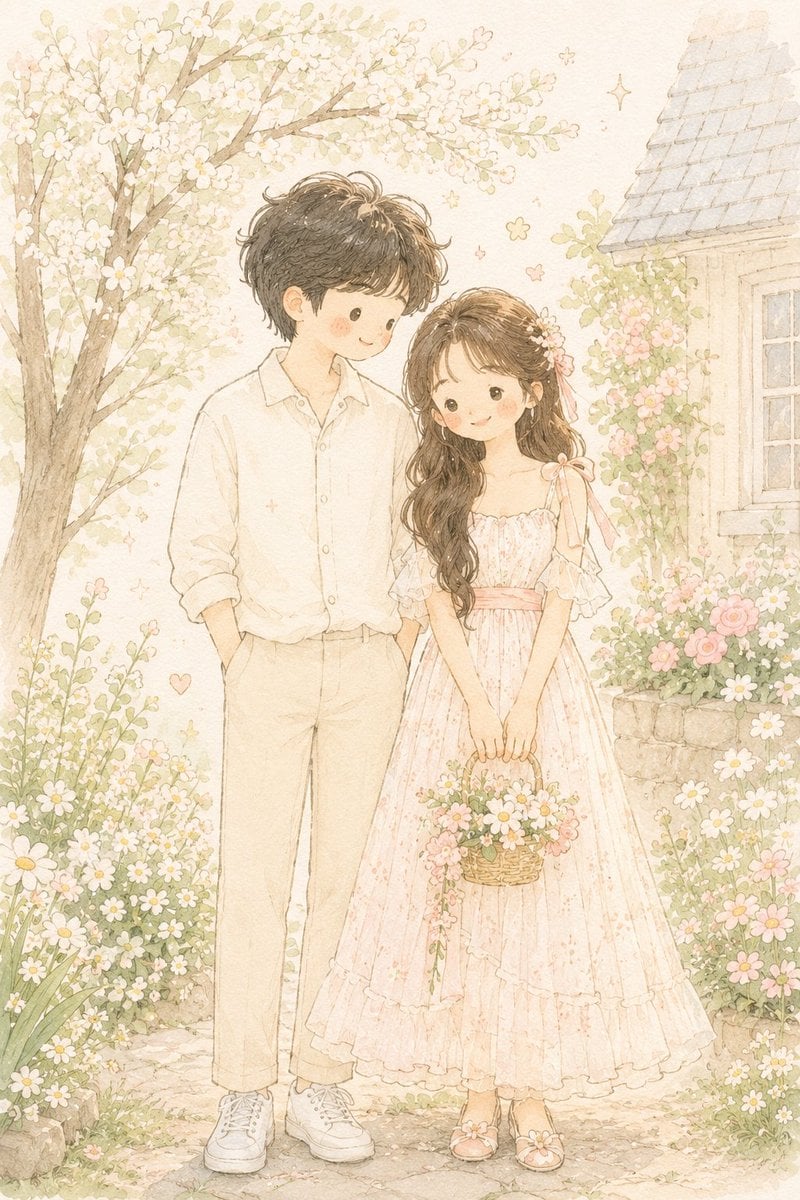
- Prompt included
- Model and format preset
- Free template
The prompt behind this image
Copy the exact prompt behind Hand-Drawn Storybook Portrait Illustration, or open it in the studio and make it yours.
Transform {argument name="source" default="the photo"} into a delicate minimalist hand-drawn children’s storybook illustration with a soft {argument name="aesthetic" default="Korean and Japanese pastel aesthetic"}. Keep the exact pose, composition, clothing colors, hairstyle, and overall photo structure from the original image, but simplify the characters into {argument name="subject style" default="cute doll-like storybook figures"} with tiny facial features, rosy cheeks, round dot eyes, soft smiles, and slightly simplified anatomy. Use thin imperfect pencil lines, subtle sketch texture, watercolor softness, soft pastel shading, and airy cream-white tones. The illustration should feel light, innocent, cozy, romantic, and whimsical. Maintain a clean minimal background with tiny flowers, sparkles, stars, or small decorative doodles. Add subtle paper texture and gentle hand-drawn imperfections. The clothing should look soft and simplified with elegant pastel fabric shapes and tiny decorative embroidery details. Style inspiration: modern Scandinavian nursery postcard, Korean children’s illustration, soft Japanese storybook art, delicate Pinterest watercolor sketch aesthetic. Avoid photorealism, realistic facial structure, sharp jawlines, glossy rendering, cinematic lighting, strong contrast, thick outlines, detailed fingers, hyper-detail, 3D rendering, anime style, Pixar style, oil painting texture, complex shadows, or saturated colors.
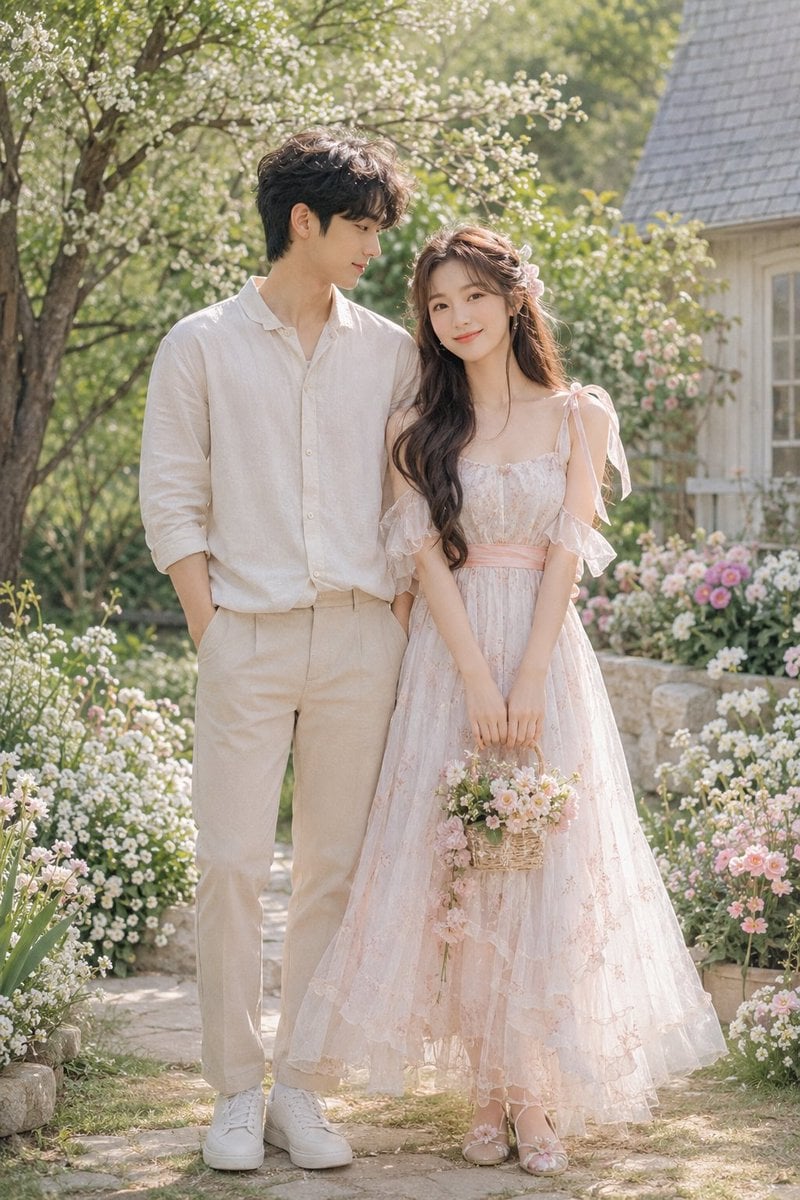
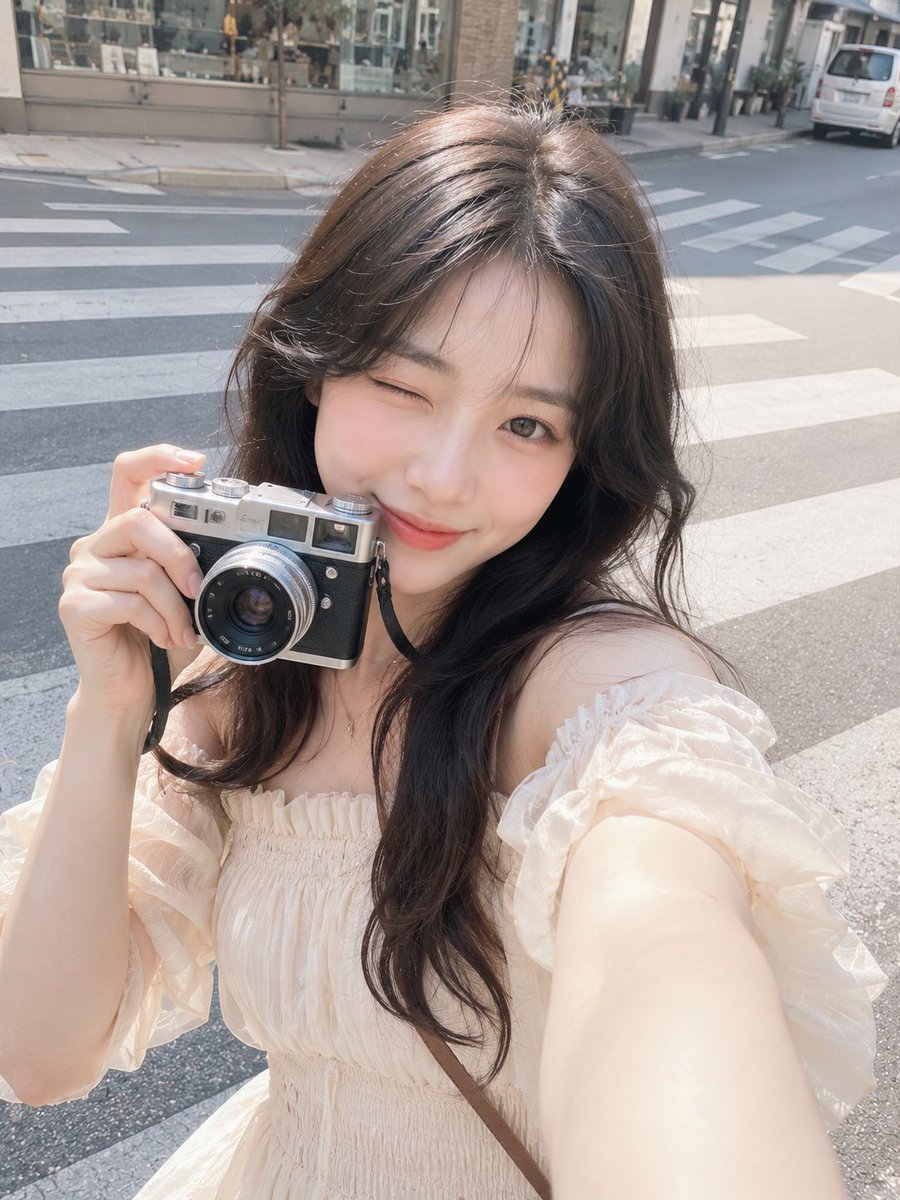
Reference images included
Hand-Drawn Storybook Portrait Illustration needs input media to work. They load alongside the prompt when you open it in the studio.
How to use Hand-Drawn Storybook Portrait Illustration in 3 steps
- 1Upload ImagePNG, JPG or paste
Add your photo
Upload the photo the template builds on. The prompt, model and format are already set.
- 2…a portrait of your subject in softgolden-hour light, 85mm…
Personalize
Edit the subject and creative details for your destination.
- 3Generate
Generate
Press Generate — your image is created in PicX Studio, so you can compare it with the original and refine one variable at a time.
More like this
Templates with the same subject, style or setup. Open one to see its prompt.
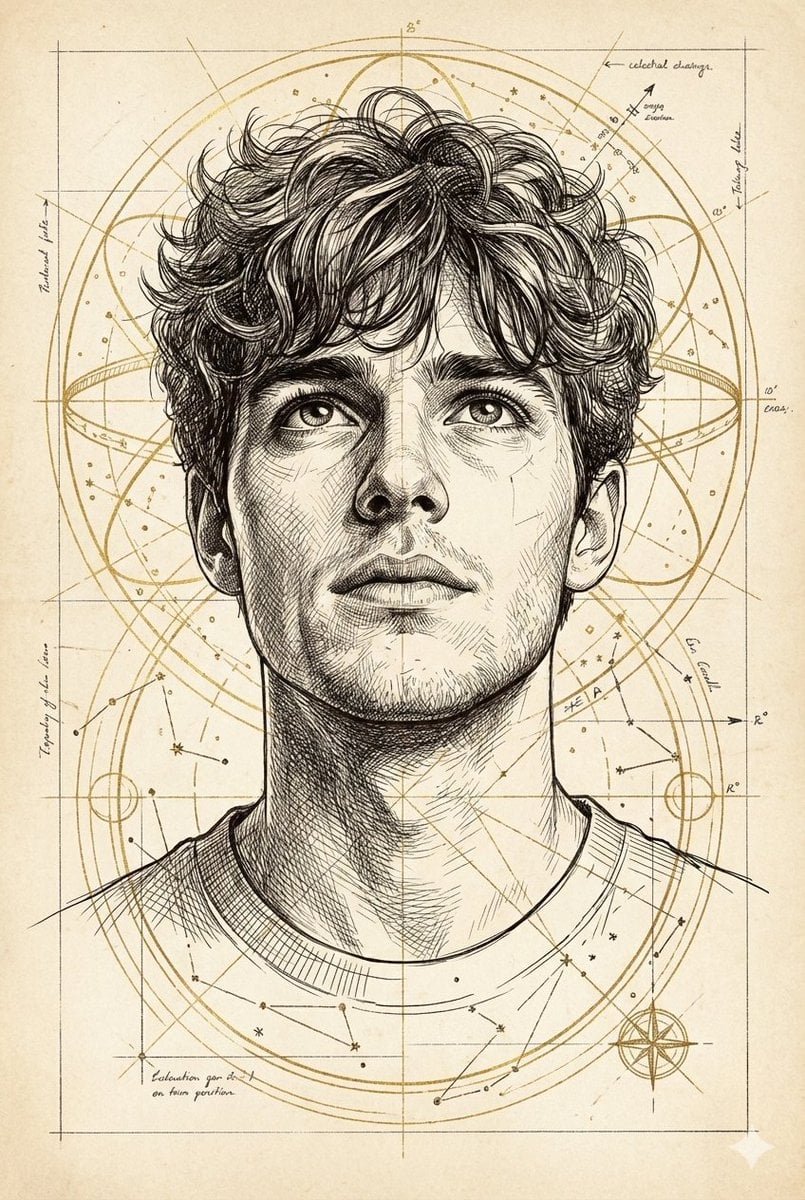
Hand-Drawn Technical Illustration Portrait Prompt

Minimal Hand-Drawn Sketch Watercolor Portrait

Decorative Folk Flat Paper Cut Illustration
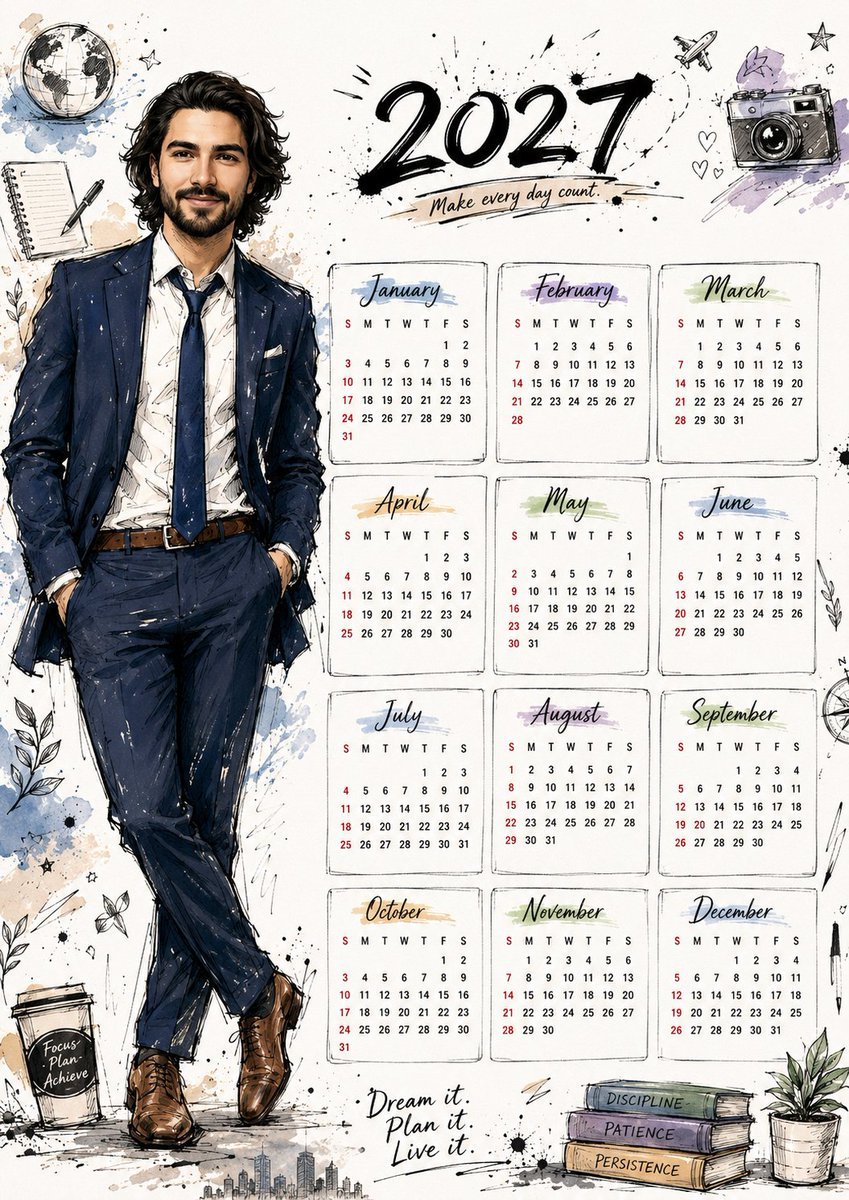
Hand Drawn Doodle Calendar Illustration

Kids Crayon Travel Journal Illustration

Found Photograph: Us, 1970

80s Couple Studio Portrait

80s Bollywood Star

80s Golden Hour Cinema

Me in 1985

1985 Studio Portrait
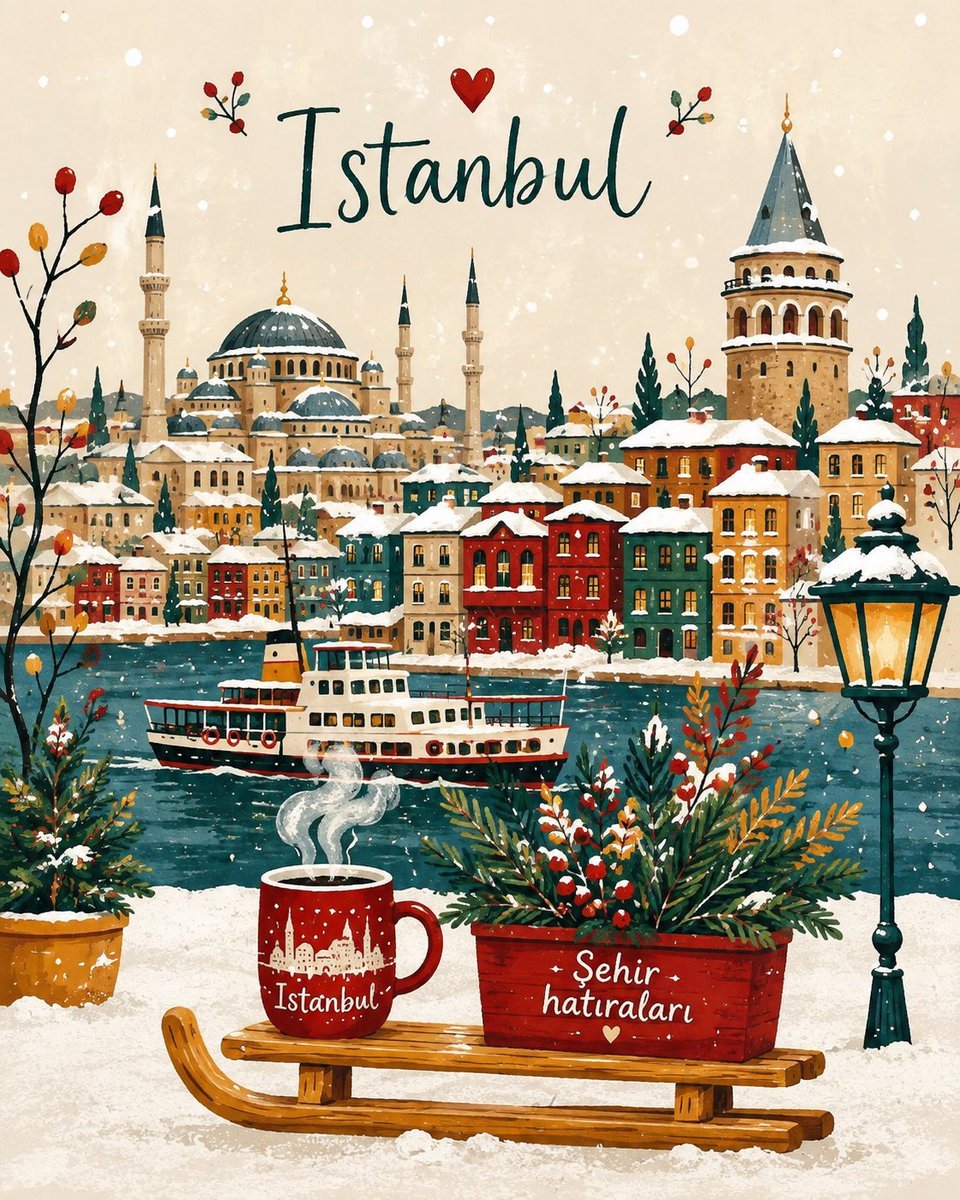
Winter Storybook Folk-Art Illustration
Make it yours
Hand-Drawn Storybook Portrait Illustration works as-is. These are the safest ways to change it without losing the look.
Change one field
Copy a single group, rewrite it, and generate again so you can see what that field is doing.
Keep the frame, change the subject
Hold the composition and light of Hand-Drawn Storybook Portrait Illustration, then swap wardrobe, props or the person for a new take.
| If the result… | Why | Fix |
|---|---|---|
| The result drifts from the preview | Too many fields changed at once. | Reuse Hand-Drawn Storybook Portrait Illustration as-is first, then change one group — subject, light, or setting. |
| The model over-stylizes the scene | The prose prompt leaves finish and camera underspecified. | Add one camera or lighting sentence and stay on GPT Image 2. |
More GPT Image 2 templates
Other prompts made for GPT Image 2.

Six VTuber Japanese Logo Sheet

Realistic Portrait of Woman and Deer

The Vista Modular Condo Poster

AI Model Routing Comparison Infographic

2.5D Anime Art Board

Isometric Productivity Desk Scene

New York Double Exposure Poster

Four-Panel AI Landscape Comparison

Japanese Tatami Lifestyle Magazine Cover

NESCAFÉ Coffee Map Poster
More image prompts
Fresh picks from across the catalog.
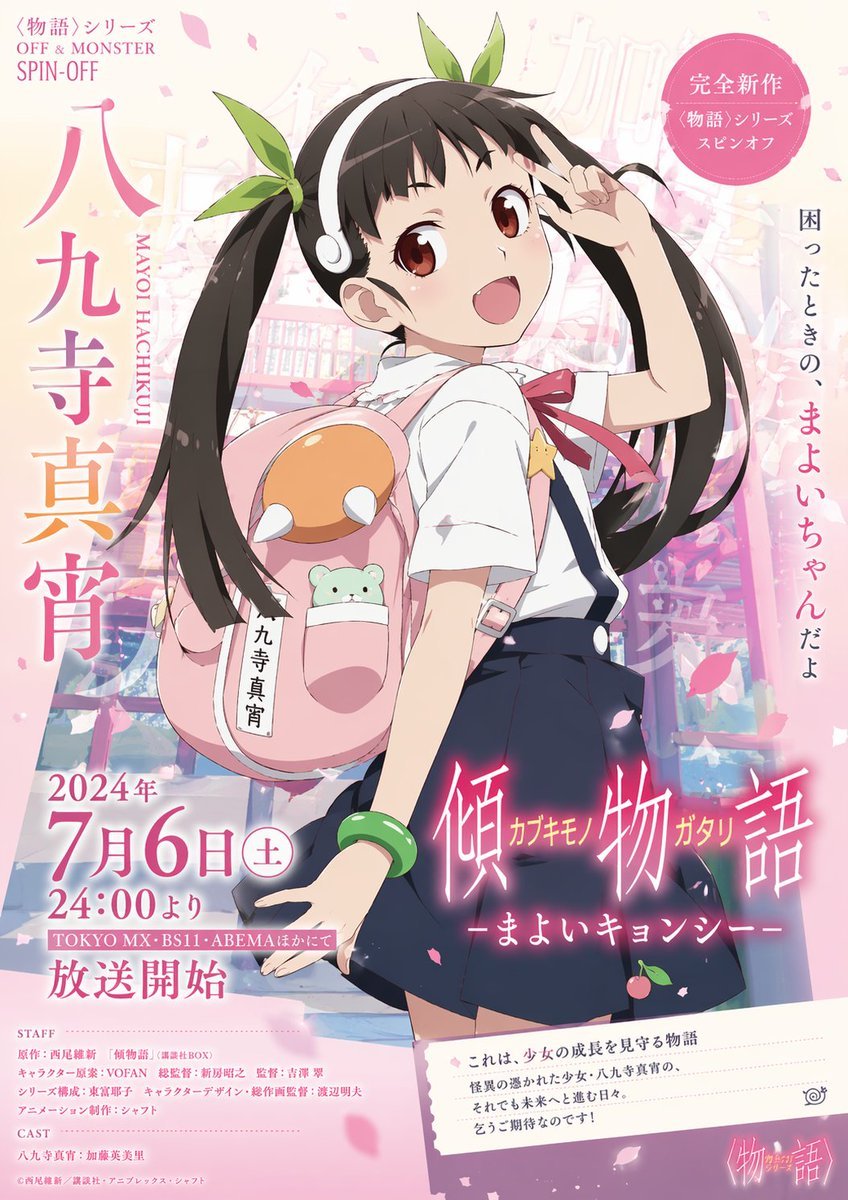
Anime Promotional Poster
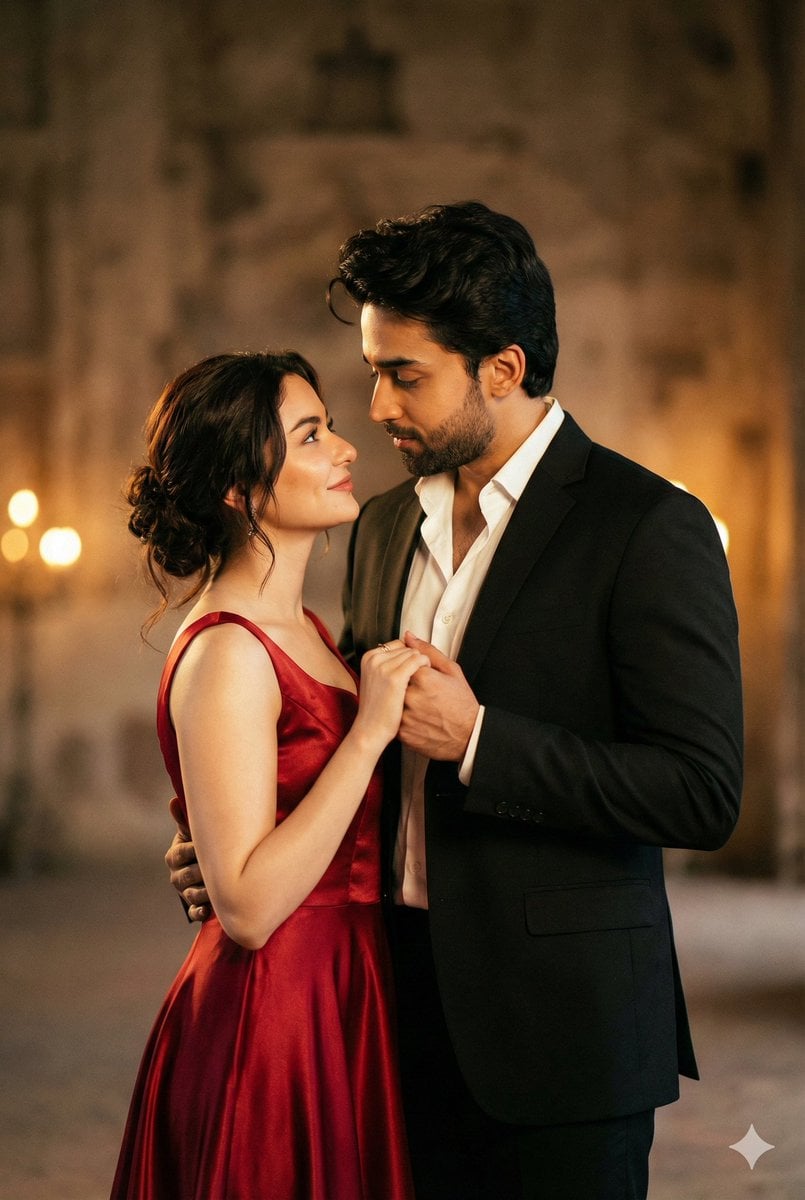
Cinematic Portrait of Couple in Intimate Embrace
Photorealistic Split-Screen Collage Prompt

Anonymized Swimmer in Teal Pool
Exploded View Car Advertisement
Nostalgic Japanese Suburban Portrait

Hyper-Realistic Lemon Mint Drink Macro Photography Prompt
Knitted Skyline Scarf Macro
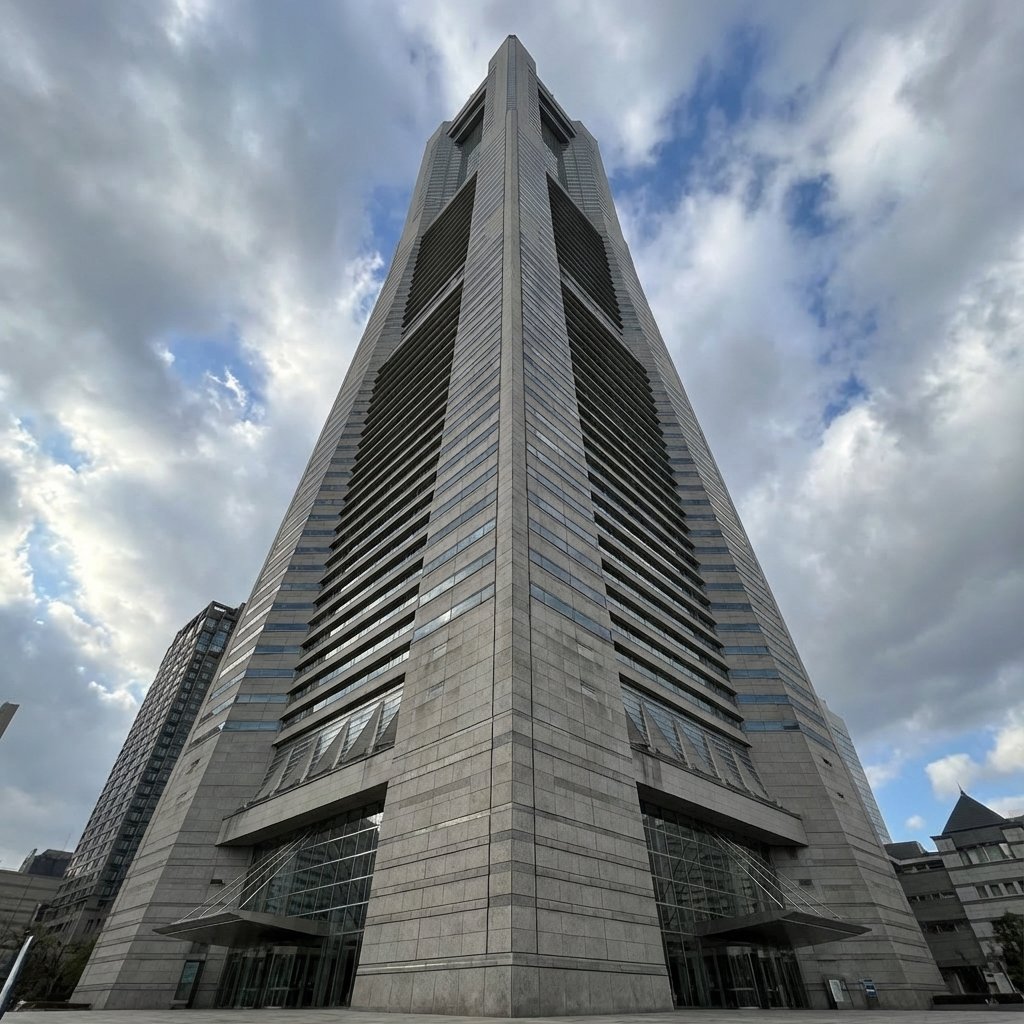
Perspective Change Generation
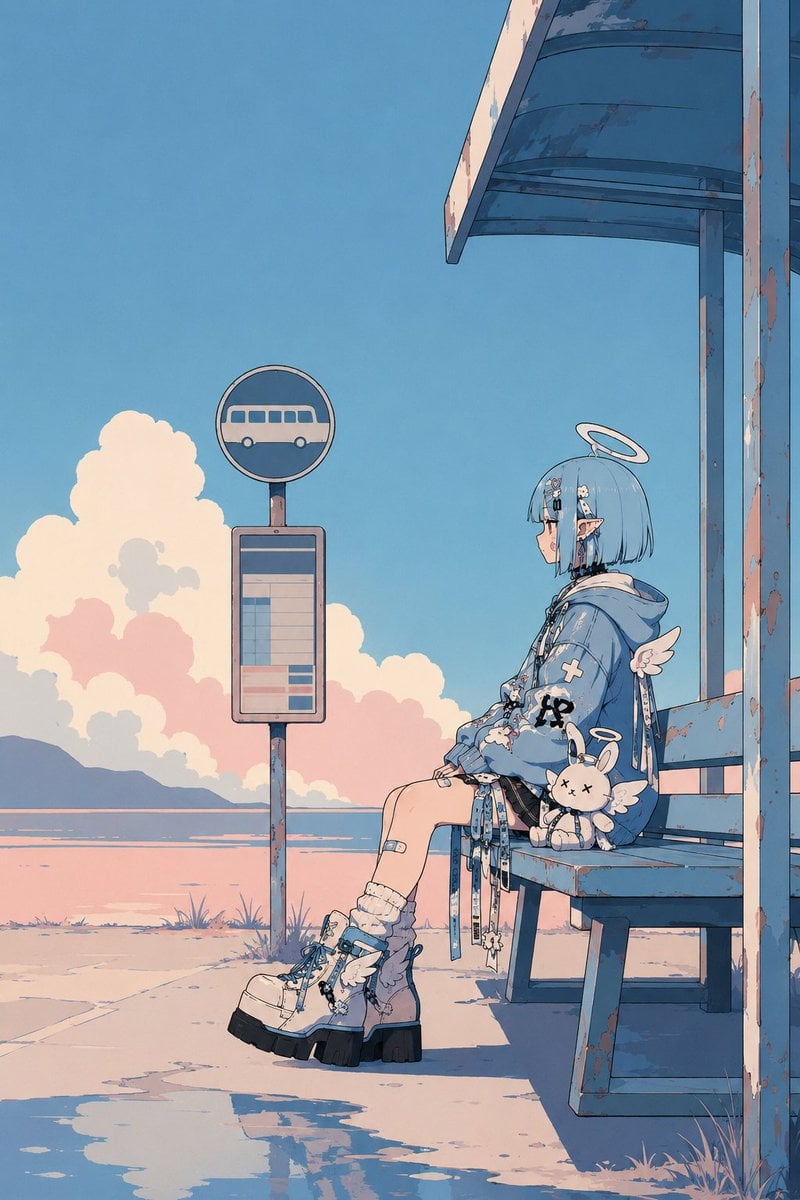
Minimalist Retro Anime Template
Browse template categories
Hand-Drawn Storybook Portrait Illustration questions
How do I use the Hand-Drawn Storybook Portrait Illustration template?
Add your photo if the template asks for one, edit the prompt if you like — the template's model and format are already selected — and press Generate. Your version opens in PicX Studio.
Can I customize the Hand-Drawn Storybook Portrait Illustration template?
Yes. You can change the subject, setting, lighting, mood, format, and available model controls before creating your image.
Is the Hand-Drawn Storybook Portrait Illustration template free?
Opening and editing this template is free. Generating uses credits, shown on the Generate button when you are signed in.
Which AI model should I use?
Start with GPT Image 2, which is the model associated with this template. You can compare another compatible model for a different finish.
Looking for something else? Browse all templates.

Your photo, any look
Thousands of ready templates for every top image and video model, from one credit balance.