
Anime Promotional Poster
Generates an official-looking anime key visual poster with complex typography, broadcast details, and a central character.
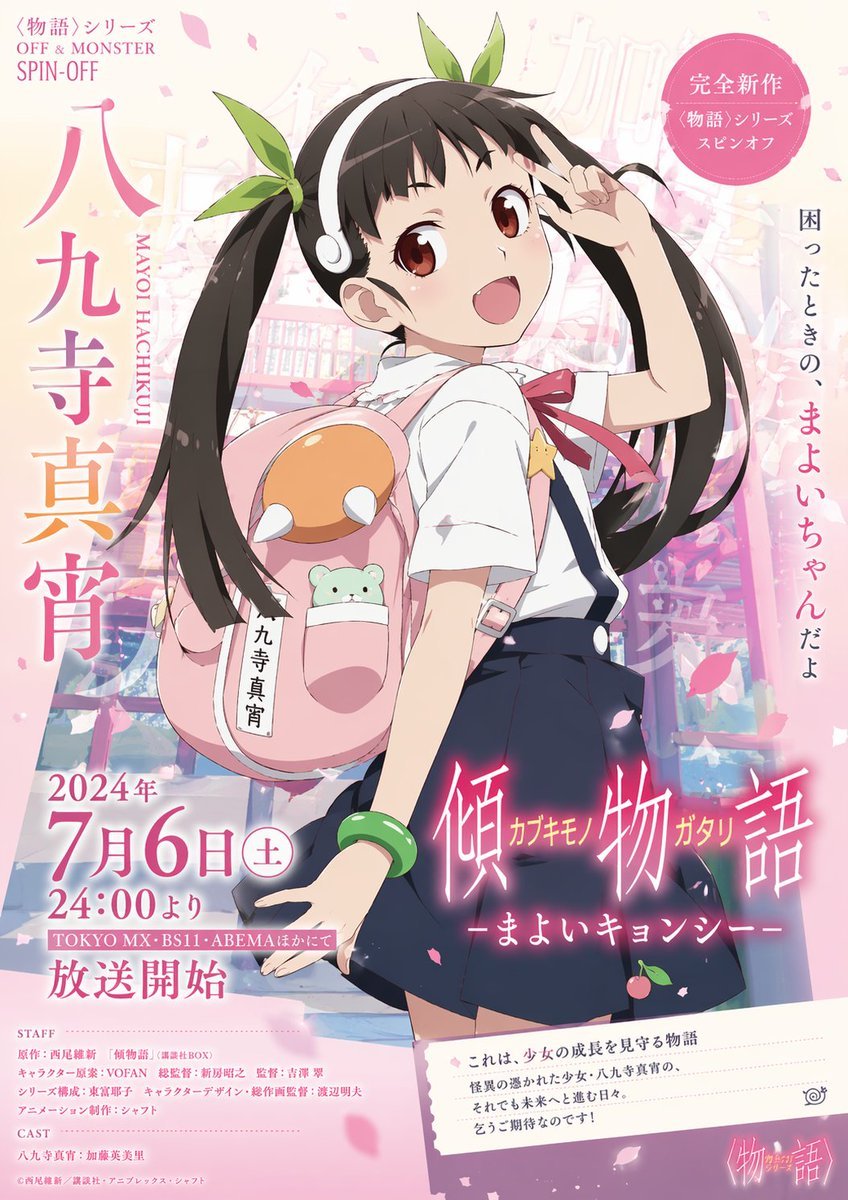
- Prompt included
- Model and format preset
- Free template
The prompt behind this image
Copy the exact prompt behind Anime Promotional Poster, or open it in the studio and make it yours.
- Type
- anime promotional poster
- Subject › Character
- {argument name="character name" default="Mayoi Hachikuji"}
- Subject › Appearance
- young anime girl, dark brown hair in twin tails, white headband, green hair ribbons, white short-sleeve collared shirt, dark blue pleated skirt with suspenders, green bead bracelet on left wrist
- Subject › Accessories
- large pink backpack with an orange and white top section, a small green bear plushie peeking out of a pocket
- Subject › Pose
- looking back over her shoulder, smiling brightly, left hand making a peace sign near her face
- Environment
- faded, slightly blurred outdoor scene with falling pink cherry blossom petals
- Layout › Style
- official anime key visual, highly detailed typography, pastel pink and white color palette
- Layout › Text Elements › 0 › Position
- top-left
- Layout › Text Elements › 0 › Text
- <Monogatari> Series OFF & MONSTER SPIN-OFF
- Layout › Text Elements › 1 › Position
- mid-left vertical
- Layout › Text Elements › 1 › Text
- {argument name="main character text" default="八九寺真宵"}
- Layout › Text Elements › 1 › Subtext
- MAYOI HACHIKUJI
- Layout › Text Elements › 2 › Position
- top-right badge
- Layout › Text Elements › 2 › Text
- Completely New <Monogatari> Series Spin-off
- Layout › Text Elements › 3 › Position
- mid-right vertical
- Layout › Text Elements › 3 › Text
- {argument name="catchphrase" default="困ったときの、まよいちゃんだよ"}
- Layout › Text Elements › 4 › Position
- bottom-left block
- Layout › Text Elements › 4 › Text
- {argument name="broadcast date" default="2024年 7月6日(土) 24:00より"}
- Layout › Text Elements › 4 › Subtext
- Broadcast starts on TOKYO MX, BS11, ABEMA, etc.
- Layout › Text Elements › 5 › Position
- bottom-right title
- Layout › Text Elements › 5 › Text
- {argument name="series title" default="傾物語 カブキモノガタリ -まよいキョンシー-"}
- Layout › Text Elements › 6 › Position
- bottom-left corner
- Layout › Text Elements › 6 › Text
- STAFF and CAST credits
- Layout › Text Elements › 7 › Position
- bottom-right angled box
Raw JSON
{ "type": "anime promotional poster", "subject": { "character": "{argument name=\"character name\" default=\"Mayoi Hachikuji\"}", "appearance": "young anime girl, dark brown hair in twin tails, white headband, green hair ribbons, white short-sleeve collared shirt, dark blue pleated skirt with suspenders, green bead bracelet on left wrist", "accessories": "large pink backpack with an orange and white top section, a small green bear plushie peeking out of a pocket", "pose": "looking back over her shoulder, smiling brightly, left hand making a peace sign near her face" }, "environment": "faded, slightly blurred outdoor scene with falling pink cherry blossom petals", "layout": { "style": "official anime key visual, highly detailed typography, pastel pink and white color palette", "text_elements": [ { "position": "top-left", "text": "<Monogatari> Series OFF & MONSTER SPIN-OFF" }, { "position": "mid-left vertical", "text": "{argument name=\"main character text\" default=\"八九寺真宵\"}", "subtext": "MAYOI HACHIKUJI" }, { "position": "top-right badge", "text": "Completely New <Monogatari> Series Spin-off" }, { "position": "mid-right vertical", "text": "{argument name=\"catchphrase\" default=\"困ったときの、まよいちゃんだよ\"}" }, { "position": "bottom-left block", "text": "{argument name=\"broadcast date\" default=\"2024年 7月6日(土) 24:00より\"}", "subtext": "Broadcast starts on TOKYO MX, BS11, ABEMA, etc." }, { "position": "bottom-right title", "text": "{argument name=\"series title\" default=\"傾物語 カブキモノガタリ -まよいキョンシー-\"}" }, { "position": "bottom-left corner", "text": "STAFF and CAST credits" }, { "position": "bottom-right angled box", "text": "synopsis paragraph starting with 'This is a story watching over a girl's growth'" }, { "position": "bottom-right corner", "text": "<Monogatari> Series logo" } ] } }Reference images included
Anime Promotional Poster needs input media to work. They load alongside the prompt when you open it in the studio.
How to use Anime Promotional Poster in 3 steps
- 1Upload ImagePNG, JPG or paste
Add your photo
Upload the photo the template builds on. The prompt, model and format are already set.
- 2…a portrait of your subject in softgolden-hour light, 85mm…
Personalize
Edit the subject and creative details for your destination.
- 3Generate
Generate
Press Generate — your image is created in PicX Studio, so you can compare it with the original and refine one variable at a time.
More like this
Templates with the same subject, style or setup. Open one to see its prompt.

Cartoon TV Show Poster Pack

Captain Tsubasa Anime World Cup Poster

Gpt2 Youtube Thumbnail Anime Music Bootcamp Promo Poster
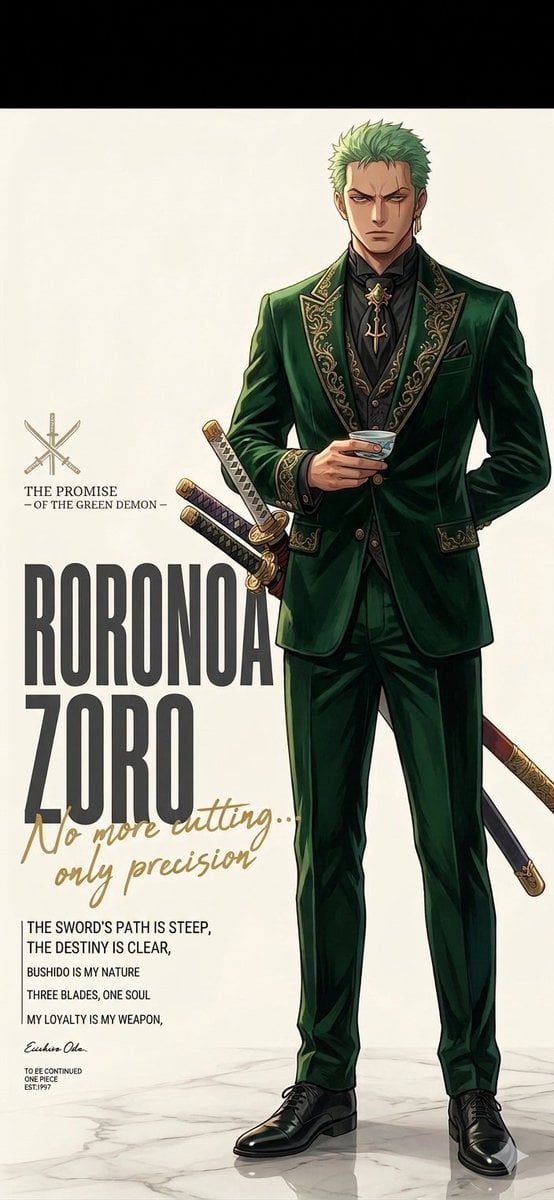
Anime Promotional Poster Diptych
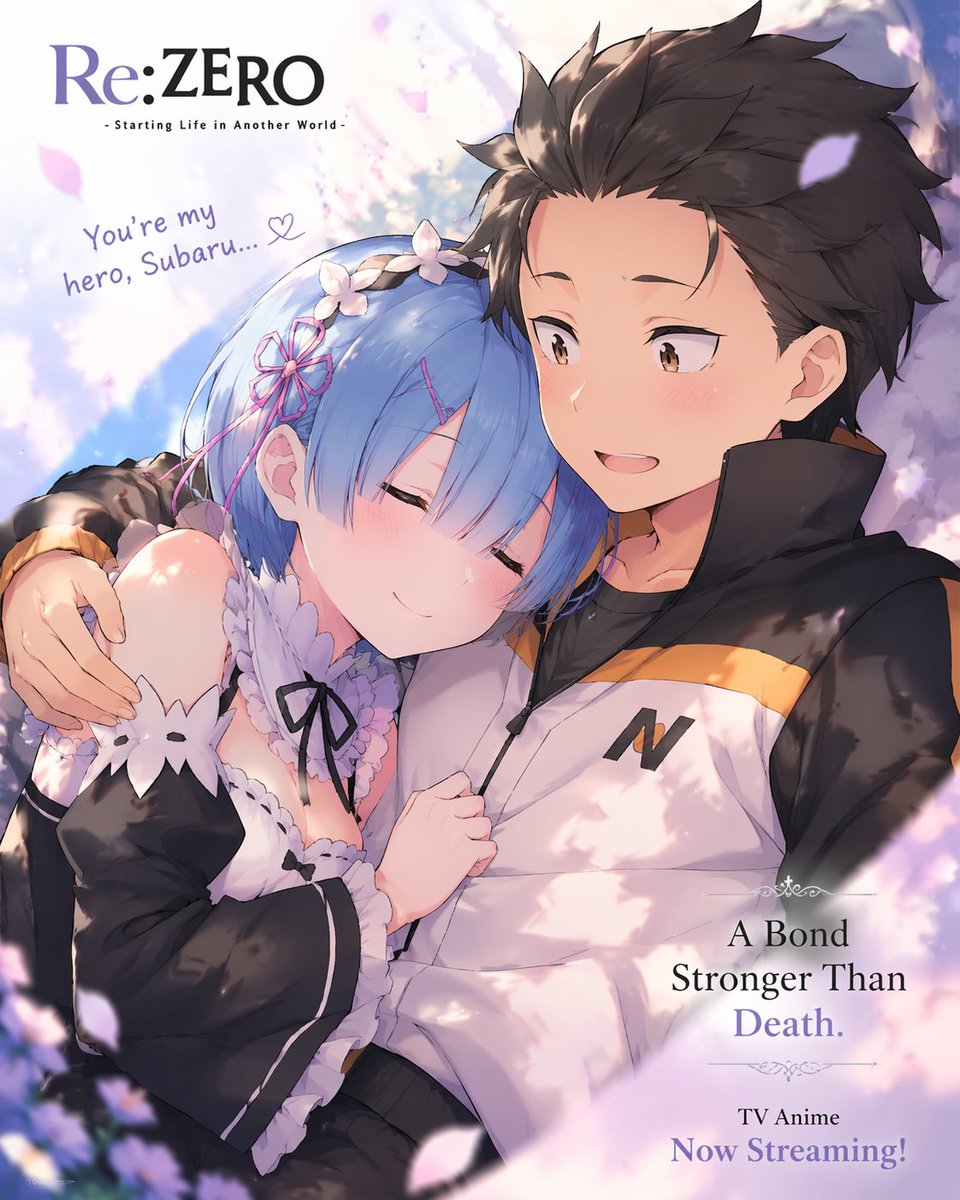
Anime Romance Promotional Poster
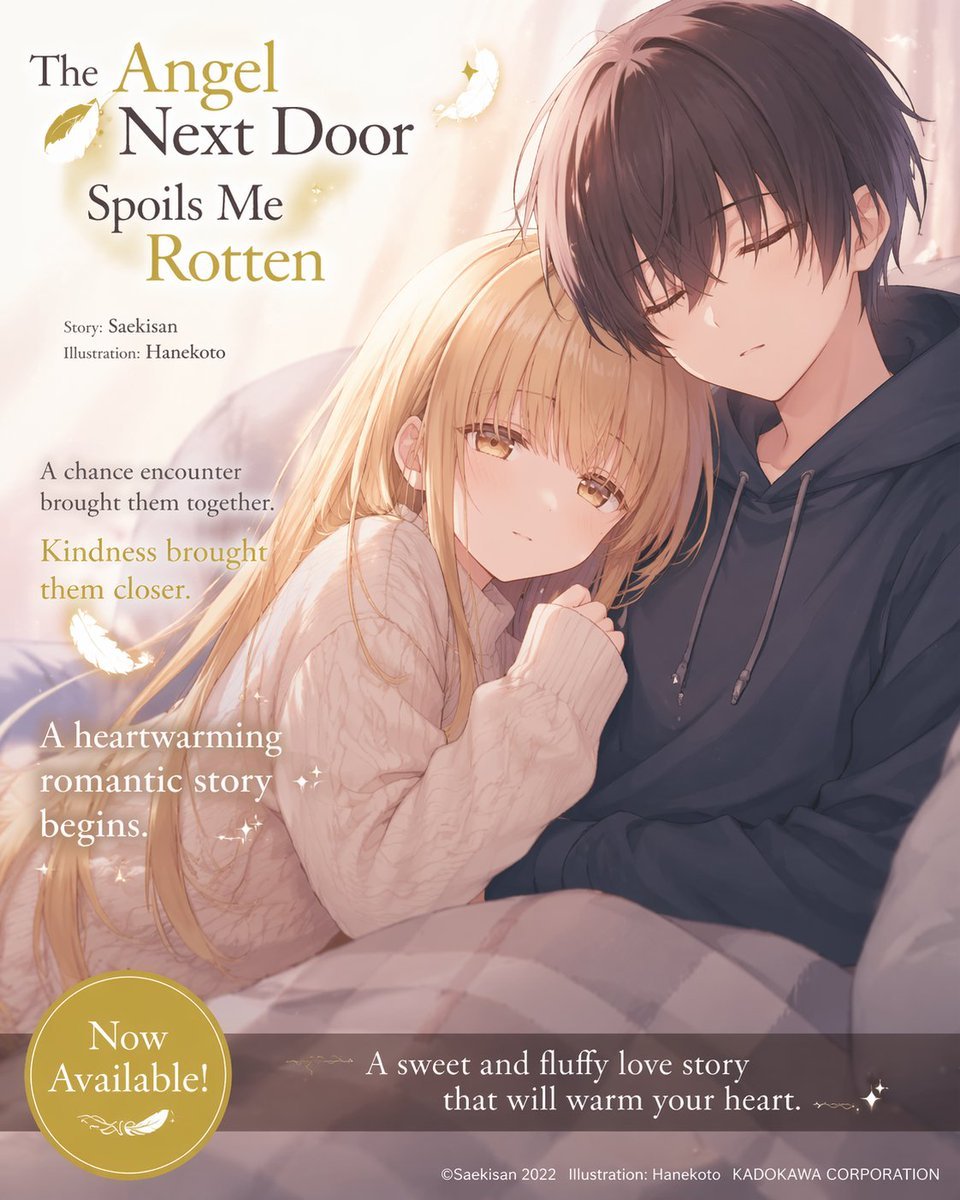
Anime Light Novel Promotional Poster

Japan Travel Brochure Poster

Cel 2D Finale Fireworks

Cel 2D Garden Maze

Cel 2D Rooftop Concert

Cel 2D Bicycle Coast

Cel 2D Castle Gate
Make it yours
Anime Promotional Poster works as-is. These are the safest ways to change it without losing the look.
Swap the setting
Keep the rest of the prompt and replace the location block. The current setting is “faded, slightly blurred outdoor scene with falling pink cherry blossom petals”.
Change one field
Copy a single group, rewrite it, and generate again so you can see what that field is doing.
Keep the frame, change the subject
Hold the composition and light of Anime Promotional Poster, then swap wardrobe, props or the person for a new take.
| If the result… | Why | Fix |
|---|---|---|
| The result drifts from the preview | Too many fields changed at once. | Reuse Anime Promotional Poster as-is first, then change one group — subject, light, or setting. |
| GPT Image 2 ignores part of the JSON | Some models flatten or skip nested keys. | Keep the same values and paste them as a short paragraph instead. |
More GPT Image 2 templates
Other prompts made for GPT Image 2.

Six VTuber Japanese Logo Sheet

Realistic Portrait of Woman and Deer

The Vista Modular Condo Poster

AI Model Routing Comparison Infographic

2.5D Anime Art Board

Isometric Productivity Desk Scene

New York Double Exposure Poster

Four-Panel AI Landscape Comparison

Japanese Tatami Lifestyle Magazine Cover

NESCAFÉ Coffee Map Poster
More image prompts
Fresh picks from across the catalog.
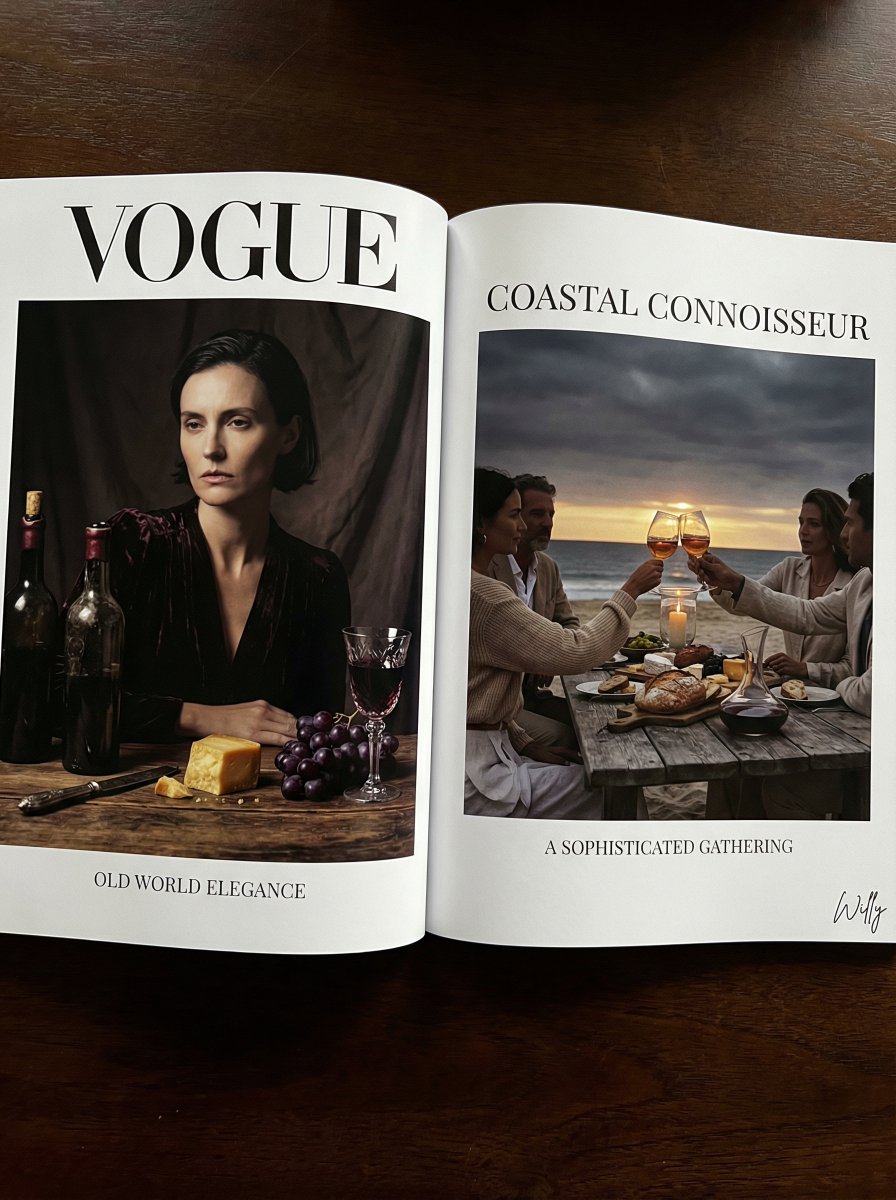
Vogue Editorial Dutch Master Still Life
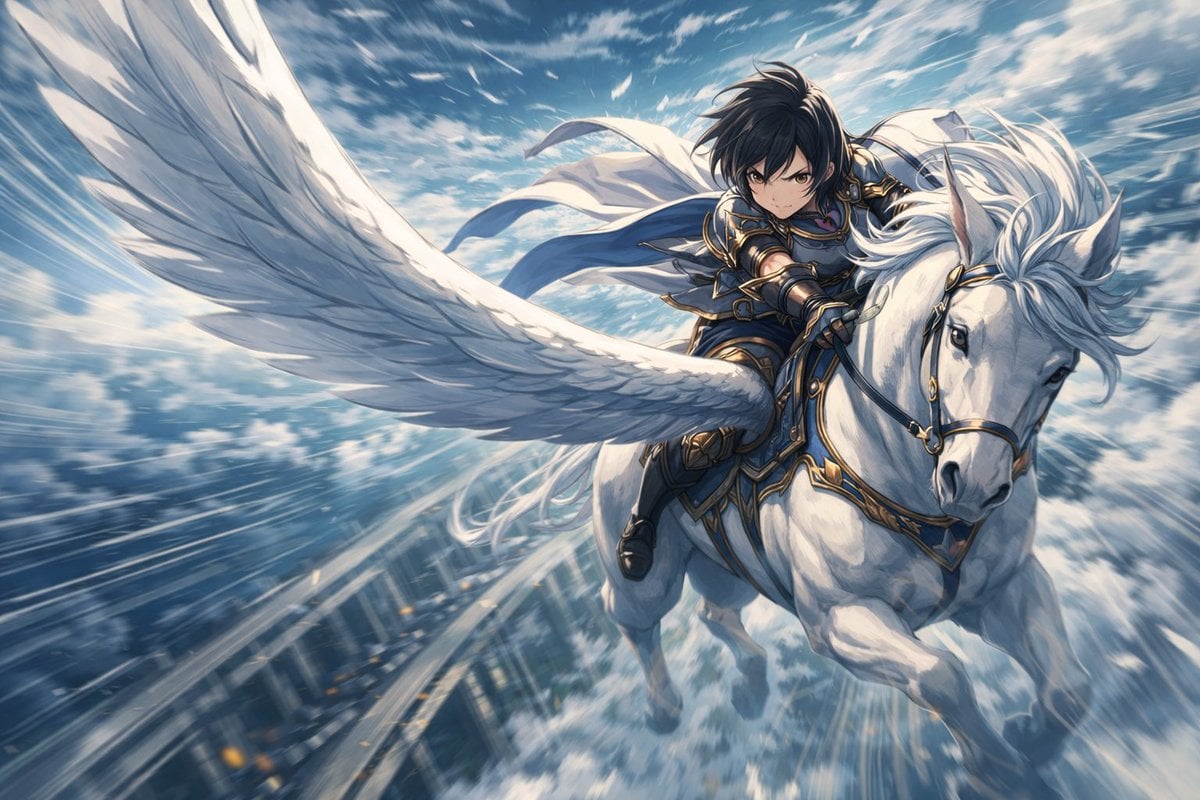
Character Riding Pegasus Fantasy Illustration Prompt
style and use case copy paste and generate instan... (IMAGE-NANO_BANANA)
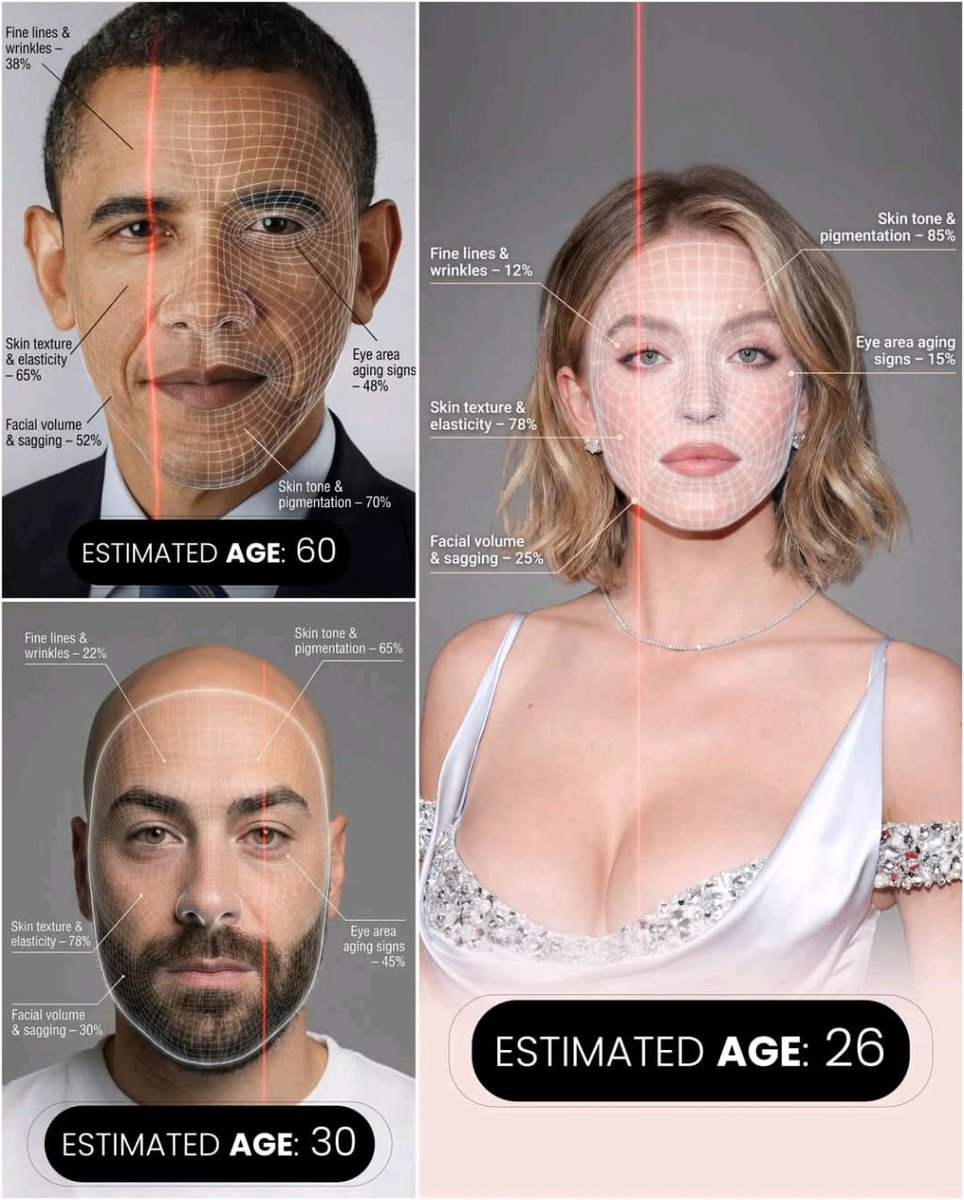
Futuristic AI Age Checker Infographic Portrait
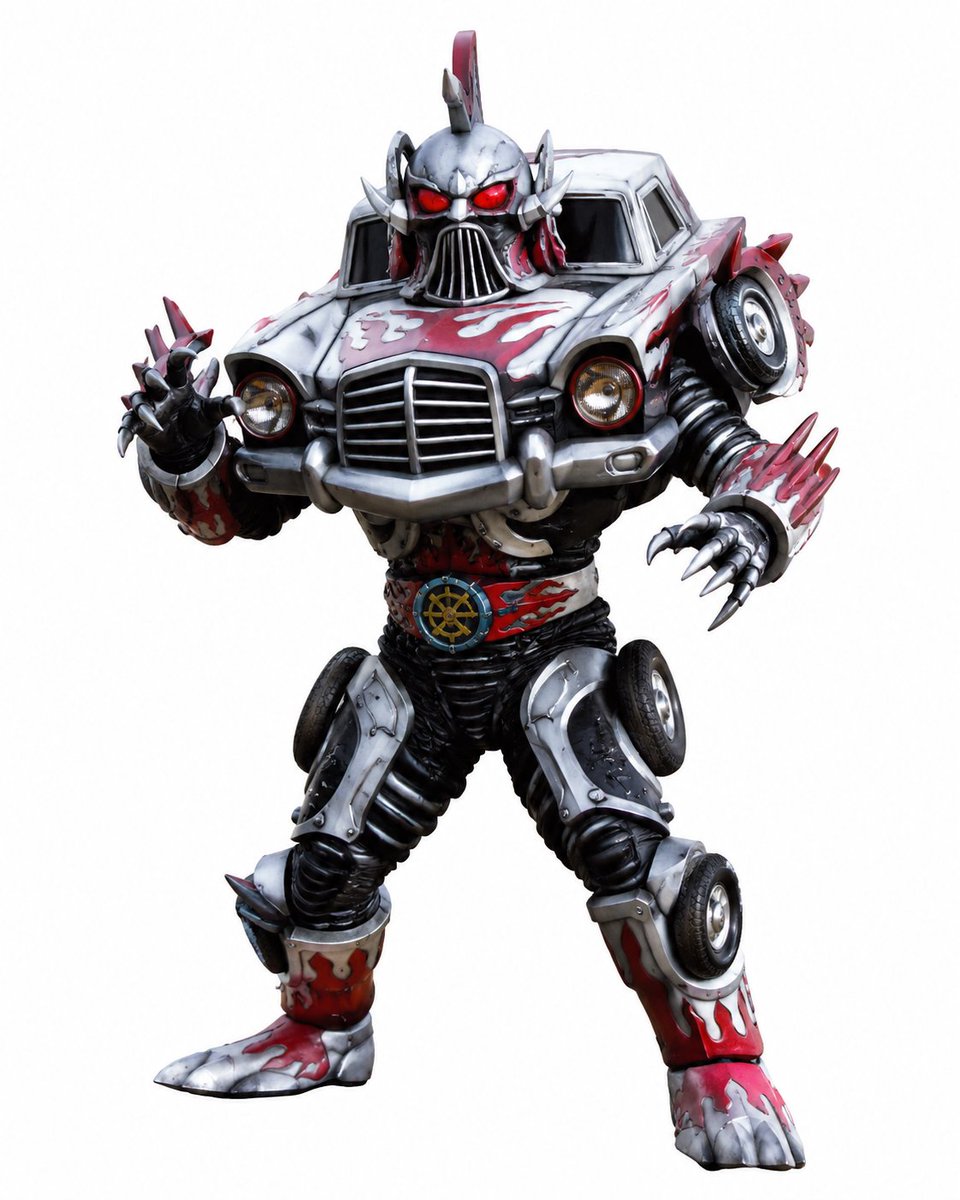
Vintage Car Kaijin Villain
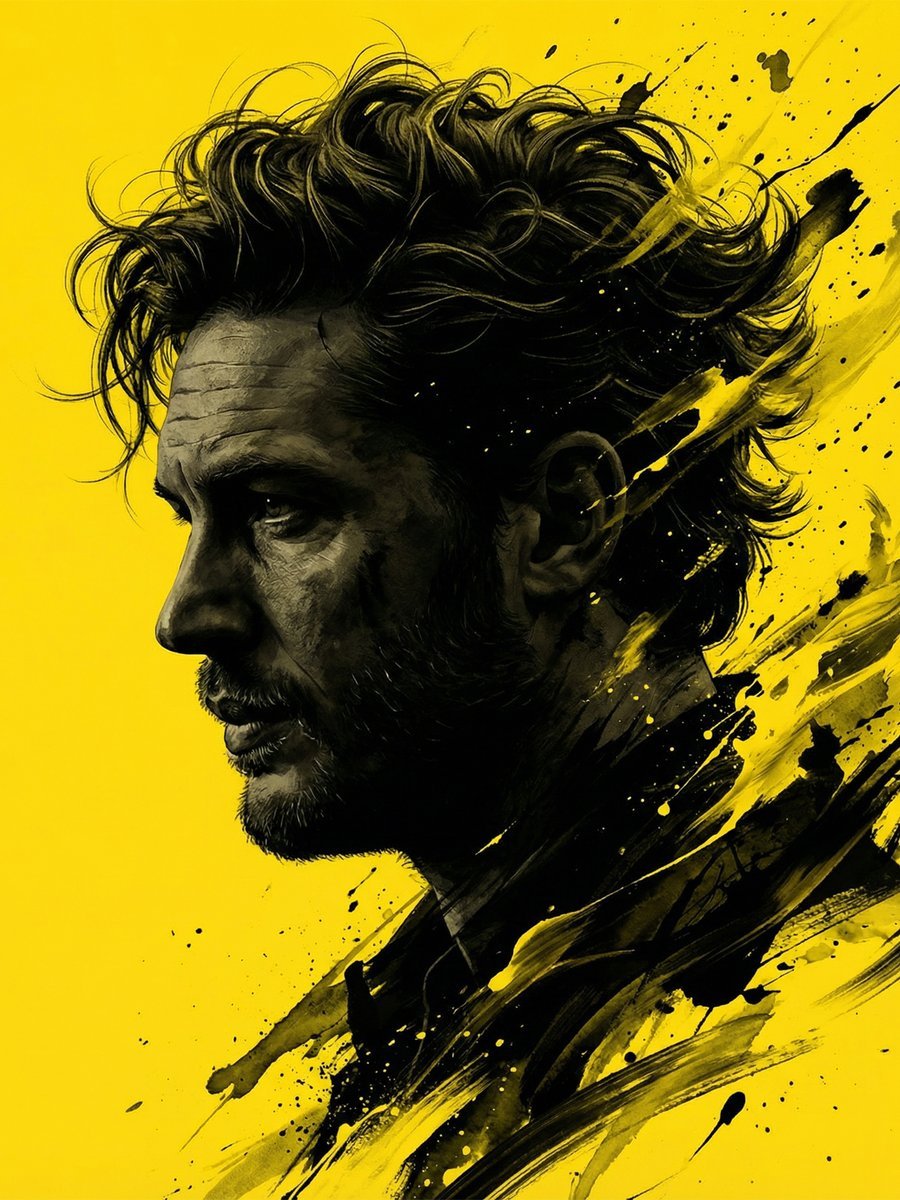
Dramatic Stylized Portrait Conversion Prompt for Nano Banana
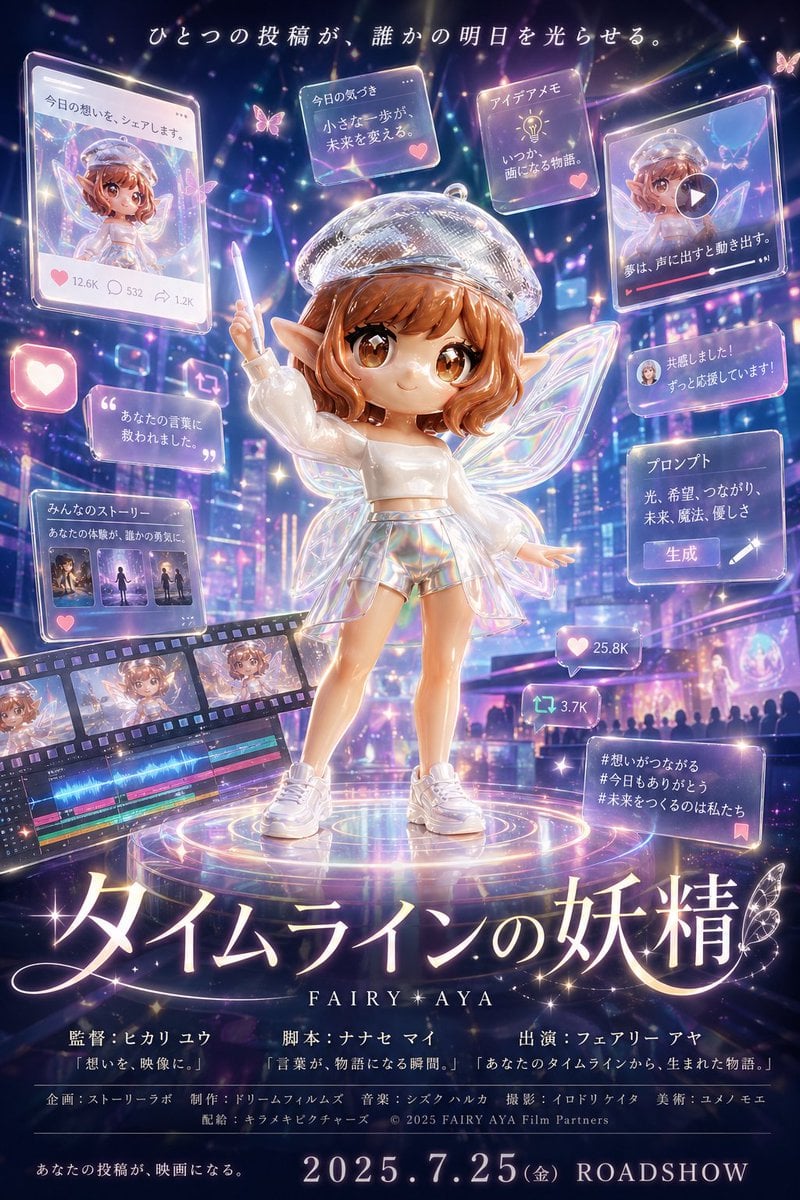
Fantasy Social Media Movie Poster
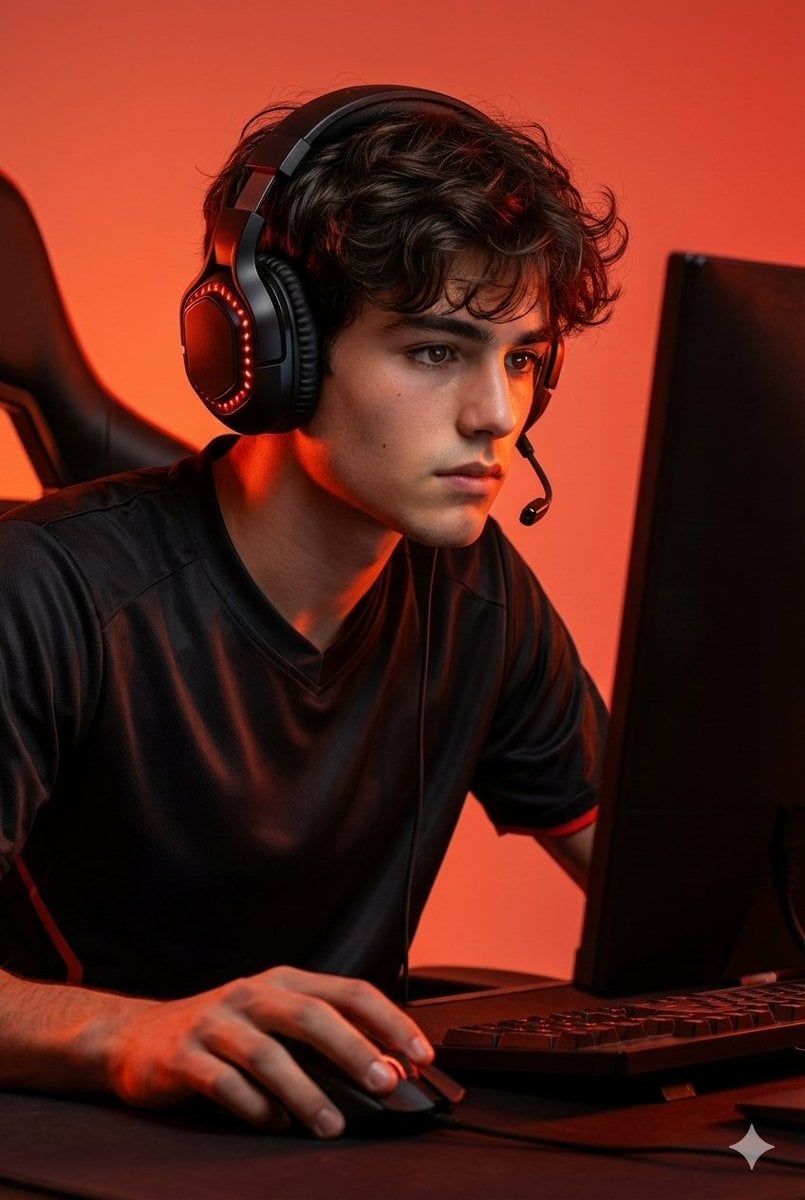
Premium Esports Gamer Portrait Prompt
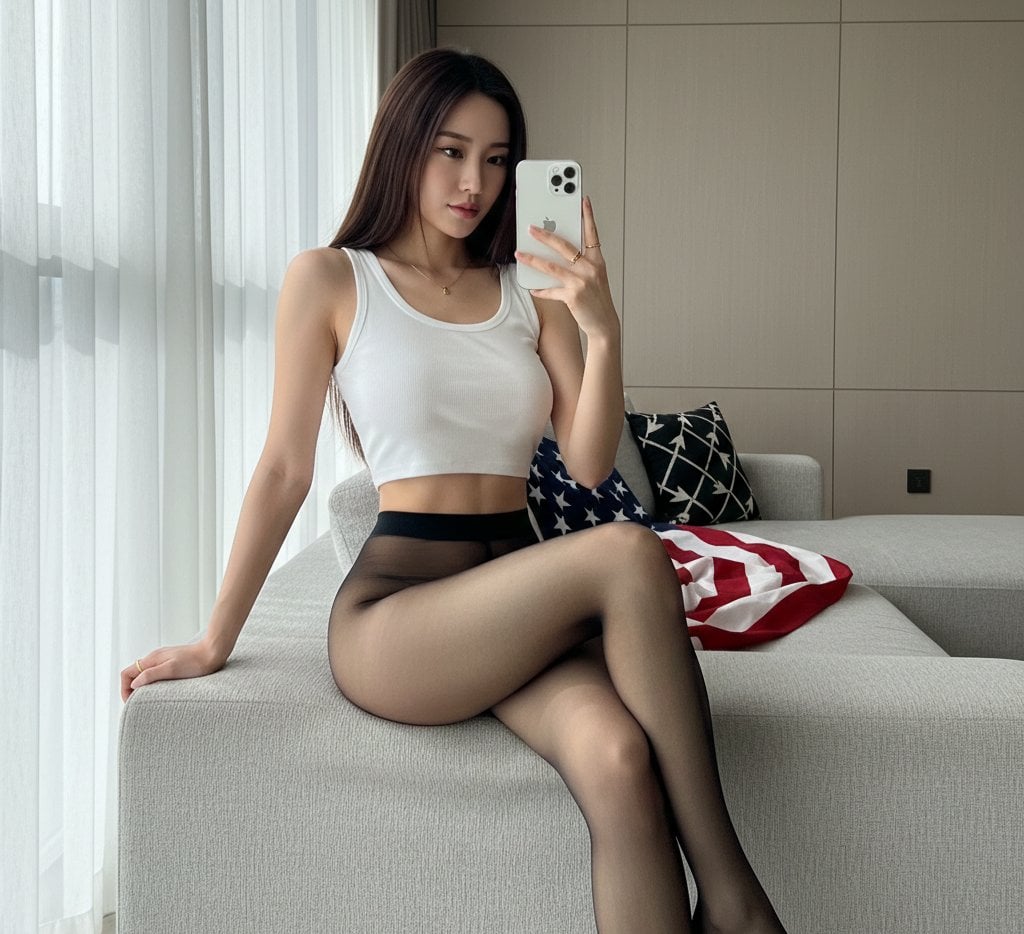
Mirror Selfie with Hosiery and Flag Background Prompt
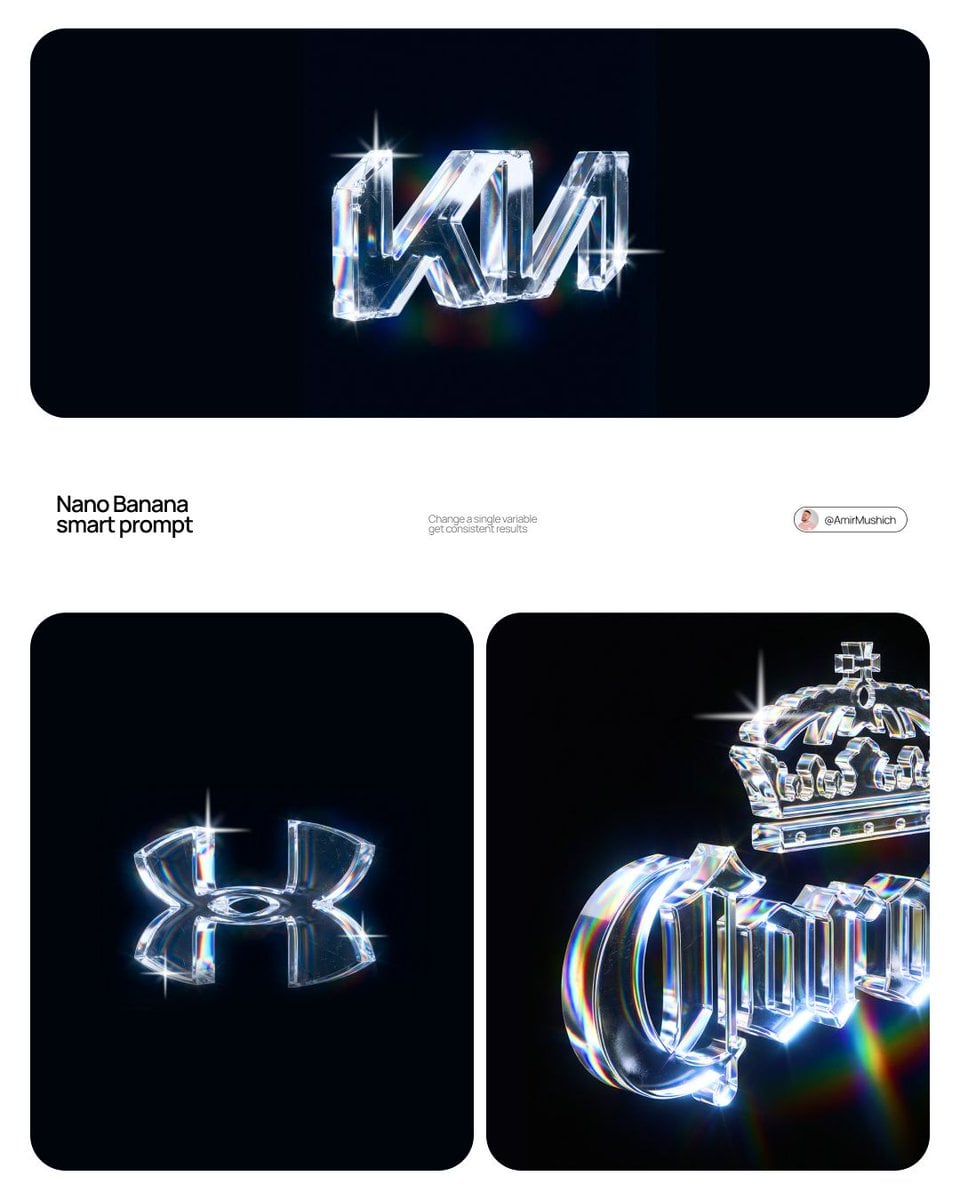
Premium CGI Crystal Typography
Browse template categories
Anime Promotional Poster questions
How do I use the Anime Promotional Poster template?
Add your photo if the template asks for one, edit the prompt if you like — the template's model and format are already selected — and press Generate. Your version opens in PicX Studio.
Can I customize the Anime Promotional Poster template?
Yes. You can change the subject, setting, lighting, mood, format, and available model controls before creating your image.
Is the Anime Promotional Poster template free?
Opening and editing this template is free. Generating uses credits, shown on the Generate button when you are signed in.
Which AI model should I use?
Start with GPT Image 2, which is the model associated with this template. You can compare another compatible model for a different finish.
Looking for something else? Browse all templates.

Your photo, any look
Thousands of ready templates for every top image and video model, from one credit balance.