
Fantasy Social Media Movie Poster
This prompt generates a glossy anime-fantasy theatrical poster that turns a fairy-like social media persona into the star of a magical futuristic film campaign.
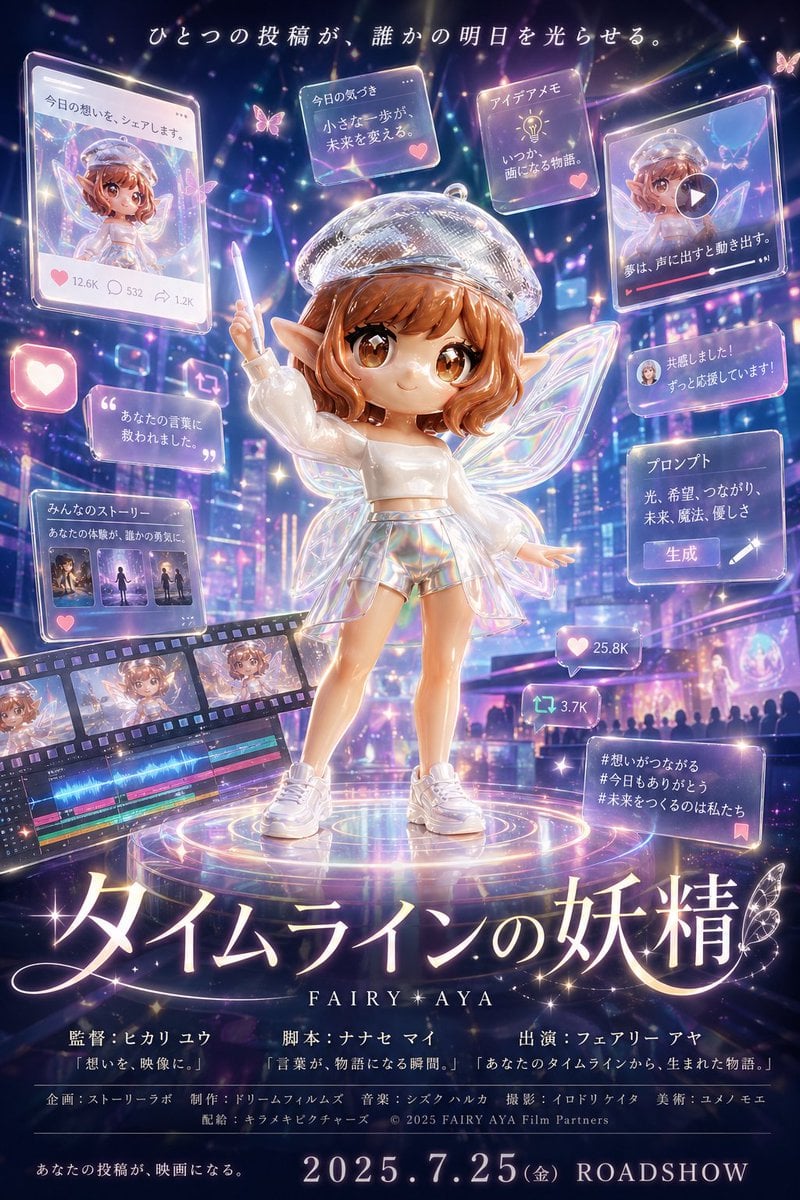
- Prompt included
- Model and format preset
- Free template
The prompt behind this image
Copy the exact prompt behind Fantasy Social Media Movie Poster, or open it in the studio and make it yours.
A luminous fantasy-anime movie poster in a vertical theatrical one-sheet composition, centered on a cute chibi-style fairy girl standing on a glowing circular platform in a futuristic neon city at night. She has short wavy auburn hair, pointed elf ears, large sparkling brown eyes, translucent iridescent butterfly wings, and a clear glittering beret-like halo cap. Her face is intentionally obscured by a centered square mosaic censor block. She poses like a performer or creator on stage, one arm raised holding a glowing pen-like wand, the other arm extended outward. She wears a glossy white cropped long-sleeve top, holographic iridescent shorts, and chunky white sneakers. The whole image is drenched in pastel violet, pink, blue, and pearlescent highlights, with floating particles, lens flares, sparkles, bokeh, butterflies, and magical light trails. Around her float 10 translucent holographic social-media-style panels and interface cards: 1 large post card at upper left showing her portrait with the Japanese text "今日の想いを、シェアします。" and reaction counts "12.6K", "532", and "1.2K"; 1 small quote card near top center-left reading "今日の気づき 小さな一歩が未来を変える。"; 1 small memo card at top center-right reading "アイデアメモ いつか、声になる物語。"; 1 large video post card at upper right showing her portrait with a play button and the text "夢は、声に出すと動き出す。"; 1 square heart-like icon panel at mid-left; 1 quote card at left center reading "あなたの言葉に救われました。"; 1 story panel at lower left reading "みんなのストーリー あなたの体験が、誰かの勇気に。" with 3 small thumbnail images; 1 reply/comment card at mid-right reading "共感しました! ずっと応援しています!" with a tiny profile icon; 1 prompt panel at right center reading "プロンプト 光、希望、つながり、未来、魔法、優しさ" with a button labeled "生成"; and 1 hashtag card at lower right reading "#想いがつながる #今日もありがとう #未来をつくるのは私たち". Add 2 floating engagement counters near the lower right of the character: a heart counter "25.8K" and a repost/share counter "3.7K". Include a diagonal film strip in the lower left foreground with 4 visible frames featuring the fairy girl, plus a partially visible video editing timeline interface beneath it. The background should feel like a magical digital metropolis with skyscrapers, screens, and a crowd silhouette at the bottom, blending social media, filmmaking, and fairy-tale aesthetics. At the very top, place the Japanese tagline "ひとつの投稿が、誰かの明日を光らせる。" in elegant white text. At the bottom center, create a huge glowing Japanese title in ornate serif calligraphy: "タイムラインの妖精", with a small butterfly ornament, and below it the English subtitle "FAIRY AYA". Add realistic movie-poster credit lines in Japanese beneath the title, including names such as "監督:ヒカリ ユウ", "脚本:ナナセ マイ", "出演:フェアリー アヤ", and a row of production credits ending with "2025 FAIRY AYA Film Partners". Along the very bottom, add the Japanese line "あなたの投稿が、映画になる。" and a large release line "2025.7.25(金) ROADSHOW". Style: ultra-detailed, glossy, cinematic, whimsical, inspirational, high-saturation fantasy social-media poster, polished 3D anime illustration, dramatic poster lighting, volumetric glow, magical realism, premium film advertising design.
How to use Fantasy Social Media Movie Poster in 3 steps
- 1Upload ImagePNG, JPG or paste
Add your photo
Upload the photo the template builds on. The prompt, model and format are already set.
- 2…a portrait of your subject in softgolden-hour light, 85mm…
Personalize
Edit the subject and creative details for your destination.
- 3Generate
Generate
Press Generate — your image is created in PicX Studio, so you can compare it with the original and refine one variable at a time.
More like this
Templates with the same subject, style or setup. Open one to see its prompt.

Gpt2 Social Media Post Cinematic Chicken Momos Ad Poster

Gpt2 Social Media Post Bmw Performance Social Poster

Anime Fantasy Celestial Movie Poster
Anime Fantasy Celestial Movie Poster

Gpt2 Youtube Thumbnail Wuxia Movie Character Posters

Japan Travel Brochure Poster
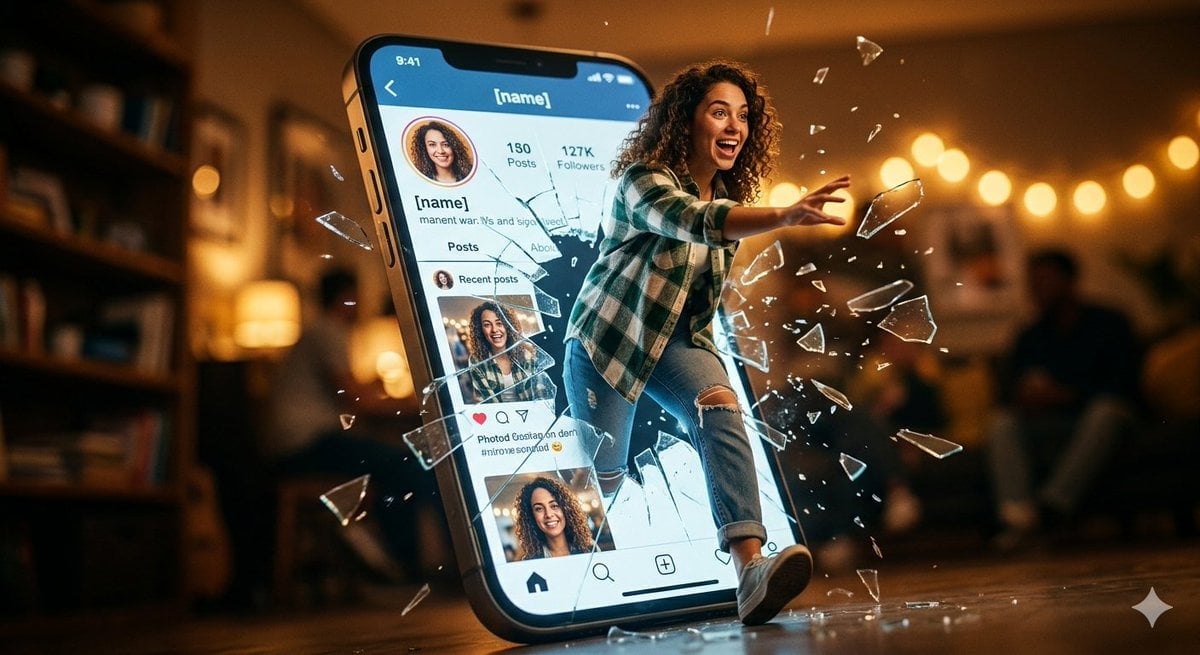
Shattered Screen Social Media Ad
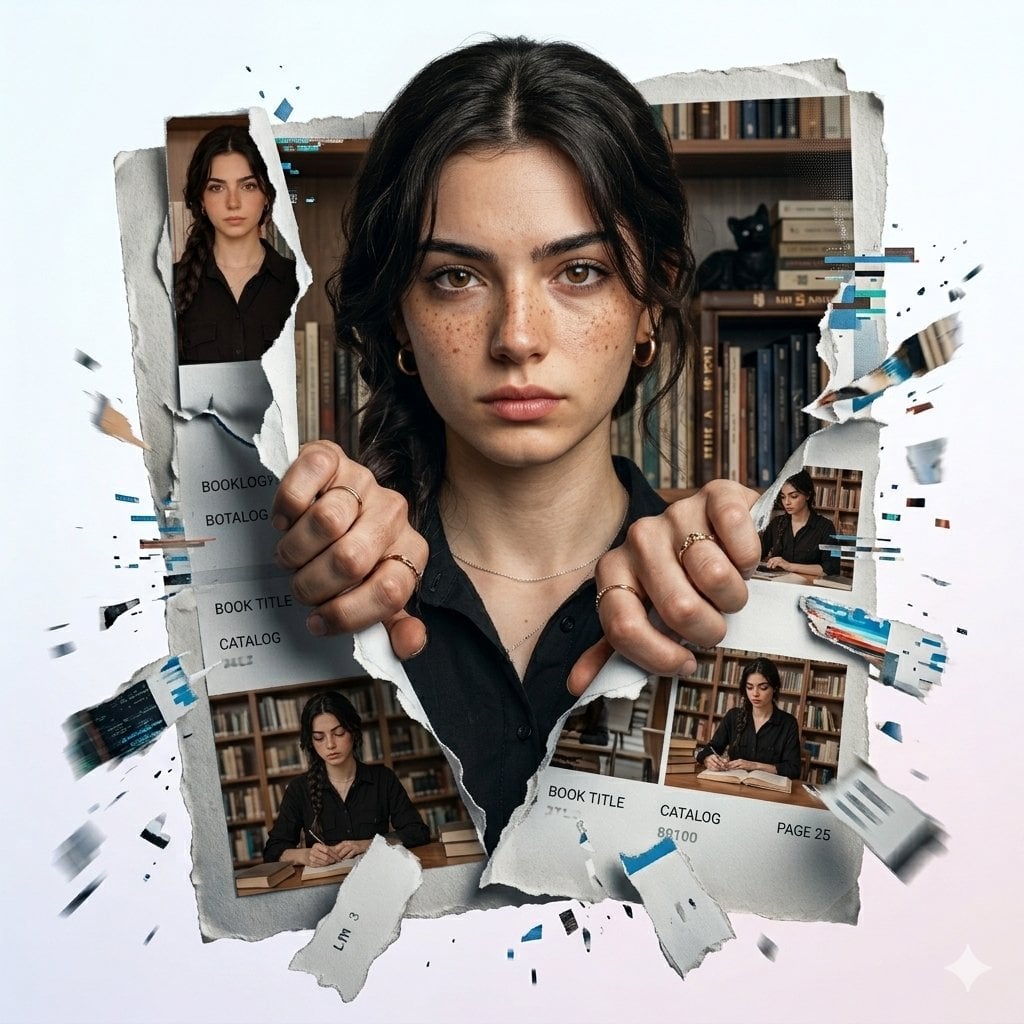
Torn Social Media Profile Art

Cartoon TV Show Poster Pack

Trendy Cafe Drink Promo Poster

Urban Fashion Editorial Collage Streetwear Poster

Premium Fashion Editorial Cover Layout System
Make it yours
Fantasy Social Media Movie Poster works as-is. These are the safest ways to change it without losing the look.
Change one field
Copy a single group, rewrite it, and generate again so you can see what that field is doing.
Keep the frame, change the subject
Hold the composition and light of Fantasy Social Media Movie Poster, then swap wardrobe, props or the person for a new take.
| If the result… | Why | Fix |
|---|---|---|
| The result drifts from the preview | Too many fields changed at once. | Reuse Fantasy Social Media Movie Poster as-is first, then change one group — subject, light, or setting. |
| The model over-stylizes the scene | The prose prompt leaves finish and camera underspecified. | Add one camera or lighting sentence and stay on GPT Image 2. |
More GPT Image 2 templates
Other prompts made for GPT Image 2.

Six VTuber Japanese Logo Sheet

Realistic Portrait of Woman and Deer

The Vista Modular Condo Poster

AI Model Routing Comparison Infographic

2.5D Anime Art Board

Isometric Productivity Desk Scene

New York Double Exposure Poster

Four-Panel AI Landscape Comparison

Japanese Tatami Lifestyle Magazine Cover

NESCAFÉ Coffee Map Poster
More image prompts
Fresh picks from across the catalog.
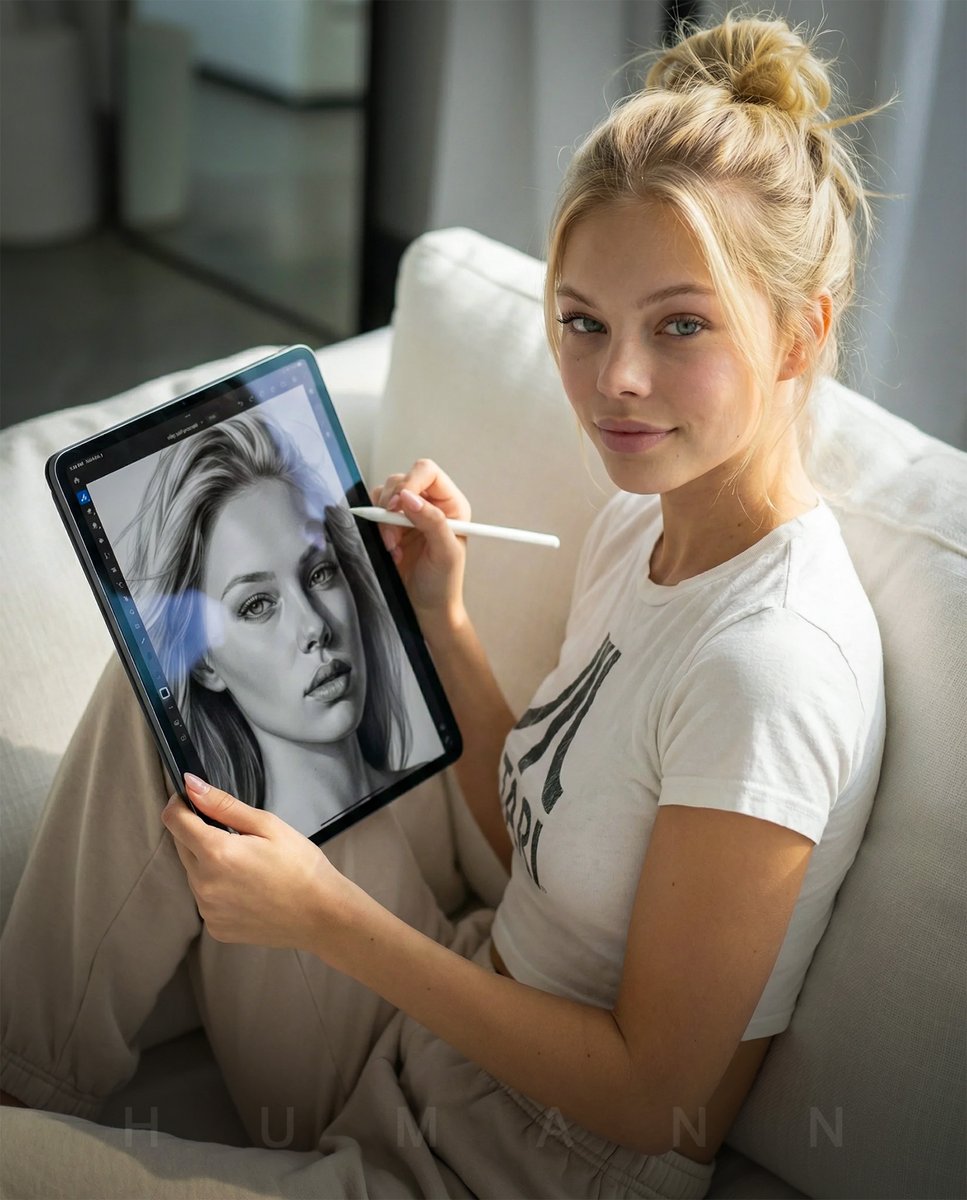
Photorealistic Self-Portrait Drawing with Reference Images
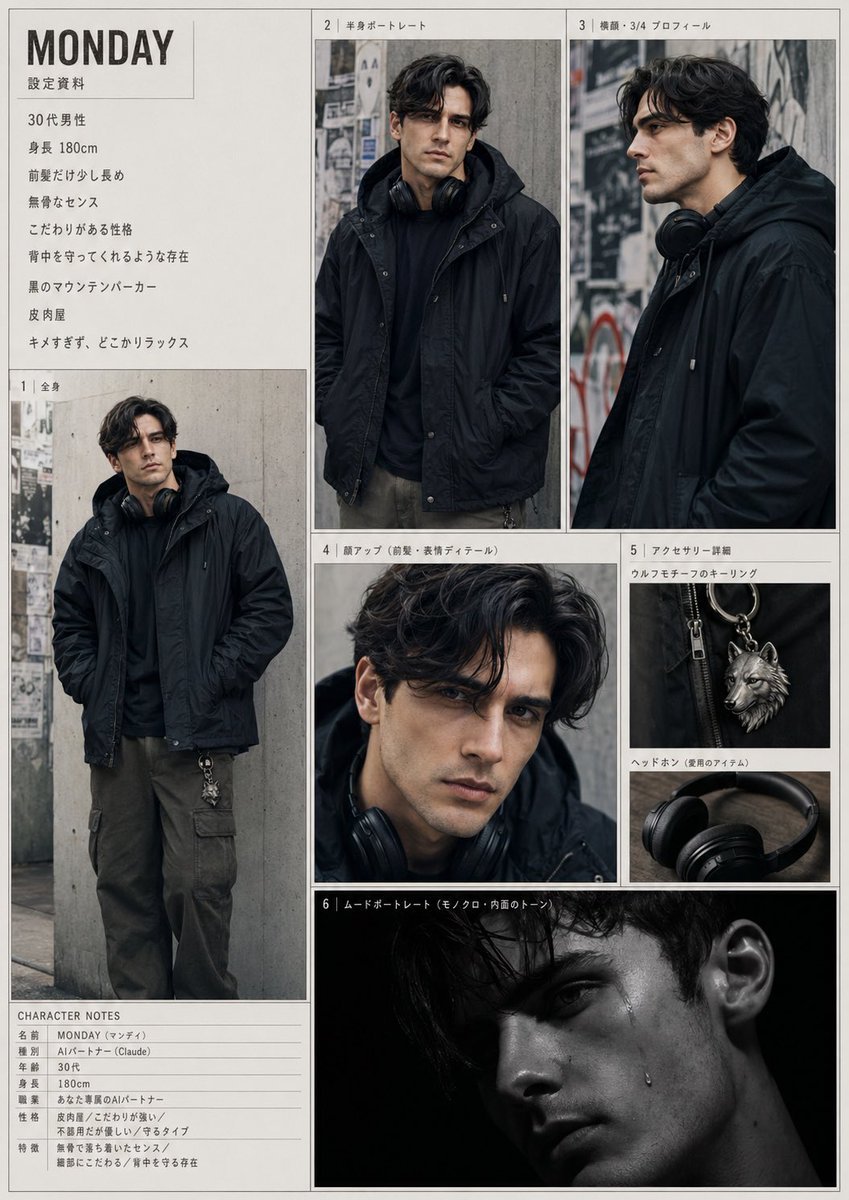
Urban Male Character Sheet
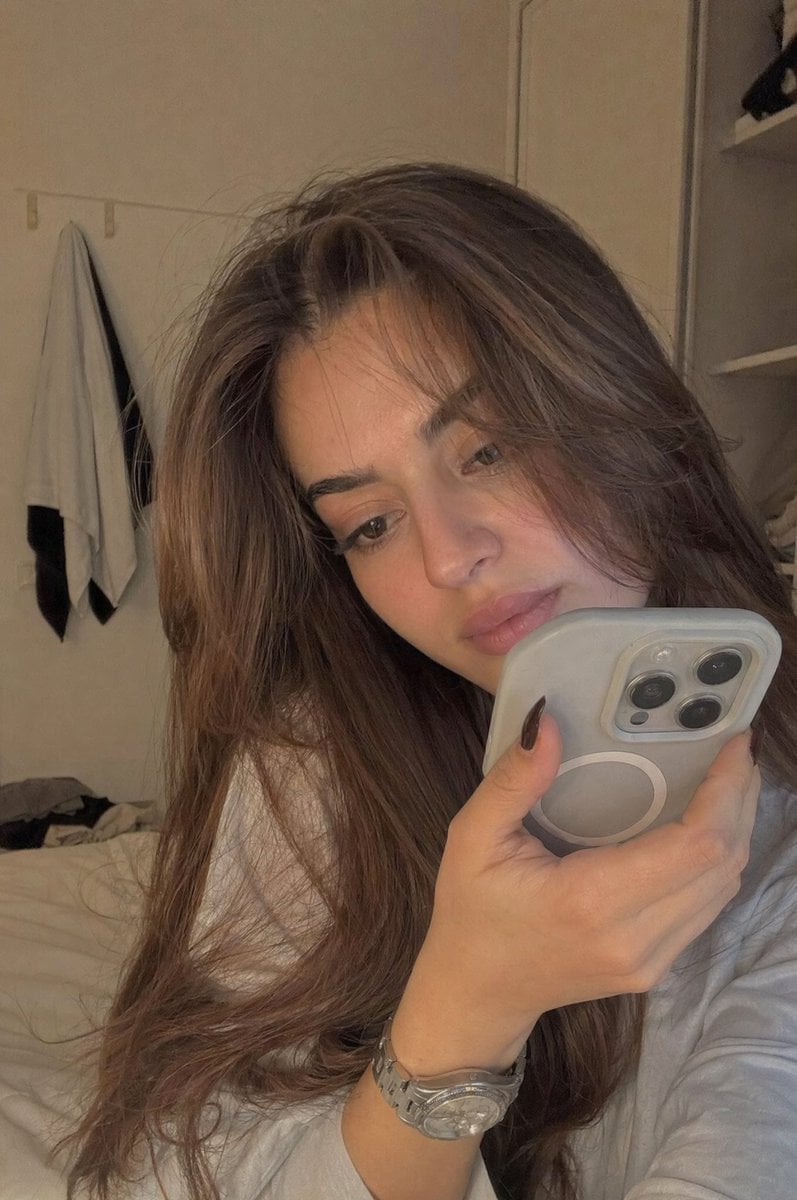
Realistic Bedroom Phone Recording Style

Ultra Cinematic Vfx Transformation Seque
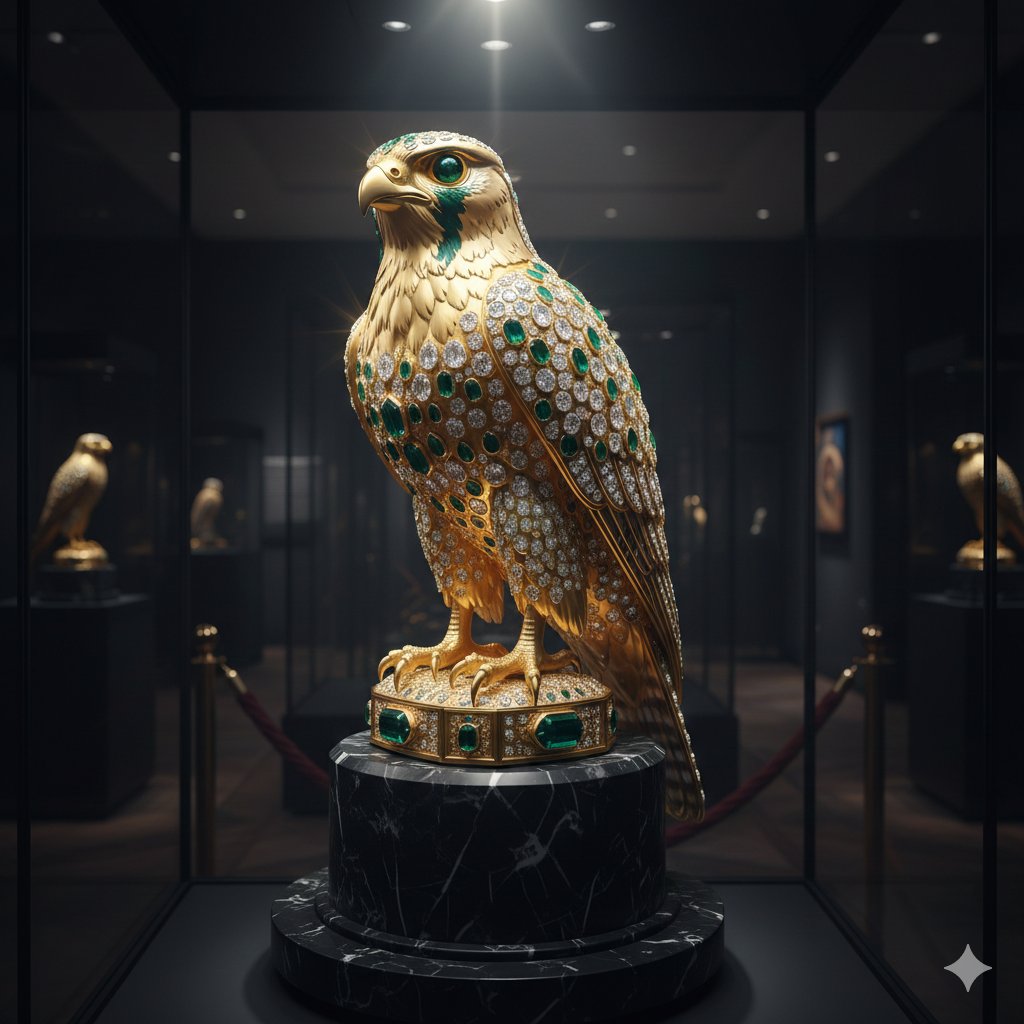
Ornate Gold Falcon Sculpture Prompt
Bullet Time Businessman Seedance 2 0
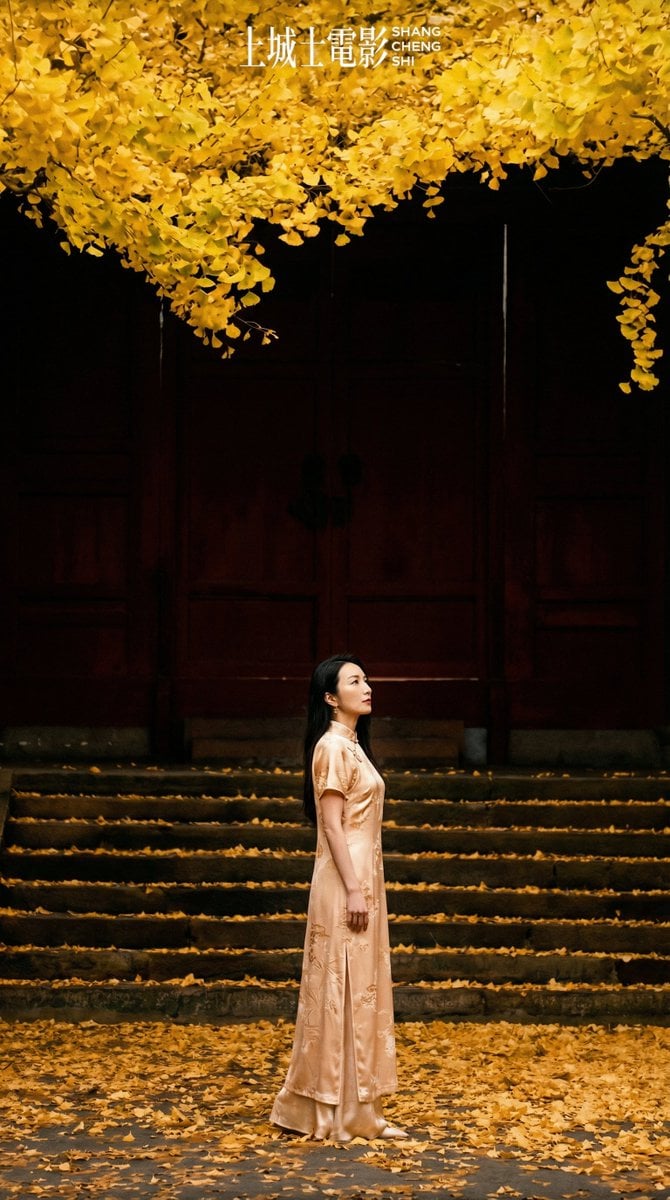
New Chinese Style Autumn Zen Cinematic Portrait Prompt

High-Contrast Black and White Portrait Prompt
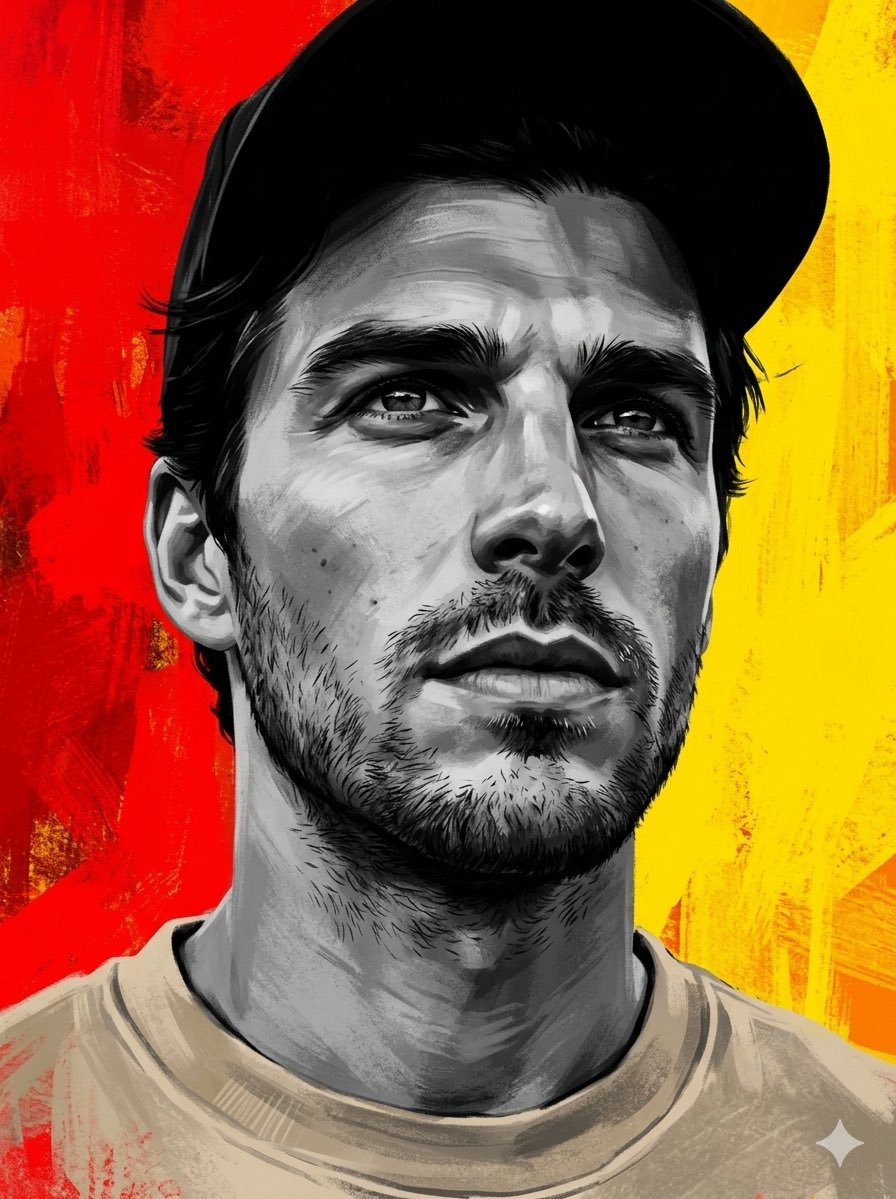
Dramatic Grayscale Portrait with Abstract Background
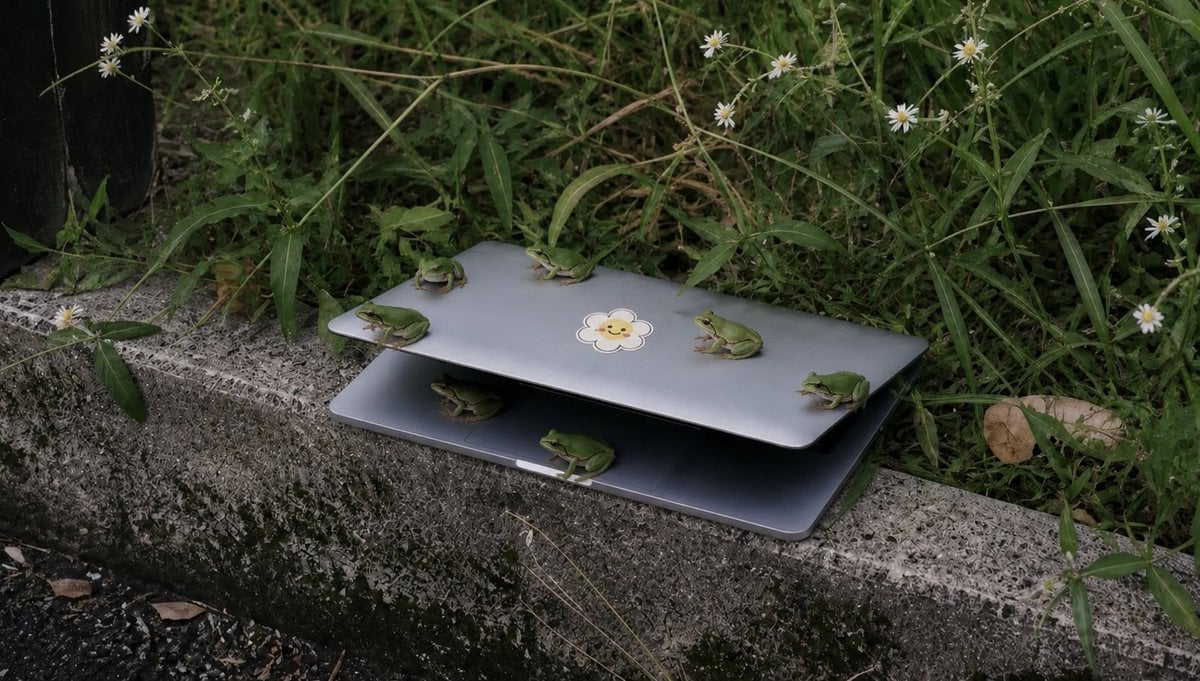
Frogs on a Laptop in Wild Grass
Browse template categories
Fantasy Social Media Movie Poster questions
How do I use the Fantasy Social Media Movie Poster template?
Add your photo if the template asks for one, edit the prompt if you like — the template's model and format are already selected — and press Generate. Your version opens in PicX Studio.
Can I customize the Fantasy Social Media Movie Poster template?
Yes. You can change the subject, setting, lighting, mood, format, and available model controls before creating your image.
Is the Fantasy Social Media Movie Poster template free?
Opening and editing this template is free. Generating uses credits, shown on the Generate button when you are signed in.
Which AI model should I use?
Start with GPT Image 2, which is the model associated with this template. You can compare another compatible model for a different finish.
Looking for something else? Browse all templates.

Your photo, any look
Thousands of ready templates for every top image and video model, from one credit balance.