
Premium CGI Crystal Typography
A sophisticated prompt for creating luxury brand logos rendered as transparent crystal glass with rainbow refraction on a pure black background.
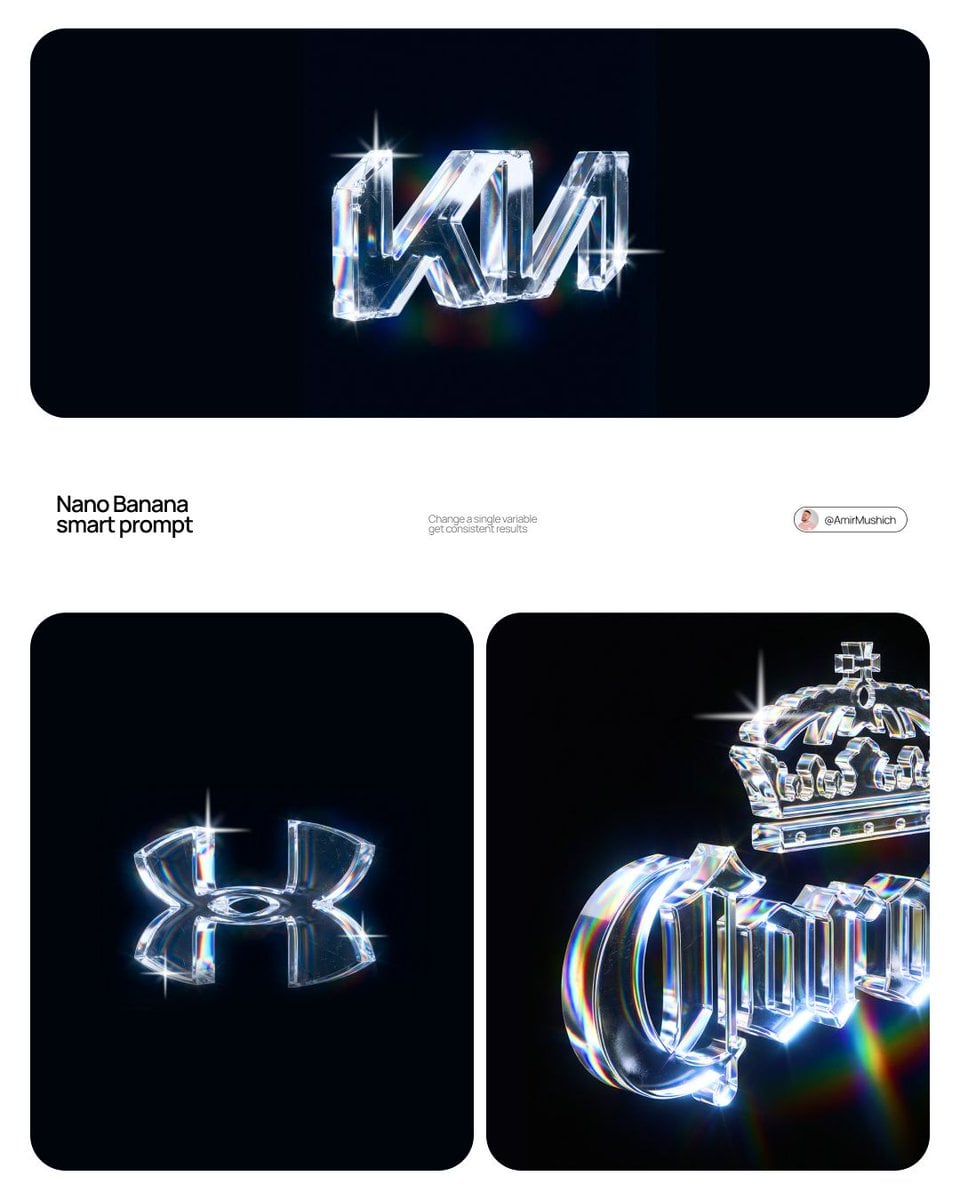
- Prompt included
- Model and format preset
- Free template
The prompt behind this image
Copy the exact prompt behind Premium CGI Crystal Typography, or open it in the studio and make it yours.
{argument name="brand name" default="[BRAND NAME]"} Create a premium CGI crystal typography hero visual for a luxury brand campaign. Act like an optical physics art director, a 3D type sculptor, and a high-end product render artist. The final image should feel like a polished smart prompt showcase: multiple clean logo examples on a white layout, each brand mark rendered as transparent crystal glass on a pure black background, with sharp rainbow refraction, bright star flares, and elegant minimal spacing. Use the real canonical logo for {argument name="brand name" default="[BRAND NAME]"}. Preserve the exact official wordmark or symbol geometry, including stroke weight, curve tension, terminals, custom glyph details, emblem placement, and lockup proportions. Do not replace it with a similar font. The result must read as the correct brand identity at a glance. Turn the logo into a physical 3D sculpture made from {argument name="material" default="optical crystal glass"}. The letters or emblem should have real volume, consistent stroke thickness, polished flat faces, precise bevels, and razor-sharp edges. Material should feel like borosilicate glass or synthetic crystal with very high refraction and strong chromatic dispersion. The glass core is perfectly clear, with no bubbles or internal dirt. Add restrained realism to the surface: a few tiny hairline scratches, 2 to 4 micro chips on the sharpest edges, subtle scuffed haze in one or two small areas, and an optional faint fingerprint ghost visible only at a glancing angle. These imperfections should be discovered on close inspection, not dominate the image. They should catch light and create tiny sparkle breaks while the crystal stays luxurious and clean. Lighting: one focused, high-intensity studio beam from the upper left at about 35 degrees. The light passes through the crystal and splits into accurate rainbow dispersion, ordered red, orange, yellow, green, blue, and violet. Each polished face reflects and refracts at the same time. Edges glow with thin white-blue highlights. Chips create tiny irregular flare points. Micro scratches scatter fine light filaments. Internal reflections create layered rainbow bands inside the logo volume. Background for every logo render: absolute black, from #000000 to #050505, with no texture, no gradient, no visible surface, and no ambient light. Let the crystal logo float in darkness. Only the logo and its immediate spectral glow should emit light. Add a very subtle colored haze around each mark, fading quickly into black. Composition: build a clean white presentation poster with rounded black image panels. Include one wide hero panel at the top and two smaller panels beneath it, showing different brand examples or different lockup crops. Keep the design minimal, premium, and modern. Add small understated typography such as "smart prompt" and "change a single variable, get consistent results" in a quiet editoria
How to use Premium CGI Crystal Typography in 3 steps
- 1
Open
The prompt is already in the box next to the preview, with the template's model and format selected.
- 2…a portrait of your subject in softgolden-hour light, 85mm…
Personalize
Edit the subject and creative details for your destination.
- 3Generate
Generate
Press Generate — your image is created in PicX Studio, so you can compare it with the original and refine one variable at a time.
More like this
Templates with the same subject, style or setup. Open one to see its prompt.

Motion Graphics Finale Fireworks

Motion Graphics Garden Maze

Motion Graphics Castle Gate

Motion Graphics Kitchen Chaos

Motion Graphics Carnival Ride

Motion Graphics Rainy Bus Stop
Motion Graphics Space Dock
Motion Graphics Cafe Morning
Motion Graphics Mountain Summit
Motion Graphics Underwater Reef
Motion Graphics Street Festival
Motion Graphics Ballroom Dance
Make it yours
Premium CGI Crystal Typography works as-is. These are the safest ways to change it without losing the look.
Change one field
Copy a single group, rewrite it, and generate again so you can see what that field is doing.
Keep the frame, change the subject
Hold the composition and light of Premium CGI Crystal Typography, then swap wardrobe, props or the person for a new take.
| If the result… | Why | Fix |
|---|---|---|
| The result drifts from the preview | Too many fields changed at once. | Reuse Premium CGI Crystal Typography as-is first, then change one group — subject, light, or setting. |
| The model over-stylizes the scene | The prose prompt leaves finish and camera underspecified. | Add one camera or lighting sentence and stay on GPT Image 2. |
More GPT Image 2 templates
Other prompts made for GPT Image 2.

Six VTuber Japanese Logo Sheet

Realistic Portrait of Woman and Deer

The Vista Modular Condo Poster

AI Model Routing Comparison Infographic

2.5D Anime Art Board

Isometric Productivity Desk Scene

New York Double Exposure Poster

Four-Panel AI Landscape Comparison

Japanese Tatami Lifestyle Magazine Cover

NESCAFÉ Coffee Map Poster
More image prompts
Fresh picks from across the catalog.
Matcha Latte Promotion Banner
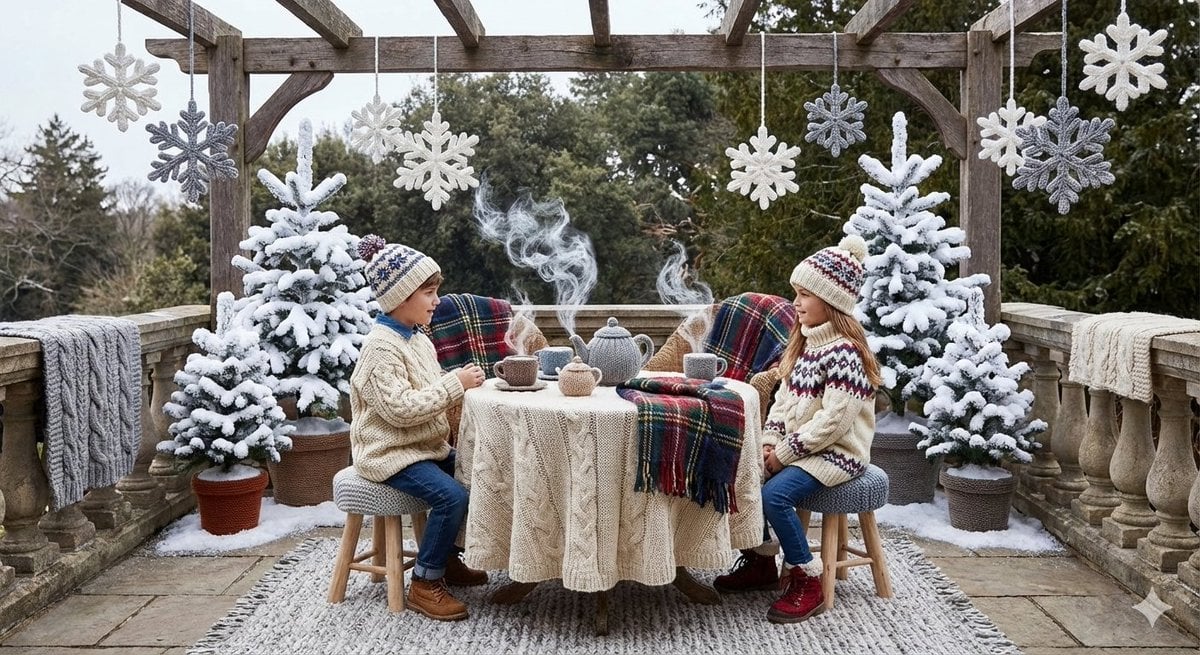
Knitted Terrace Scene with Cable-Knit Textures
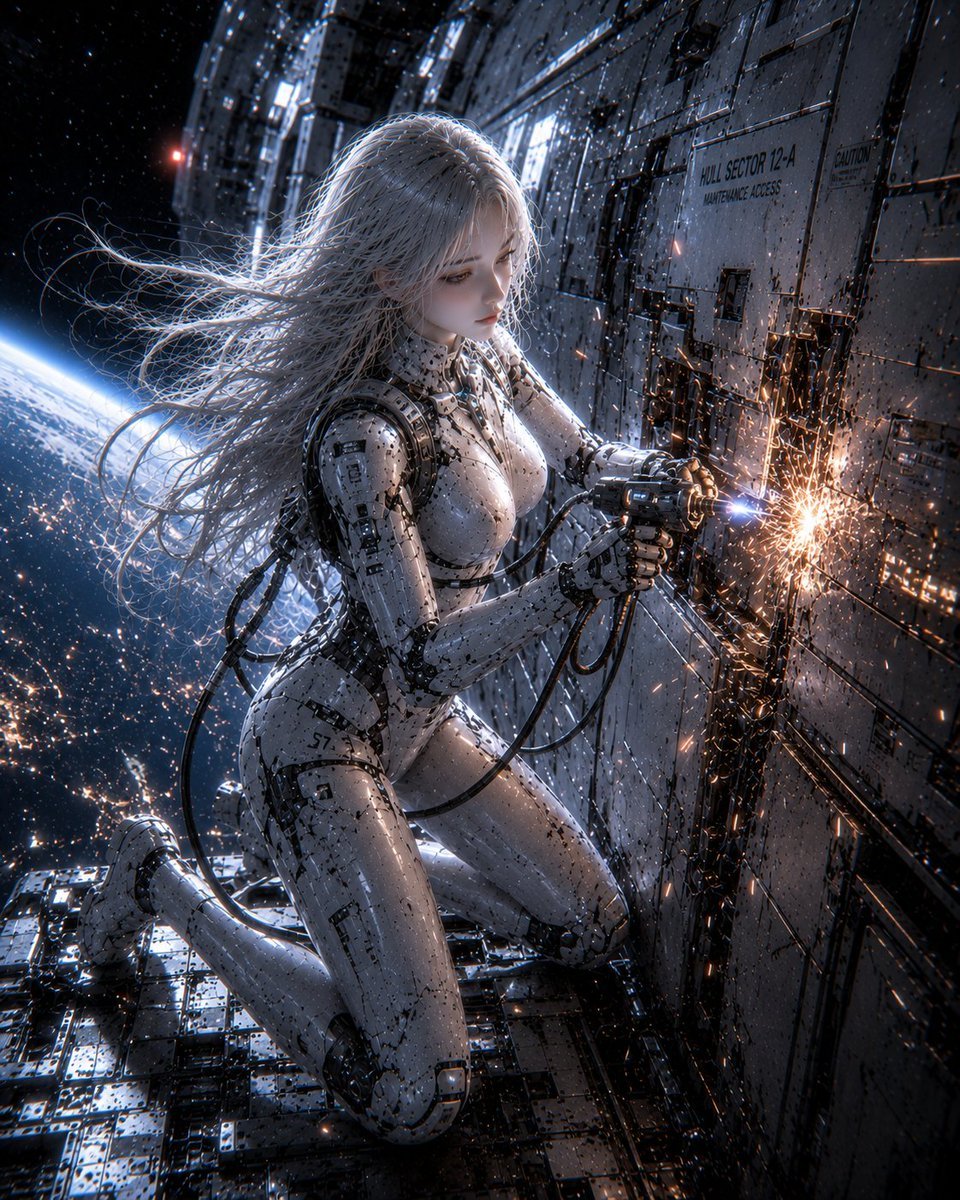
Female Android on Spaceship
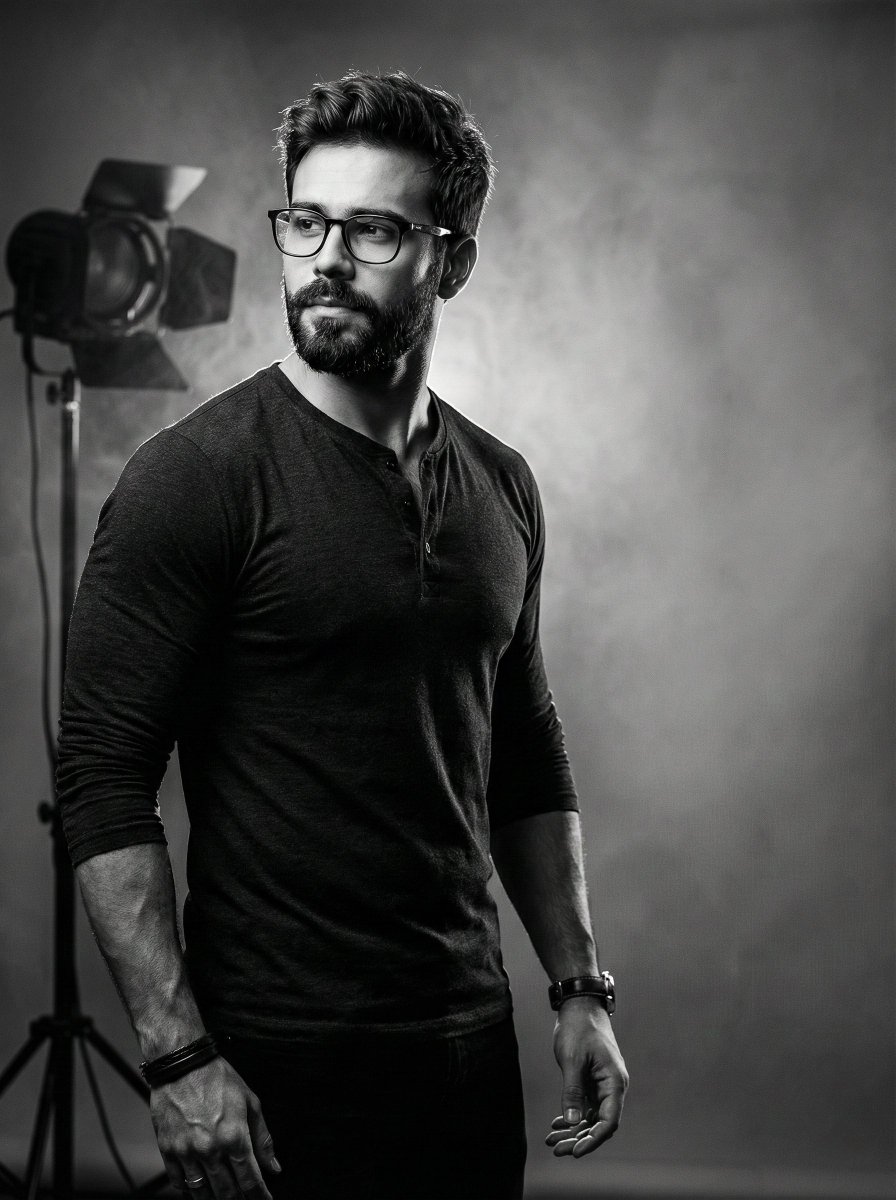
Film Noir Cinematic Portrait Prompt
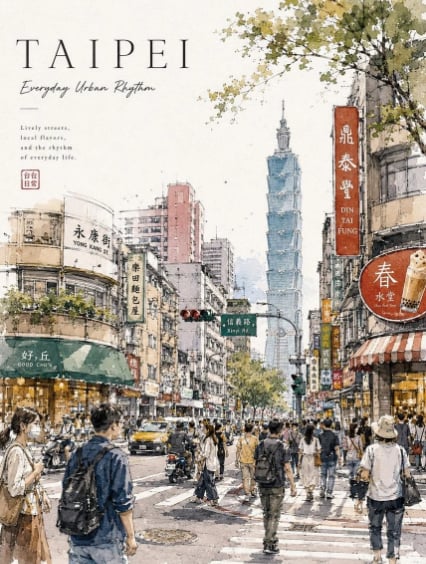
Taipei Watercolor Travel Poster
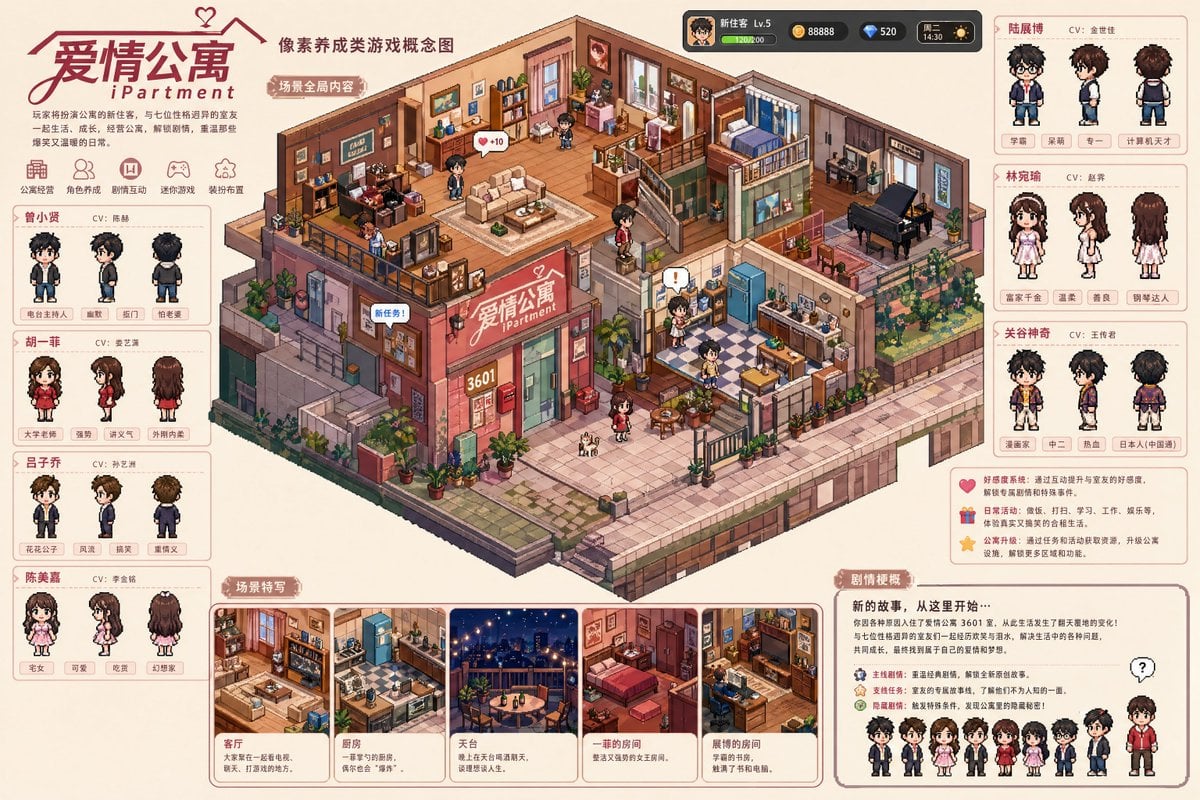
Pixel art game concept prompt
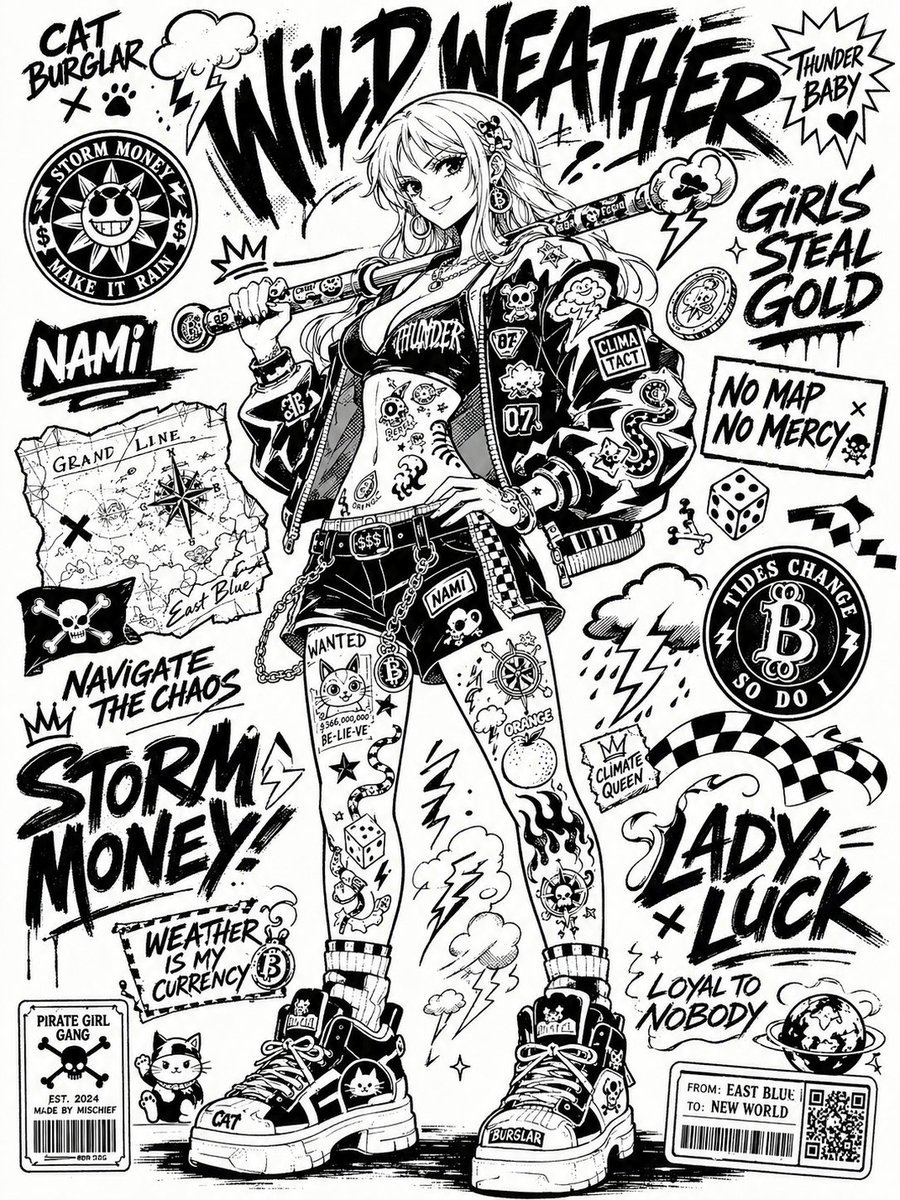
Monochrome Sticker-Bomb Poster
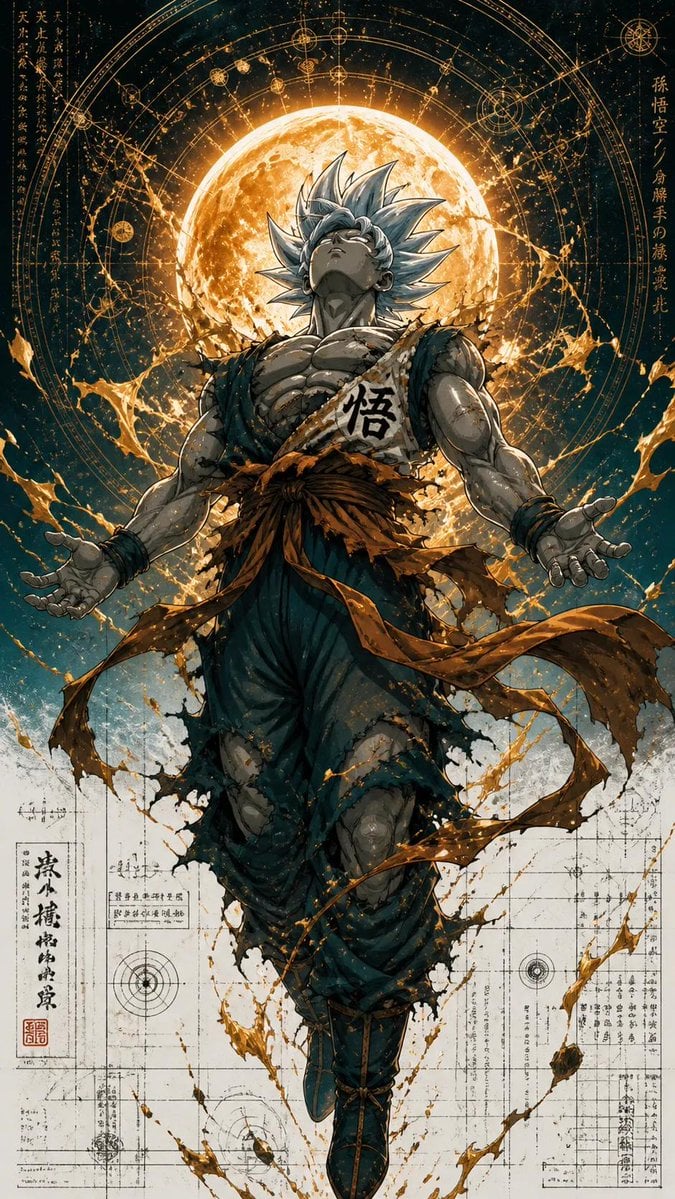
Ultra Detailed Shonen Anime Warrior
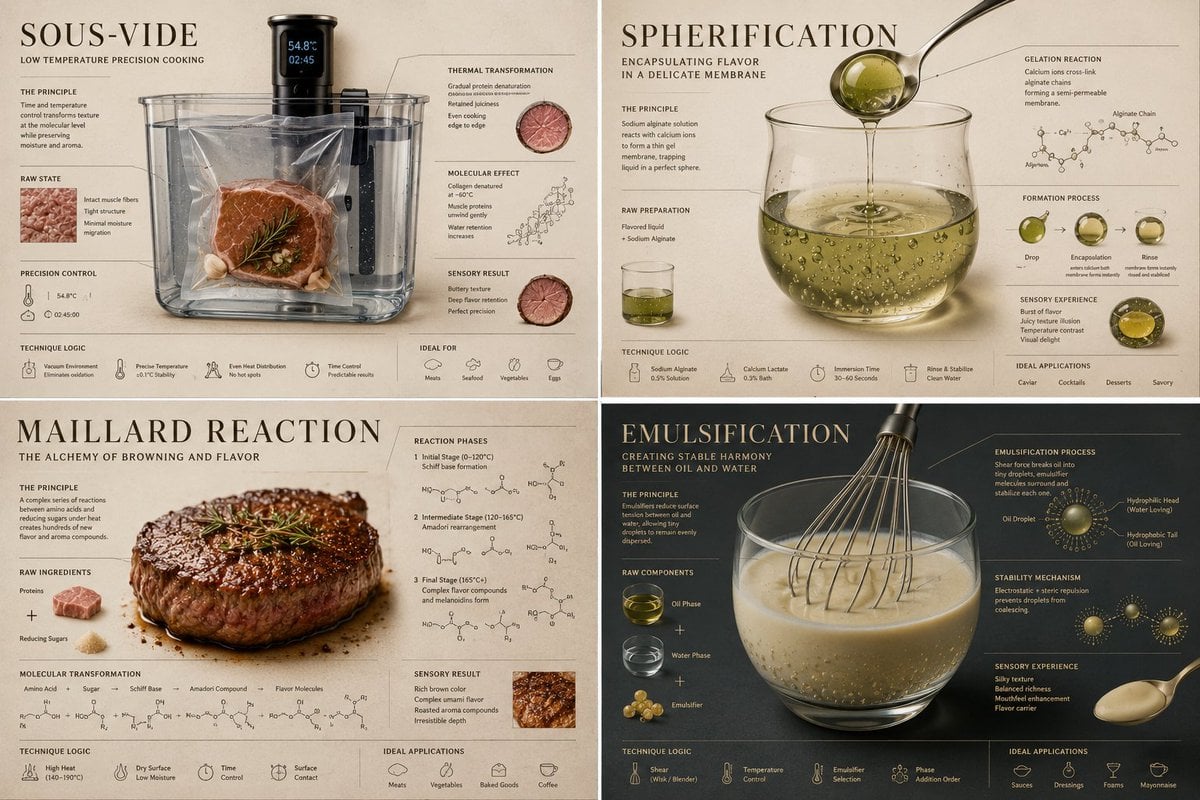
Luxury Culinary Chemistry Poster
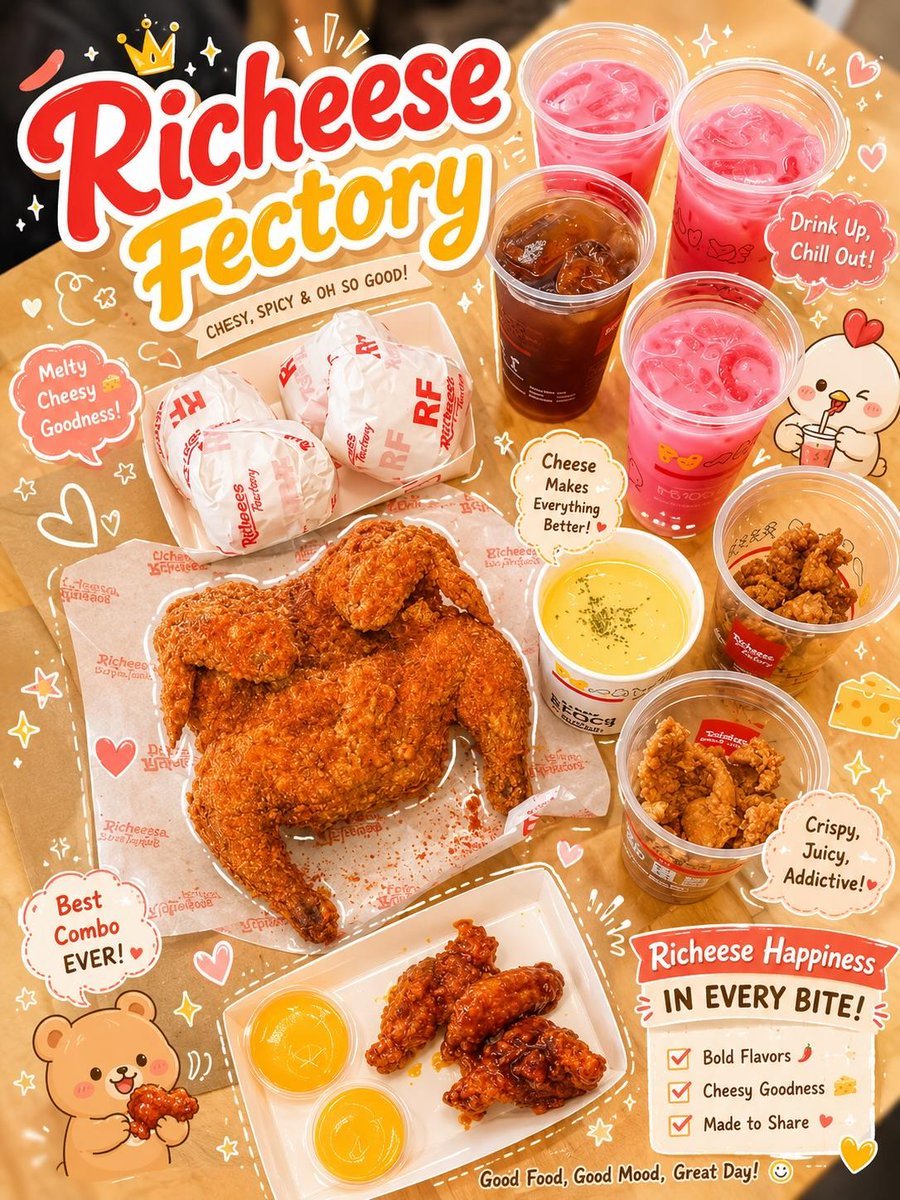
Kawaii Food Advertisement Poster
Browse template categories
Premium CGI Crystal Typography questions
How do I use the Premium CGI Crystal Typography template?
Add your photo if the template asks for one, edit the prompt if you like — the template's model and format are already selected — and press Generate. Your version opens in PicX Studio.
Can I customize the Premium CGI Crystal Typography template?
Yes. You can change the subject, setting, lighting, mood, format, and available model controls before creating your image.
Is the Premium CGI Crystal Typography template free?
Opening and editing this template is free. Generating uses credits, shown on the Generate button when you are signed in.
Which AI model should I use?
Start with GPT Image 2, which is the model associated with this template. You can compare another compatible model for a different finish.
Looking for something else? Browse all templates.

Your photo, any look
Thousands of ready templates for every top image and video model, from one credit balance.