How do I use the Monochrome Sticker-Bomb Poster template?
Edit the prompt in the box under the preview — the template's model and format are already selected — and press Generate. Your version appears right on this page.
A high-impact monochrome illustration prompt for streetwear-style posters featuring dense sticker-bomb motifs and graphic character art.

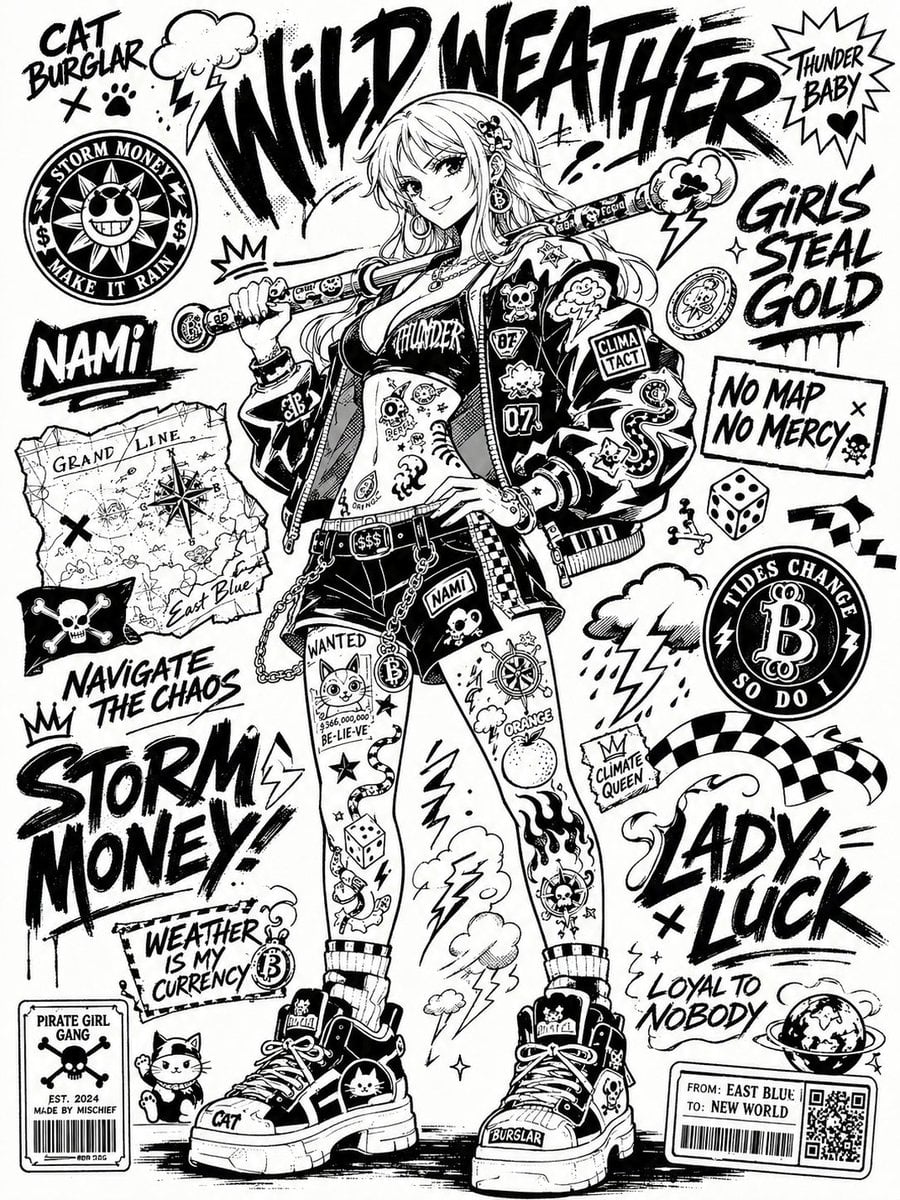
Monochrome street poster illustration depicting {argument name="subject" default="a street scene"}, with {argument name="character" default="Luffy"} as the central figure. Show the character in {argument name="action scene" default="a dynamic battle pose"}, dressed in urban streetwear and equipped with themed props. Cover the body, limbs, and clothing densely with sticker-bomb tattoo motifs. Layer in typography so the piece reads like a streetwear poster crossed with an underground zine cover. Style: strict black-and-white palette only, no grayscale gradients, no realistic shadows. Lines drawn in rough ink texture. Prioritize negative space, flat graphic shapes, and high-impact contrast. Framing: dynamic close-up. Aspect ratio 3:4.
Monochrome street poster illustration depicting {argument name="subject" default="a street scene"}, with {argument name="character" default="Luffy"} as the central figure. Show the character in {argument name="action scene" default="a dynamic battle pose"}, dressed in urban streetwear and equipped with themed props. Cover the body, limbs, and clothing densely with sticker-bomb tattoo motifs. Layer in typography so the piece reads like a streetwear poster crossed with an underground zine cover. Style: strict black-and-white palette only, no grayscale gradients, no realistic shadows. Lines drawn in rough ink texture. Prioritize negative space, flat graphic shapes, and high-impact contrast. Framing: dynamic close-up. Aspect ratio 3:4.
Edit the prompt in the box under the preview — the template's model and format are already selected — and press Generate. Your version appears right on this page.
Yes. You can change the subject, setting, lighting, mood, format, and available model controls before creating your image.
Opening and editing this template is free. Generating uses credits, shown on the Generate button when you are signed in.
Start with GPT Image 2, which is the model associated with this template. You can compare another compatible model for a different finish.
Follow a topic to a crawlable collection of related PicX Studio templates.