
Gpt2 Vr Headset Exploded View Poster
Generates a high-tech exploded view diagram of a VR headset with detailed component callouts and promotional text.
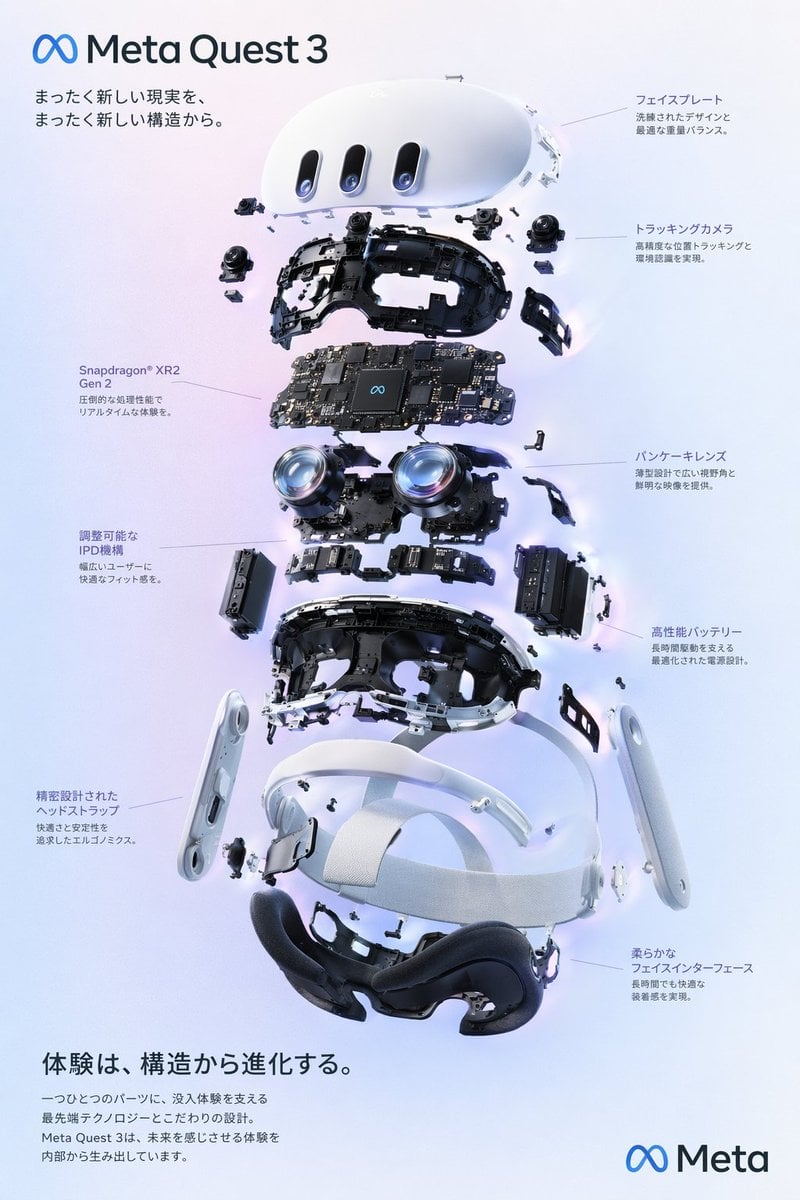
- Prompt included
- Model and format preset
- Premium template
The prompt behind this image
Copy the exact prompt behind Gpt2 Vr Headset Exploded View Poster, or open it in the studio and make it yours.
- Type
- exploded view product diagram poster
- Subject
- VR headset
- Style
- clean high-tech 3D render, studio lighting, glowing accents
- Background
- {argument name="background color" default="soft purple and blue gradient"}
- Header › Logo
- ∞ {argument name="product name" default="Meta Quest 3"}
- Header › Subtitle
- {argument name="main catchphrase" default="A whole new reality, from a whole new structure."}
- Layout › Centerpiece
- vertically stacked exploded view of a VR headset showing 9 distinct layers of internal components: outer shell, camera sensors, motherboard with chip, pancake lenses, internal frame, battery packs, side straps, top strap, and facial interface cushion.
- Layout › Callout Labels › Count
- 8
- Layout › Callout Labels › Left Side
- Snapdragon® XR2 Gen 2 圧倒的な処理性能でリアルタイムな体験を。, 調整可能なIPD機構 幅広いユーザーに快適なフィット感を。, 精密設計されたヘッドストラップ 快適さと安定性を追求したエルゴノミクス。
- Layout › Callout Labels › Right Side
- フェイスプレート 洗練されたデザインと最適な重量バランス。, トラッキングカメラ 高精度な位置トラッキングと環境認識を実現。, パンケーキレンズ 薄型設計で広い視野角と鮮明な映像を提供。, 高性能バッテリー 長時間駆動を支える最適化された電源設計。, 柔らかなフェイスインターフェース 長時間でも快適な装着感を実現。
- Layout › Footer › Left Text Block › Headline
- {argument name="bottom headline" default="The experience evolves from its structure."}
- Layout › Footer › Left Text Block › Body
- 一つひとつのパーツに、没入体験を支える最先端テクノロジーとこだわりの設計。Meta Quest 3は、未来を感じさせる体験を内部から生み出しています。
- Layout › Footer › Right Logo
- ∞ Meta
Raw JSON
{
  "type": "exploded view product diagram poster",
  "subject": "VR headset",
  "style": "clean high-tech 3D render, studio lighting, glowing accents",
  "background": "{argument name=\"background color\" default=\"soft purple and blue gradient\"}",
  "header": {
    "logo": "∞ {argument name=\"product name\" default=\"Meta Quest 3\"}",
    "subtitle": "{argument name=\"main catchphrase\" default=\"A whole new reality, from a whole new structure.\"}"
  },
  "layout": {
    "centerpiece": "vertically stacked exploded view of a VR headset showing 9 distinct layers of internal components: outer shell, camera sensors, motherboard with chip, pancake lenses, internal frame, battery packs, side straps, top strap, and facial interface cushion.",
    "callout_labels": {
      "count": 8,
      "left_side": [
        "Snapdragon® XR2 Gen 2\n圧倒的な処理性能でリアルタイムな体験を。",
        "調整可能なIPD機構\n幅広いユーザーに快適なフィット感を。",
        "精密設計されたヘッドストラップ\n快適さと安定性を追求したエルゴノミクス。"
      ],
      "right_side": [
        "フェイスプレート\n洗練されたデザインと最適な重量バランス。",
        "トラッキングカメラ\n高精度な位置トラッキングと環境認識を実現。",
        "パンケーキレンズ\n薄型設計で広い視野角と鮮明な映像を提供。",
        "高性能バッテリー\n長時間駆動を支える最適化された電源設計。",
        "柔らかなフェイスインターフェース\n長時間でも快適な装着感を実現。"
      ]
    },
    "footer": {
      "left_text_block": {
        "headline": "{argument name=\"bottom headline\" default=\"The experience evolves from its structure.\"}",
        "body": "一つひとつのパーツに、没入体験を支える最先端テクノロジーとこだわりの設計。Meta Quest 3は、未来を感じさせる体験を内部から生み出しています。"
      },
      "right_logo": "∞ Meta"
    }
  }
}How to use Gpt2 Vr Headset Exploded View Poster in 3 steps
- 1
Open
The prompt is already in the box next to the preview, with the template's model and format selected.
- 2…a portrait of your subject in softgolden-hour light, 85mm…
Personalize
Edit the subject and creative details for your destination.
- 3Generate
Generate
Press Generate — your image is created in PicX Studio, so you can compare it with the original and refine one variable at a time.
More like this
Templates with the same subject, style or setup. Open one to see its prompt.
VR Headset Exploded View Poster

Gpt2 Product Marketing Streetwear Sneaker Poster Ad

Gpt2 Youtube Thumbnail Wuxia Movie Character Posters

Gpt2 Youtube Thumbnail Anime Music Bootcamp Promo Poster

Gpt2 Infographic Edu Visual Ink Wash Tribute Poster for Chen Uen

Gpt2 Infographic Edu Visual Biomimetic Skyray Aircraft Poster

Gpt2 Social Media Post Cinematic Chicken Momos Ad Poster

Gpt2 Social Media Post Bmw Performance Social Poster
Building Exploded View Architectural Diorama

Ultra-Stylized High-Fashion Streetwear Poster

Urban Fashion Editorial Collage Poster

Typography Mask Editorial Fashion Poster
Make it yours
Gpt2 Vr Headset Exploded View Poster works as-is. These are the safest ways to change it without losing the look.
Swap the setting
Keep the rest of the prompt and replace the location block. The current setting is “{argument name="background color" default="soft purple and blue gradient"}”.
Change one field
Copy a single group, rewrite it, and generate again so you can see what that field is doing.
Keep the frame, change the subject
Hold the composition and light of gpt2-vr-headset-exploded-view-poster, then swap wardrobe, props or the person for a new take.
| If the result… | Why | Fix |
|---|---|---|
| The result drifts from the preview | Too many fields changed at once. | Reuse gpt2-vr-headset-exploded-view-poster as-is first, then change one group — subject, light, or setting. |
| GPT Image 2 ignores part of the JSON | Some models flatten or skip nested keys. | Keep the same values and paste them as a short paragraph instead. |
More GPT Image 2 templates
Other prompts made for GPT Image 2.

Six VTuber Japanese Logo Sheet

Realistic Portrait of Woman and Deer

The Vista Modular Condo Poster

AI Model Routing Comparison Infographic

2.5D Anime Art Board

Isometric Productivity Desk Scene

New York Double Exposure Poster

Four-Panel AI Landscape Comparison

Japanese Tatami Lifestyle Magazine Cover

NESCAFÉ Coffee Map Poster
More image prompts
Fresh picks from across the catalog.

Stylized 3D Cartoon Portrait with Realistic Textures
Japanese Lifestyle Magazine Layout
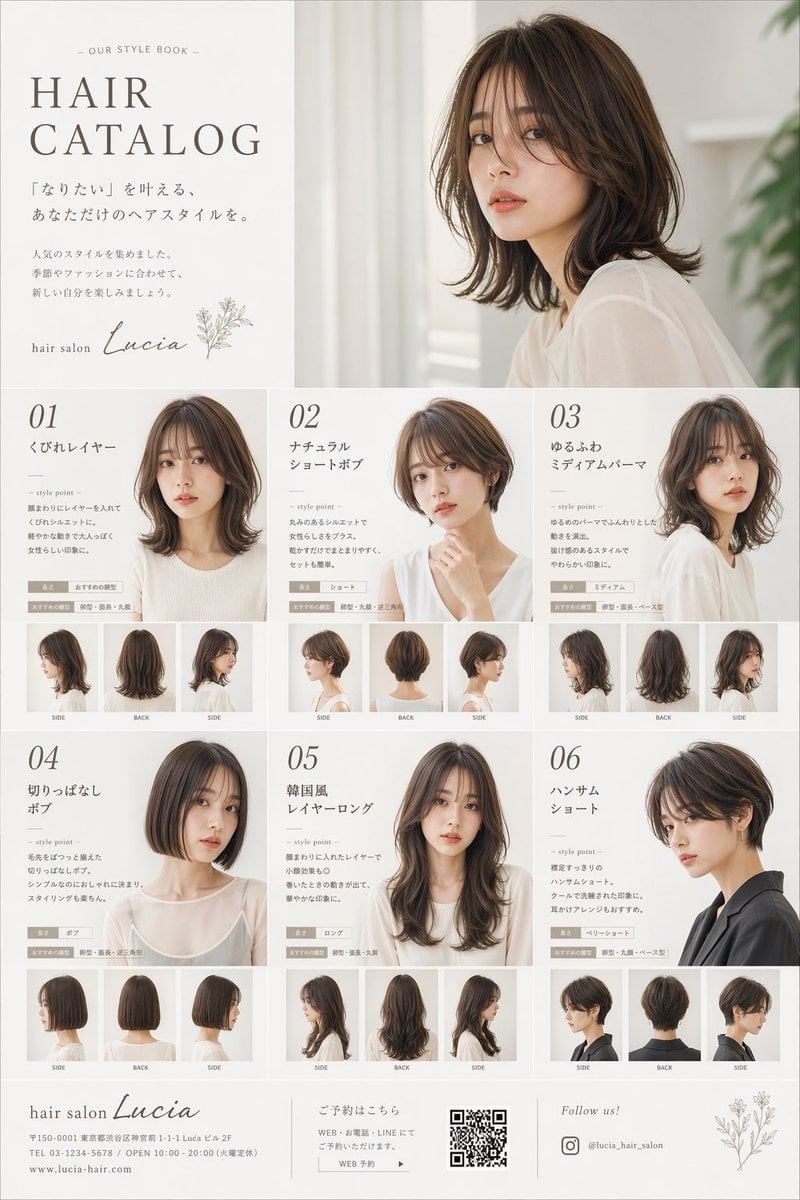
Japanese Hair Salon Catalog Poster
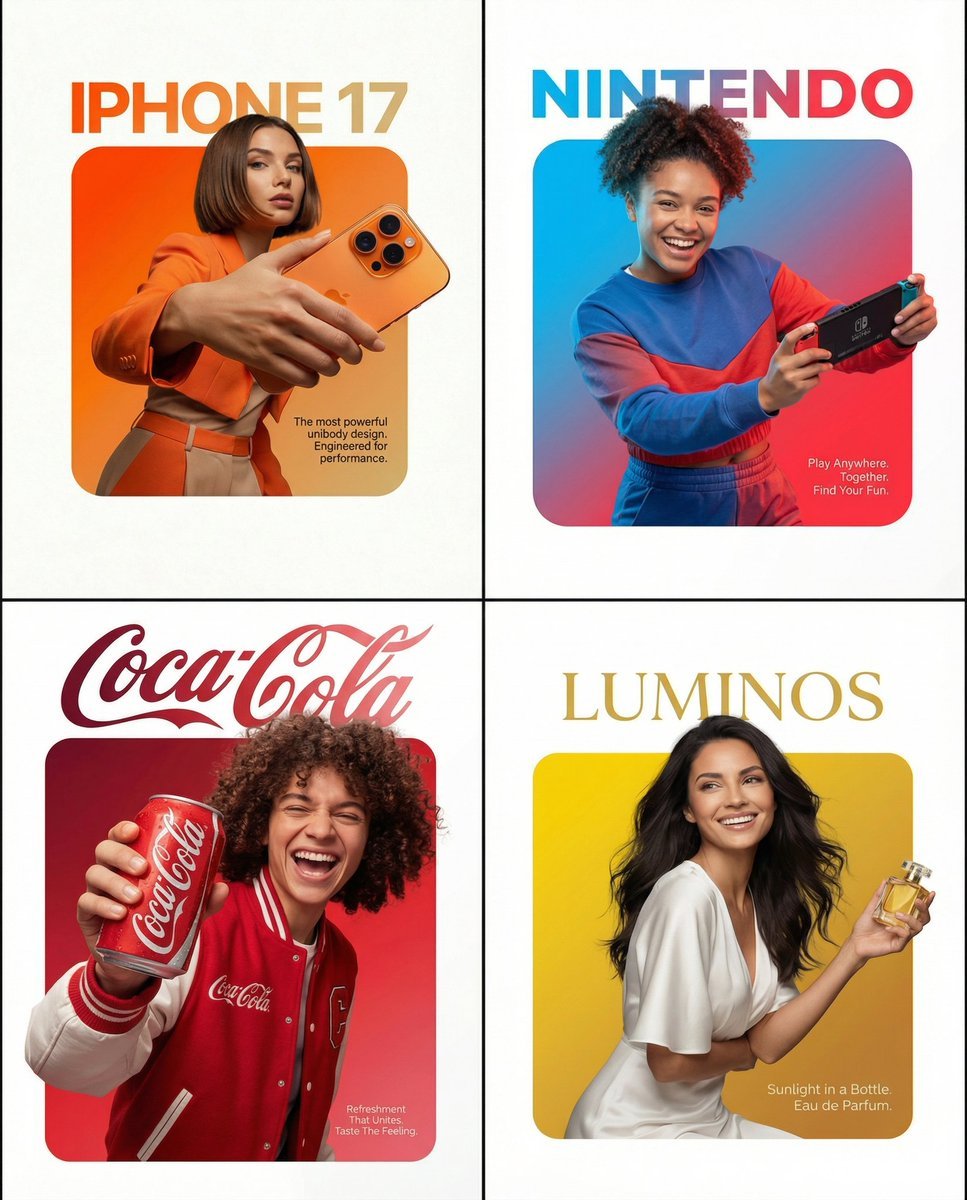
Graphic Design Product Ad with Breakout Effect Prompt
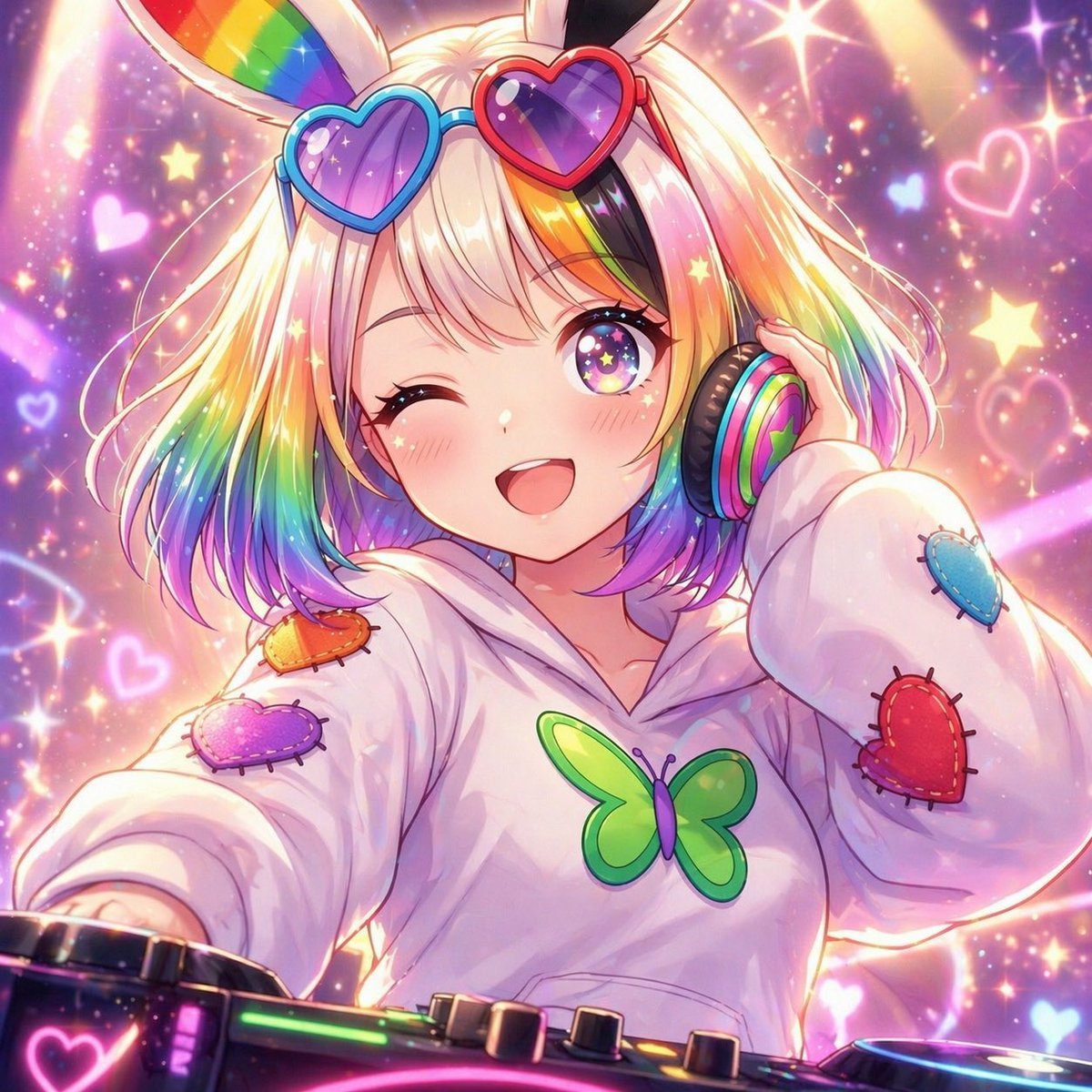
Rainbow Bunny DJ Anime Portrait

Kitchen English Fill-in Worksheet Poster
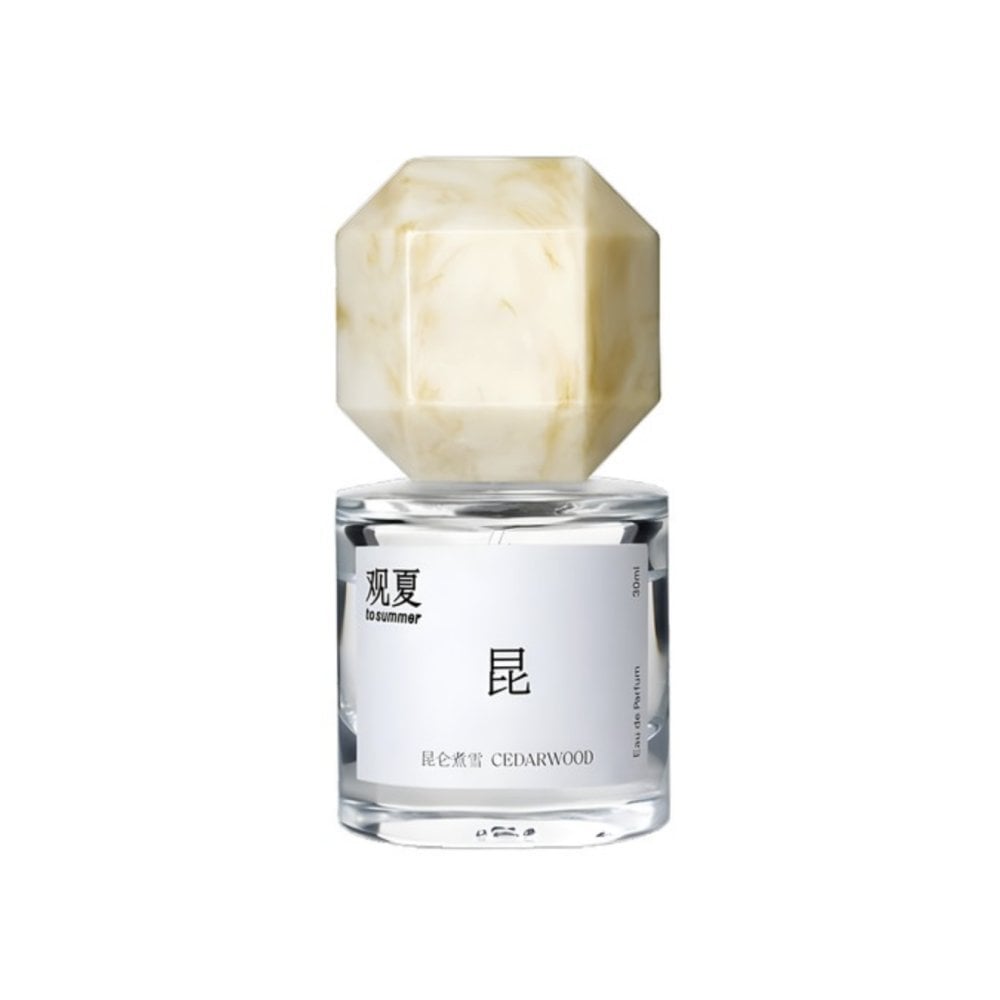
Perfume promo with niche Le Labo-like feel

Playful Wink Studio Portrait
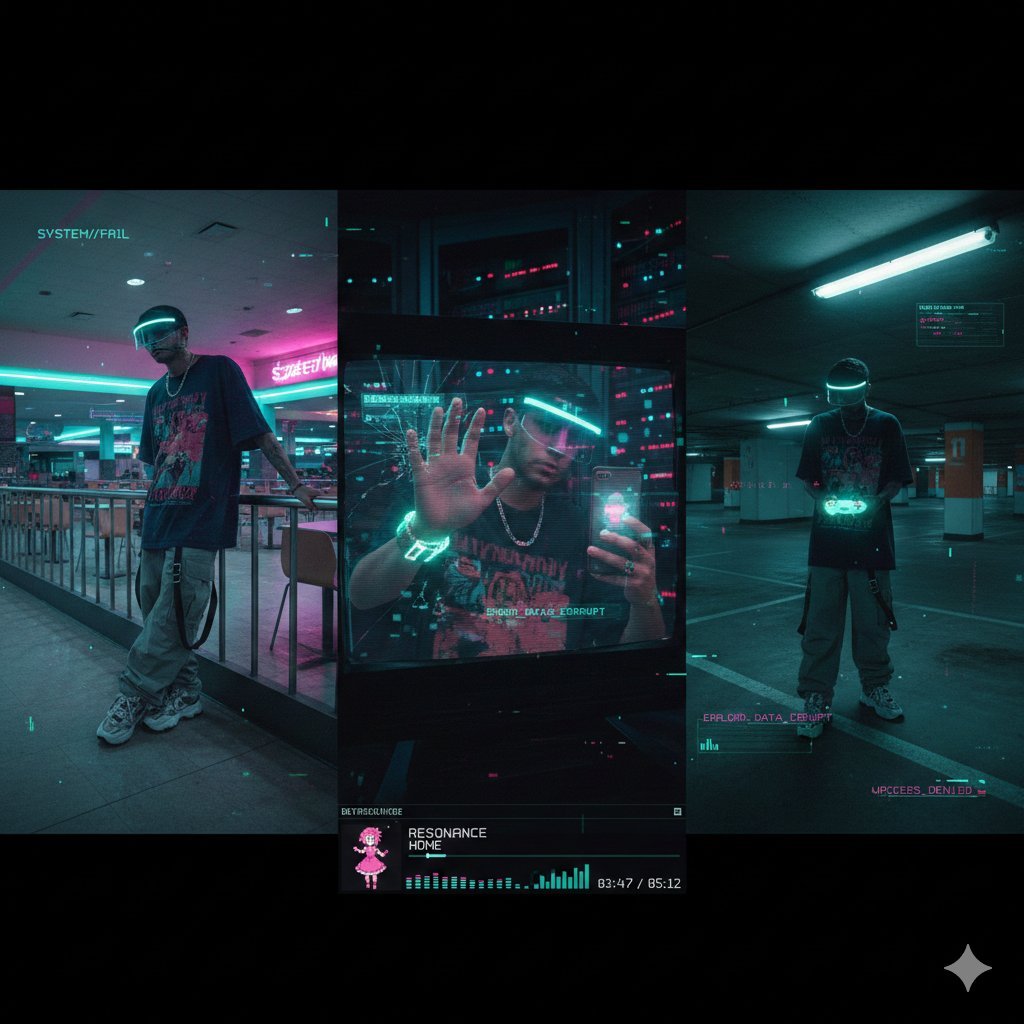
Cyber-Liminal Dream Sequence Triptych

Bureaucrat-style explanatory diagram (Kasumigaseki PowerPoint)
Browse template categories
Gpt2 Vr Headset Exploded View Poster questions
How do I use the gpt2-vr-headset-exploded-view-poster template?
Add your photo if the template asks for one, edit the prompt if you like — the template's model and format are already selected — and press Generate. Your version opens in PicX Studio.
Can I customize the gpt2-vr-headset-exploded-view-poster template?
Yes. You can change the subject, setting, lighting, mood, format, and available model controls before creating your image.
Is the gpt2-vr-headset-exploded-view-poster template free?
Opening and editing this template is free. Generating uses credits, shown on the Generate button when you are signed in.
Which AI model should I use?
Start with GPT Image 2, which is the model associated with this template. You can compare another compatible model for a different finish.
Looking for something else? Browse all templates.

Your photo, any look
Thousands of ready templates for every top image and video model, from one credit balance.