
Rainbow Bunny DJ Anime Portrait
This prompt generates a colorful anime DJ-girl portrait with bunny ears, rainbow styling, and a sparkling club atmosphere, ideal for social media art comparisons or character concept visuals.
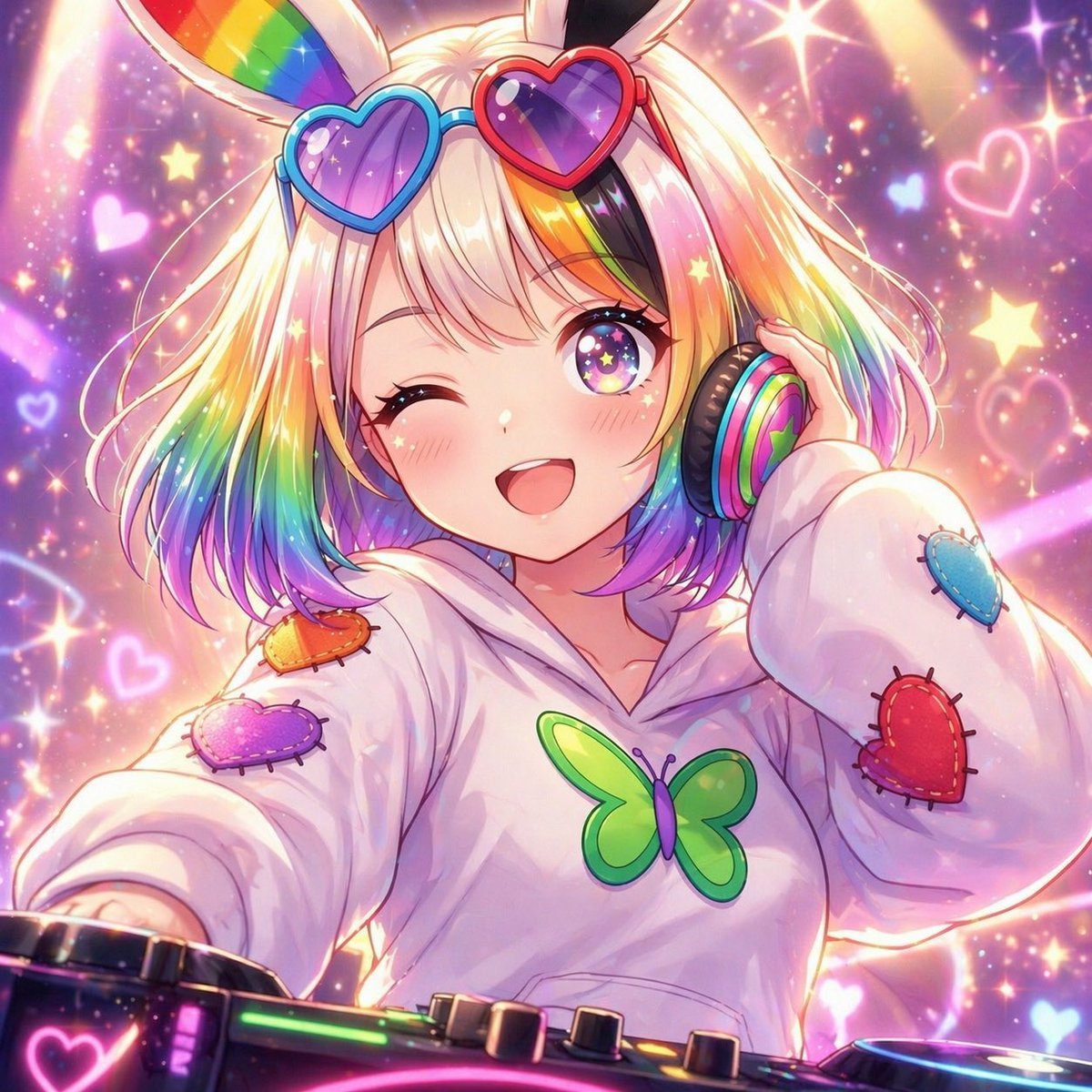
- Prompt included
- Model and format preset
- Free template
The prompt behind this image
Copy the exact prompt behind Rainbow Bunny DJ Anime Portrait, or open it in the studio and make it yours.
A vibrant anime-style close-up of a cute DJ girl in a magical rave scene, framed from a slightly low angle as if the viewer is standing in front of the DJ booth. She has a short bob haircut with {argument name="hair color" default="blonde with rainbow-dyed ends"}, fluffy bangs, and tall bunny ears, with the inner left ear showing a rainbow gradient. Her face is mostly obscured by a centered rectangular censor block in soft beige-pink, but the pose should imply a playful wink and a mischievous grin. She wears oversized heart-shaped sunglasses on top of her head, one blue frame and one red frame, with glossy purple-tinted lenses. One hand is pressing a large rainbow-colored headphone cup against her ear, while the other arm reaches forward toward the viewer over the DJ console, creating an energetic performance feel as if she is about to drop the next track. She is dressed in an oversized white hoodie with a large green butterfly emblem on the chest and 4 stitched heart patches on the sleeves and shoulder area: 1 orange, 1 purple, 1 blue, and 1 red. In the foreground, show part of a glowing DJ mixer with colorful neon controls, knobs, and a luminous pink heart icon. The background is a dreamy, hyper-sparkly club fantasy filled with glowing stars, hearts, glitter bokeh, pastel light beams, and soft rainbow highlights, with an "emo" yet kawaii atmosphere. Use highly polished anime illustration, glossy lighting, soft bloom, iridescent reflections, saturated rainbow accents, and a cute, energetic idol-DJ aesthetic.
How to use Rainbow Bunny DJ Anime Portrait in 3 steps
- 1Upload ImagePNG, JPG or paste
Add your photo
Upload the photo the template builds on. The prompt, model and format are already set.
- 2…a portrait of your subject in softgolden-hour light, 85mm…
Personalize
Edit the subject and creative details for your destination.
- 3Generate
Generate
Press Generate — your image is created in PicX Studio, so you can compare it with the original and refine one variable at a time.
More like this
Templates with the same subject, style or setup. Open one to see its prompt.
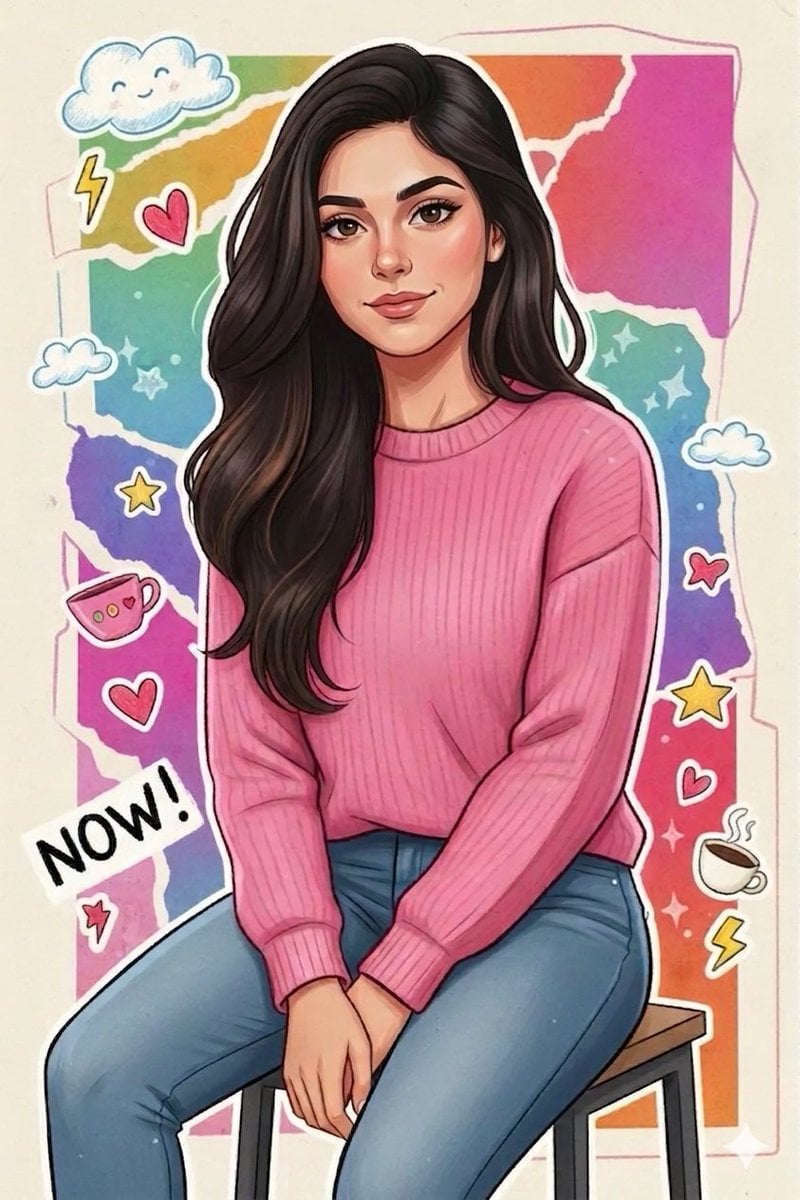
Sticker Art Style - Rainbow Girl

Sticker Art Style - Rainbow Girl v2
Sticker Art Style - Rainbow Girl

Found Photograph: Us, 1970

80s Couple Studio Portrait

80s Bollywood Star

80s Golden Hour Cinema

Me in 1985

1985 Studio Portrait
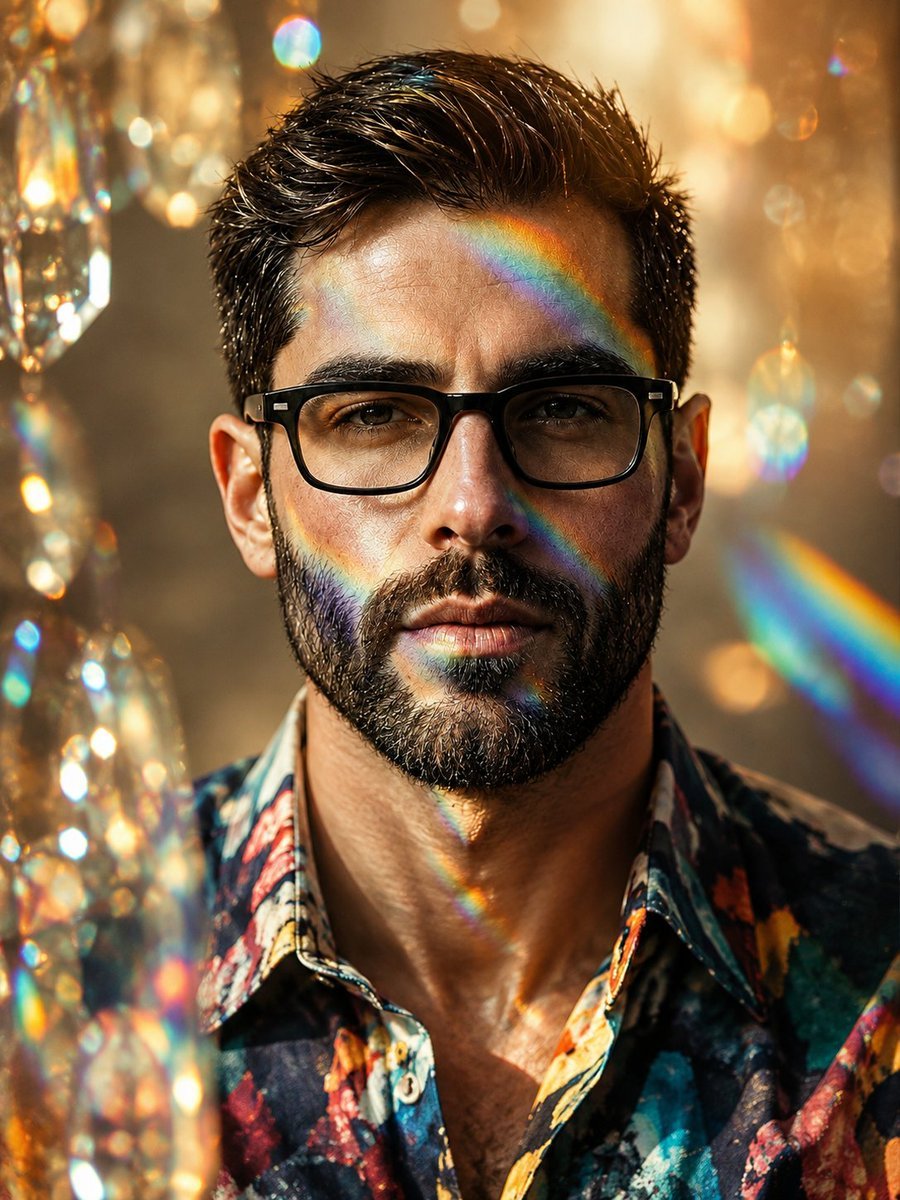
Floral Shirt Portrait with Rainbow Refractions

Hyper-Realistic Minecraft POV Portrait

Rooftop Fisheye — Cat-Ear Balaclava at Golden Hour
Make it yours
Rainbow Bunny DJ Anime Portrait works as-is. These are the safest ways to change it without losing the look.
Change one field
Copy a single group, rewrite it, and generate again so you can see what that field is doing.
Keep the frame, change the subject
Hold the composition and light of Rainbow Bunny DJ Anime Portrait, then swap wardrobe, props or the person for a new take.
| If the result… | Why | Fix |
|---|---|---|
| The result drifts from the preview | Too many fields changed at once. | Reuse Rainbow Bunny DJ Anime Portrait as-is first, then change one group — subject, light, or setting. |
| The model over-stylizes the scene | The prose prompt leaves finish and camera underspecified. | Add one camera or lighting sentence and stay on GPT Image 2. |
More GPT Image 2 templates
Other prompts made for GPT Image 2.

Six VTuber Japanese Logo Sheet

Realistic Portrait of Woman and Deer

The Vista Modular Condo Poster

AI Model Routing Comparison Infographic

2.5D Anime Art Board

Isometric Productivity Desk Scene

New York Double Exposure Poster

Four-Panel AI Landscape Comparison

Japanese Tatami Lifestyle Magazine Cover

NESCAFÉ Coffee Map Poster
More image prompts
Fresh picks from across the catalog.

Professional Studio Portrait Headshots
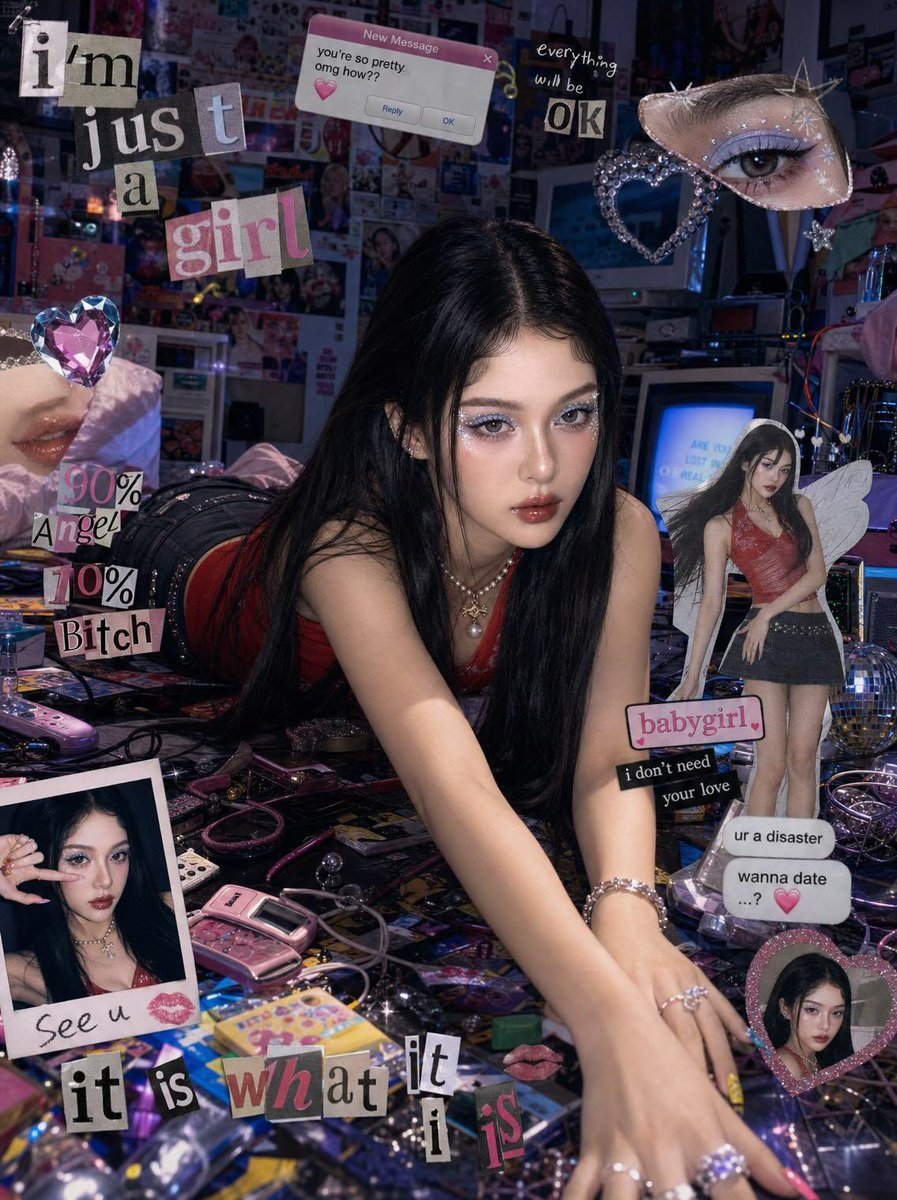
Chaotic Y2K Cyber-Pop Editorial Portrait
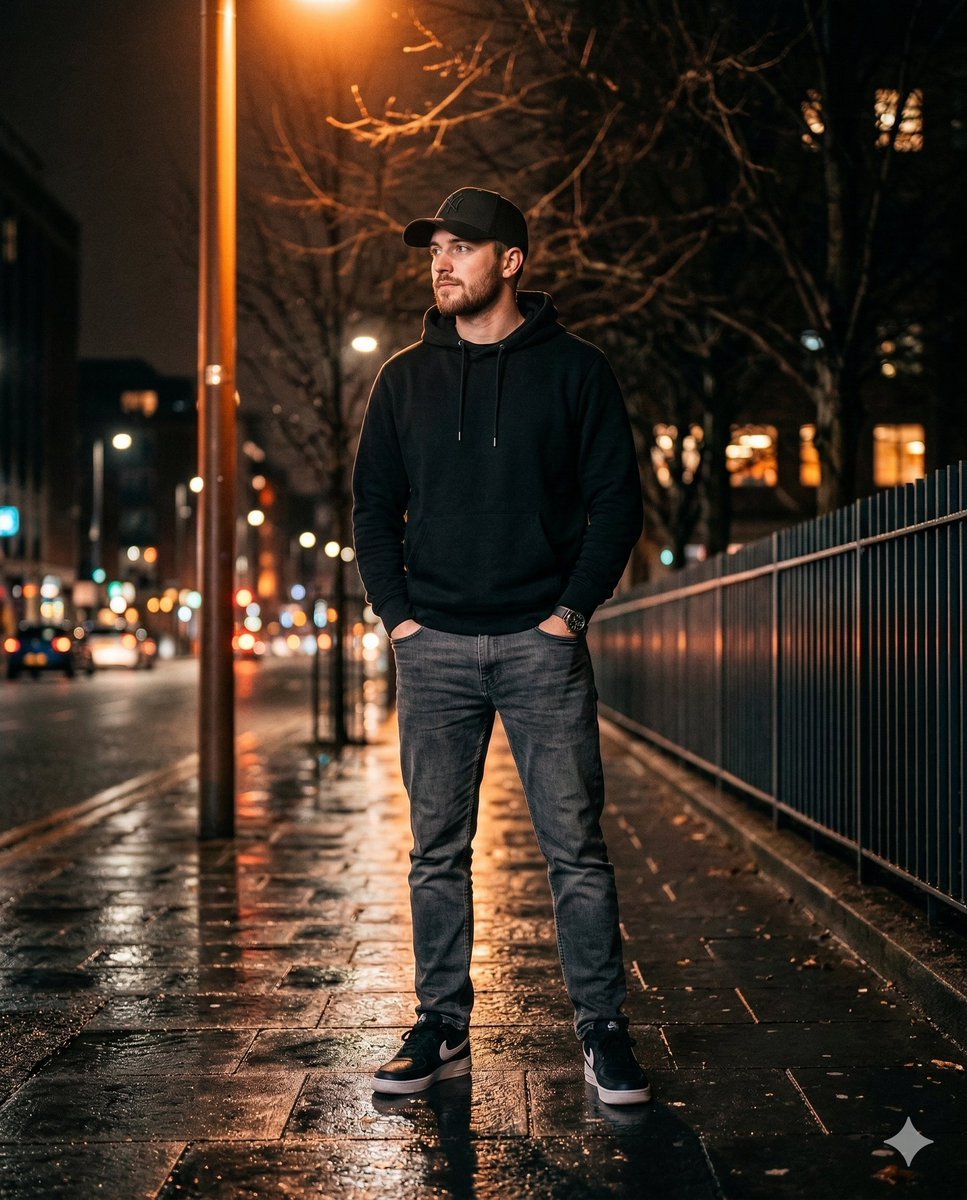
Ultra-realistic Night Photo of a Stylish Young Man
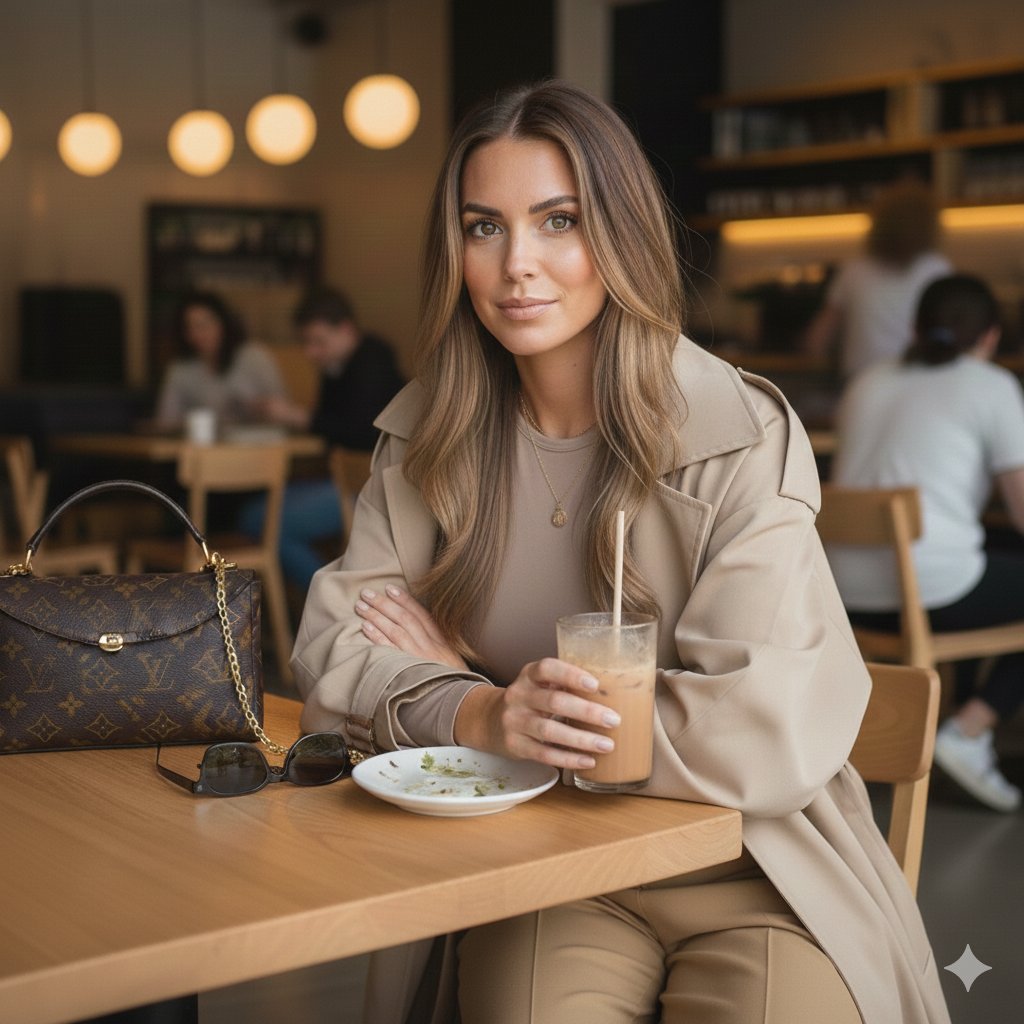
Lifestyle Café Photography Portrait

Wind-blown hair physics edit prompt
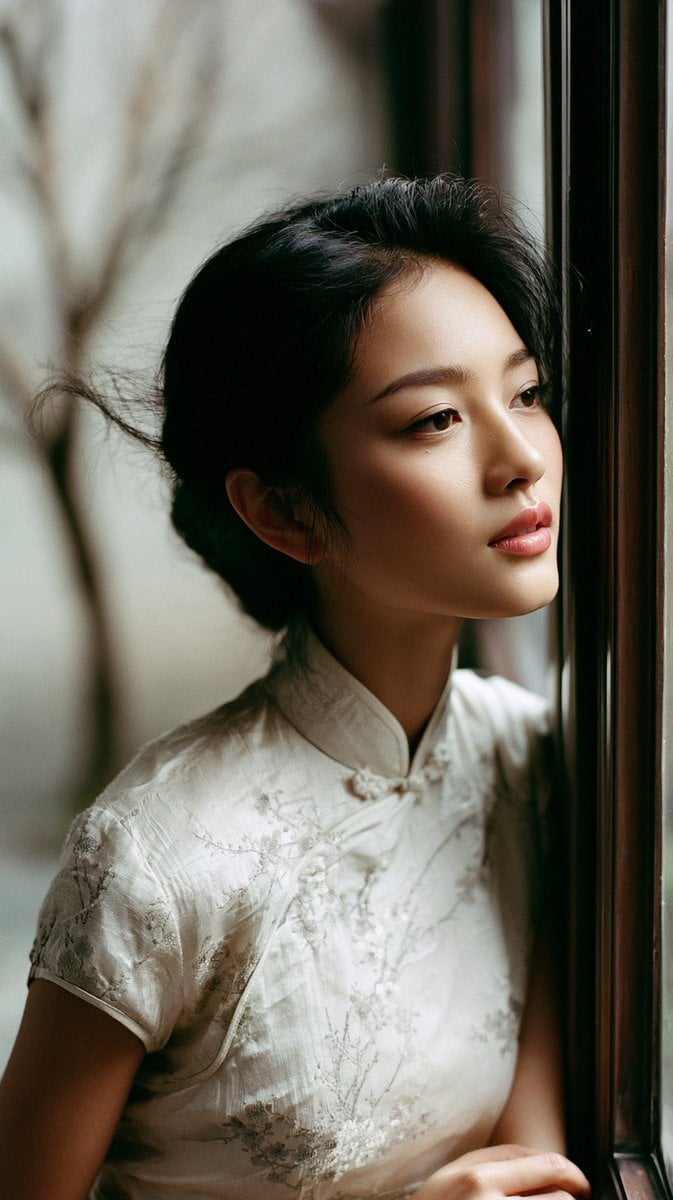
East Asian Woman in Silk Qipao Corridor Portrait
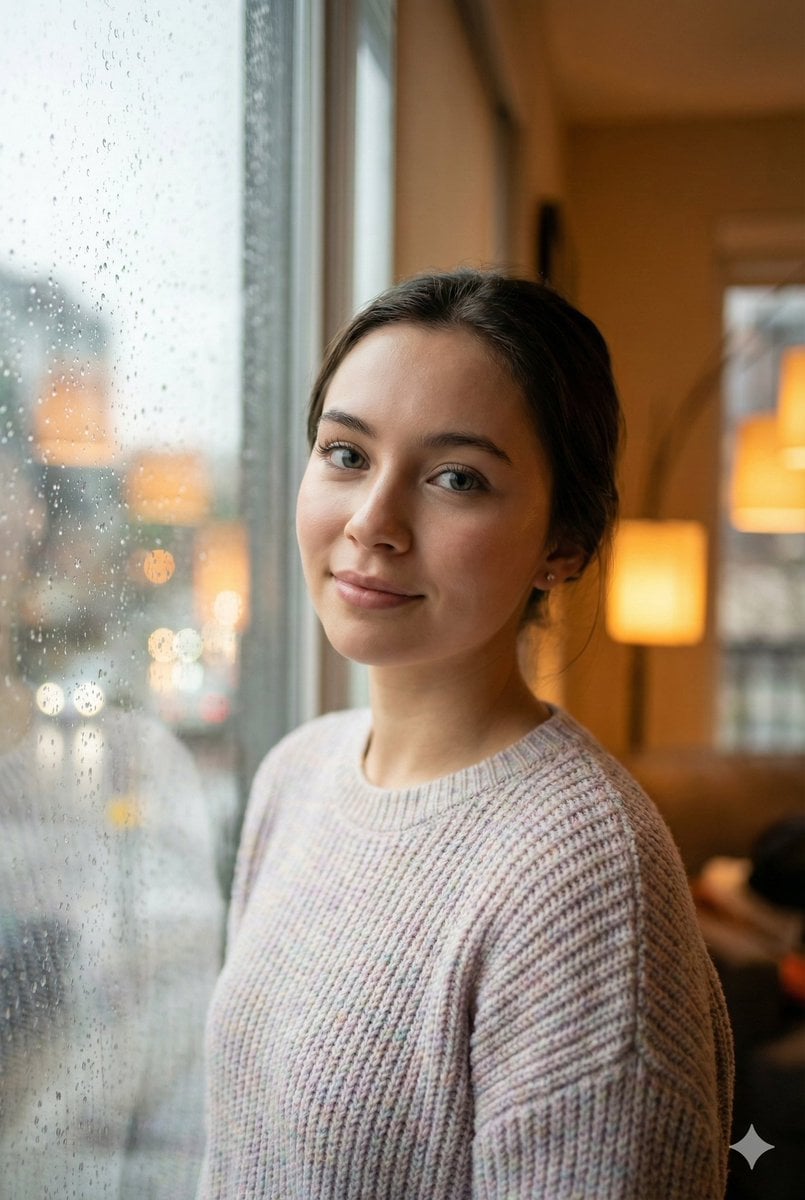
Cozy Realism Rainy Day Portrait Prompt
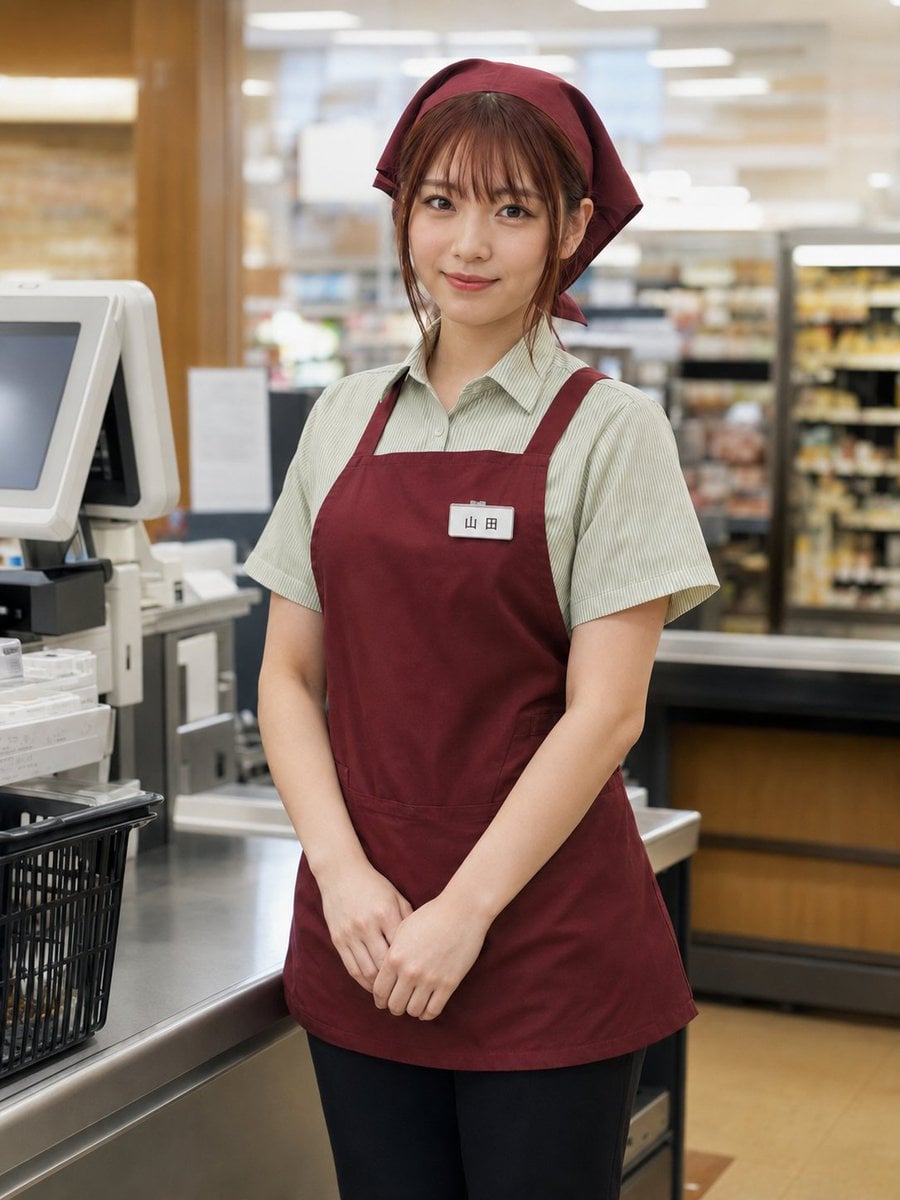
Japanese Supermarket Cashier Portrait
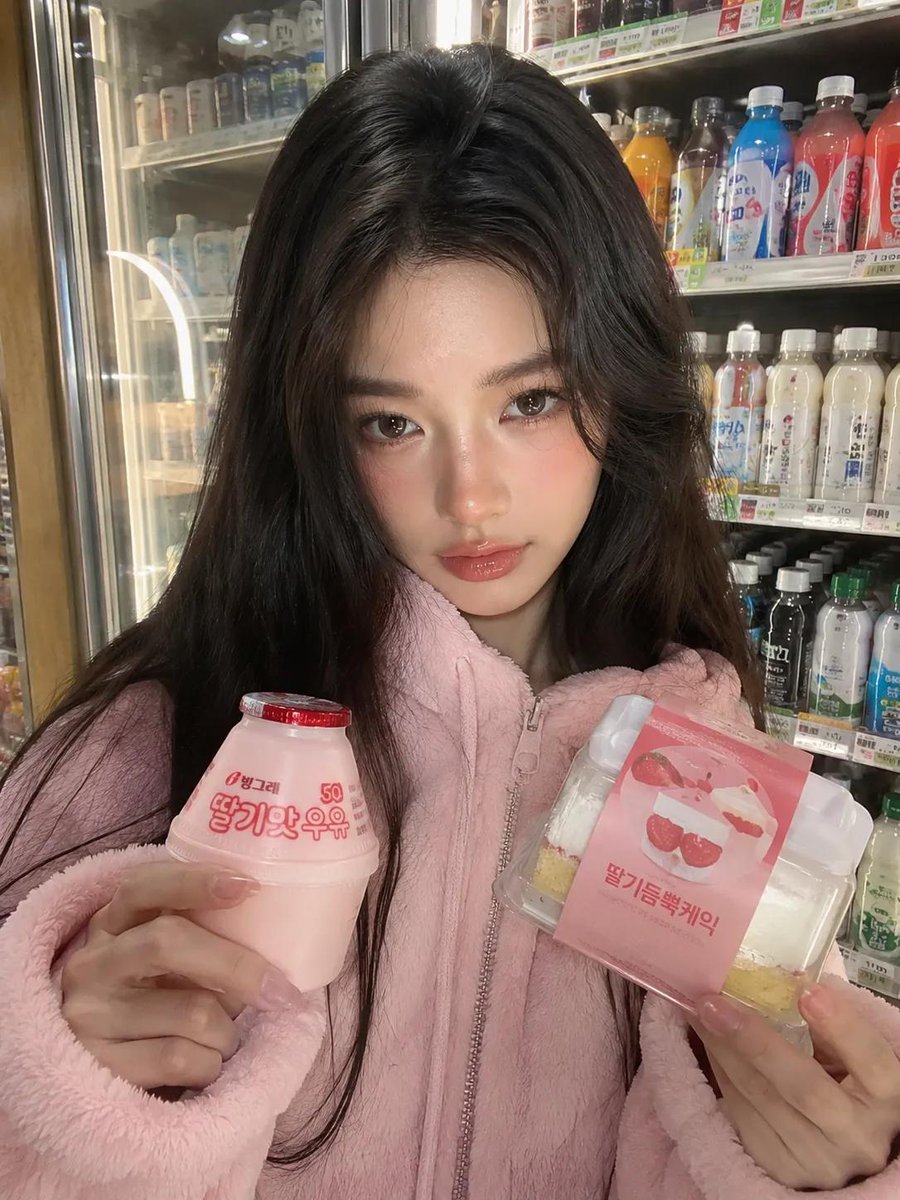
Korean Convenience Store Portrait
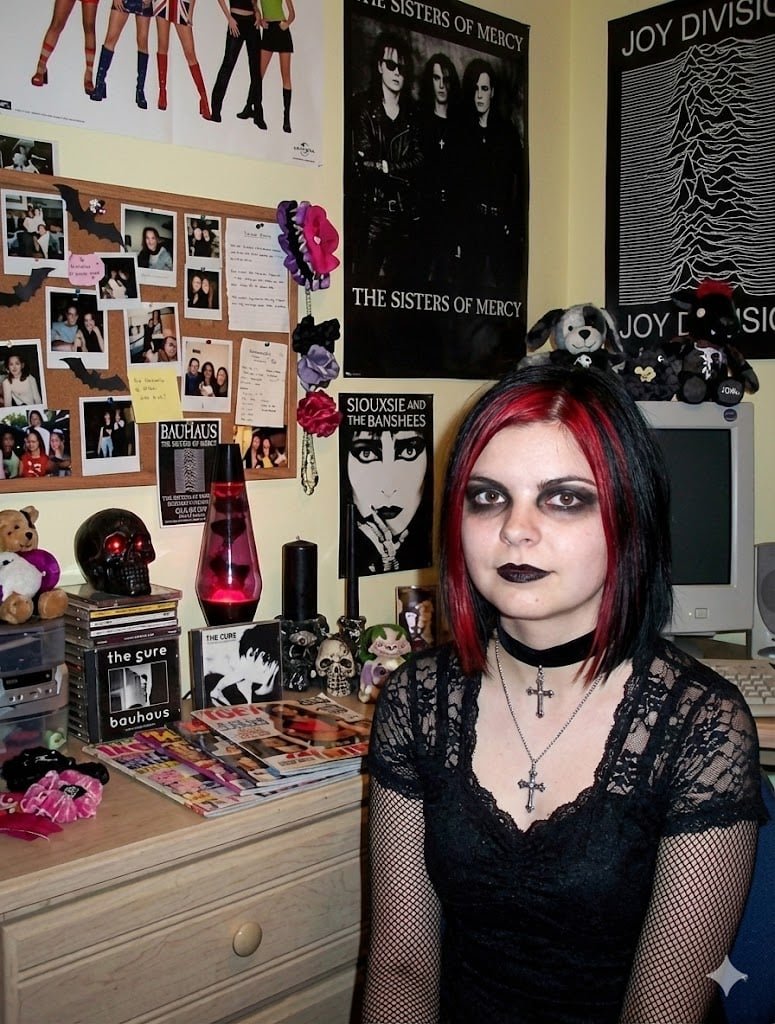
Goth makeover variant of existing photo
Browse template categories
Rainbow Bunny DJ Anime Portrait questions
How do I use the Rainbow Bunny DJ Anime Portrait template?
Add your photo if the template asks for one, edit the prompt if you like — the template's model and format are already selected — and press Generate. Your version opens in PicX Studio.
Can I customize the Rainbow Bunny DJ Anime Portrait template?
Yes. You can change the subject, setting, lighting, mood, format, and available model controls before creating your image.
Is the Rainbow Bunny DJ Anime Portrait template free?
Opening and editing this template is free. Generating uses credits, shown on the Generate button when you are signed in.
Which AI model should I use?
Start with GPT Image 2, which is the model associated with this template. You can compare another compatible model for a different finish.
Looking for something else? Browse all templates.

Your photo, any look
Thousands of ready templates for every top image and video model, from one credit balance.