How do I use the Japanese Supermarket Cashier Portrait template?
Choose the primary action to open PicX Studio with the available template settings. Review the model and format, personalize the creative direction, and generate when ready.
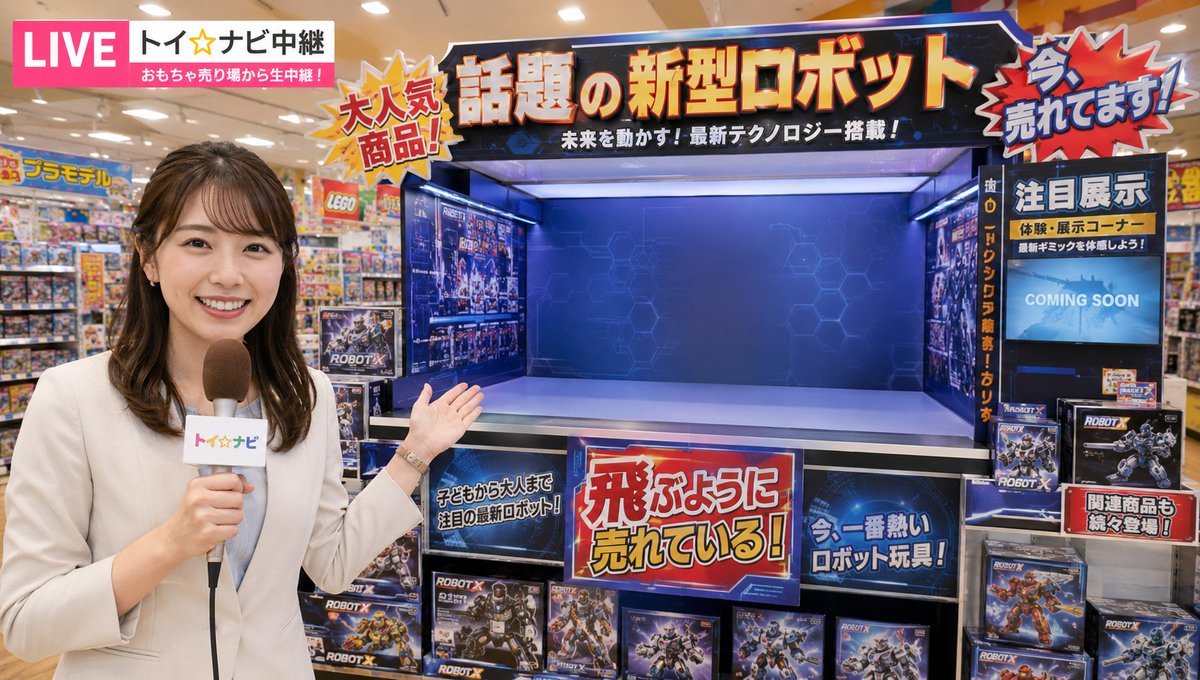
A prompt for a realistic portrait of a Japanese supermarket employee, featuring authentic uniform details and store lighting. Change the subject, setting, or lighting one variable at a time.

Daytime {argument name="name" default="Yamada"} cashier version, 3:4 vertical image. Create a realistic live-action portrait of an adult young Japanese woman, around 24 years old. She has fair skin, soft delicate facial features, a gentle oval face, calm dark eyes, natural light makeup, reddish hair, straight blunt bangs, and long side locks framing both sides of her face. Her expression is gentle, polite, slightly shy, and quietly mature, like a reliable supermarket cashier with a warm customer-service smile. Scene: daytime inside a Japanese supermarket checkout area. She is standing behind or beside the checkout counter, facing the camera, with a polite gentle smile. The background has blurred product shelves, checkout counter details, and clean supermarket lighting. Outfit: {argument name="outfit" default="Japanese supermarket employee uniform"}. Deep red headscarf covering the back of her hair while still showing her straight bangs and red side locks, pale green or beige striped short-sleeve work shirt, deep red apron, black flared work pants. Add a small rectangular employee name badge pinned on the upper chest or apron with readable Japanese text “{argument name="badge text" default="山田"}”. The badge should be realistic, small, and clear. The only readable text in the image should be “{argument name="badge text" default="山田"}”. Style: realistic live-action Japanese drama still, 3:4 vertical portrait, waist-up or three-quarter body, natural indoor fluorescent supermarket lighting, shallow depth of field, muted realistic colors, natural skin texture, 35mm lens look, high detail.
Choose the primary action to open PicX Studio with the available template settings. Review the model and format, personalize the creative direction, and generate when ready.
Yes. You can change the subject, setting, lighting, mood, format, and available model controls before creating your image.
This template is free to open and customize. Generation usage is shown in PicX Studio before you create.
Start with GPT Image 2, which is the model associated with this template. You can compare another compatible model for a different finish.
© 2026 PicX Studio. All rights reserved.

Follow a topic to a crawlable collection of related PicX Studio templates.
43,474 public templates available. Verified via the PicX Studio public templates API; refreshed hourly.


![69-untitled — FORMAT: 15s / 145 BPM / 14 SHOTS
SUBJECT: @[image1]
WARDROBE: Clean modern outfit
ENVIRONMENT: Street / indoor transitions
MOOD: Discovery → contr](/_next/image?url=https%3A%2F%2Fcdn.picxstudio.com%2Fuploads%2Fpost69_img0_d45faecf-38c3-4bcb-81a4-f6eb1cf42bb2.jpg&w=828&q=100)




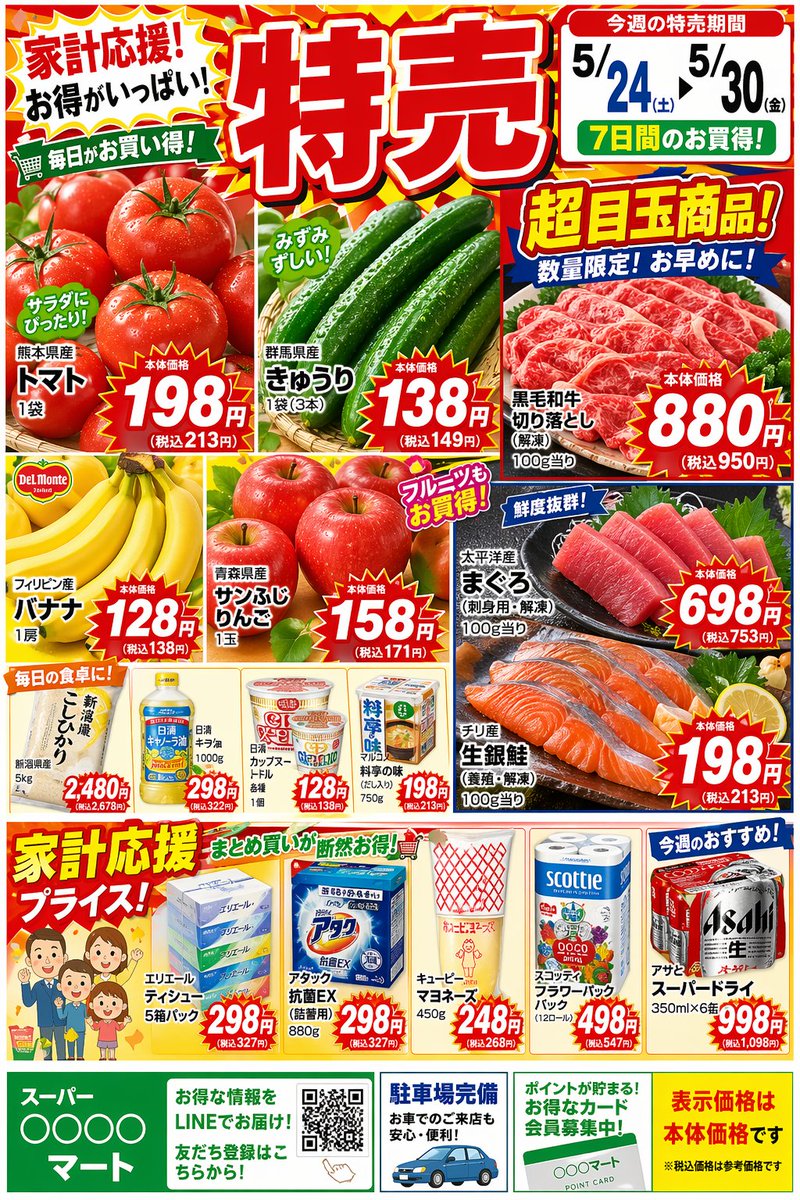






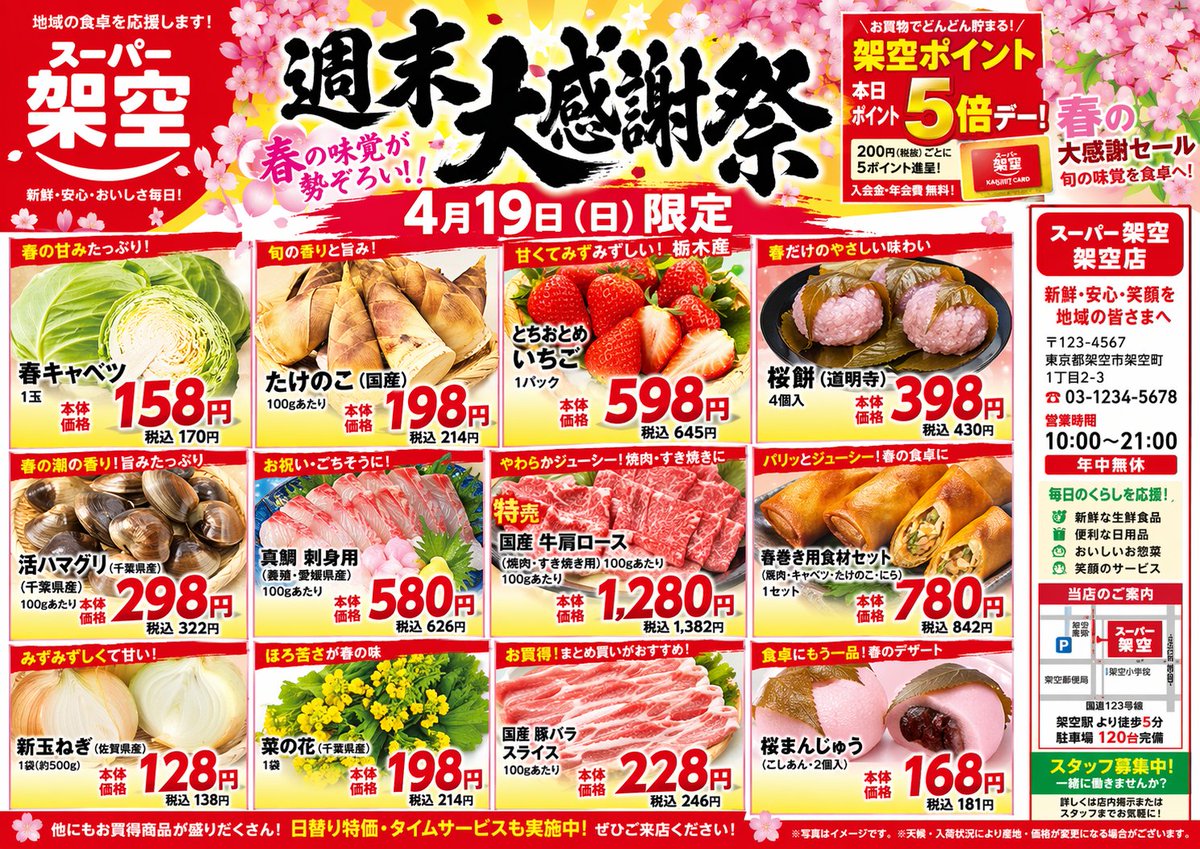
![Supermarket sale flyer in Japanese — スーパーマーケットの特売チラシを作って。{argument name="店名" default="[お店の名前]"}の名前も入れてください。](https://pbs.twimg.com/media/G6O7tn_acAECV3k.jpg)



![118-google-nano-banana-pro-skincare-product- — A professional skincare shot of a [product container] with [cap/lid], labeled [brand, product, descriptor, volume](/_next/image?url=https%3A%2F%2Fcdn.picxstudio.com%2Fuploads%2Fpost118_img0_332898b8-29ea-42a9-87ab-9ed746a3f944.jpg&w=828&q=100)




![Minimalist Flat Vector Travel Poster — Premium minimalist flat-vector travel poster for {argument name="city name" default="[CITY_NAME]"}, 3:4 vertical format.](https://cms-assets.youmind.com/media/1787917359711_3ug846_HQX205cbMAA6F6S-300x400.jpg)





























![Iridescent Bubble Object Generation — floating {argument name="object" default="[OBJECT]"} entirely made of soap bubble material, ultra thin translucent shell,](https://pbs.twimg.com/media/HDnpc8WaQAAQsw2.jpg)