
Civilization-Style Japanese Island City
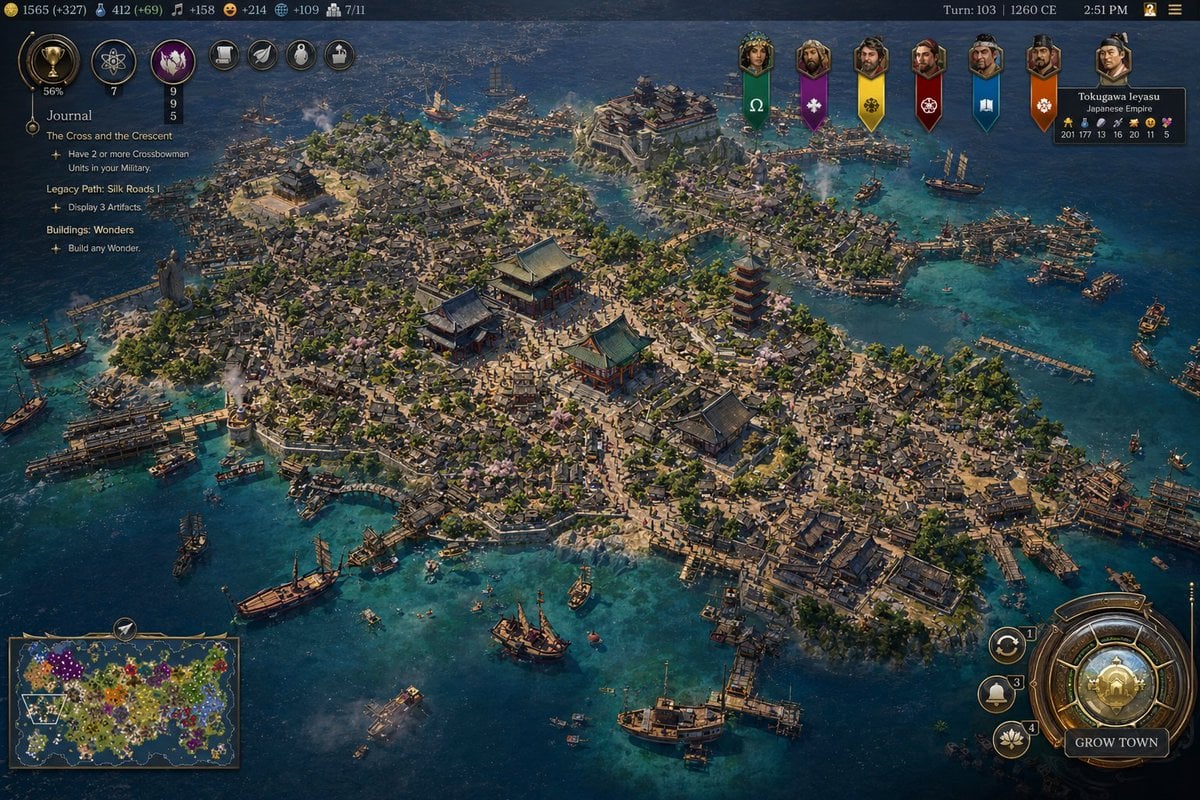
A detailed strategy-game screenshot prompt for generating a Civilization VII-style overview of a medieval Japanese island harbor city with a full gameplay interface.
- Prompt included
- Model and format preset
- Free template
The prompt behind this image
Copy the exact prompt behind Civilization-Style Japanese Island City, or open it in the studio and make it yours.
A highly detailed isometric grand-strategy game screenshot in the style of a modern historical 4X interface, showing a dense island port city of the {argument name="civilization name" default="Japanese Empire"} during the {argument name="era" default="1260 CE"}. The city fills almost the entire island and is surrounded by vivid turquoise coastal water and darker deep-blue sea. The urban layout is extremely dense and organic, with hundreds of tightly packed low wooden buildings, narrow winding streets, many docks and piers, and bustling harbor infrastructure wrapping around the shoreline. At the center of the island are 4 prominent landmark structures: 3 large traditional East Asian temple or palace buildings with layered green-blue tiled roofs arranged around a broad plaza, and 1 tall red pagoda slightly to the right of center. Include many smaller shrines, courtyards, stone paths, patches of trees, and scattered pale pink cherry blossoms among the rooftops. The island terrain should have slight elevation changes, rocky edges, and several harbor inlets, with bridges and wooden waterfront platforms connecting different neighborhoods. Populate the surrounding waters with exactly 16 visible vessels of mixed sizes: large sailing ships, medium trade ships, and small boats, some docked and some anchored offshore. Show light smoke rising from several points in the city and harbor, suggesting industry and daily activity. The overall lighting is bright afternoon sunlight with crisp shadows and richly saturated colors, emphasizing clear water, weathered wood, ceramic roof tiles, and coastal stone. The camera angle is high, wide, and slightly tilted, like a premium strategy game city overview. Add a full game UI overlay closely resembling a polished civilization-building game: a dark ornate top bar with many resource counters on the left, the text Turn: 103 | {argument name="year label" default="1260 CE"} and 2:51 PM on the right, a vertical quest panel on the upper left titled {argument name="journal title" default="Journal"} with multiple objective lines beneath it, a row of 6 hanging banner icons for rival factions across the upper right-center, a leader portrait panel in the top right for Tokugawa Ieyasu labeled Japanese Empire, a rectangular minimap in the bottom left, and a large circular bronze-and-gold city management button in the bottom right labeled GROW TOWN, with 3 smaller circular action buttons stacked beside it. The image should feel like an authentic gameplay screenshot from a fictional Civilization VII-like game, ultra-detailed, historically grounded, cinematic, and believable.
How to use Civilization-Style Japanese Island City in 3 steps
- 1Upload ImagePNG, JPG or paste
Add your photo
Upload the photo the template builds on. The prompt, model and format are already set.
- 2…a portrait of your subject in softgolden-hour light, 85mm…
Personalize
Edit the subject and creative details for your destination.
- 3Generate
Generate
Press Generate — your image is created in PicX Studio, so you can compare it with the original and refine one variable at a time.
More like this
Templates with the same subject, style or setup. Open one to see its prompt.

Minecraft Japanese Research Lab Exploration

Cozy Knit Sweater Window Portrait

Minimalist Hand-Drawn Doodle Portrait

Japanese Architectural Concrete Studio Fashion Campaign

Japanese Minimalist Concrete Studio Fashion Editorial

Blue Backdrop Luxury Fashion Portrait Campaign
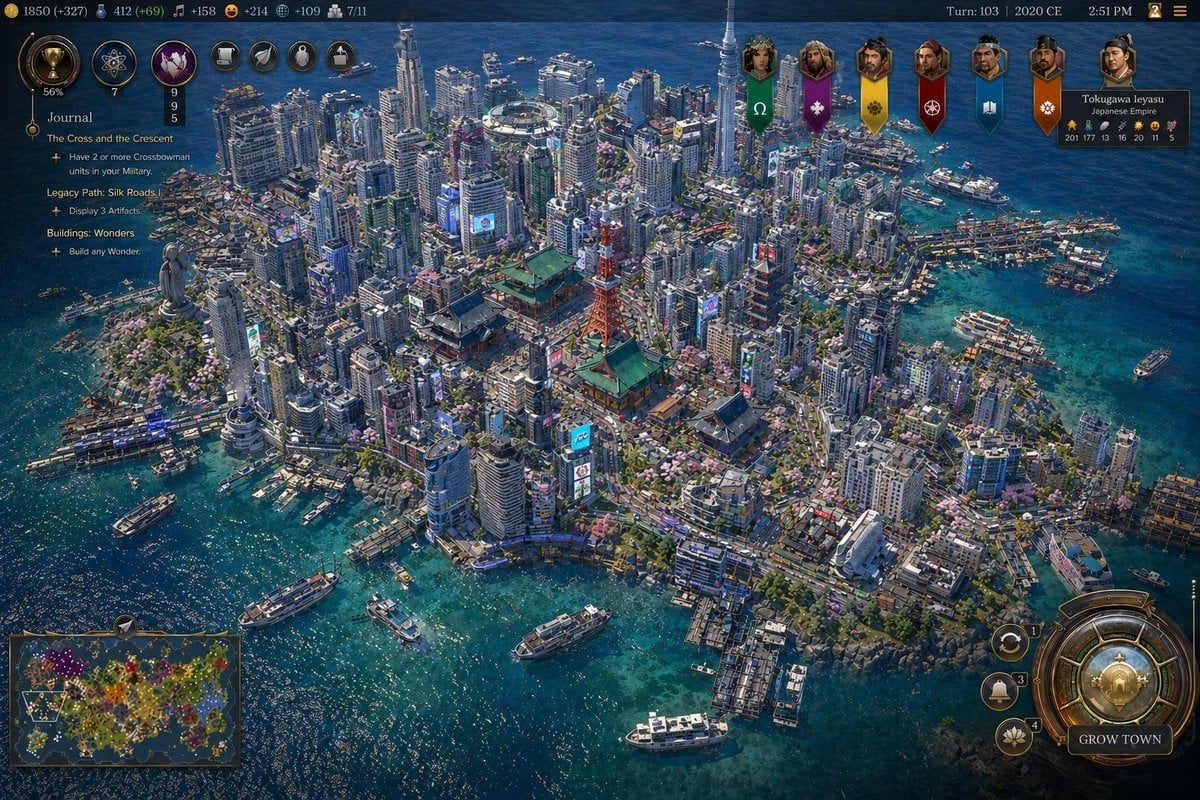
Civ-Style Tokyo Island Megacity Screenshot

Japanese Film Reflection Idol

Nano Banana Pro 2.0 — 3x3 Travel Profile Grid

Six VTuber Japanese Logo Sheet
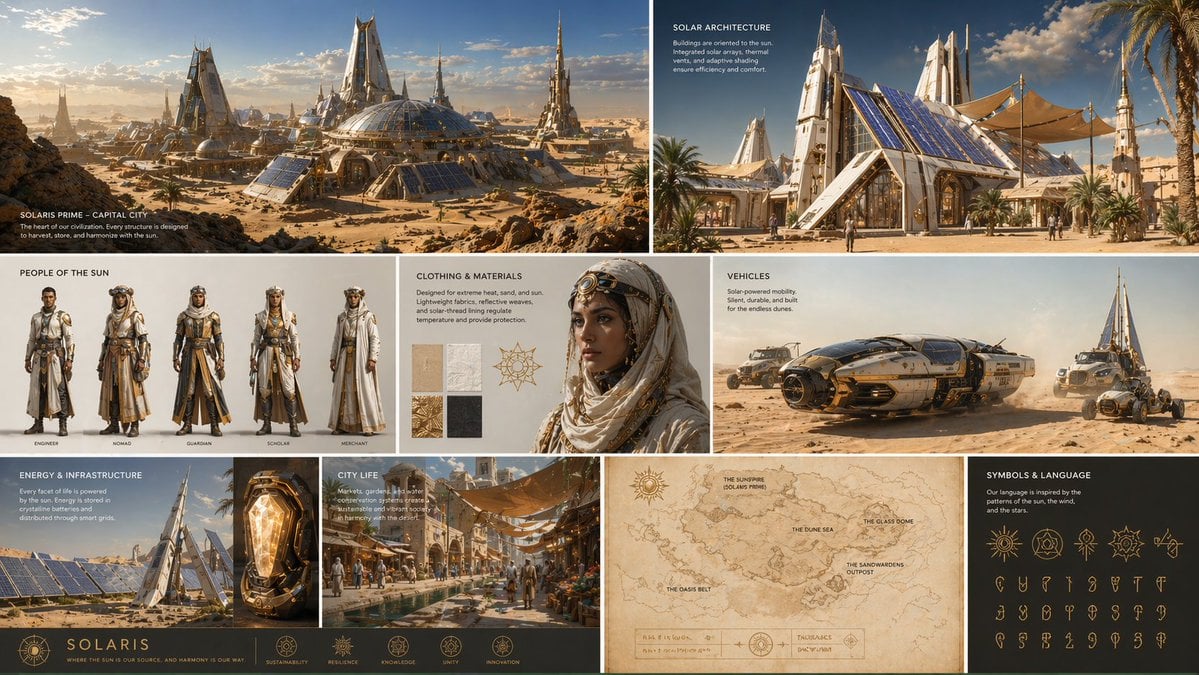
Complete visual worldbuilding set for a futuristic desert civilization
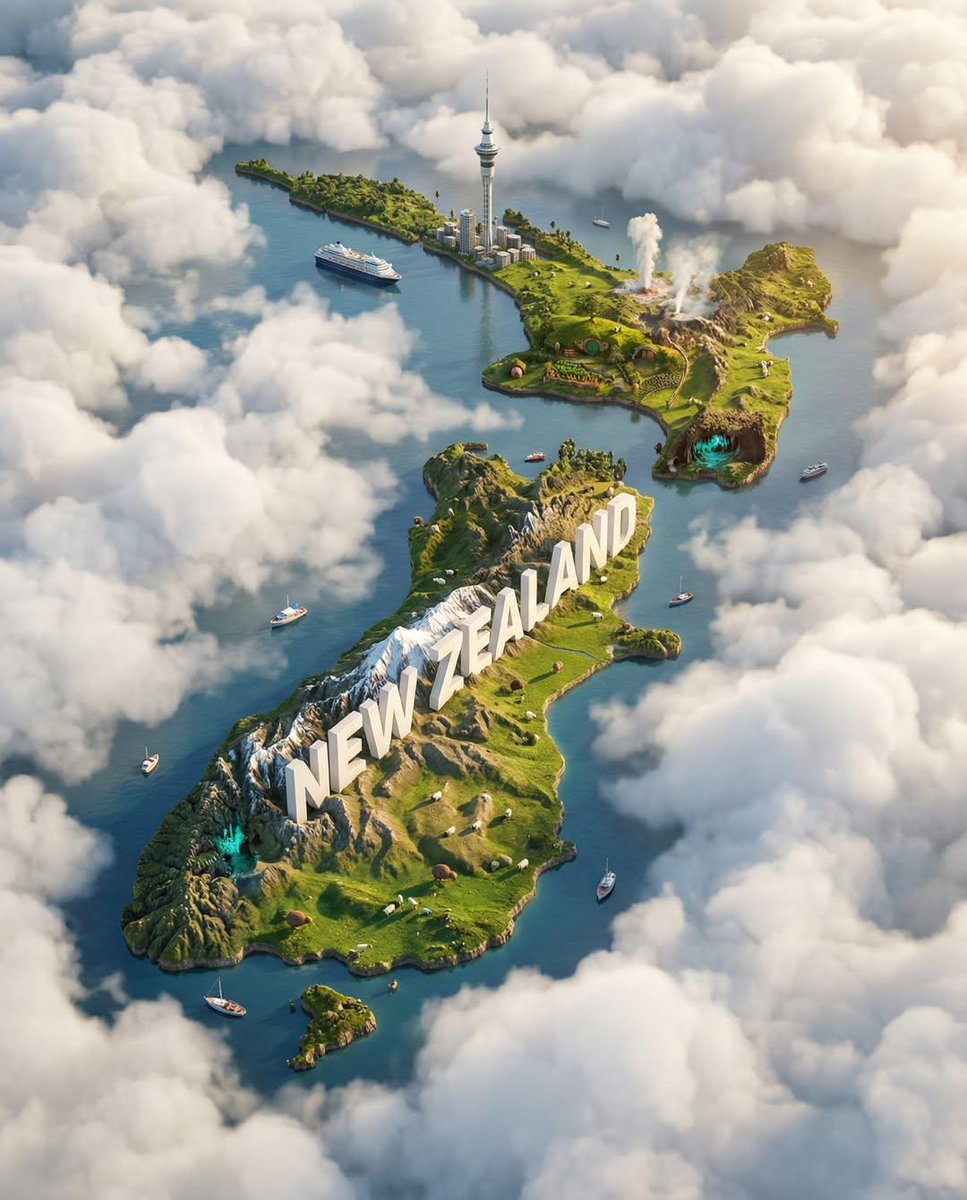
Ultra-HD, hyper-realistic digital poster of a floating miniature island
Make it yours
Civilization-Style Japanese Island City works as-is. These are the safest ways to change it without losing the look.
Change one field
Copy a single group, rewrite it, and generate again so you can see what that field is doing.
Keep the frame, change the subject
Hold the composition and light of Civilization-Style Japanese Island City, then swap wardrobe, props or the person for a new take.
| If the result… | Why | Fix |
|---|---|---|
| The result drifts from the preview | Too many fields changed at once. | Reuse Civilization-Style Japanese Island City as-is first, then change one group — subject, light, or setting. |
| The model over-stylizes the scene | The prose prompt leaves finish and camera underspecified. | Add one camera or lighting sentence and stay on GPT Image 2. |
More GPT Image 2 templates
Other prompts made for GPT Image 2.

Realistic Portrait of Woman and Deer

The Vista Modular Condo Poster

AI Model Routing Comparison Infographic

2.5D Anime Art Board

Isometric Productivity Desk Scene

New York Double Exposure Poster

Four-Panel AI Landscape Comparison

NESCAFÉ Coffee Map Poster

Brutalist Cogito Chinese Typography Poster

Cinematic Luxury Terrace Portrait
More image prompts
Fresh picks from across the catalog.

Avant-Garde Eyewear Fashion Ad
Storyboard Collage Prompt

Cinematic European Street Portrait Prompt
Rainy Hong Kong Schoolgirl Guitar Collage
Mixed-Media Portrait with Chibi Overlays at Night Train Station
Bullet Time Businessman Seedance 2 0
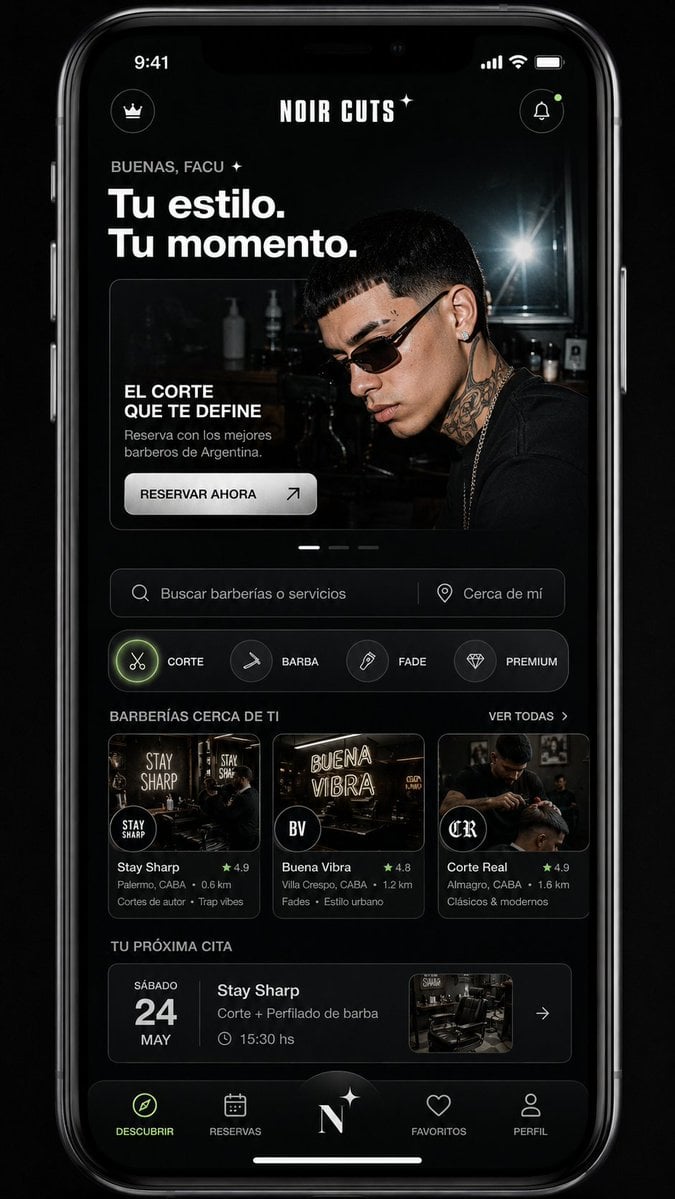
Mobile App UI Redesign
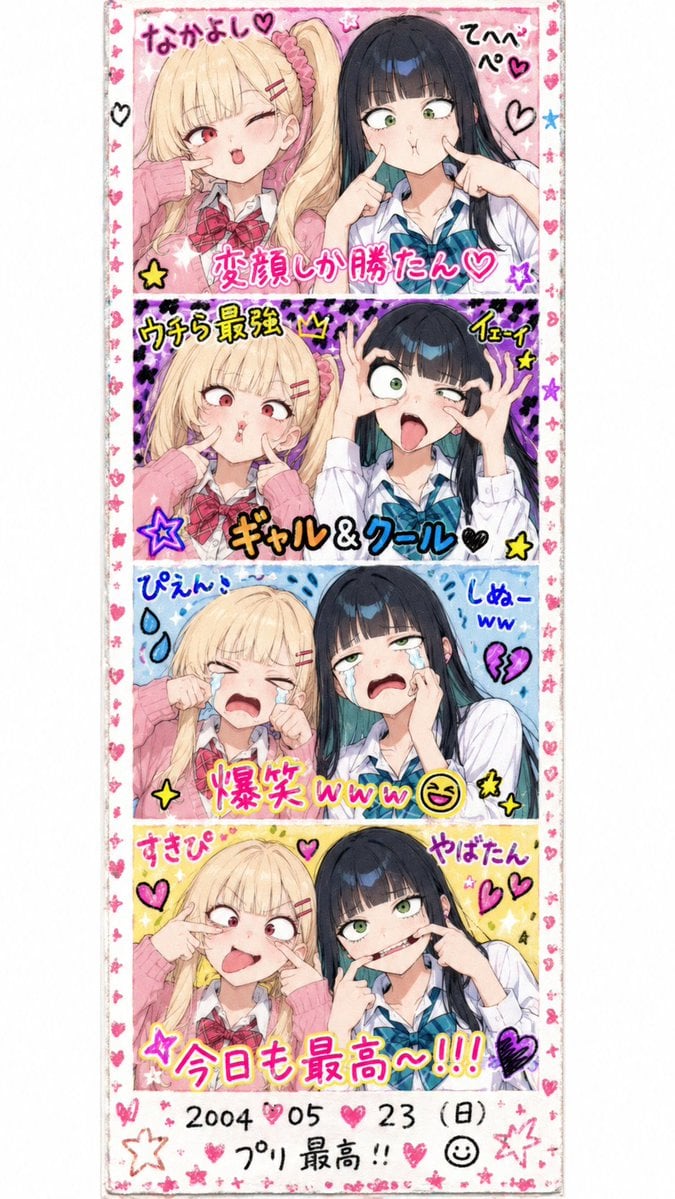
Retro Heisei Purikura Photo Strip

Sleeping Child with Dream Creatures
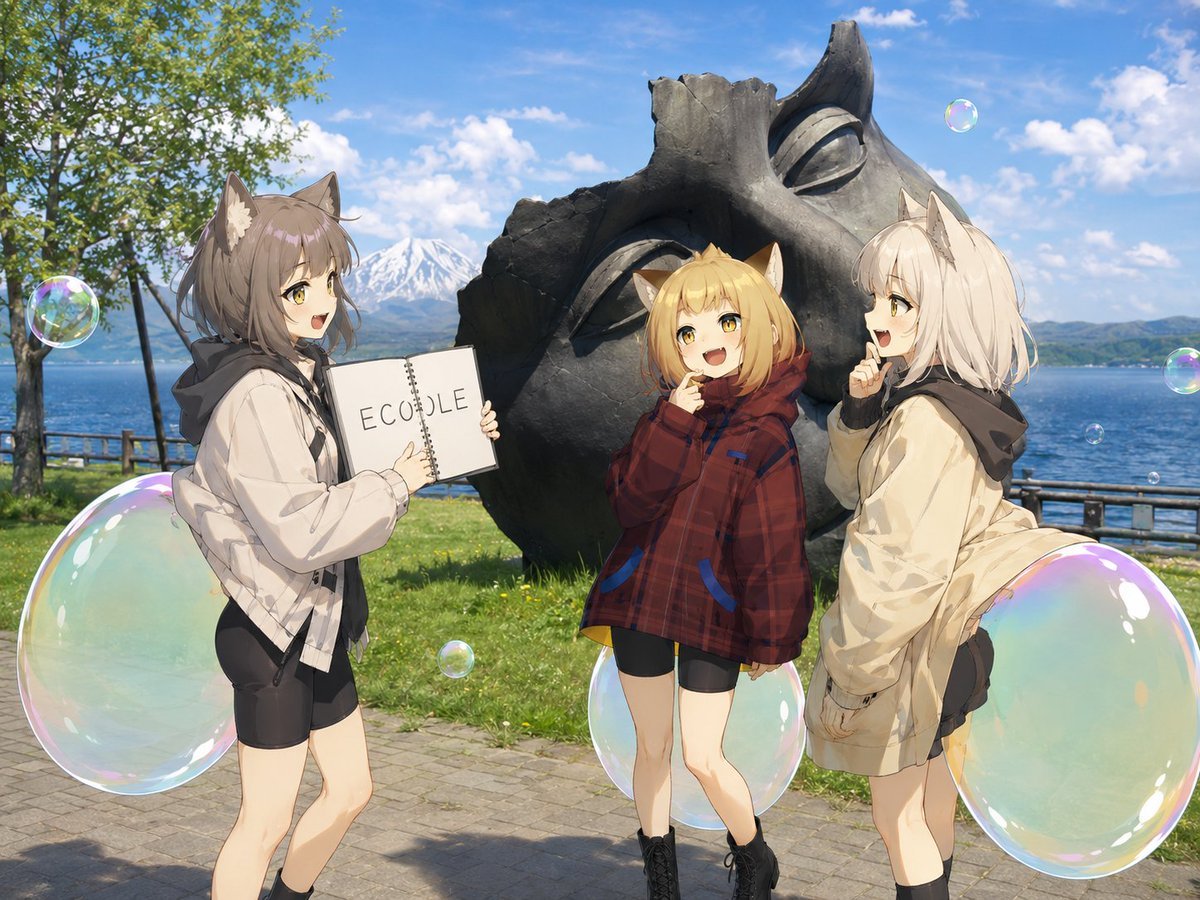
Anime Catgirls at Lakeside Statue
Browse template categories
Civilization-Style Japanese Island City questions
How do I use the Civilization-Style Japanese Island City template?
Add your photo if the template asks for one, edit the prompt if you like — the template's model and format are already selected — and press Generate. Your version opens in PicX Studio.
Can I customize the Civilization-Style Japanese Island City template?
Yes. You can change the subject, setting, lighting, mood, format, and available model controls before creating your image.
Is the Civilization-Style Japanese Island City template free?
Opening and editing this template is free. Generating uses credits, shown on the Generate button when you are signed in.
Which AI model should I use?
Start with GPT Image 2, which is the model associated with this template. You can compare another compatible model for a different finish.
Looking for something else? Browse all templates.

Your photo, any look
Thousands of ready templates for every top image and video model, from one credit balance.