
Glossy AI Logo Redesign Row
Generates a clean horizontal showcase of five glossy rounded-square AI app logo redesigns for concept presentation or social media.
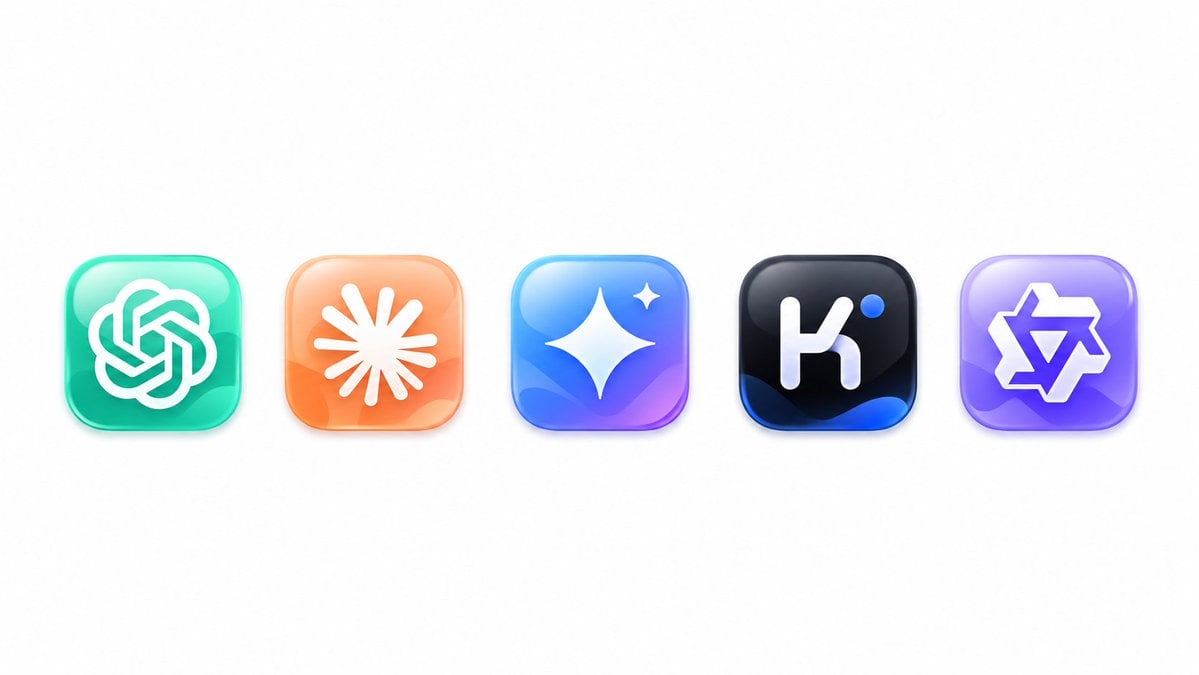
- Prompt included
- Model and format preset
- Free template
The prompt behind this image
Copy the exact prompt behind Glossy AI Logo Redesign Row, or open it in the studio and make it yours.
Create a clean logo redesign showcase on a wide white canvas, featuring exactly 5 glossy rounded-square app icons evenly spaced in a single horizontal row, centered vertically with generous empty margins. Use a modern 3D glassmorphism style with soft shadows, subtle reflections, beveled edges, high saturation, and smooth gradient lighting. The five icons from left to right are: 1) a teal-to-mint rounded square containing a white interwoven knot emblem resembling the OpenAI logo, 2) a peach-to-orange rounded square containing a white radial sunburst or asterisk emblem with many tapered rays, 3) a cyan-blue-to-purple rounded square containing a large white four-point sparkle star plus one small sparkle near the upper right, 4) a black rounded square with deep blue highlights at the bottom containing a white lowercase-like geometric “k” mark and one small bright blue dot near the upper right, and 5) a lavender-to-purple rounded square containing a white outlined angular six-point star or badge emblem. Keep the composition minimal, polished, and product-design focused, with no text labels, no watermark, and no extra icons. The overall subject is {argument name="logo redesign theme" default="AI app logo redesigns"}, with {argument name="icon style" default="glossy 3D glassmorphism rounded-square app icons"}, on a {argument name="background color" default="pure white"} background.
How to use Glossy AI Logo Redesign Row in 3 steps
- 1Upload ImagePNG, JPG or paste
Add your photo
Upload the photo the template builds on. The prompt, model and format are already set.
- 2…a portrait of your subject in softgolden-hour light, 85mm…
Personalize
Edit the subject and creative details for your destination.
- 3Generate
Generate
Press Generate — your image is created in PicX Studio, so you can compare it with the original and refine one variable at a time.
More like this
Templates with the same subject, style or setup. Open one to see its prompt.

Futuristic Chrome Helmet Fashion Portrait

Moss Logo Minimalist Brand Flat Lay

Glossy Potted Plant Asset
Glossy 3D Website Category Icons
Watercolor Fantasy Knight Redesign
Angular Manga Character Redesign
Glossy Tonkatsu Food Photo
Glossy Designer Toy Floating Head
Blue Anime Character Redesign Sheet
Glossy Brand Achievement Badge

Six VTuber Japanese Logo Sheet

Cute Floating Glossy Space Tabby Cat
Make it yours
Glossy AI Logo Redesign Row works as-is. These are the safest ways to change it without losing the look.
Change one field
Copy a single group, rewrite it, and generate again so you can see what that field is doing.
Keep the frame, change the subject
Hold the composition and light of Glossy AI Logo Redesign Row, then swap wardrobe, props or the person for a new take.
| If the result… | Why | Fix |
|---|---|---|
| The result drifts from the preview | Too many fields changed at once. | Reuse Glossy AI Logo Redesign Row as-is first, then change one group — subject, light, or setting. |
| The model over-stylizes the scene | The prose prompt leaves finish and camera underspecified. | Add one camera or lighting sentence and stay on GPT Image 2. |
More GPT Image 2 templates
Other prompts made for GPT Image 2.

Realistic Portrait of Woman and Deer

The Vista Modular Condo Poster

AI Model Routing Comparison Infographic

2.5D Anime Art Board

Isometric Productivity Desk Scene

New York Double Exposure Poster

Four-Panel AI Landscape Comparison

Japanese Tatami Lifestyle Magazine Cover

NESCAFÉ Coffee Map Poster

Brutalist Cogito Chinese Typography Poster
More image prompts
Fresh picks from across the catalog.
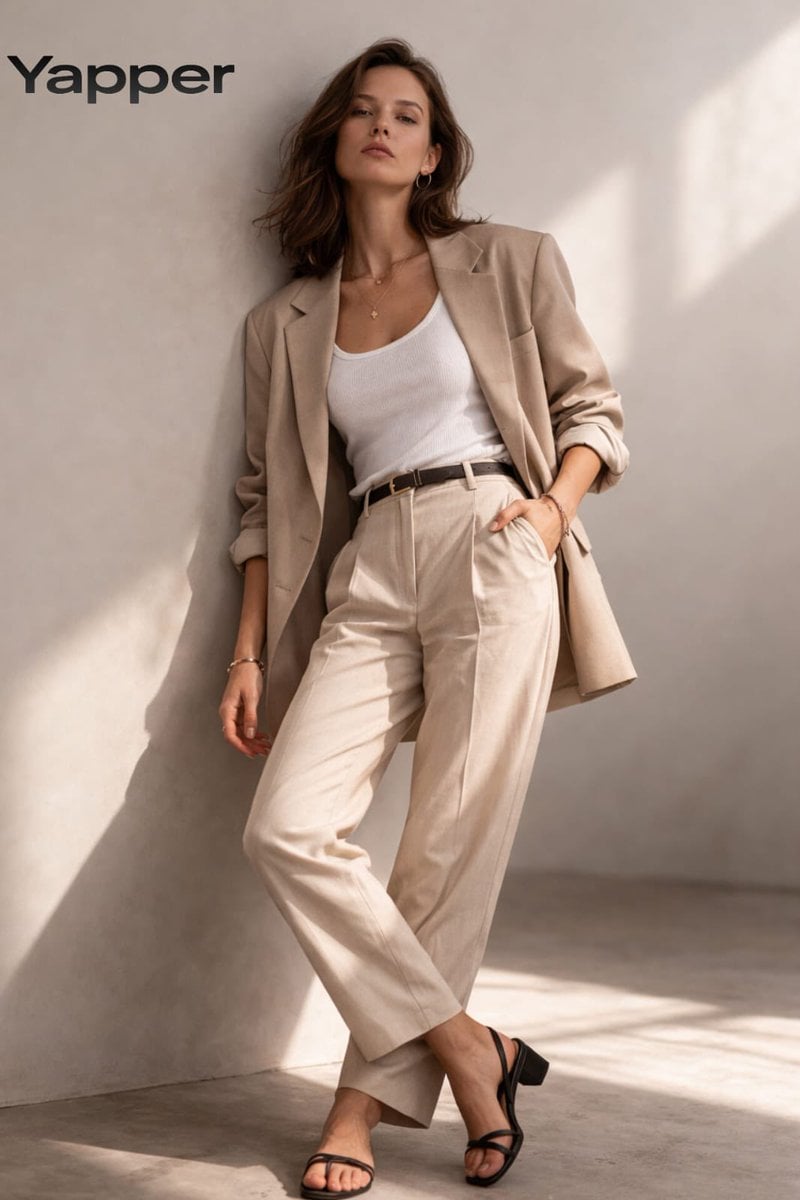
Minimalist Fashion Studio Portrait
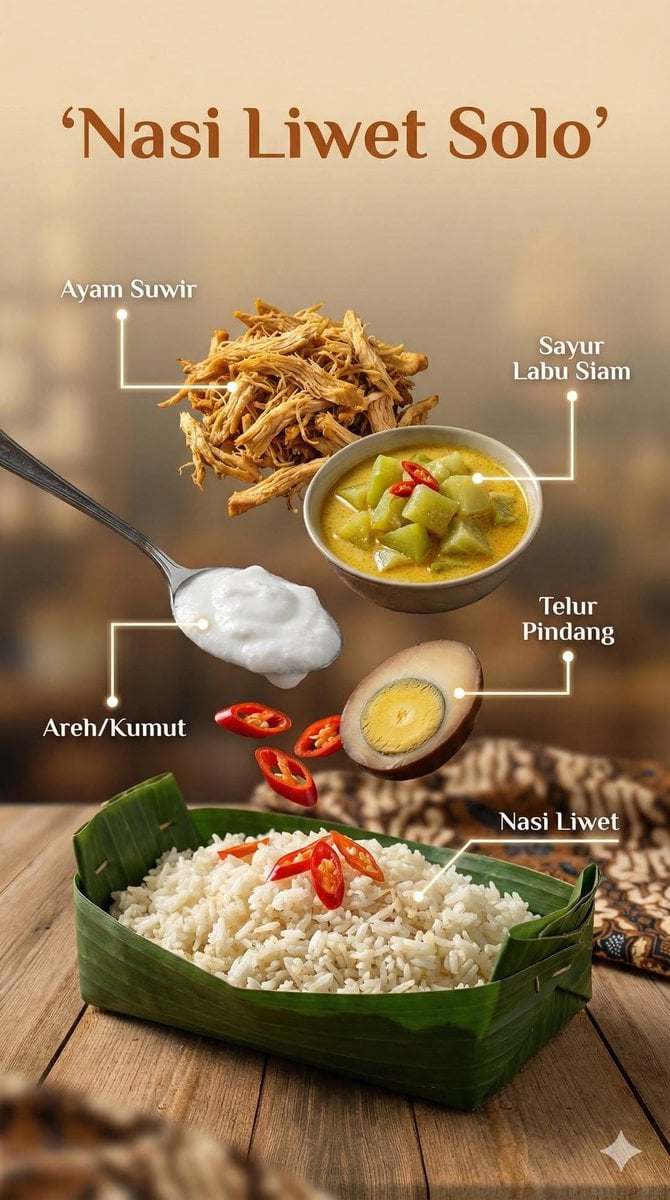
Ultra-realistic cinematic food photography of Indonesian dish
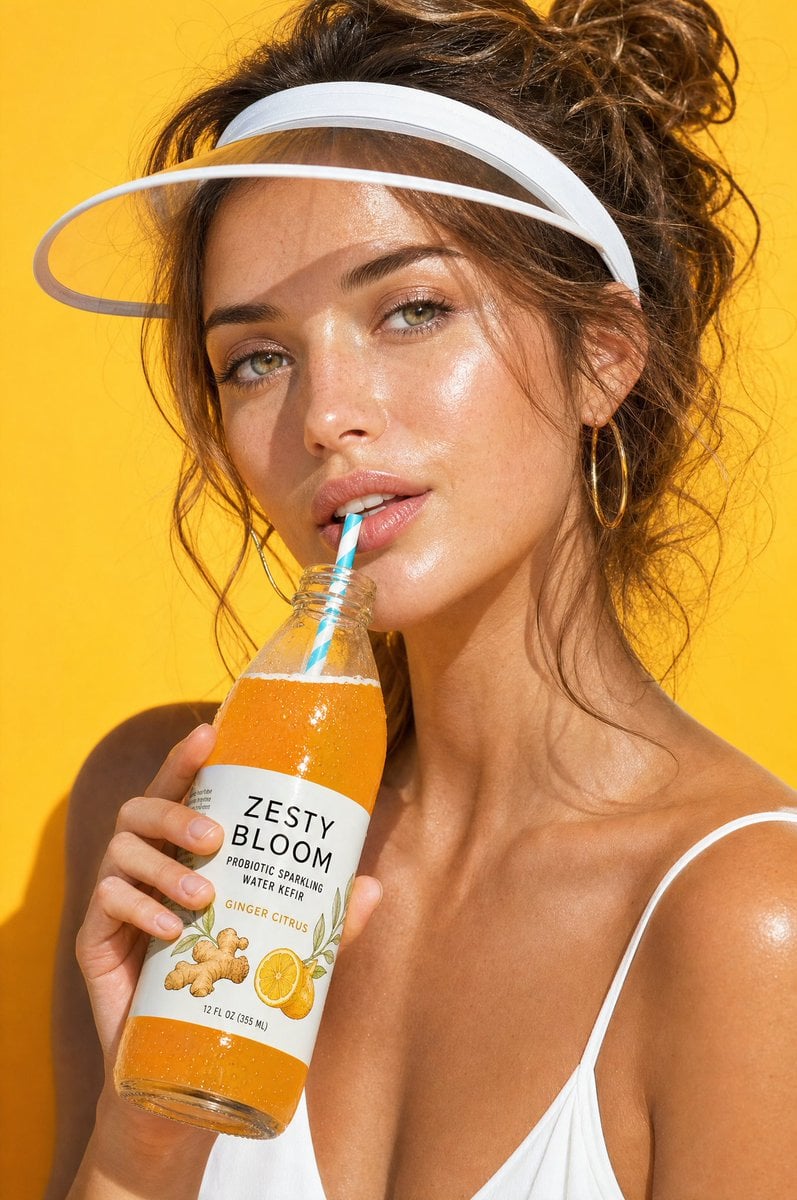
Summer Beverage Commercial Photography

Shear and moment diagram for a loaded beam

Did Some Experimenting and Figured Out T
JSON Structured Wet Hair Gloss Fashion Portrait (4-Panel)

Daisy Field Cinematic Portrait
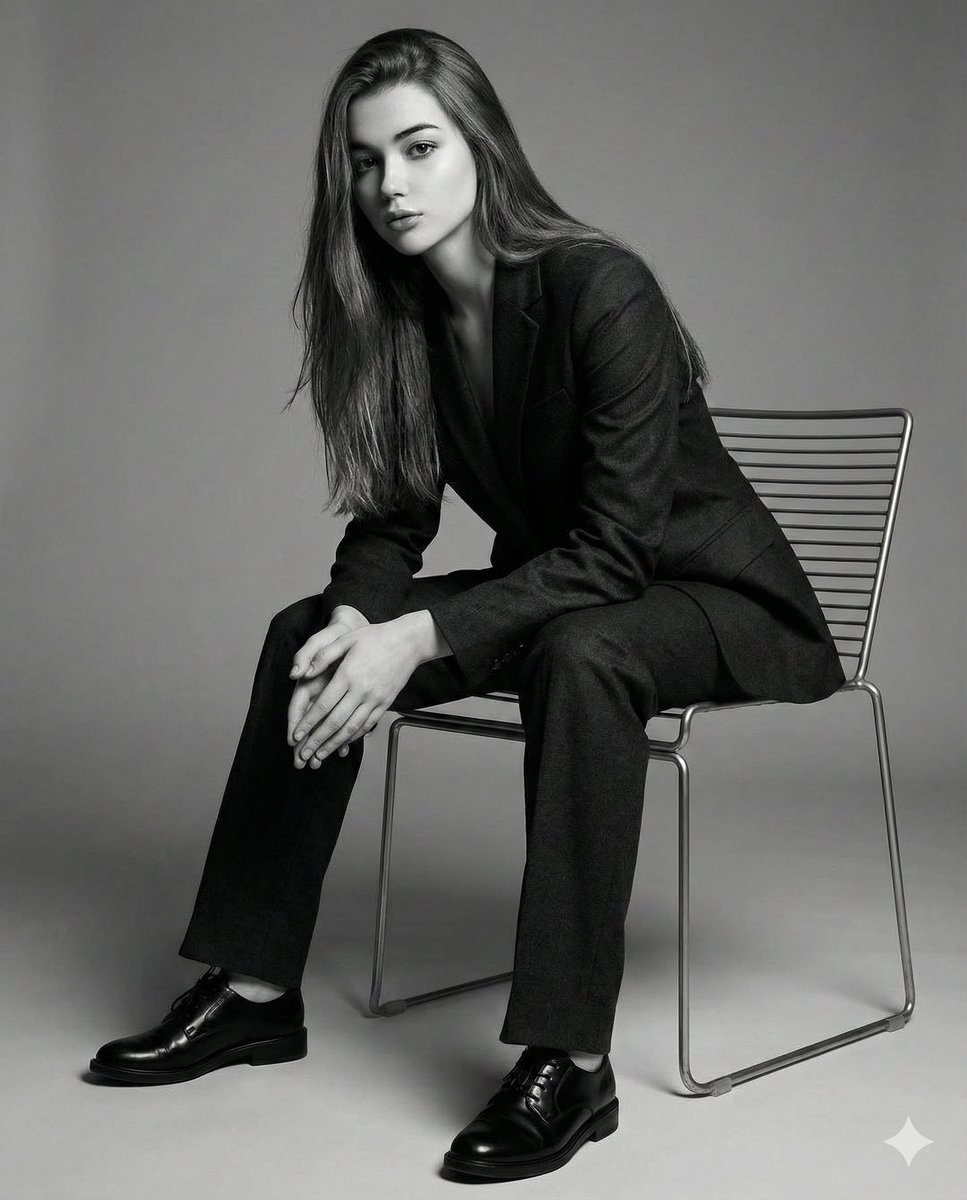
Black-and-White Cinematic Editorial Portrait
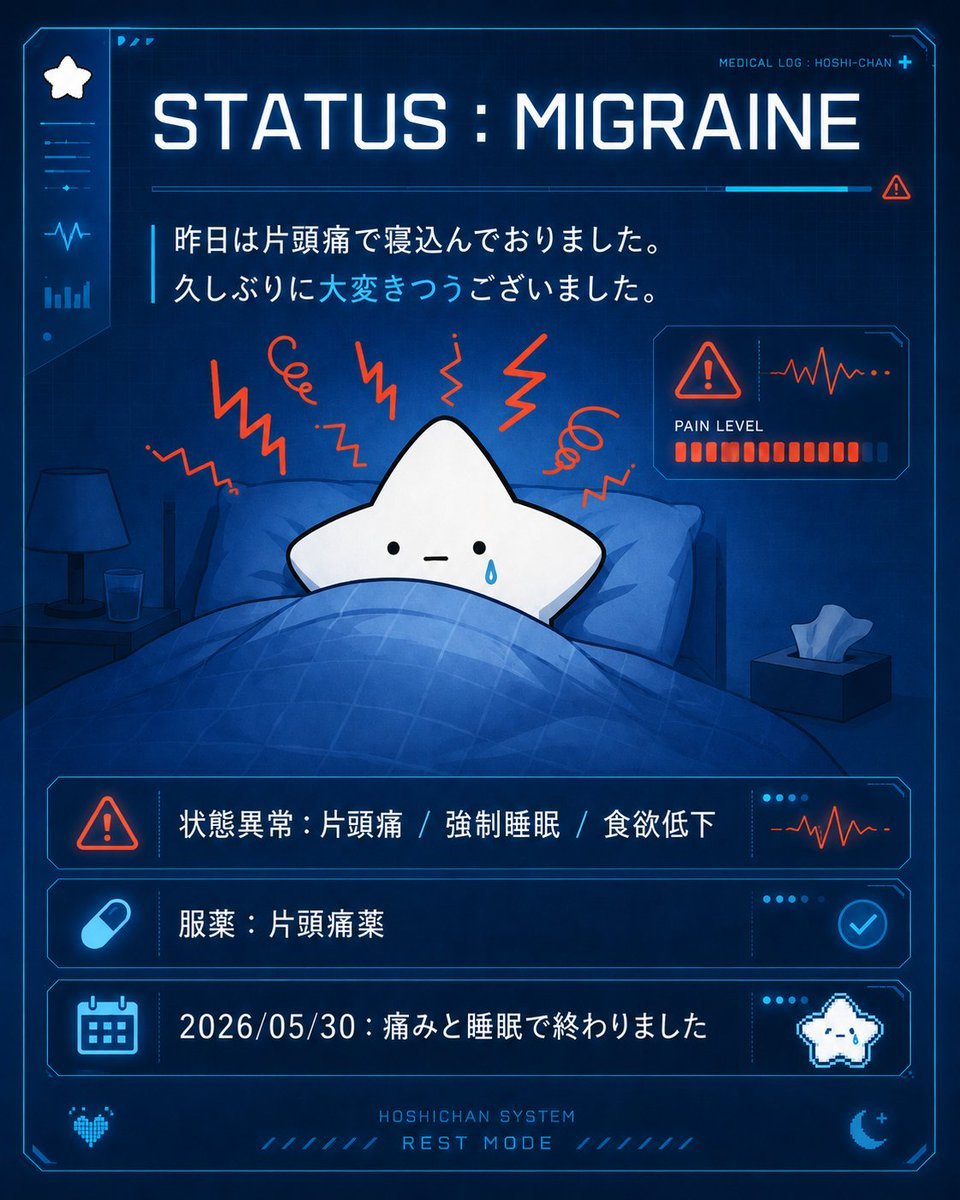
Cute Star Migraine HUD
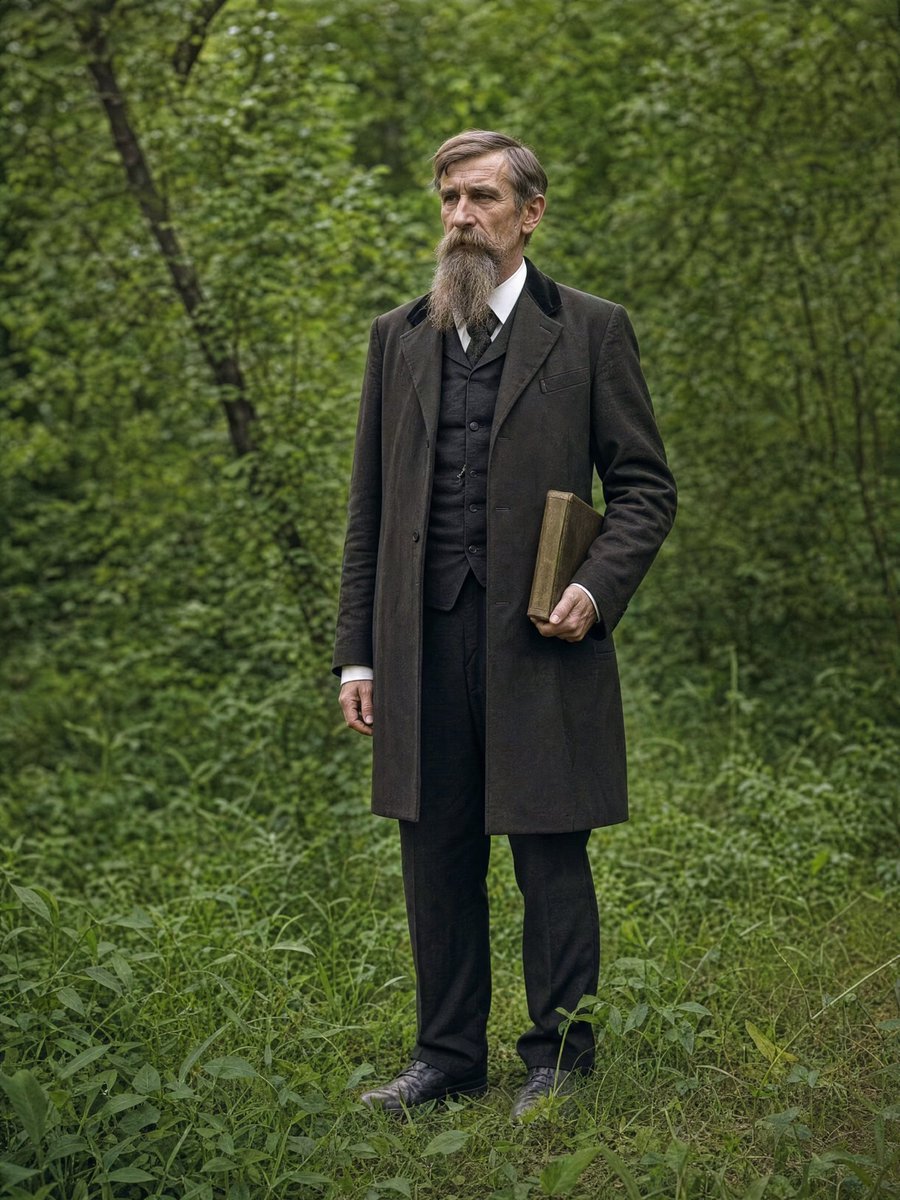
AI Photo Restoration and Upscale
Browse template categories
Glossy AI Logo Redesign Row questions
How do I use the Glossy AI Logo Redesign Row template?
Add your photo if the template asks for one, edit the prompt if you like — the template's model and format are already selected — and press Generate. Your version opens in PicX Studio.
Can I customize the Glossy AI Logo Redesign Row template?
Yes. You can change the subject, setting, lighting, mood, format, and available model controls before creating your image.
Is the Glossy AI Logo Redesign Row template free?
Opening and editing this template is free. Generating uses credits, shown on the Generate button when you are signed in.
Which AI model should I use?
Start with GPT Image 2, which is the model associated with this template. You can compare another compatible model for a different finish.
Looking for something else? Browse all templates.

Your photo, any look
Thousands of ready templates for every top image and video model, from one credit balance.