
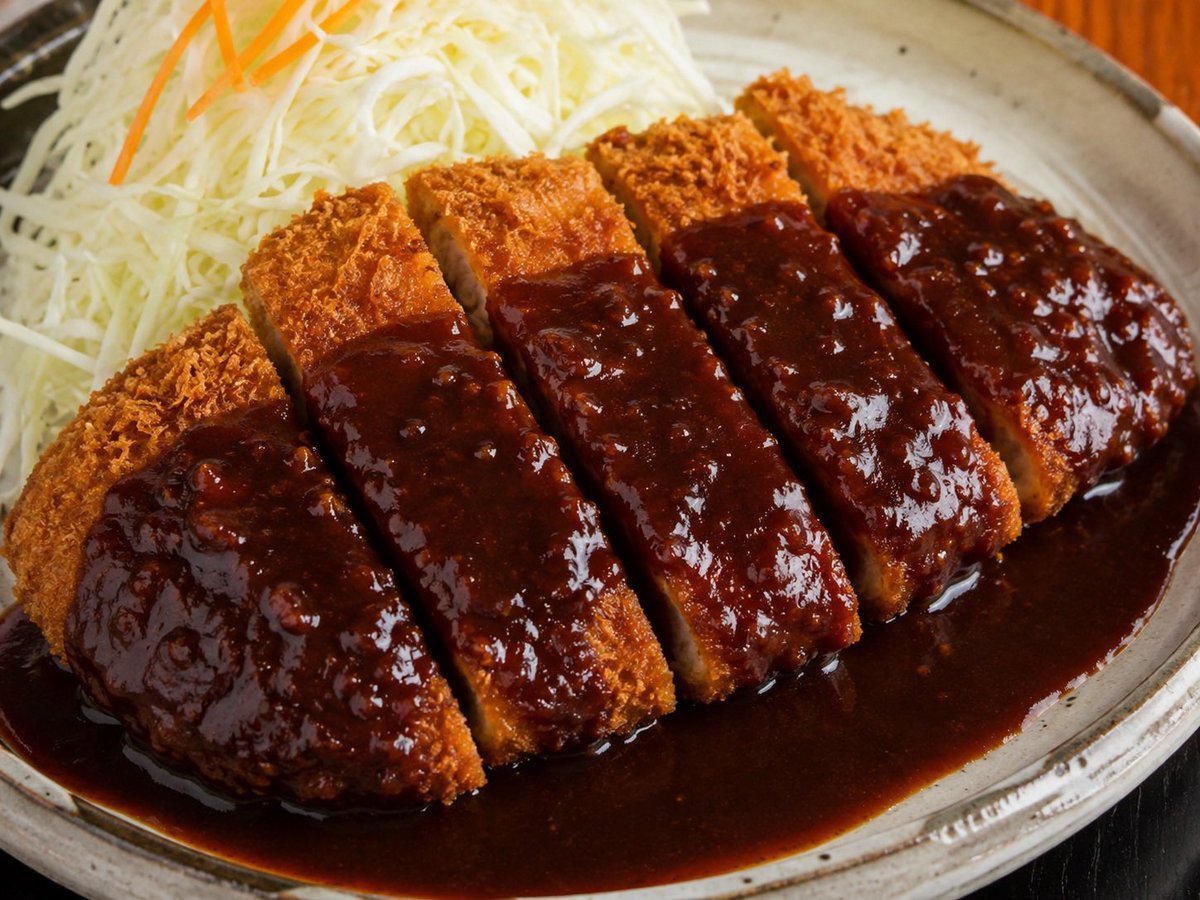
Glossy Tonkatsu Food Photo
A realistic close-up prompt for generating a Japanese tonkatsu plate with shredded cabbage and rich dark sauce.
- Prompt included
- Model and format preset
- Free template
The prompt behind this image
Copy the exact prompt behind Glossy Tonkatsu Food Photo, or open it in the studio and make it yours.
Create a realistic close-up food photograph of Japanese {argument name="dish name" default="tonkatsu with dark demi-glace sauce"} served on an oval rustic ceramic plate. The main subject is one breaded pork cutlet sliced into exactly 5 thick rectangular pieces, arranged diagonally from lower left to upper right, with crisp golden-brown panko breading and pale pork visible in the cut gaps. Pour a thick, glossy, very dark reddish-brown sauce generously across the center of all 5 cutlet pieces and let it pool heavily around the bottom half of the plate, with bright specular highlights and small chunky texture in the sauce. Behind the cutlet at the upper left, add a large mound of finely shredded {argument name="side garnish" default="white cabbage"} with exactly 3 thin orange carrot strips on top. Use a shallow depth of field, macro restaurant photography style, warm natural lighting, high detail, appetizing texture, and a slightly angled overhead view. The plate should be beige-gray stoneware with a dark rim and subtle speckles, sitting on a dark wooden table with a hint of warm orange background blur. No text, no utensils, no hands, no extra side dishes, no rice, no curry roux separate from the sauce.
How to use Glossy Tonkatsu Food Photo in 3 steps
- 1Upload ImagePNG, JPG or paste
Add your photo
Upload the photo the template builds on. The prompt, model and format are already set.
- 2…a portrait of your subject in softgolden-hour light, 85mm…
Personalize
Edit the subject and creative details for your destination.
- 3Generate
Generate
Press Generate — your image is created in PicX Studio, so you can compare it with the original and refine one variable at a time.
More like this
Templates with the same subject, style or setup. Open one to see its prompt.

Futuristic Chrome Helmet Fashion Portrait

Cozy Food Flat Lay Doodle Labels
Glossy Potted Plant Asset
Glossy 3D Website Category Icons
Glossy Designer Toy Floating Head
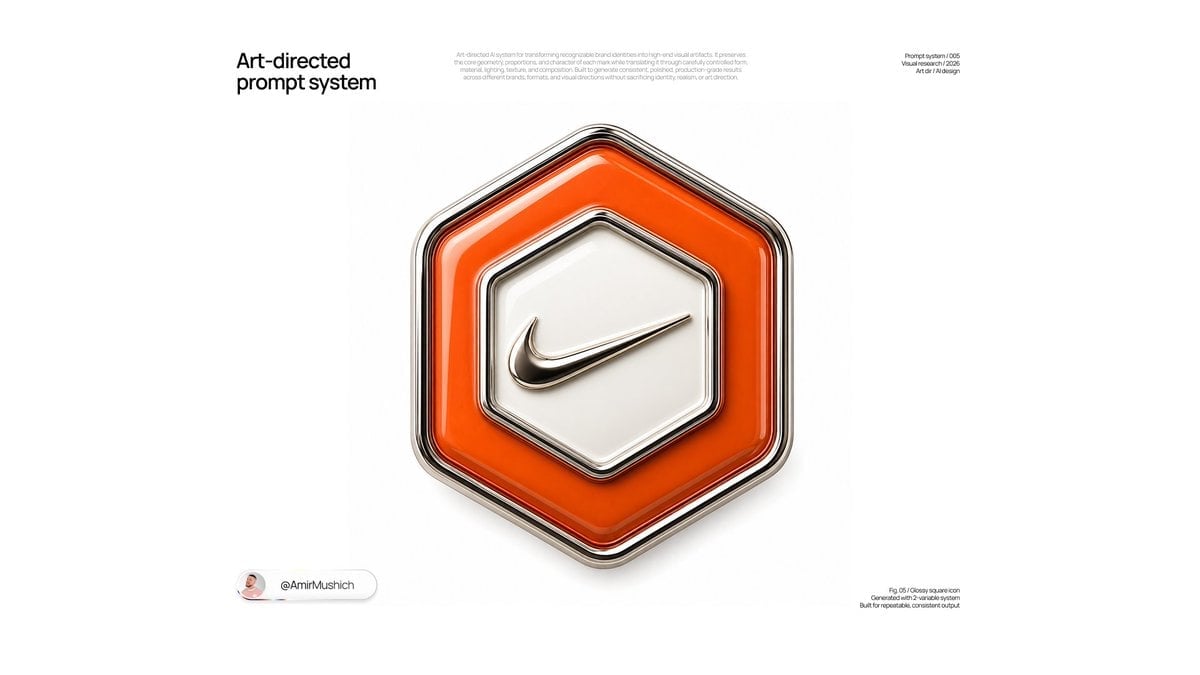
Glossy Brand Achievement Badge
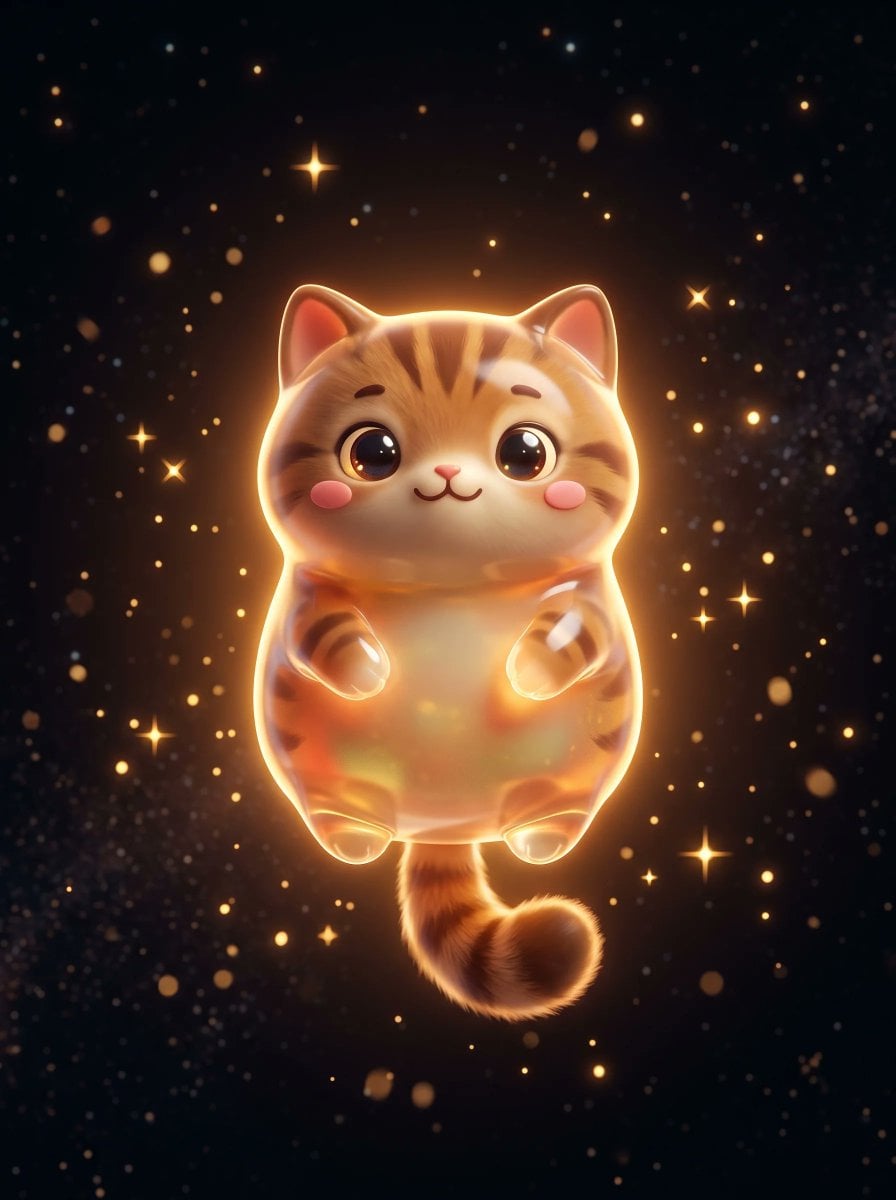
Cute Floating Glossy Space Tabby Cat
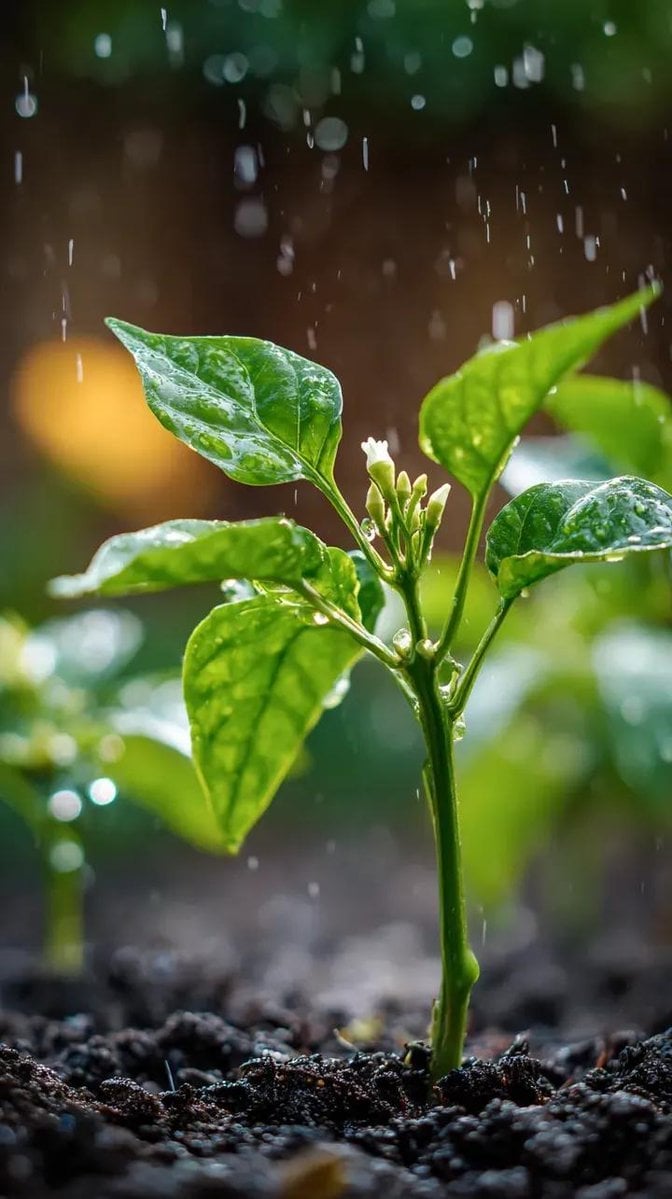
A small chili plant with glossy green leaves and one tiny white flower
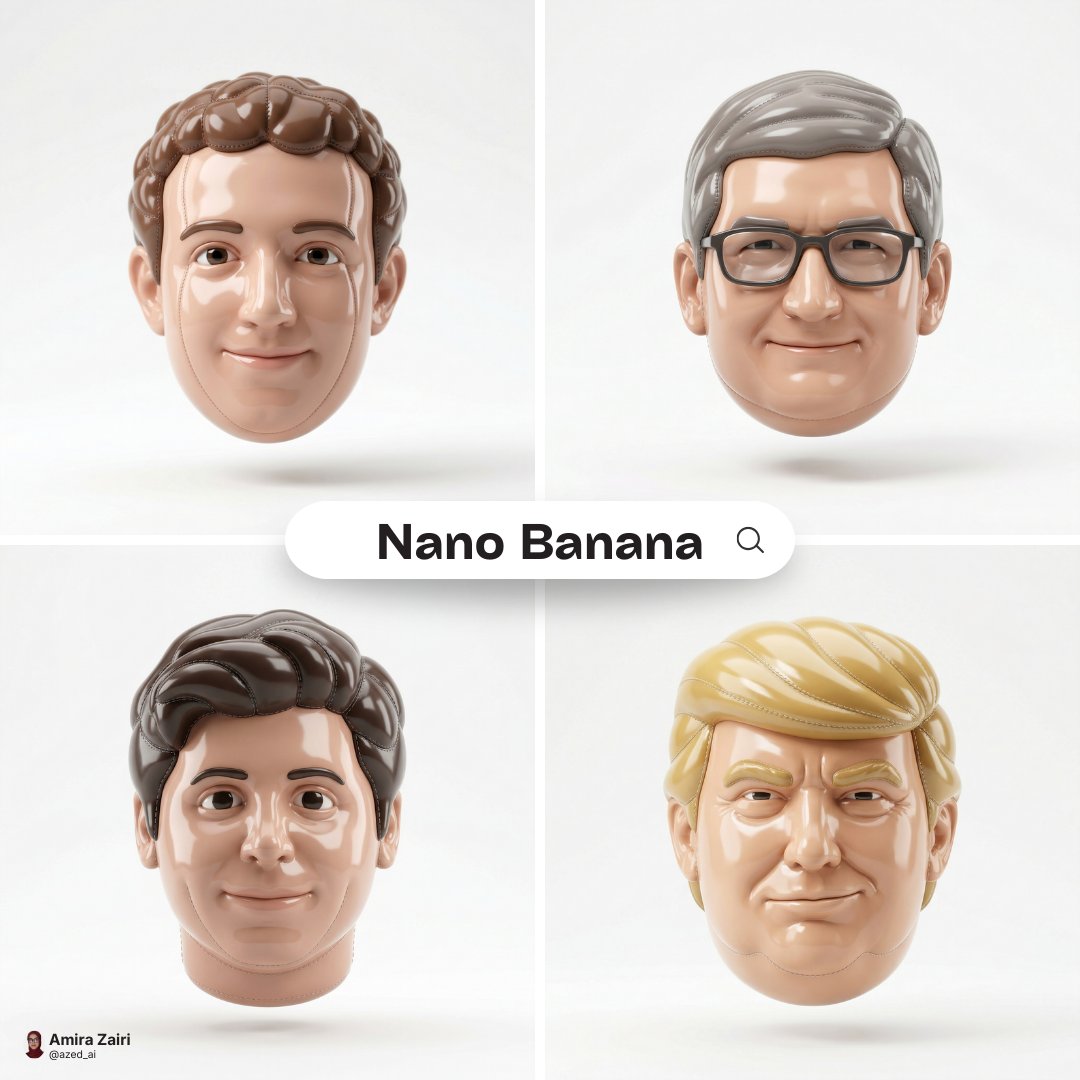
Made of smooth inflated glossy vinyl plastic, ultra-realistic 3D render
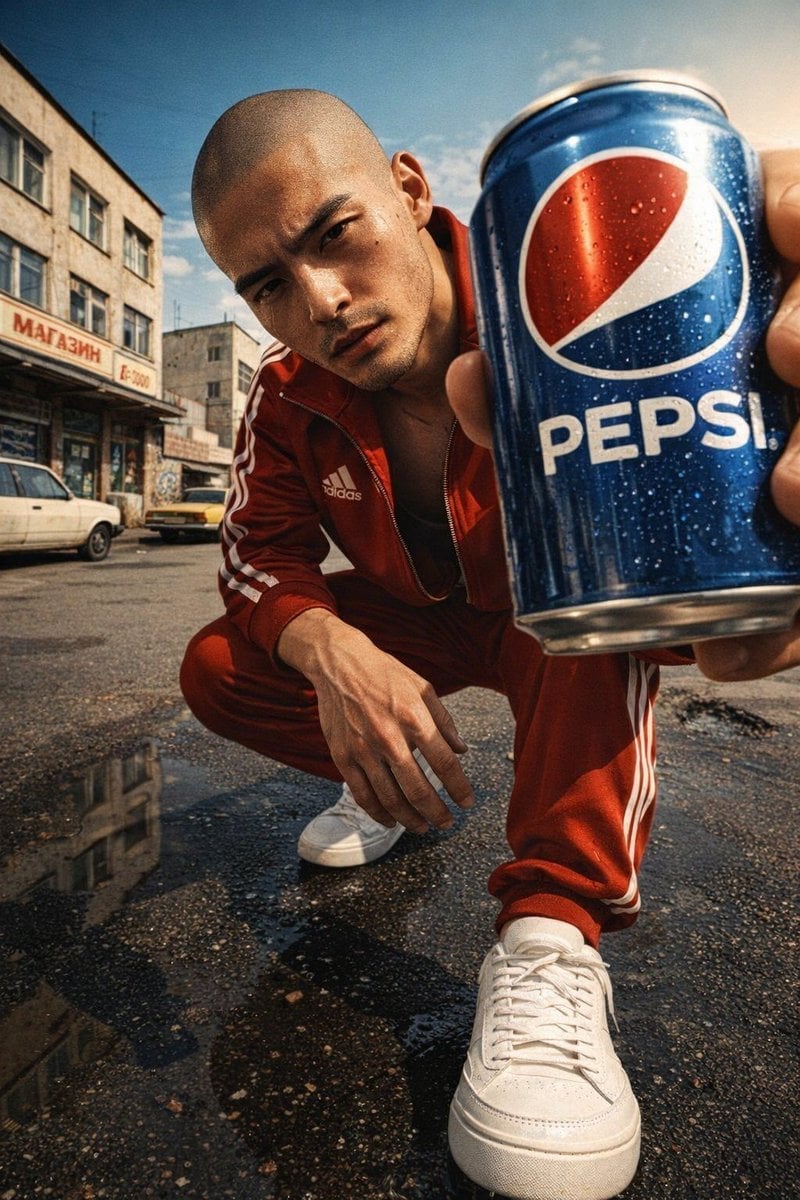
Ultra-realistic, glossy magazine-style portrait of a young male model
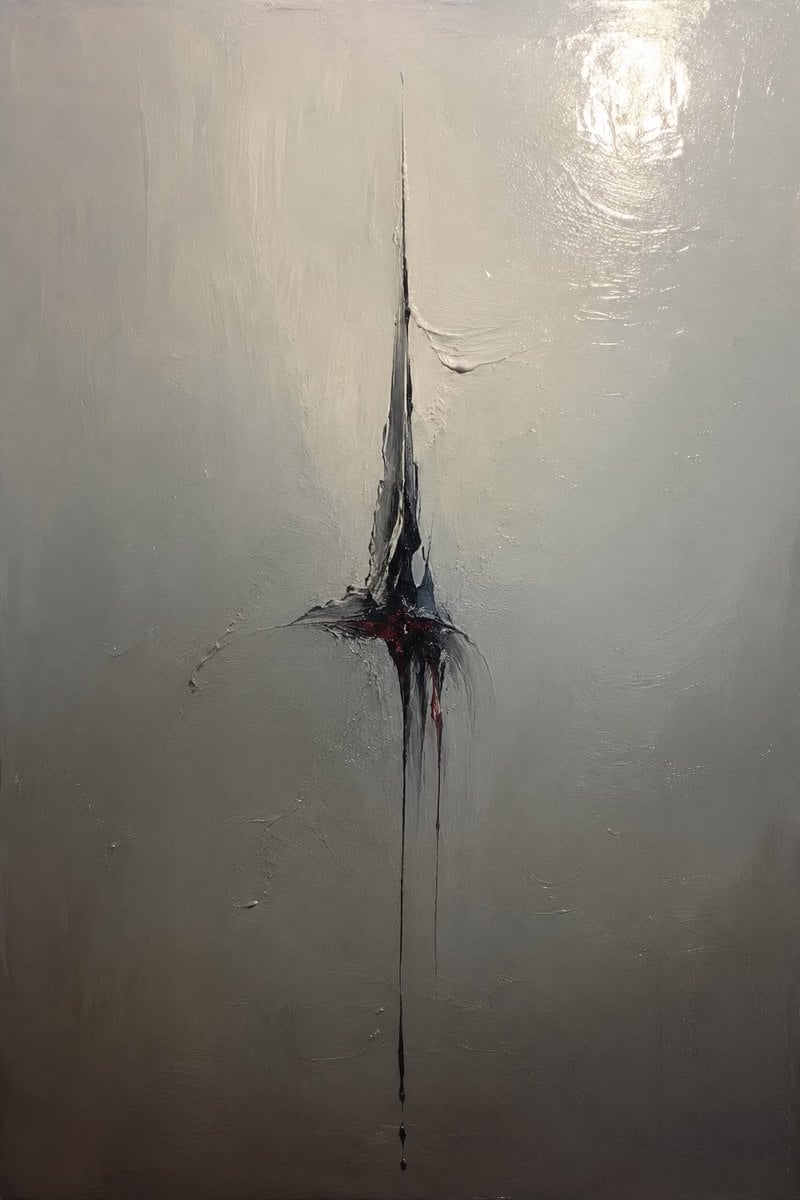
Minimalist Abstract Glossy Oil Painting
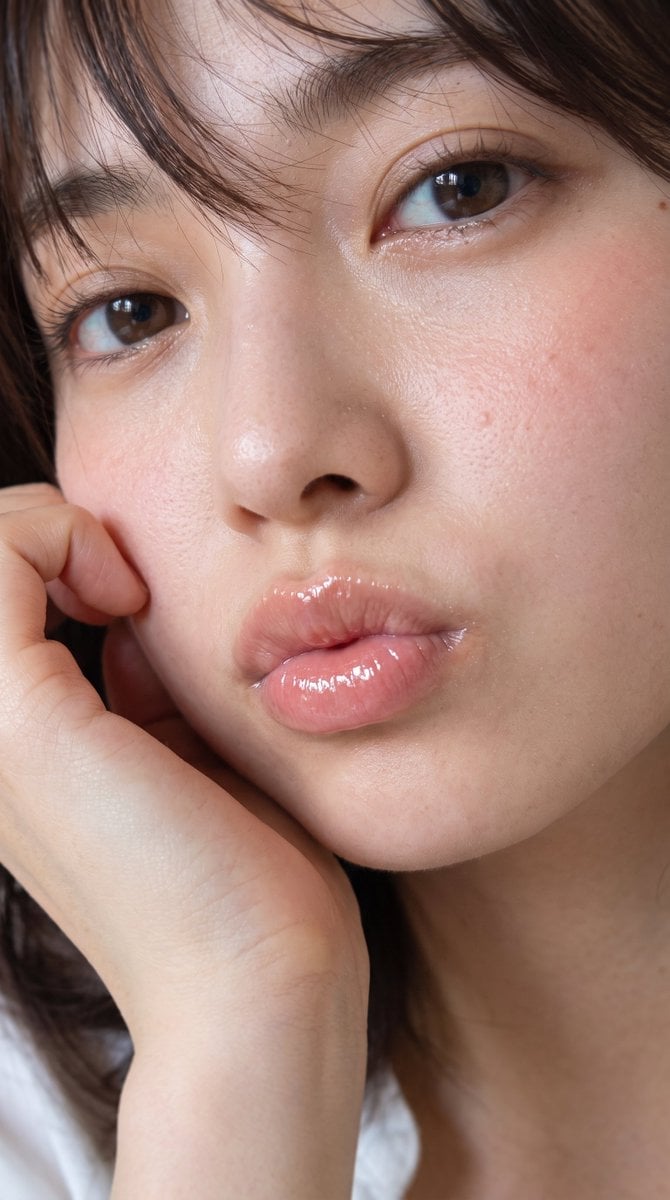
Glossy Lips Beauty Close-Up
Make it yours
Glossy Tonkatsu Food Photo works as-is. These are the safest ways to change it without losing the look.
Change one field
Copy a single group, rewrite it, and generate again so you can see what that field is doing.
Keep the frame, change the subject
Hold the composition and light of Glossy Tonkatsu Food Photo, then swap wardrobe, props or the person for a new take.
| If the result… | Why | Fix |
|---|---|---|
| The result drifts from the preview | Too many fields changed at once. | Reuse Glossy Tonkatsu Food Photo as-is first, then change one group — subject, light, or setting. |
| The model over-stylizes the scene | The prose prompt leaves finish and camera underspecified. | Add one camera or lighting sentence and stay on GPT Image 2. |
More GPT Image 2 templates
Other prompts made for GPT Image 2.

Six VTuber Japanese Logo Sheet

Realistic Portrait of Woman and Deer

The Vista Modular Condo Poster

AI Model Routing Comparison Infographic

2.5D Anime Art Board

Isometric Productivity Desk Scene

New York Double Exposure Poster

Four-Panel AI Landscape Comparison

Japanese Tatami Lifestyle Magazine Cover

NESCAFÉ Coffee Map Poster
More image prompts
Fresh picks from across the catalog.
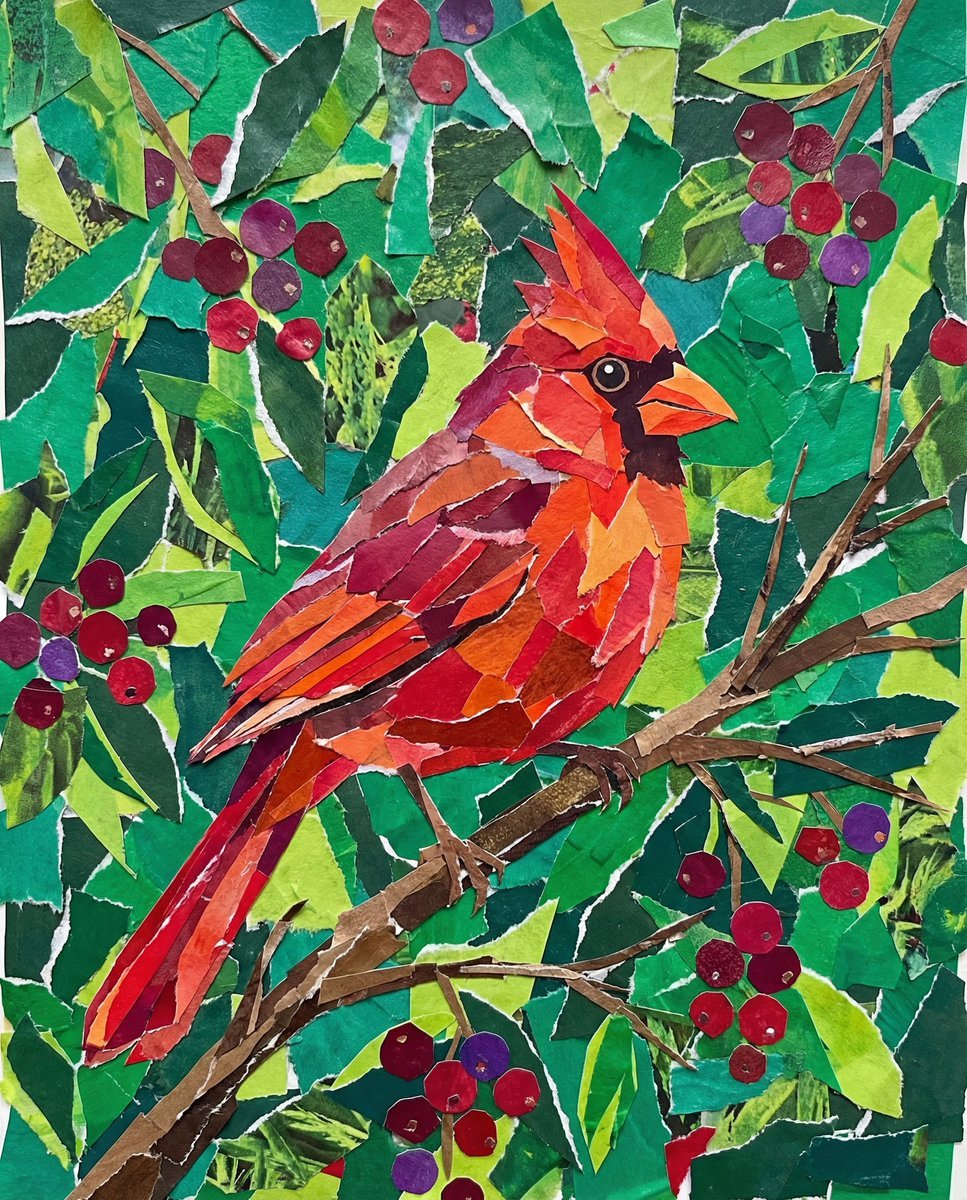
Vibrant Cardinal Collage Prompt
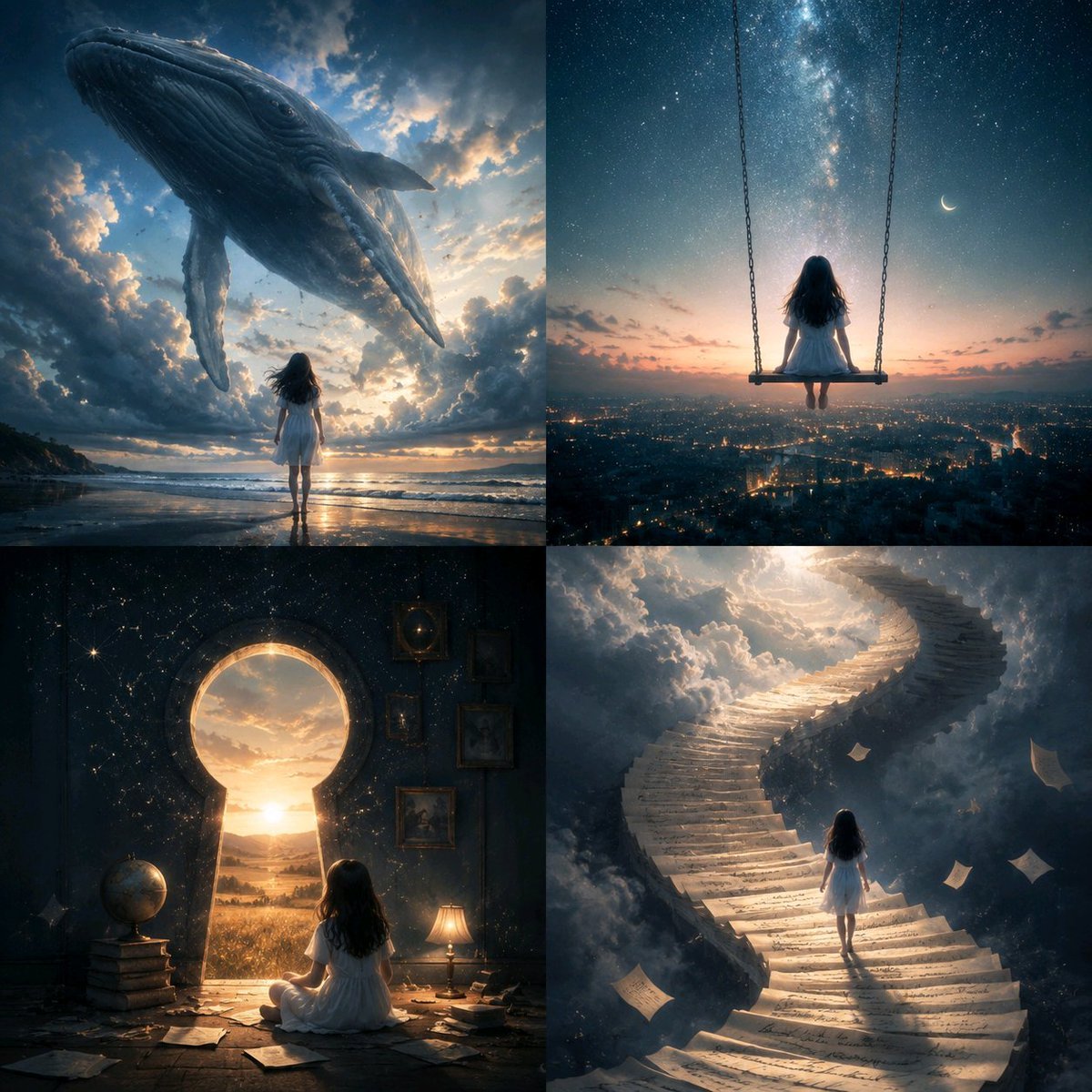
Conceptual Visual Metaphor Template
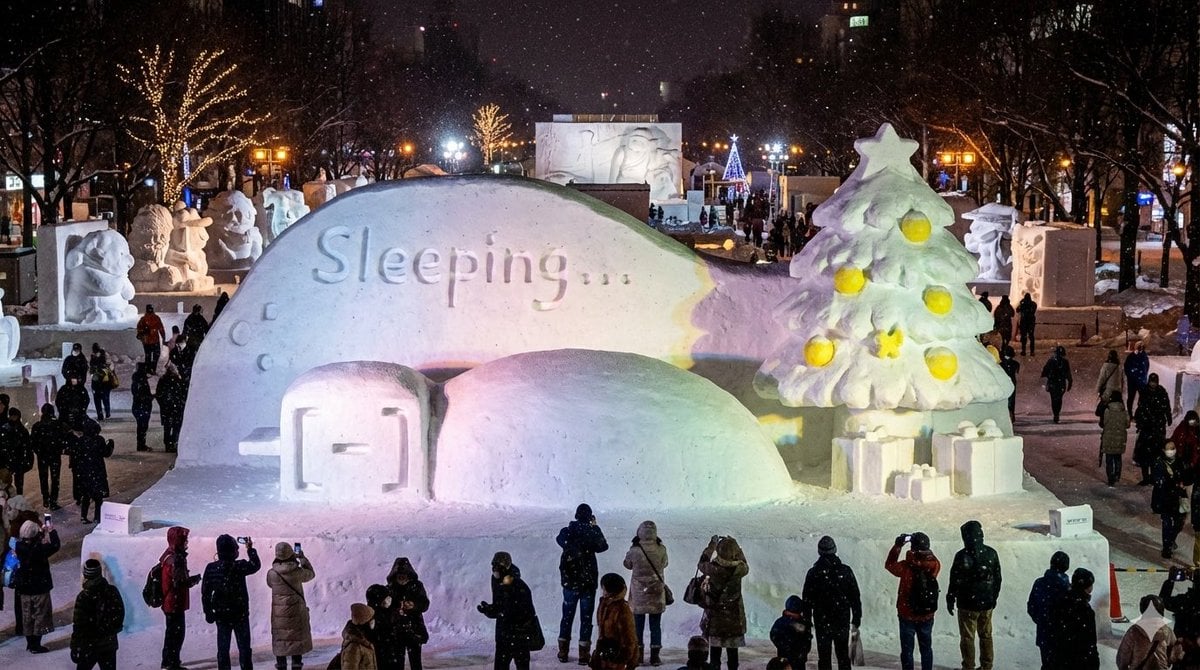
Snow Statue of Not Wanting to Leave the Futon

Ultra-realistic Portrait with Miniature Cartoon Self
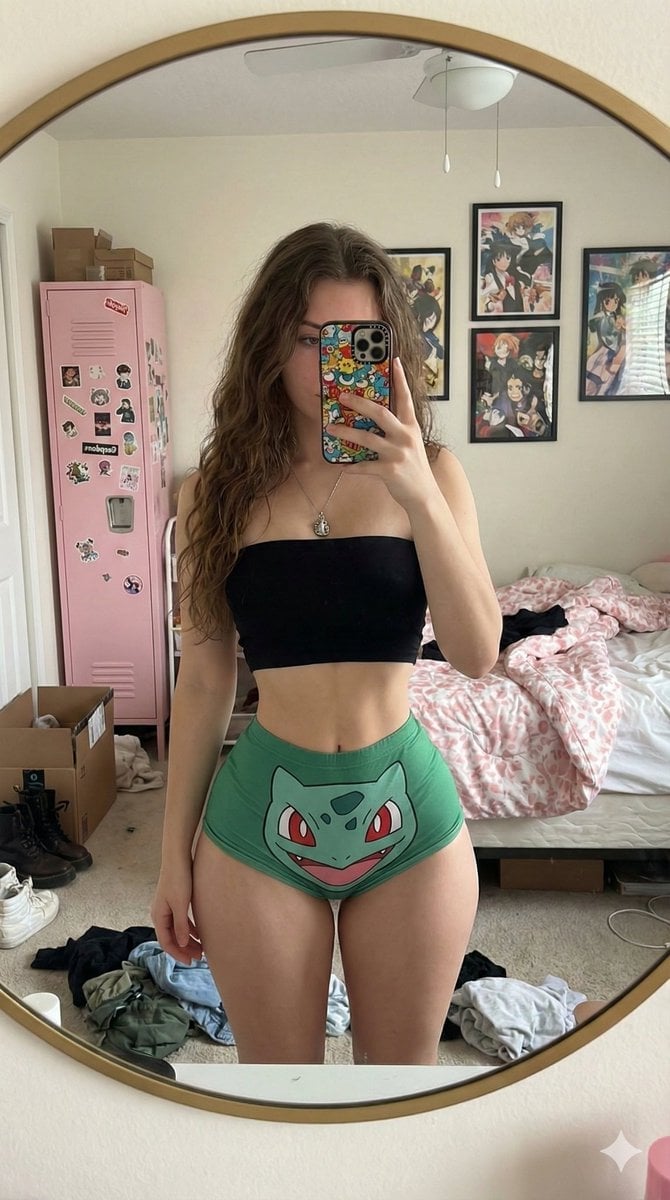
Exaggerated Hourglass Mirror Selfie Prompt
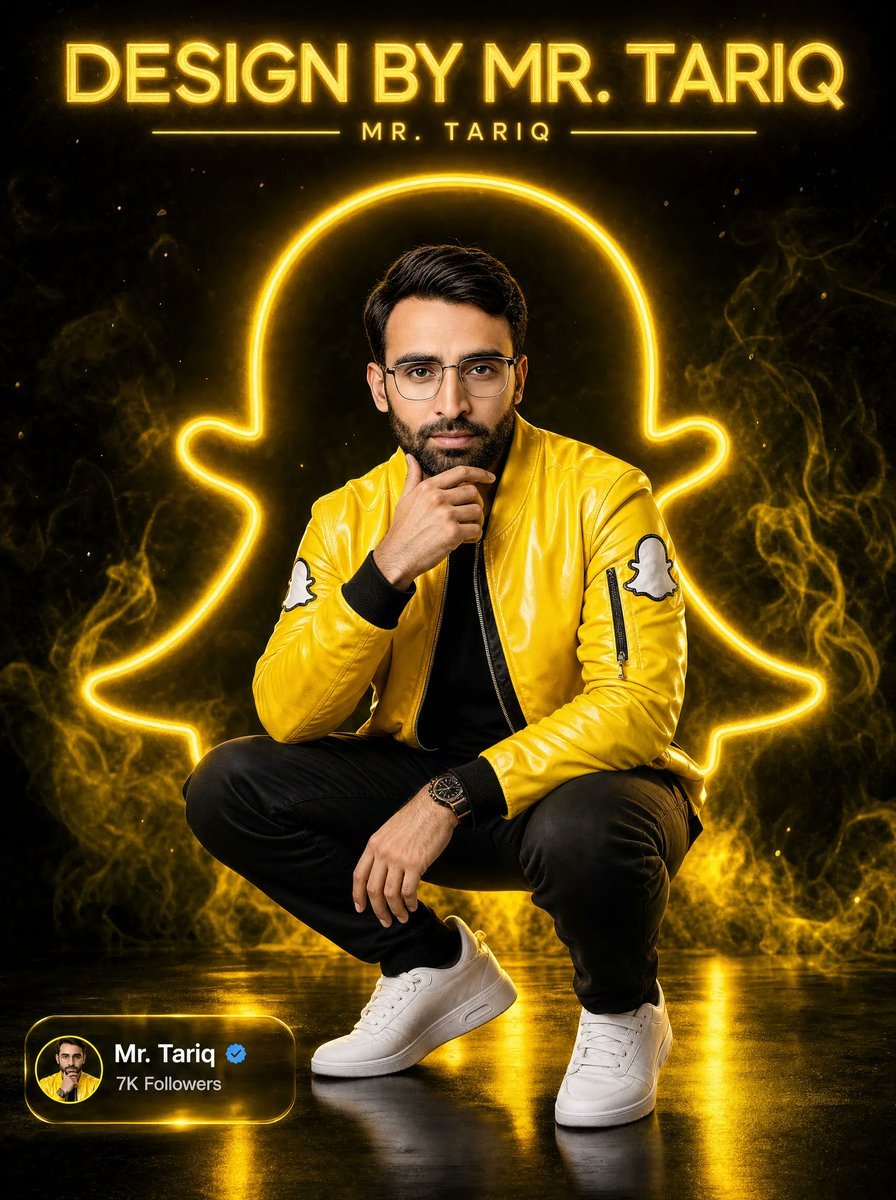
Neon Snapchat Portrait Poster
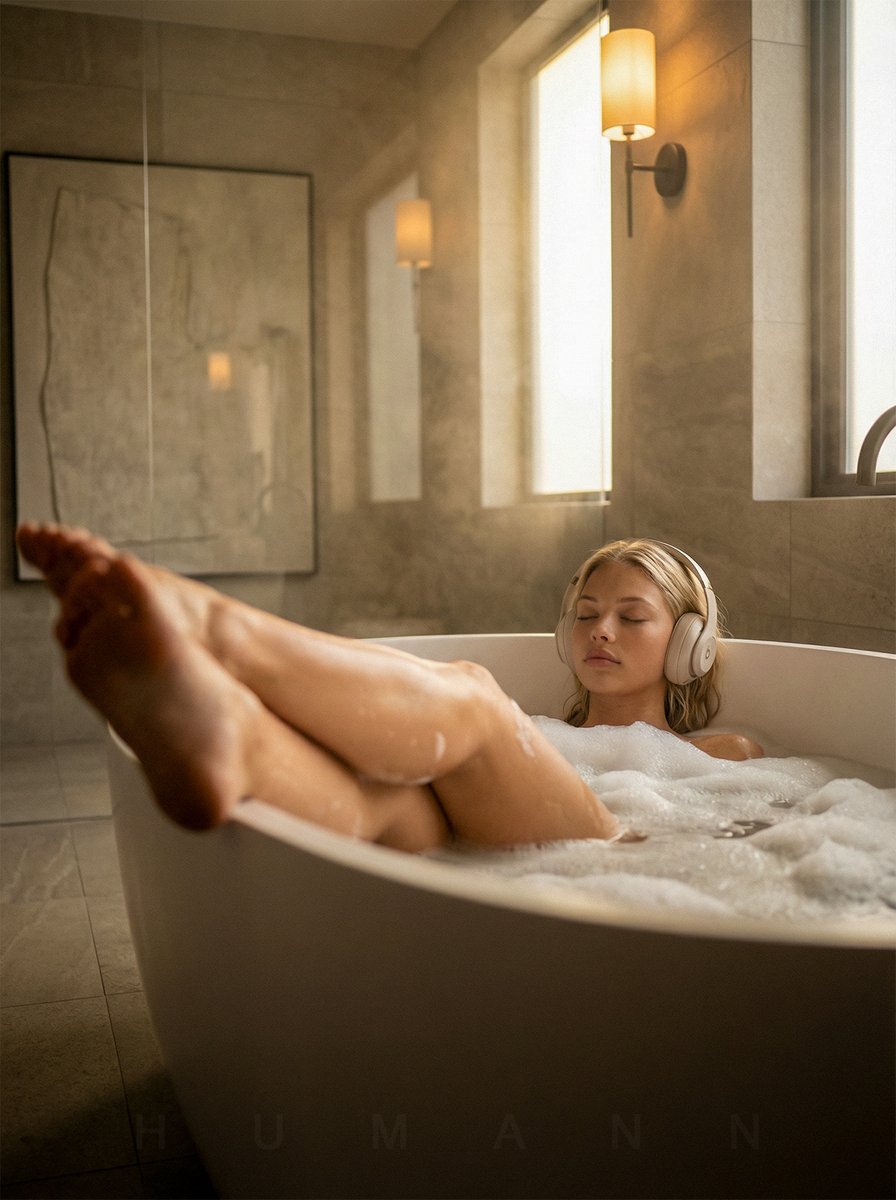
Luxurious Self-Care Moment in a Bathtub with Identity Lock
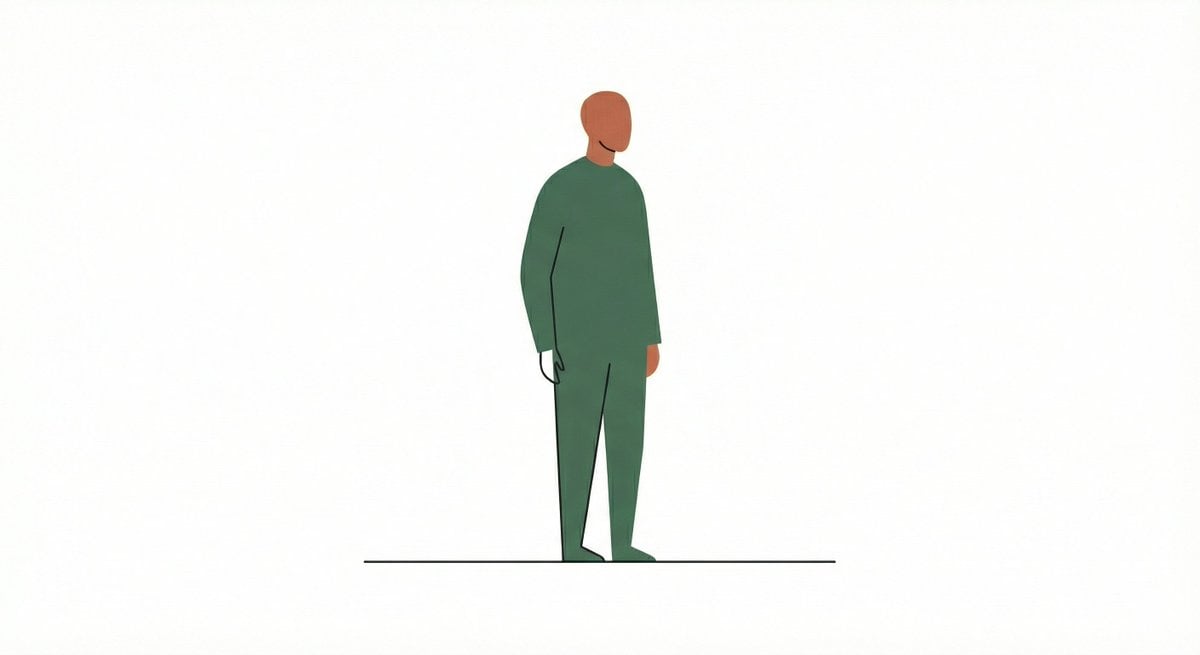
Line and Shape Hybrid Illustration Prompt
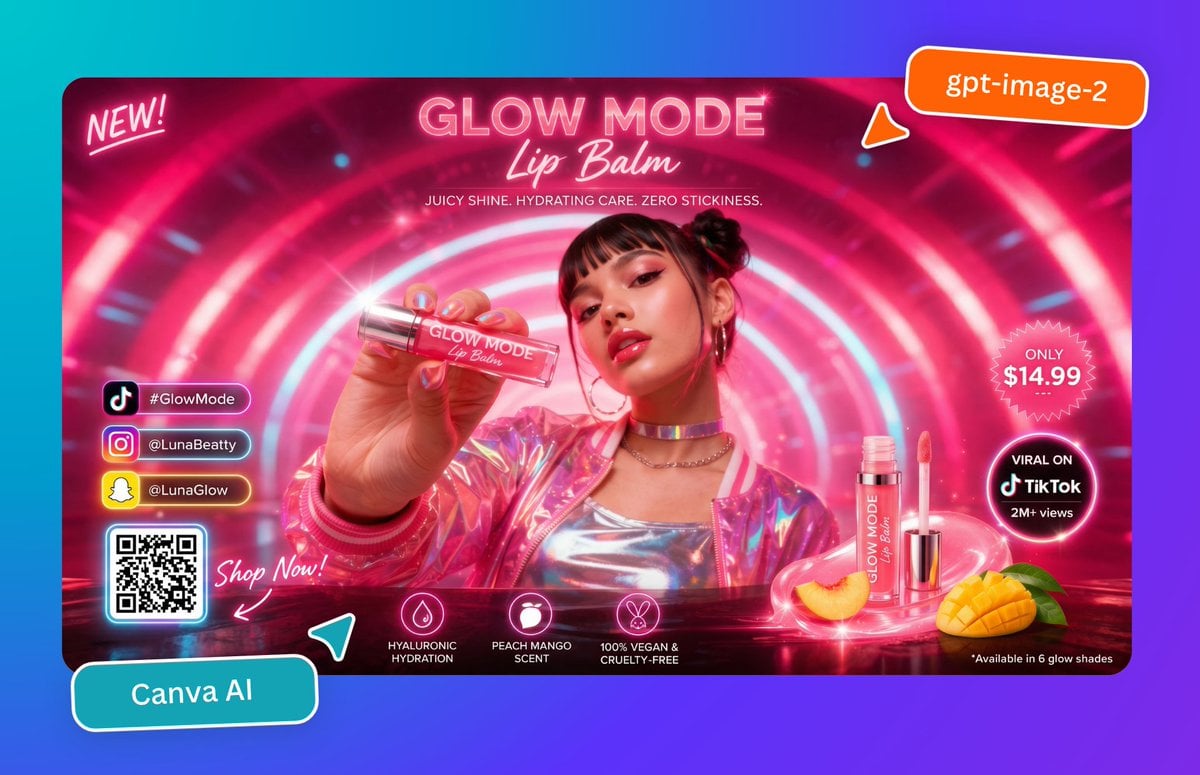
Neon Lip Balm Launch Ad
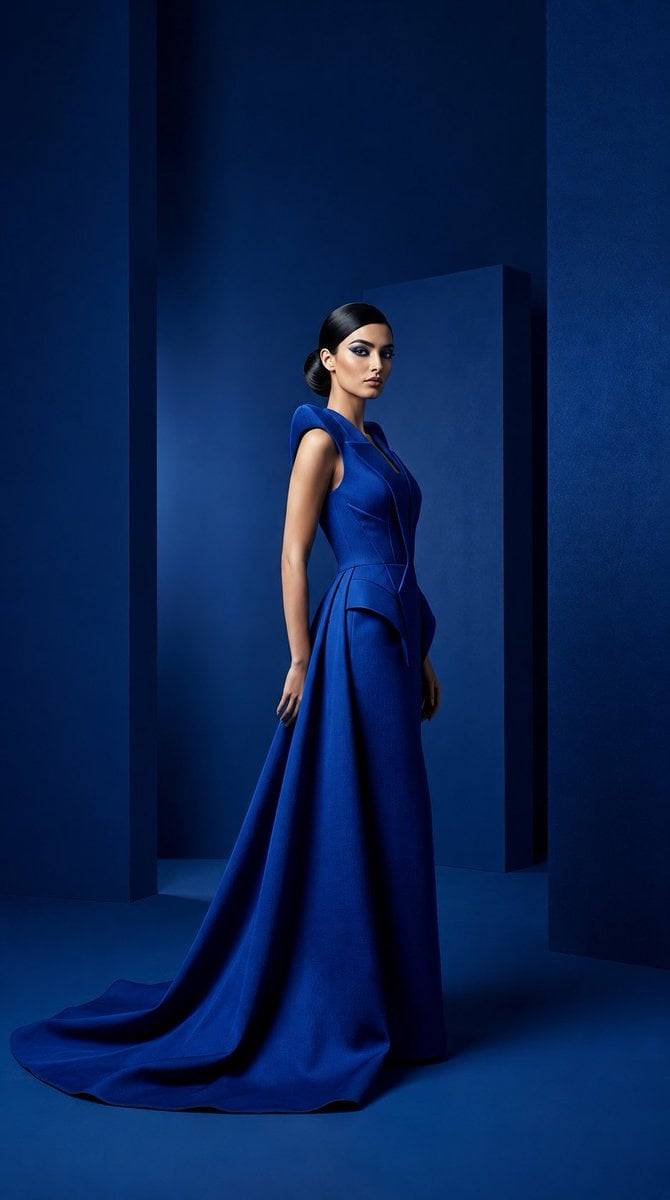
Cobalt Couture Editorial Portrait
Browse template categories
Glossy Tonkatsu Food Photo questions
How do I use the Glossy Tonkatsu Food Photo template?
Add your photo if the template asks for one, edit the prompt if you like — the template's model and format are already selected — and press Generate. Your version opens in PicX Studio.
Can I customize the Glossy Tonkatsu Food Photo template?
Yes. You can change the subject, setting, lighting, mood, format, and available model controls before creating your image.
Is the Glossy Tonkatsu Food Photo template free?
Opening and editing this template is free. Generating uses credits, shown on the Generate button when you are signed in.
Which AI model should I use?
Start with GPT Image 2, which is the model associated with this template. You can compare another compatible model for a different finish.
Looking for something else? Browse all templates.

Your photo, any look
Thousands of ready templates for every top image and video model, from one credit balance.