
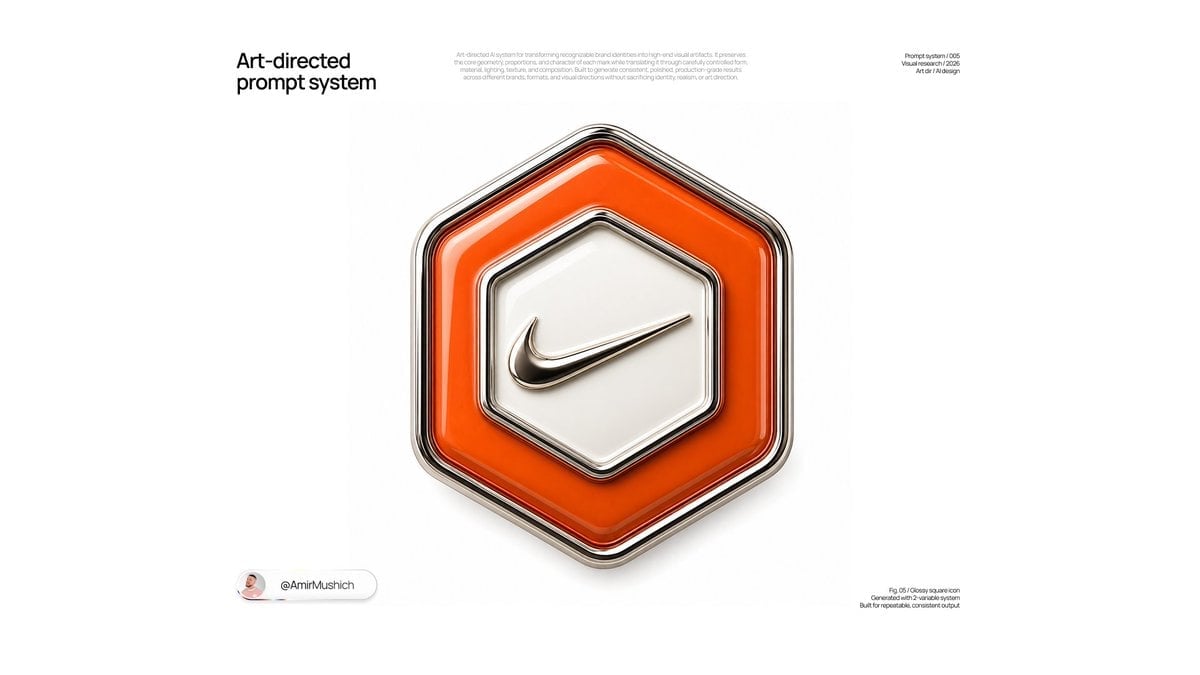
Glossy Brand Achievement Badge
Generates a minimalist studio CGI poster featuring a luxury enamel-and-metal collectible badge for a customizable brand.
- Prompt included
- Model and format preset
- Free template
The prompt behind this image
Copy the exact prompt behind Glossy Brand Achievement Badge, or open it in the studio and make it yours.
Goal: Create a clean, art-directed square-ish presentation poster showing an ornate collectible 3D achievement badge for {argument name="brand name" default="Nike"}, rendered as a high-gloss enamel and polished-metal digital medal. Canvas: Wide 16:9 white studio canvas, minimalist editorial layout with a large centered object and lots of negative space. Use soft global illumination, realistic reflections, subtle shadows, and premium CGI product-render quality. Layout: Place one large central badge occupying the middle of the frame. Add three small text areas: 1) a bold black headline in the upper left reading “Art-directed prompt system”; 2) a tiny pale-gray descriptive paragraph centered near the top; 3) a tiny black label in the upper right reading “Prompt system /005”, “Visual framework /2026”, and “Art dir / AI design”. Add one small creator pill near the lower left with a circular avatar and the handle “@AmirMushich”. Add one tiny caption block near the lower right reading “Fig. 05 / Glossy square icon”, “Generated with v2-variable system”, and “Built for repeatable, consistent output”. Badge design: Use exactly one ornate hexagonal badge. The outer silhouette is a rounded-corner hexagon with thick layered bevels. Build it from polished chrome and dark gunmetal outlines, with multiple nested rims and black separator grooves. The main enamel ring is a vivid {argument name="background color" default="orange"}, glossy and translucent-looking, with bright white highlights along the upper-left edges and deeper saturation in the lower-right curves. In the center, place a raised cream-white hexagonal enamel plate with a chrome rim and soft inset shadow. On the central plate, place the {argument name="brand symbol" default="Nike swoosh"} as a raised polished metallic emblem, slightly tilted upward from left to right, with dark reflective edges and a soft contact shadow. Visual style: Premium Apple-like product photography mixed with collectible medal design, ultra-clean white background, high-end 3D rendering, rounded bevels, glossy enamel, polished metal, crisp edges, subtle ambient occlusion, shallow studio shadow below the badge, no clutter. Constraints: Use exactly 1 badge, exactly 1 central brand emblem, exactly 3 main text blocks, and exactly 1 lower-left creator pill. Keep all text small except the upper-left headline. Do not add extra icons, extra badges, ribbons, patterns, or decorative background elements.
How to use Glossy Brand Achievement Badge in 3 steps
- 1Upload ImagePNG, JPG or paste
Add your photo
Upload the photo the template builds on. The prompt, model and format are already set.
- 2…a portrait of your subject in softgolden-hour light, 85mm…
Personalize
Edit the subject and creative details for your destination.
- 3Generate
Generate
Press Generate — your image is created in PicX Studio, so you can compare it with the original and refine one variable at a time.
More like this
Templates with the same subject, style or setup. Open one to see its prompt.

Luxury Fashion Campaign Typography Poster System

Premium Fashion Editorial Campaign Poster System

Futuristic Chrome Helmet Fashion Portrait

Isometric Brand Store Diorama

Moss Logo Minimalist Brand Flat Lay
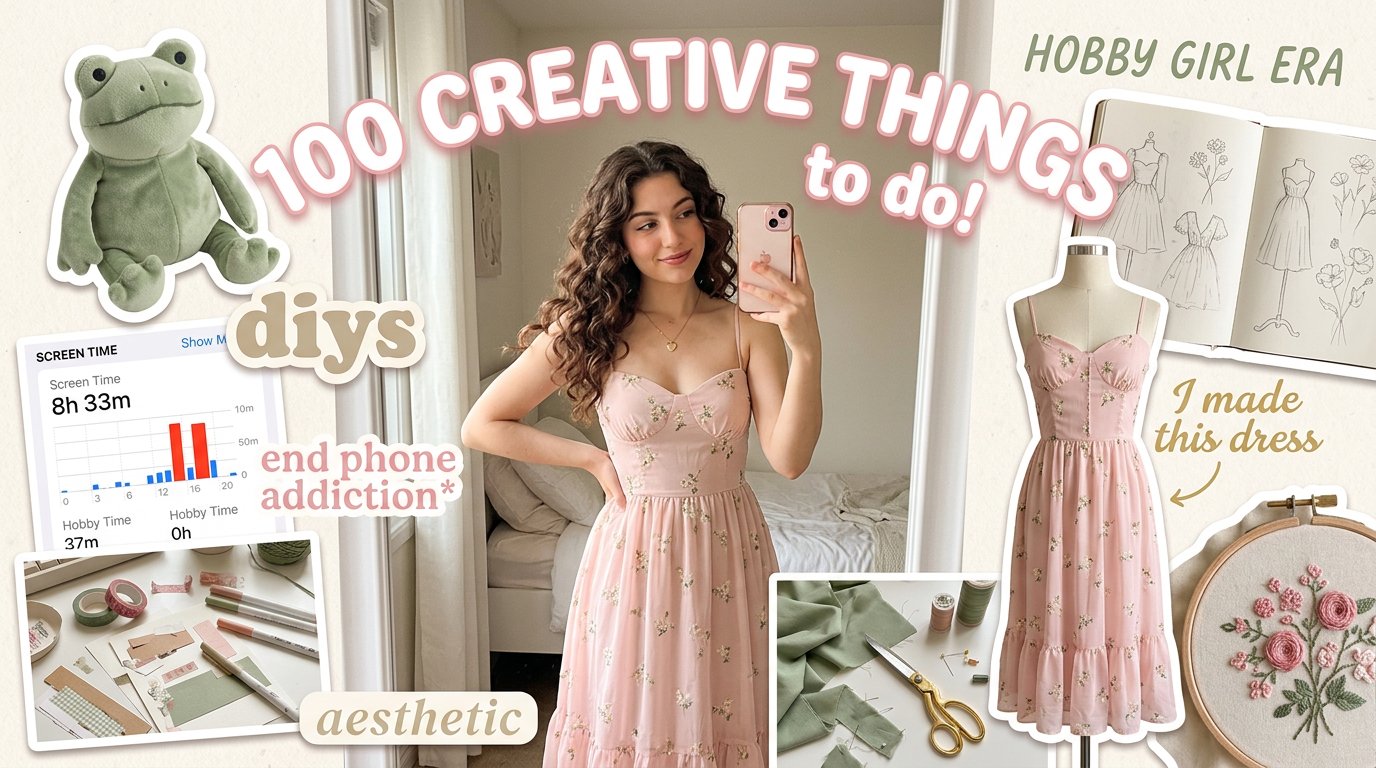
Aesthetic Hobby Girl Collage Youtube Thumbnail
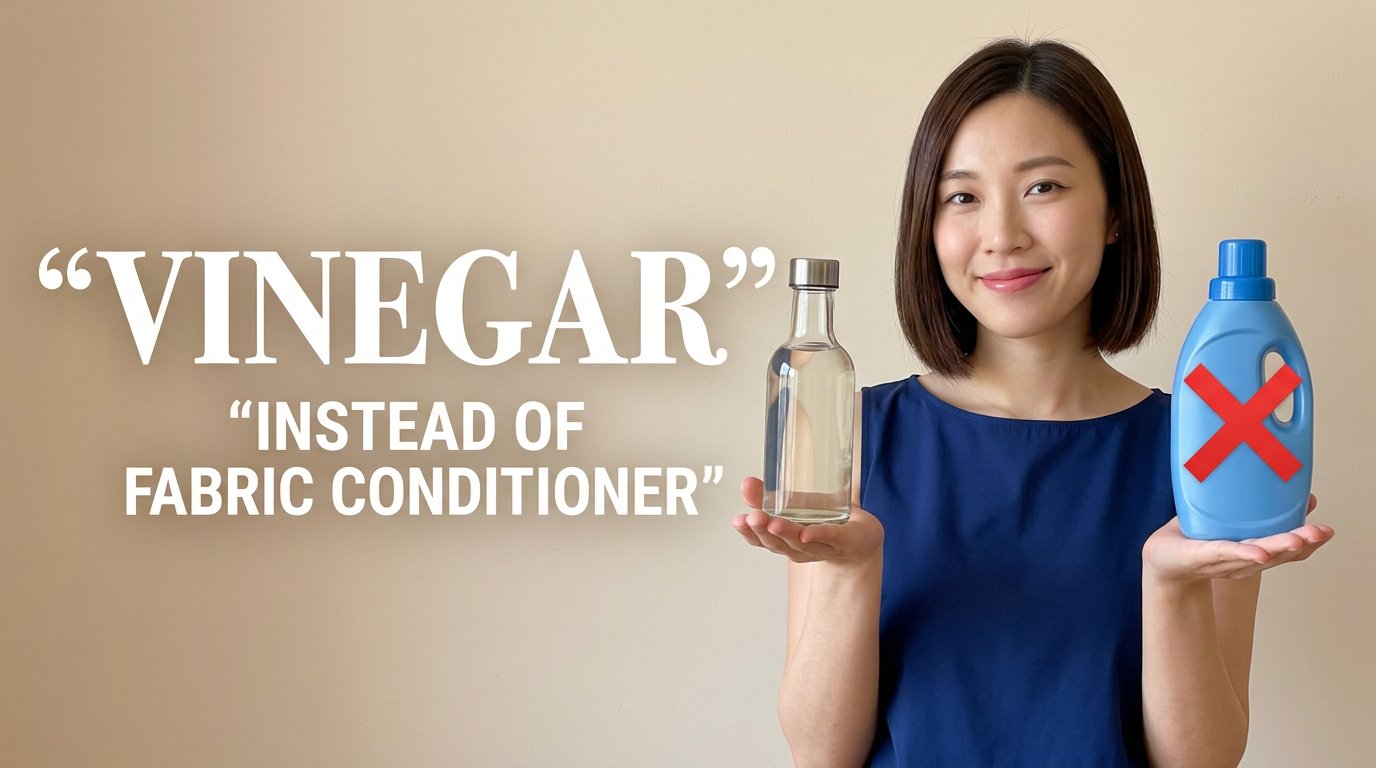
Eco Laundry Hack Youtube Thumbnail
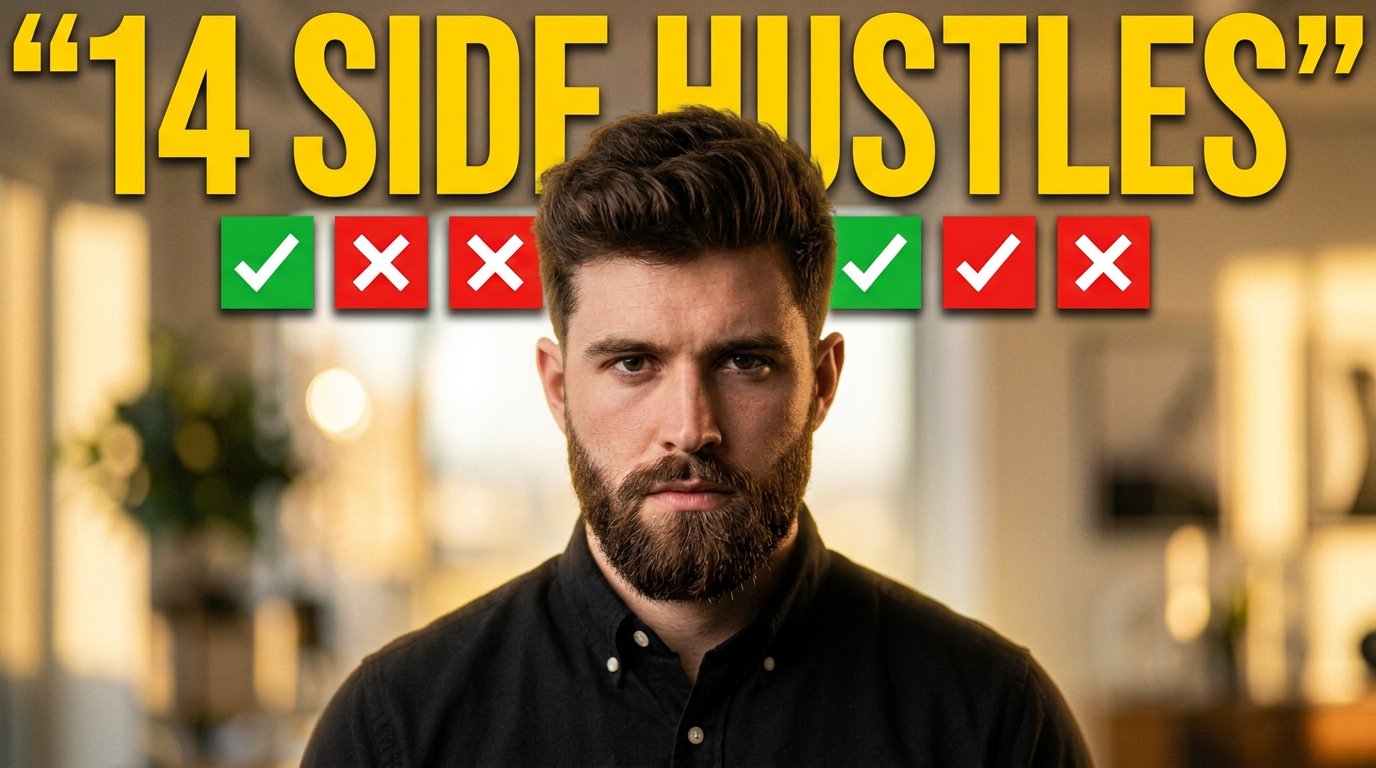
Youtube Thumbnail Template

Urban Commuter Portrait Documentary
Sun-Kissed Summer Skincare Beachfront
Oversized Minimalist Product Portrait
Giant Product Lifestyle Mockup
Make it yours
Glossy Brand Achievement Badge works as-is. These are the safest ways to change it without losing the look.
Change one field
Copy a single group, rewrite it, and generate again so you can see what that field is doing.
Keep the frame, change the subject
Hold the composition and light of Glossy Brand Achievement Badge, then swap wardrobe, props or the person for a new take.
| If the result… | Why | Fix |
|---|---|---|
| The result drifts from the preview | Too many fields changed at once. | Reuse Glossy Brand Achievement Badge as-is first, then change one group — subject, light, or setting. |
| The model over-stylizes the scene | The prose prompt leaves finish and camera underspecified. | Add one camera or lighting sentence and stay on GPT Image 2. |
More GPT Image 2 templates
Other prompts made for GPT Image 2.

Six VTuber Japanese Logo Sheet

Realistic Portrait of Woman and Deer

The Vista Modular Condo Poster

AI Model Routing Comparison Infographic

2.5D Anime Art Board

Isometric Productivity Desk Scene

New York Double Exposure Poster

Four-Panel AI Landscape Comparison

Japanese Tatami Lifestyle Magazine Cover

NESCAFÉ Coffee Map Poster
More image prompts
Fresh picks from across the catalog.
Skincare Product Flat Lay Photography
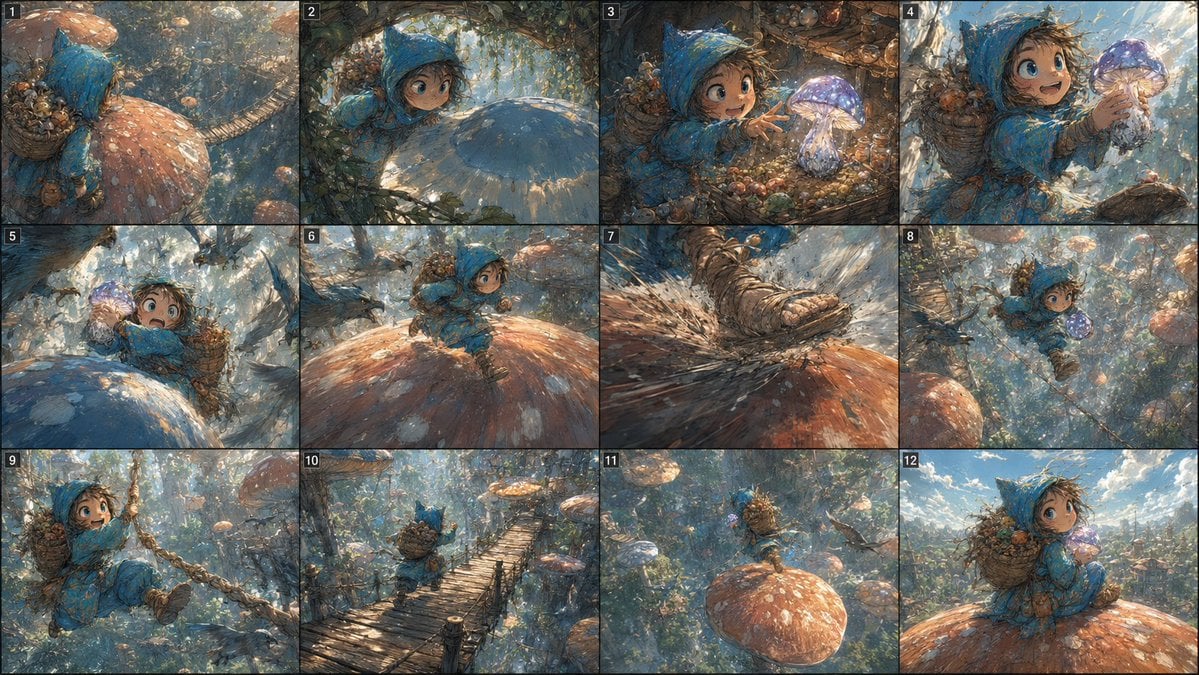
Fantasy Mushroom Forest Storyboard

untitled
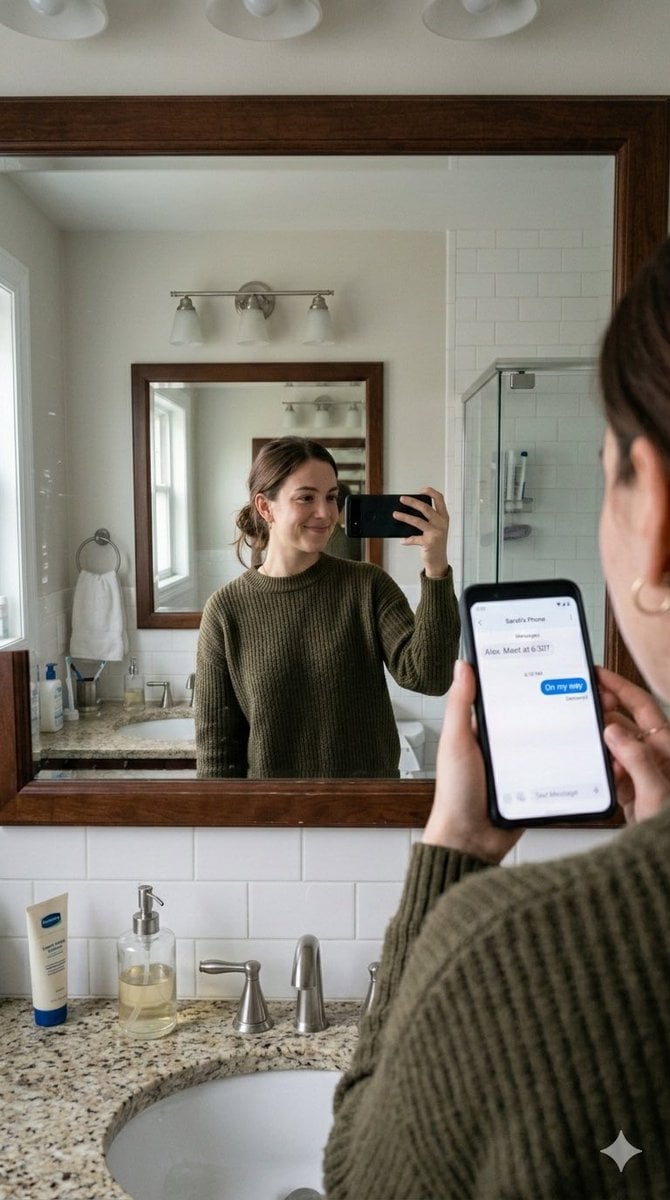
Realistic Bathroom Mirror Selfie with Correct Reflection
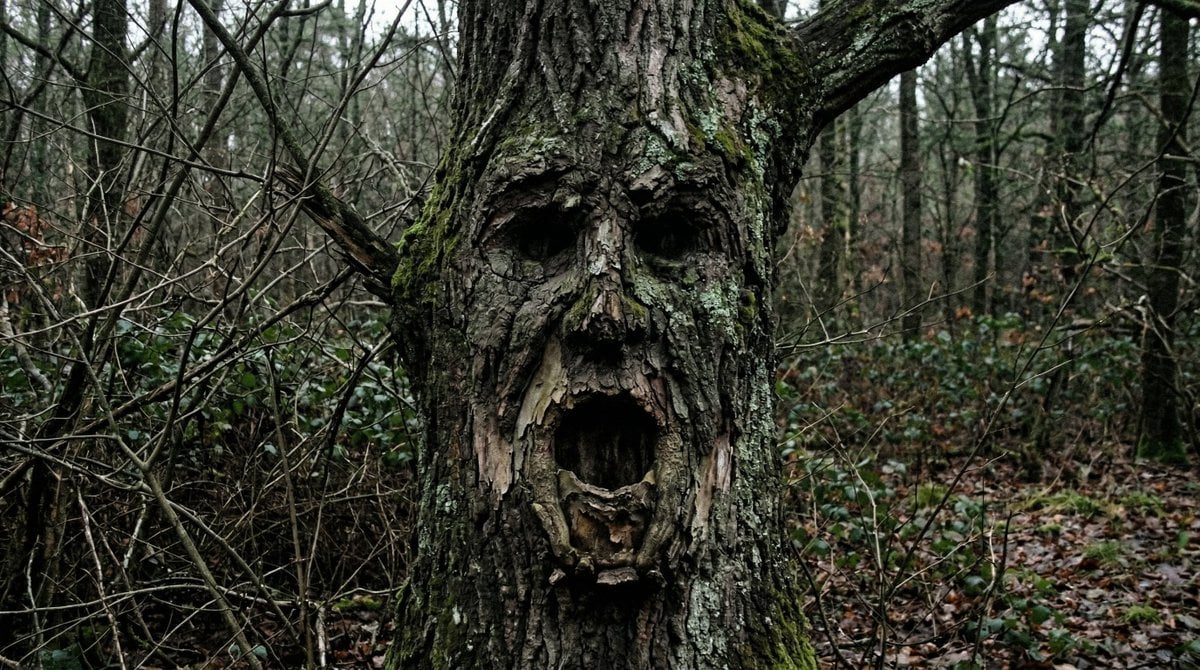
Oddly Terrifying Everyday Photo Prompt
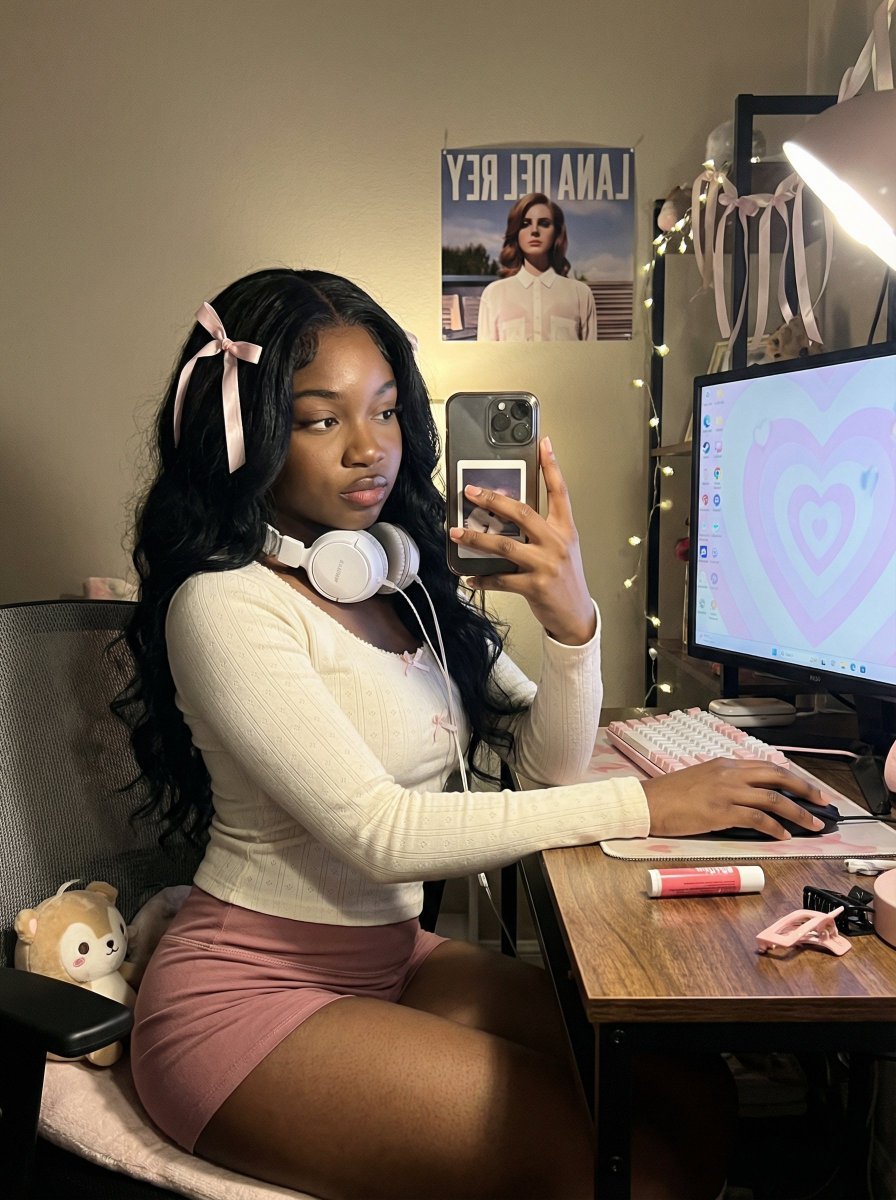
Coquette Gamer Girl Selfie in Bedroom

High-End Studio Male Portrait
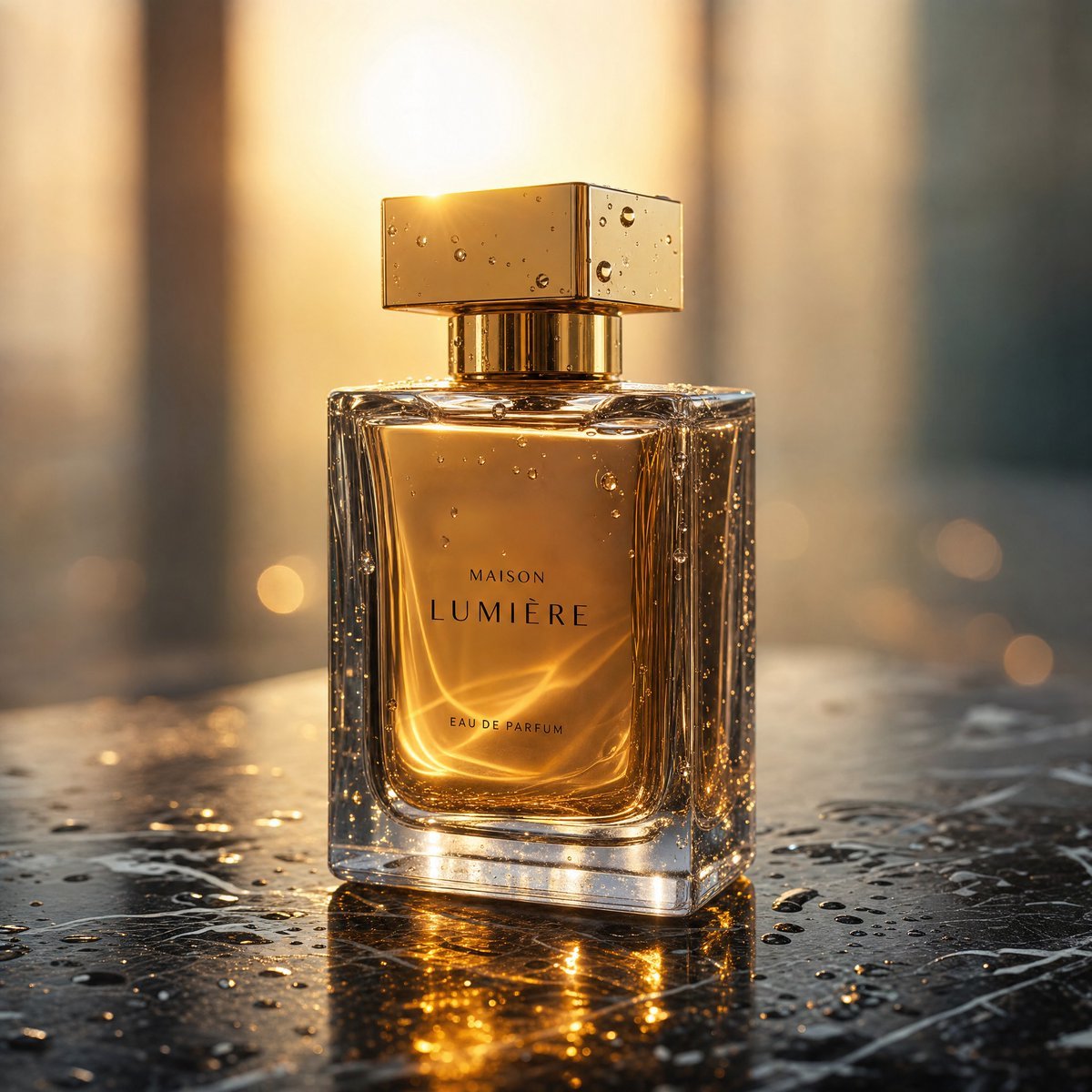
Golden Hour Luxury Perfume
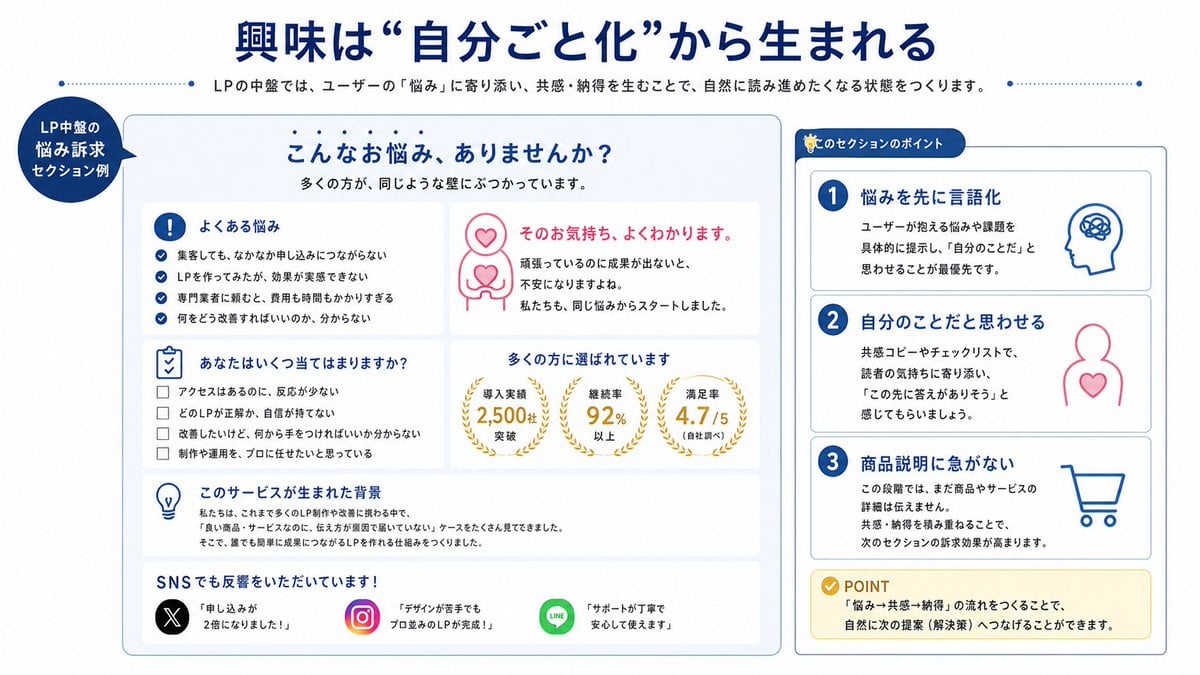
Japanese LP Empathy Infographic
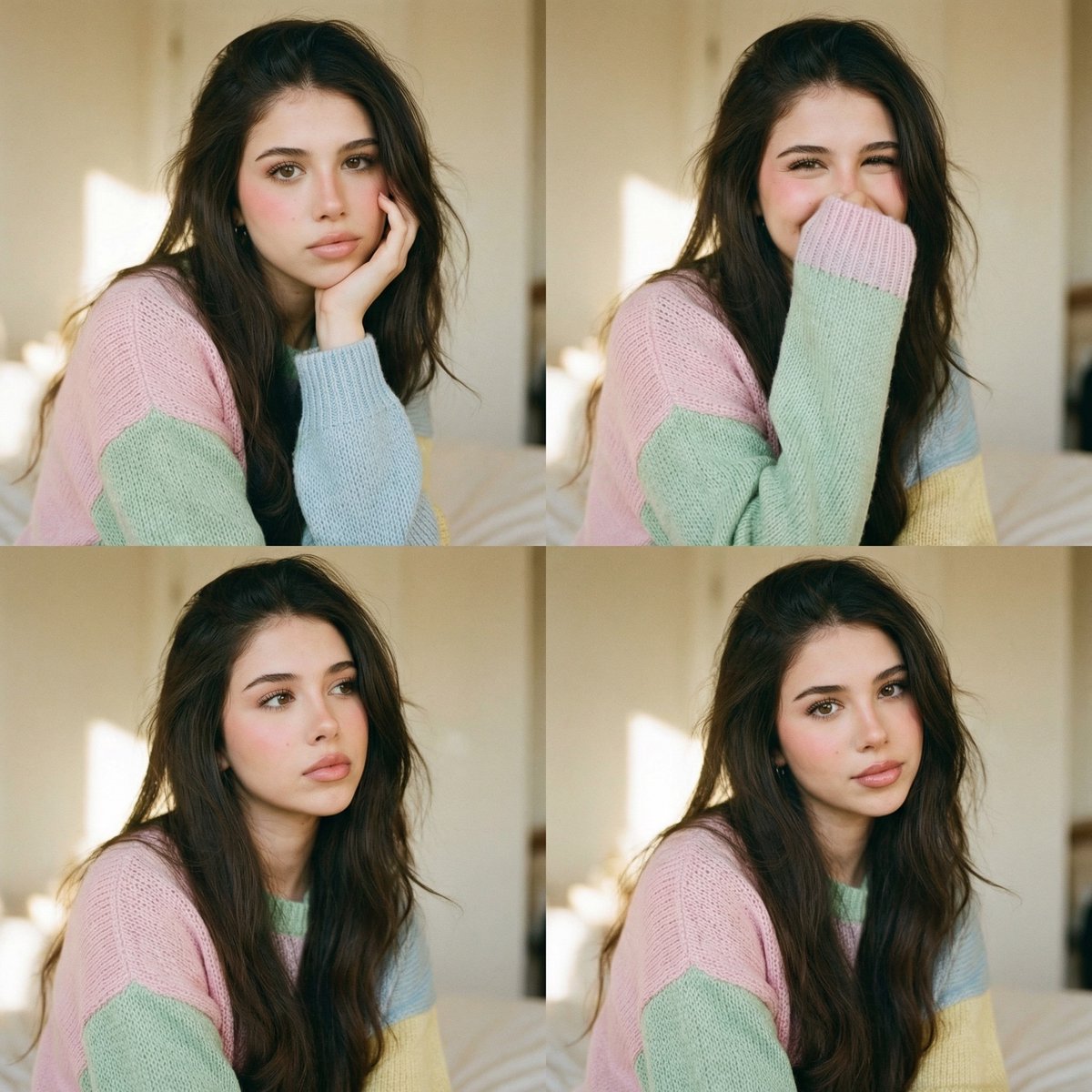
Analog Editorial Portrait Grid in Cozy Bedroom
Browse template categories
Glossy Brand Achievement Badge questions
How do I use the Glossy Brand Achievement Badge template?
Add your photo if the template asks for one, edit the prompt if you like — the template's model and format are already selected — and press Generate. Your version opens in PicX Studio.
Can I customize the Glossy Brand Achievement Badge template?
Yes. You can change the subject, setting, lighting, mood, format, and available model controls before creating your image.
Is the Glossy Brand Achievement Badge template free?
Opening and editing this template is free. Generating uses credits, shown on the Generate button when you are signed in.
Which AI model should I use?
Start with GPT Image 2, which is the model associated with this template. You can compare another compatible model for a different finish.
Looking for something else? Browse all templates.

Your photo, any look
Thousands of ready templates for every top image and video model, from one credit balance.