
Japanese LP Empathy Infographic
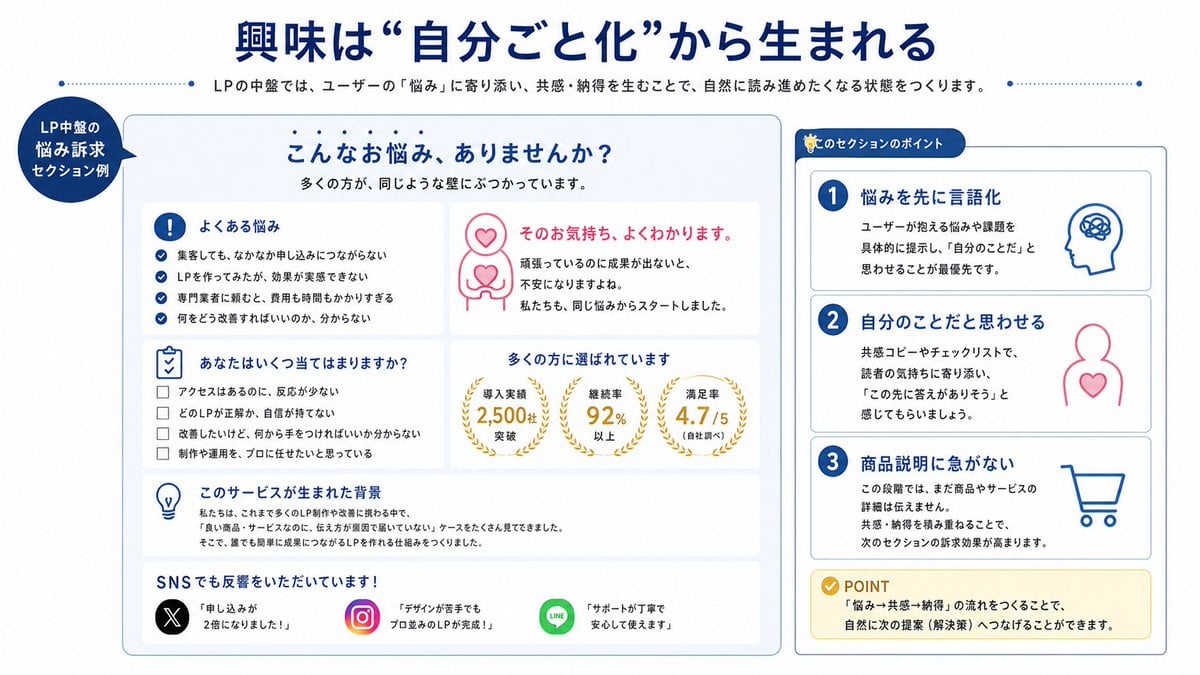
A clean Japanese presentation-style infographic explaining how empathy-driven landing page sections build self-identification, suitable for marketing education materials or LP manuals.
- Prompt included
- Model and format preset
- Free template
The prompt behind this image
Copy the exact prompt behind Japanese LP Empathy Infographic, or open it in the studio and make it yours.
- Type
- Japanese educational infographic slide
- Purpose
- explain how empathy-driven landing page copy creates self-identification and reader engagement
- Style › Palette
- deep blue, white, light gray, pink, gold, black, green, multicolor social app accents
- Style › Look
- clean corporate presentation design, rounded cards, thin blue outlines, soft shadows, flat vector icons, bold Japanese typography
- Style › Aspect Ratio
- 16:9
- Canvas › Background
- white with subtle light gray framing
- Canvas › Top Decor
- thin dotted blue horizontal lines on both sides of the subtitle area
- Header › Headline
- {argument name="headline text" default="興味は “自分ごと化”から生まれる"}
- Header › Headline Color
- deep blue
- Header › Headline Alignment
- center
- Header › Subtitle
- LPの中盤では、ユーザーの『悩み』に寄り添い、共感・納得を生むことで、自然に読み進めたくなる状態をつくります。
- Header › Subtitle Color
- dark gray
- Layout › Sections › 0 › Title
- LP中盤の悩み訴求セクション例
- Layout › Sections › 0 › Position
- left edge, circular callout badge
- Layout › Sections › 0 › Count
- 1
- Layout › Sections › 0 › Labels
- LP中盤の悩み訴求セクション例
- Layout › Sections › 1 › Title
- main example panel
- Layout › Sections › 1 › Position
- center-left large rounded rectangle
- Layout › Sections › 1 › Count
- 7
- Layout › Sections › 1 › Labels
- こんなお悩み、ありませんか?, よくある悩み, そのお気持ち、よくわかります。, あなたはいくつ当てはまりますか?, 多くの方に選ばれています, このサービスが生まれた背景, SNSでも反響をいただいています!
- Layout › Sections › 2 › Title
- このセクションのポイント
- Layout › Sections › 2 › Position
- right tall rounded rectangle
- Layout › Sections › 2 › Count
- 4
- Layout › Sections › 2 › Labels
- 1 悩みを先に言語化, 2 自分のことだと思わせる, 3 商品説明に急がない, POINT
Raw JSON
{"type":"Japanese educational infographic slide","purpose":"explain how empathy-driven landing page copy creates self-identification and reader engagement","style":{"palette":["deep blue","white","light gray","pink","gold","black","green","multicolor social app accents"],"look":"clean corporate presentation design, rounded cards, thin blue outlines, soft shadows, flat vector icons, bold Japanese typography","aspect_ratio":"16:9"},"canvas":{"background":"white with subtle light gray framing","top_decor":"thin dotted blue horizontal lines on both sides of the subtitle area"},"header":{"headline":"{argument name=\"headline text\" default=\"興味は “自分ごと化”から生まれる\"}","headline_color":"deep blue","headline_alignment":"center","subtitle":"LPの中盤では、ユーザーの『悩み』に寄り添い、共感・納得を生むことで、自然に読み進めたくなる状態をつくります。","subtitle_color":"dark gray"},"layout":{"sections":[{"title":"LP中盤の悩み訴求セクション例","position":"left edge, circular callout badge","count":1,"labels":["LP中盤の悩み訴求セクション例"]},{"title":"main example panel","position":"center-left large rounded rectangle","count":7,"labels":["こんなお悩み、ありませんか?","よくある悩み","そのお気持ち、よくわかります。","あなたはいくつ当てはまりますか?","多くの方に選ばれています","このサービスが生まれた背景","SNSでも反響をいただいています!"]},{"title":"このセクションのポイント","position":"right tall rounded rectangle","count":4,"labels":["1 悩みを先に言語化","2 自分のことだと思わせる","3 商品説明に急がない","POINT"]}]},"main_panel":{"container":"large light gray rounded card with blue border","header":{"title":"こんなお悩み、ありませんか?","subtitle":"多くの方が、同じような壁にぶつかっています。"},"cards":[{"title":"よくある悩み","position":"upper left","icon":"blue exclamation mark in a circle","count":4,"items":["集客しても、なかなか申し込みにつながらない","LPを作ってみたが、効果が実感できない","専門業者に頼むと、費用も時間もかかりすぎる","何をどう改善すればいいのか、分からない"]},{"title":"そのお気持ち、よくわかります。","position":"upper right","icon":"pink line-art person with heart on chest and heart above head","count":3,"items":["そのお気持ち、よくわかります。","頑張っているのに成果が出ないと、不安になりますよね。","私たちも、同じ悩みからスタートしました。"]},{"title":"あなたはいくつ当てはまりますか?","position":"middle left","icon":"blue checklist clipboard","count":4,"items":["アクセスはあるのに、反応が少ない","どのLPが正解か、自信が持てない","改善したいけど、何から手をつければいいか分からない","制作や運用を、プロに任せたいと思っている"]},{"title":"多くの方に選ばれています","position":"middle right","icon":"3 gold laurel stat badges","count":3,"items":["導入実績 2,500社 突破","継続率 92% 以上","満足率 4.7 / 5(自社調べ)"]},{"title":"このサービスが生まれた背景","position":"lower middle","icon":"blue light bulb","count":3,"items":["私たちは、これまで多くのLP制作や改善に携わる中で、","『良い商品・サービスなのに、伝え方が原因で届いていない』ケースをたくさん見てきました。","そこで、誰でも簡単に成果につながるLPを作れる仕組みをつくりました。"]},{"title":"SNSでも反響をいただいています!","position":"bottom full width","icon":"social proof row","count":3,"items":["X: 『申し込みが2倍になりました!』","Instagram: 『デザインが苦手でもプロ並みのLPが完成!』","LINE: 『サポートが丁寧で安心して使えます』"]}]},"right_panel":{"title":"このセクションのポイント","cards":[{"step":1,"title":"悩みを先に言語化","icon":"blue head profile with scribble brain","description":"ユーザーが抱える悩みや課題を具体的に提示し、『自分のことだ』と思わせることが最優先です。"},{"step":2,"title":"自分のことだと思わせる","icon":"pink person outline with heart on chest","description":"共感コピーやチェックリストで、読者の気持ちに寄り添い、『この先に答えがありそう』と感じてもらいましょう。"},{"step":3,"title":"商品説明に急がない","icon":"blue shopping cart","description":"この段階では、まだ商品やサービスの詳細は伝えきれません。共感・納得を積み重ねることで、次のセクションの訴求効果が高まります。"},{"step":"POINT","title":"POINT","icon":"gold check badge","description":"『悩み→共感→納得』の流れをつくることで、自然に次の提案(解決策)へつなげることができます。"}]},"text_language":"Japanese","rendering_notes":"Keep all visible text in Japanese, with crisp legible layout. Emphasize educational LP manual aesthetics, high information clarity, even spacing, and presentation-slide balance. Use vector icons and clean sans-serif Japanese fonts."}How to use Japanese LP Empathy Infographic in 3 steps
- 1Upload ImagePNG, JPG or paste
Add your photo
Upload the photo the template builds on. The prompt, model and format are already set.
- 2…a portrait of your subject in softgolden-hour light, 85mm…
Personalize
Edit the subject and creative details for your destination.
- 3Generate
Generate
Press Generate — your image is created in PicX Studio, so you can compare it with the original and refine one variable at a time.
More like this
Templates with the same subject, style or setup. Open one to see its prompt.

Gpt2 Infographic Edu Visual Japanese Sci Fi Suit Up Process Board

Minecraft Japanese Research Lab Exploration

Japan Travel Brochure Poster

Japanese Architectural Concrete Studio Fashion Campaign

Japanese Minimalist Concrete Studio Fashion Editorial

Blue Backdrop Luxury Fashion Portrait Campaign

Isometric Process Educational Diorama

Isometric Vehicle Teardown Infographic Template

Gpt2 E Commerce Main Image Earbuds E Commerce Infographic

Gpt2 Infographic Edu Visual Alishan One Day Travel Poster

Gpt2 Infographic Edu Visual Ethnographic Plate for Tibetan Ceremonial Hat

Gpt2 Infographic Edu Visual Earth Signs Zodiac Character Poster
Make it yours
Japanese LP Empathy Infographic works as-is. These are the safest ways to change it without losing the look.
Swap the setting
Keep the rest of the prompt and replace the location block. The current setting is “white with subtle light gray framing”.
Change one field
Copy a single group, rewrite it, and generate again so you can see what that field is doing.
Keep the frame, change the subject
Hold the composition and light of Japanese LP Empathy Infographic, then swap wardrobe, props or the person for a new take.
| If the result… | Why | Fix |
|---|---|---|
| The result drifts from the preview | Too many fields changed at once. | Reuse Japanese LP Empathy Infographic as-is first, then change one group — subject, light, or setting. |
| GPT Image 2 ignores part of the JSON | Some models flatten or skip nested keys. | Keep the same values and paste them as a short paragraph instead. |
More GPT Image 2 templates
Other prompts made for GPT Image 2.

Six VTuber Japanese Logo Sheet

Realistic Portrait of Woman and Deer

The Vista Modular Condo Poster

AI Model Routing Comparison Infographic

2.5D Anime Art Board

Isometric Productivity Desk Scene

New York Double Exposure Poster

Four-Panel AI Landscape Comparison

Japanese Tatami Lifestyle Magazine Cover

NESCAFÉ Coffee Map Poster
More image prompts
Fresh picks from across the catalog.
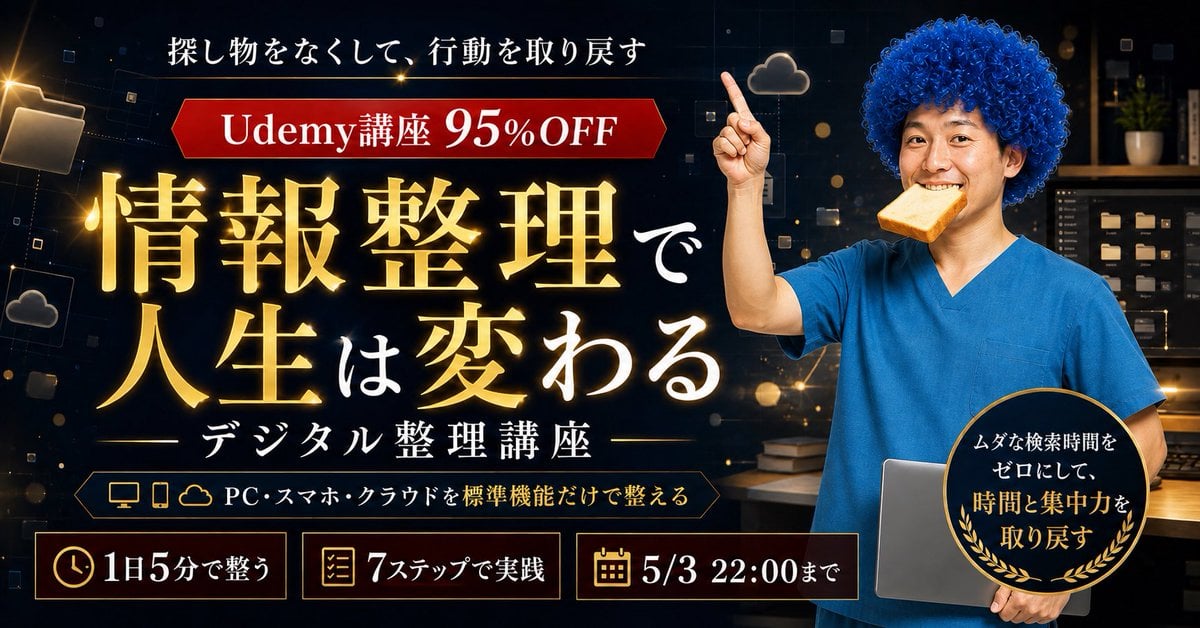
Japanese Udemy Course Sale Thumbnail
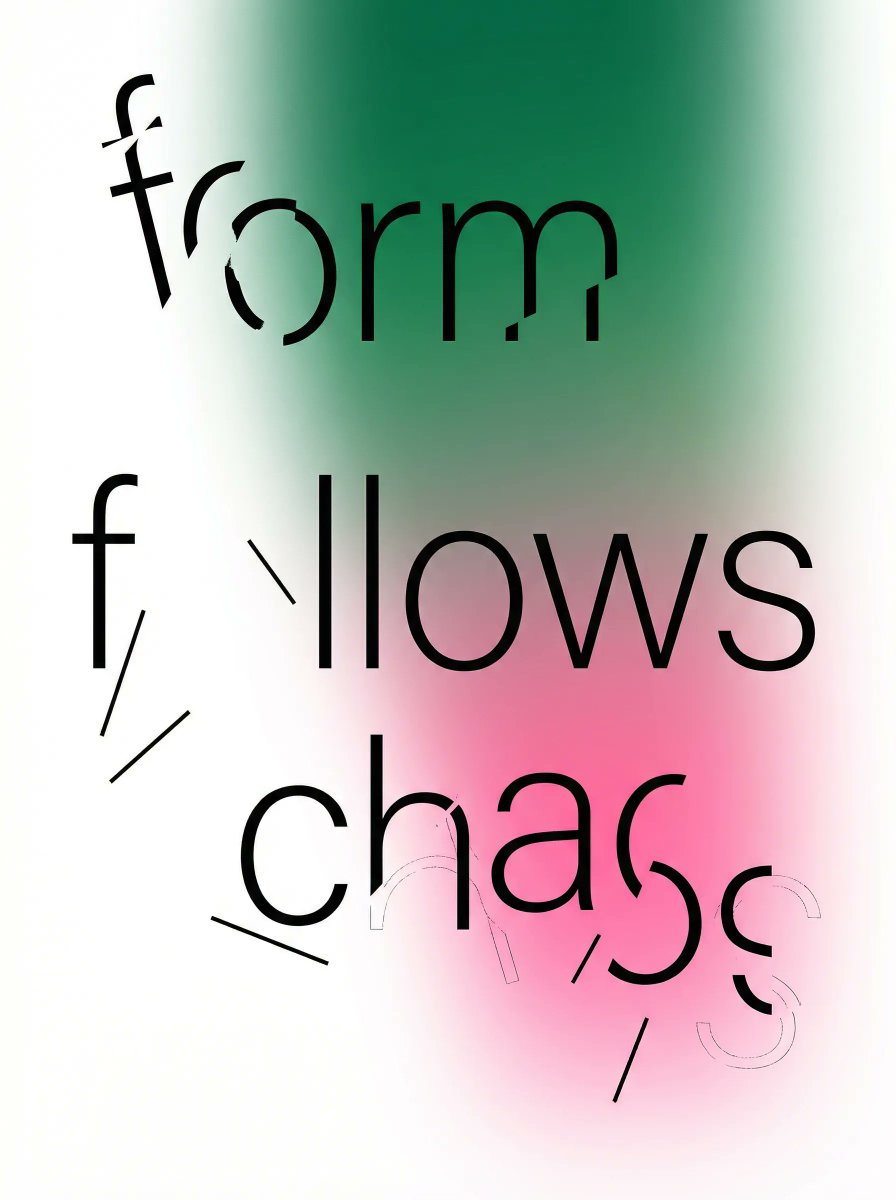
Fragmented Typography Poster Prompt (Minimalist Chaos)
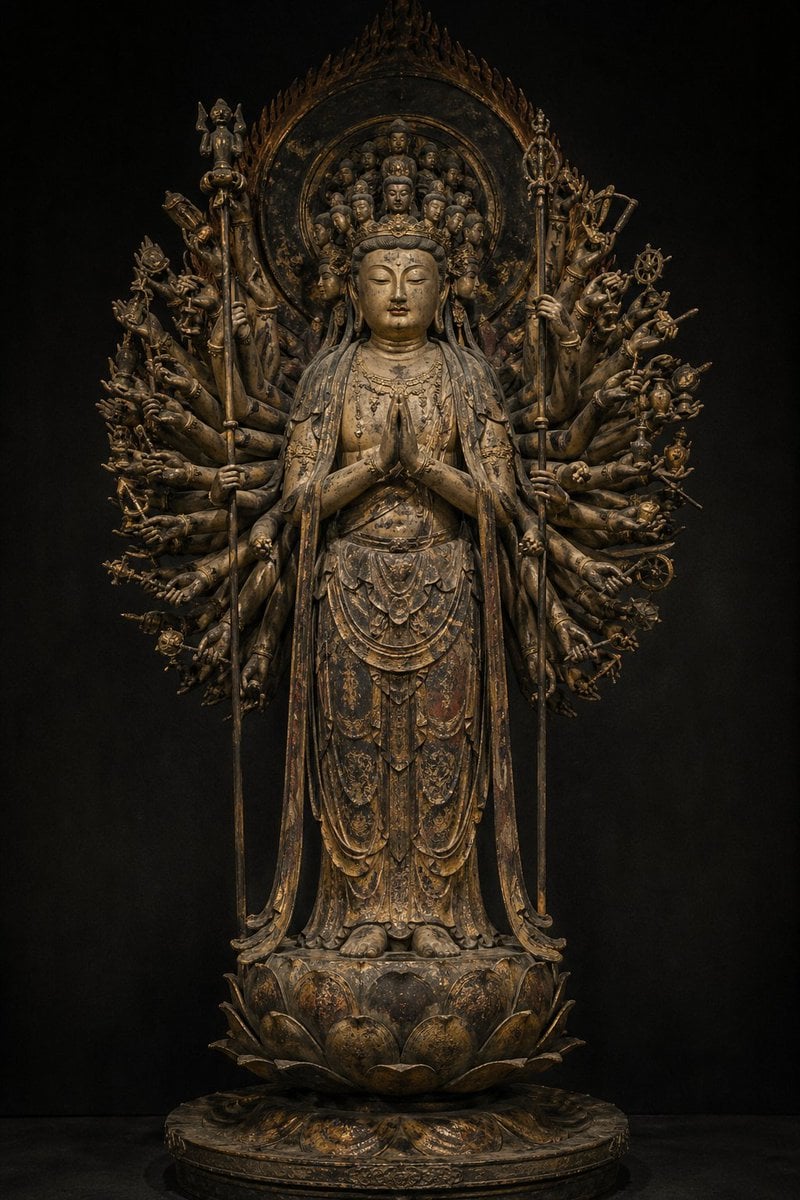
Traditional Japanese Buddhist Statue

Miniature Coffee Shop Diorama with Chibi Girl
Hyper-Realistic Product Photography with Liquid Splash
Japanese Anime AI Launch Poster

Realistic mirror selfie of a young woman in a cozy cream sweater

Grid Minimalist Christmas Portrait Prompt

Stylized Pop Art Vector Portrait

Sleepy Cat-Eared Anime Girl
Browse template categories
Japanese LP Empathy Infographic questions
How do I use the Japanese LP Empathy Infographic template?
Add your photo if the template asks for one, edit the prompt if you like — the template's model and format are already selected — and press Generate. Your version opens in PicX Studio.
Can I customize the Japanese LP Empathy Infographic template?
Yes. You can change the subject, setting, lighting, mood, format, and available model controls before creating your image.
Is the Japanese LP Empathy Infographic template free?
Opening and editing this template is free. Generating uses credits, shown on the Generate button when you are signed in.
Which AI model should I use?
Start with GPT Image 2, which is the model associated with this template. You can compare another compatible model for a different finish.
Looking for something else? Browse all templates.

Your photo, any look
Thousands of ready templates for every top image and video model, from one credit balance.