
Traditional Japanese Buddhist Statue
A highly detailed prompt for generating a serene and majestic Senju Kannon (Thousand-Armed Kannon) statue in the style of Heian or Kamakura period Japanese Buddhist sculpture, complete with museum-quality lighting and…
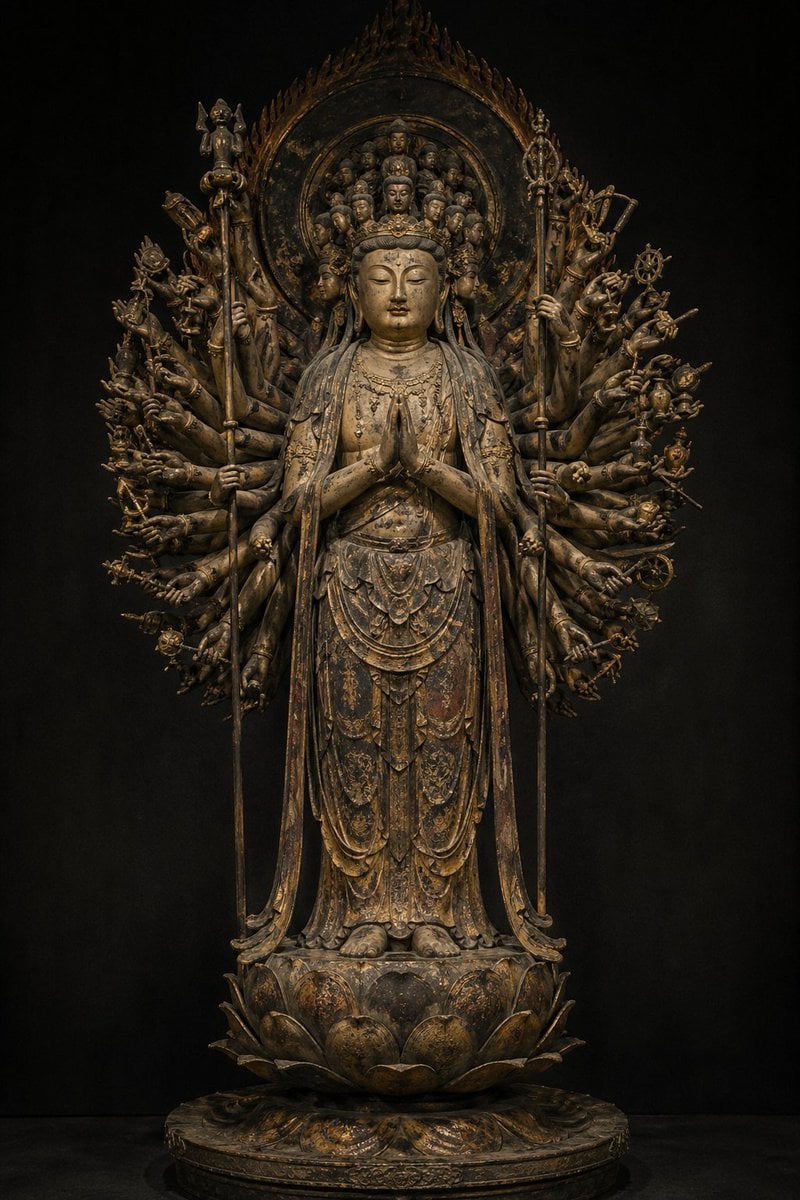
- Prompt included
- Model and format preset
- Free template
The prompt behind this image
Copy the exact prompt behind Traditional Japanese Buddhist Statue, or open it in the studio and make it yours.
Reminiscent of an ancient Japanese Buddhist statue, {argument name="type of Buddhist statue" default="a standing statue of the Thousand-Armed Kannon Bodhisattva"}. A quiet, solemn atmosphere like a masterpiece Buddhist statue held in the collection of {argument name="collecting institution" default="the Tokyo National Museum"}. A full-body figure facing forward, a slender and dignified build, a soft, compassionate expression, half-closed eyes, a gentle smile. An intricate crown atop the head, flowing celestial robes, delicate ornaments. Behind it, numerous arms are arranged neatly, radiating outward, strongly conveying the symbolism of the Thousand-Armed Kannon. The hands may be based on the actual convention of 42 arms as used in real Buddhist statuary. The pedestal is a lotus throne, with a halo behind. The material is based on {argument name="material" default="carved wood"}, expressing lacquer and gold leaf, flaking gold leaf, an aged patina from the passage of time, faint traces of remaining pigment, cracks, wear, and the historic texture handed down through a temple. Overall, it should evoke Japanese Buddhist sculpture of the Heian–Kamakura period: dignified, noble, deeply religious, and full of sacred solemnity. Like a photograph of a museum's collection piece, the background is dark and subdued, making the statue's three-dimensionality and texture stand out. Museum-grade, cultural-treasure-grade, ultra-high-definition.
How to use Traditional Japanese Buddhist Statue in 3 steps
- 1
Open
The prompt is already in the box next to the preview, with the template's model and format selected.
- 2…a portrait of your subject in softgolden-hour light, 85mm…
Personalize
Edit the subject and creative details for your destination.
- 3Generate
Generate
Press Generate — your image is created in PicX Studio, so you can compare it with the original and refine one variable at a time.
More like this
Templates with the same subject, style or setup. Open one to see its prompt.
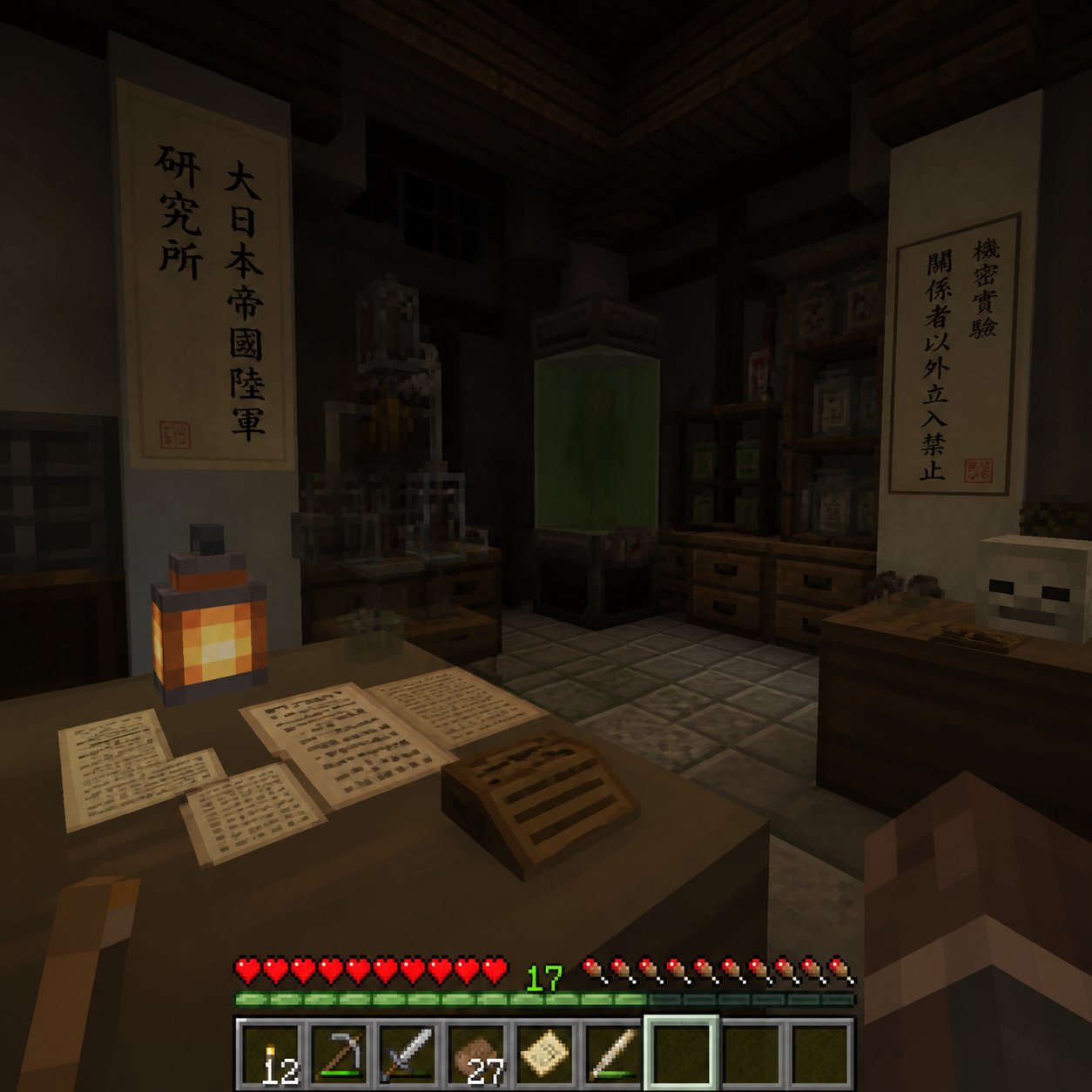
Minecraft Japanese Research Lab Exploration
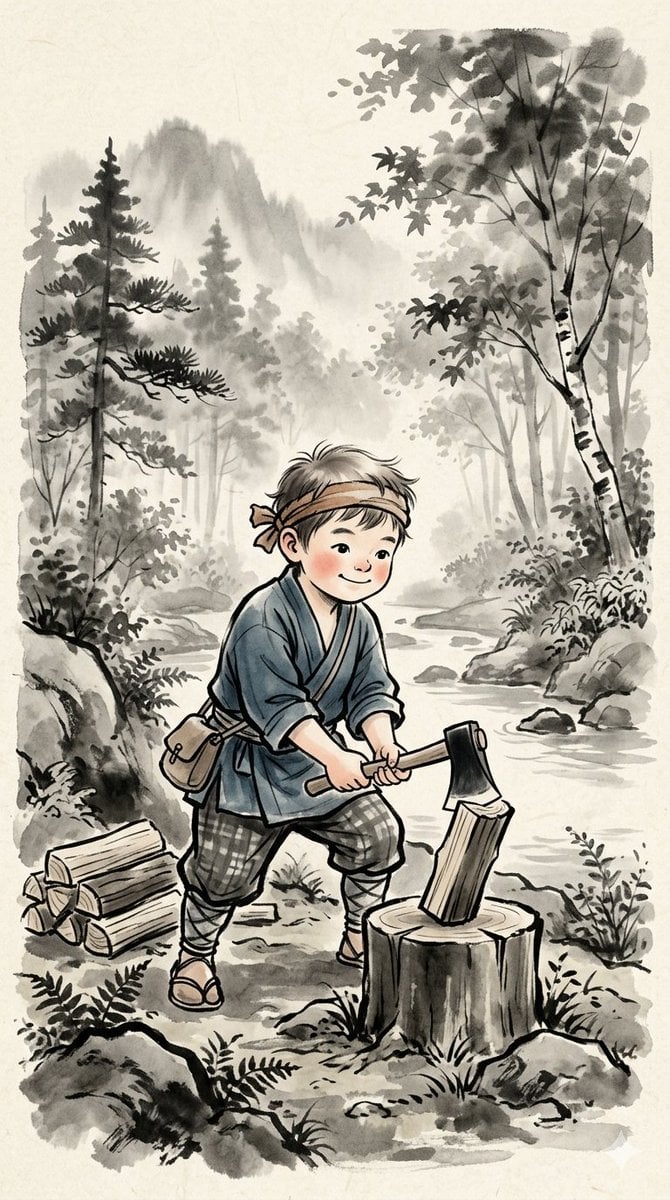
Traditional Japanese Ink Children Illustration
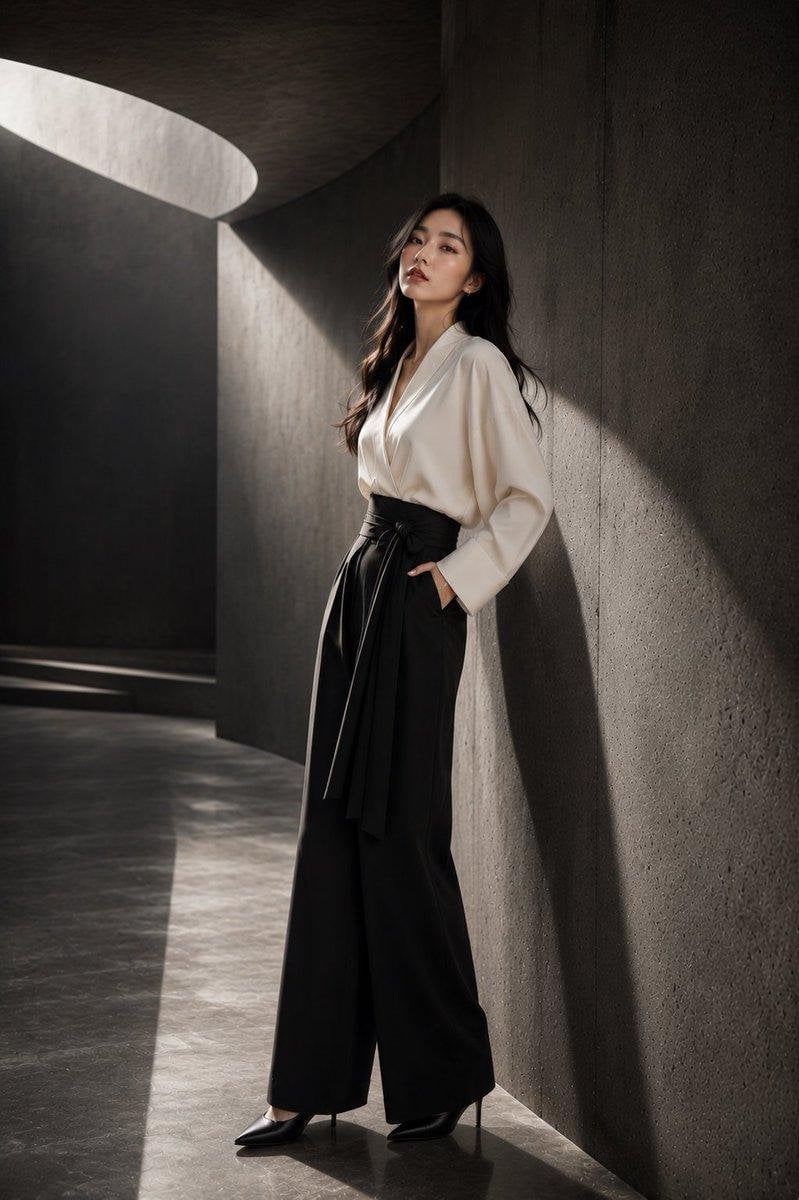
Japanese Architectural Concrete Studio Fashion Campaign
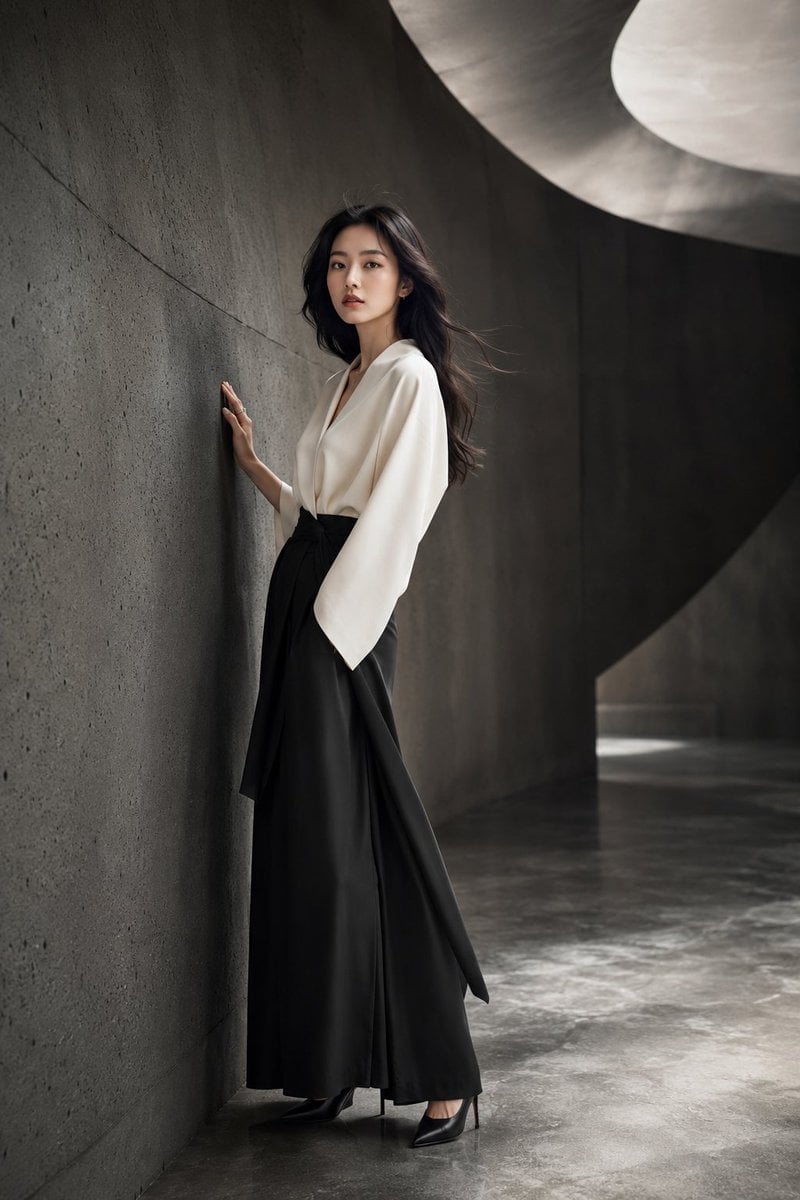
Japanese Minimalist Concrete Studio Fashion Editorial

Blue Backdrop Luxury Fashion Portrait Campaign
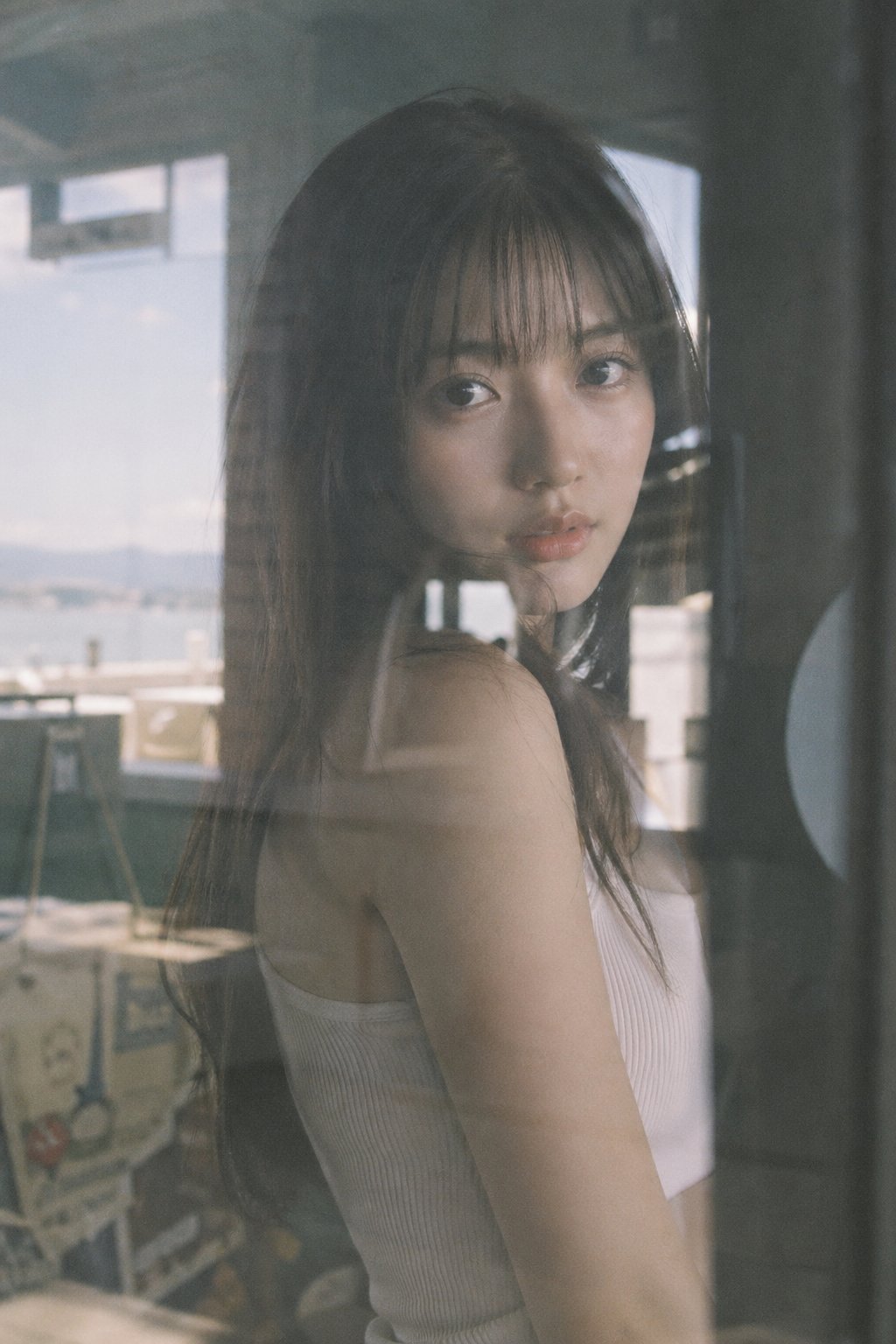
Japanese Film Reflection Idol
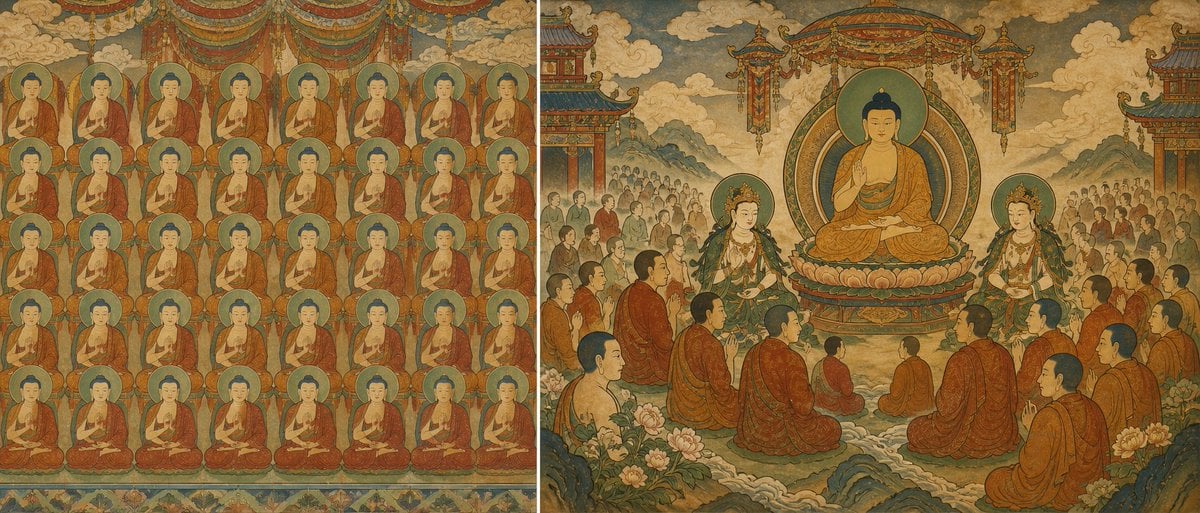
Buddhist Mural Composition Diptych
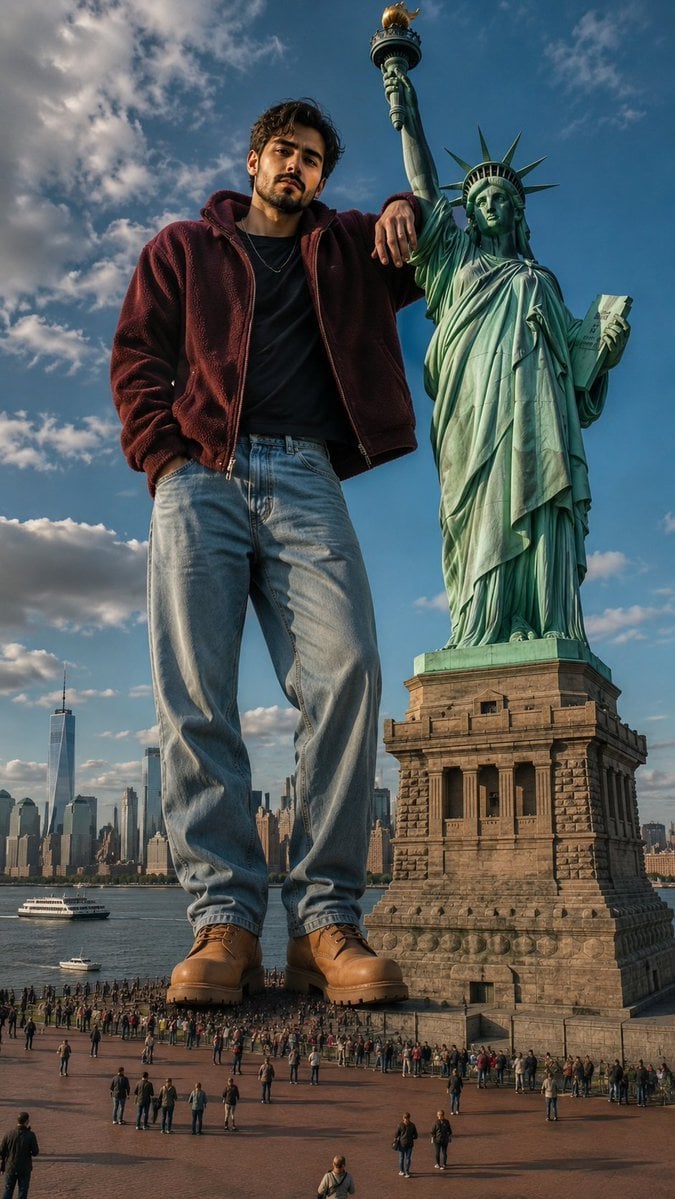
Giant Man Standing by Statue of Liberty
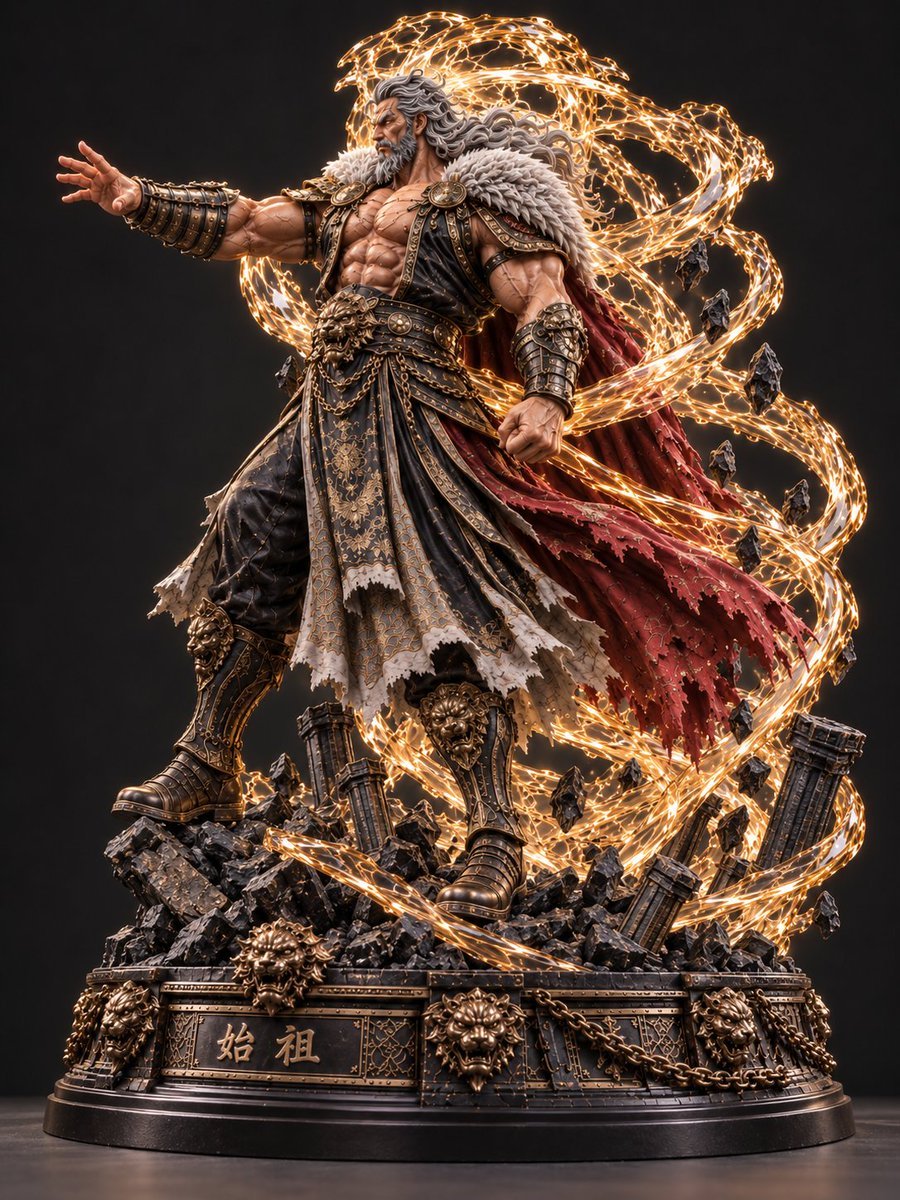
Mythic Warrior Statue
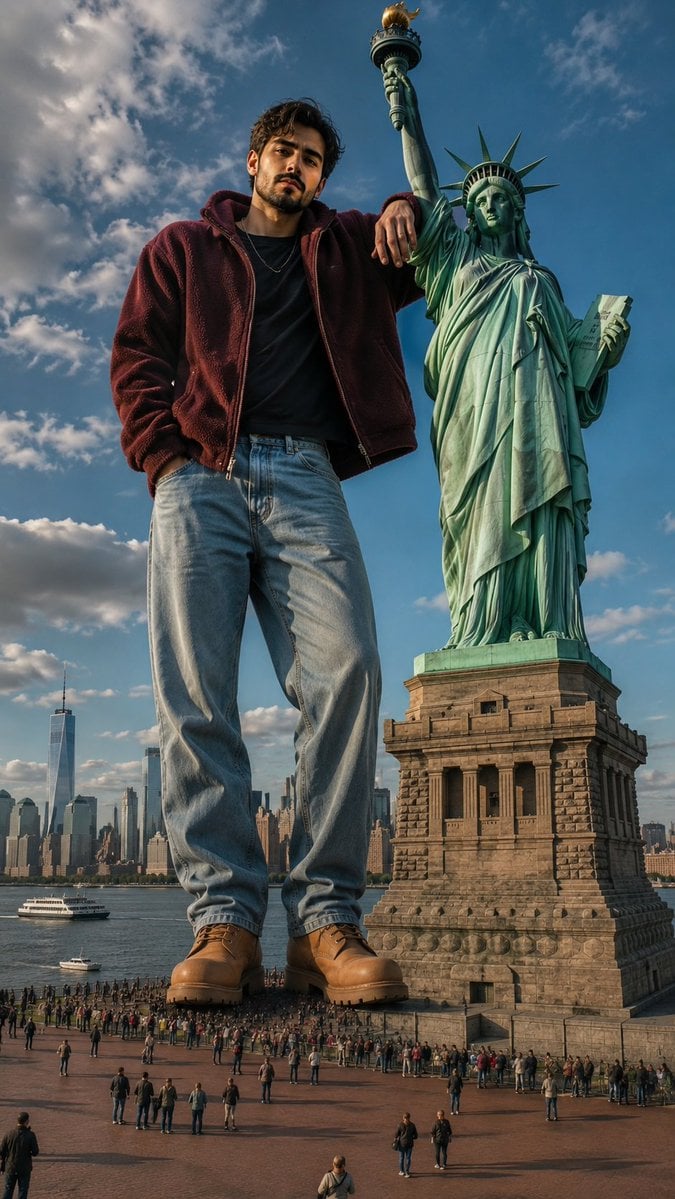
Giant Man at Statue of Liberty

Six VTuber Japanese Logo Sheet
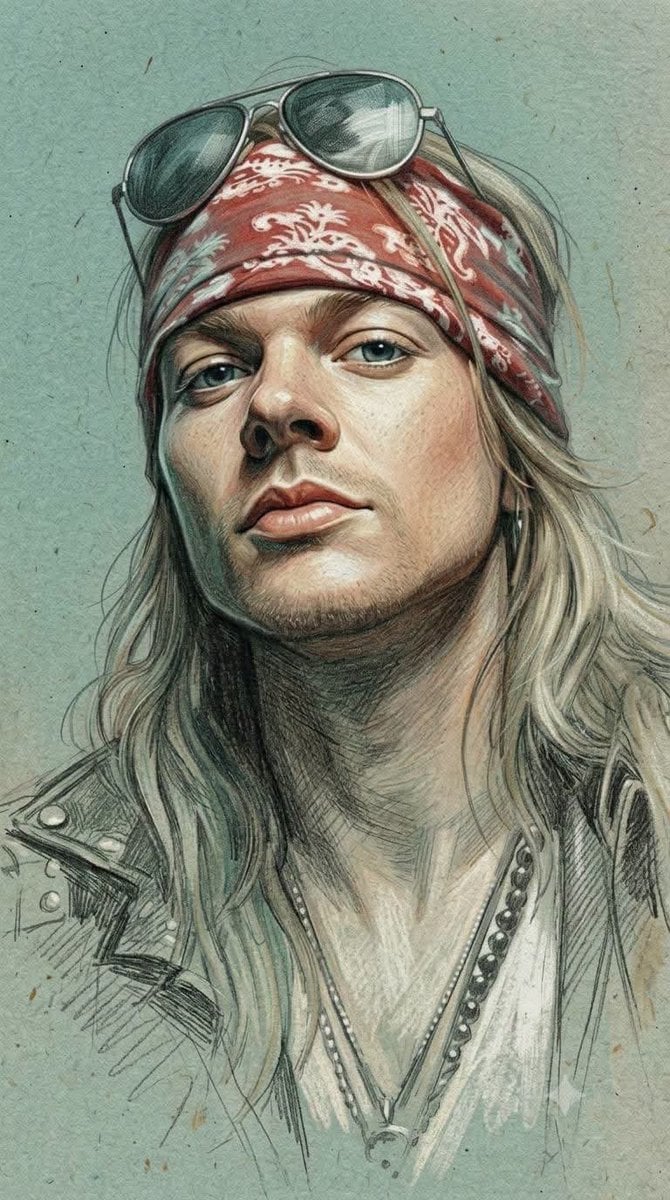
Traditional Colored Pencil Portrait Sketch
Make it yours
Traditional Japanese Buddhist Statue works as-is. These are the safest ways to change it without losing the look.
Change one field
Copy a single group, rewrite it, and generate again so you can see what that field is doing.
Keep the frame, change the subject
Hold the composition and light of Traditional Japanese Buddhist Statue, then swap wardrobe, props or the person for a new take.
| If the result… | Why | Fix |
|---|---|---|
| The result drifts from the preview | Too many fields changed at once. | Reuse Traditional Japanese Buddhist Statue as-is first, then change one group — subject, light, or setting. |
| The model over-stylizes the scene | The prose prompt leaves finish and camera underspecified. | Add one camera or lighting sentence and stay on GPT Image 2. |
More GPT Image 2 templates
Other prompts made for GPT Image 2.

Realistic Portrait of Woman and Deer

The Vista Modular Condo Poster

AI Model Routing Comparison Infographic

2.5D Anime Art Board

Isometric Productivity Desk Scene

New York Double Exposure Poster

Four-Panel AI Landscape Comparison

NESCAFÉ Coffee Map Poster

Brutalist Cogito Chinese Typography Poster

Cinematic Luxury Terrace Portrait
More image prompts
Fresh picks from across the catalog.
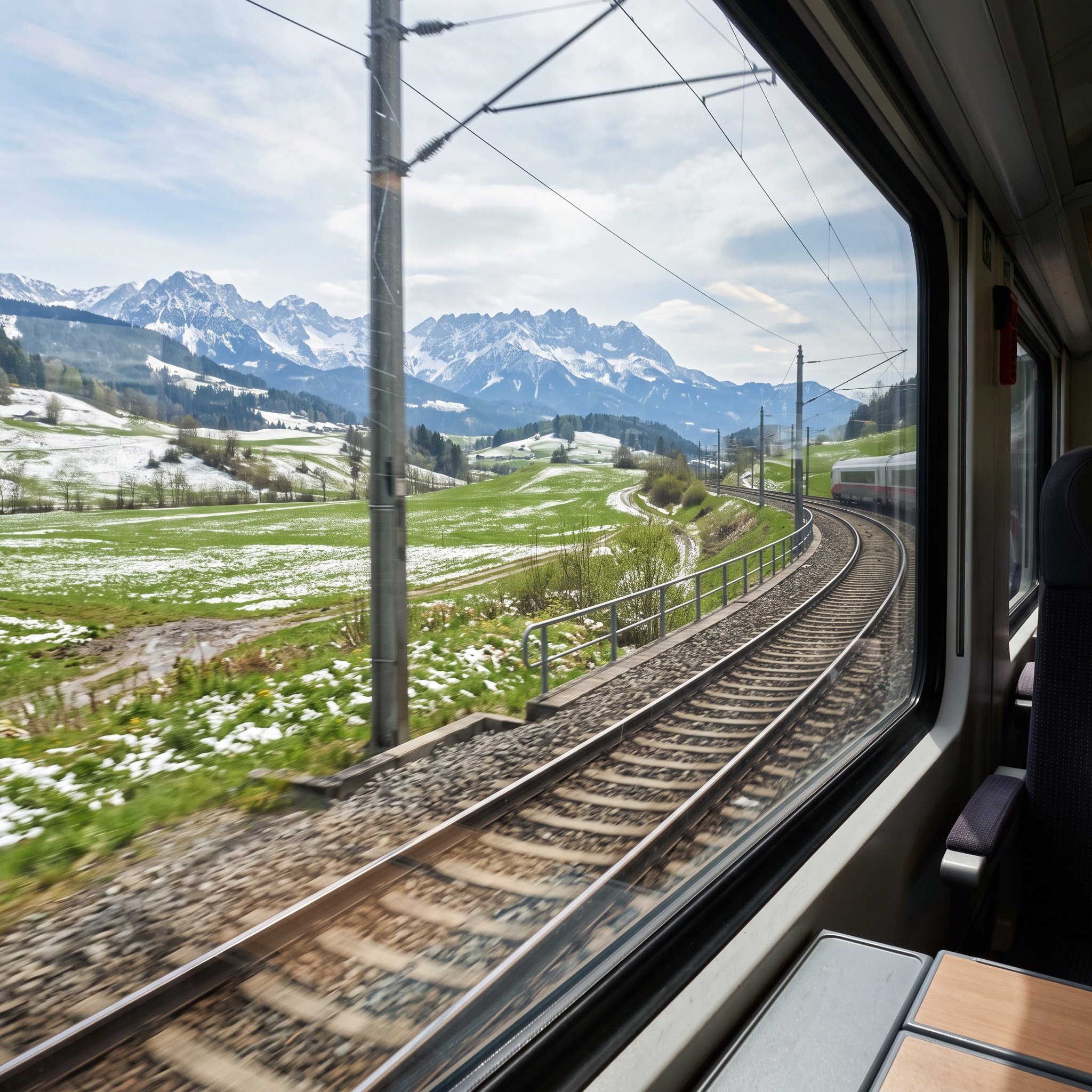
Cinematic Train Window View in European Spring

Sauna builders blueprint from reference photo

Candid Portrait Hugging a Poodle in a Park
Monochrome Fantasy Warrior on Mountain
Healing Travel Calendar Card
Gothic Cyberpunk Duo in Ruined City

2x2 Japanese Banner Ad Grid
Flat Vector Llama Emoji Prompt

Hyper-Realistic Neon Energy Drink Product Shot Prompt
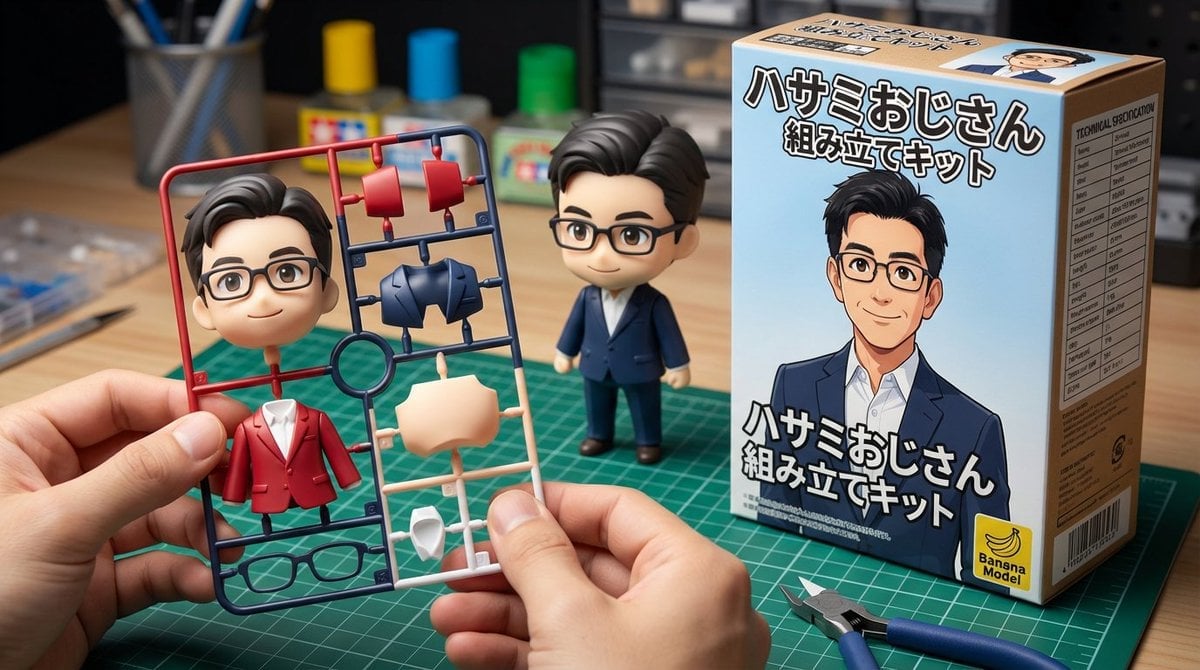
Scissor Man Figure Generation (Plastic Model and Flocked)
Browse template categories
Traditional Japanese Buddhist Statue questions
How do I use the Traditional Japanese Buddhist Statue template?
Add your photo if the template asks for one, edit the prompt if you like — the template's model and format are already selected — and press Generate. Your version opens in PicX Studio.
Can I customize the Traditional Japanese Buddhist Statue template?
Yes. You can change the subject, setting, lighting, mood, format, and available model controls before creating your image.
Is the Traditional Japanese Buddhist Statue template free?
Opening and editing this template is free. Generating uses credits, shown on the Generate button when you are signed in.
Which AI model should I use?
Start with GPT Image 2, which is the model associated with this template. You can compare another compatible model for a different finish.
Looking for something else? Browse all templates.

Your photo, any look
Thousands of ready templates for every top image and video model, from one credit balance.