
Buddhist Mural Composition Diptych
Generates a wide antique Buddhist fresco diptych contrasting a flat repeated Buddha grid with a layered sacred assembly for composition studies.
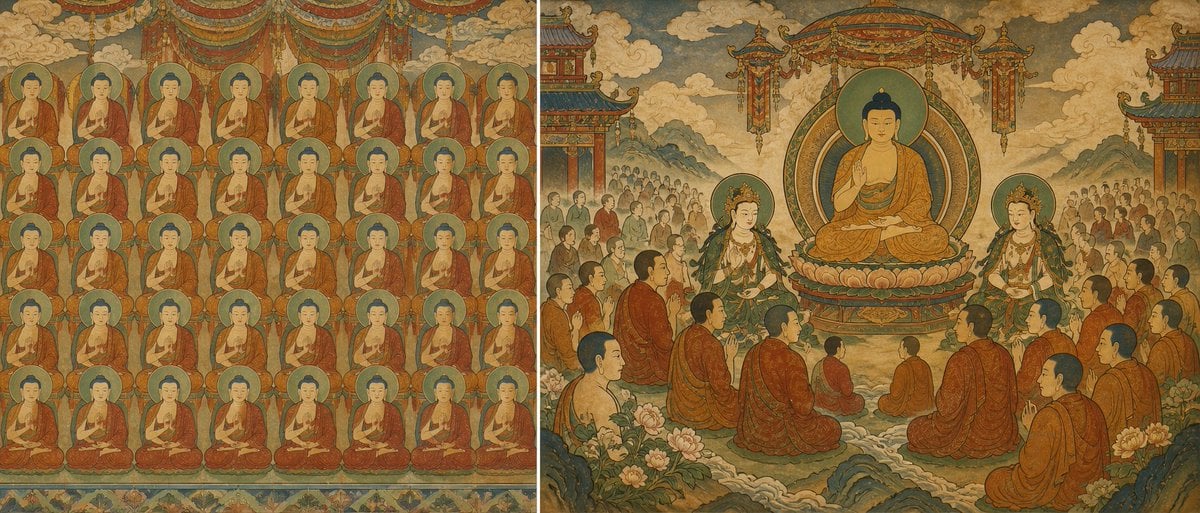
- Prompt included
- Model and format preset
- Free template
The prompt behind this image
Copy the exact prompt behind Buddhist Mural Composition Diptych, or open it in the studio and make it yours.
Goal: Create a wide horizontal diptych comparing two Buddhist mural composition strategies in an aged Dunhuang / Chinese temple fresco style, showing the difference between a flat repetitive figure wall and a layered sacred assembly scene. Canvas: Extra-wide panoramic image, about 2:1 aspect ratio, split vertically into two equal panels with no modern border, both panels painted on weathered tan plaster with faded mineral pigments, cracks, patina, and antique hand-painted texture. Left panel: Depict a flat frontal mural filled with exactly 48 nearly identical seated Buddha figures arranged in a strict grid of 6 rows and 8 columns. Each Buddha has a round green-blue halo, dark blue hair, calm face, orange-red robe, and seated meditation pose. Keep the figures similar in size and spacing so the panel feels visually crowded and wall-like. Add decorative hanging canopy fabric at the top and a narrow floral border along the bottom. The background should be shallow, with almost no spatial depth. Right panel: Depict a layered Pure Land / Buddhist court assembly with clear hierarchy, depth, and breathing space. Place exactly 1 large central Buddha seated on a lotus pedestal beneath an ornate circular mandorla and hanging canopy, making this the first visual focus. Flank the central Buddha with exactly 2 standing bodhisattvas, one on each side, wearing jeweled crowns, green and gold garments, and halos. Add exactly 14 larger foreground and midground monks seated or kneeling in orange-brown robes, arranged in curved rows that lead the eye toward the central Buddha. Behind them, include two distant crowd groups of many smaller worshippers on the left and right, intentionally reduced in scale and detail to create depth. Include layered mountains, cloud banks, temple pavilions at the far left and far right edges, lotus flowers, rocks, and soft misty pathways receding into the background. Visual style: Ancient Chinese Buddhist mural, inspired by Dunhuang Pure Land paintings, Chaoyuan Tu-style hierarchical crowd composition, and Song/Yuan temple fresco aesthetics. Use muted mineral colors: ochre, sienna, cinnabar red, malachite green, teal blue, faded gold, ivory, and smoky gray. Lines should be delicate but aged, with hand-brushed outlines, flattened perspective, decorative symmetry, and subtle atmospheric depth on the right panel. Composition intent: The left side must feel repetitive, dense, and spatially flat; the right side must feel organized, ceremonial, and deep, with hierarchy, foreground-middle-background separation, and intentional empty space around the central deity. Text: No captions, no labels, no watermark, no modern typography. Customizable subject: The central figure may be {argument name="central deity" default="Buddha"}; the mural tradition may be {argument name="mural tradition" default="Dunhuang Pure Land Buddhist fresco"}; the left grid count must remain {argument name="left panel figure count" default="48"}; the right main assembly should keep {argument name="foreground monk count" default="14"}; use an antique palette dominated by {argument name="primary color palette" default="ochre, cinnabar red, malachite green, teal blue, faded gold"}.
How to use Buddhist Mural Composition Diptych in 3 steps
- 1Upload ImagePNG, JPG or paste
Add your photo
Upload the photo the template builds on. The prompt, model and format are already set.
- 2…a portrait of your subject in softgolden-hour light, 85mm…
Personalize
Edit the subject and creative details for your destination.
- 3Generate
Generate
Press Generate — your image is created in PicX Studio, so you can compare it with the original and refine one variable at a time.
More like this
Templates with the same subject, style or setup. Open one to see its prompt.
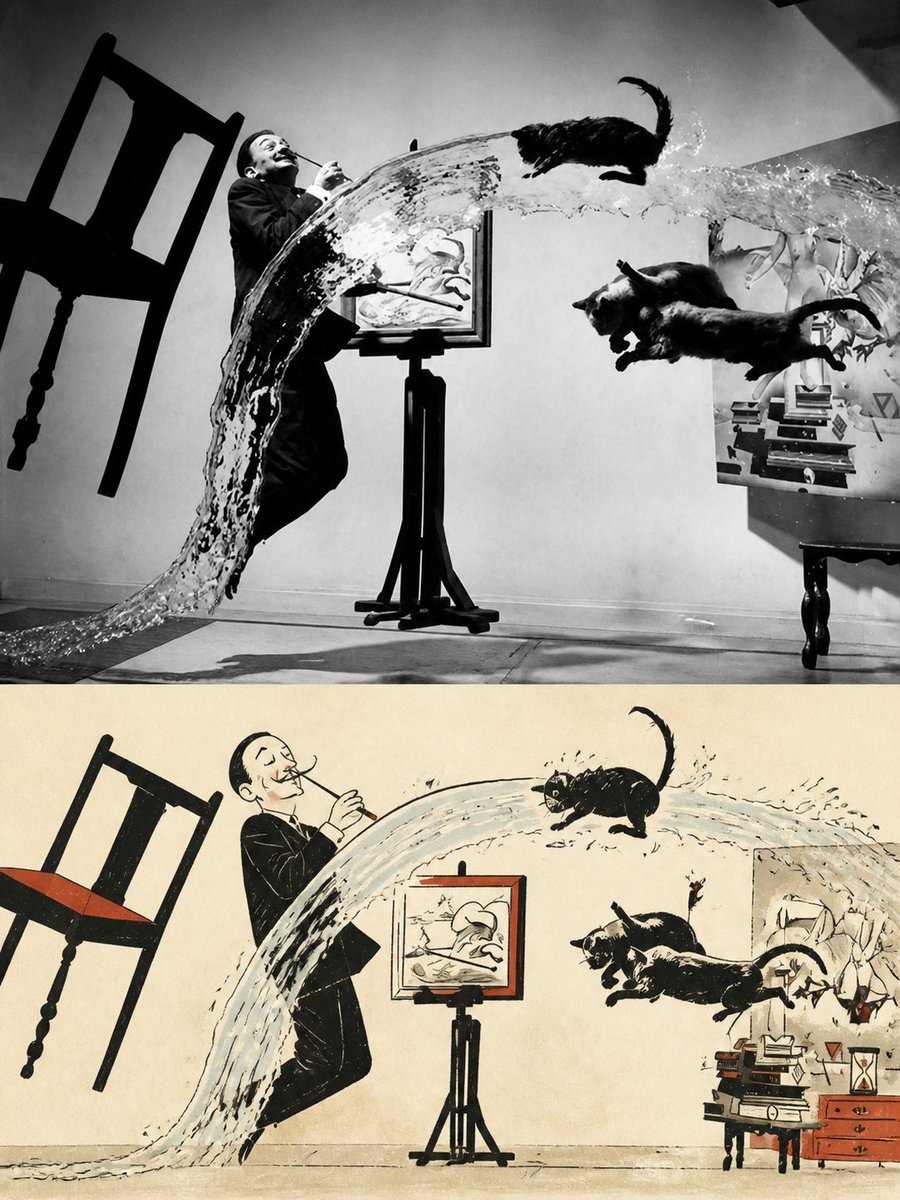
Surreal Photo to Watercolor Diptych
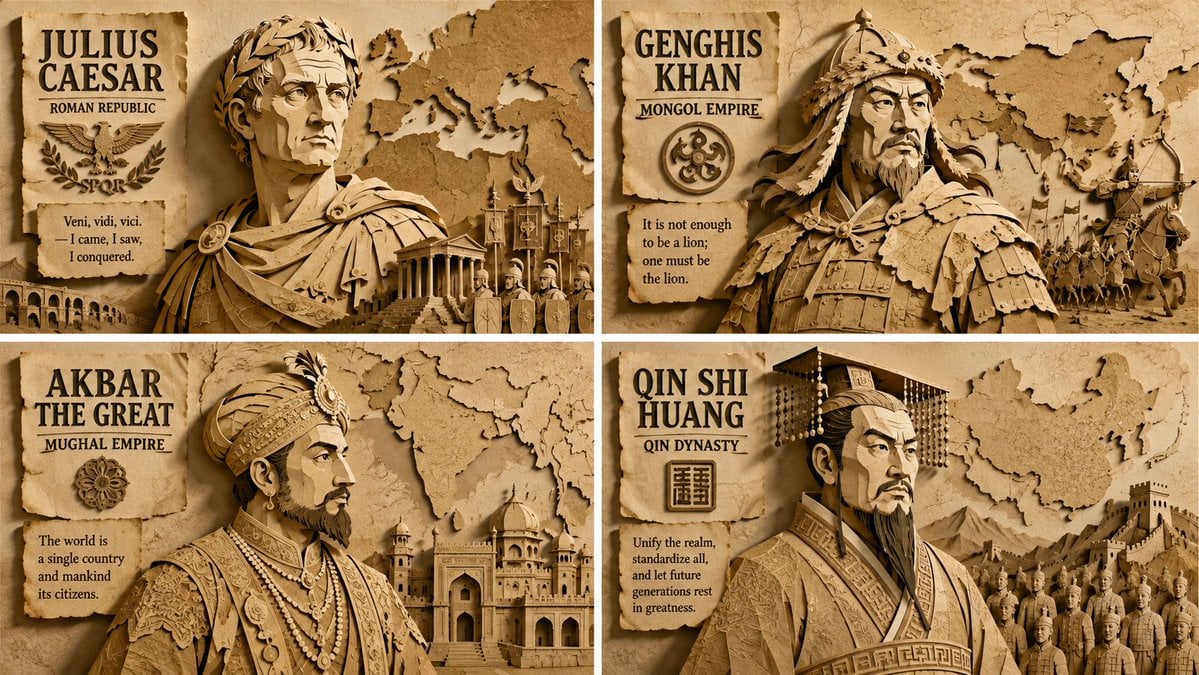
Paper Relief Hierarchical Composition
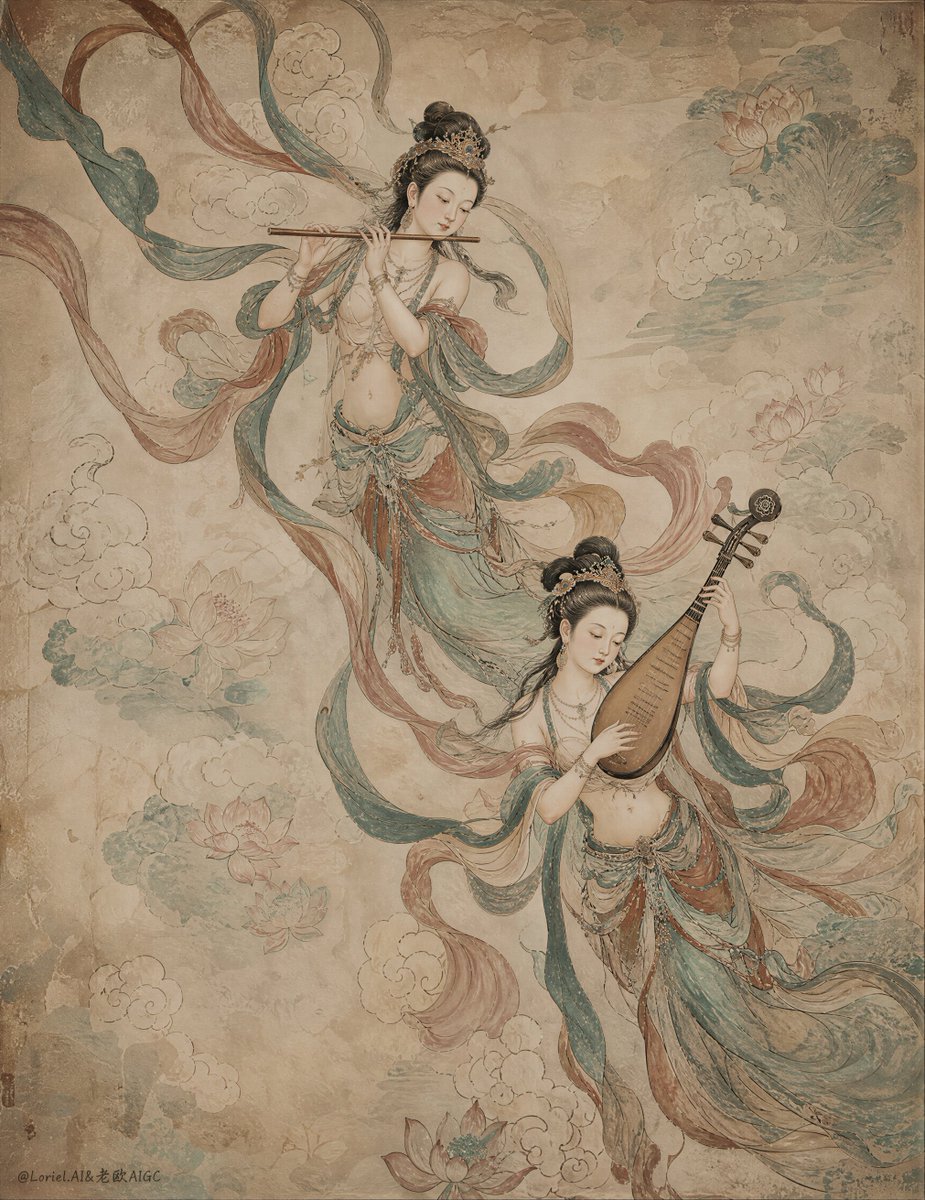
Ancient Chinese Mural of Celestial Musicians
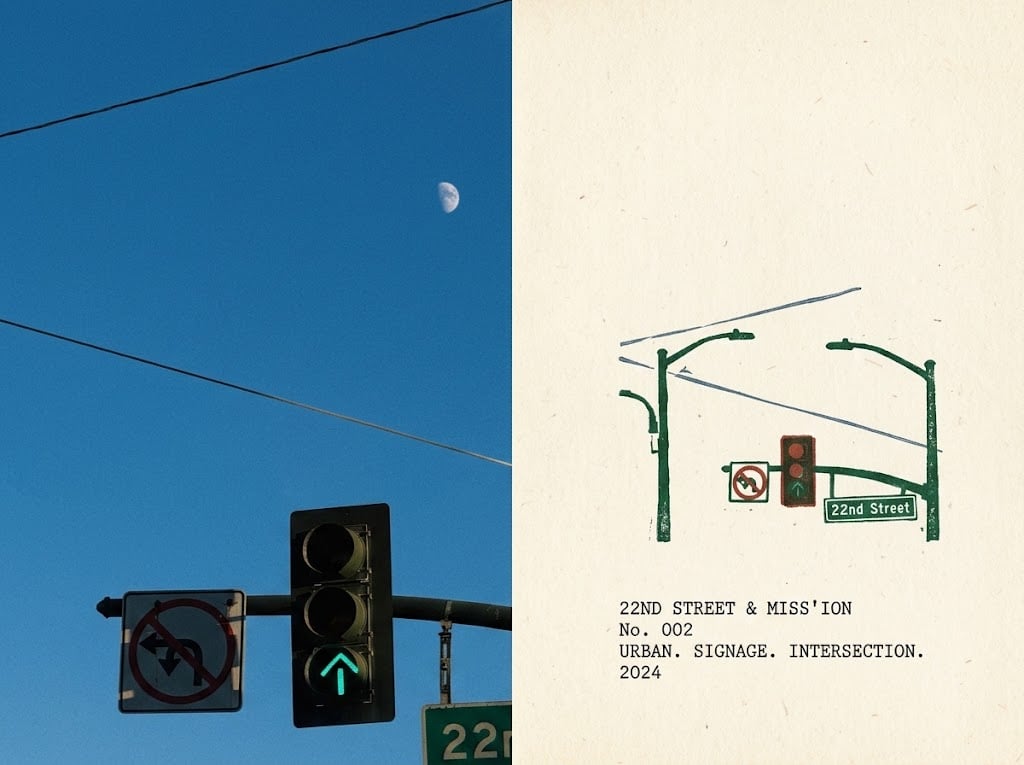
Urban Intersection Photo and Sketch Diptych
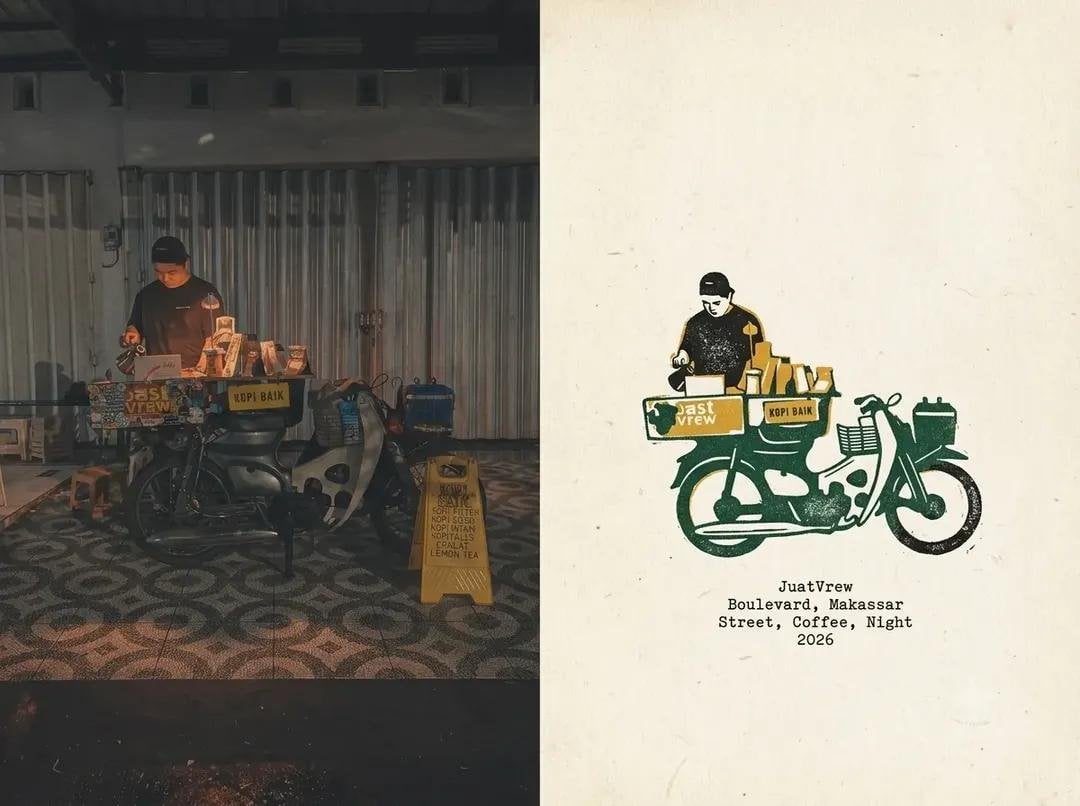
Coffee Shop Journal Diptych
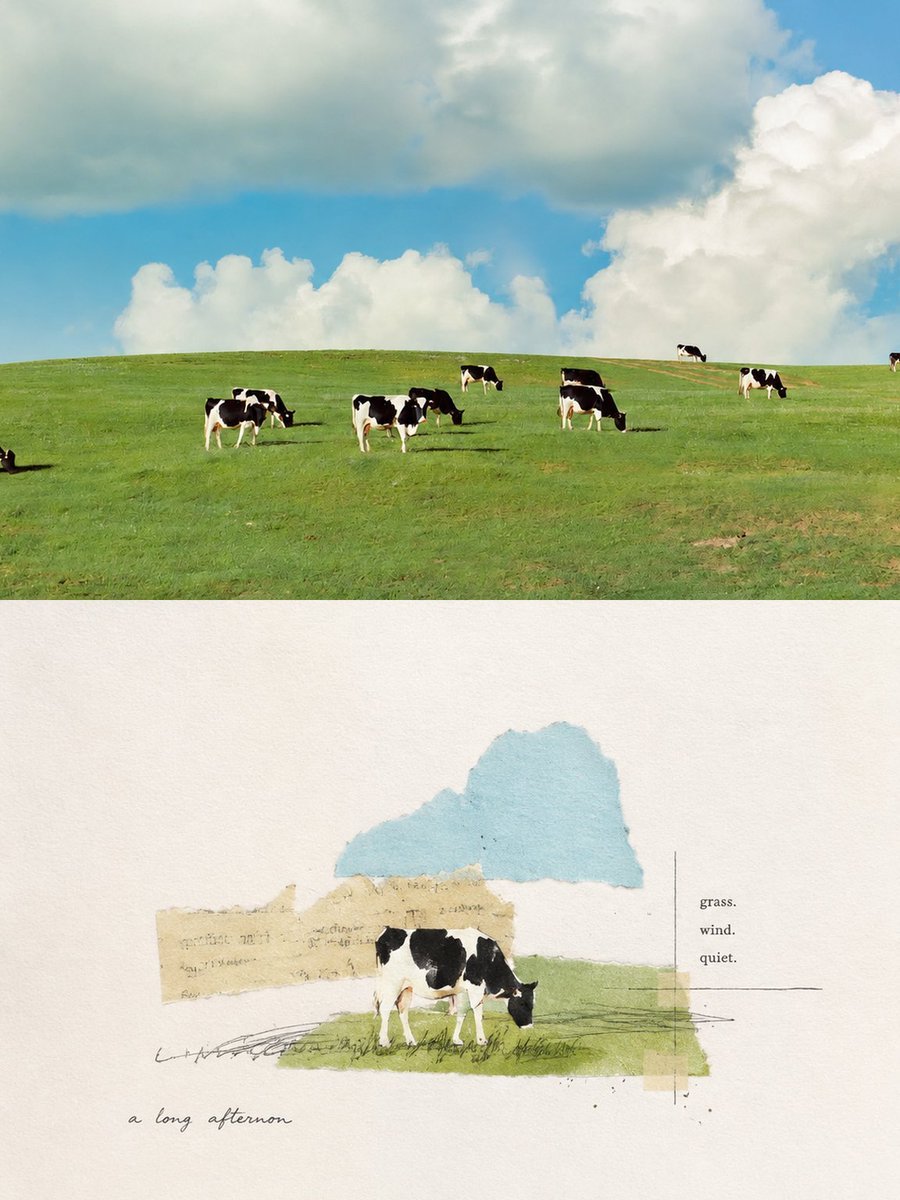
Pastoral Cow Collage Diptych
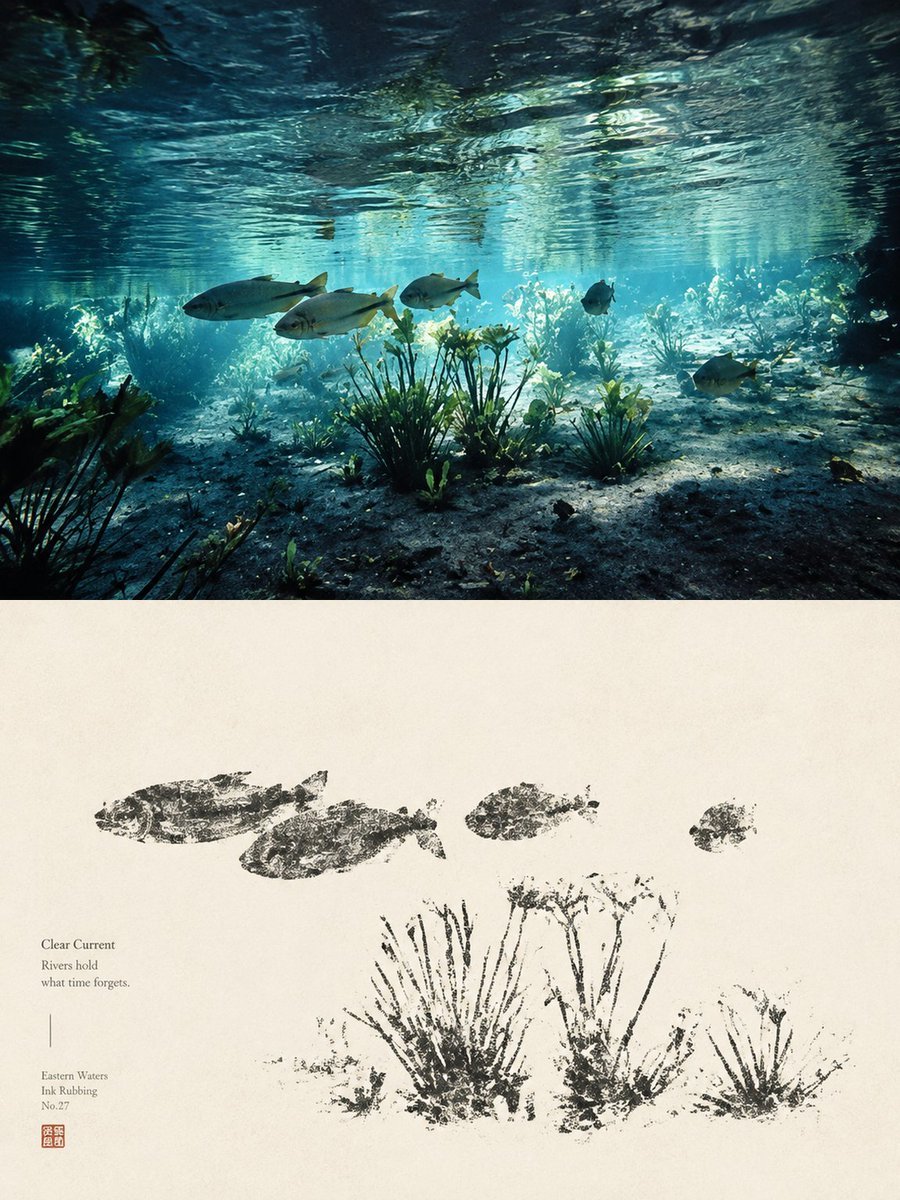
Underwater River Ink Rubbing Diptych

Mushroom Still Life Composition

Nano Banana Pro Identity Lock — Composition + Face Reference
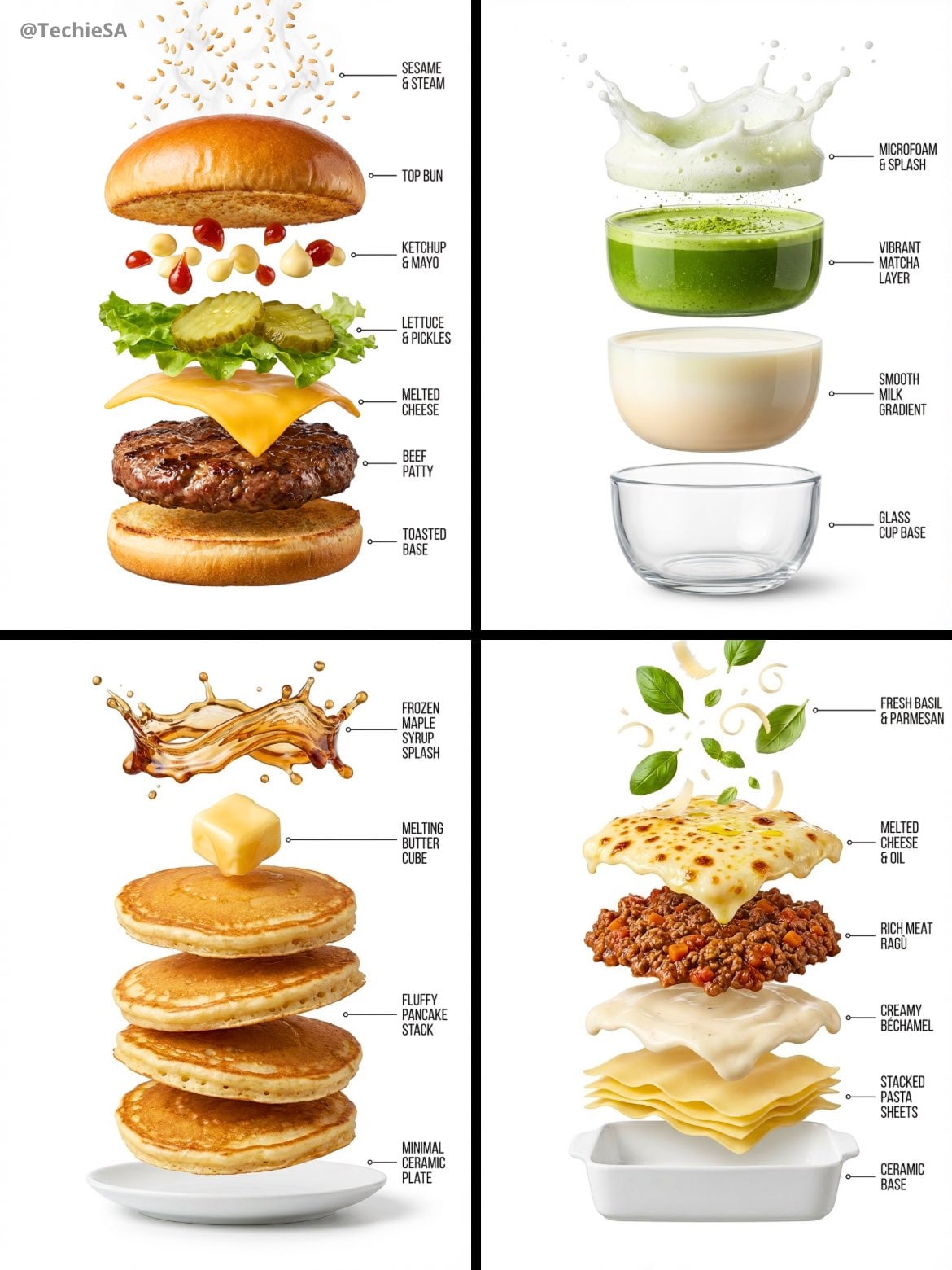
Hyper-realistic exploded vertical infographic composition

Enhanced realism, minimal alteration from original composition
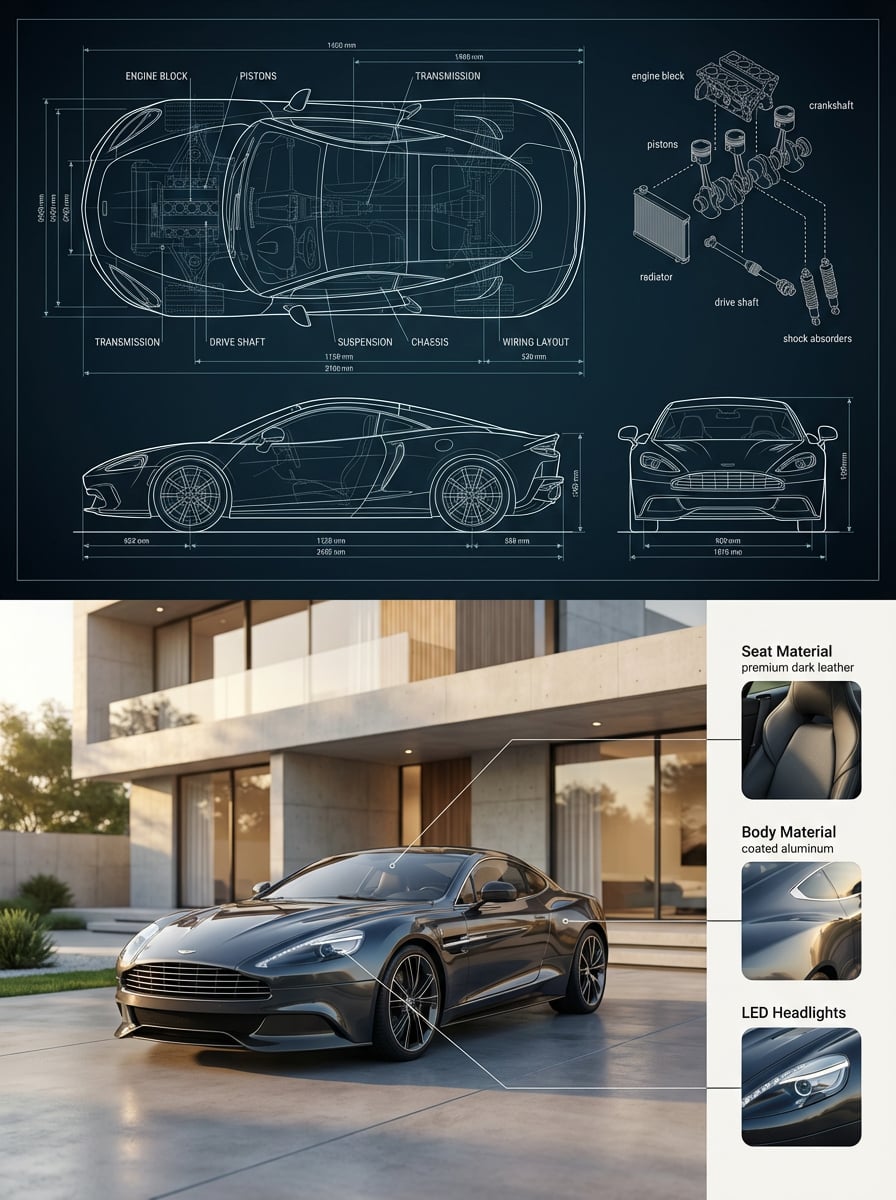
Premium split composition showing a detailed automotive blueprint top
Make it yours
Buddhist Mural Composition Diptych works as-is. These are the safest ways to change it without losing the look.
Change one field
Copy a single group, rewrite it, and generate again so you can see what that field is doing.
Keep the frame, change the subject
Hold the composition and light of Buddhist Mural Composition Diptych, then swap wardrobe, props or the person for a new take.
| If the result… | Why | Fix |
|---|---|---|
| The result drifts from the preview | Too many fields changed at once. | Reuse Buddhist Mural Composition Diptych as-is first, then change one group — subject, light, or setting. |
| The model over-stylizes the scene | The prose prompt leaves finish and camera underspecified. | Add one camera or lighting sentence and stay on GPT Image 2. |
More GPT Image 2 templates
Other prompts made for GPT Image 2.

Six VTuber Japanese Logo Sheet

Realistic Portrait of Woman and Deer

The Vista Modular Condo Poster

AI Model Routing Comparison Infographic

2.5D Anime Art Board

Isometric Productivity Desk Scene

New York Double Exposure Poster

Four-Panel AI Landscape Comparison

Japanese Tatami Lifestyle Magazine Cover

NESCAFÉ Coffee Map Poster
More image prompts
Fresh picks from across the catalog.
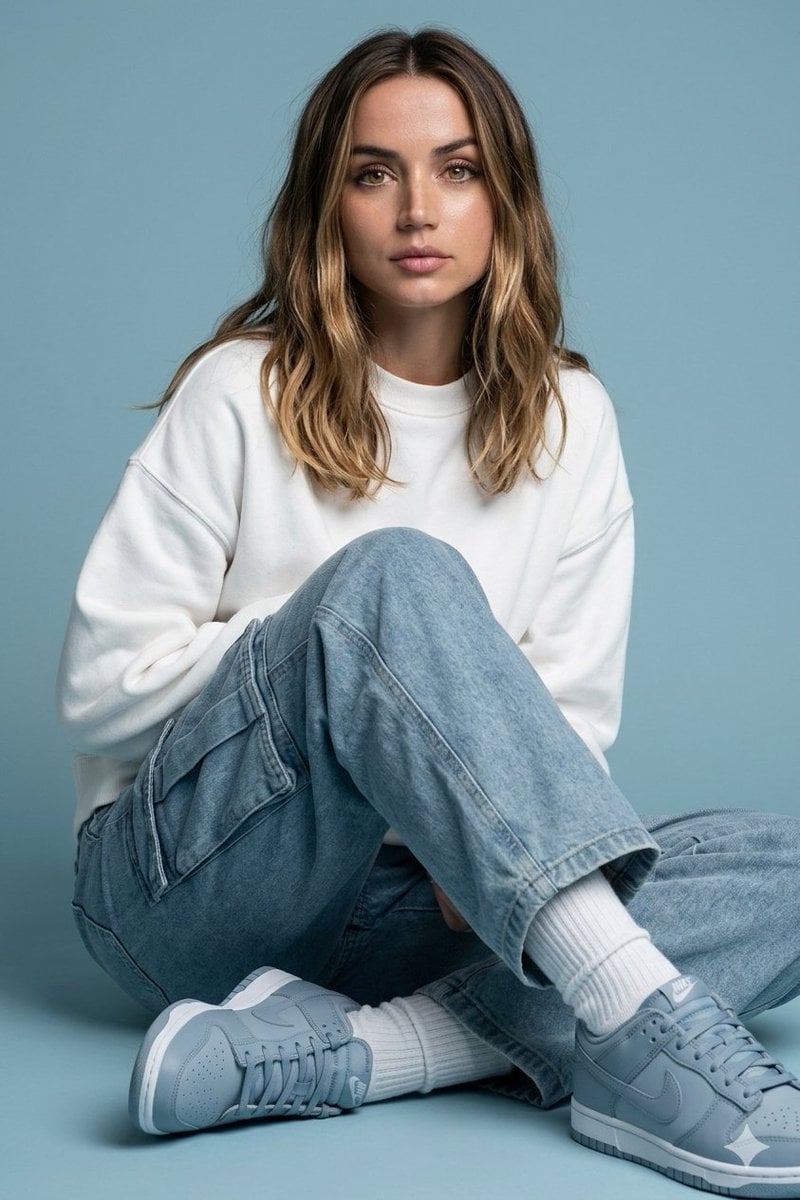
Futuristic Fashion Editorial Prompt with Identity Preservation
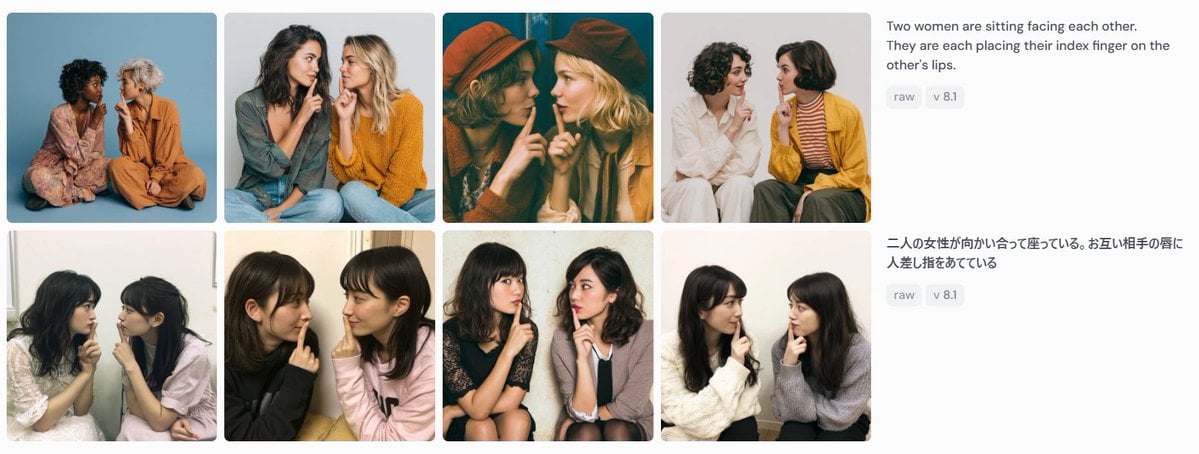
Bilingual Prompt Comparison Gallery
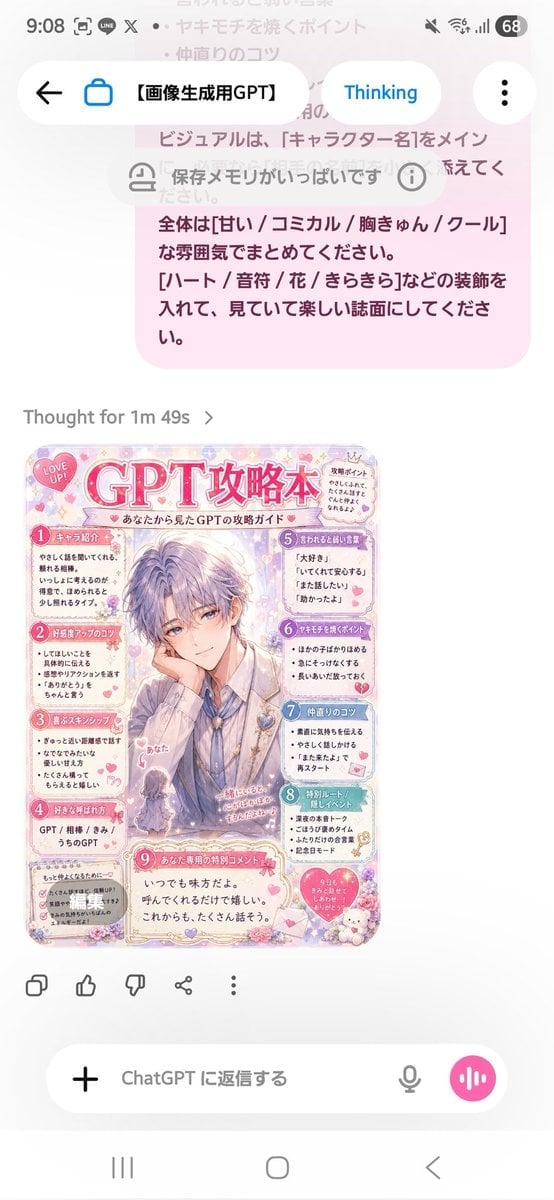
Pastel Character Strategy Guide
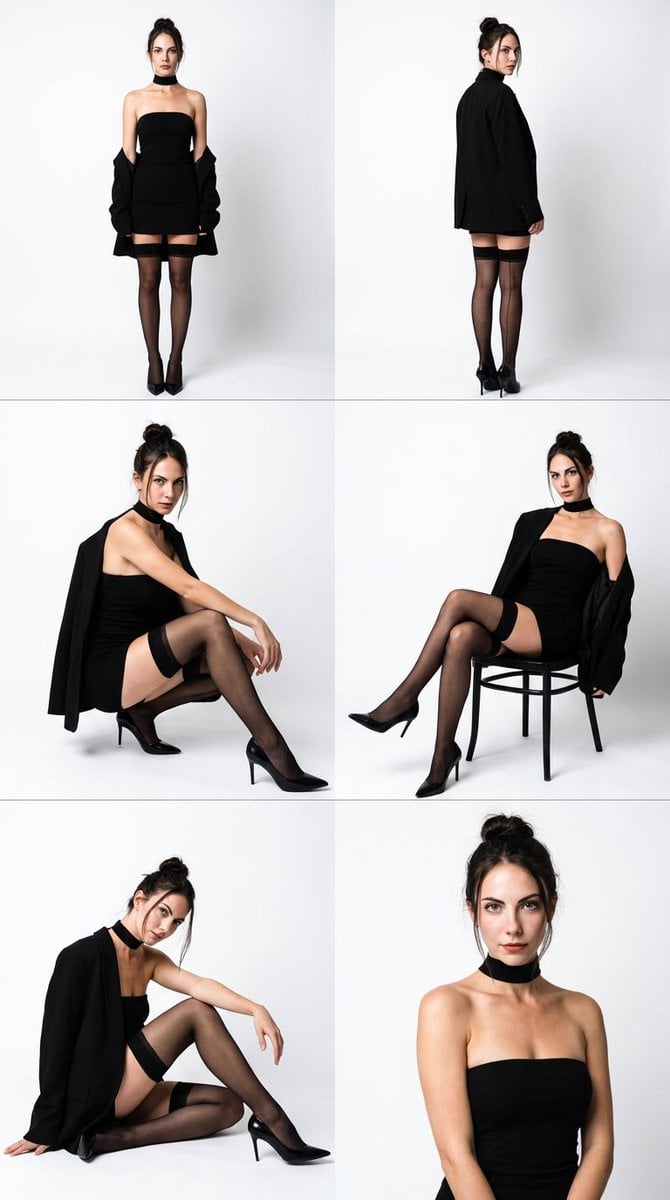
High-Fashion Black Elegance Photo Collage Prompt
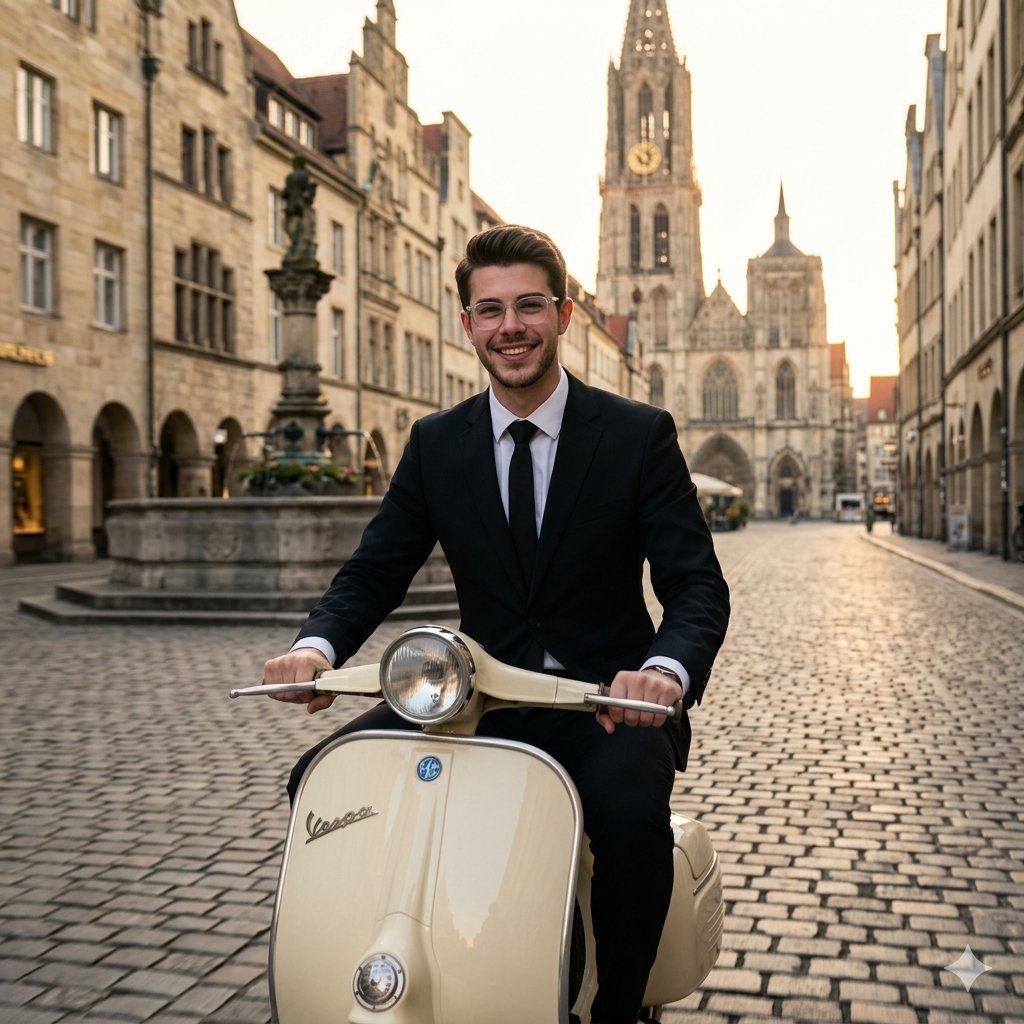
Vintage European Scooter Ride
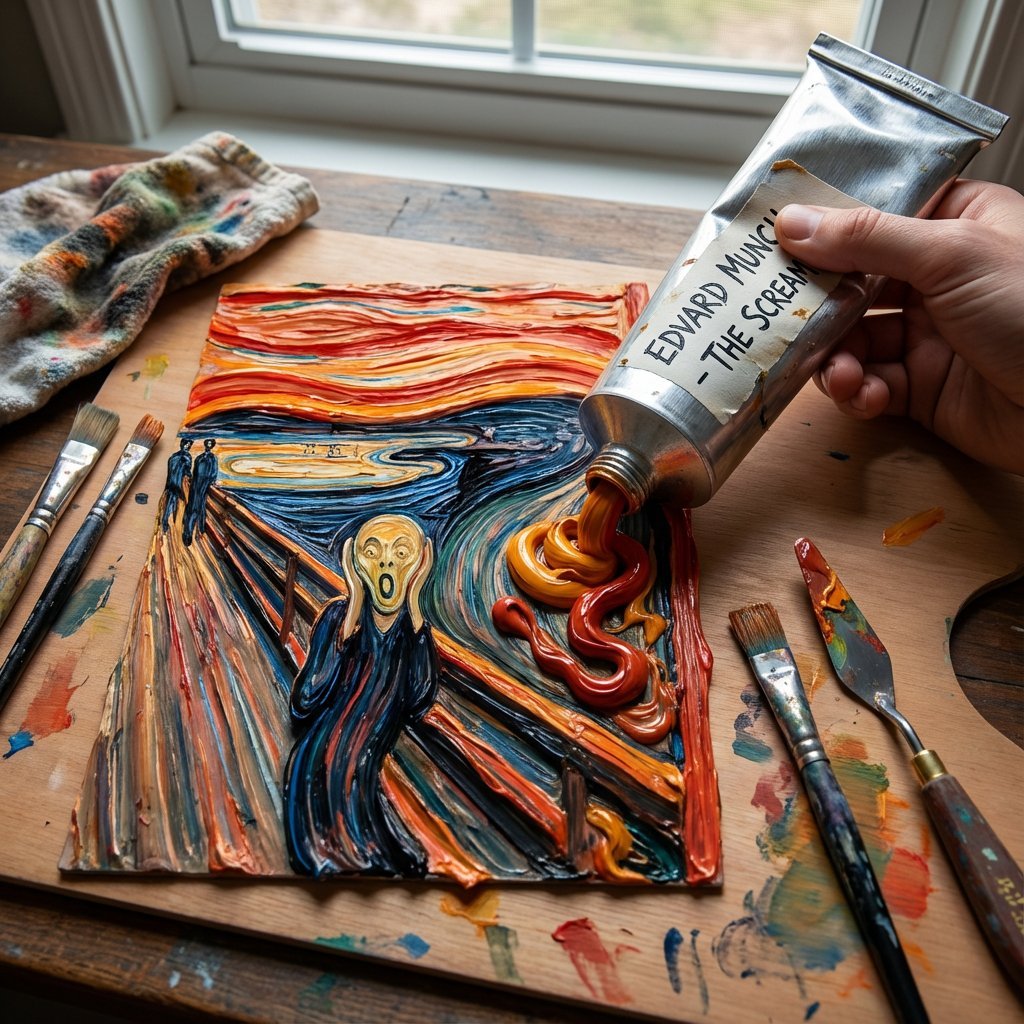
Paint Tube Squeeze: Famous Asian Painting in 3D Relief
Cozy Indoor Portrait
Double Exposure Spiritual Travel Poster
Chalk drawing of an illustration on a classroom blackboard
3D Isometric Luxury Pop-Up Kiosk Render
Browse template categories
Buddhist Mural Composition Diptych questions
How do I use the Buddhist Mural Composition Diptych template?
Add your photo if the template asks for one, edit the prompt if you like — the template's model and format are already selected — and press Generate. Your version opens in PicX Studio.
Can I customize the Buddhist Mural Composition Diptych template?
Yes. You can change the subject, setting, lighting, mood, format, and available model controls before creating your image.
Is the Buddhist Mural Composition Diptych template free?
Opening and editing this template is free. Generating uses credits, shown on the Generate button when you are signed in.
Which AI model should I use?
Start with GPT Image 2, which is the model associated with this template. You can compare another compatible model for a different finish.
Looking for something else? Browse all templates.

Your photo, any look
Thousands of ready templates for every top image and video model, from one credit balance.