
Premium split composition showing a detailed automotive blueprint top
{ "objective": "Create a premium split composition showing a detailed automotive blueprint (top) and a perfectly matching real-world car with material breakdown (bottom), with a carefully designed high-end background"…
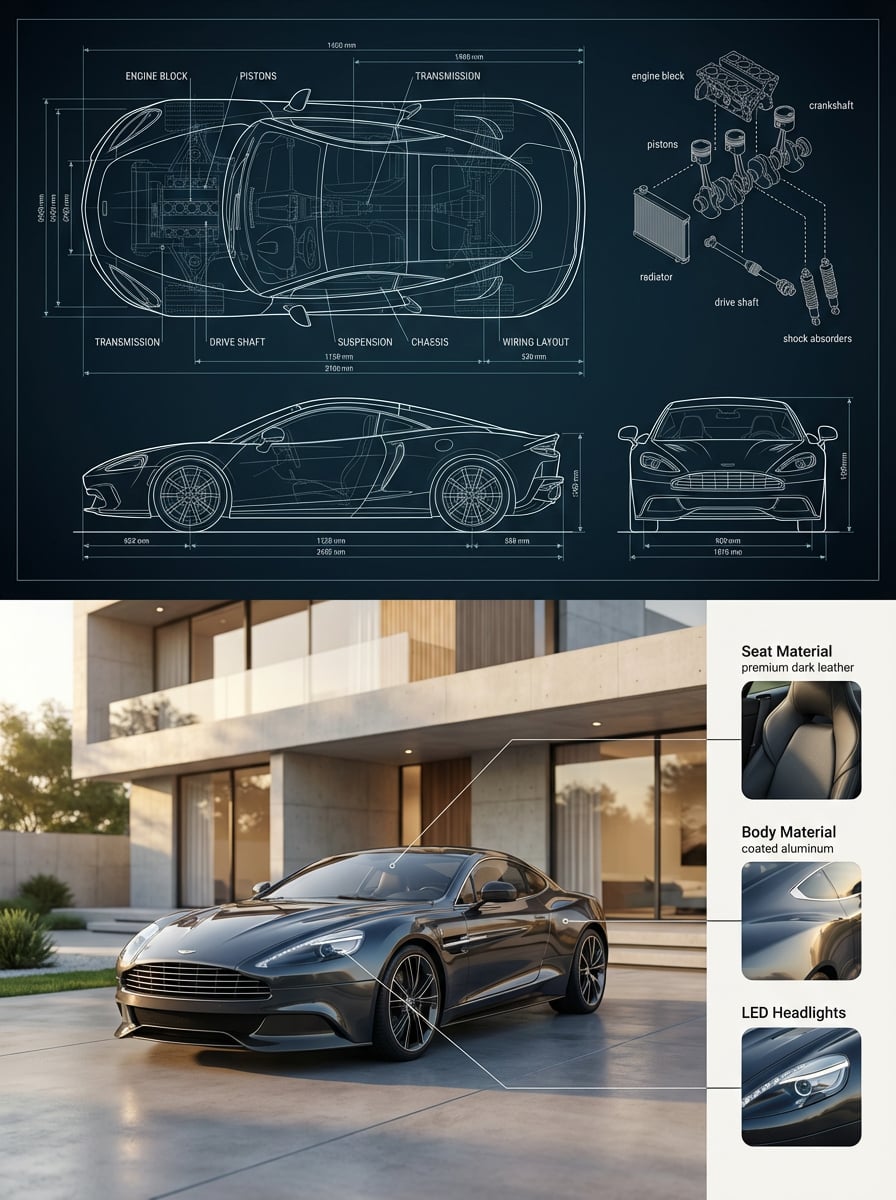
- Prompt included
- Model and format preset
- Premium template
The prompt behind this image
Copy the exact prompt behind Premium split composition showing a detailed automotive blueprint top, or open it in the studio and make it yours.
- Objective
- Create a premium split composition showing a detailed automotive blueprint (top) and a perfectly matching real-world car with material breakdown (bottom), with a carefully designed high-end background
- Aspect Ratio
- 3:4
- Composition › Layout
- vertical_split
- Composition › Split Ratio
- 50:50
- Composition › Alignment
- precise, centered
- Composition › Continuity Rule
- bottom car must EXACTLY match blueprint geometry, proportions, and design
- Top Section › Type
- engineering_blueprint
- Top Section › Style
- ultra-detailed CAD drawing
- Top Section › Background › Color
- #0b1d2a
- Top Section › Background › Texture
- subtle grid lines
- Top Section › Background › Vignette
- very slight edge darkening
- Top Section › Linework › Color
- white with faint cyan glow
- Top Section › Linework › Thickness Variation
- technical precision
- Top Section › Linework › Sharpness
- very crisp
- Top Section › Views › Top View
- dominant center
- Top Section › Views › Side View
- bottom left
- Top Section › Views › Front View
- bottom right
- Top Section › Technical Elements › Dimension Lines
- true
- Top Section › Technical Elements › Units
- mm
- Top Section › Technical Elements › Arrows
- thin CAD arrows
- Top Section › Technical Elements › Labels
- ENGINE BLOCK, PISTONS, TRANSMISSION, DRIVE SHAFT, SUSPENSION, CHASSIS, WIRING LAYOUT
- Top Section › Technical Elements › Exploded Diagram › Position
- top right
- Top Section › Technical Elements › Exploded Diagram › Components
- engine block, crankshaft, pistons, radiator, drive shaft, shock absorbers
- Top Section › Technical Elements › Exploded Diagram › Connection Lines
- dashed white
Raw JSON
{
  "objective": "Create a premium split composition showing a detailed automotive blueprint (top) and a perfectly matching real-world car with material breakdown (bottom), with a carefully designed high-end background",
  "aspect_ratio": "3:4",
  "composition": {
    "layout": "vertical_split",
    "split_ratio": "50:50",
    "alignment": "precise, centered",
    "continuity_rule": "bottom car must EXACTLY match blueprint geometry, proportions, and design"
  },

  "top_section": {
    "type": "engineering_blueprint",
    "style": "ultra-detailed CAD drawing",
    "background": {
      "color": "#0b1d2a",
      "texture": "subtle grid lines",
      "vignette": "very slight edge darkening"
    },
    "linework": {
      "color": "white with faint cyan glow",
      "thickness_variation": "technical precision",
      "sharpness": "very crisp"
    },
    "views": {
      "top_view": "dominant center",
      "side_view": "bottom left",
      "front_view": "bottom right"
    },
    "technical_elements": {
      "dimension_lines": true,
      "units": "mm",
      "arrows": "thin CAD arrows",
      "labels": [
        "ENGINE BLOCK",
        "PISTONS",
        "TRANSMISSION",
        "DRIVE SHAFT",
        "SUSPENSION",
        "CHASSIS",
        "WIRING LAYOUT"
      ],
      "exploded_diagram": {
        "position": "top right",
        "components": [
          "engine block",
          "crankshaft",
          "pistons",
          "radiator",
          "drive shaft",
          "shock absorbers"
        ],
        "connection_lines": "dashed white"
      }
    },
    "detail_level": "engineering-grade, extremely dense"
  },

  "bottom_section": {
    "type": "real_product + material_breakdown",
    "layout": "car_left_material_panel_right",

    "environment": {
      "type": "luxury architectural setting",
      "design_intent": "background must feel intentional, premium, and editorial — not random",

      "scene": {
        "location": "modern minimalist luxury house exterior",
        "architecture": [
          "clean concrete walls",
          "large floor-to-ceiling glass panels",
          "subtle wood accents",
          "sharp geometric lines"
        ],
        "ground": "smooth concrete driveway with slight reflection",
        "background_elements": [
          "minimal landscaping (bonsai-style trees or trimmed bushes)",
          "no clutter",
          "balanced negative space"
        ]
      },

      "lighting": {
        "time": "golden hour (soft warm sunlight)",
        "direction": "side lighting to enhance car shape",
        "shadows": "soft and elongated",
        "reflections": "physically accurate on car paint"
      },

      "depth": {
        "depth_of_field": "moderate",
        "background_blur": "slight cinematic blur",
        "focus_priority": "car remains razor sharp"
      }
    },

    "car_render": {
      "style": "photorealistic automotive photography",
      "camera": {
        "angle": "3/4 front angle",
        "height": "slightly low for hero perspective",
        "lens": "35mm",
        "framing": "car occupies left 60% of bottom section"
      },
      "constraints": [
        "exact match to blueprint",
        "no added design features",
        "realistic proportions only"
      ]
    },

    "material_panel": {
      "position": "right side",
      "style": "Apple-style product breakdown",
      "background": "soft off-white panel with subtle shadow separation",
      "layout": "vertical stack with spacing",

      "items": [
        {
          "title": "Seat Material",
          "visual": "macro close-up of seat texture",
          "material": "premium leather or fabric",
          "lighting": "soft diffused",
          "annotation": "thin line pointing to interior seat"
        },
        {
          "title": "Body Material",
          "visual": "close-up of painted metal with reflections",
          "material": "coated aluminum / steel",
          "annotation": "points to car exterior panel"
        },
        {
          "title": "LED Headlights",
          "visual": "detailed glowing LED headlight close-up",
          "material": "modern LED system",
          "annotation": "points to front headlight"
        }
      ],

      "typography": {
        "font": "modern sans-serif",
        "style": "clean, minimal",
        "hierarchy": "clear titles + small labels"
      }
    }
  },

  "style": {
    "fusion": [
      "engineering blueprint",
      "luxury automotive ad",
      "product design presentation"
    ],
    "quality": "ultra high-end",
    "finish": "polished, editorial-grade"
  },

  "negative_constraints": [
    "no mismatch between blueprint and car",
    "no messy or cluttered background",
    "no unrealistic reflections",
    "no over-saturated colors",
    "no random environments",
    "no extra parts not in blueprint"
  ],

  "render_settings": {
    "sharpness": "high",
    "dynamic_range": "wide",
    "color_grading": "natural cinematic",
    "noise": "minimal"
  }
}How to use Premium split composition showing a detailed automotive blueprint top in 3 steps
- 1
Open
The prompt is already in the box next to the preview, with the template's model and format selected.
- 2…a portrait of your subject in softgolden-hour light, 85mm…
Personalize
Edit the subject and creative details for your destination.
- 3Generate
Generate
Press Generate — your image is created in PicX Studio, so you can compare it with the original and refine one variable at a time.
More like this
Templates with the same subject, style or setup. Open one to see its prompt.

Automotive Blueprint Split Composition
Automotive Blueprint Split Composition
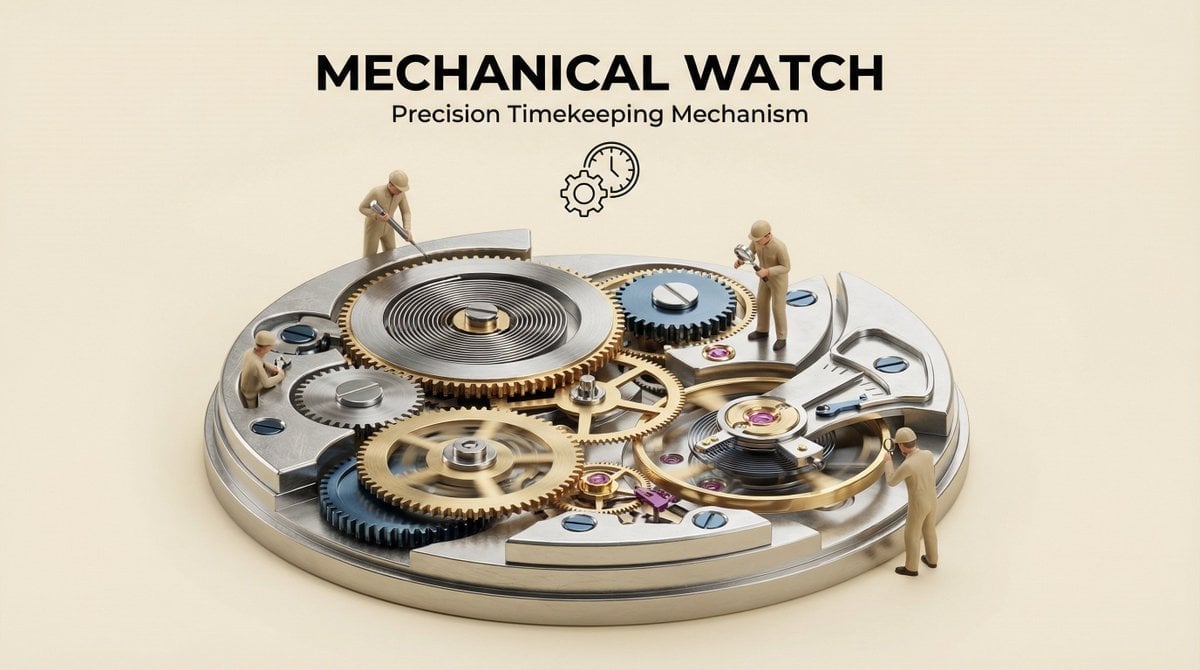
Clear, 45 top-down isometric miniature 3D cutaway diorama showing

Premium 4 3 presentation cover slide introducing Chronicle

Act as a 3D Product Visualization Artist

A trendy, high-end Sticker Sheet set
UI & Graphic Prompt #299

Cinematic portrait of showing his/her journey, with bold text
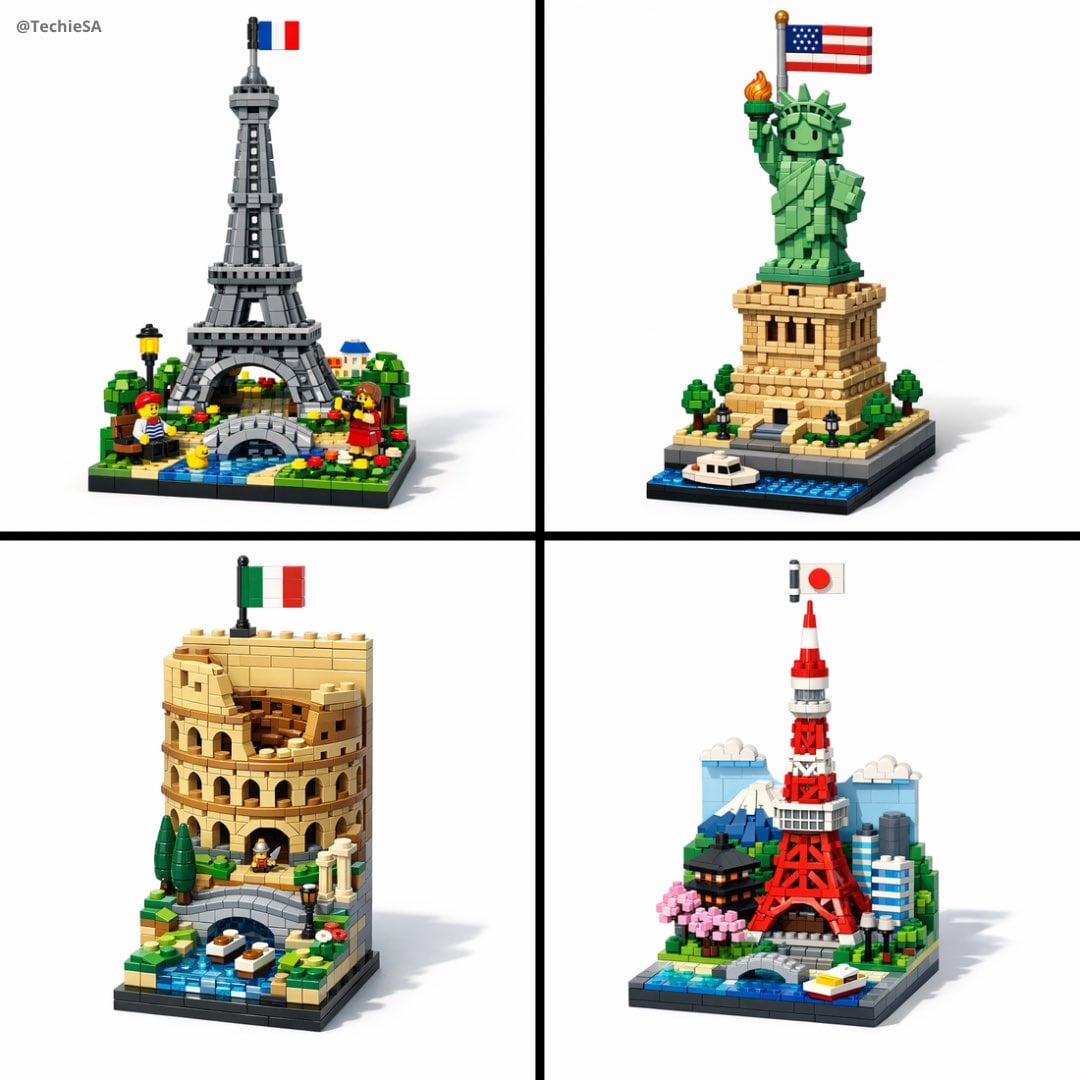
A vertical LEGO diorama showing
Isometric miniature nature diorama showing a mother feeding newborn
A hyper-realistic 3D photo concept showing a hand holding a square
A hyper-realistic 3D photo concept showing a hand holding a square
Make it yours
Premium split composition showing a detailed automotive blueprint top works as-is. These are the safest ways to change it without losing the look.
Swap the setting
Keep the rest of the prompt and replace the location block. The current setting is “#0b1d2a”.
Swap the light
One lighting change is enough to compare takes. Current light: “golden hour (soft warm sunlight)”.
Change one field
Copy a single group, rewrite it, and generate again so you can see what that field is doing.
| If the result… | Why | Fix |
|---|---|---|
| The result drifts from the preview | Too many fields changed at once. | Reuse Premium split composition showing a detailed automotive blueprint top as-is first, then change one group — subject, light, or setting. |
| Nano Banana 2 ignores part of the JSON | Some models flatten or skip nested keys. | Keep the same values and paste them as a short paragraph instead. |
More Nano Banana 2 templates
Other prompts made for Nano Banana 2.

Photorealistic Leaf Shaped Like a Dragon

K-Pop Idol Portrait Grid for Rapid Selection

Poetic Rain Forest Portrait During Golden Hour

Urban Street Portrait with Cartoon Inner Self Duo

Candid Nighttime Photo with Cat Prompt

High-Concept 3D Diorama Generation Prompt

Cinematic Futuristic Studio Portrait Template

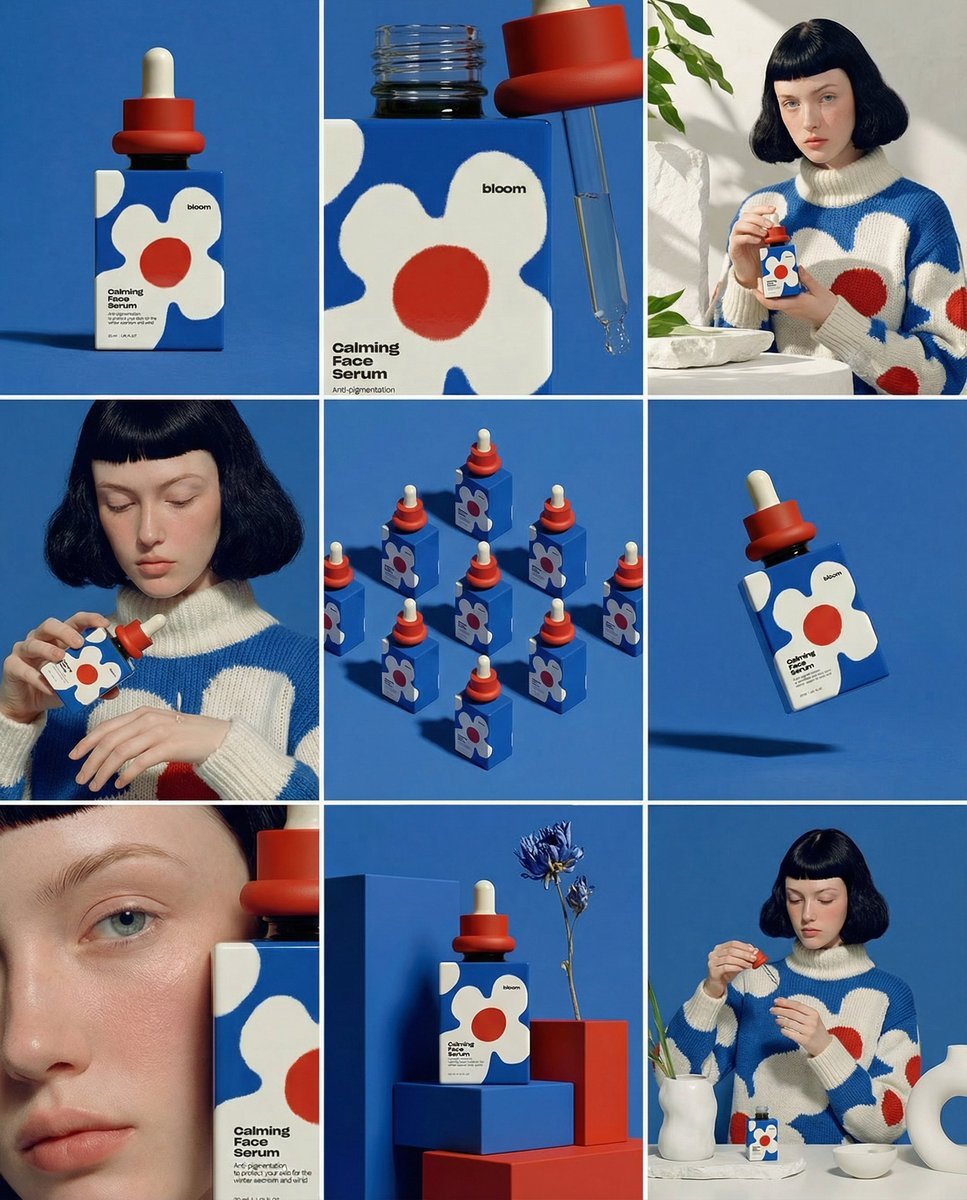
Skincare Editorial Photography Collage Prompt

Hyper-Realistic Commercial Product Photography (Splash Effect)

Hyper-Realistic Nightclub Portrait Prompt
More image prompts
Fresh picks from across the catalog.
Anime Pop-Up Business Card
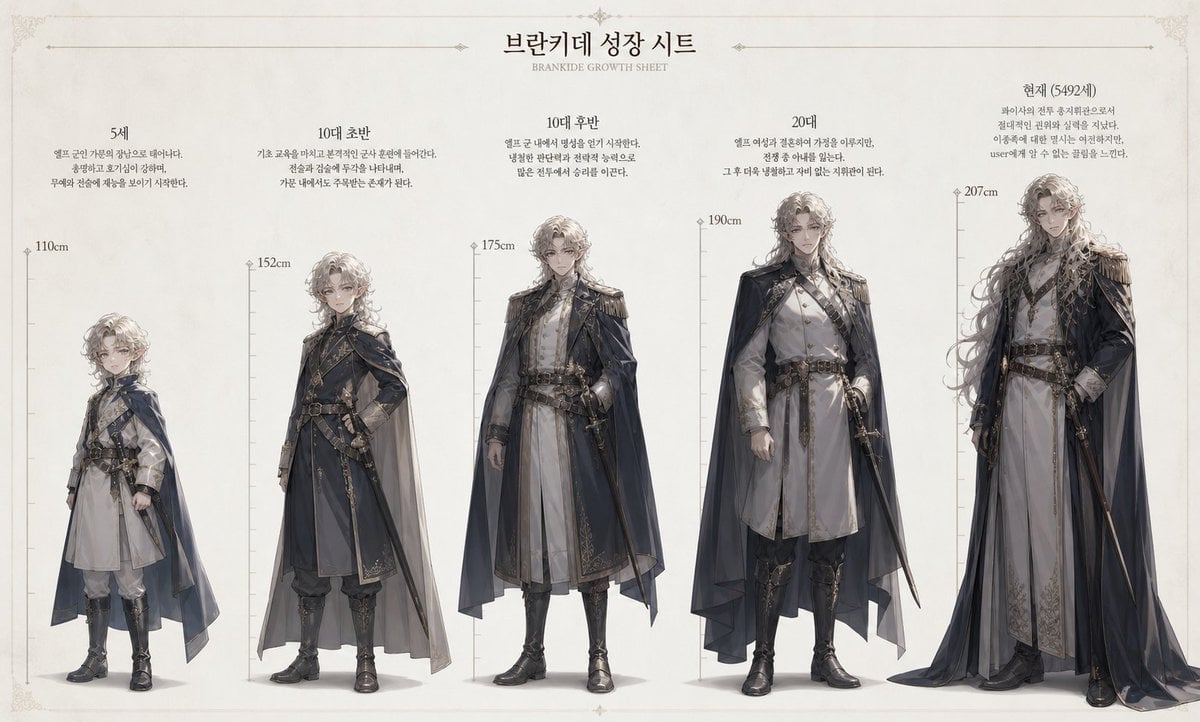
Character Growth Sheet Generator
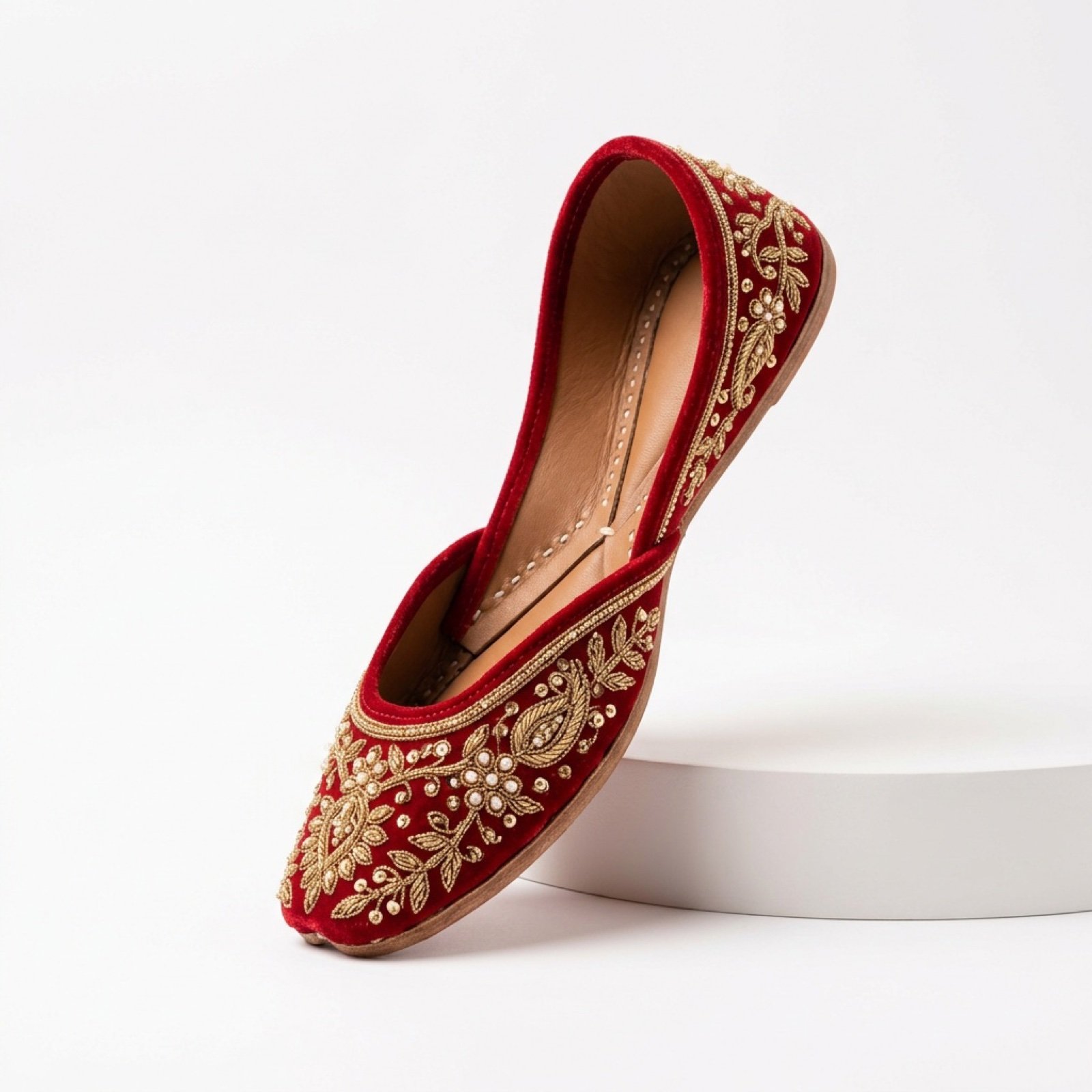
Commercial Product Photography and Video Prompt for Traditional Jutti
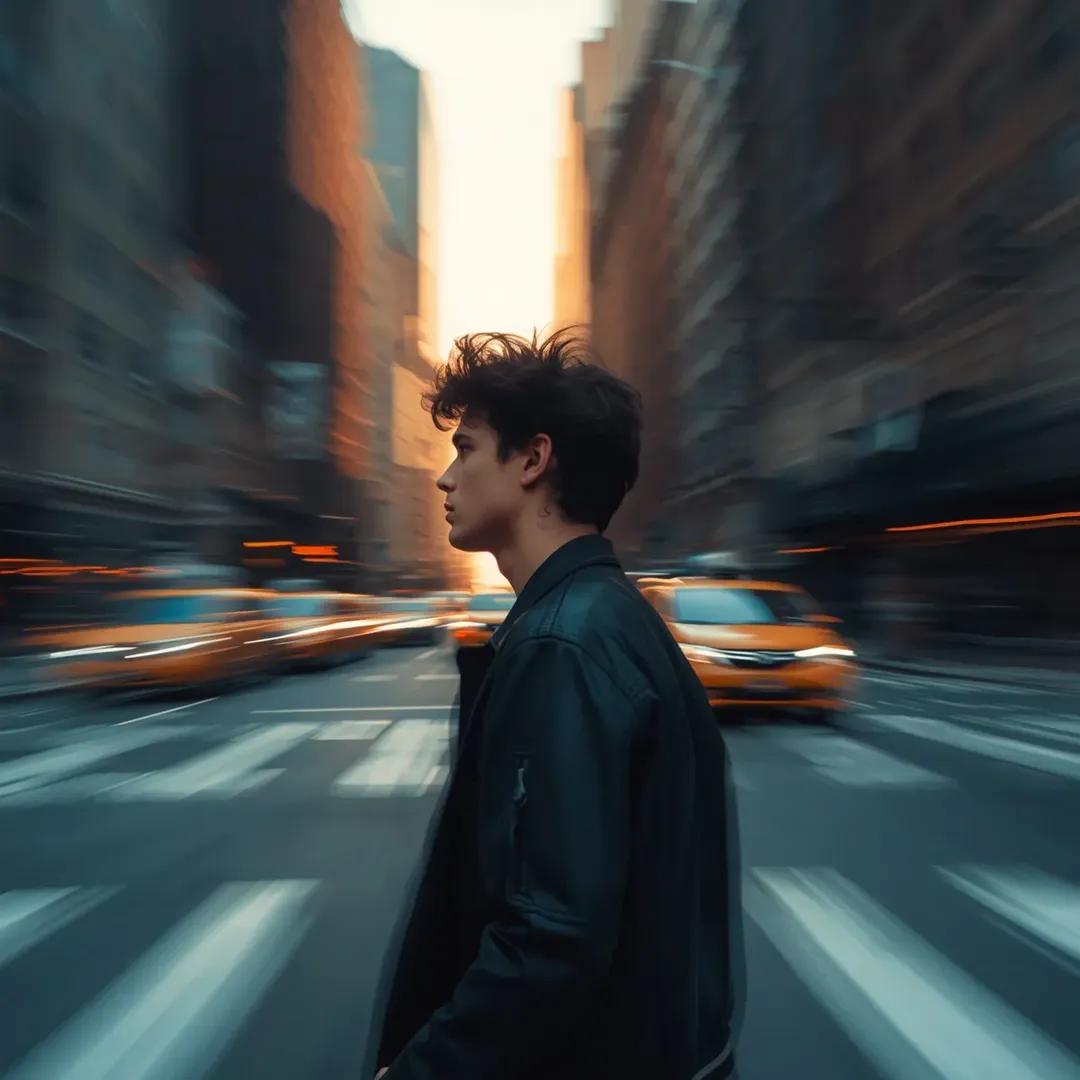
Motion Blur Portrait in NYC at Golden Hour

Gpt2 Youtube Thumbnail Neon Ai Thumbnail Comparison
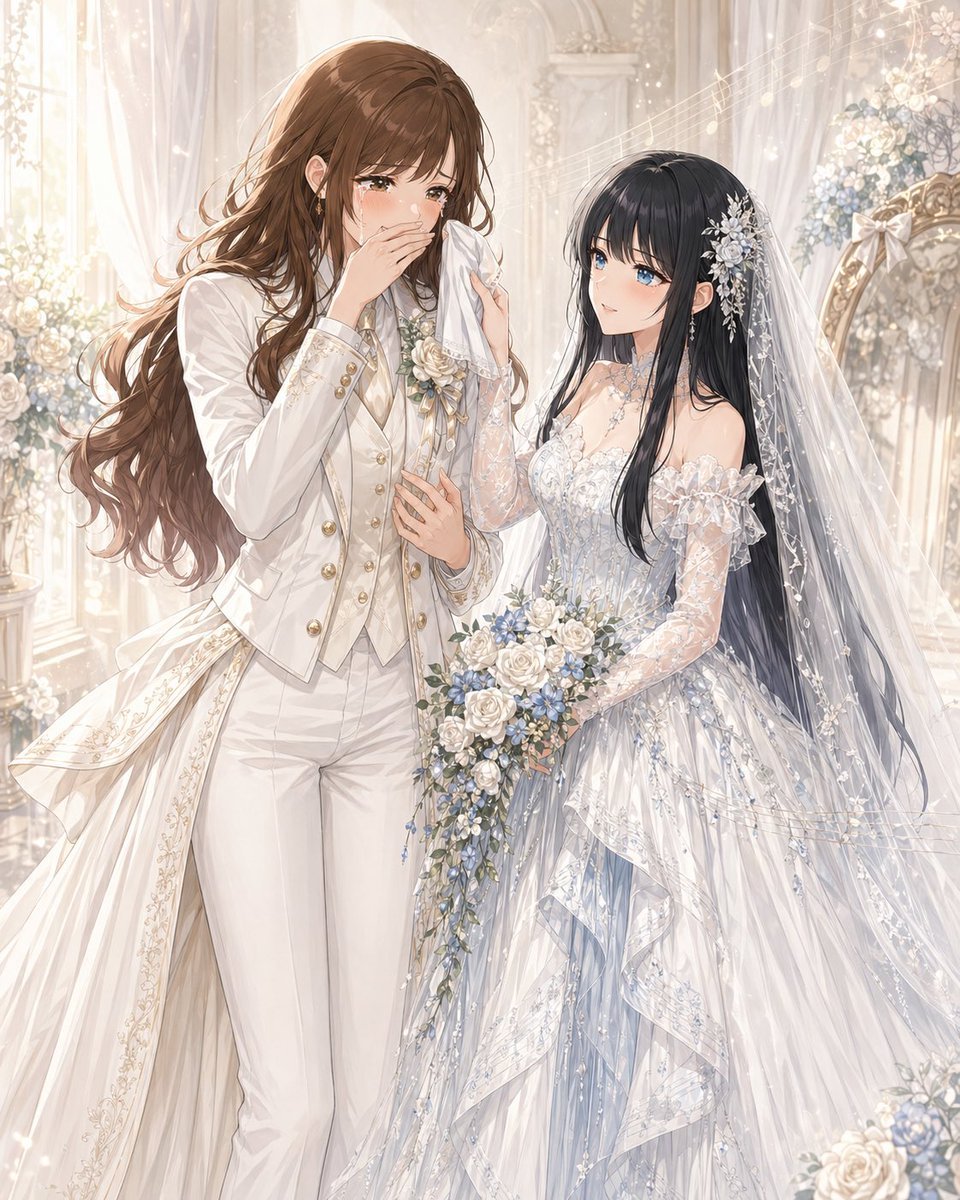
Romantic Yuri Wedding Chapel Portrait

Anime Pokémon-Style Versus Screen

Cyberpunk Glitch Portrait Prompt with Identity Lock
Flash Photo School Hallway Uniform
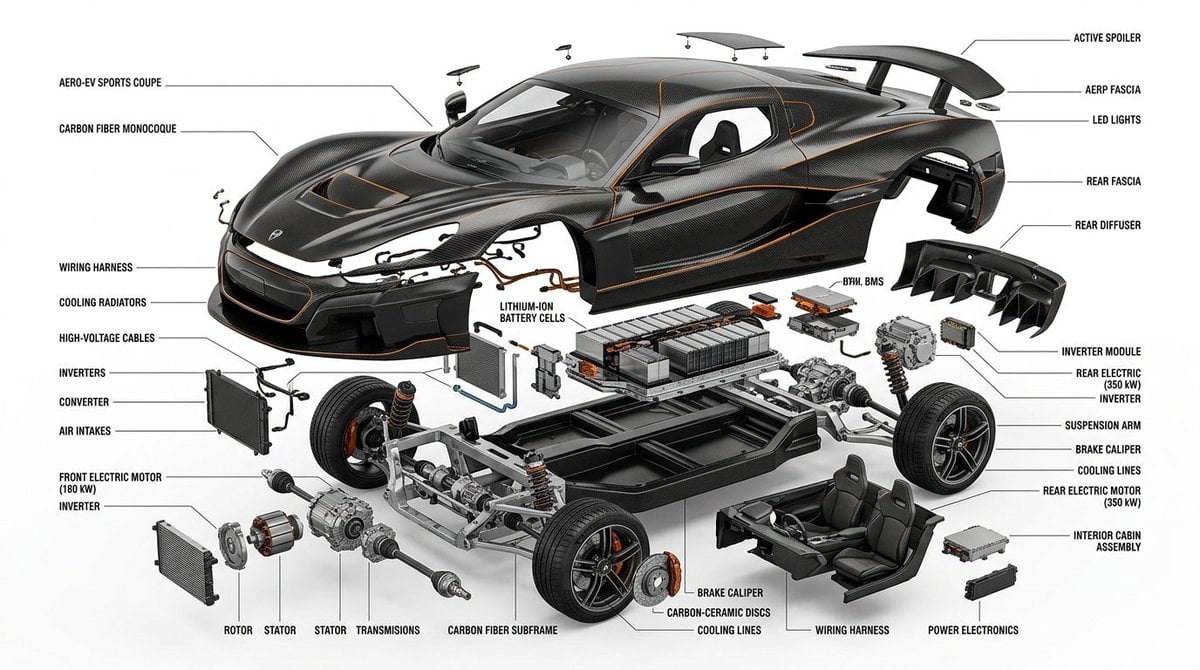
Exploded View Infographic Diagram Prompt
Browse template categories
Premium split composition showing a detailed automotive blueprint top questions
How do I use the Premium split composition showing a detailed automotive blueprint top template?
Add your photo if the template asks for one, edit the prompt if you like — the template's model and format are already selected — and press Generate. Your version opens in PicX Studio.
Can I customize the Premium split composition showing a detailed automotive blueprint top template?
Yes. You can change the subject, setting, lighting, mood, format, and available model controls before creating your image.
Is the Premium split composition showing a detailed automotive blueprint top template free?
Opening and editing this template is free. Generating uses credits, shown on the Generate button when you are signed in.
Which AI model should I use?
Start with Nano Banana 2, which is the model associated with this template. You can compare another compatible model for a different finish.
Looking for something else? Browse all templates.

Your photo, any look
Thousands of ready templates for every top image and video model, from one credit balance.