
Anime Pop-Up Business Card
Generates a luxurious photographed pop-up business card featuring a delicate anime character in an ornate blue-and-ivory paper storybook setting.
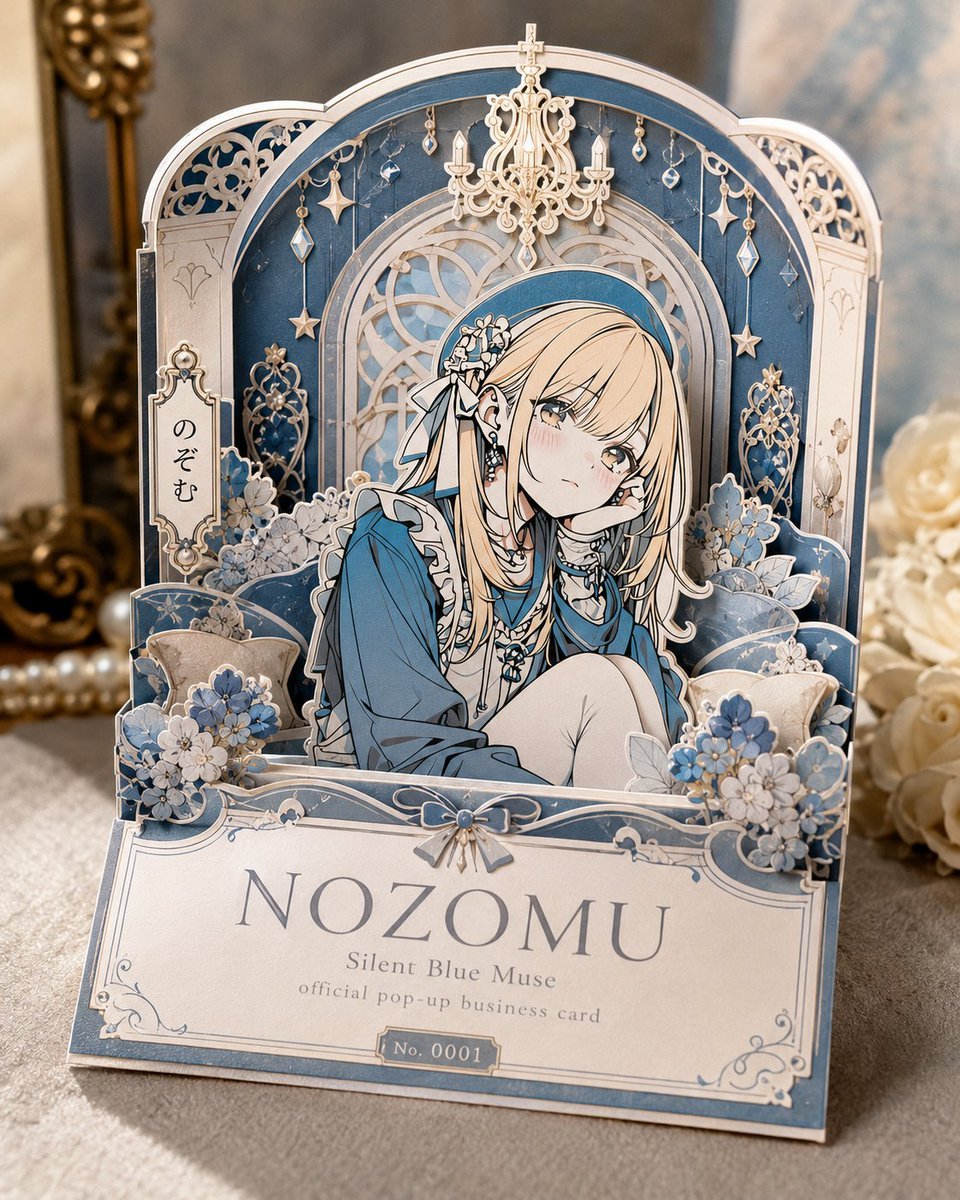
- Prompt included
- Model and format preset
- Free template
The prompt behind this image
Copy the exact prompt behind Anime Pop-Up Business Card, or open it in the studio and make it yours.
Goal: Create a luxurious photographed paper-craft pop-up business card for an original anime character, like an official dimensional calling card with a full storybook world unfolding from the card. Canvas: Vertical 4:5 image, realistic close-up product photography on a soft beige tabletop, shallow depth of field, warm natural light from the left, blurred antique mirror/gold ornament in the back left and cream roses in the back right. Main subject: A freestanding layered pop-up card in ivory, dusty blue, pale silver, and pearl white. The card forms an arched miniature room with ornate laser-cut paper layers, filigree borders, floral decorations, and a seated anime girl in the center. The character is {argument name="character name" default="Nozomu"}, a delicate blonde girl with long straight hair, soft gray-blue eyes, faint blush, and a melancholy gentle expression. She wears a muted blue dress or oversized blouse with white frilled trim, layered necklaces, earrings, and a blue headband with white flower hair ornaments and ribbons. She sits curled up with one knee raised, one hand resting near her cheek, facing slightly right but looking toward the viewer. Pop-up construction and countable elements: Use exactly 5 major vertical paper layers: 1 front nameplate base, 1 floral sofa/ledge layer, 1 character cutout layer, 1 ornate arched window layer, and 1 rear blue-and-ivory room backdrop. Add exactly 1 cream chandelier centered at the top. Add exactly 8 hanging crystal/star ornaments around the arch: 2 star charms, 3 diamond-shaped crystals, and 3 small teardrop crystals. Add exactly 2 decorative side lattice panels, one on each side. Add exactly 4 visible flower clusters: front left blue-white cluster, front right blue-white cluster, rear left pale cluster, rear right pale cluster. Add exactly 2 small pillows, one on each side behind the character. Text content: On the large front plaque, write the name in elegant serif capitals: {argument name="main name text" default="NOZOMU"}. Under it, write {argument name="subtitle text" default="Silent Blue Muse"}. Under that, in smaller type, write {argument name="small descriptor text" default="official pop-up business card"}. On a tiny bottom label, write {argument name="serial number" default="No. 0001"}. On a small vertical side tag at left, include the Japanese hiragana text 「のぞむ」 in black ink. Visual style: Highly detailed anime illustration printed on layered die-cut paper, elegant rococo and Victorian stationery motifs, pale blue floral fantasy aesthetic, thin silver linework, pearl accents, soft shadows between paper layers, realistic paper thickness, glossy highlights on crystal ornaments, refined handmade craft quality. Constraints: The image should look like a real physical pop-up card being photographed, not a flat poster. Keep all text legible and centered on the plaques. Do not add extra characters, extra labels, watermarks, logos, hands, or packaging.
How to use Anime Pop-Up Business Card in 3 steps
- 1Upload ImagePNG, JPG or paste
Add your photo
Upload the photo the template builds on. The prompt, model and format are already set.
- 2…a portrait of your subject in softgolden-hour light, 85mm…
Personalize
Edit the subject and creative details for your destination.
- 3Generate
Generate
Press Generate — your image is created in PicX Studio, so you can compare it with the original and refine one variable at a time.
More like this
Templates with the same subject, style or setup. Open one to see its prompt.










Make it yours
Anime Pop-Up Business Card works as-is. These are the safest ways to change it without losing the look.
Change one field
Copy a single group, rewrite it, and generate again so you can see what that field is doing.
Keep the frame, change the subject
Hold the composition and light of Anime Pop-Up Business Card, then swap wardrobe, props or the person for a new take.
| If the result… | Why | Fix |
|---|---|---|
| The result drifts from the preview | Too many fields changed at once. | Reuse Anime Pop-Up Business Card as-is first, then change one group — subject, light, or setting. |
| The model over-stylizes the scene | The prose prompt leaves finish and camera underspecified. | Add one camera or lighting sentence and stay on GPT Image 2. |
More GPT Image 2 templates
Other prompts made for GPT Image 2.

Six VTuber Japanese Logo Sheet

Realistic Portrait of Woman and Deer

The Vista Modular Condo Poster

AI Model Routing Comparison Infographic

2.5D Anime Art Board

Isometric Productivity Desk Scene

New York Double Exposure Poster

Four-Panel AI Landscape Comparison

Japanese Tatami Lifestyle Magazine Cover

NESCAFÉ Coffee Map Poster
More image prompts
Fresh picks from across the catalog.
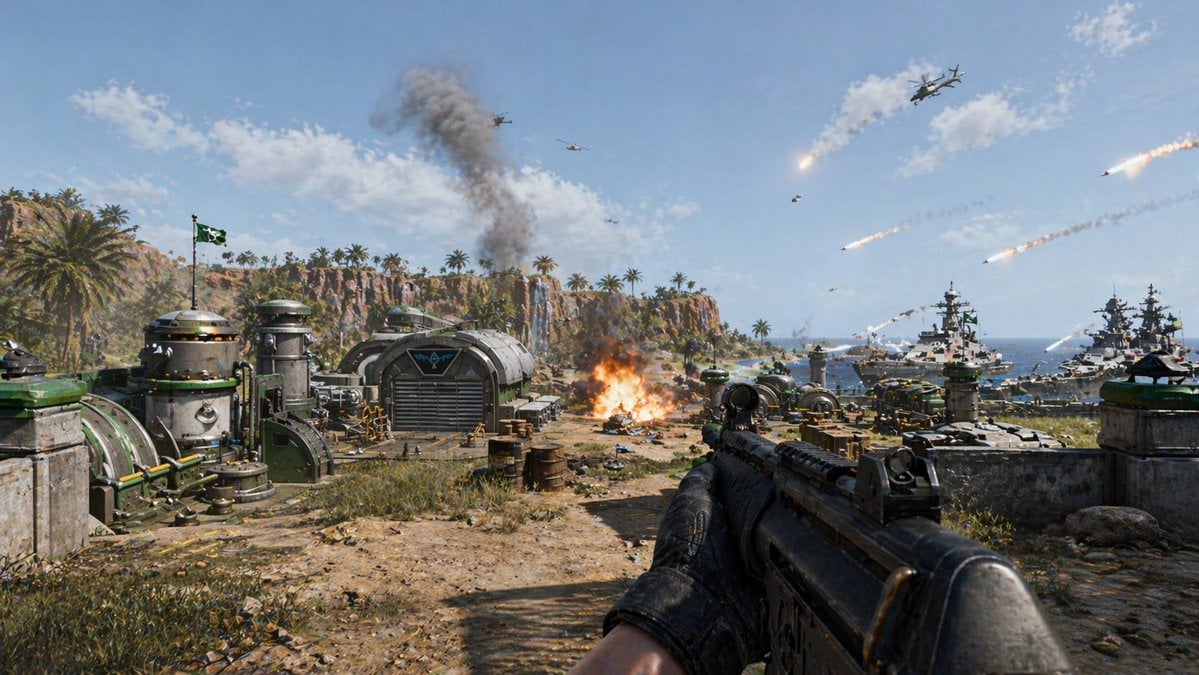
First-Person Tropical Island Warzone
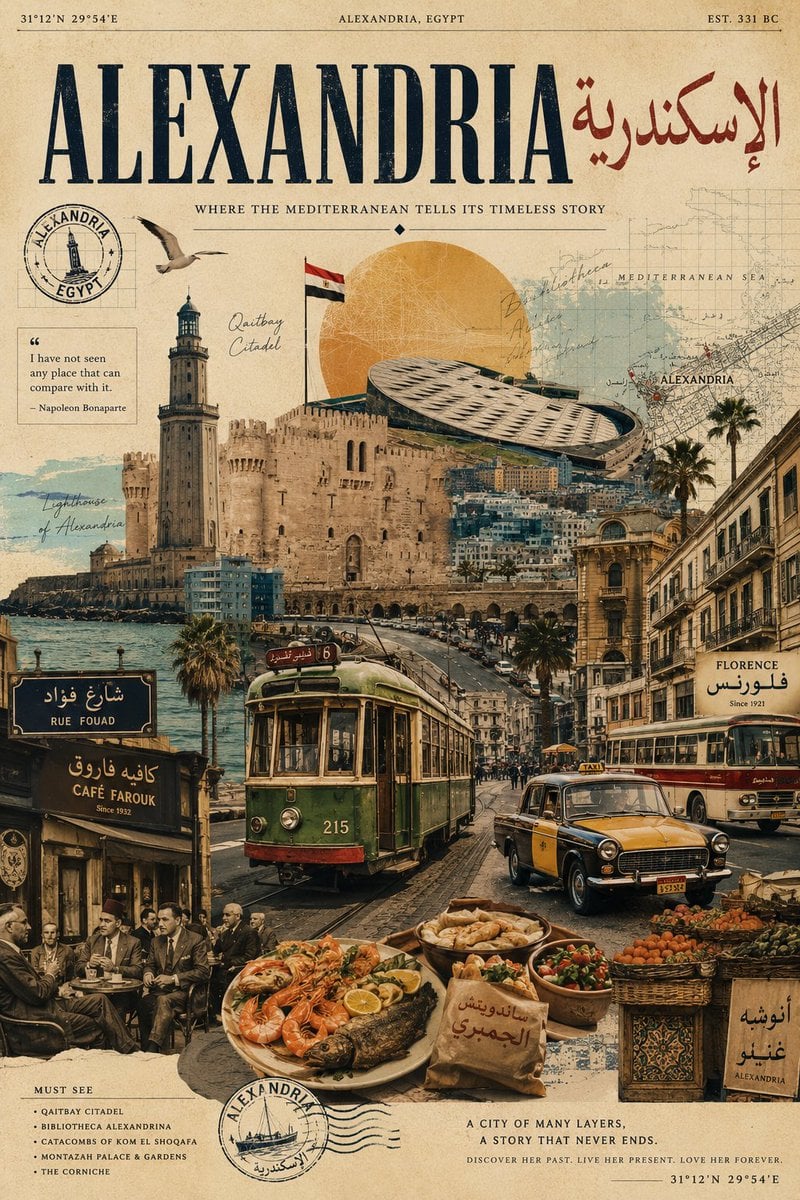
Vintage Alexandria Travel Poster
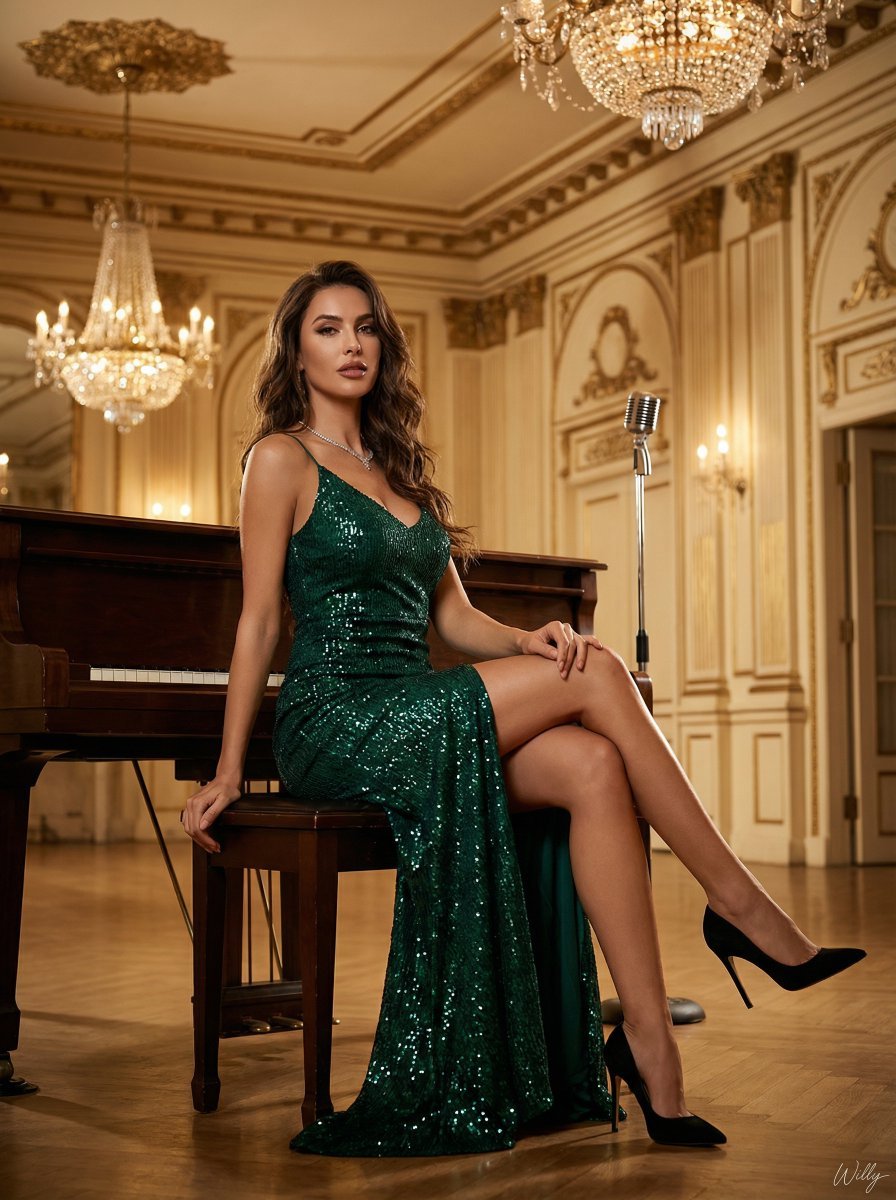
Ultra-Luxury Art Deco Fashion Editorial Prompt
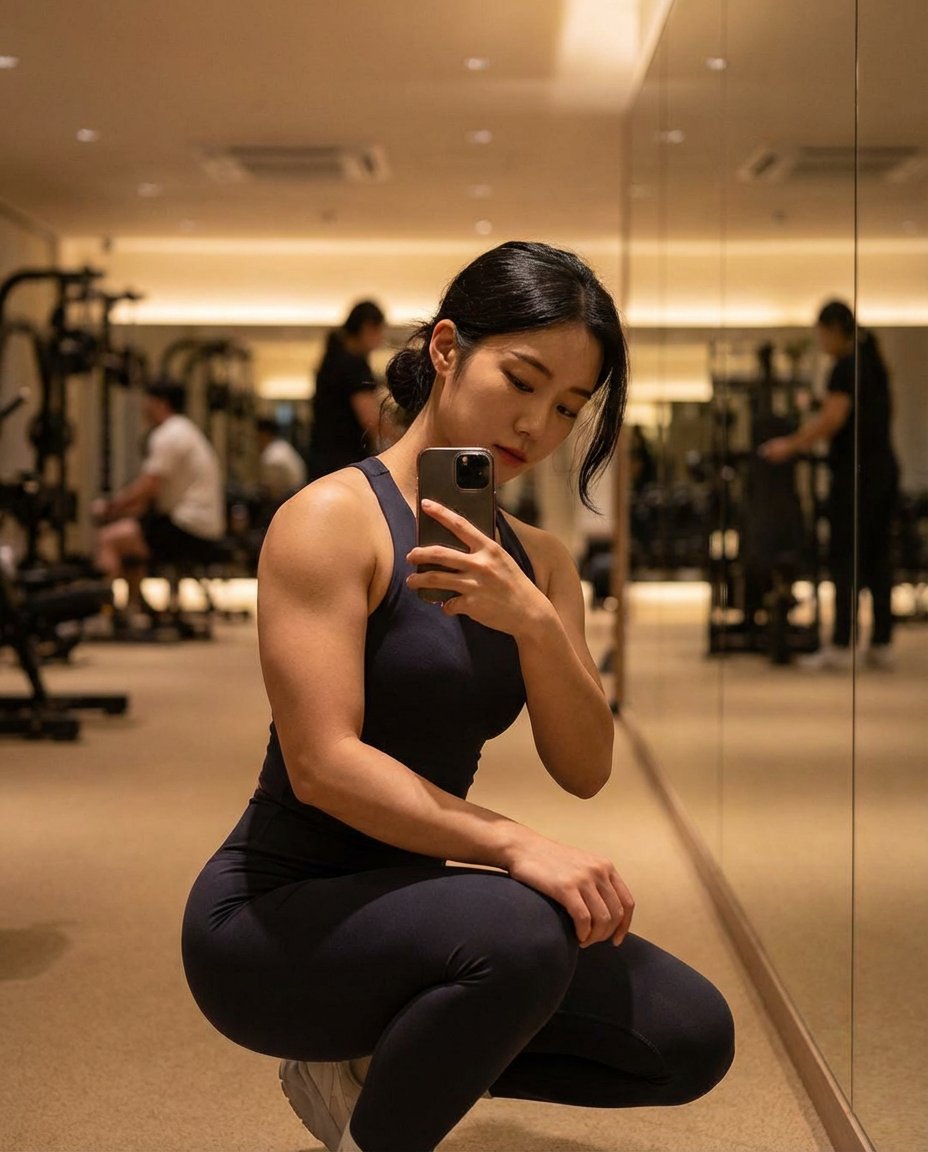
Photorealistic Gym Mirror Selfie (Mixed Heritage)
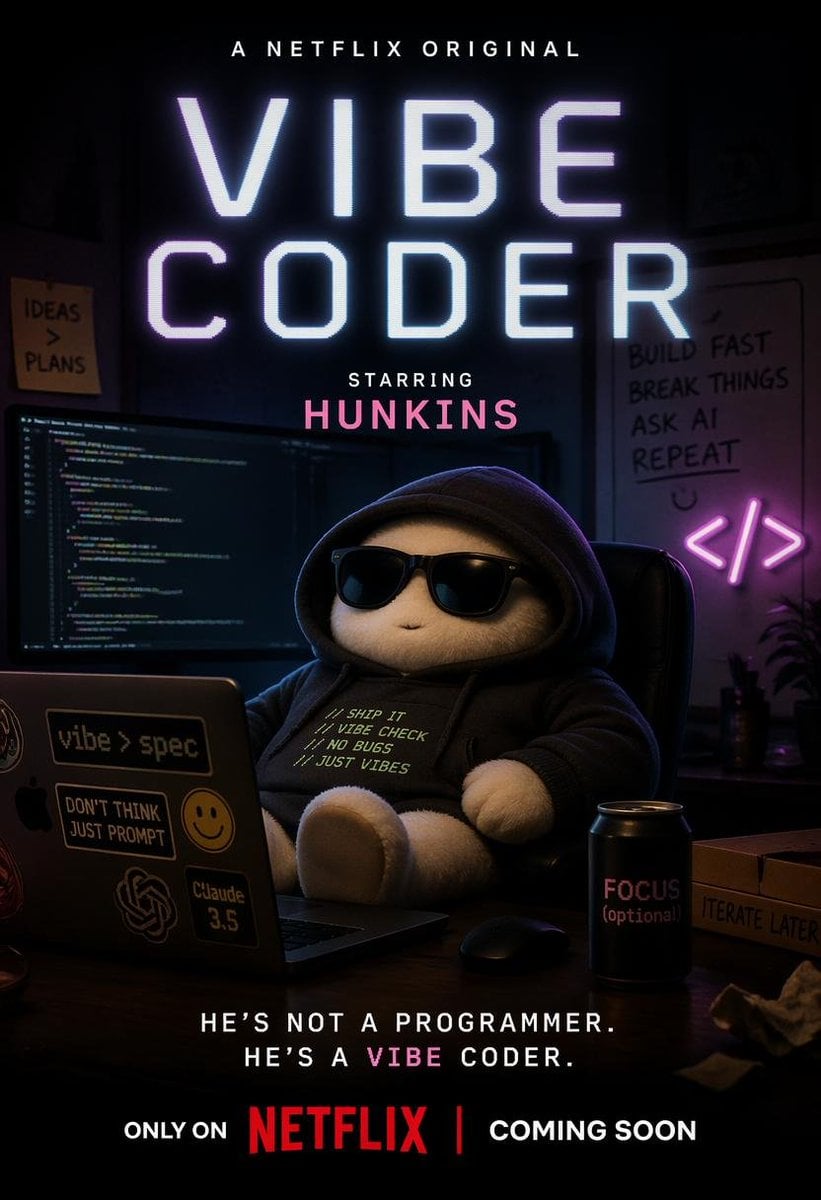
Netflix-Style Vibe Coder Poster
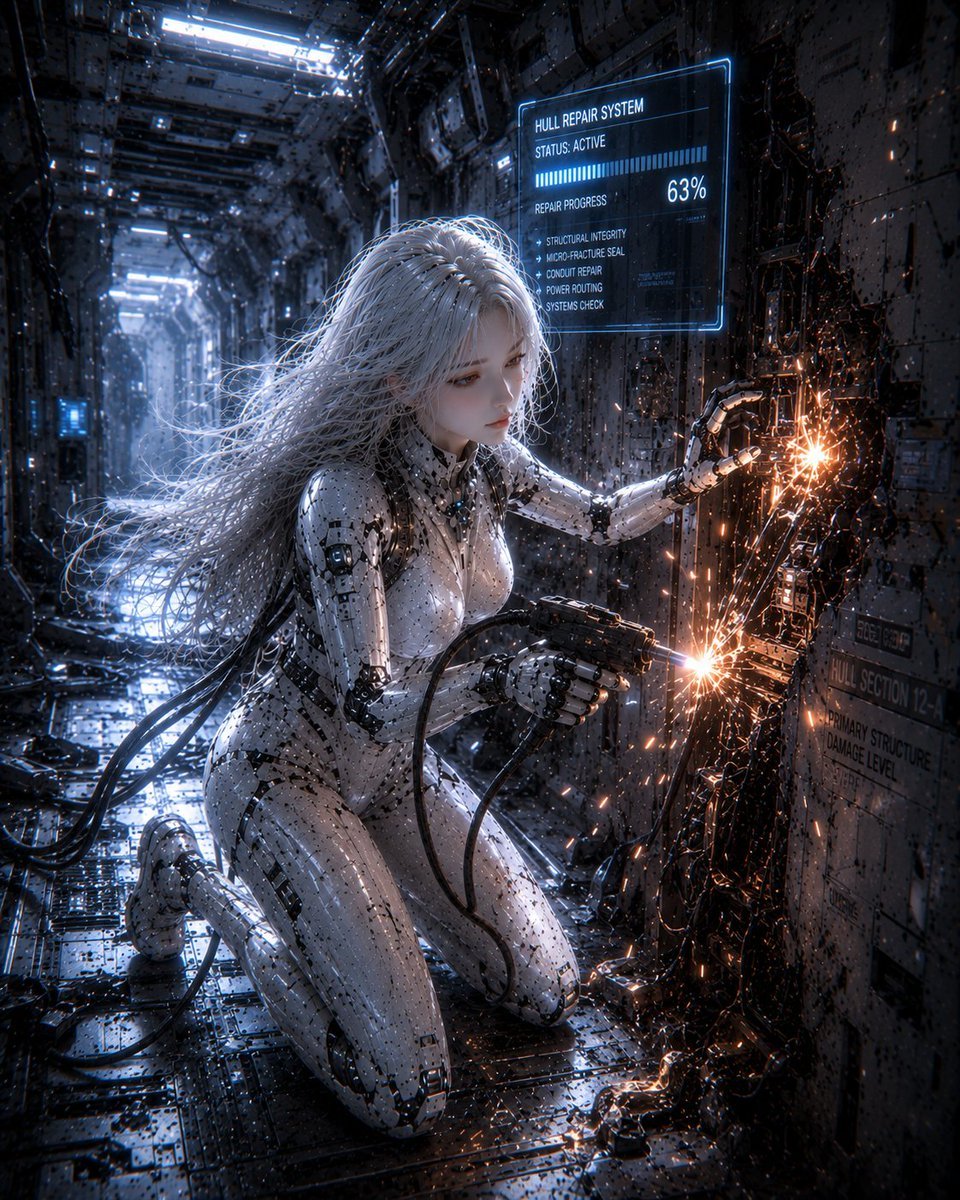
Female Android Repairing Spaceship Hull
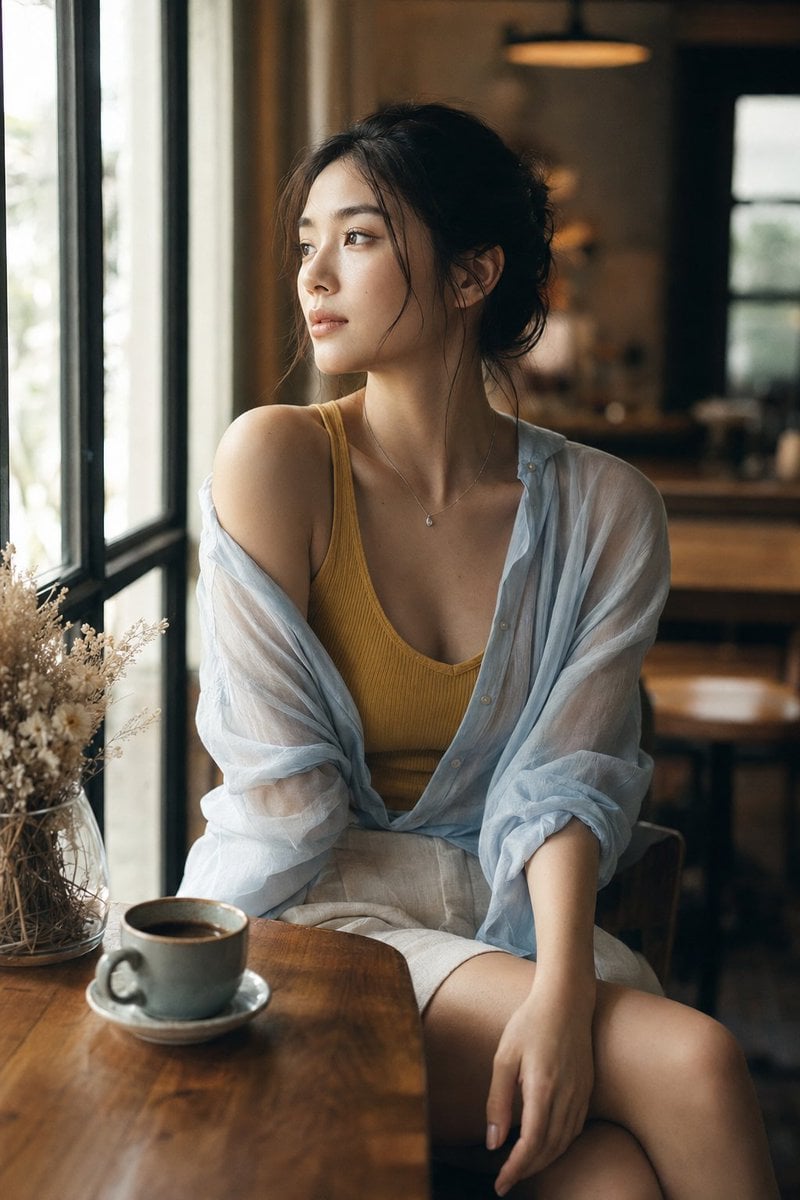
Realistic Window Café Fashion Portrait

Cinematic Pure Joy Splashing Prompt
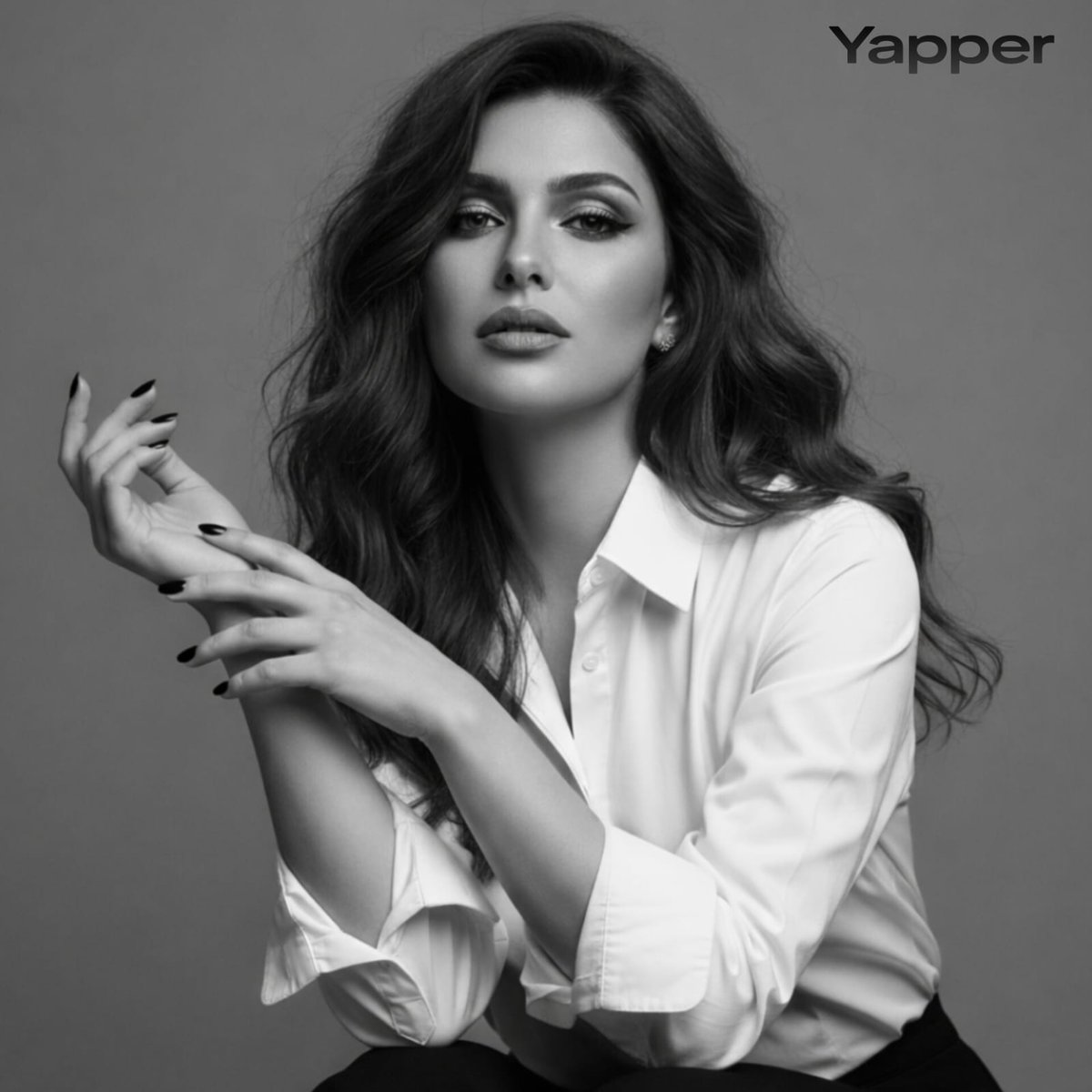
Black-and-White Fine Art Studio Portrait Prompt

Action Hero Walking Away from Explosion Prompt (Image-to-Image)
Browse template categories
Anime Pop-Up Business Card questions
How do I use the Anime Pop-Up Business Card template?
Add your photo if the template asks for one, edit the prompt if you like — the template's model and format are already selected — and press Generate. Your version opens in PicX Studio.
Can I customize the Anime Pop-Up Business Card template?
Yes. You can change the subject, setting, lighting, mood, format, and available model controls before creating your image.
Is the Anime Pop-Up Business Card template free?
Opening and editing this template is free. Generating uses credits, shown on the Generate button when you are signed in.
Which AI model should I use?
Start with GPT Image 2, which is the model associated with this template. You can compare another compatible model for a different finish.
Looking for something else? Browse all templates.

Your photo, any look
Thousands of ready templates for every top image and video model, from one credit balance.