
Retro 80s City Pop Anime Illustration
A detailed prompt for creating 1980s Japanese City Pop style illustrations that maintain the subject's identity while applying a vintage anime aesthetic.
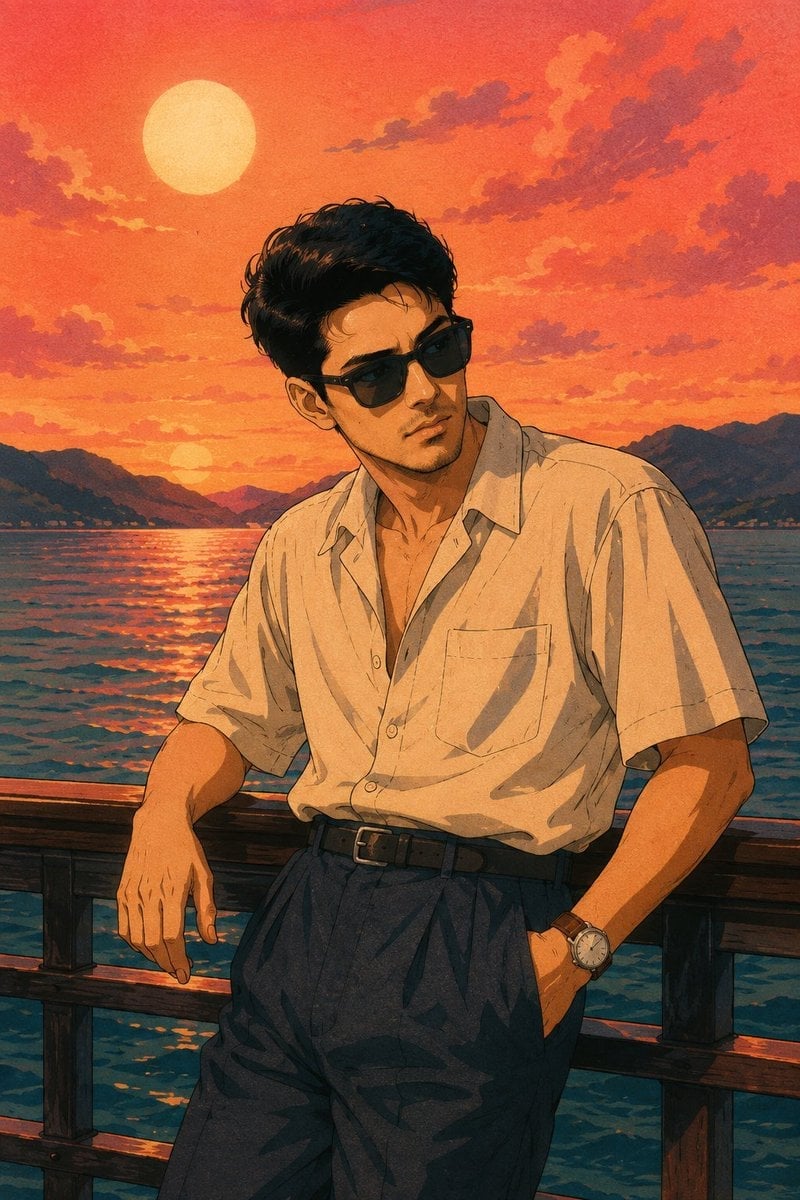
- Prompt included
- Model and format preset
- Free template
The prompt behind this image
Copy the exact prompt behind Retro 80s City Pop Anime Illustration, or open it in the studio and make it yours.
A detailed medium-long shot retro anime illustration in the style of {argument name="art style" default="1980s Japanese City Pop"} artwork with a textured paper surface and vintage screen-print finish. Transform the uploaded reference photo into the same person while preserving his facial identity, hairstyle, beard, facial proportions, smile, skin tone, and recognizable features. He has short dark wavy hair, a neatly trimmed beard, and wears oversized black square sunglasses with dark lenses. He is casually leaning against a dark wooden railing on a waterfront promenade or ship deck, with one hand resting in his trouser pocket and the other on the railing, gazing thoughtfully to his right. He wears an unbuttoned {argument name="shirt style" default="light beige short-sleeved camp-collar shirt"} with a relaxed fit, dark indigo high-waisted pleated trousers secured with a black leather belt, and a classic stainless-steel watch with a brown leather strap. The background features a {argument name="background" default="vast, tranquil waterfront beneath a dramatic salmon-pink, orange, and peach gradient sunset sky"}. A large pale circular sun hangs high in the sky while stylized fluffy clouds drift across the horizon. Calm deep blue-green water reflects the warm evening light, with dark distant mountain ranges stretching across the background. The scene is illuminated with soft golden-hour lighting, cinematic shadows, and rich nostalgic colors. Composition emphasizes relaxed confidence and timeless summer fashion, rendered with crisp anime linework, subtle cel shading, authentic 80s City Pop aesthetics, slight film grain, textured paper, muted retro color palette, and a premium vintage Japanese illustration style.
How to use Retro 80s City Pop Anime Illustration in 3 steps
- 1Upload ImagePNG, JPG or paste
Add your photo
Upload the photo the template builds on. The prompt, model and format are already set.
- 2…a portrait of your subject in softgolden-hour light, 85mm…
Personalize
Edit the subject and creative details for your destination.
- 3Generate
Generate
Press Generate — your image is created in PicX Studio, so you can compare it with the original and refine one variable at a time.
More like this
Templates with the same subject, style or setup. Open one to see its prompt.

Make it yours
Retro 80s City Pop Anime Illustration works as-is. These are the safest ways to change it without losing the look.
Change one field
Copy a single group, rewrite it, and generate again so you can see what that field is doing.
Keep the frame, change the subject
Hold the composition and light of Retro 80s City Pop Anime Illustration, then swap wardrobe, props or the person for a new take.
| If the result… | Why | Fix |
|---|---|---|
| The result drifts from the preview | Too many fields changed at once. | Reuse Retro 80s City Pop Anime Illustration as-is first, then change one group — subject, light, or setting. |
| The model over-stylizes the scene | The prose prompt leaves finish and camera underspecified. | Add one camera or lighting sentence and stay on GPT Image 2. |
More GPT Image 2 templates
Other prompts made for GPT Image 2.

Six VTuber Japanese Logo Sheet

Realistic Portrait of Woman and Deer

The Vista Modular Condo Poster

AI Model Routing Comparison Infographic

2.5D Anime Art Board

Isometric Productivity Desk Scene

New York Double Exposure Poster

Four-Panel AI Landscape Comparison

Japanese Tatami Lifestyle Magazine Cover

NESCAFÉ Coffee Map Poster
More image prompts
Fresh picks from across the catalog.
Toy Story Diorama in a Pizza World
Fantasy Movie Poster Style Conversion
Cinematic Double Exposure Travel Poster

Flyer Redesign Prompt using Nano Banana Pro
Anime MOS Burger Promo Poster
Scary Hantavirus Microscopic Scene
Giant Coffee Cup Bath Image Prompt
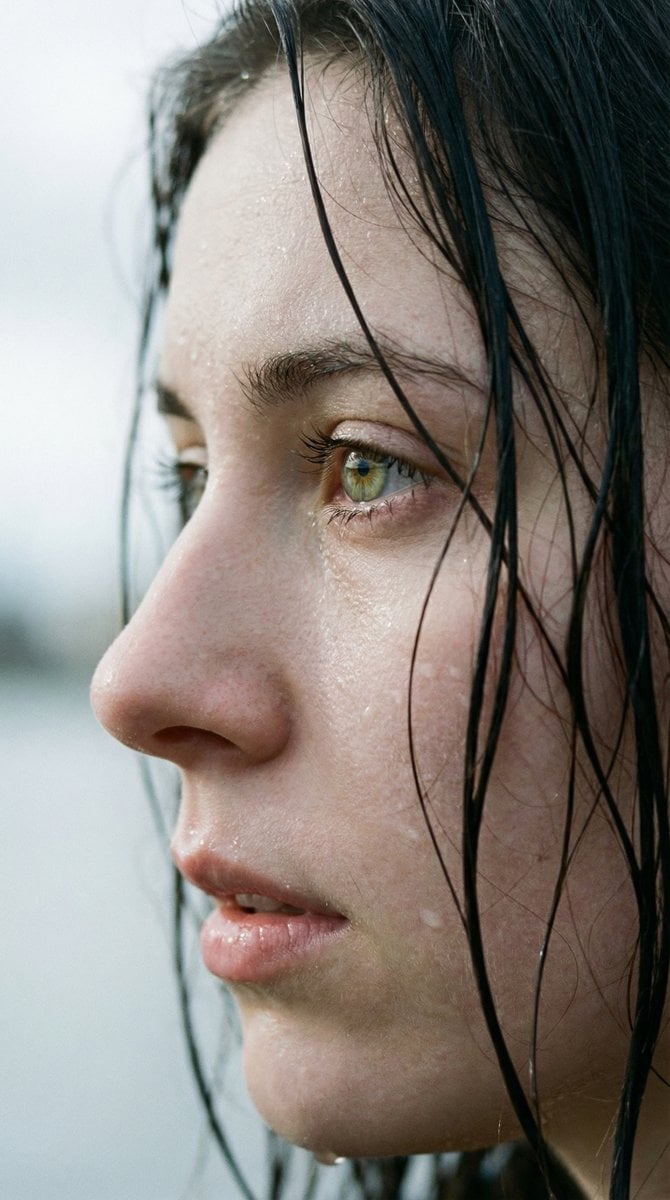
Extreme Wet Close-Up Portrait with Realistic Water Droplets
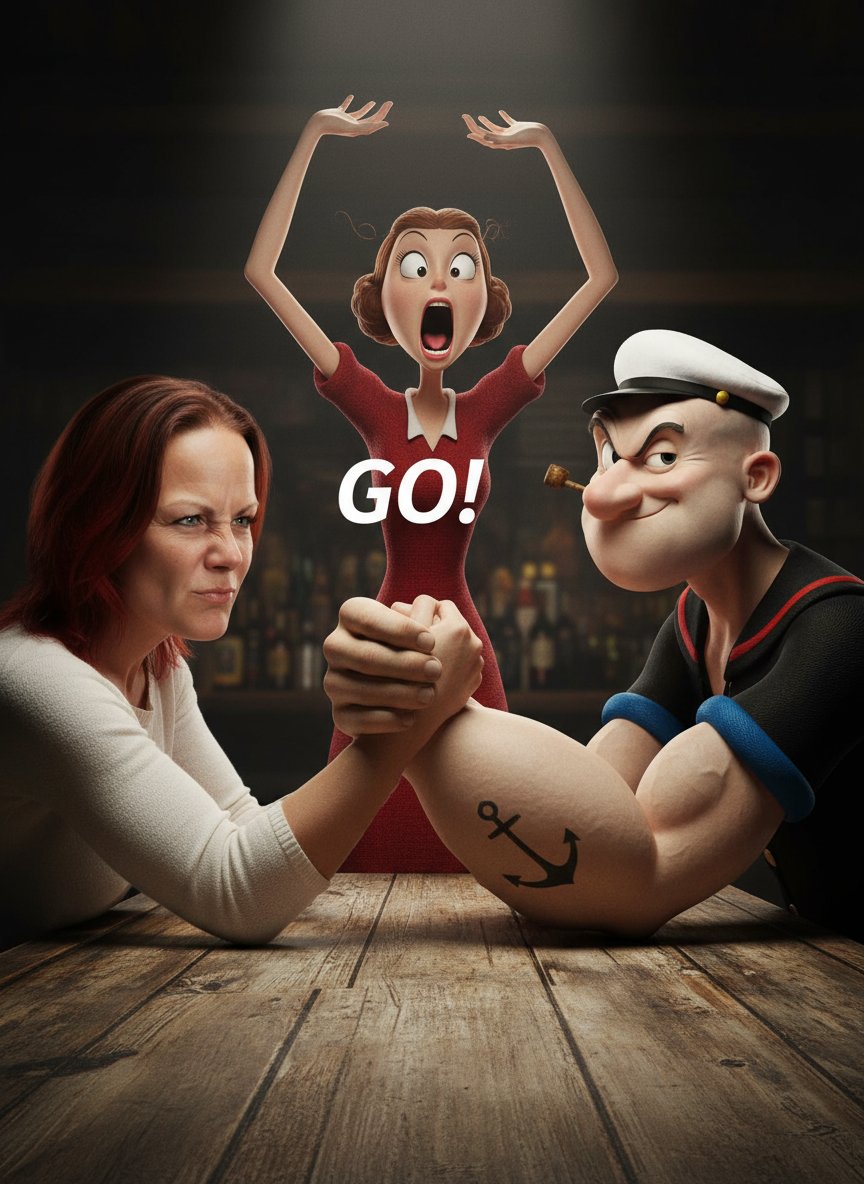
Image-to-Image Transformation: Arm Wrestling with Popeye
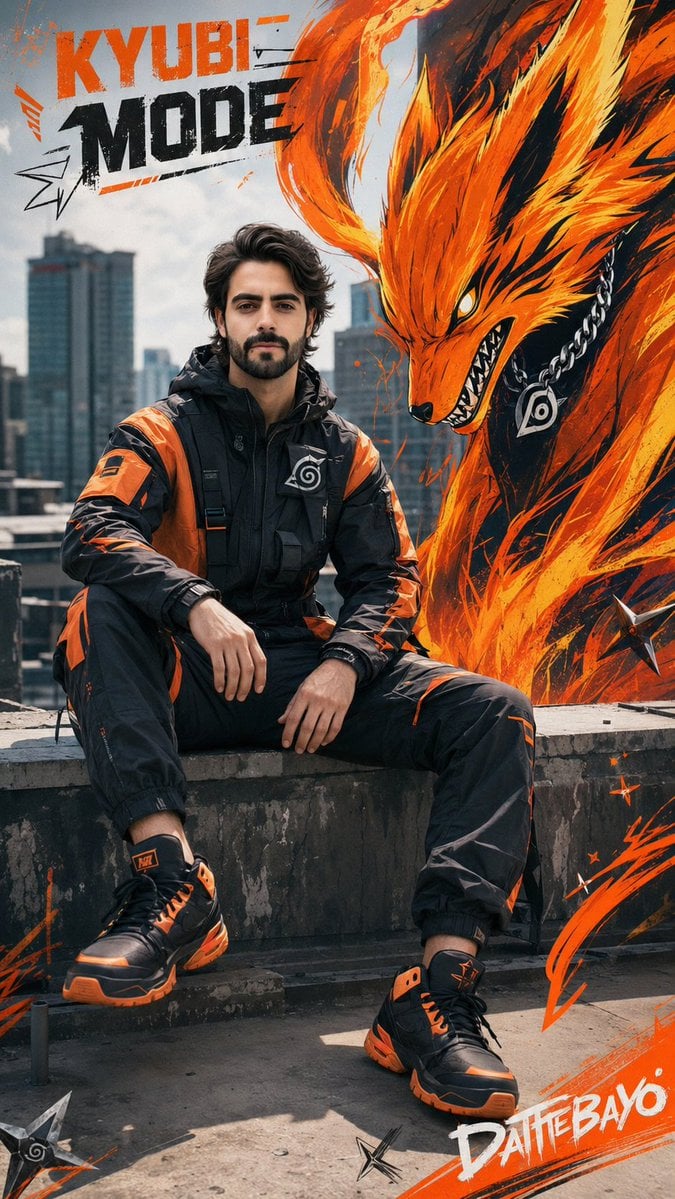
Futuristic Sportswear Campaign Portrait
Browse template categories
Retro 80s City Pop Anime Illustration questions
How do I use the Retro 80s City Pop Anime Illustration template?
Add your photo if the template asks for one, edit the prompt if you like — the template's model and format are already selected — and press Generate. Your version opens in PicX Studio.
Can I customize the Retro 80s City Pop Anime Illustration template?
Yes. You can change the subject, setting, lighting, mood, format, and available model controls before creating your image.
Is the Retro 80s City Pop Anime Illustration template free?
Opening and editing this template is free. Generating uses credits, shown on the Generate button when you are signed in.
Which AI model should I use?
Start with GPT Image 2, which is the model associated with this template. You can compare another compatible model for a different finish.
Looking for something else? Browse all templates.

Your photo, any look
Thousands of ready templates for every top image and video model, from one credit balance.