
Scary Hantavirus Microscopic Scene
A cinematic horror-style microscopic medical visualization of Hantavirus particles moving through organic tissue.
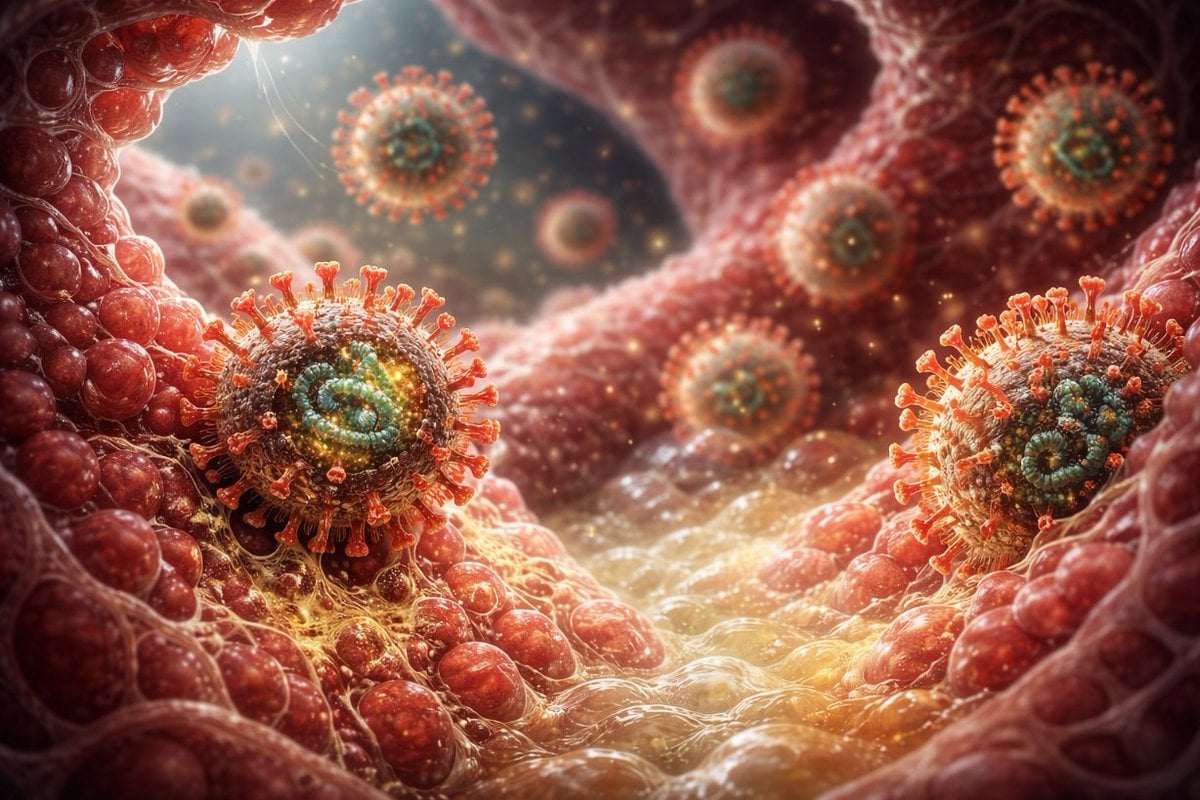
- Prompt included
- Model and format preset
- Free template
The prompt behind this image
Copy the exact prompt behind Scary Hantavirus Microscopic Scene, or open it in the studio and make it yours.
Create a terrifying cinematic microscopic visualization of {argument name="virus name" default="Hantavirus"} inside a human airway or blood vessel, as if seen through an electron microscope blended with dark fantasy medical concept art. Show exactly 9 visible spherical virus particles: 2 large sharply focused foreground virions, one on the lower left tissue ridge and one on the lower right tissue ridge; 1 medium virion floating near the upper center; 1 medium virion near the upper right edge; 1 blurred virion at the upper middle background; 1 small blurred virion at mid left; 1 small blurred virion near center right; 1 medium blurred virion in the central background; and 1 tiny distant virion in the left background. Each virion has a rough mottled membrane, a glowing teal-green spiral core, and many short orange-red club-shaped surface spikes. The environment is a wet organic tunnel made of red swollen tissue cells, translucent membranes, vein-like strands, mucus, and glossy fluid, with golden infectious particles drifting through the air. Use dramatic macro depth of field, strong backlighting from the upper left, amber volumetric glow, high contrast red and gold color grading, extreme biological detail, unsettling horror atmosphere, photorealistic 3D render quality, shallow focus, bokeh, no text, no labels, no humans.
How to use Scary Hantavirus Microscopic Scene in 3 steps
- 1Upload ImagePNG, JPG or paste
Add your photo
Upload the photo the template builds on. The prompt, model and format are already set.
- 2…a portrait of your subject in softgolden-hour light, 85mm…
Personalize
Edit the subject and creative details for your destination.
- 3Generate
Generate
Press Generate — your image is created in PicX Studio, so you can compare it with the original and refine one variable at a time.
More like this
Templates with the same subject, style or setup. Open one to see its prompt.
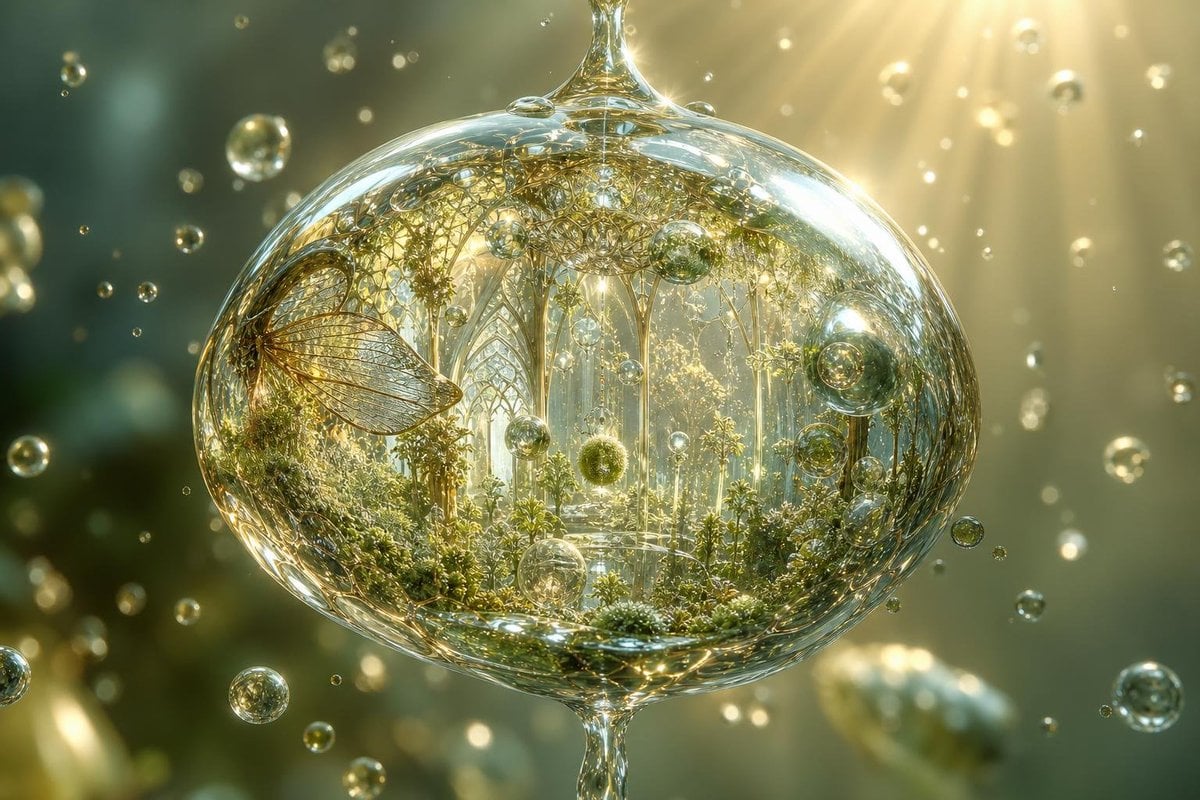
Microscopic Raindrop World
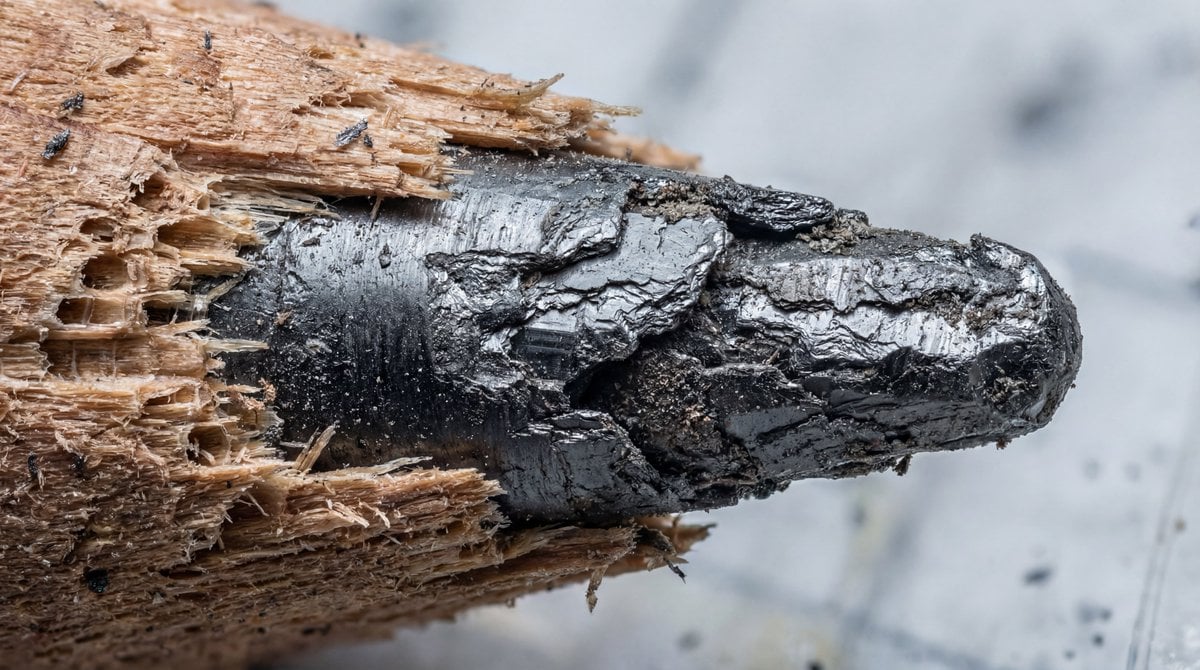
Microscopic View of a Pencil Tip
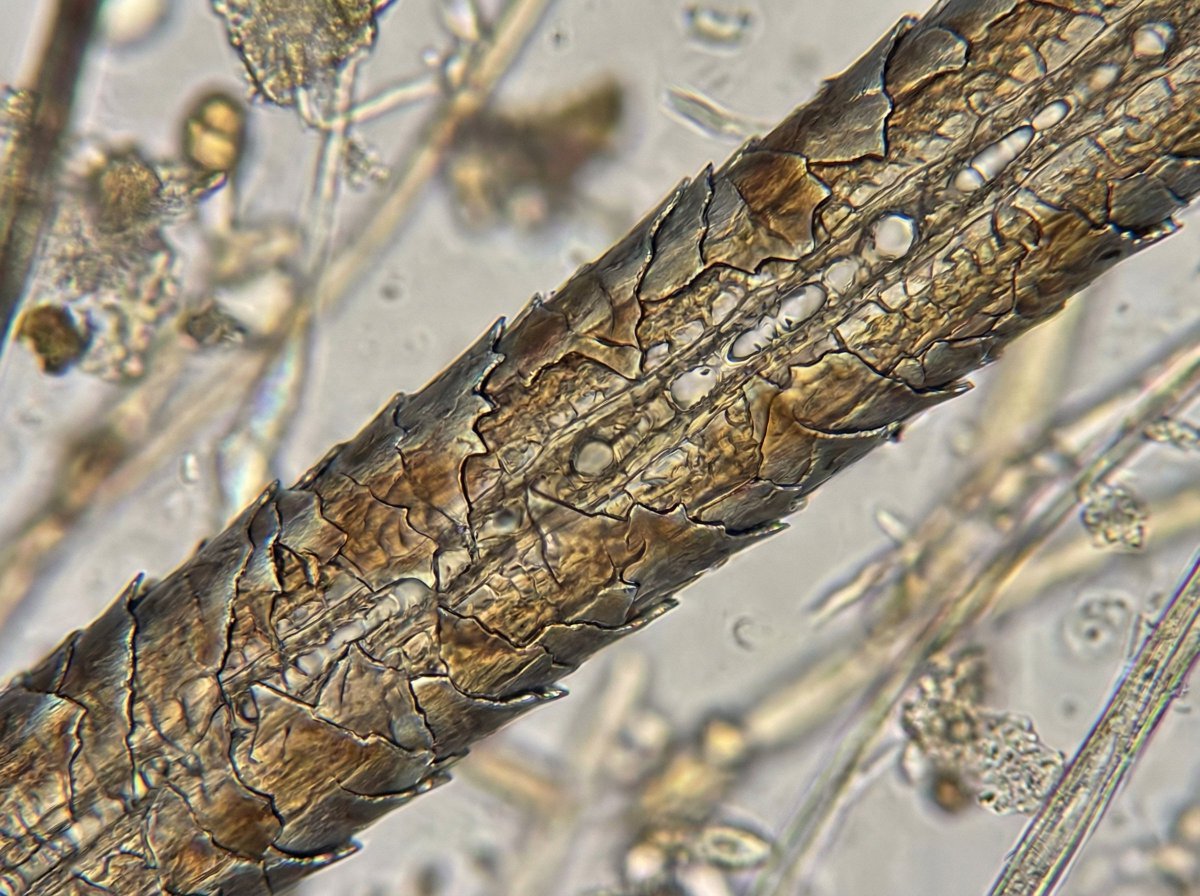
Microscopic View of a Subject
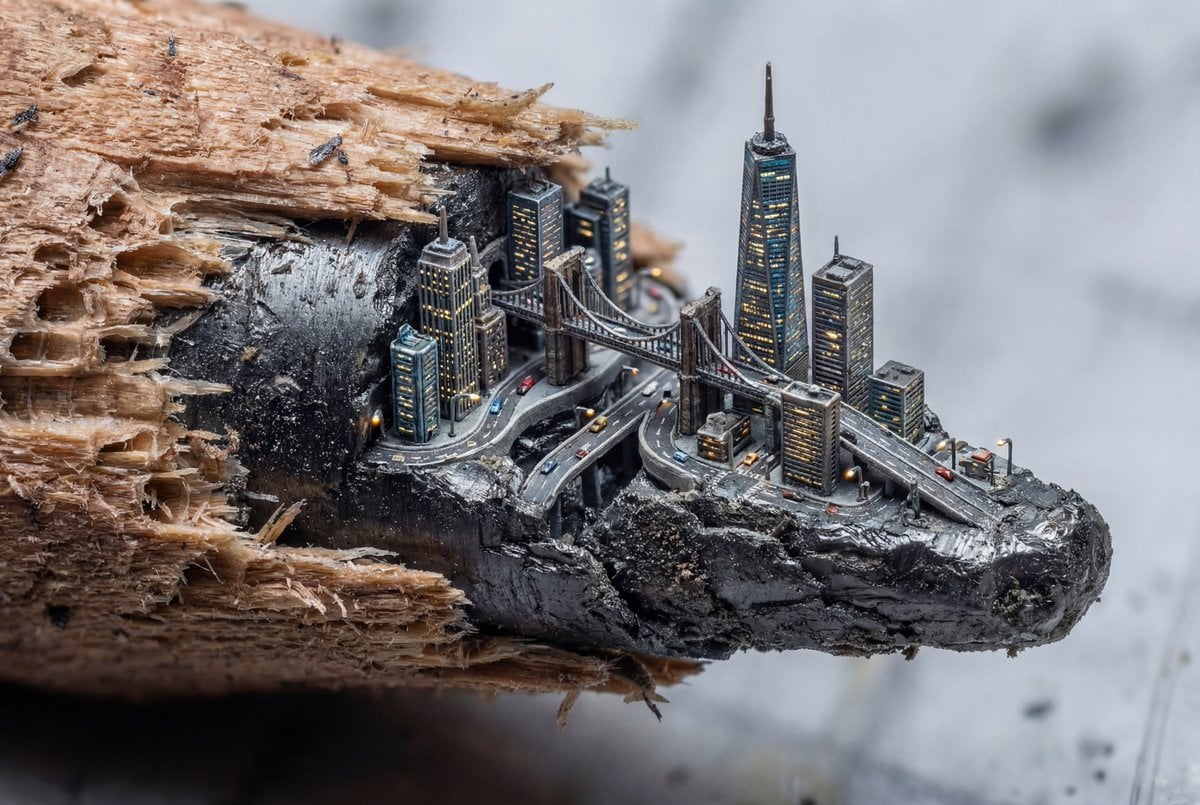
Microscopic City Art Addition Prompt
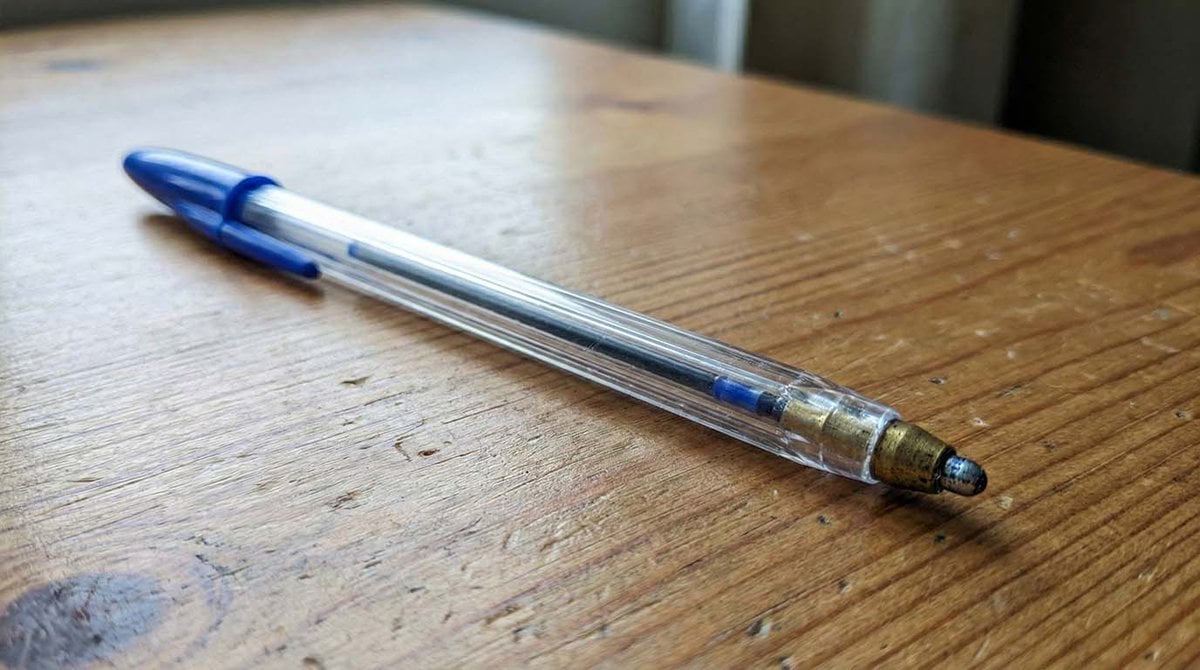
Microscopic Pencil Tip to Proton Zoom
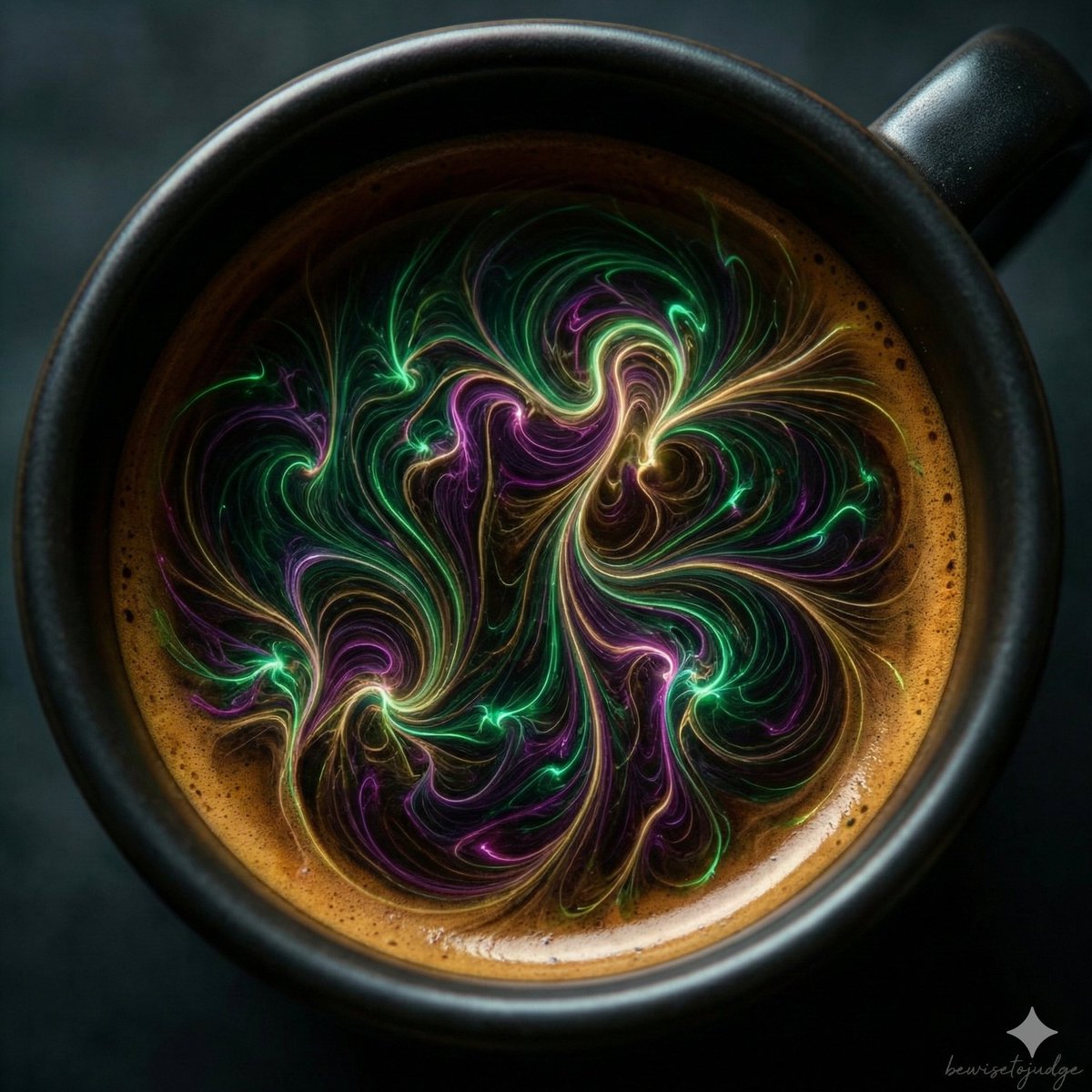
Abstract Microscopic View of Living Coffee Crema
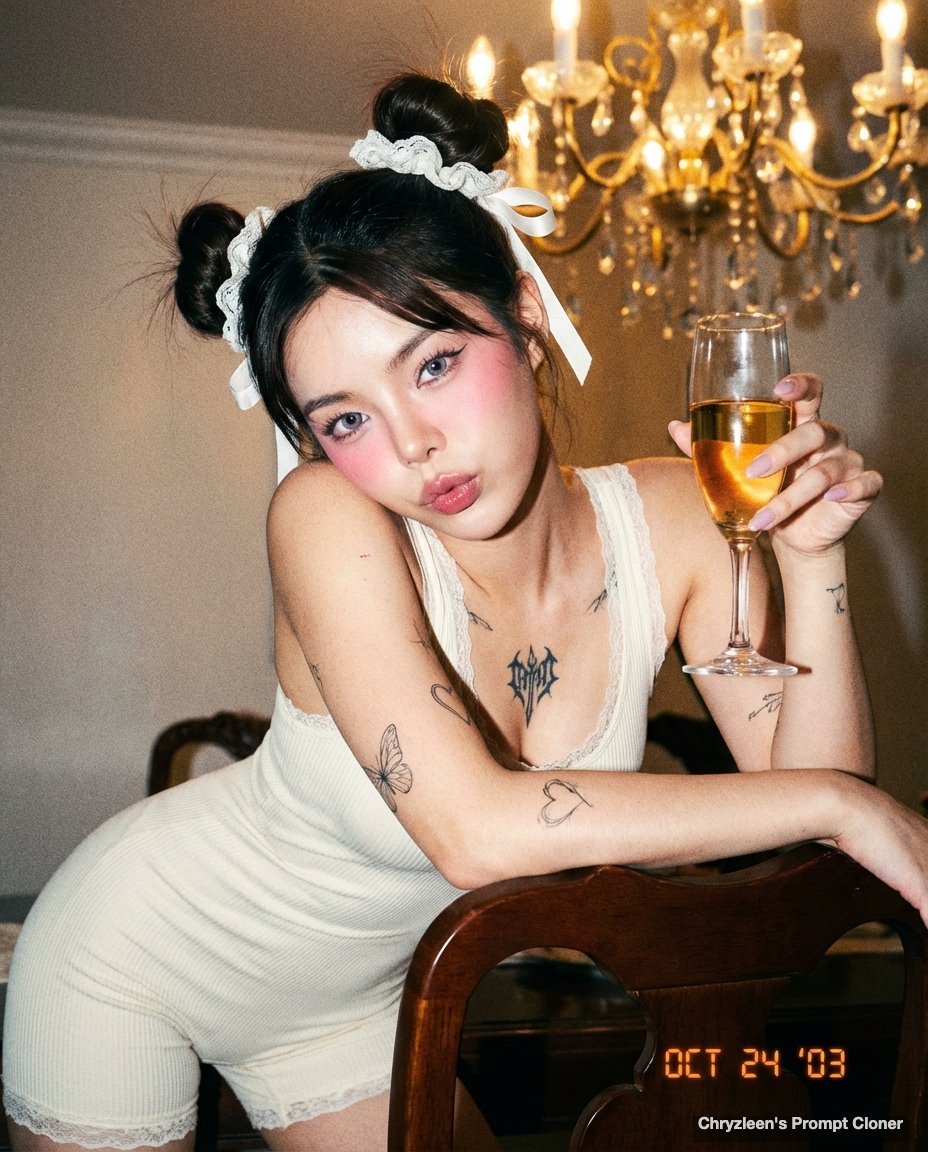
Microscopic Y2K Candid Portrait with PersonaFusion
Seedance - Arrow Microscopic Battle
Luxury Beauty Campaign Surreal Miniature
Hyper-Realistic Skin Detail Portrait

Music Album Cover Abstract Liquid Mercury

Act as a Senior Editorial Designer and Typographer
Make it yours
Scary Hantavirus Microscopic Scene works as-is. These are the safest ways to change it without losing the look.
Change one field
Copy a single group, rewrite it, and generate again so you can see what that field is doing.
Keep the frame, change the subject
Hold the composition and light of Scary Hantavirus Microscopic Scene, then swap wardrobe, props or the person for a new take.
| If the result… | Why | Fix |
|---|---|---|
| The result drifts from the preview | Too many fields changed at once. | Reuse Scary Hantavirus Microscopic Scene as-is first, then change one group — subject, light, or setting. |
| The model over-stylizes the scene | The prose prompt leaves finish and camera underspecified. | Add one camera or lighting sentence and stay on GPT Image 2. |
More GPT Image 2 templates
Other prompts made for GPT Image 2.

Six VTuber Japanese Logo Sheet

Realistic Portrait of Woman and Deer

The Vista Modular Condo Poster

AI Model Routing Comparison Infographic

2.5D Anime Art Board

Isometric Productivity Desk Scene

New York Double Exposure Poster

Four-Panel AI Landscape Comparison

Japanese Tatami Lifestyle Magazine Cover

NESCAFÉ Coffee Map Poster
More image prompts
Fresh picks from across the catalog.

Man Riding a White Ram
Miniature Artist on Giant Fingernail
Cinematic Portrait Restoration with Golden-Hour Lighting
Modern Paper Sculpture Style Transformation
Boy With Werewolf Shadow
Miniature 3D City Diorama Map

Hyper-realistic cinematic cricket scene prompt for Gemini App
Full Page Manga Illustration
Stylish Woman on Submerged Vintage Car
Defiant Woman Lighting Cigarette with Burning Photo
Browse template categories
Scary Hantavirus Microscopic Scene questions
How do I use the Scary Hantavirus Microscopic Scene template?
Add your photo if the template asks for one, edit the prompt if you like — the template's model and format are already selected — and press Generate. Your version opens in PicX Studio.
Can I customize the Scary Hantavirus Microscopic Scene template?
Yes. You can change the subject, setting, lighting, mood, format, and available model controls before creating your image.
Is the Scary Hantavirus Microscopic Scene template free?
Opening and editing this template is free. Generating uses credits, shown on the Generate button when you are signed in.
Which AI model should I use?
Start with GPT Image 2, which is the model associated with this template. You can compare another compatible model for a different finish.
Looking for something else? Browse all templates.

Your photo, any look
Thousands of ready templates for every top image and video model, from one credit balance.