
Hyper-Realistic Skin Detail Portrait
An obsessive forensic-level skin detail portrait prompt that maintains facial consistency from a reference image.
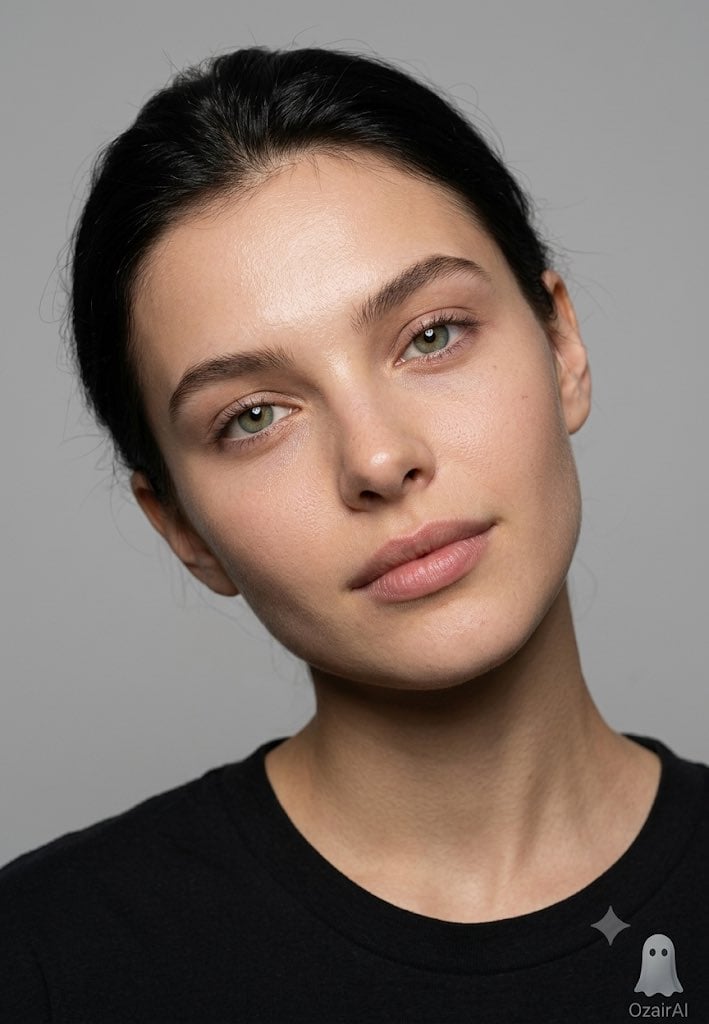
- Prompt included
- Model and format preset
- Free template
The prompt behind this image
Copy the exact prompt behind Hyper-Realistic Skin Detail Portrait, or open it in the studio and make it yours.
Use the exact same face from the reference image and generate an obsessive skin detail portrait — head tilted very naturally to one side at approximately 15 degrees, the kind of involuntary tilt that happens when someone is genuinely listening or lost in a quiet thought. Not posed, not deliberate — just a human head resting at its most natural comfortable angle. Expression completely unguarded — eyes open and present looking directly into the lens with quiet warmth, lips naturally sealed with zero tension, every facial muscle completely surrendered and at rest. Skin at absolute forensic maximum — every individual pore with its own unique diameter depth and shadow wall structure. Sebaceous filaments across the nose wings. Individual stubble hairs or peach fuzz at follicle level each casting their own micro-shadow. Natural oil distribution — slight sheen at the nose tip and forehead. Capillary flush beneath the surface at the cheeks. Under-eye skin showing its delicate thinness. Every eyelash individually rendered. Iris at collagen fiber microscopic detail. Lip skin showing complete vertical rhytid texture. Zero retouching — every natural imperfection celebrated. The head tilt creating a completely new gravitational relationship between the face and the light — shadows falling at a new angle across the facial planes, the cheekbone on the lower side of the tilt catching light differently, the jaw on the raised side more exposed, the ear on the lower side slightly more visible — the same face made entirely new by 15 degrees of honest human movement. Lighting is a large soft octabox from slightly above and front — clean, wrapping, the perfect skin revealer. Background pure neutral grey seamless. Natural catch lights in both eyes. 6% film grain. "OzairAI" ghost watermark lower-right. Vertical 9:13. Ultra photorealistic 8K 150 megapixel skin truth — the tilt that changes everything.
How to use Hyper-Realistic Skin Detail Portrait in 3 steps
- 1Upload ImagePNG, JPG or paste
Add your photo
Upload the photo the template builds on. The prompt, model and format are already set.
- 2…a portrait of your subject in softgolden-hour light, 85mm…
Personalize
Edit the subject and creative details for your destination.
- 3Generate
Generate
Press Generate — your image is created in PicX Studio, so you can compare it with the original and refine one variable at a time.
More like this
Templates with the same subject, style or setup. Open one to see its prompt.

Nano Banana Pro Photoreal Playful Couple

Underwater Macro Face Portrait

Noir Punk Street Portrait

High Contrast Cinematic Face Portrait

Monochrome Studio Portrait with Colored Lens

Ultra-Realistic Yacht Sunset Portrait

Found Photograph: Us, 1970

80s Couple Studio Portrait

80s Bollywood Star

80s Golden Hour Cinema

Me in 1985

1985 Studio Portrait
Make it yours
Hyper-Realistic Skin Detail Portrait works as-is. These are the safest ways to change it without losing the look.
Change one field
Copy a single group, rewrite it, and generate again so you can see what that field is doing.
Keep the frame, change the subject
Hold the composition and light of Hyper-Realistic Skin Detail Portrait, then swap wardrobe, props or the person for a new take.
| If the result… | Why | Fix |
|---|---|---|
| The result drifts from the preview | Too many fields changed at once. | Reuse Hyper-Realistic Skin Detail Portrait as-is first, then change one group — subject, light, or setting. |
| The model over-stylizes the scene | The prose prompt leaves finish and camera underspecified. | Add one camera or lighting sentence and stay on Gemini 3 Pro Image Preview. |
More Gemini 3 Pro Image Preview templates
Other prompts made for Gemini 3 Pro Image Preview.

Mushroom Still Life Composition

Whimsical Anthropomorphic Friendly Insect

Cinematic Urban Night Billboard Portrait

Pop Art Summer Fruit Fashion Illustration

Ultra-Realistic iPhone Selfie with Motion Blur

Cinematic Mirror Reflection Portrait

Elegant Men's Twilight Editorial

Coastal Freedom Sunset Portrait

Ergonomic Office Chair E-commerce Mobile Detail Page

Macro Guitar Fret Dressing
More image prompts
Fresh picks from across the catalog.
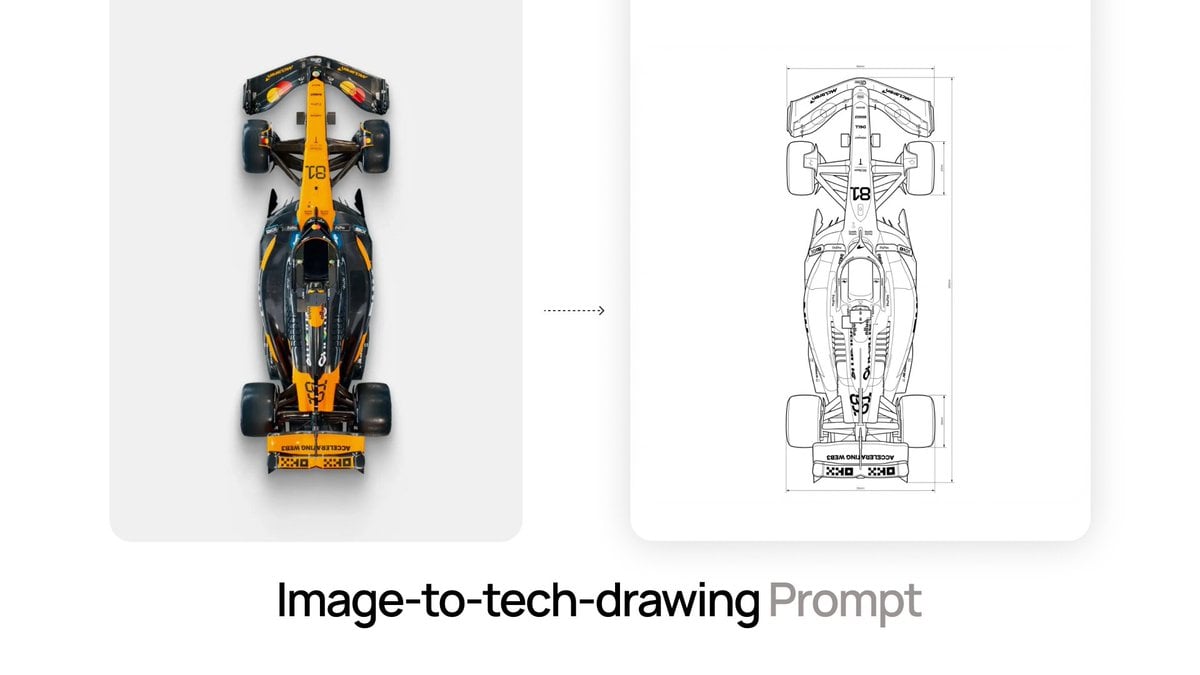
Nano Banana Prompt for Image-to-Tech-Drawing

Apple-Style Minimal Presentation Cover
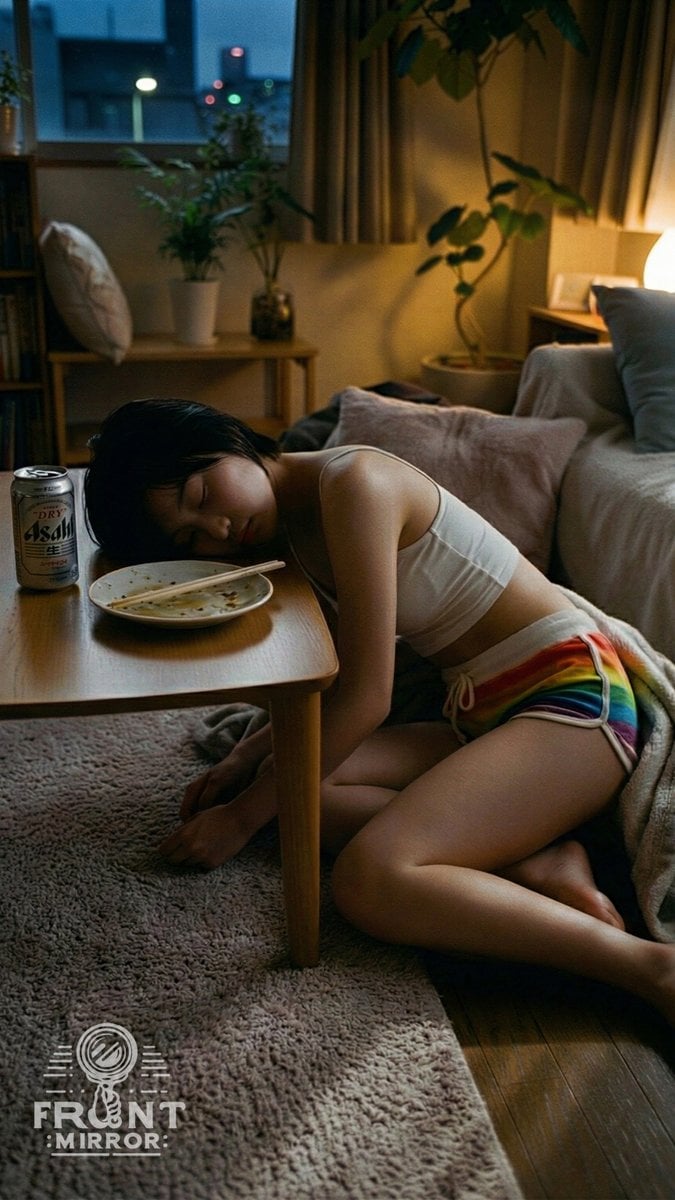
Overhead View of Saturday Morning Activity Prompt
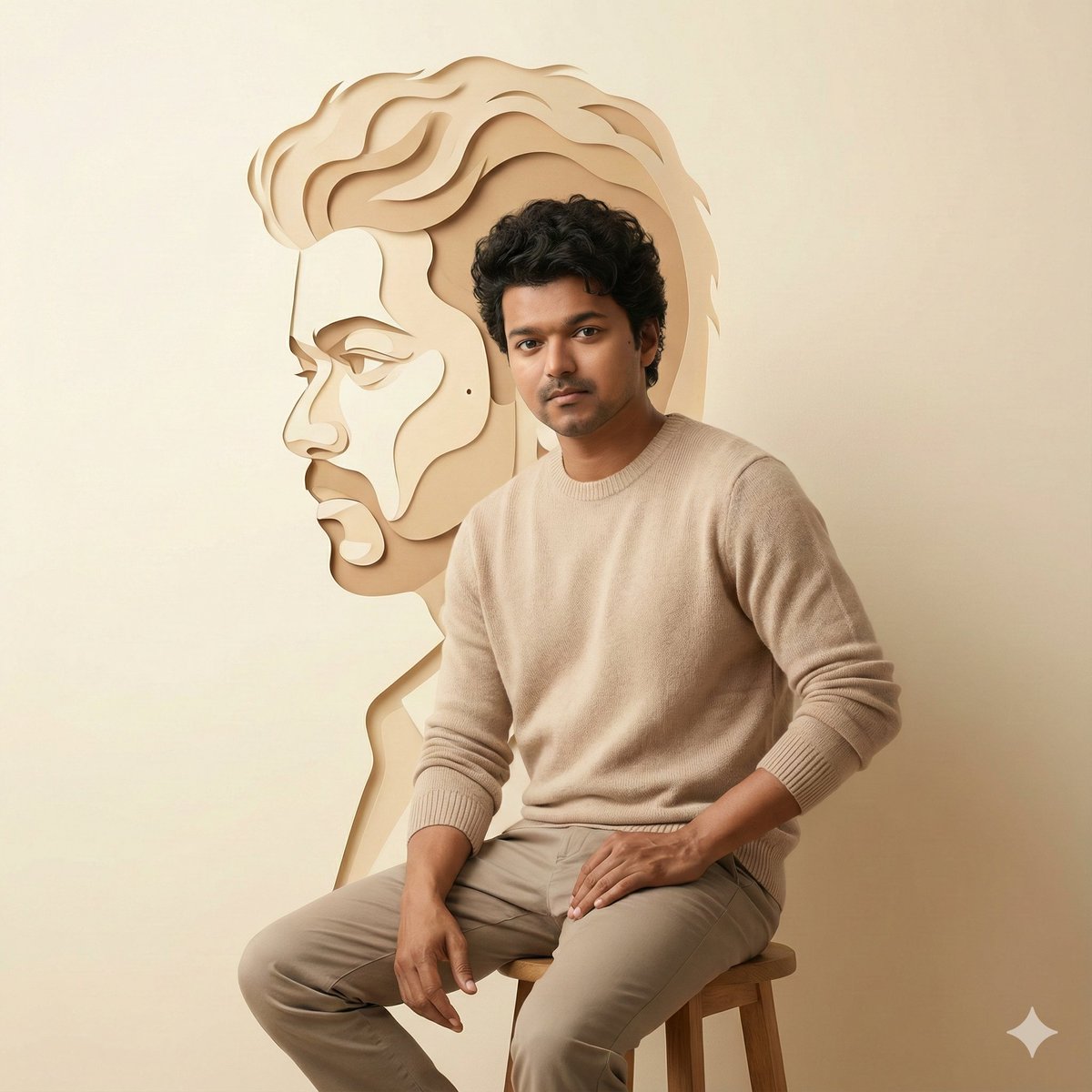
Minimalist Cinematic Portrait with Paper-Cut Art
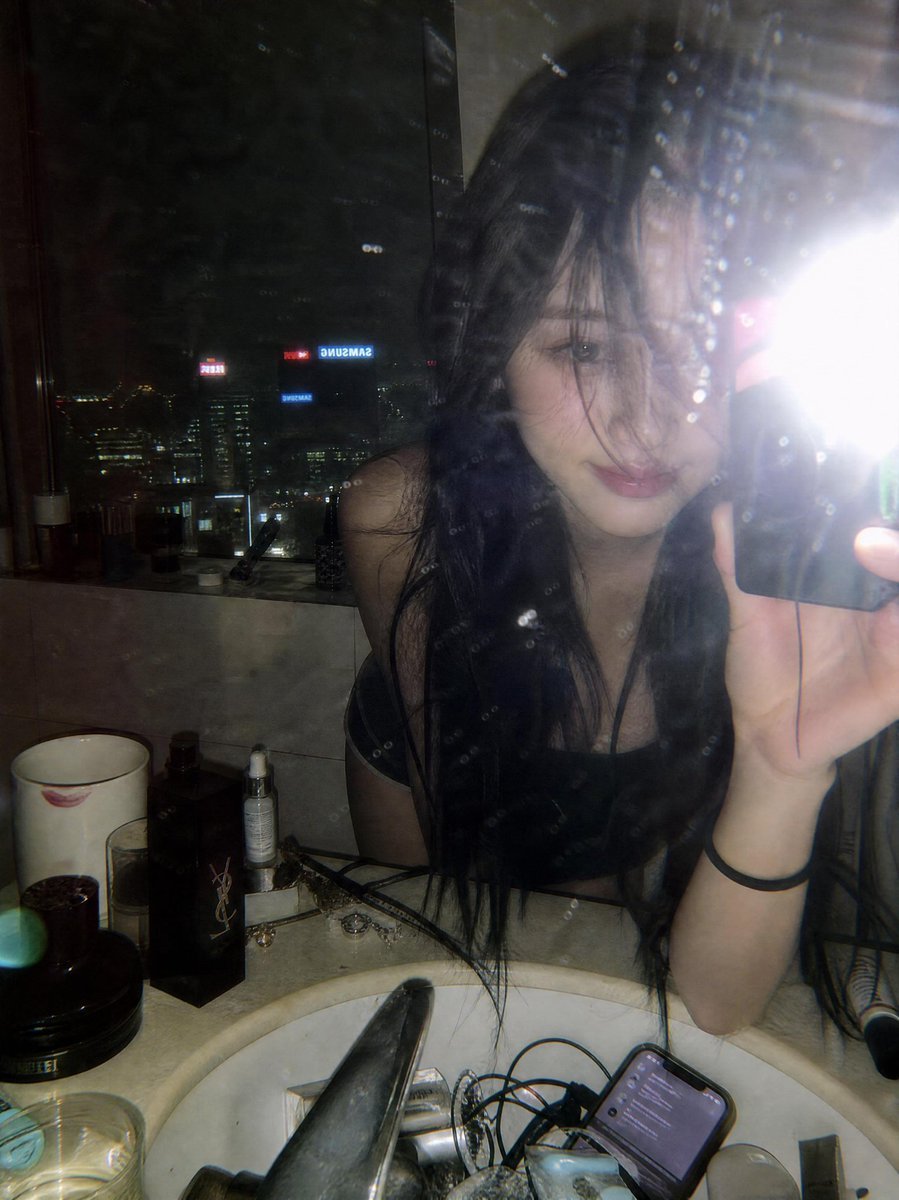
Late Night Luxury Mirror Selfie

Korean Fashion Anime Editorial
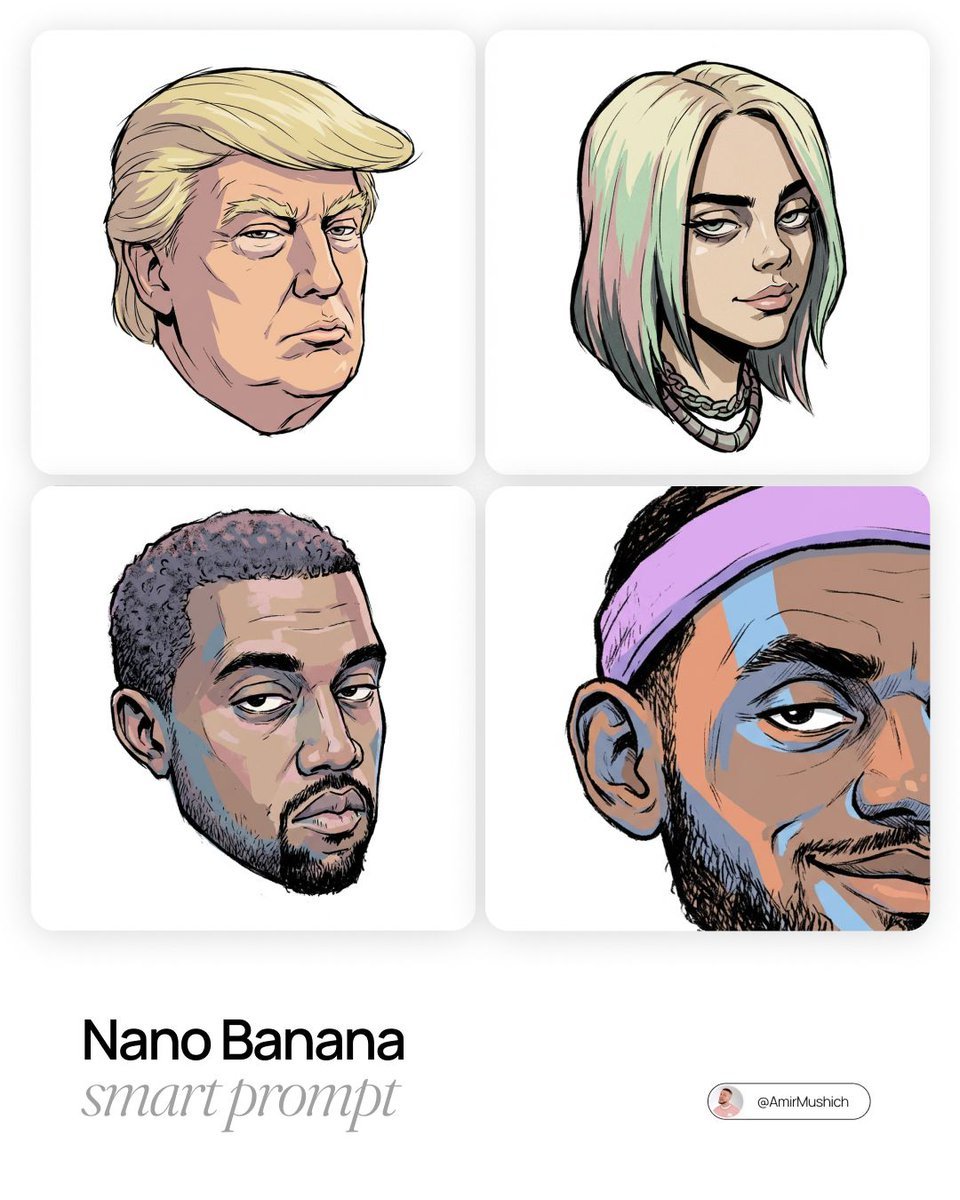
Gorillaz-Styled Illustration Prompt
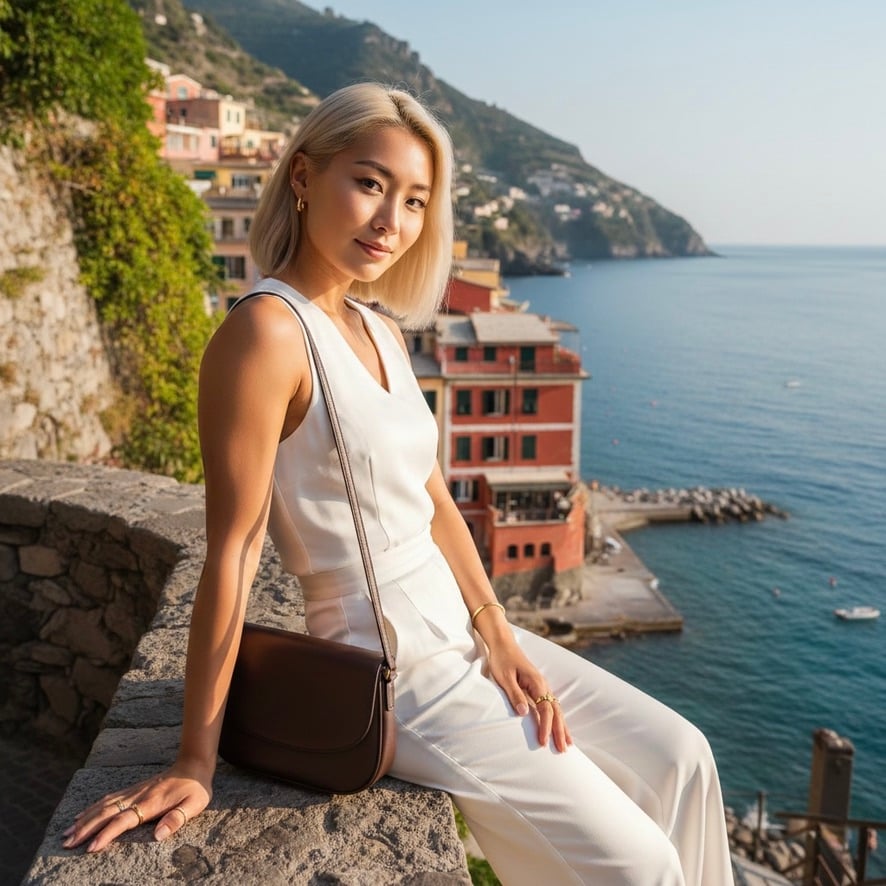
Quiet Luxury Mediterranean Vacation Portrait

Anime Style Snowman Building Scene Prompt
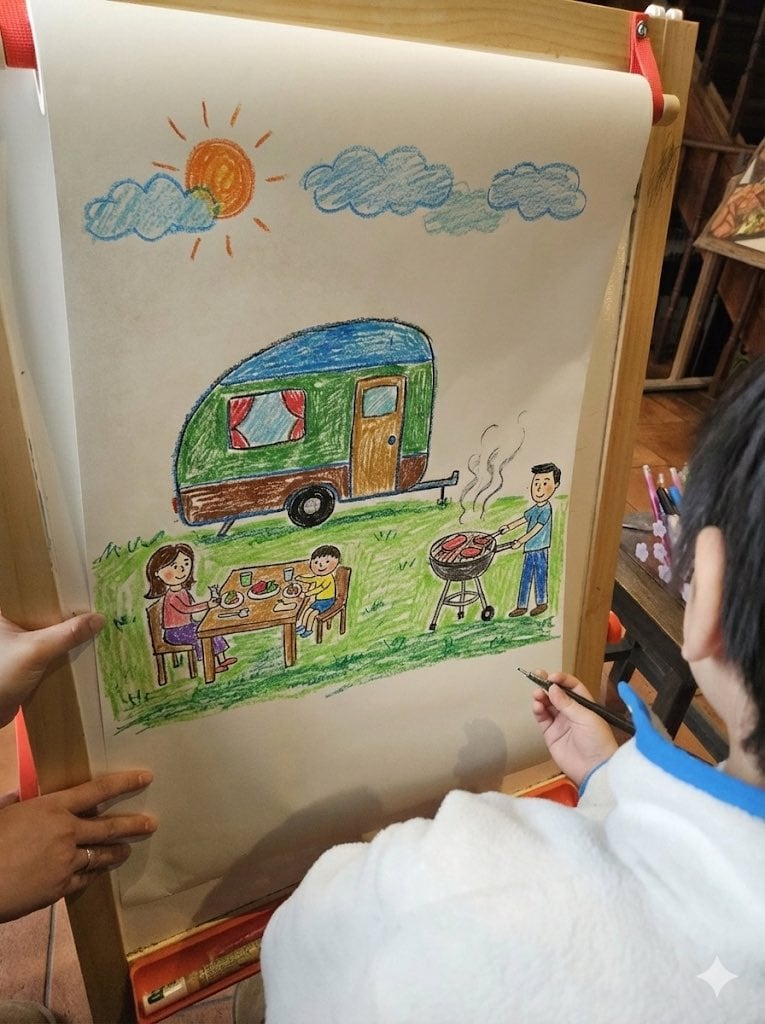
Childlike crayon-style family camping drawing
Browse template categories
Hyper-Realistic Skin Detail Portrait questions
How do I use the Hyper-Realistic Skin Detail Portrait template?
Add your photo if the template asks for one, edit the prompt if you like — the template's model and format are already selected — and press Generate. Your version opens in PicX Studio.
Can I customize the Hyper-Realistic Skin Detail Portrait template?
Yes. You can change the subject, setting, lighting, mood, format, and available model controls before creating your image.
Is the Hyper-Realistic Skin Detail Portrait template free?
Opening and editing this template is free. Generating uses credits, shown on the Generate button when you are signed in.
Which AI model should I use?
Start with Gemini 3 Pro Image Preview, which is the model associated with this template. You can compare another compatible model for a different finish.
Looking for something else? Browse all templates.

Your photo, any look
Thousands of ready templates for every top image and video model, from one credit balance.