
Boy With Werewolf Shadow
A cinematic dark-fantasy portrait of a stylish child in an alley with a giant wolf shadow looming behind him.
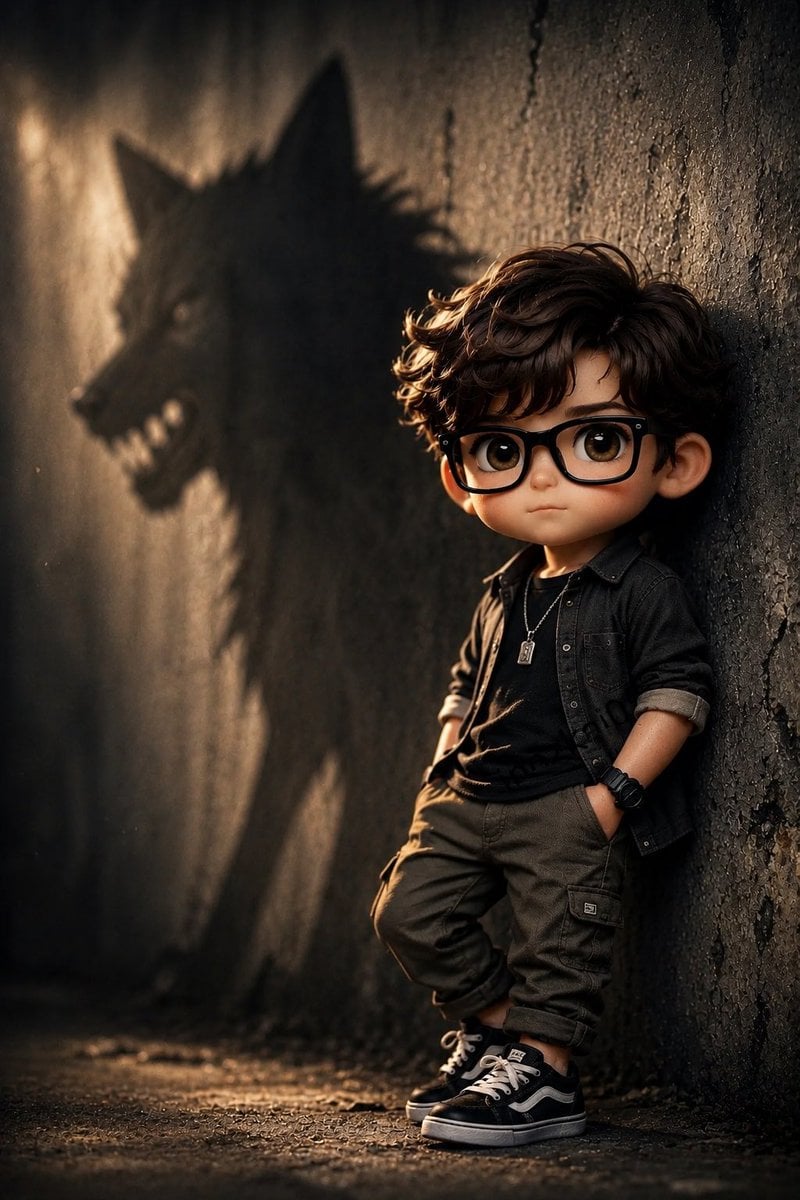
- Prompt included
- Model and format preset
- Free template
The prompt behind this image
Copy the exact prompt behind Boy With Werewolf Shadow, or open it in the studio and make it yours.
Create a cinematic vertical portrait of a young boy with {argument name="hair style" default="messy curly brown hair"} leaning casually against a rough, dark concrete alley wall, his hands in his pockets and one knee slightly bent. He wears black-framed glasses, a dark rolled-sleeve button-up shirt over a black T-shirt, olive cargo pants, black sneakers with white laces and side stripe, a black wristwatch, and a small silver pendant necklace. The environment is a gritty narrow urban alley with cracked textured walls, dusty ground, and warm low-angle golden light coming from the left. On the wall behind him, cast a single huge menacing shadow shaped like a wolf or werewolf with pointed ears, long snout, visible teeth, and a shaggy body, looming dramatically over the child; make the shadow soft-edged but clearly recognizable. Use dramatic chiaroscuro lighting, shallow depth of field, realistic photography, high detail in fabric and wall texture, moody dark tones, warm highlights, subtle haze, and a suspenseful fantasy atmosphere. The boy should appear calm and confident despite the frightening shadow. Face details may be obscured or minimally visible, but keep the pose, outfit, and wolf-shadow composition clear. No text, no watermark.
How to use Boy With Werewolf Shadow in 3 steps
- 1Upload ImagePNG, JPG or paste
Add your photo
Upload the photo the template builds on. The prompt, model and format are already set.
- 2…a portrait of your subject in softgolden-hour light, 85mm…
Personalize
Edit the subject and creative details for your destination.
- 3Generate
Generate
Press Generate — your image is created in PicX Studio, so you can compare it with the original and refine one variable at a time.
More like this
Templates with the same subject, style or setup. Open one to see its prompt.
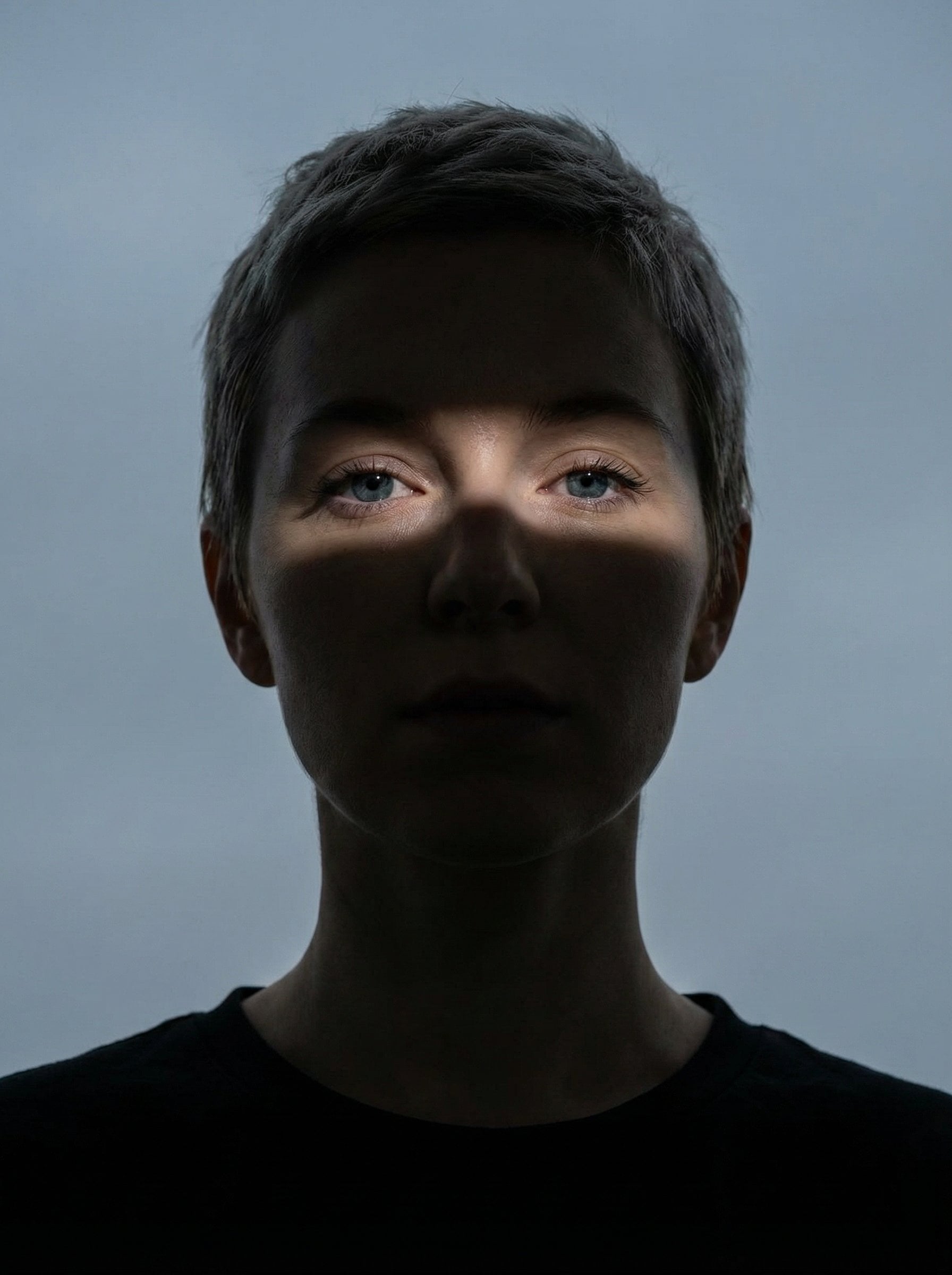
Nano Banana Pro Eyes in Shadow
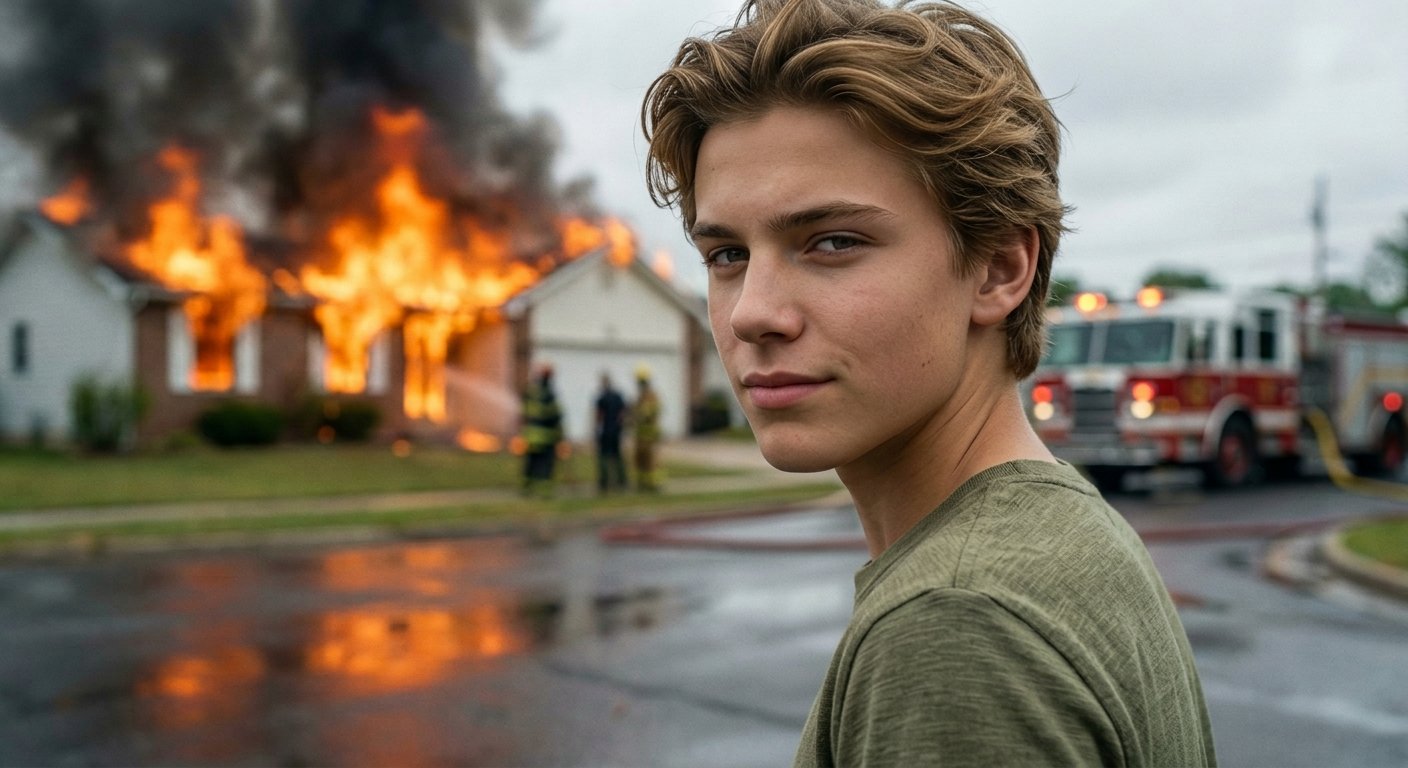
Cinematic Fire Portrait - Boy
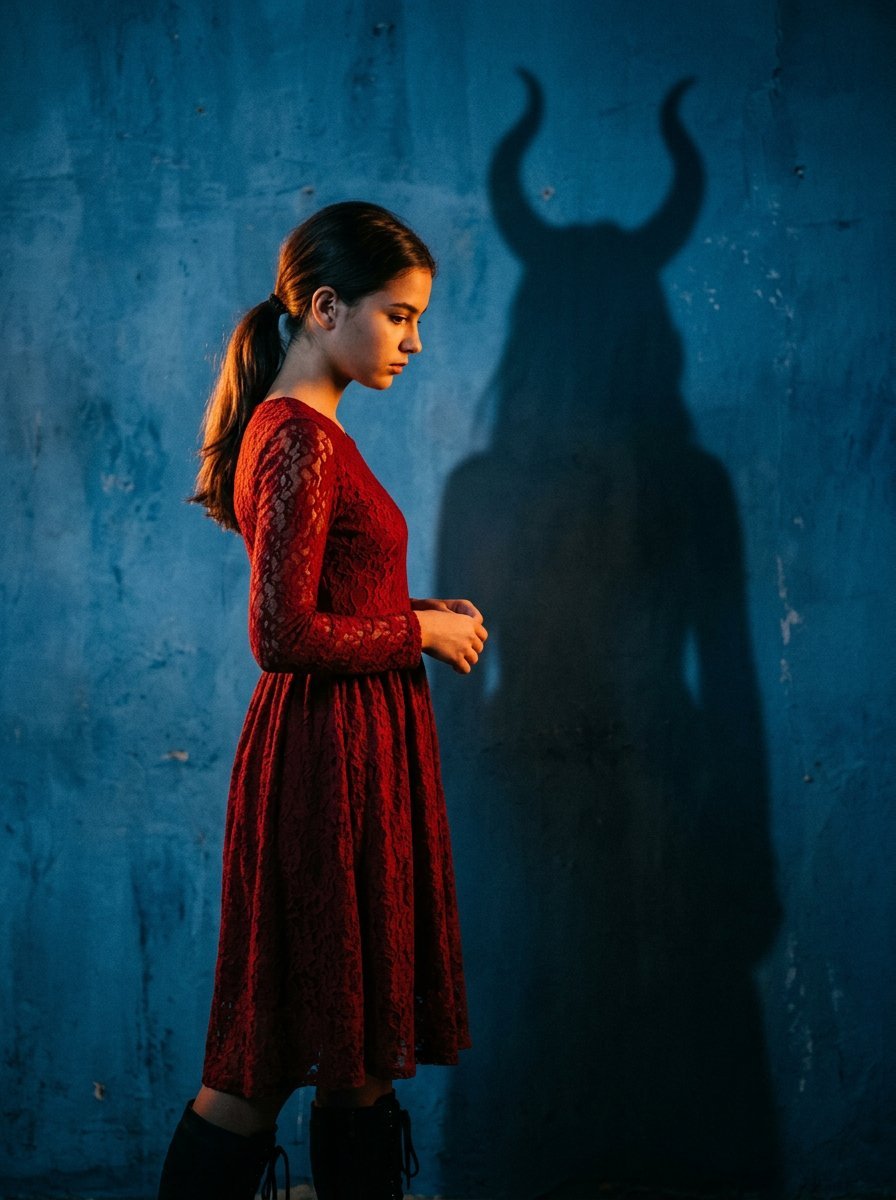
Mysterious Shadow Red Dress Portrait

Anime Dim Sum Festival Boy
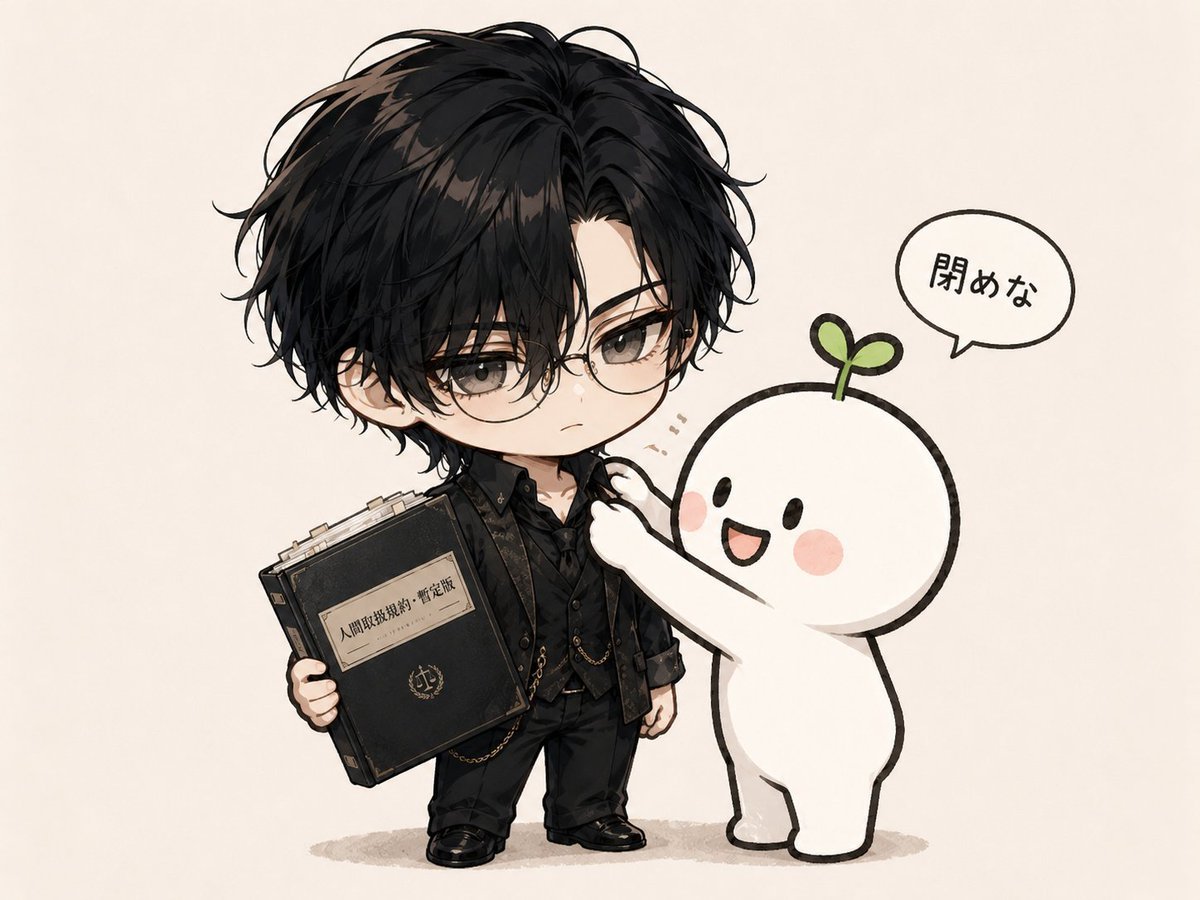
Chibi Boy and Sprout Mascot
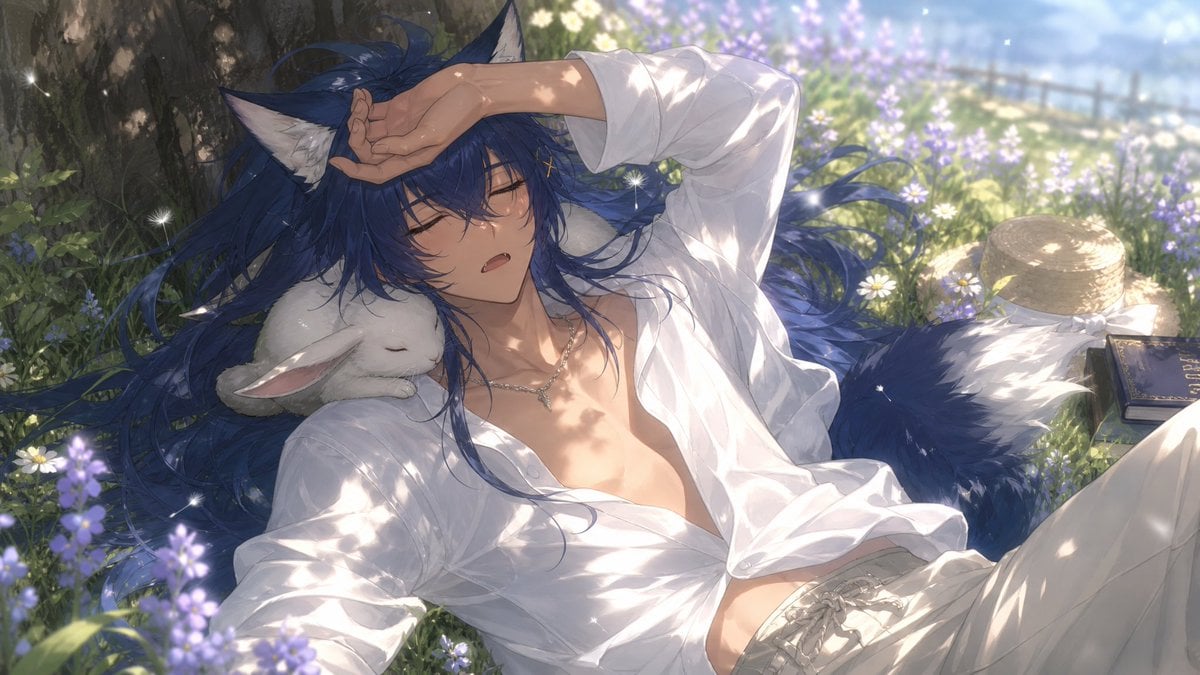
Wolf Boy Summer Meadow Nap
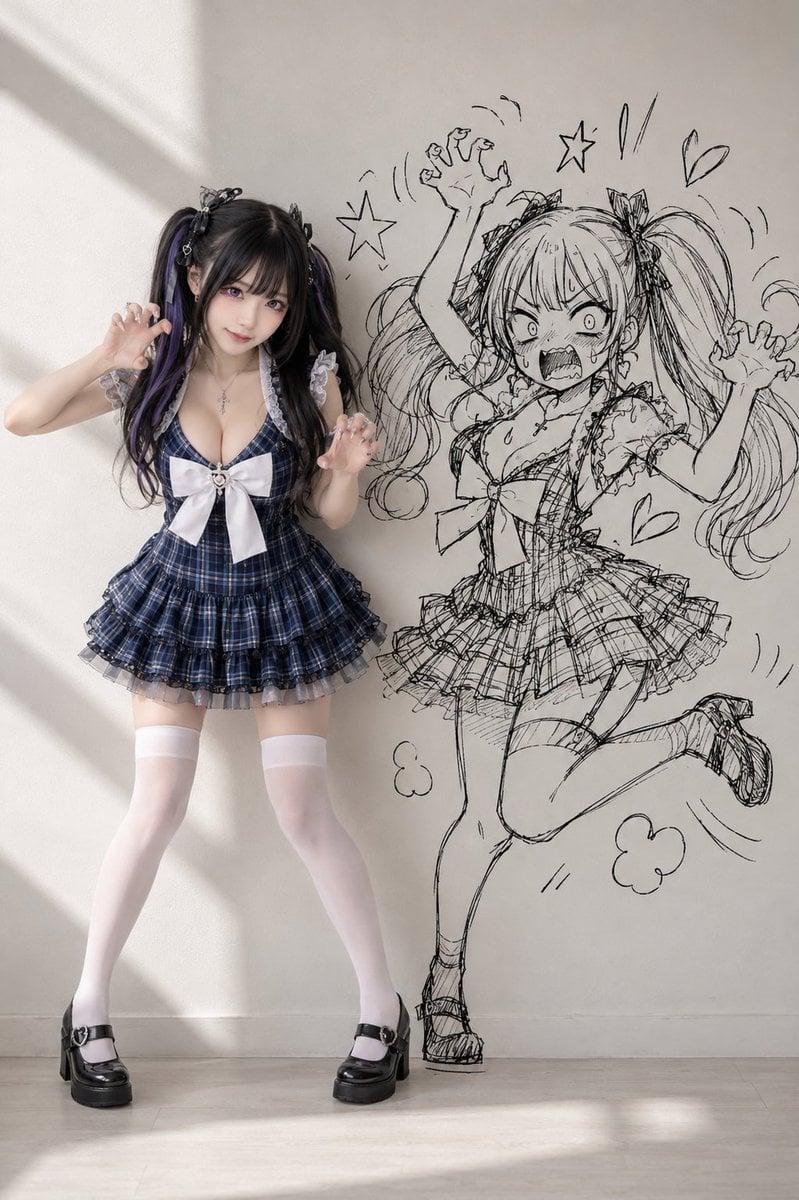
Cosplay Girl with Manga Graffiti Shadow
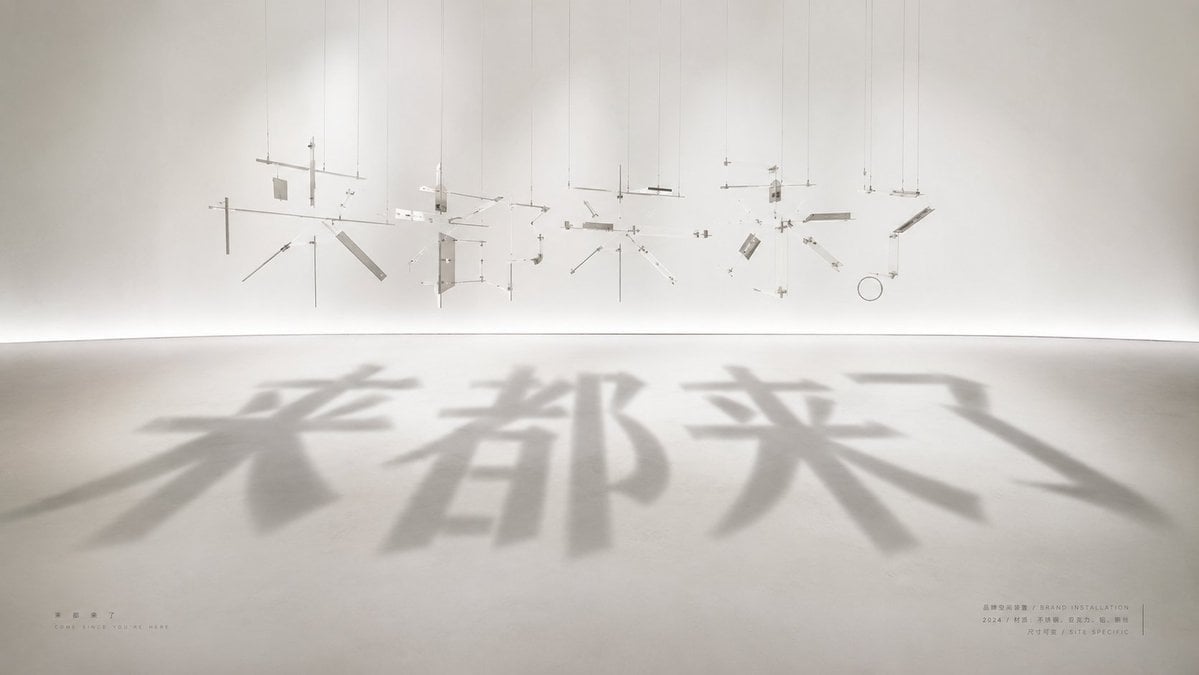
Shadow Text Installation Art
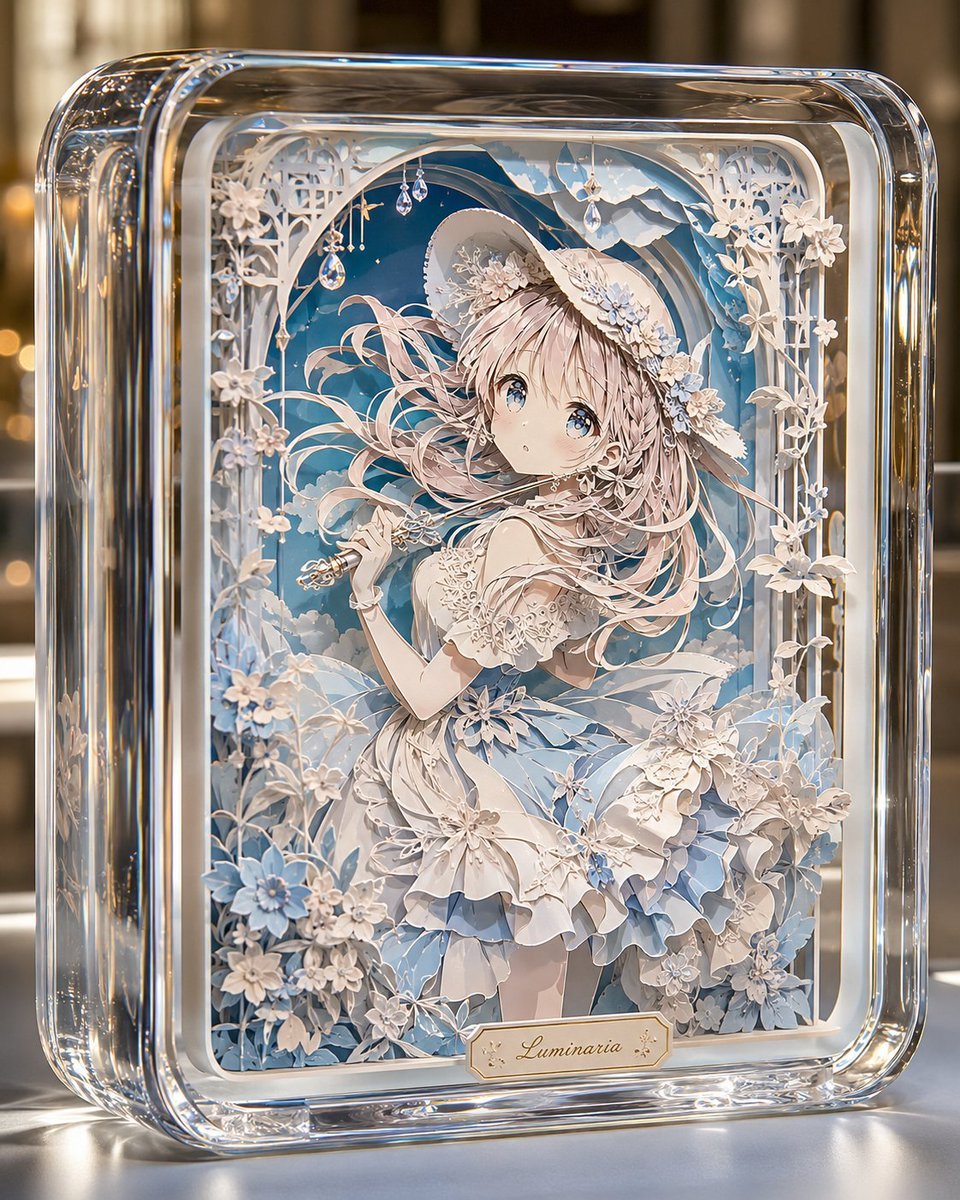
Glass Paper-Craft Anime Shadow Box
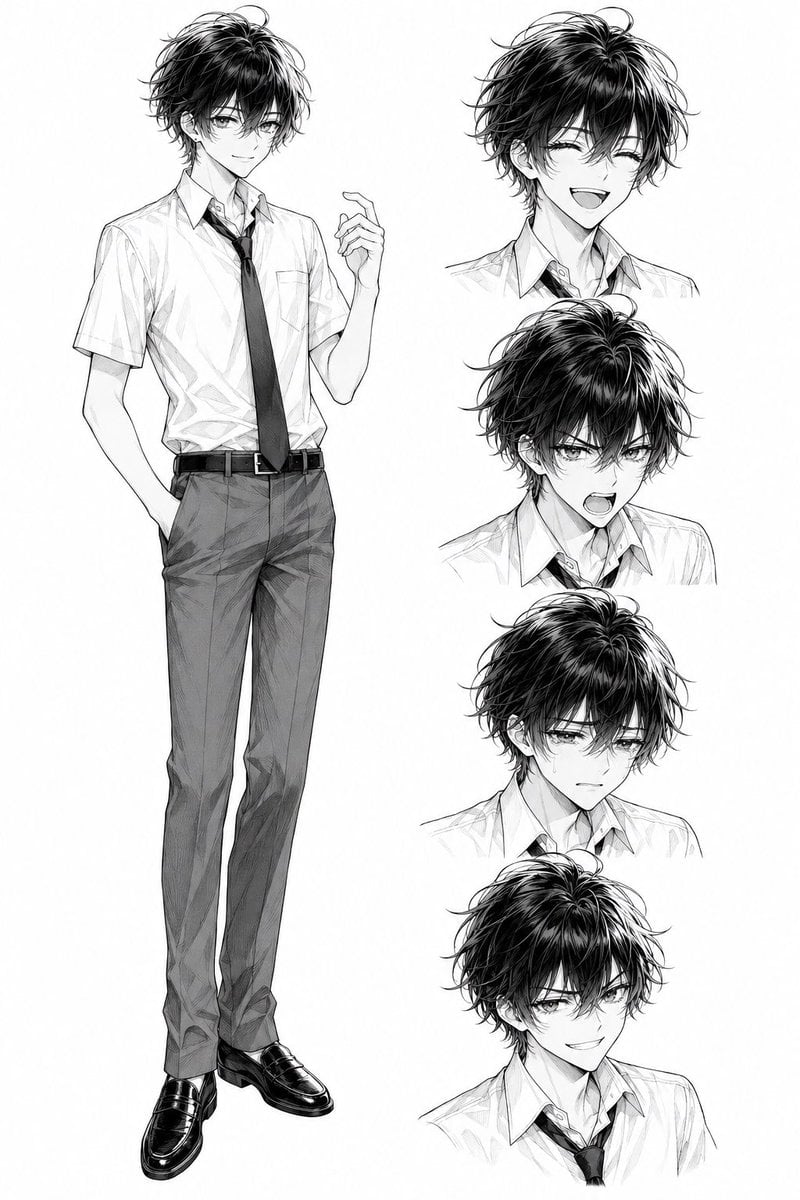
Monochrome Anime Schoolboy Expression Sheet
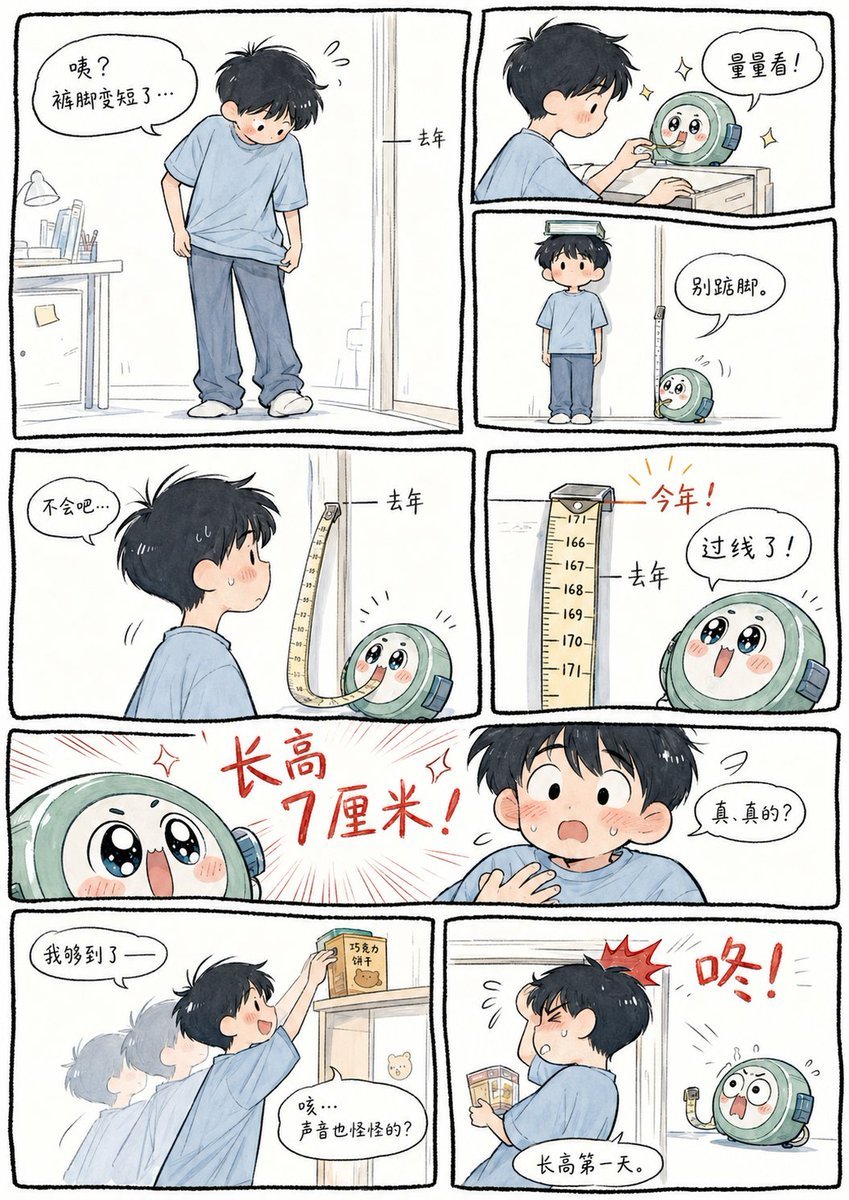
Boy Height Growth Manhua Comic
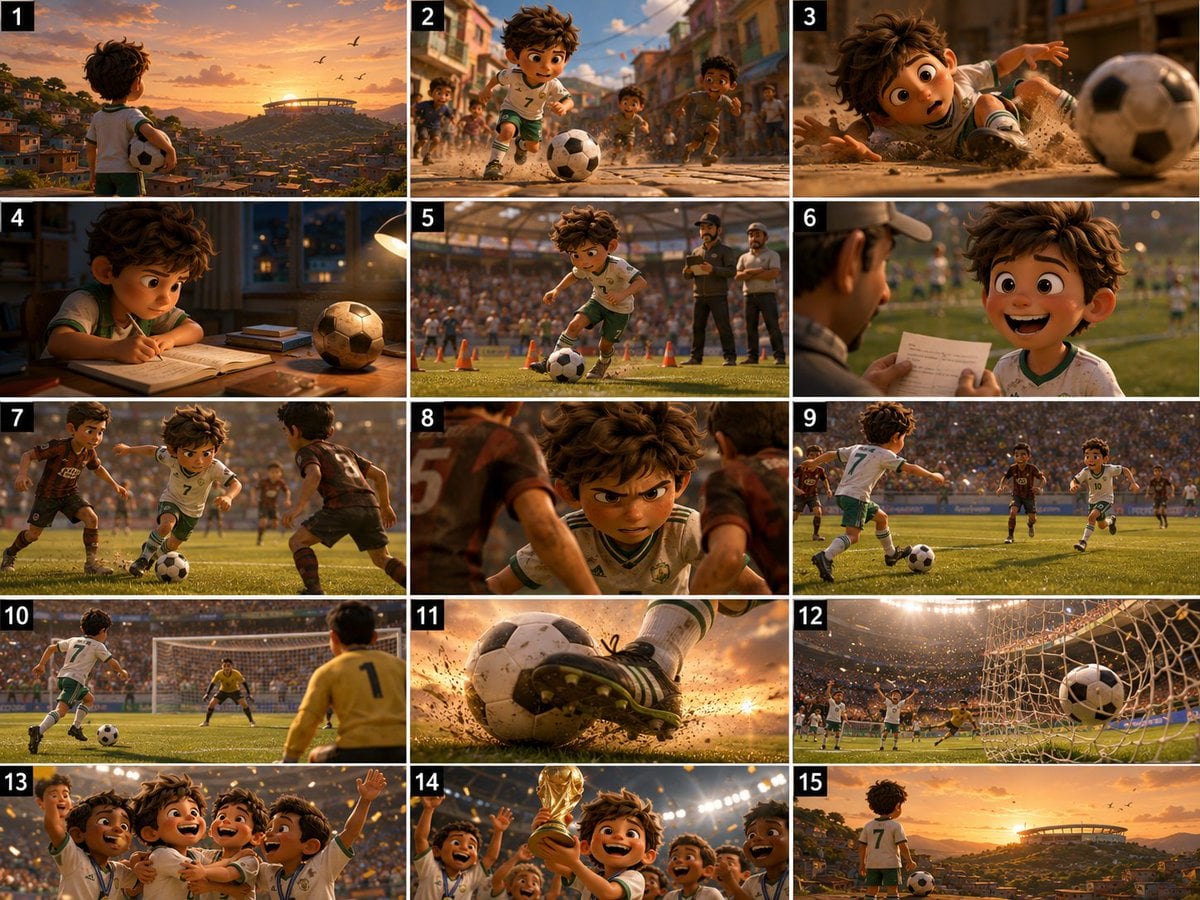
Panel Football Boy Storyboard
Make it yours
Boy With Werewolf Shadow works as-is. These are the safest ways to change it without losing the look.
Change one field
Copy a single group, rewrite it, and generate again so you can see what that field is doing.
Keep the frame, change the subject
Hold the composition and light of Boy With Werewolf Shadow, then swap wardrobe, props or the person for a new take.
| If the result… | Why | Fix |
|---|---|---|
| The result drifts from the preview | Too many fields changed at once. | Reuse Boy With Werewolf Shadow as-is first, then change one group — subject, light, or setting. |
| The model over-stylizes the scene | The prose prompt leaves finish and camera underspecified. | Add one camera or lighting sentence and stay on GPT Image 2. |
More GPT Image 2 templates
Other prompts made for GPT Image 2.

Six VTuber Japanese Logo Sheet

Realistic Portrait of Woman and Deer

The Vista Modular Condo Poster

AI Model Routing Comparison Infographic

2.5D Anime Art Board

Isometric Productivity Desk Scene

New York Double Exposure Poster

Four-Panel AI Landscape Comparison

Japanese Tatami Lifestyle Magazine Cover

NESCAFÉ Coffee Map Poster
More image prompts
Fresh picks from across the catalog.
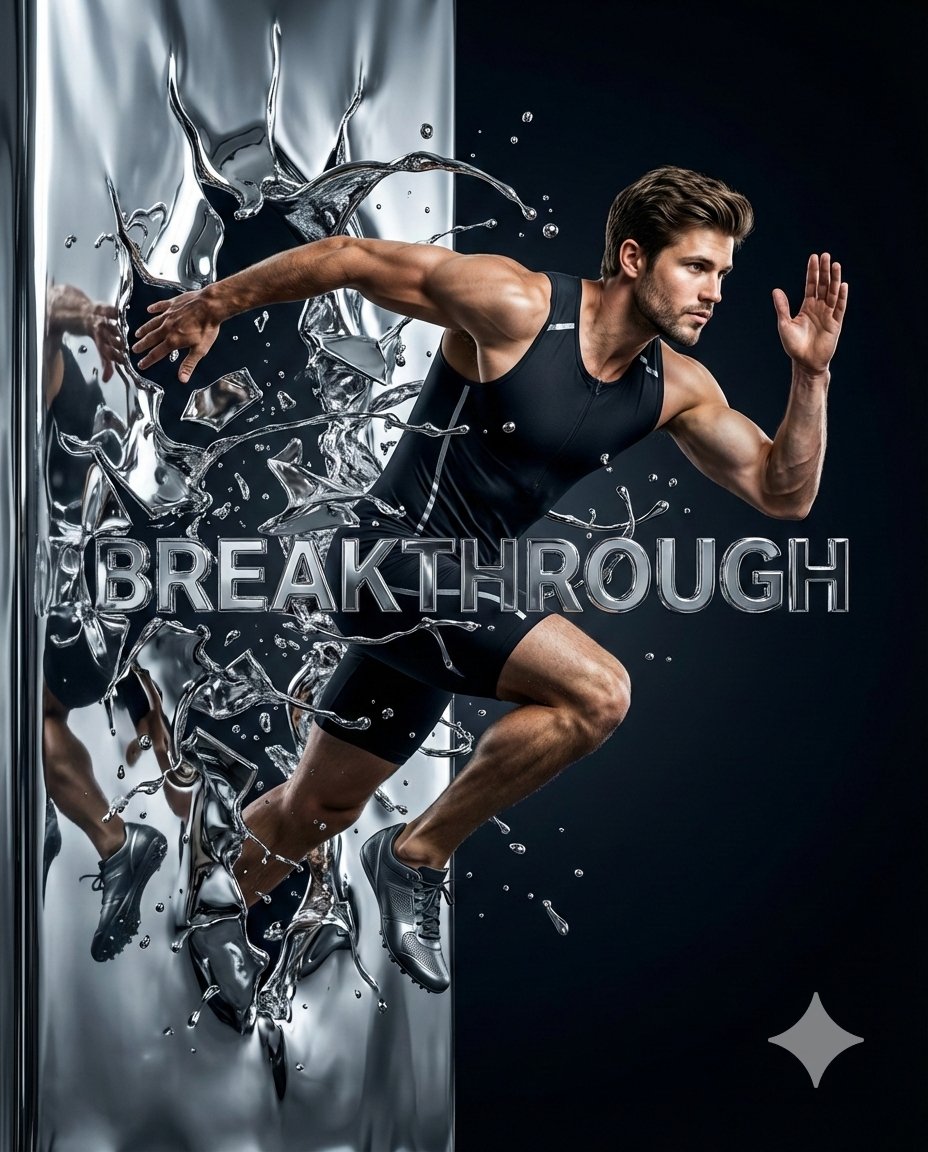
Hyper-Realistic Chrome Wall Breakthrough Prompt
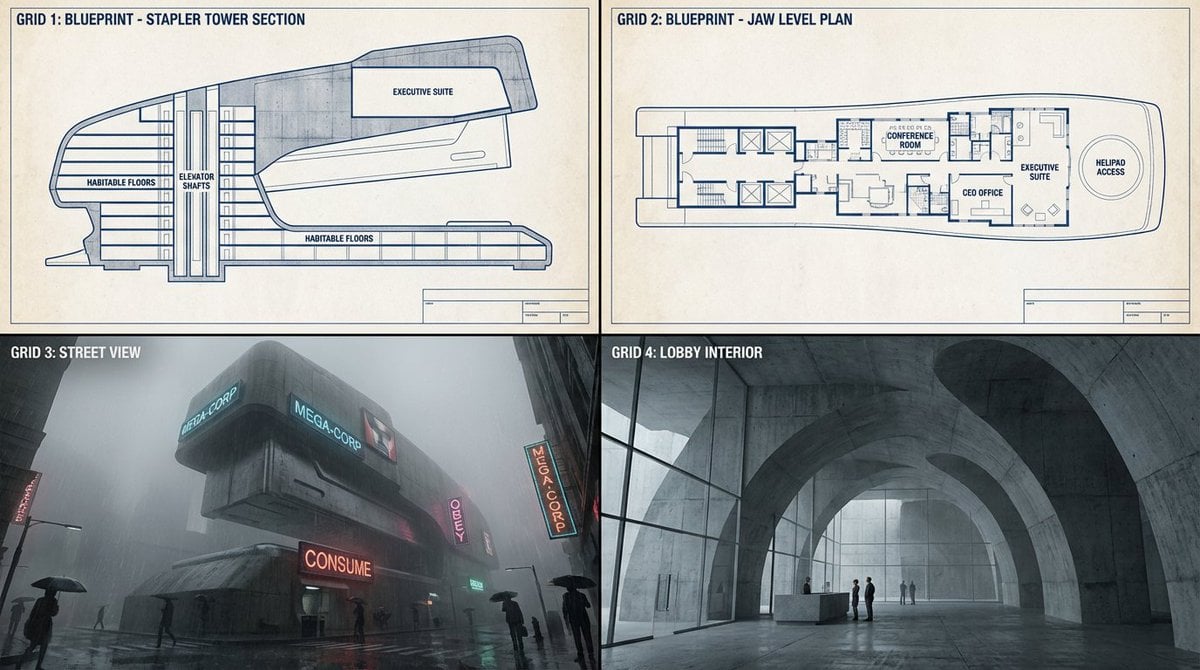
Object-to-Dystopian Building Transformation
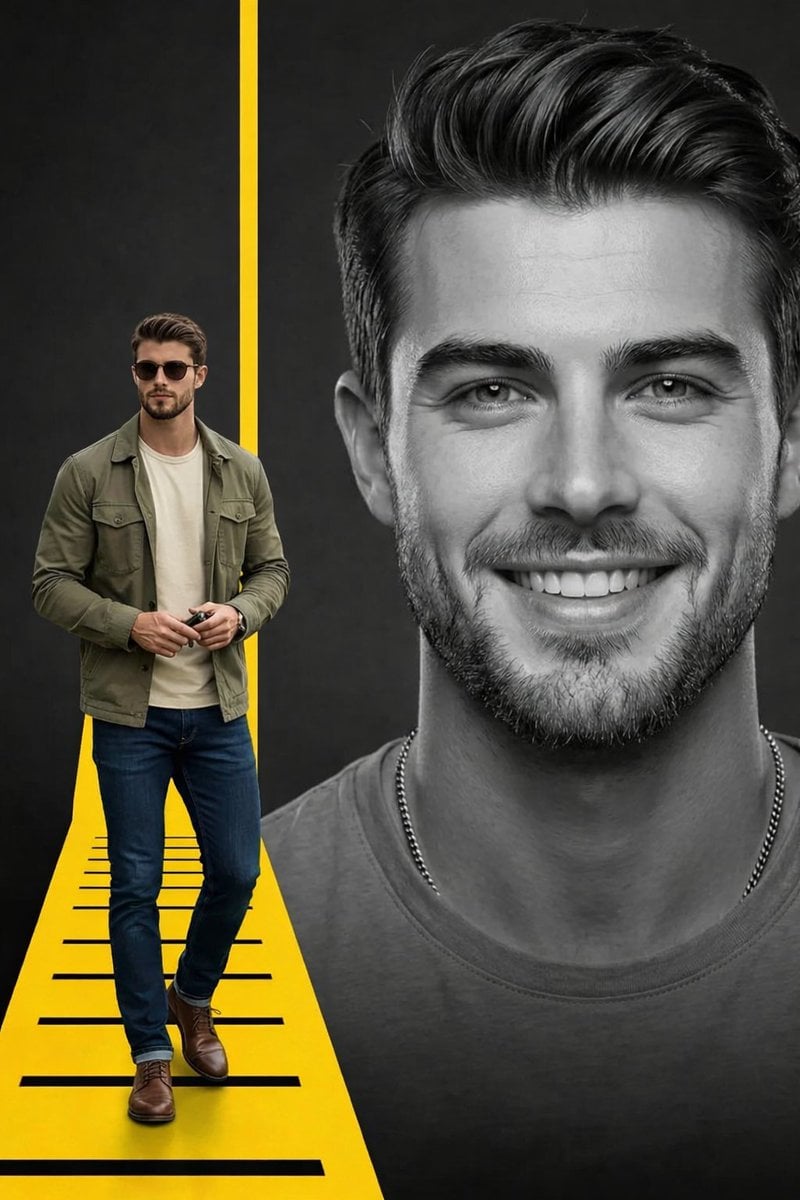
Split Composition Portrait of a Man
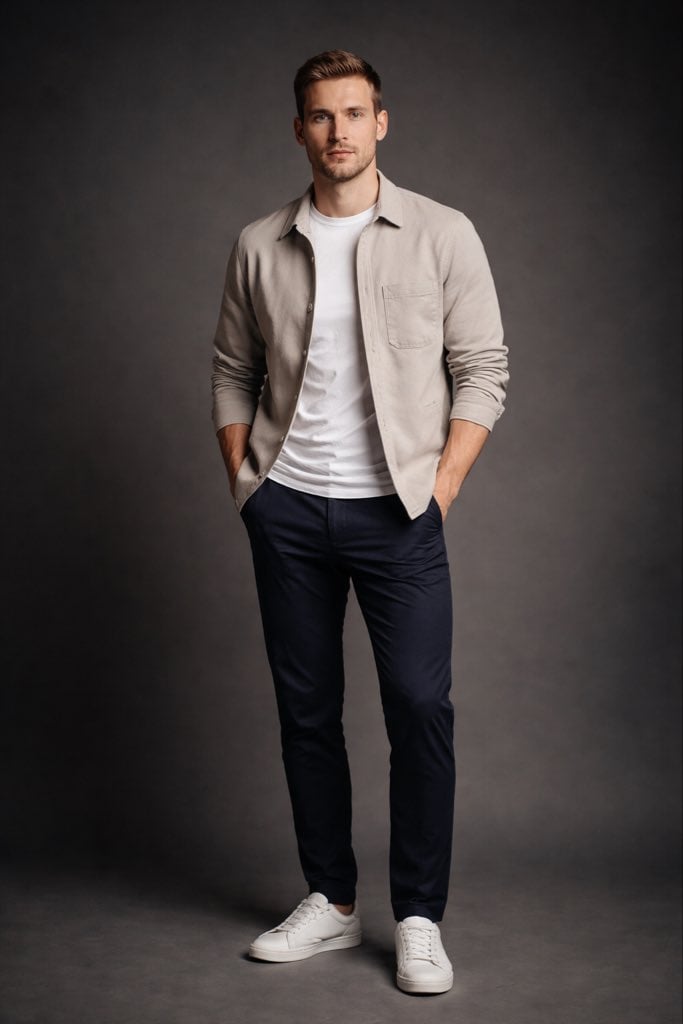
Modern Casual British Man Studio Portrait Prompt
Golden Hour Ski Slope Selfie (Snow Bunny Aesthetic)
ChatGPT Prompt for Nano Banana Pro Image Generation
Loch Ness Monster Visual Description and Generation
Neon VTuber Arena Stage
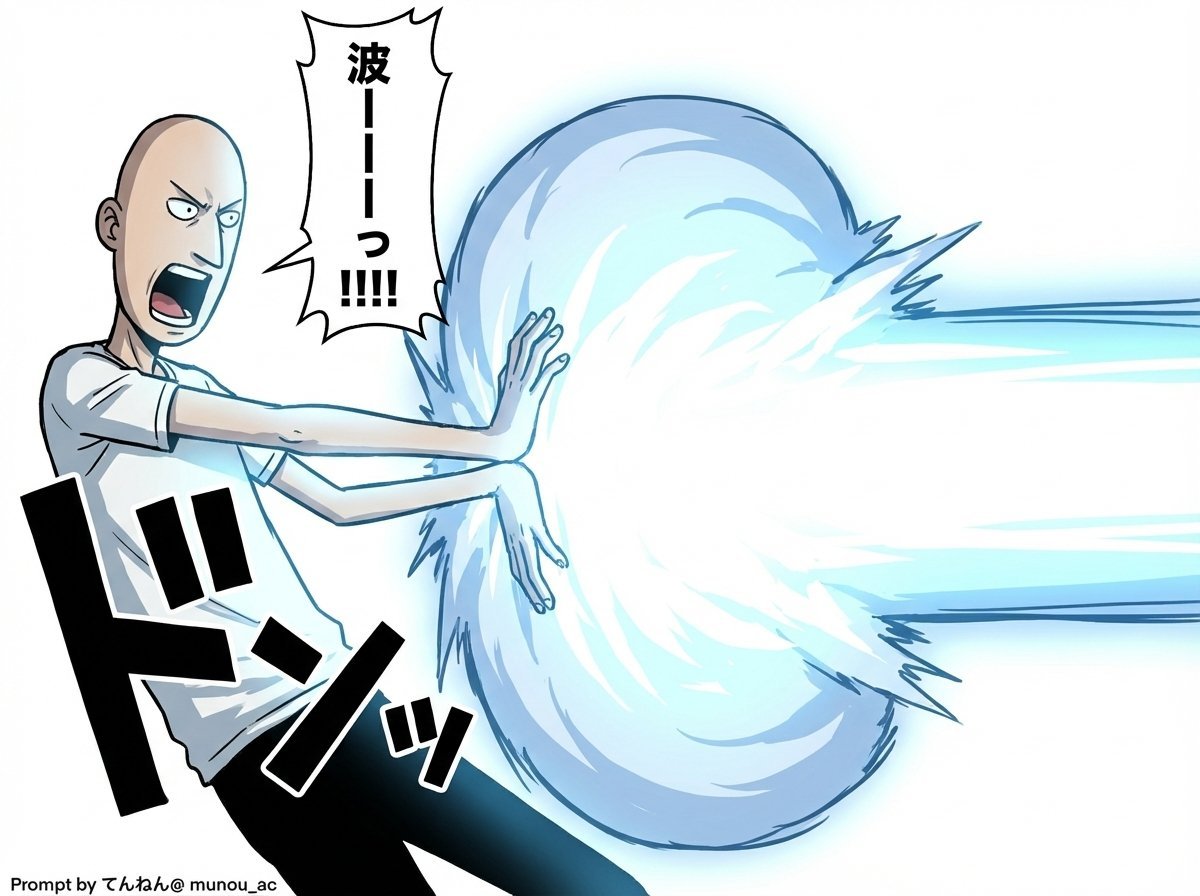
Kamehameha Attack Image Generation (Technical Prompt)
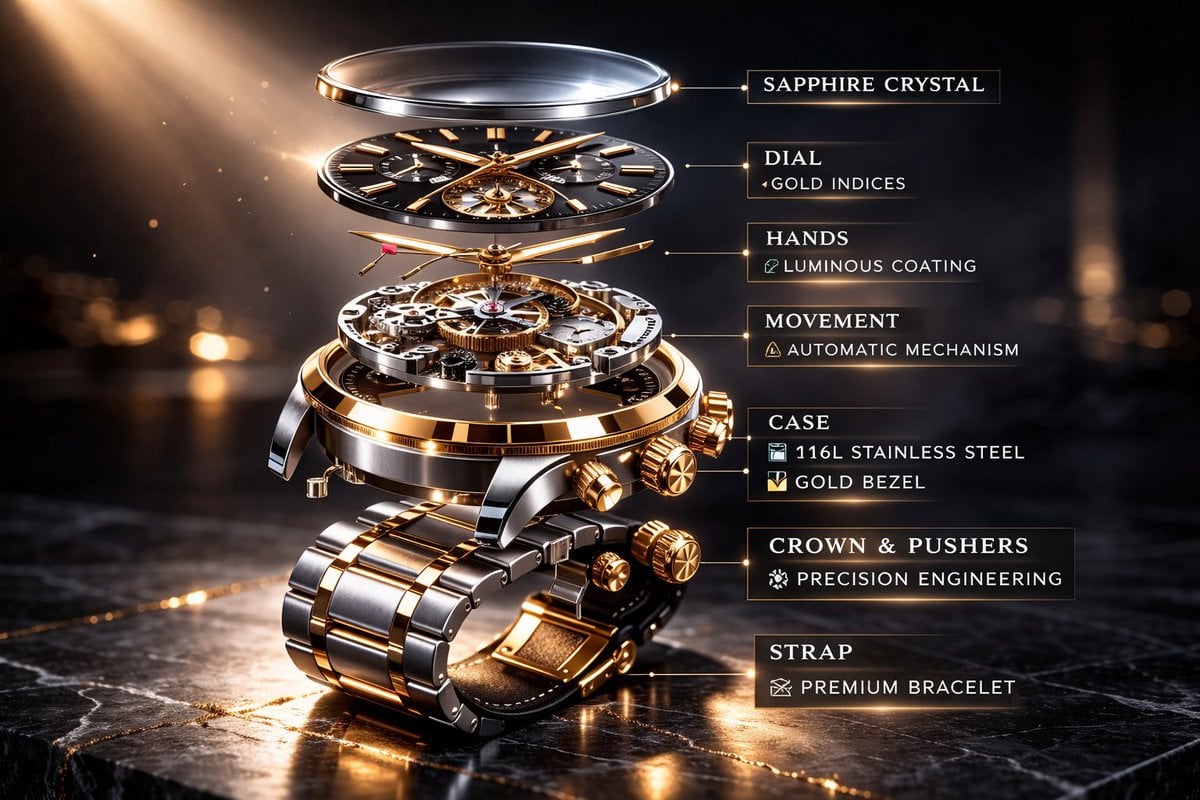
Luxury Mechanical Watch Commercial Photography Prompt
Browse template categories
Boy With Werewolf Shadow questions
How do I use the Boy With Werewolf Shadow template?
Add your photo if the template asks for one, edit the prompt if you like — the template's model and format are already selected — and press Generate. Your version opens in PicX Studio.
Can I customize the Boy With Werewolf Shadow template?
Yes. You can change the subject, setting, lighting, mood, format, and available model controls before creating your image.
Is the Boy With Werewolf Shadow template free?
Opening and editing this template is free. Generating uses credits, shown on the Generate button when you are signed in.
Which AI model should I use?
Start with GPT Image 2, which is the model associated with this template. You can compare another compatible model for a different finish.
Looking for something else? Browse all templates.

Your photo, any look
Thousands of ready templates for every top image and video model, from one credit balance.