
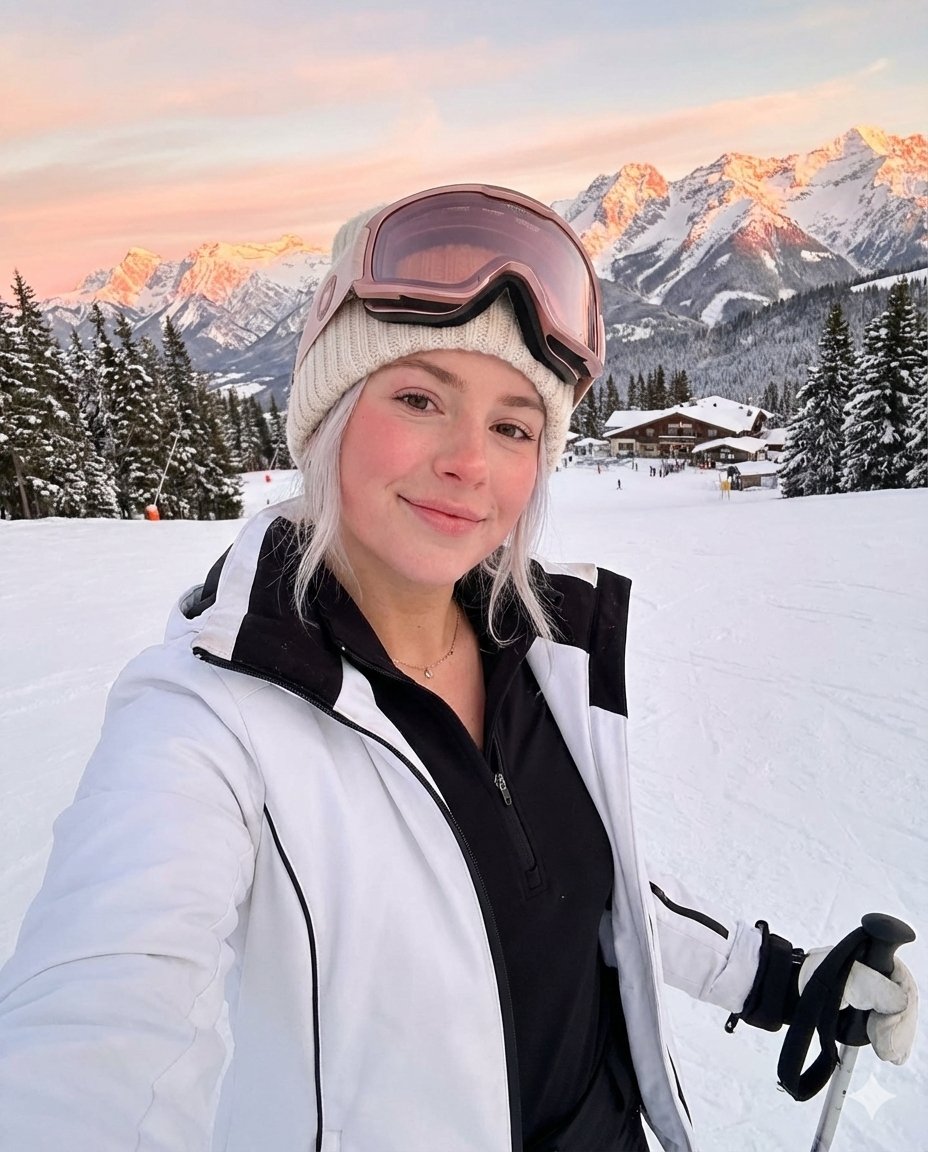
Golden Hour Ski Slope Selfie (Snow Bunny Aesthetic)
A detailed prompt for generating a photorealistic ski slope selfie of a young woman during golden hour, emphasizing the 'snow bunny' aesthetic, specific winter gear details (rose gold goggles, white jacket), and an epic…
- Prompt included
- Model and format preset
- Premium template
The prompt behind this image
Copy the exact prompt behind Golden Hour Ski Slope Selfie (Snow Bunny Aesthetic), or open it in the studio and make it yours.
{ "subject": { "description": "Young woman taking ski slope selfie at golden hour, snow bunny aesthetic", "age": "early 20s", "expression": { "eyes": "soft, looking at camera, pretty", "mouth": "soft gentle smile, natural", "cheeks": "rosy pink from cold, natural flush", "overall": "fresh-faced winter glow, healthy cold-weather blush" }, "hair": { "color": "platinum blonde", "style": "loose, flowing out from under beanie", "details": "windswept, natural, some pieces framing face" }, "body": { "frame": "slim, athletic", "pose": "slight lean forward, selfie angle" }, "pose": { "selfie_arm": "extended out taking photo", "other_arm": "holding ski poles upright", "stance": "standing on slope, skis on", "lean": "slight forward lean toward camera", "overall": "classic ski selfie pose" }, "clothing": { "beanie": { "type": "cream/beige knit beanie", "style": "chunky cable knit, cozy" }, "goggles": { "type": "ski goggles", "color": "{argument name="goggles color" default="rose gold/pink"} tinted lens", "position": "pushed up on forehead, resting on beanie" }, "jacket": { "type": "ski jacket", "color": "WHITE with black trim/accents", "fit": "fitted, athletic, open/unzipped", "details": "black cuffs, black collar trim" }, "base_layer": { "type": "black half-zip athletic top", "fit": "fitted, tight, shows shape", "neckline": "half-zip pulled down slightly" }, "pants": { "type": "black ski pants or leggings", "fit": "tight, fitted" }, "boots": { "type": "white ski boots", "visible": "yes, in skis" } }, "accessories": { "necklace": "dainty gold chain, visible at neckline", "earrings": "small gold hoops peeking out", "ski_equipment": { "poles": "held in one hand, silver/black", "skis": "on feet, black visible" } } }, "environment": { "location": "ski slope, mountain resort", "setting": { "mountains": "dramatic mountain range in background", "lighting": "GOLDEN HOUR - alpenglow on peaks, pink/orange", "snow": "white snow everywhere, pristine slope", "trees": "evergreen pine trees, snow-covered" }, "time": "sunset/golden hour, magic light", "atmosphere": "epic mountain vista, end of ski day" }, "photography": { "style": "selfie, wide angle to capture background", "framing": "upper body + mountain backdrop", "quality": "iPhone, good lighting", "aspect": "4:5 vertical" }, "color_story": { "her": { "outfit": "white jacket, black base layer, cream beanie", "goggles": "rose gold pink", "hair": "platinum blonde" } } }
How to use Golden Hour Ski Slope Selfie (Snow Bunny Aesthetic) in 3 steps
- 1
Open
The prompt is already in the box next to the preview, with the template's model and format selected.
- 2…a portrait of your subject in softgolden-hour light, 85mm…
Personalize
Edit the subject and creative details for your destination.
- 3Generate
Generate
Press Generate — your image is created in PicX Studio, so you can compare it with the original and refine one variable at a time.
More like this
Templates with the same subject, style or setup. Open one to see its prompt.

Rooftop Fisheye — Cat-Ear Balaclava at Golden Hour

Photoreal Snow Biome Name Tag UI

Golden Hour SUV Selfie
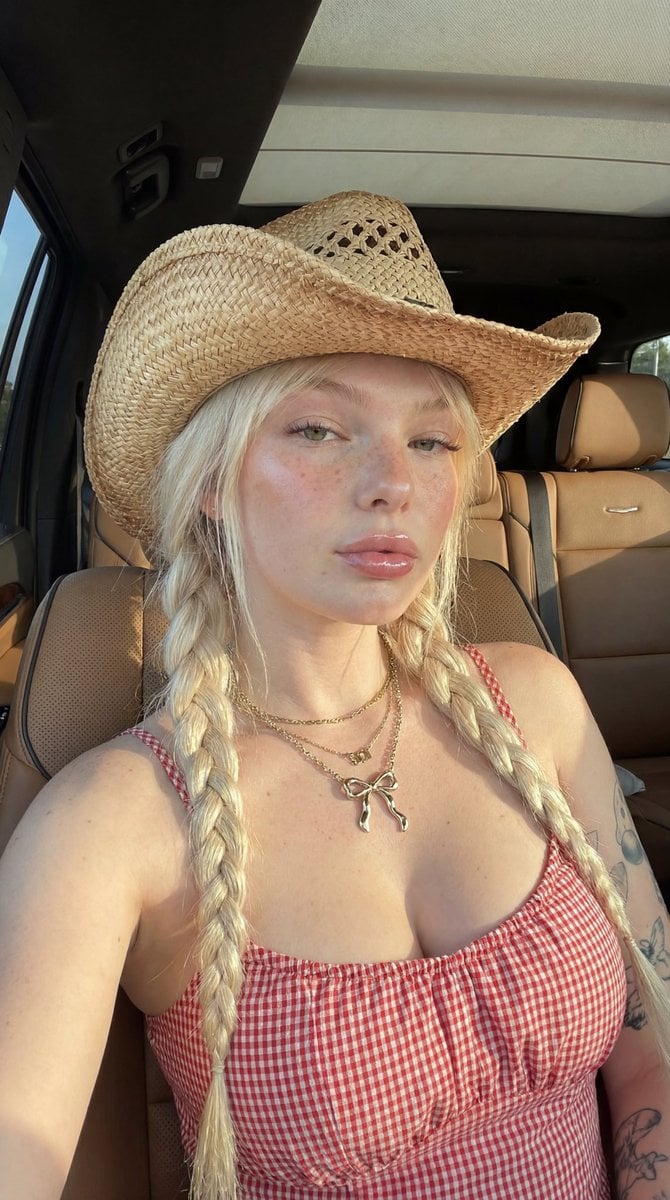
Golden Hour SUV Selfie
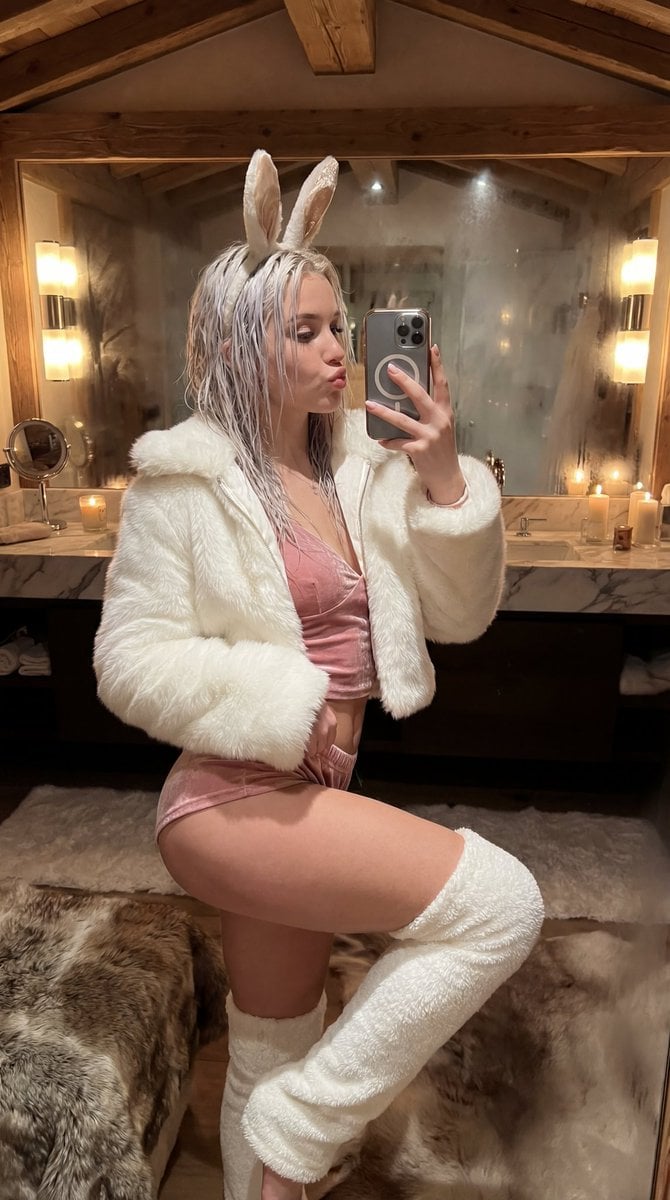
Après-Ski Naughty Bunny Selfie Prompt

Minimalist Golden Hour Selfie

80s Golden Hour Cinema

Boardwalk Fashion Portrait

Cinematic Golden Hour Garden Portrait

Cinematic Golden Hour Urban Portrait
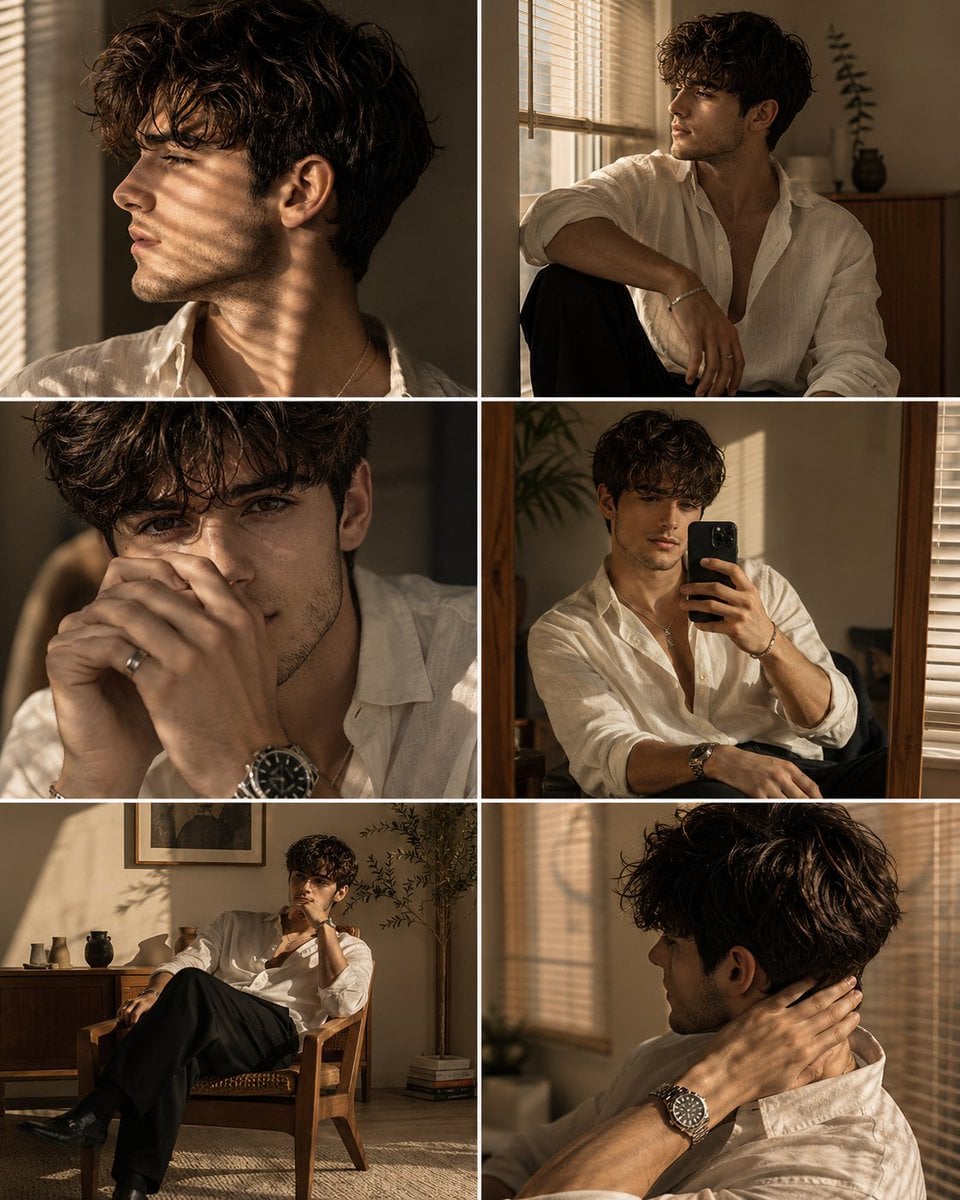
Luxury Men's Golden Hour Collage

Felt & Knit 3D Character — Photo-Exact Face, Pixar-Quality Plush Figurine
Make it yours
Golden Hour Ski Slope Selfie (Snow Bunny Aesthetic) works as-is. These are the safest ways to change it without losing the look.
Change one field
Copy a single group, rewrite it, and generate again so you can see what that field is doing.
Keep the frame, change the subject
Hold the composition and light of Golden Hour Ski Slope Selfie (Snow Bunny Aesthetic), then swap wardrobe, props or the person for a new take.
| If the result… | Why | Fix |
|---|---|---|
| The result drifts from the preview | Too many fields changed at once. | Reuse Golden Hour Ski Slope Selfie (Snow Bunny Aesthetic) as-is first, then change one group — subject, light, or setting. |
| The model over-stylizes the scene | The prose prompt leaves finish and camera underspecified. | Add one camera or lighting sentence and stay on Nano Banana 2. |
More Nano Banana 2 templates
Other prompts made for Nano Banana 2.

Photorealistic Leaf Shaped Like a Dragon

K-Pop Idol Portrait Grid for Rapid Selection

Poetic Rain Forest Portrait During Golden Hour

Urban Street Portrait with Cartoon Inner Self Duo

Candid Nighttime Photo with Cat Prompt

High-Concept 3D Diorama Generation Prompt

Cinematic Futuristic Studio Portrait Template

Skincare Editorial Photography Collage Prompt

Hyper-Realistic Commercial Product Photography (Splash Effect)

Hyper-Realistic Nightclub Portrait Prompt
More image prompts
Fresh picks from across the catalog.
Realistic Bird with Artistic Traces
Elegant Double Portrait Fashion Collage
Luxury Chicken Burger Ingredient Explosion Commercial
Candid Nightlife Street Snapshot
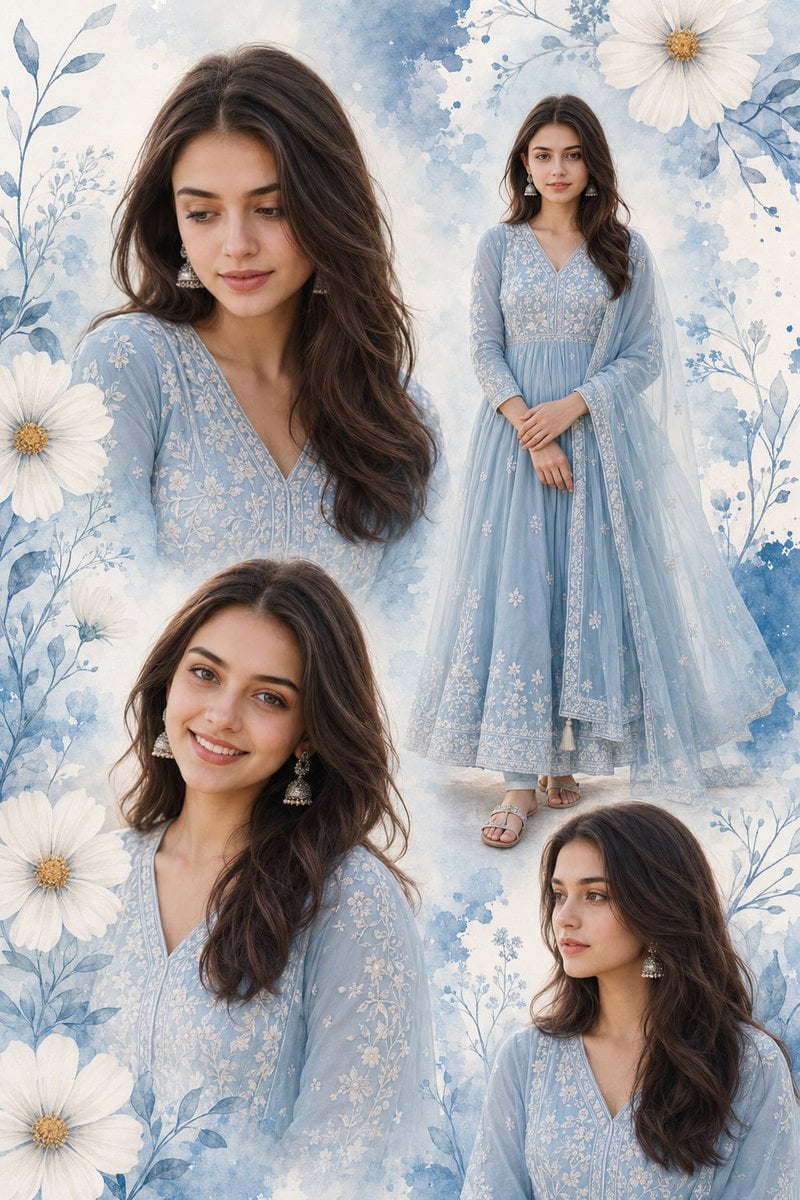
Indian Woman Anarkali Suit Collage
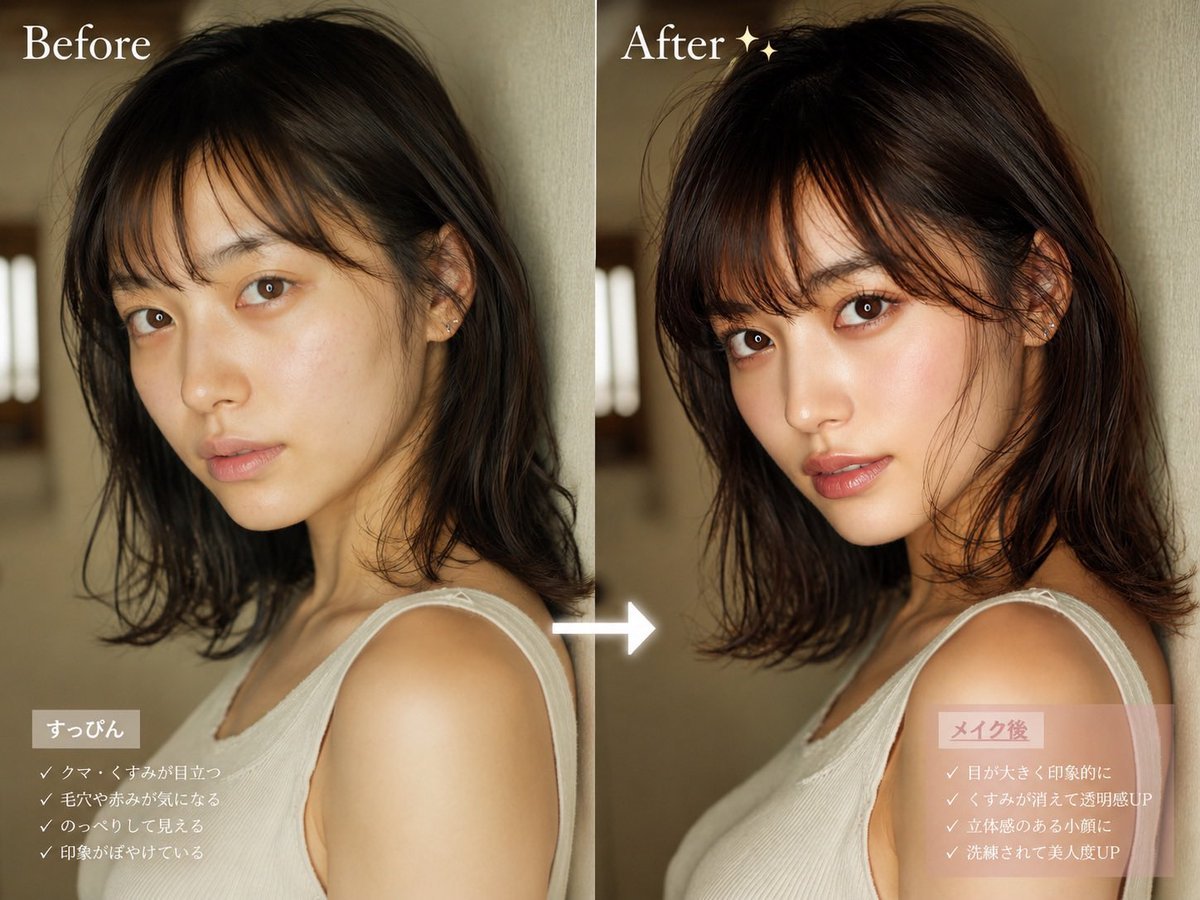
Before After Makeup Transformation

Snack Kingdom Potato Fries Ad
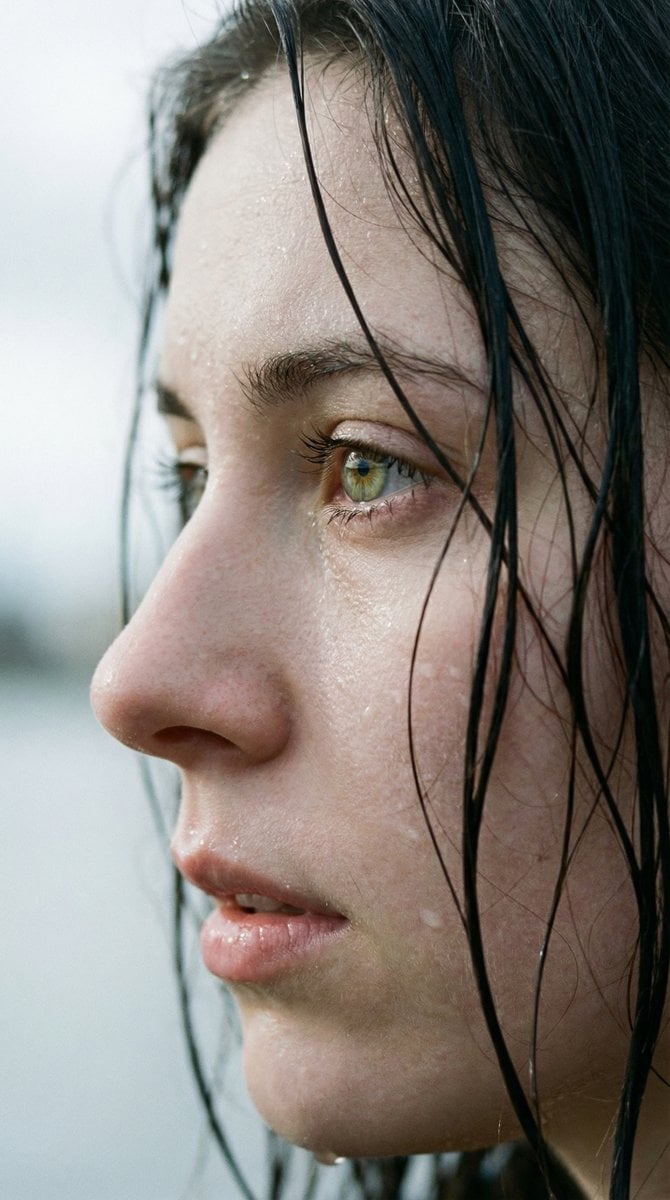
Extreme Wet Close-Up Portrait with Realistic Water Droplets
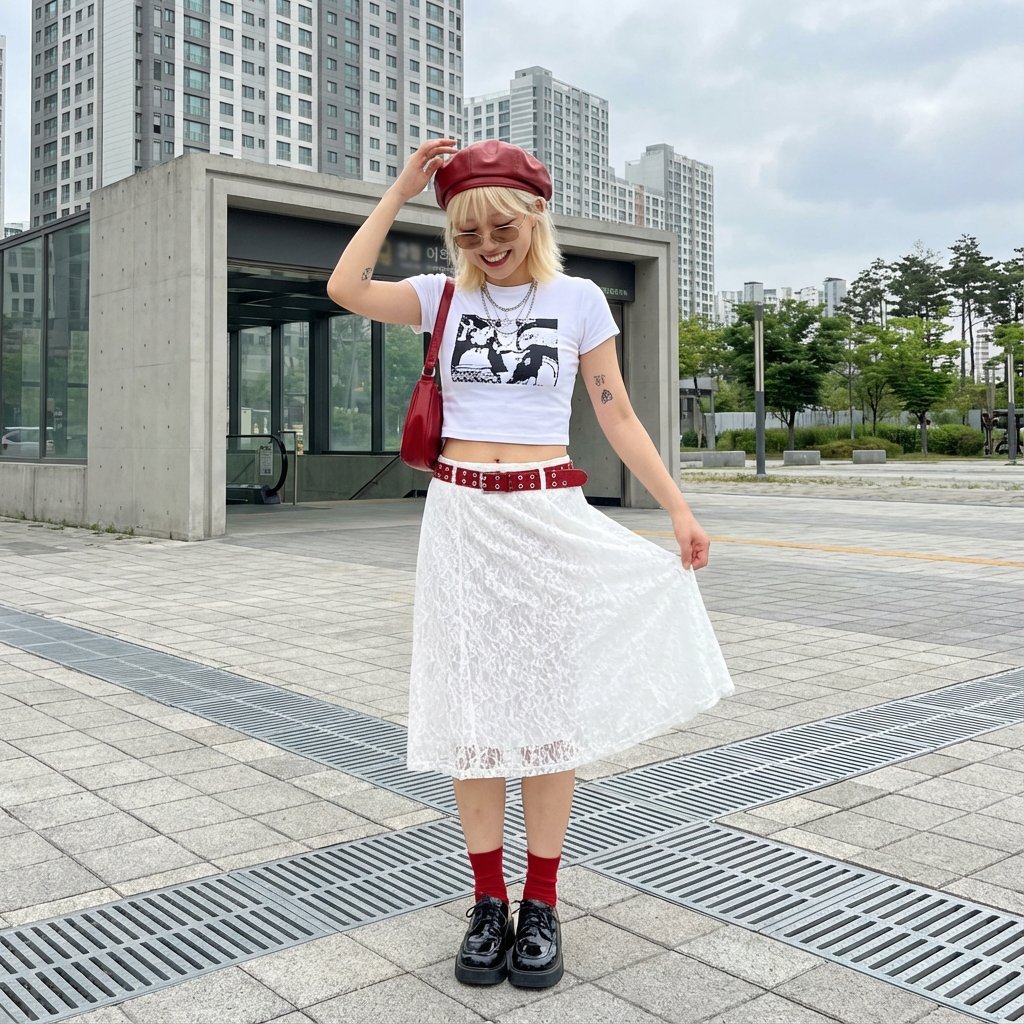
Street Style Fashion Photography Prompt
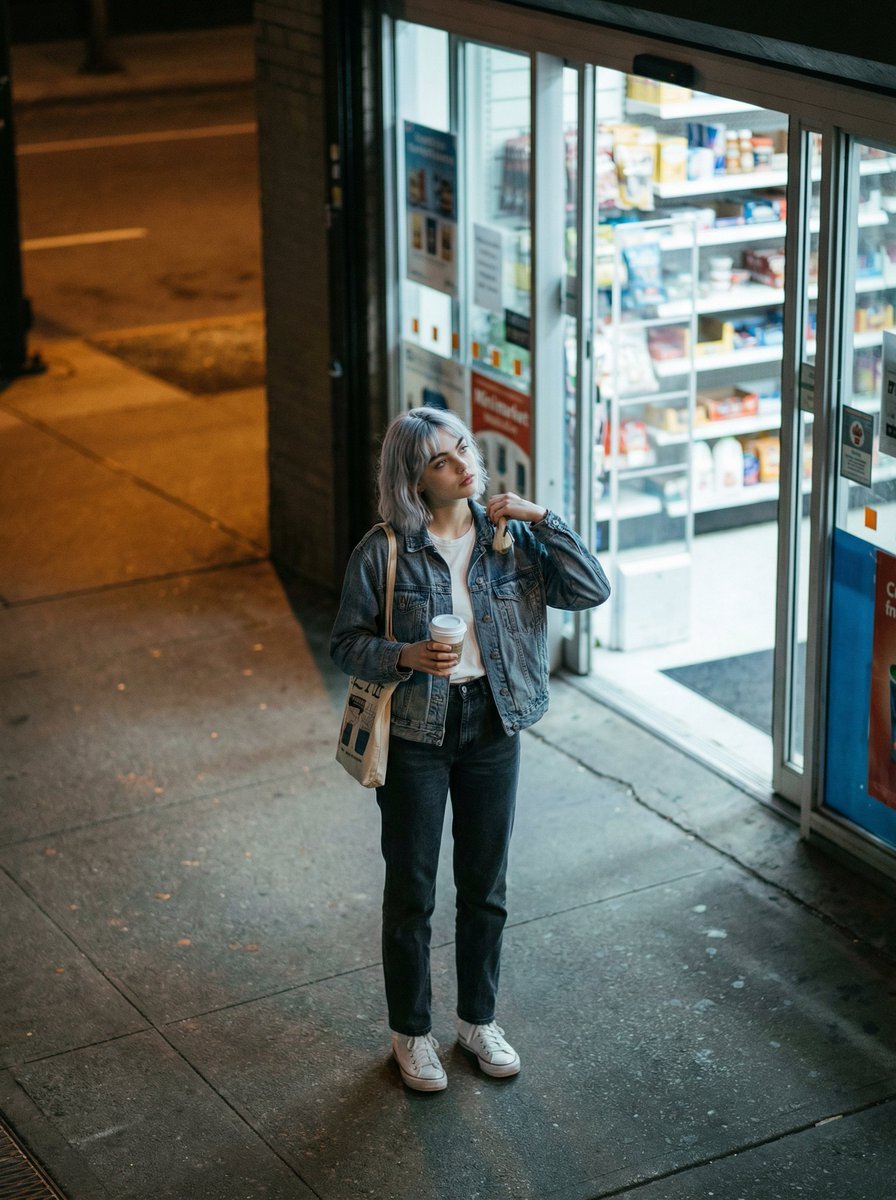
Candid night street fashion photograph with film aesthetic
Browse template categories
Golden Hour Ski Slope Selfie (Snow Bunny Aesthetic) questions
How do I use the Golden Hour Ski Slope Selfie (Snow Bunny Aesthetic) template?
Add your photo if the template asks for one, edit the prompt if you like — the template's model and format are already selected — and press Generate. Your version opens in PicX Studio.
Can I customize the Golden Hour Ski Slope Selfie (Snow Bunny Aesthetic) template?
Yes. You can change the subject, setting, lighting, mood, format, and available model controls before creating your image.
Is the Golden Hour Ski Slope Selfie (Snow Bunny Aesthetic) template free?
Opening and editing this template is free. Generating uses credits, shown on the Generate button when you are signed in.
Which AI model should I use?
Start with Nano Banana 2, which is the model associated with this template. You can compare another compatible model for a different finish.
Looking for something else? Browse all templates.

Your photo, any look
Thousands of ready templates for every top image and video model, from one credit balance.