
Candid Nightlife Street Snapshot
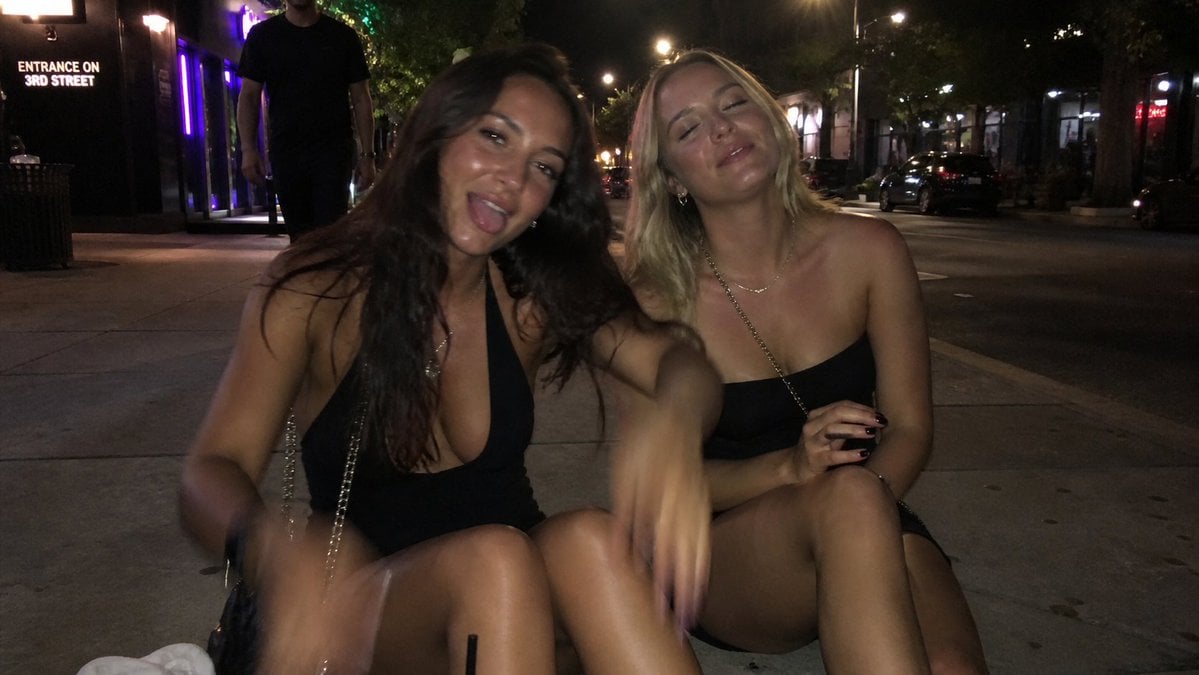
Generates a realistic flash-lit urban nightlife photo with anonymized partygoers seated on a sidewalk, useful for recreating a gritty social-media snapshot aesthetic.
- Prompt included
- Model and format preset
- Free template
The prompt behind this image
Copy the exact prompt behind Candid Nightlife Street Snapshot, or open it in the studio and make it yours.
Create a photorealistic candid nighttime street photo with a gritty flash-photography party snapshot aesthetic. The scene shows {argument name="number of seated women" default="two"} adult women sitting close together on a city sidewalk curb outside nightlife venues, both wearing {argument name="outfit color" default="black"} mini party dresses and small chain-strap purses. Their faces are intentionally anonymized by flat opaque brown square blocks placed over each face. The woman on the left has long dark wavy hair, a deep V-neck black dress, tanned skin, one knee raised, and motion-blurred arms as if she is gesturing or dancing while seated. The woman on the right has shoulder-length blonde hair, a strapless black dress, crossed legs, a delicate necklace, and one hand holding a small dark object near her knee. Include 3 prominent human figures total: the 2 seated women in the foreground and 1 tall adult man in dark clothing walking or standing behind them on the sidewalk, partially cropped at the top. The environment is an urban nightlife street at night, with a concrete sidewalk, parked cars along the road, leafy trees, storefronts and bar entrances, purple neon lighting on the left, warm streetlights, and a visible sign on the left reading {argument name="sign text" default="ENTRANCE ON 3RD STREET"}. Use a wide horizontal 16:9 composition, low eye-level perspective, dim ambient lighting, harsh on-camera flash, slight underexposure, realistic skin highlights, motion blur on moving hands, noisy high-ISO texture, and an unpolished smartphone snapshot look. Keep the background dark and slightly soft while the foreground subjects dominate the frame.
How to use Candid Nightlife Street Snapshot in 3 steps
- 1Upload ImagePNG, JPG or paste
Add your photo
Upload the photo the template builds on. The prompt, model and format are already set.
- 2…a portrait of your subject in softgolden-hour light, 85mm…
Personalize
Edit the subject and creative details for your destination.
- 3Generate
Generate
Press Generate — your image is created in PicX Studio, so you can compare it with the original and refine one variable at a time.
More like this
Templates with the same subject, style or setup. Open one to see its prompt.

Cinematic Street Fashion Portrait Motion Blur Crowd

Nano Banana - Street Paris T-Shirt

Sunday Afternoon, 1988

Two Tickets, One Night

One Dance Before Midnight

Our Song was on a Cassette

Meet Me When It Rains

The Date After College

Two Hearts. One Scooter.

80s College Gate

80s Neon Disco Night
80s Disco Dancefloor
Make it yours
Candid Nightlife Street Snapshot works as-is. These are the safest ways to change it without losing the look.
Change one field
Copy a single group, rewrite it, and generate again so you can see what that field is doing.
Keep the frame, change the subject
Hold the composition and light of Candid Nightlife Street Snapshot, then swap wardrobe, props or the person for a new take.
| If the result… | Why | Fix |
|---|---|---|
| The result drifts from the preview | Too many fields changed at once. | Reuse Candid Nightlife Street Snapshot as-is first, then change one group — subject, light, or setting. |
| The model over-stylizes the scene | The prose prompt leaves finish and camera underspecified. | Add one camera or lighting sentence and stay on GPT Image 2. |
More GPT Image 2 templates
Other prompts made for GPT Image 2.

Six VTuber Japanese Logo Sheet

Realistic Portrait of Woman and Deer

The Vista Modular Condo Poster

AI Model Routing Comparison Infographic

2.5D Anime Art Board

Isometric Productivity Desk Scene

New York Double Exposure Poster

Four-Panel AI Landscape Comparison

Japanese Tatami Lifestyle Magazine Cover

NESCAFÉ Coffee Map Poster
More image prompts
Fresh picks from across the catalog.

Ultra-Photorealistic Saree Mirror Selfie Prompt
Botanical Plant Dye Canvas Painting
Anime Horror Game Thumbnail Composite
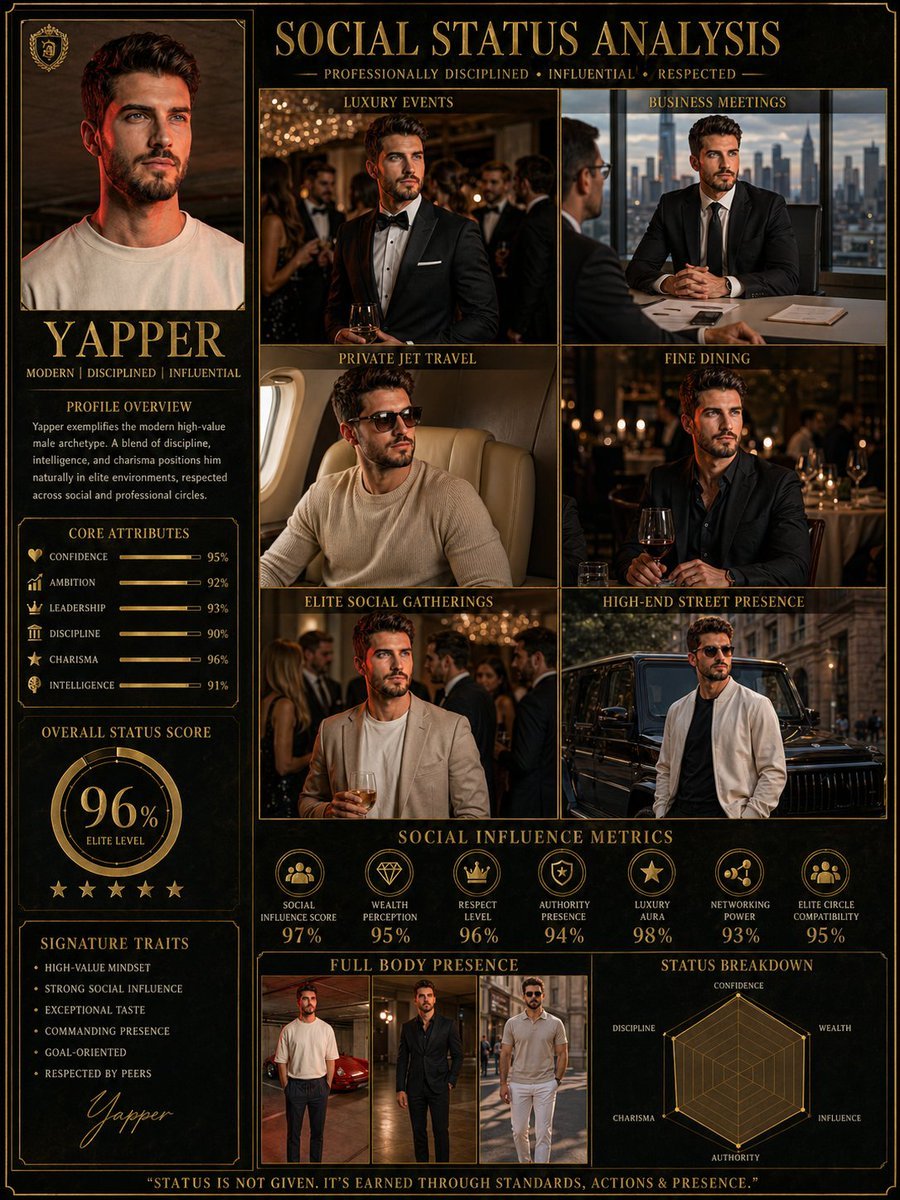
Social Status Analysis poster prompt

Premium Beverage Product Photography Prompt
Golden Hour Winter Portrait Prompt for Gemini Nano Banana 3.0
1970s Vintage Portrait Series Continuation
Adorable Baby Red Fox Kit Image Generation Prompt
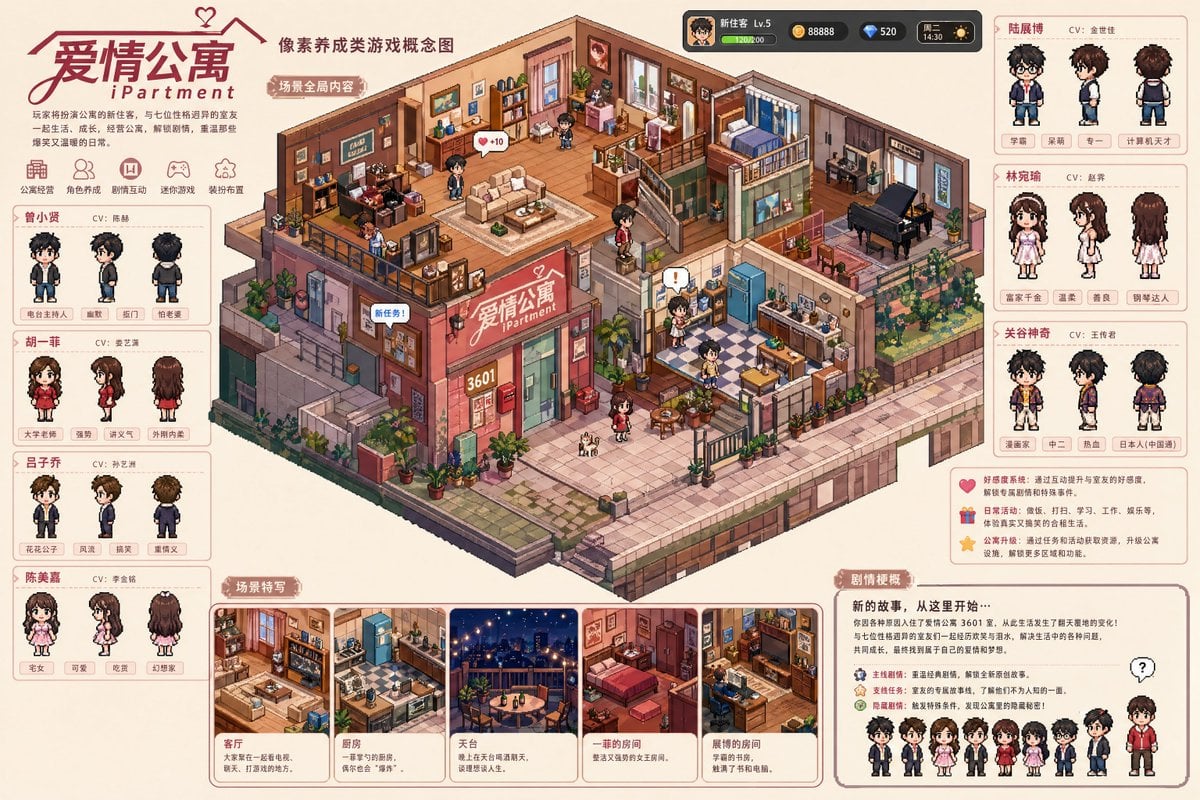
Pixel art game concept prompt
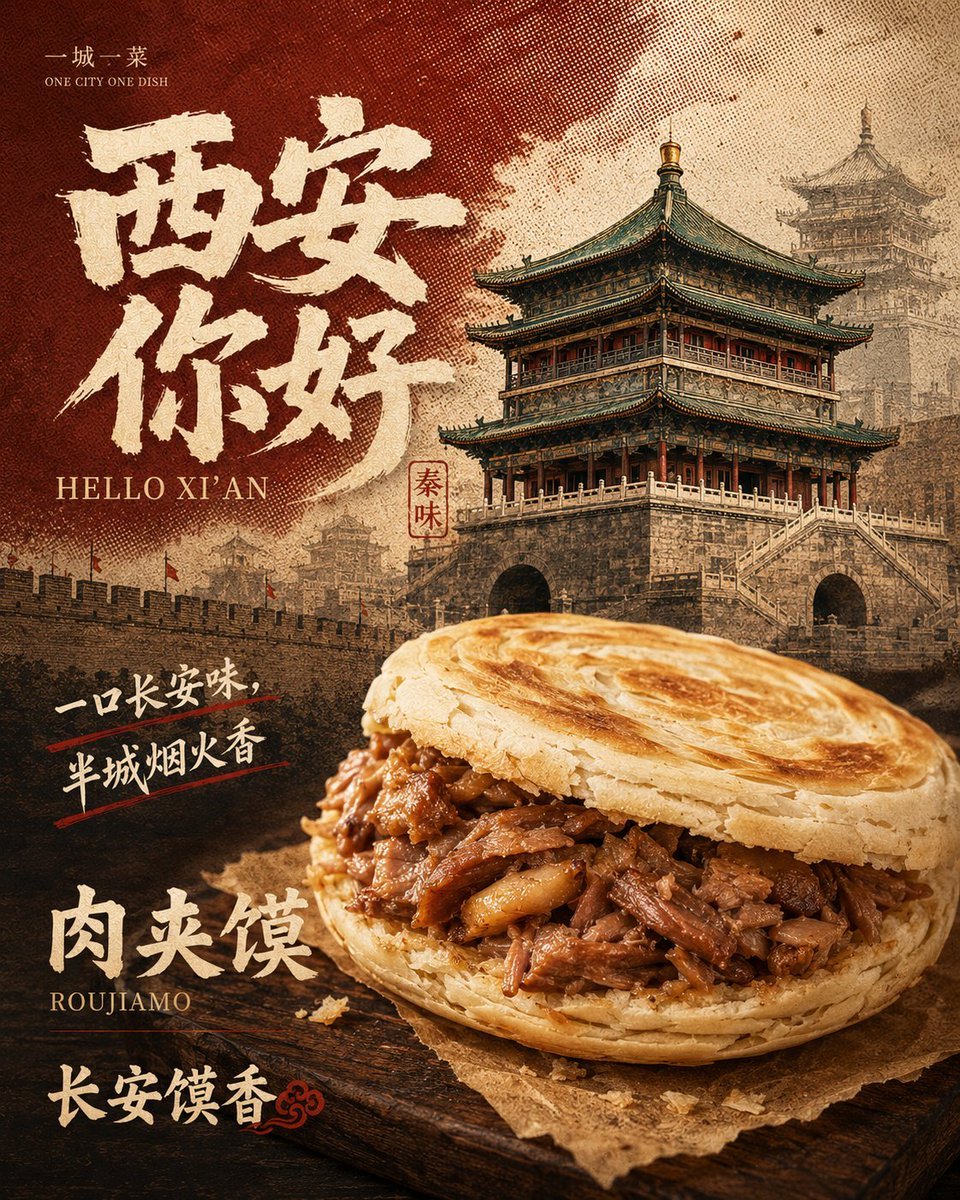
Retro Xi'an Roujiamo Food Poster
Browse template categories
Candid Nightlife Street Snapshot questions
How do I use the Candid Nightlife Street Snapshot template?
Add your photo if the template asks for one, edit the prompt if you like — the template's model and format are already selected — and press Generate. Your version opens in PicX Studio.
Can I customize the Candid Nightlife Street Snapshot template?
Yes. You can change the subject, setting, lighting, mood, format, and available model controls before creating your image.
Is the Candid Nightlife Street Snapshot template free?
Opening and editing this template is free. Generating uses credits, shown on the Generate button when you are signed in.
Which AI model should I use?
Start with GPT Image 2, which is the model associated with this template. You can compare another compatible model for a different finish.
Looking for something else? Browse all templates.

Your photo, any look
Thousands of ready templates for every top image and video model, from one credit balance.