
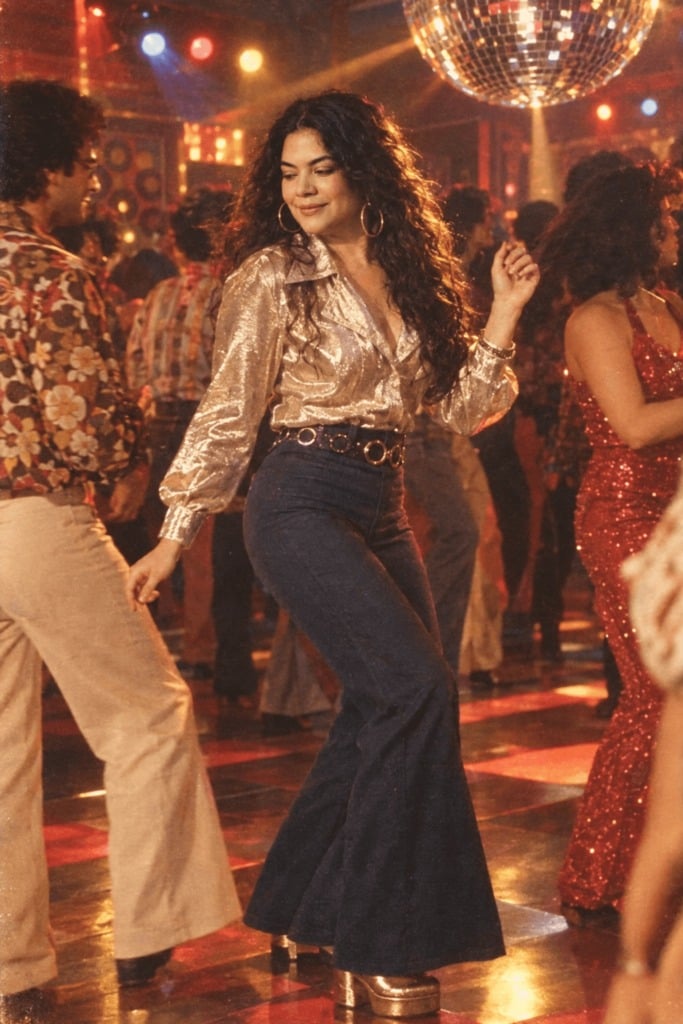
80s Neon Disco Night
Neon club front, night out — a 1980s restyle of a photo you upload, written for one person in frame.

- Prompt included
- Model and format preset
- Free template
The prompt behind this image
Copy the exact prompt behind 80s Neon Disco Night, or open it in the studio and make it yours.
Turn this photo into an exciting 1980s nightlife scene. Keep my facial features same. Once done, dress me in a blingy retro dress and place me outside a neon-lit club, with glowing signboards in the background. My hair should be curly, and half tied with a bowtie on top. Don't forget to add vibrant lights, vintage camera flash effects, creases, and film grain effect to the image to make it look like a real night out in the 1980s.
How to use 80s Neon Disco Night in 3 steps
- 1Upload ImagePNG, JPG or paste
Add your photo
Upload the photo the template builds on. The prompt, model and format are already set.
- 2…a portrait of your subject in softgolden-hour light, 85mm…
Personalize
Edit the subject and creative details while keeping the 9:16 frame.
- 3Generate
Generate
Press Generate — your image is created in PicX Studio, so you can compare it with the original and refine one variable at a time.
More like this
Templates with the same subject, style or setup. Open one to see its prompt.











Make it yours
80s Neon Disco Night works as-is. These are the safest ways to change it without losing the look.
Change the frame
This template is built for 9:16. Try a matching image ratio in Studio if you need a different crop.
Change one field
Copy a single group, rewrite it, and generate again so you can see what that field is doing.
Keep the frame, change the subject
Hold the composition and light of 80s Neon Disco Night, then swap wardrobe, props or the person for a new take.
| If the result… | Why | Fix |
|---|---|---|
| The result drifts from the preview | Too many fields changed at once. | Reuse 80s Neon Disco Night as-is first, then change one group — subject, light, or setting. |
| The crop feels wrong | The prompt is framed for 9:16. | Set the image ratio to 9:16 before generating. |
| The model over-stylizes the scene | The prose prompt leaves finish and camera underspecified. | Add one camera or lighting sentence and stay on Openai/gpt Image 2.5/flare. |
More image prompts
Fresh picks from across the catalog.
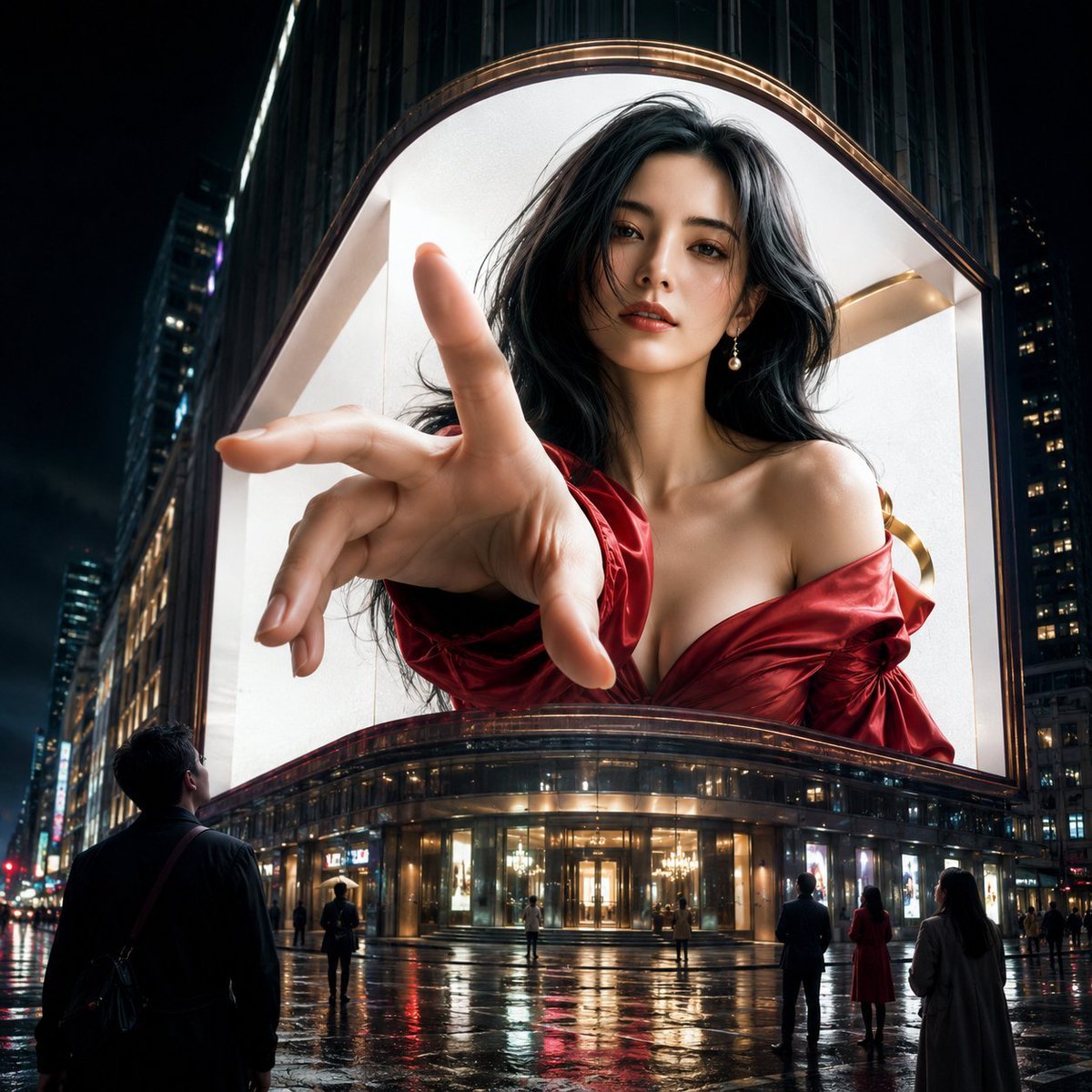
Anamorphic 3D Fashion Model Billboard
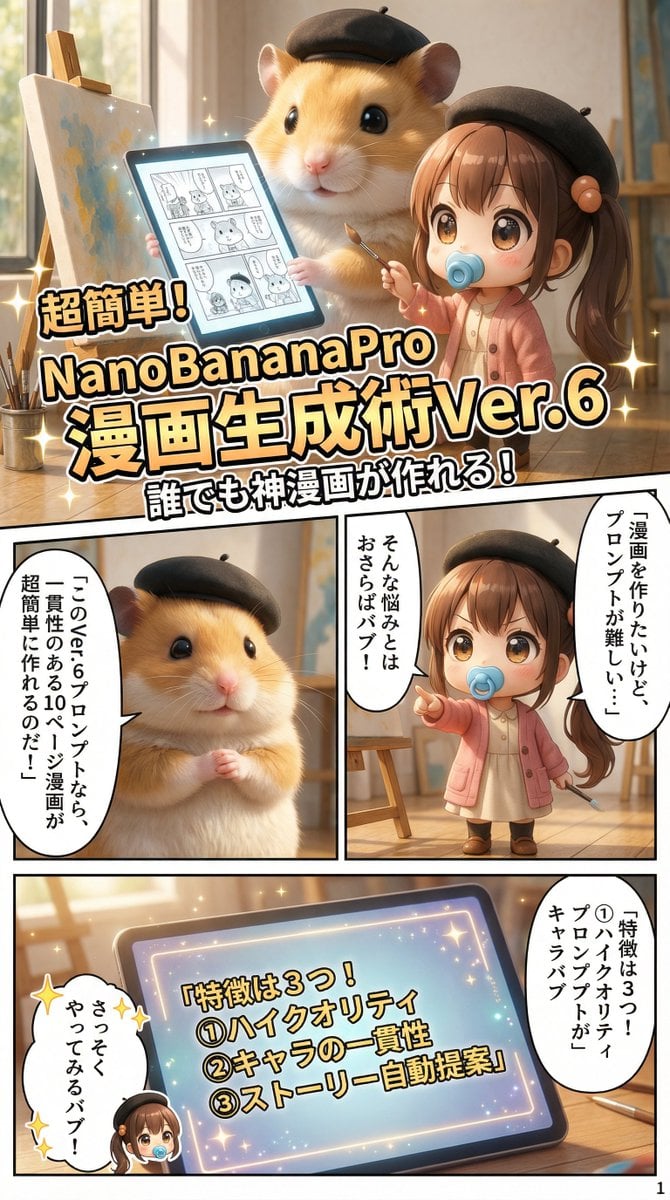
Gemini System Prompt for 10-Page Manga Generation in Nano Banana Pro
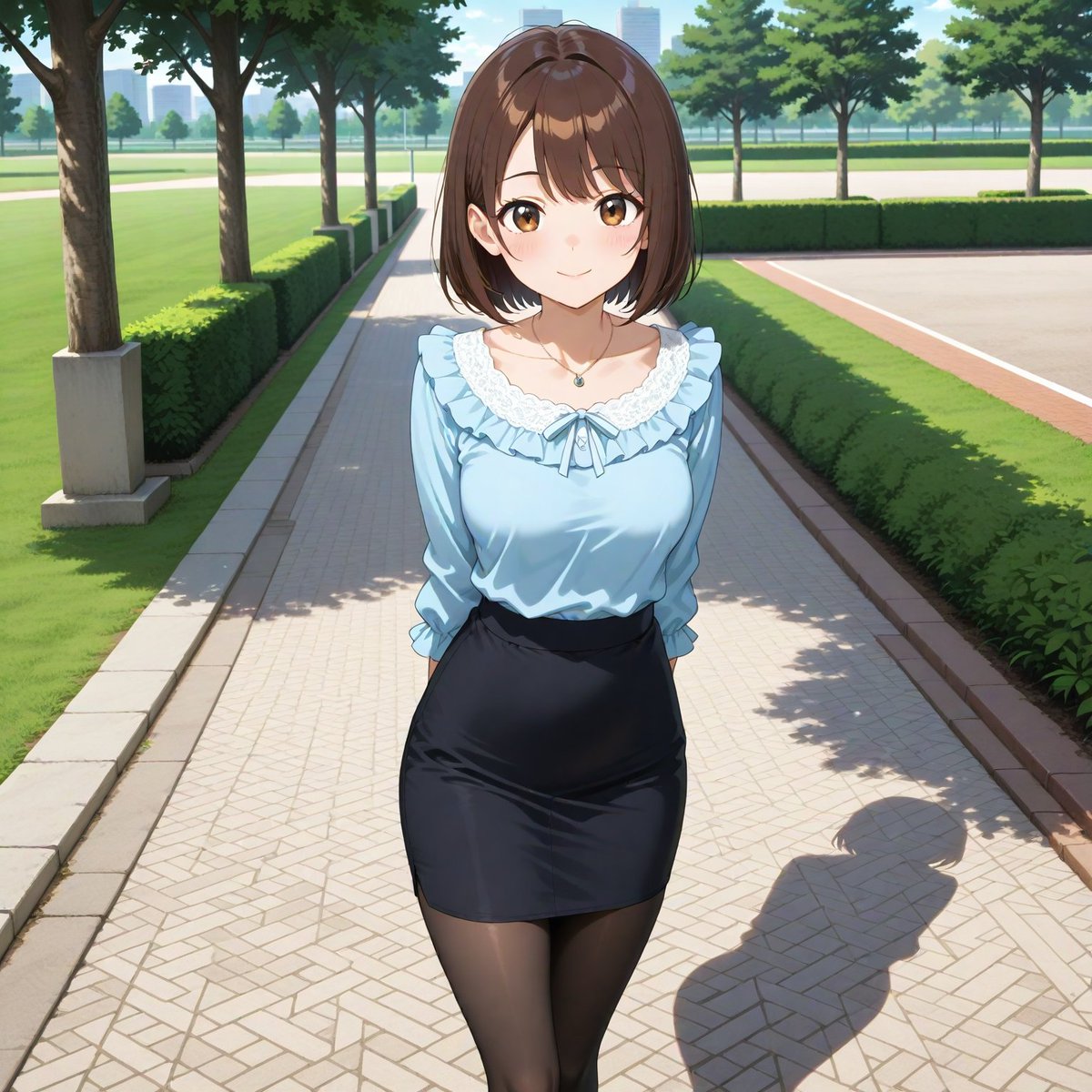
Aspect Ratio Change and Outpainting Prompt
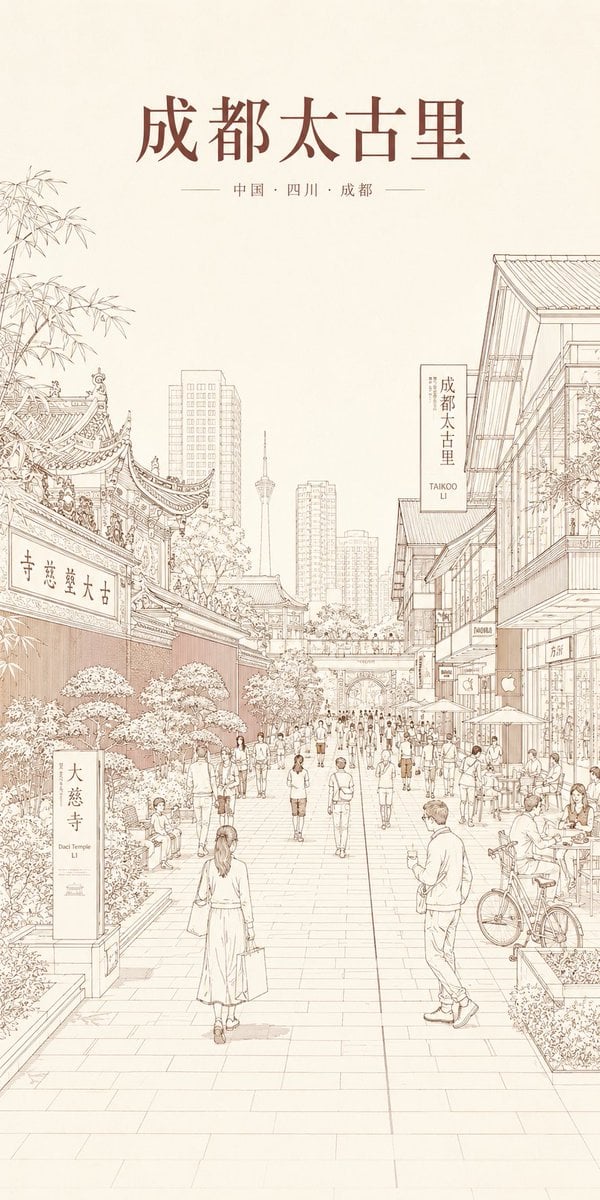
Chengdu Taikoo Li Line Art Poster
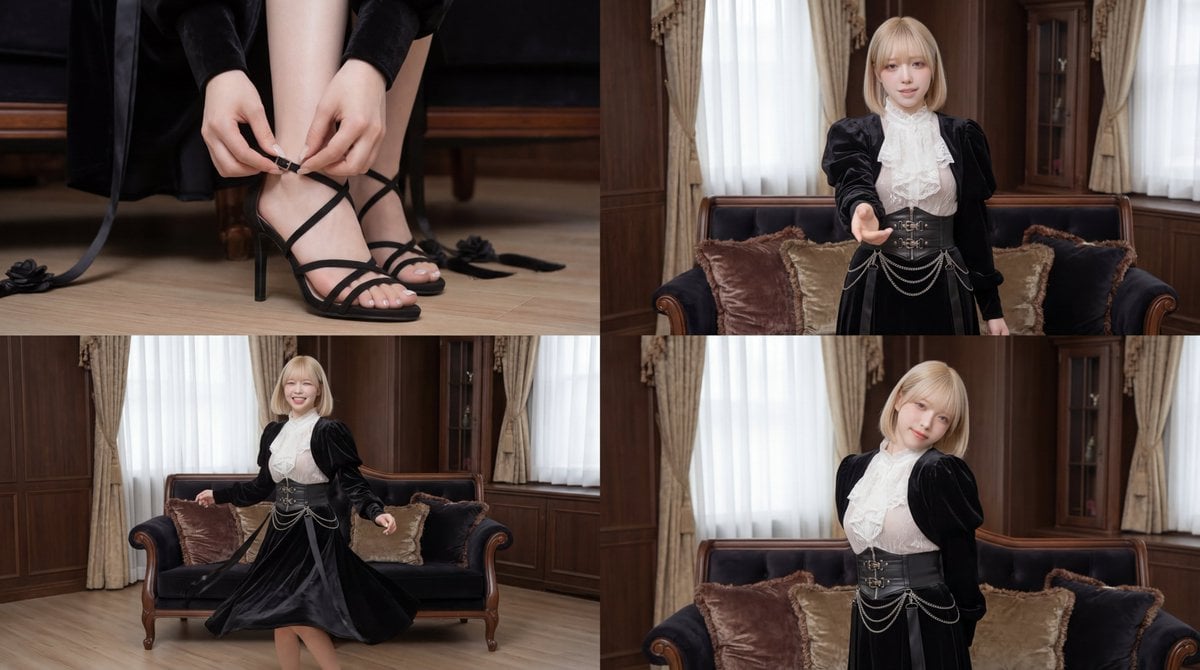
Cinematic dance scene with a girl

Nano Banana Pro 2.0 — 3x3 Travel Profile Grid
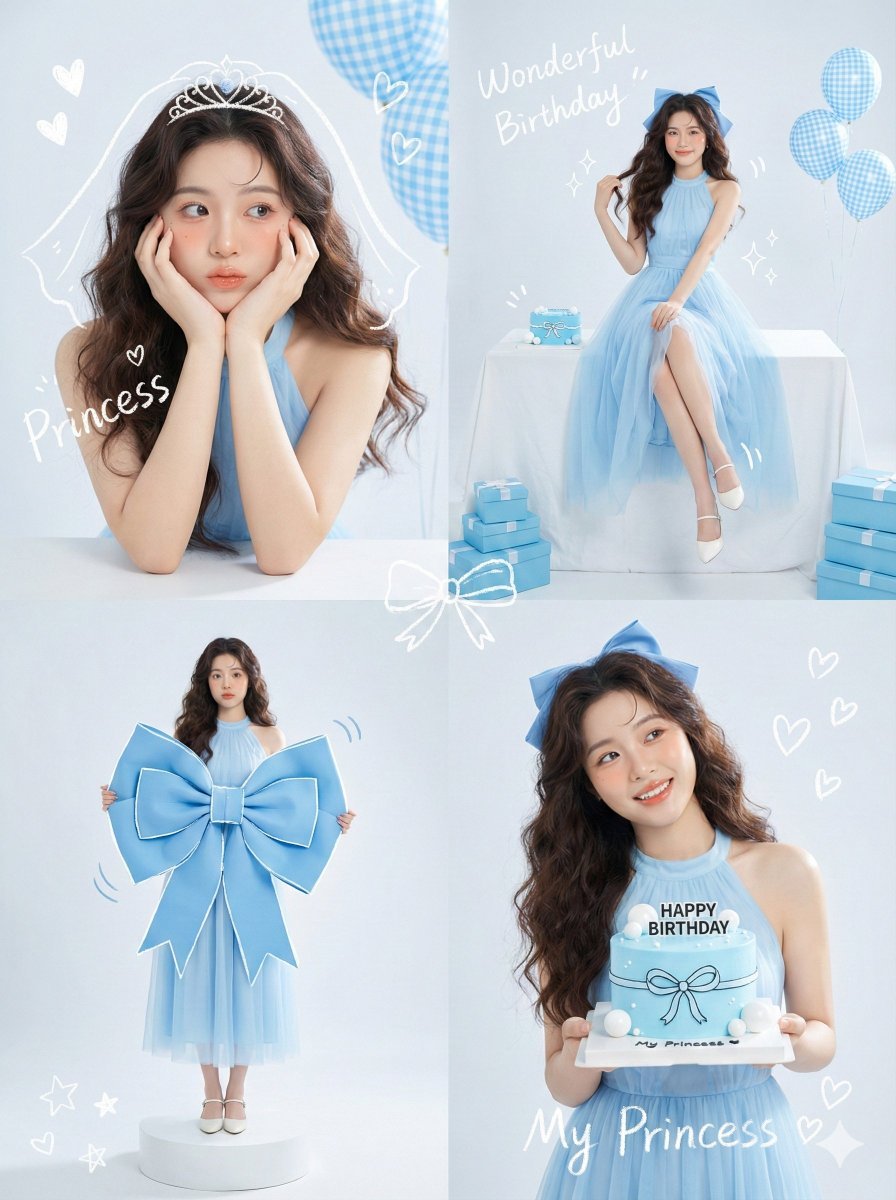
Korean Idol Birthday Collage with Doodles
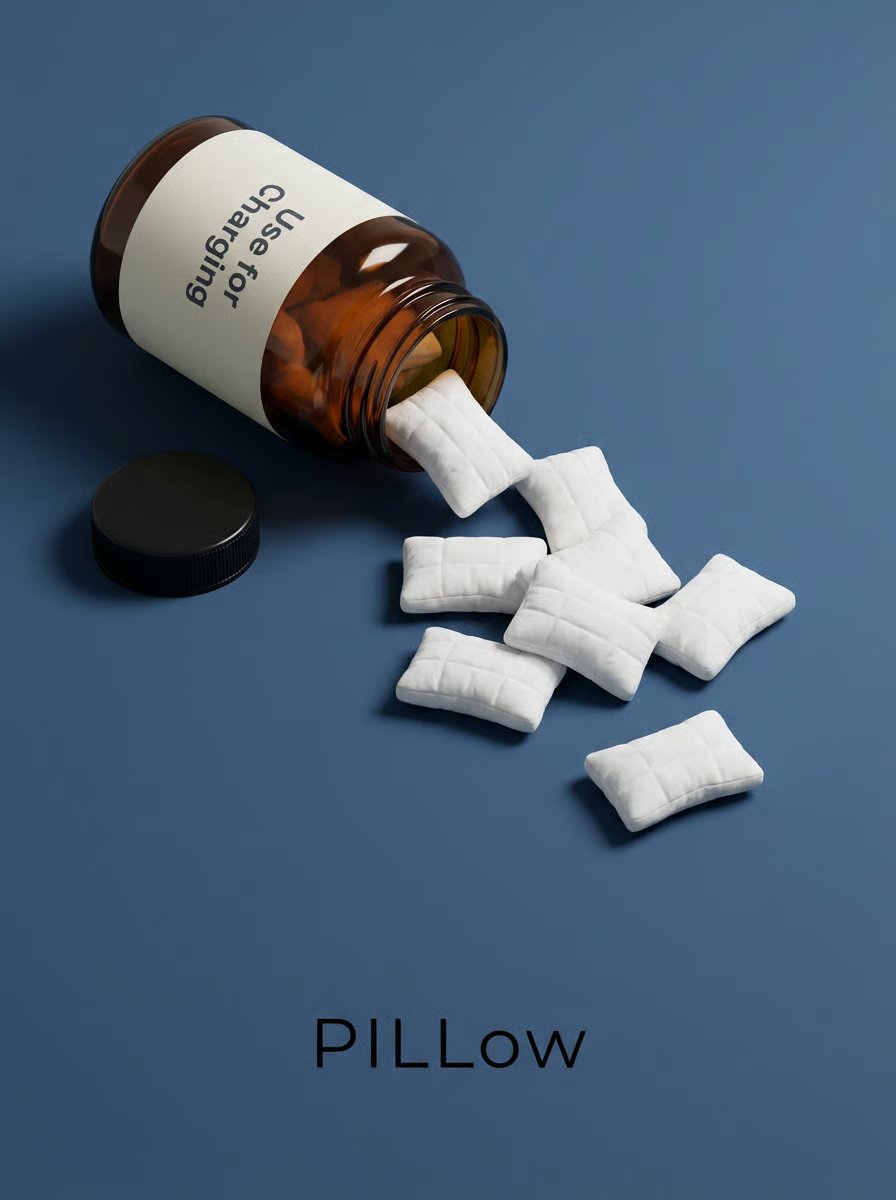
Minimalist Surreal Product Advertisement Still Life Prompt
Surreal Sheep Bedtime Story
1x3 Grid Phone Motion Edit JSON Prompt
Browse template categories
80s Neon Disco Night questions
How do I use the 80s Neon Disco Night template?
Add your photo if the template asks for one, edit the prompt if you like — the template's model and format are already selected — and press Generate. Your version opens in PicX Studio.
Can I customize the 80s Neon Disco Night template?
Yes. You can change the subject, setting, lighting, mood, format, and available model controls before creating your image.
Is the 80s Neon Disco Night template free?
Opening and editing this template is free. Generating uses credits, shown on the Generate button when you are signed in.
Which AI model should I use?
Start with Openai/gpt Image 2.5/flare, which is the model associated with this template. You can compare another compatible model for a different finish.
Looking for something else? Browse all templates.

Your photo, any look
Thousands of ready templates for every top image and video model, from one credit balance.