
Snack Kingdom Potato Fries Ad
A cinematic fantasy snack advertisement poster featuring a woman in a giant Oishi Potato Fries bucket inside a magical amusement park.
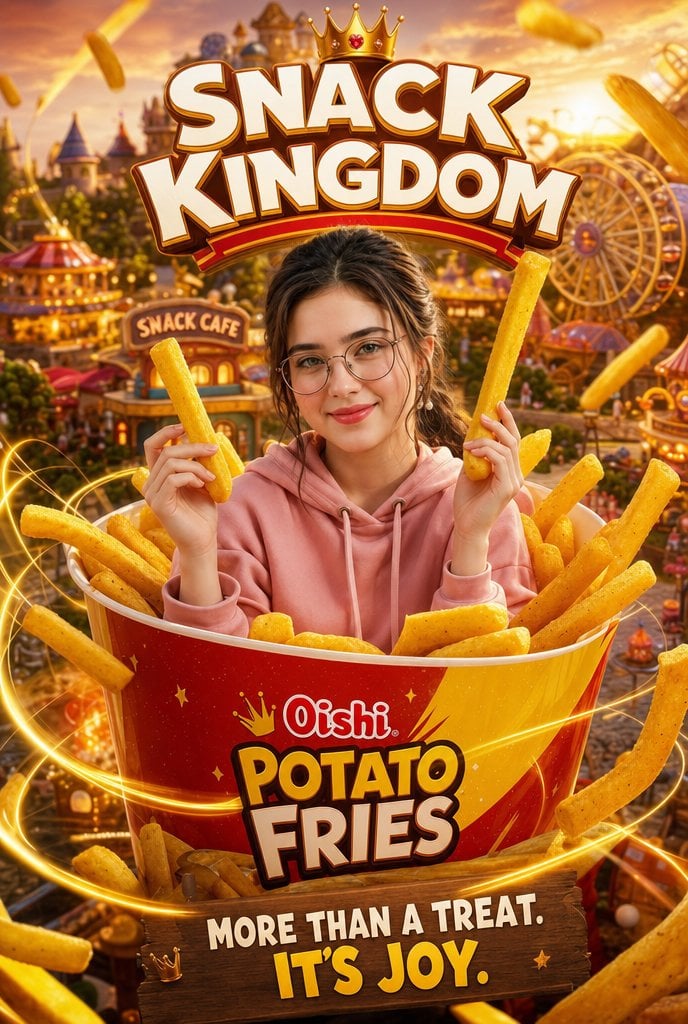
- Prompt included
- Model and format preset
- Premium template
The prompt behind this image
Copy the exact prompt behind Snack Kingdom Potato Fries Ad, or open it in the studio and make it yours.
Goal: Create a whimsical cinematic snack advertisement poster for {argument name="brand and product" default="Oishi Potato Fries"}, themed as a magical fantasy amusement park called {argument name="headline text" default="SNACK KINGDOM"}. Canvas: Vertical 2:3 poster composition, ultra-detailed, high-resolution, warm golden-hour lighting, saturated reds and yellows, energetic commercial photography mixed with fantasy illustration. Main subject: Center a smiling young woman with glasses wearing a {argument name="hoodie color" default="pink"} hoodie, seated inside an oversized red-and-yellow bucket filled with golden potato fries. Her face should be intentionally covered by a plain rectangular neutral-color placeholder, while her dark hair, ears, hands, and hoodie remain visible. She holds exactly 2 large fries, one upright in each hand. Product and foreground: The giant bucket dominates the lower half of the image. On the bucket, show the readable logo text “Oishi” above large bold text “POTATO FRIES,” with small crown and star graphics. Fill the bucket with many thick golden fries, and add flying fries around the frame. Include exactly 14 prominent loose fries outside or above the bucket: 2 at the top left, 1 at the top right, 3 on the right side, 3 in the lower foreground, 3 around the left foreground, and 2 partly behind the subject near the bucket rim. Add glowing golden light trails swirling around the bucket and fries. Background: Build a miniature fantasy theme park snack kingdom behind the subject, with a fairytale castle in the distance, a Ferris wheel on the right, colorful carnival tents and rides, warm lantern lights, tiny crowds, and a visible shop sign reading “SNACK CAFE.” Use shallow depth of field so the subject and bucket are sharp while the amusement park is slightly dreamy and cinematic. Typography: At the top, place huge 3D cream-colored block letters spelling “SNACK KINGDOM,” outlined in brown with a red curved underline, and place a gold crown with a red jewel above the title. At the bottom, place a wooden sign with the slogan in bold white and yellow text: “MORE THAN A TREAT. IT’S JOY.” Style constraints: Make it feel like a viral snack brand campaign poster: playful, magical, high-energy, appetizing, glossy, and richly lit. Keep all main text perfectly legible, avoid extra logos or watermarks, and preserve the exact visible text hierarchy.
How to use Snack Kingdom Potato Fries Ad in 3 steps
- 1Upload ImagePNG, JPG or paste
Add your photo
Upload the photo the template builds on. The prompt, model and format are already set.
- 2…a portrait of your subject in softgolden-hour light, 85mm…
Personalize
Edit the subject and creative details for your destination.
- 3Generate
Generate
Press Generate — your image is created in PicX Studio, so you can compare it with the original and refine one variable at a time.
More like this
Templates with the same subject, style or setup. Open one to see its prompt.
Snack Kingdom Potato Fries Ad

Minecraft Fantasy Kingdom Voxel Landscape
Late-Night Snack Manga Page
Celestial Xianxia Cloud Kingdom Wallpaper
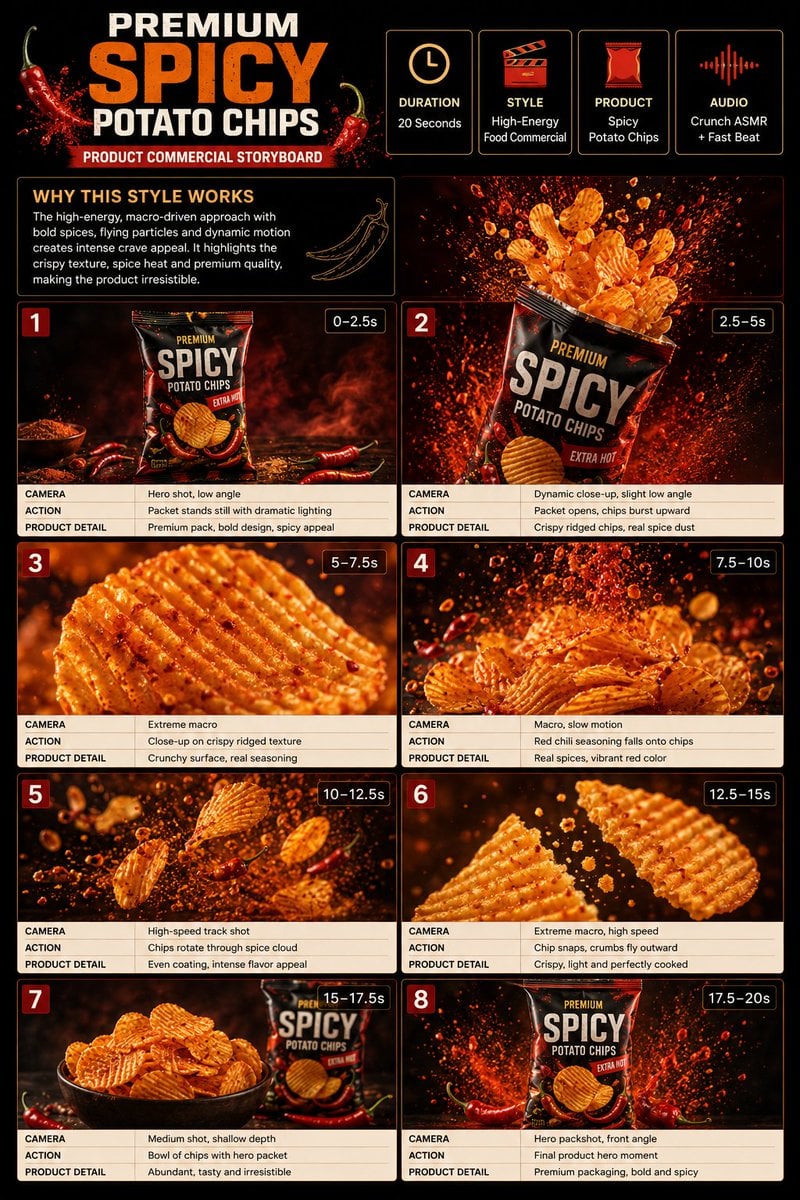
Spicy Potato Chip Commercial Storyboard

Ultra-realistic commercial food photography showing a red Lay s snack
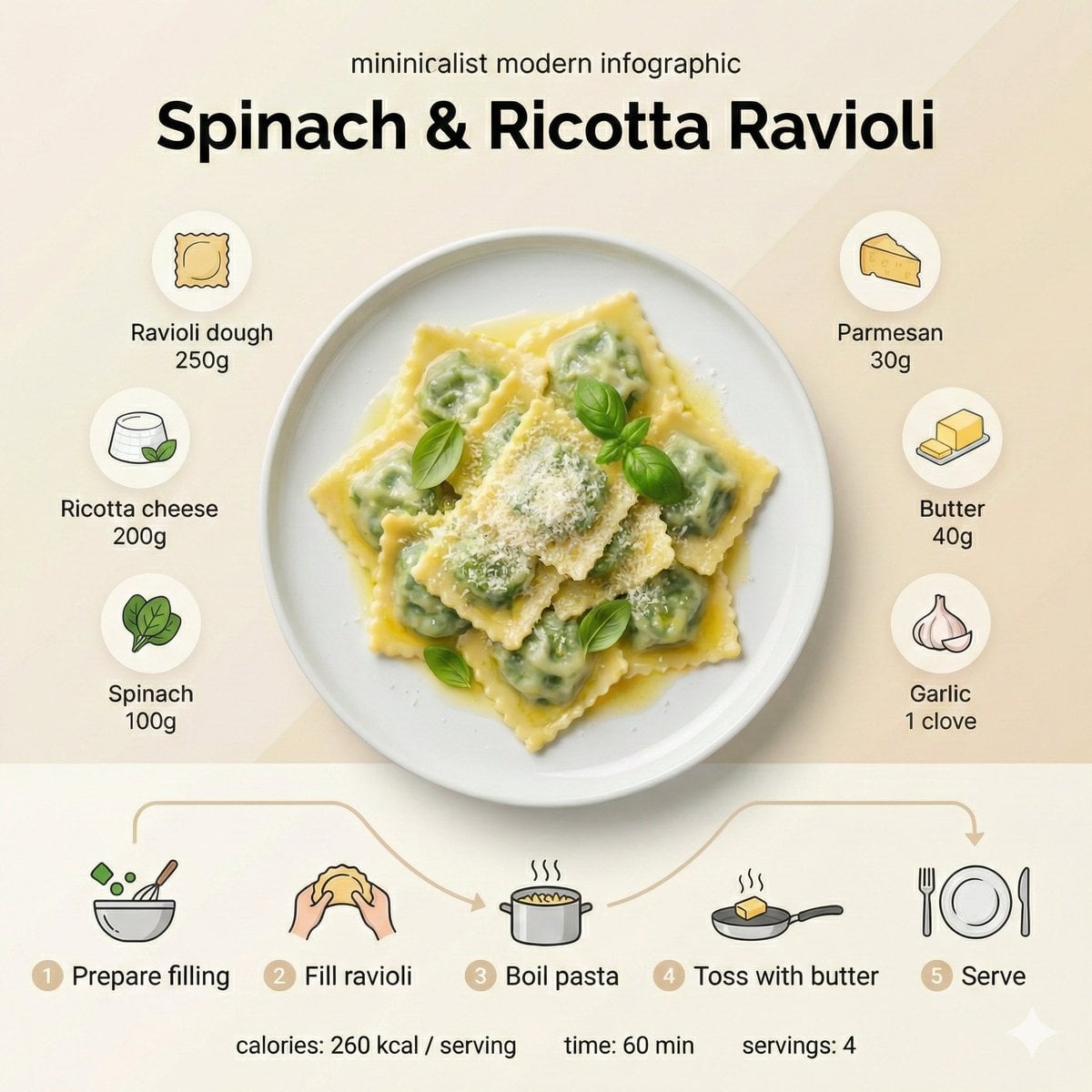
Golden boiled dumplings filled with potato and cheese, lightly buttered
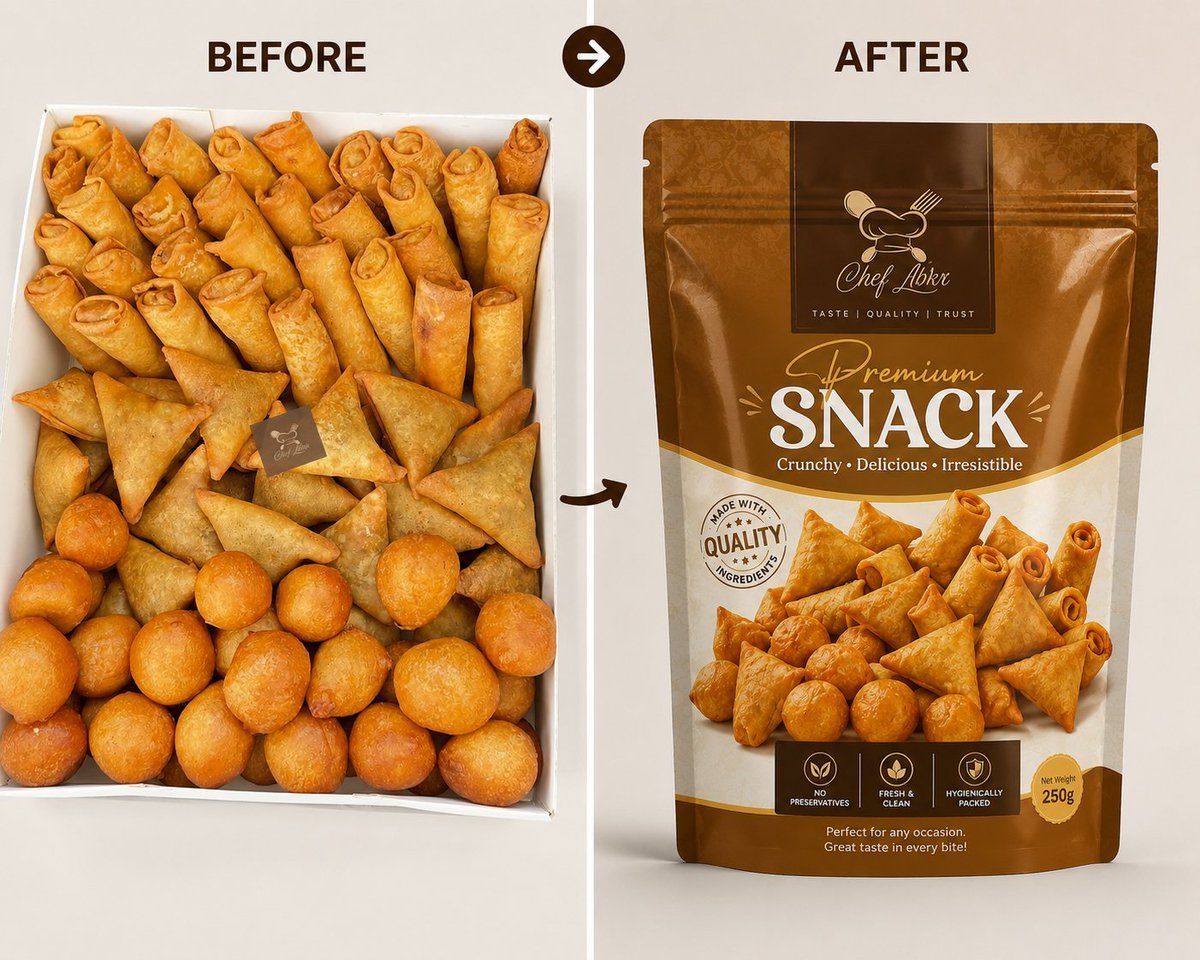
Professional Snack Packaging Mockup
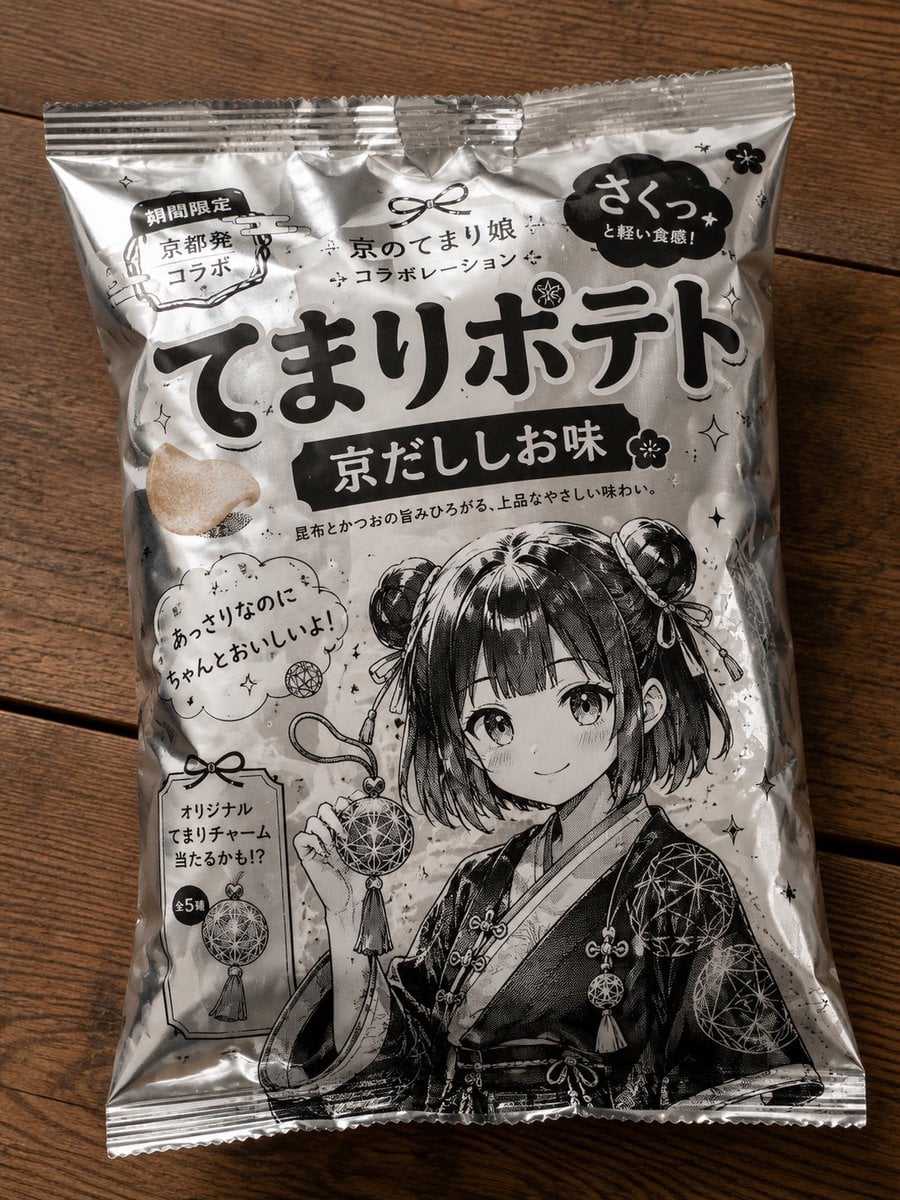
Anime Character Potato Chip Packaging
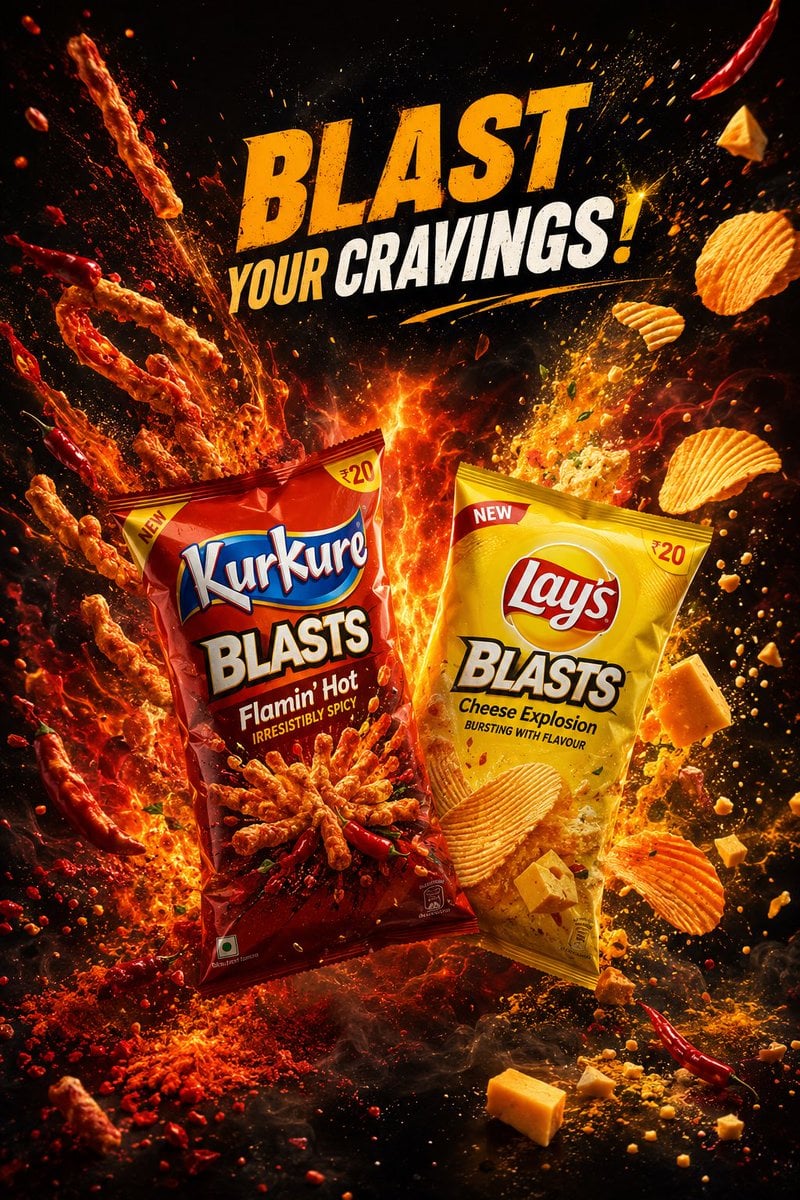
Premium Snack Advertising Poster
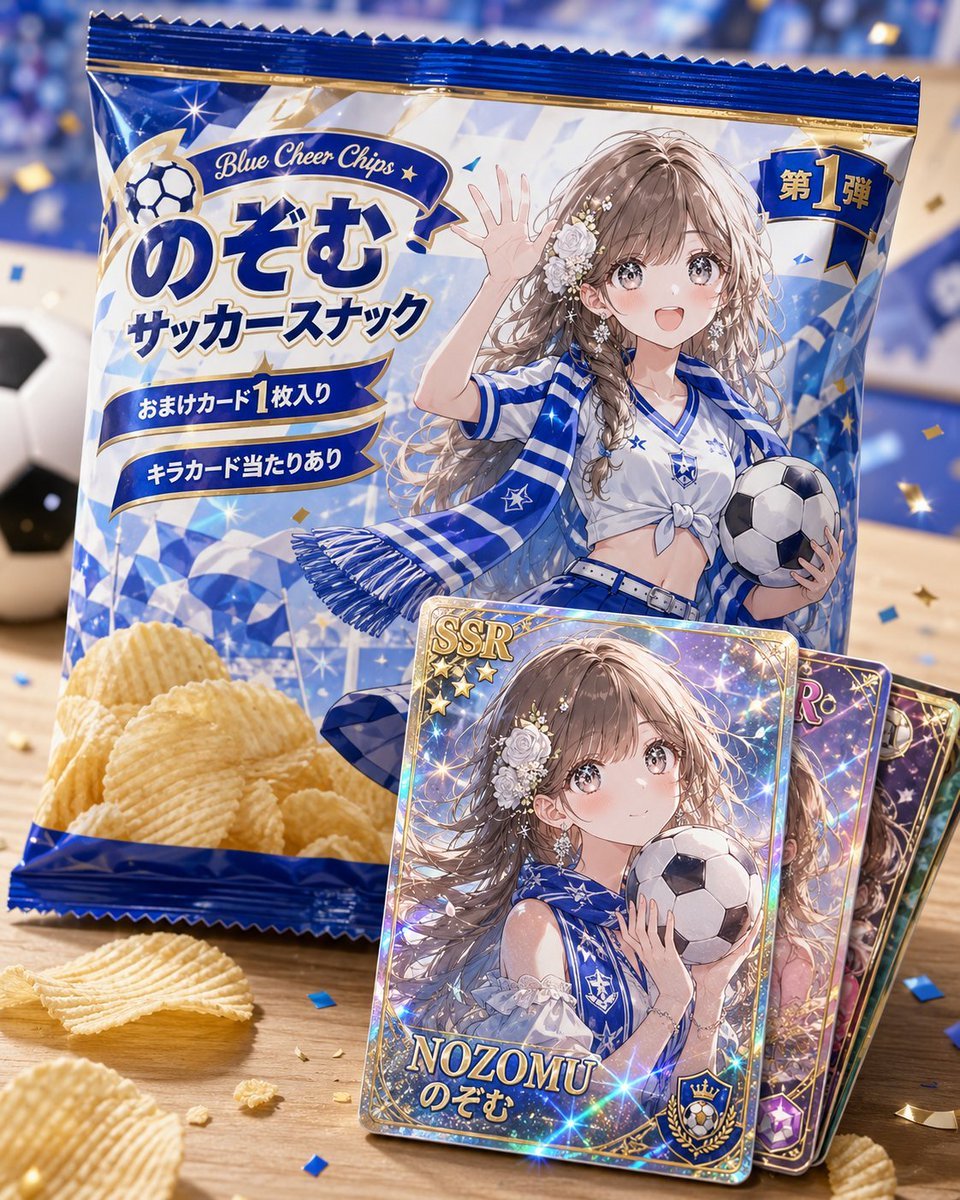
Anime Soccer Snack Bag Ad

Cheesy Chips Snack Ad Poster
Make it yours
Snack Kingdom Potato Fries Ad works as-is. These are the safest ways to change it without losing the look.
Change one field
Copy a single group, rewrite it, and generate again so you can see what that field is doing.
Keep the frame, change the subject
Hold the composition and light of Snack Kingdom Potato Fries Ad, then swap wardrobe, props or the person for a new take.
| If the result… | Why | Fix |
|---|---|---|
| The result drifts from the preview | Too many fields changed at once. | Reuse Snack Kingdom Potato Fries Ad as-is first, then change one group — subject, light, or setting. |
| The model over-stylizes the scene | The prose prompt leaves finish and camera underspecified. | Add one camera or lighting sentence and stay on GPT Image 2. |
More GPT Image 2 templates
Other prompts made for GPT Image 2.

Six VTuber Japanese Logo Sheet

Realistic Portrait of Woman and Deer

The Vista Modular Condo Poster

AI Model Routing Comparison Infographic

2.5D Anime Art Board

Isometric Productivity Desk Scene

New York Double Exposure Poster

Four-Panel AI Landscape Comparison

Japanese Tatami Lifestyle Magazine Cover

NESCAFÉ Coffee Map Poster
More image prompts
Fresh picks from across the catalog.
Gemini Nano Banana Pro Golden Sunset Por
Kawaii Blueberry Fawn Forest Spirit Macro Photo
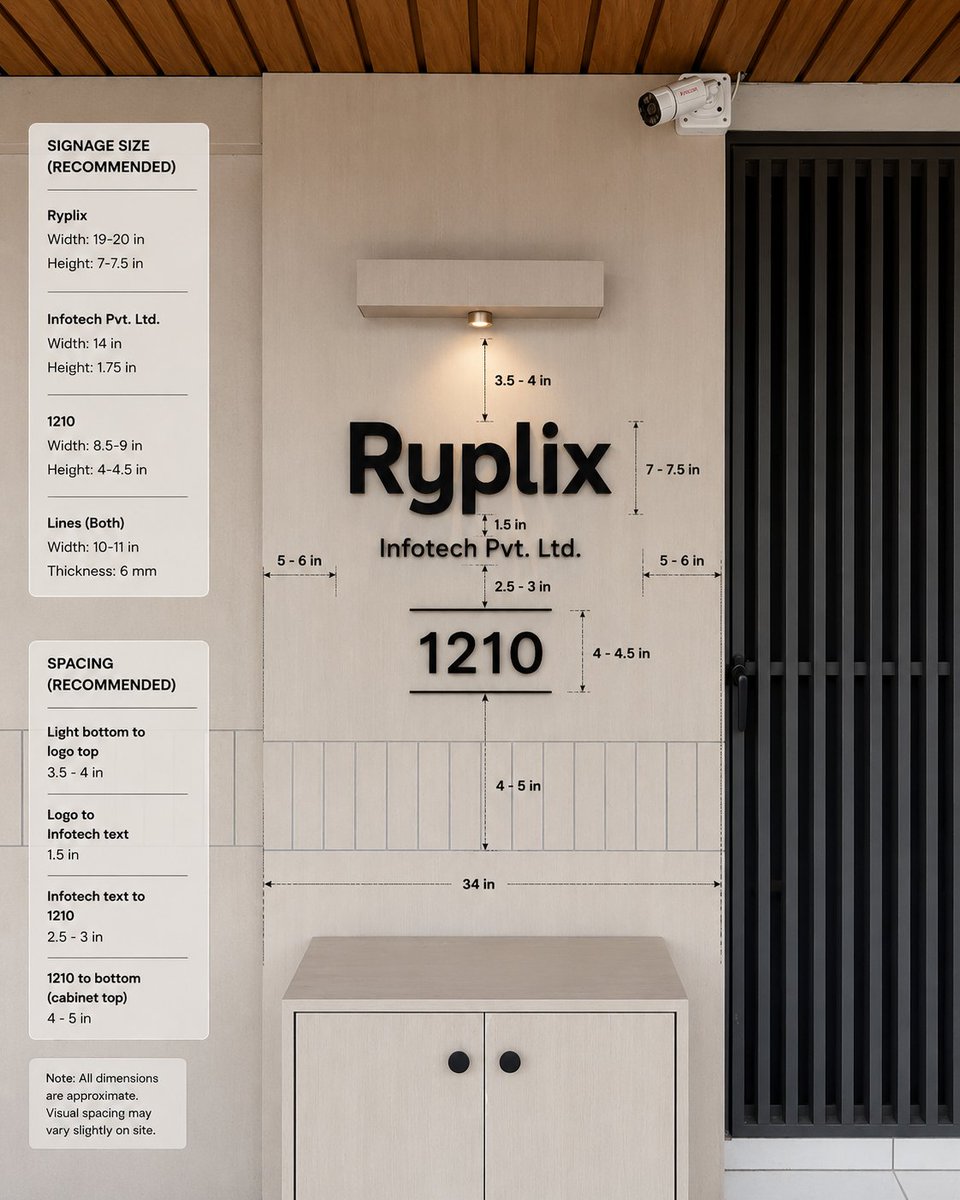
Office Signage Dimension Mockup
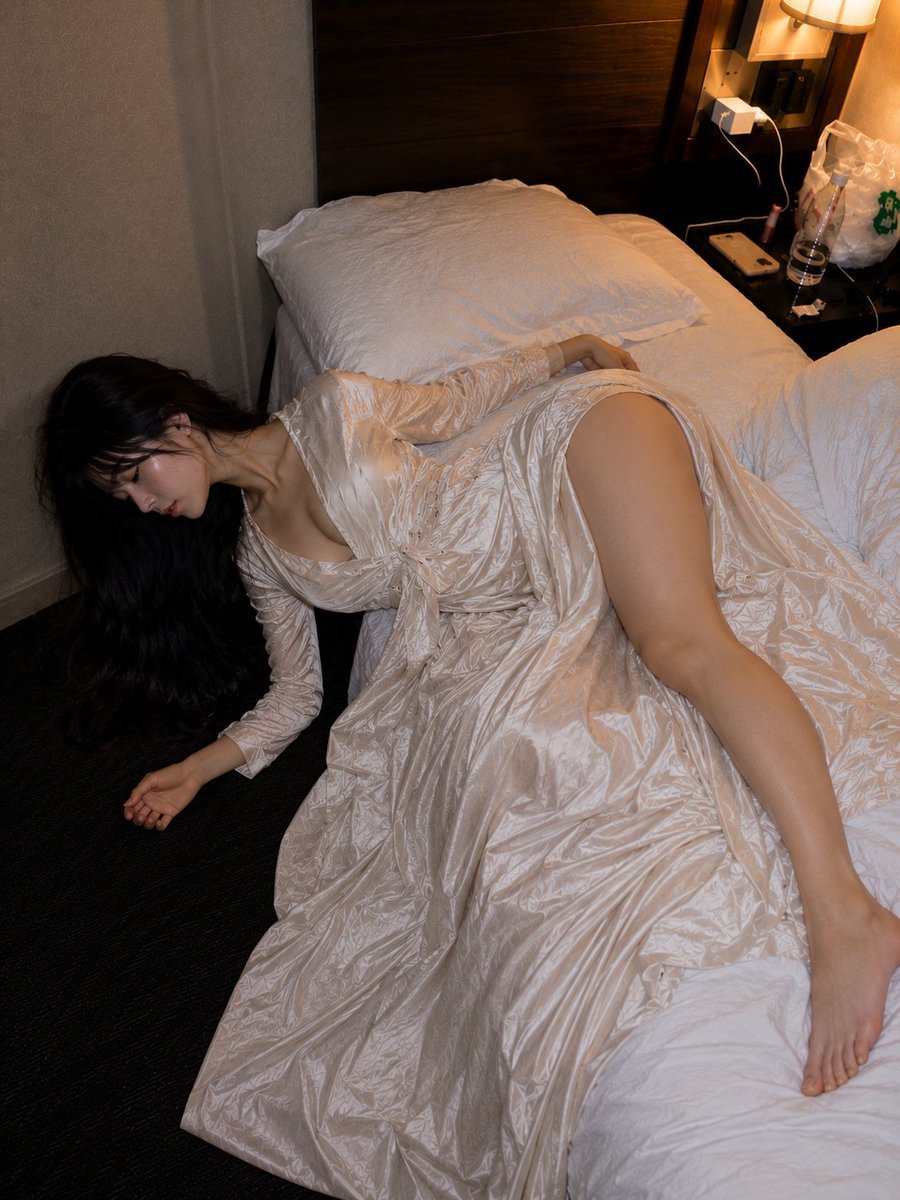
Authentic Hotel Sleep Snapshot
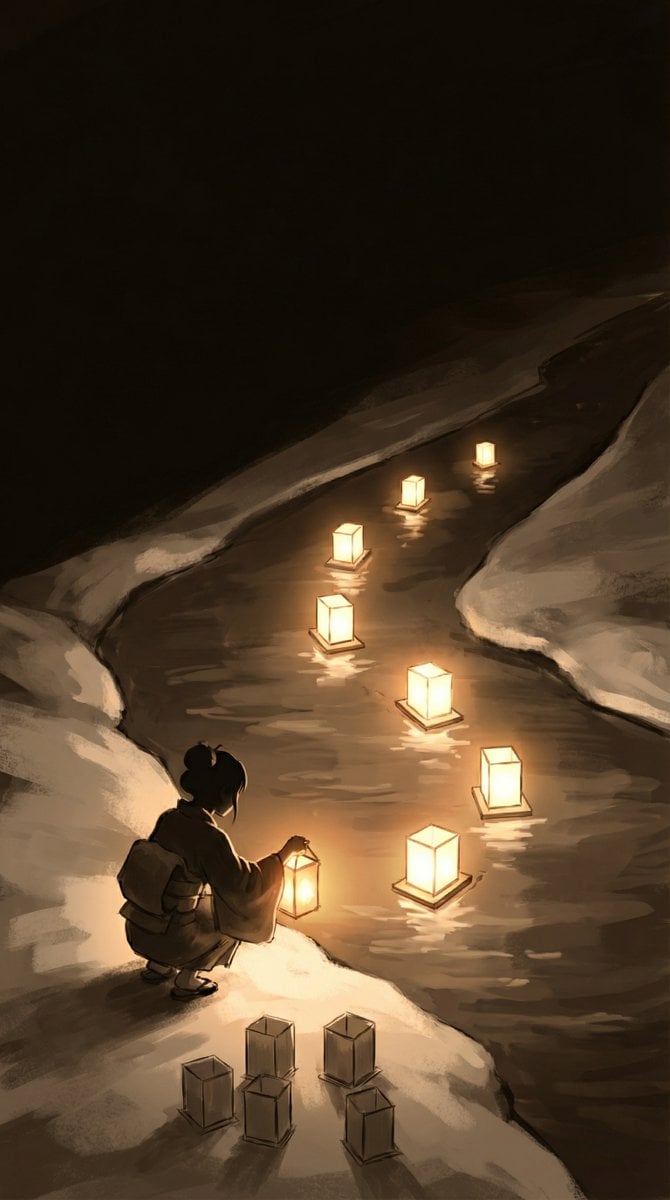
Object-Oriented Prompt for Composition and Lighting Study
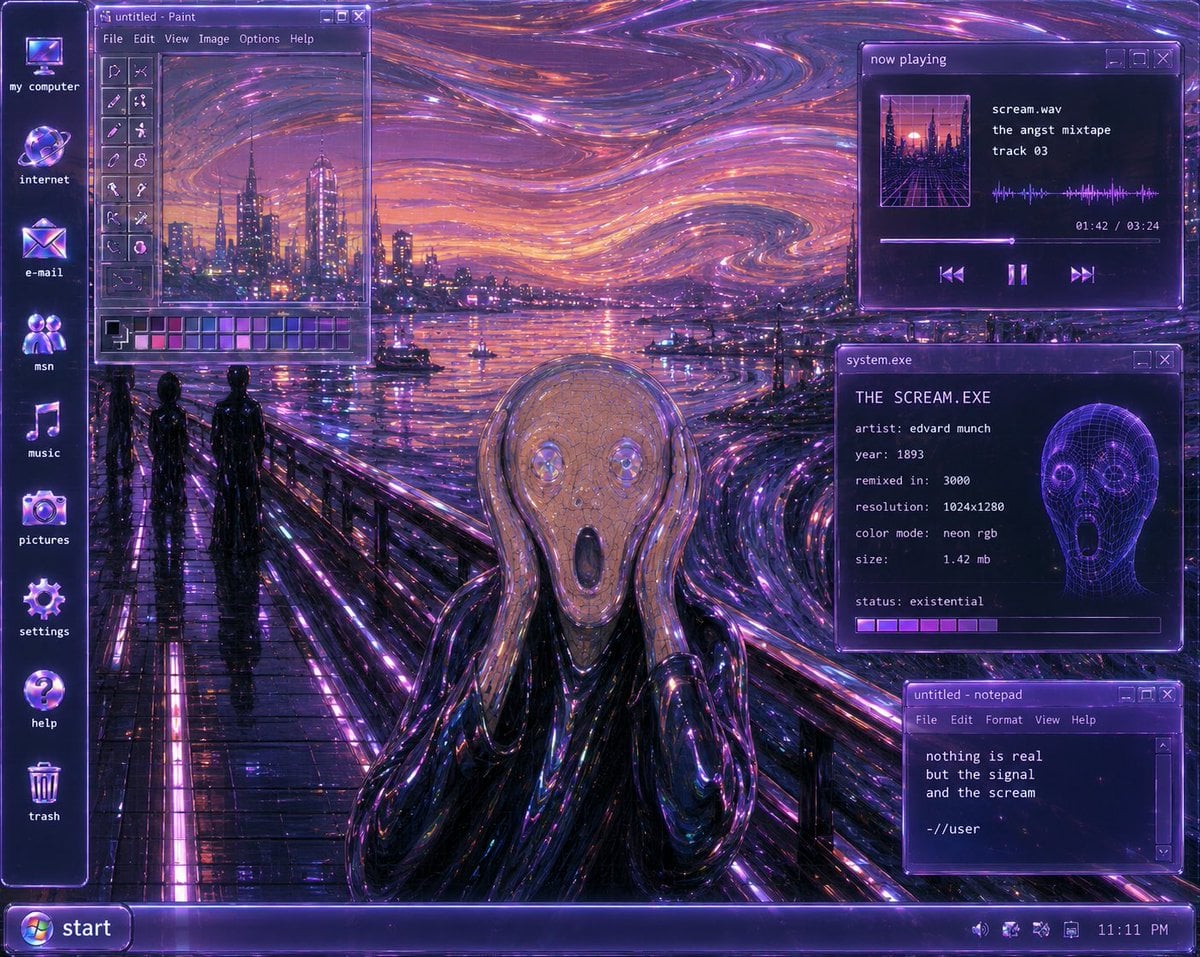
Y2K Futurist Scream Desktop
Hyper-Fidelity Mirror Selfie with Identity Locking
Ultra-photorealistic Eevee Cosplay Portrait
Cinematic Cola Can Explosion Advertisement Prompt
Wes Anderson-designed X App Mobile Interface
Browse template categories
Snack Kingdom Potato Fries Ad questions
How do I use the Snack Kingdom Potato Fries Ad template?
Add your photo if the template asks for one, edit the prompt if you like — the template's model and format are already selected — and press Generate. Your version opens in PicX Studio.
Can I customize the Snack Kingdom Potato Fries Ad template?
Yes. You can change the subject, setting, lighting, mood, format, and available model controls before creating your image.
Is the Snack Kingdom Potato Fries Ad template free?
Opening and editing this template is free. Generating uses credits, shown on the Generate button when you are signed in.
Which AI model should I use?
Start with GPT Image 2, which is the model associated with this template. You can compare another compatible model for a different finish.
Looking for something else? Browse all templates.

Your photo, any look
Thousands of ready templates for every top image and video model, from one credit balance.