
Authentic Hotel Sleep Snapshot
A prompt for GPT Image 2 creating a candid, smartphone-style photo of an exhausted woman in a luxury hotel room, featuring realistic mixed lighting and natural poses.
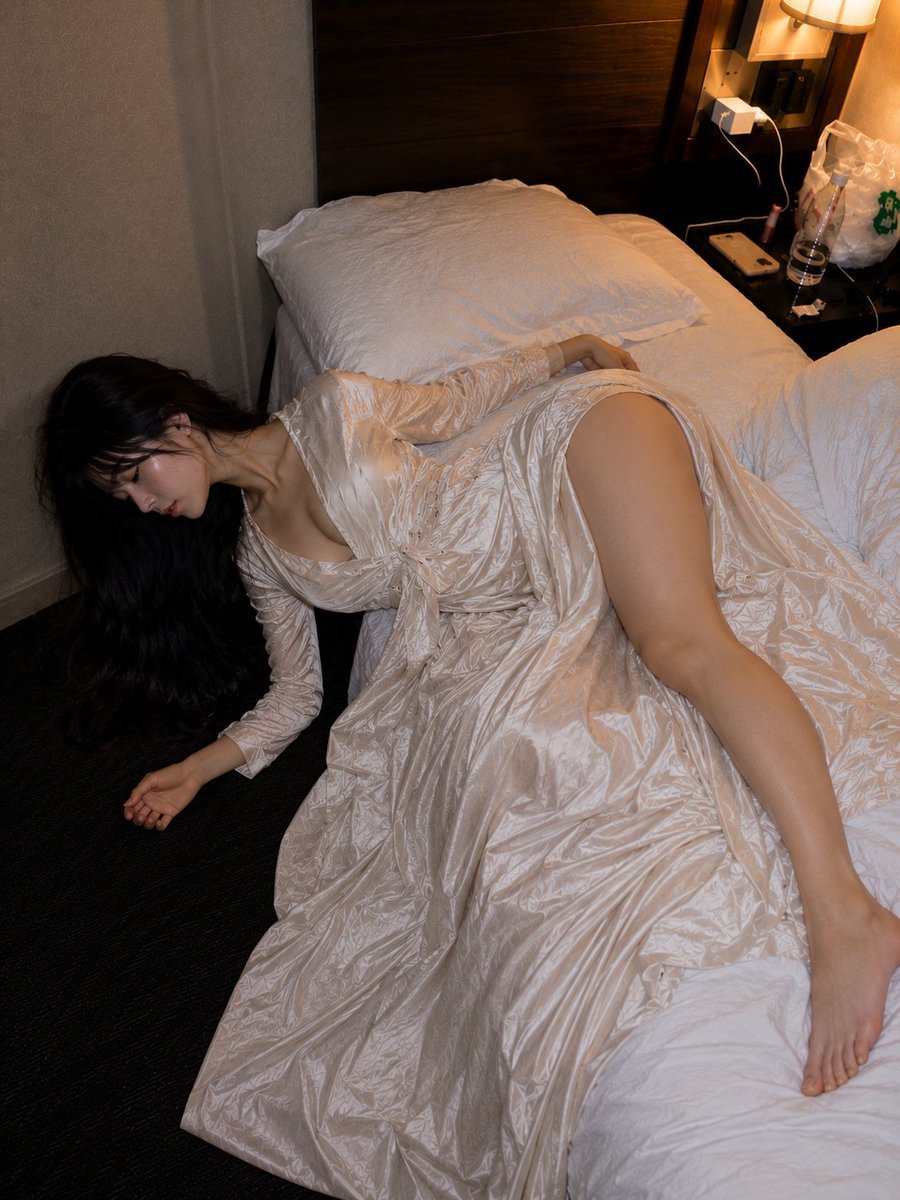
- Prompt included
- Model and format preset
- Free template
The prompt behind this image
Copy the exact prompt behind Authentic Hotel Sleep Snapshot, or open it in the studio and make it yours.
A late-night hotel room, a realistic SNS-style smartphone photo lit only by the quiet glow of a warm-toned bed lamp. {argument name="person" default="an adult Korean woman in her late twenties"}, long dark brown hair, slightly messy bangs, a natural, tired, sleepy-looking expression. Her head tilts toward the floor as if falling off the edge of the bed, her upper body sinks softly into the mattress, and her legs stretch from the bed out into the air — an off-balance sleeping pose. {argument name="outfit" default="a long champagne-colored satin dress"}, a natural deep V neckline, soft fabric drape, lightweight satin folds, an elegant modern cinematic elegance. The white sheets are rumpled, the pillow is crumpled, and on the nightstand there's a plastic water bottle, a phone charging cable, a used lip product, and a small bag. {argument name="lighting" default="mixed lighting of a smartphone's direct flash and a warm-toned lamp"}, slight overexposure on sheets, natural smartphone HDR, slight motion blur, compressed SNS image feel. The composition is slightly tilted, with a candid atmosphere as if a friend happened to snap it late at night. Not a glamour photoshoot, but the lived-in feel of someone who fell asleep from travel fatigue just as they were. realistic Korean facial features, photorealistic skin texture, natural body proportions, soft cinematic shadows, elegant flowing dress extending downward, subtle visibility without explicit focus, cozy hotel ambience, messy realistic bedding, casual luxury aesthetic, authentic late-night traveler mood.
How to use Authentic Hotel Sleep Snapshot in 3 steps
- 1
Open
The prompt is already in the box next to the preview, with the template's model and format selected.
- 2…a portrait of your subject in softgolden-hour light, 85mm…
Personalize
Edit the subject and creative details for your destination.
- 3Generate
Generate
Press Generate — your image is created in PicX Studio, so you can compare it with the original and refine one variable at a time.
More like this
Templates with the same subject, style or setup. Open one to see its prompt.
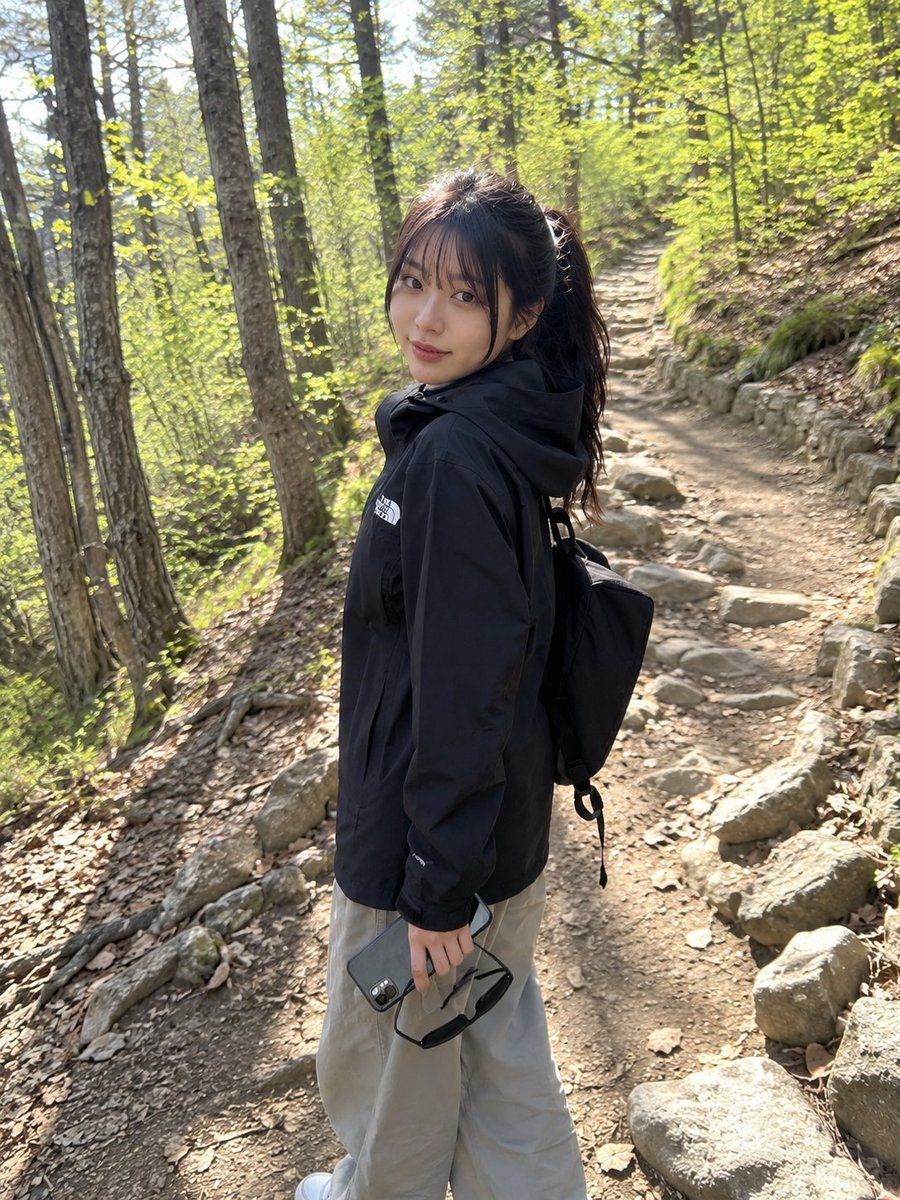
Authentic Mobile Travel Snapshot

Nostalgic Digicam Café Afternoon Portrait
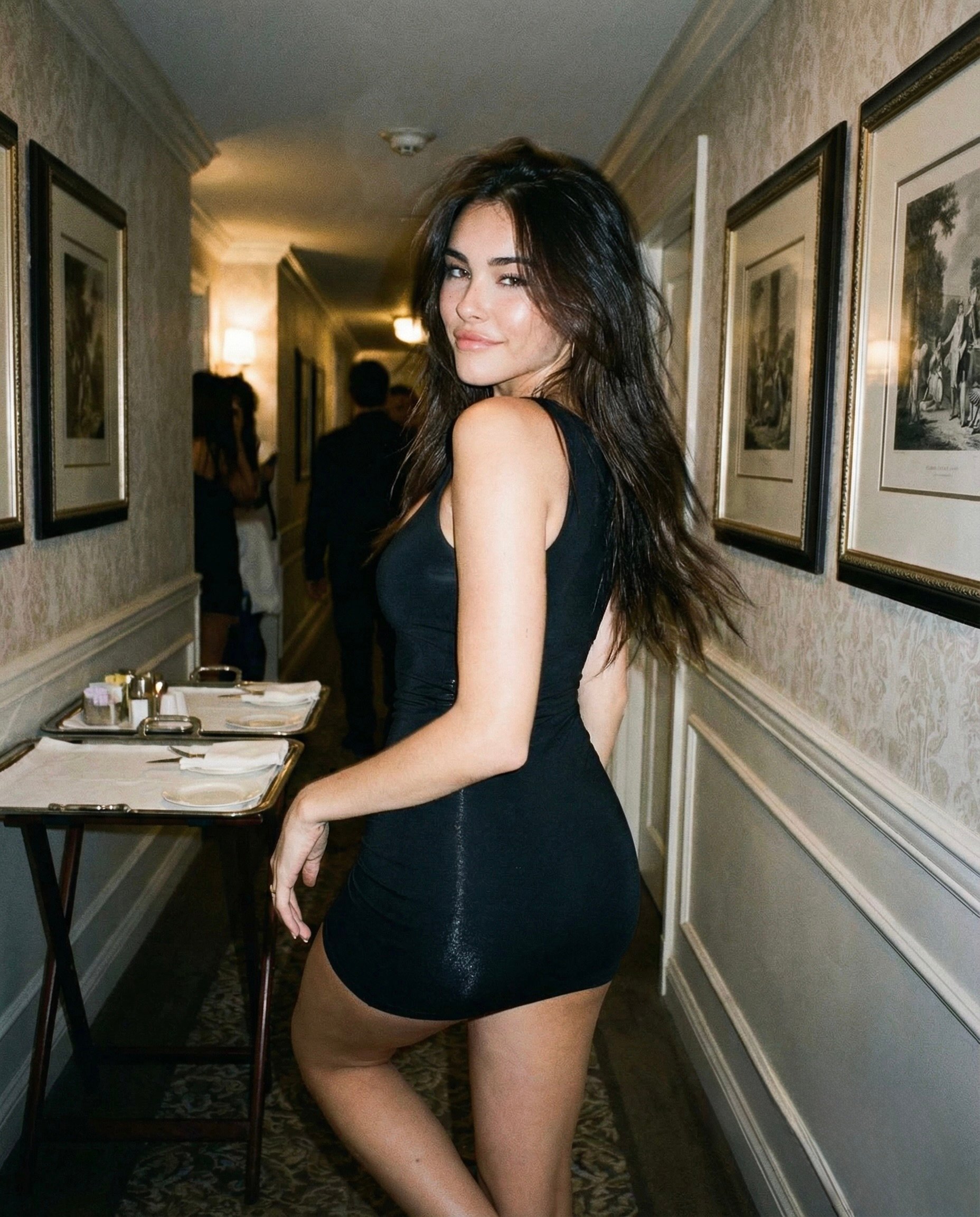
Madison Beer Hotel Iphone Flash
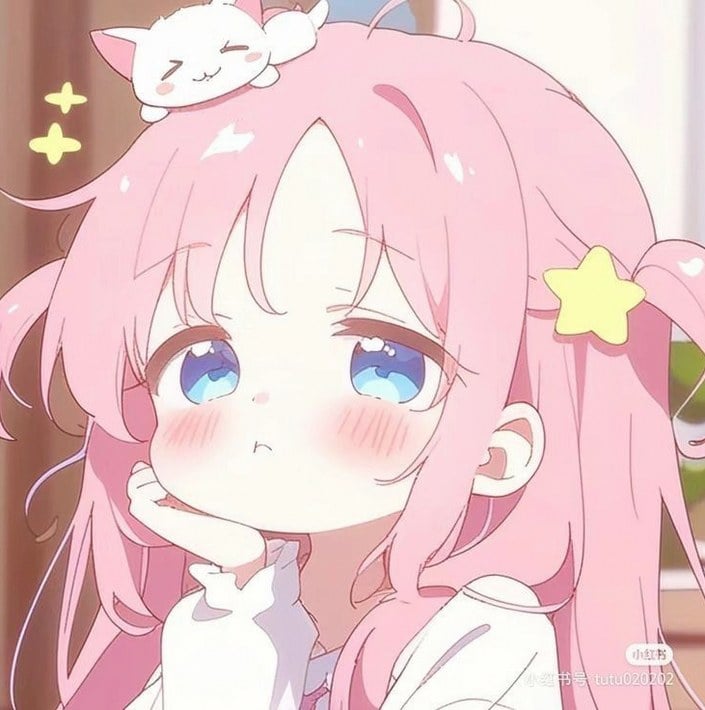
Sleepy Pink-Haired Chibi Girl
Consistent Series Character Street Snapshot
Surreal Weather Armchair in Hotel Lobby
Sleeping Woman in Nightcap
Sleeping Girl in Pitch-Black Room
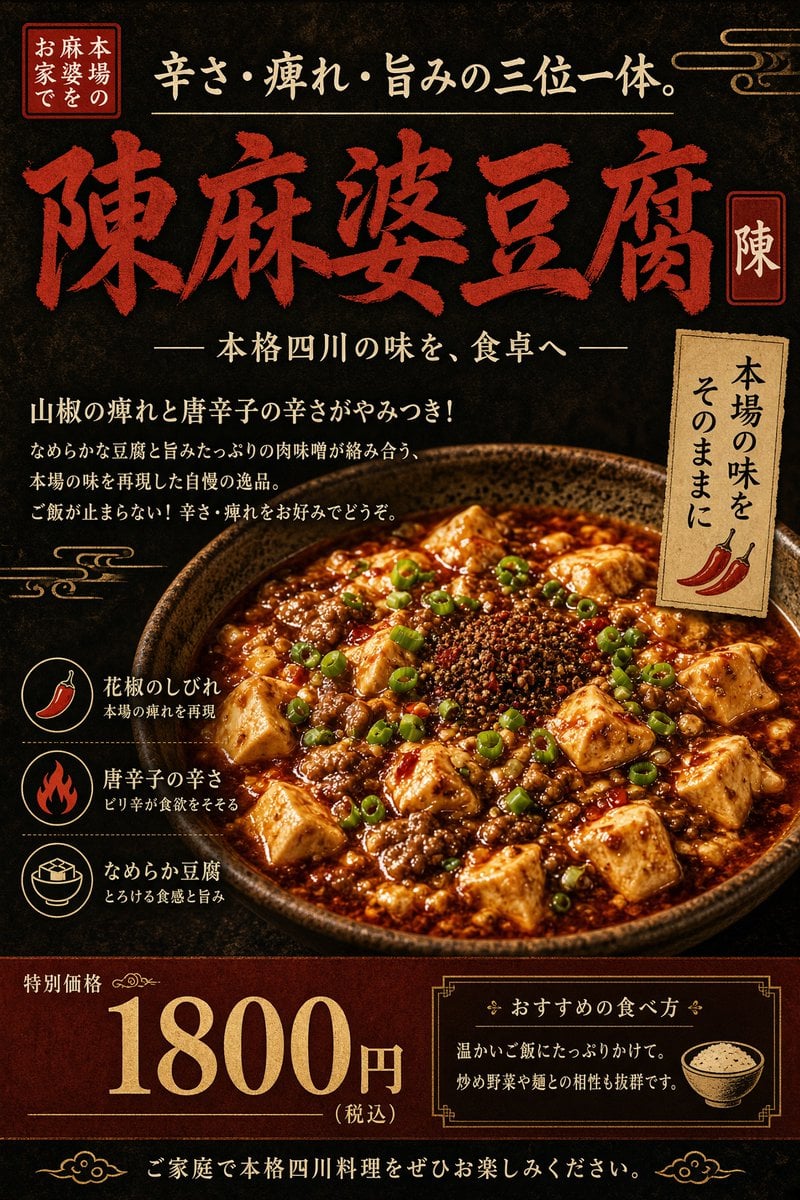
Authentic Sichuan Mapo Tofu Poster
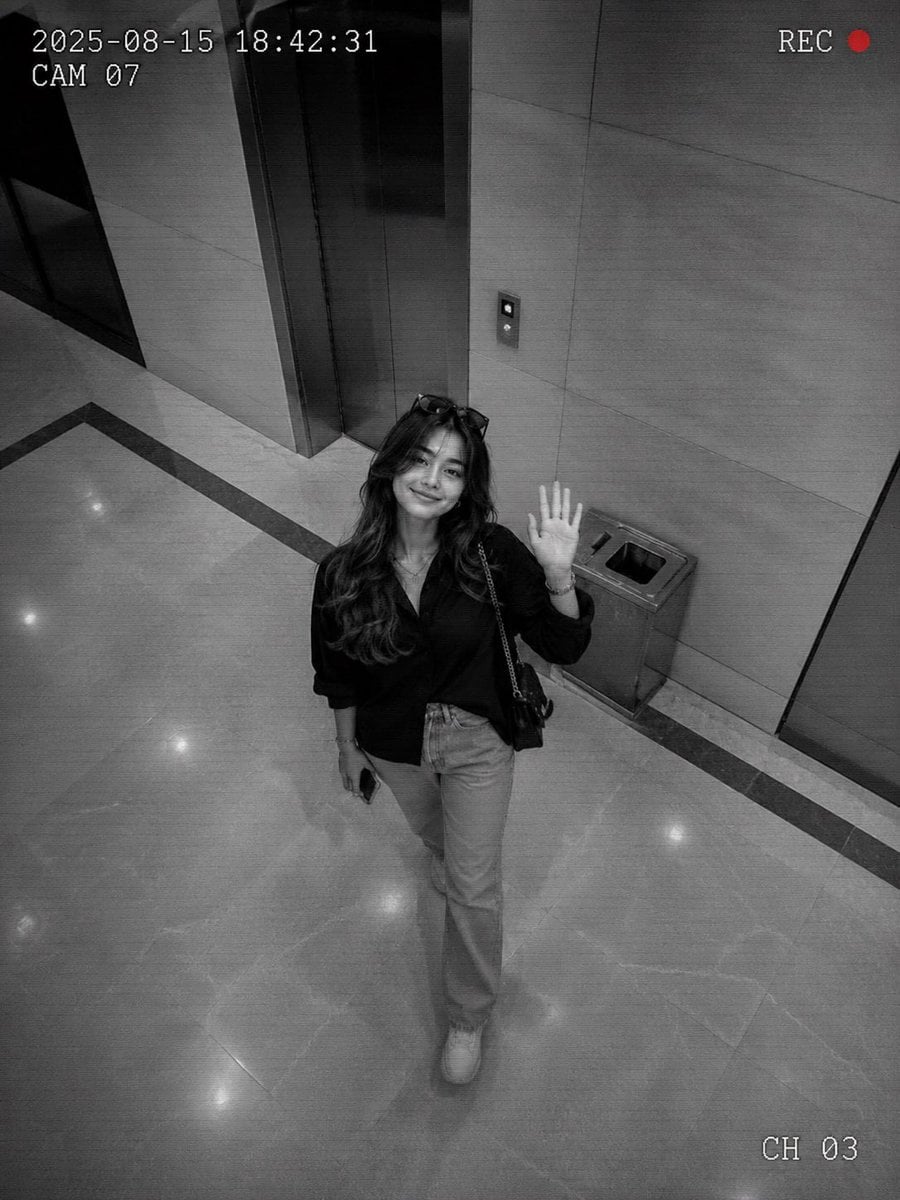
Authentic CCTV Surveillance Camera Scene
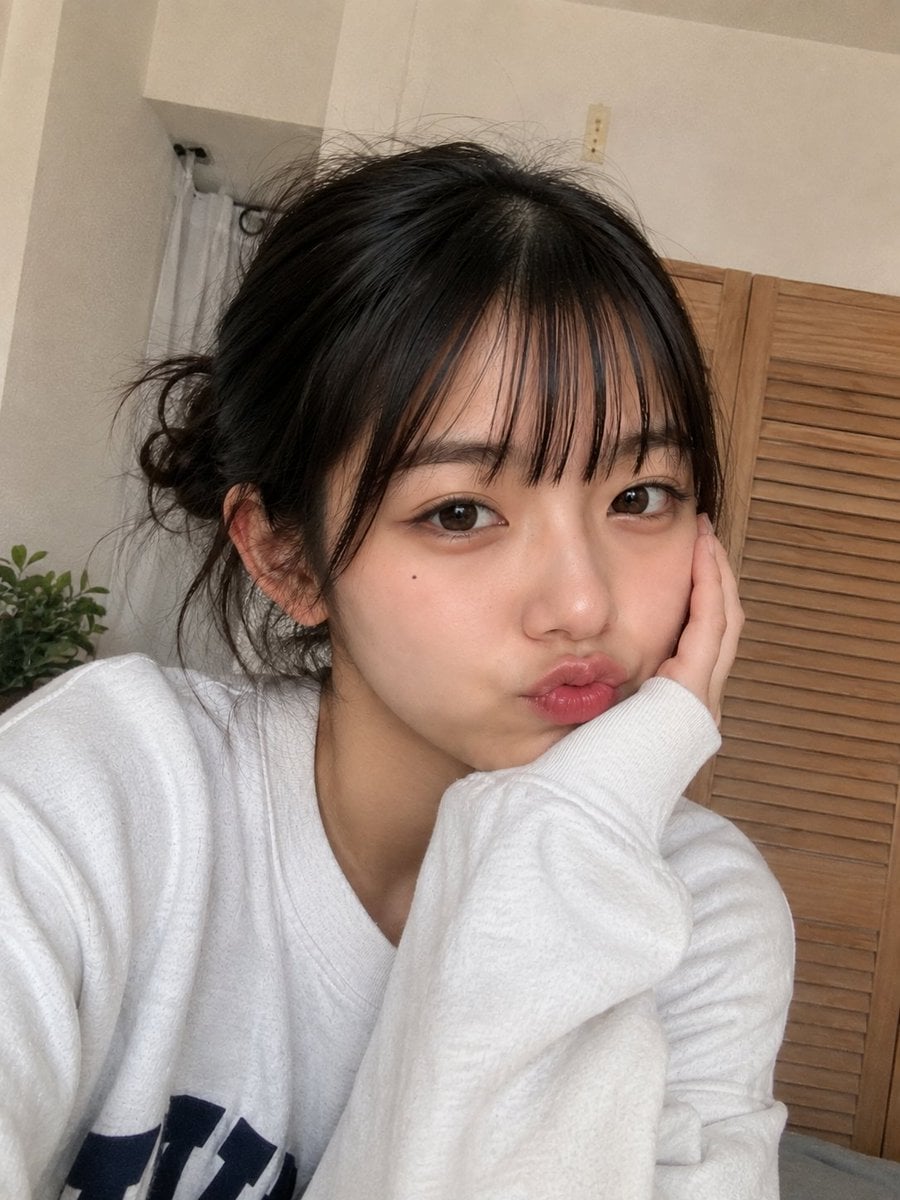
Authentic Smartphone Selfie Portrait
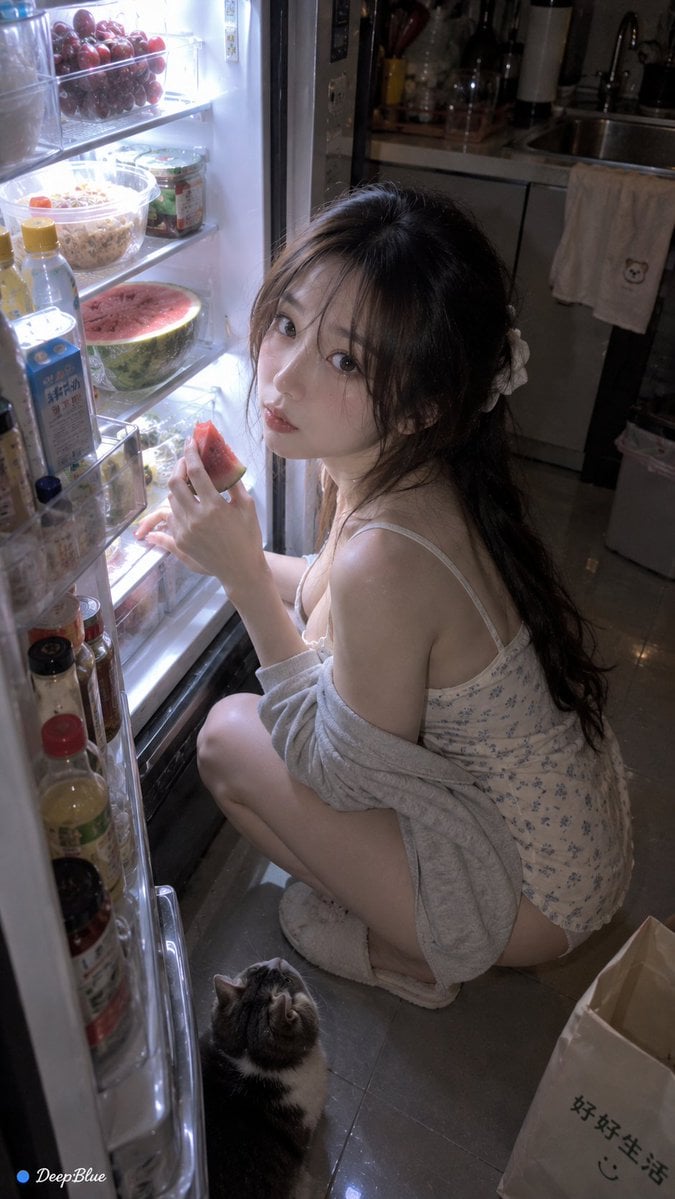
Late Night Fridge Candid Snapshot
Make it yours
Authentic Hotel Sleep Snapshot works as-is. These are the safest ways to change it without losing the look.
Change one field
Copy a single group, rewrite it, and generate again so you can see what that field is doing.
Keep the frame, change the subject
Hold the composition and light of Authentic Hotel Sleep Snapshot, then swap wardrobe, props or the person for a new take.
| If the result… | Why | Fix |
|---|---|---|
| The result drifts from the preview | Too many fields changed at once. | Reuse Authentic Hotel Sleep Snapshot as-is first, then change one group — subject, light, or setting. |
| The model over-stylizes the scene | The prose prompt leaves finish and camera underspecified. | Add one camera or lighting sentence and stay on GPT Image 2. |
More GPT Image 2 templates
Other prompts made for GPT Image 2.

Six VTuber Japanese Logo Sheet

Realistic Portrait of Woman and Deer

The Vista Modular Condo Poster

AI Model Routing Comparison Infographic

2.5D Anime Art Board

Isometric Productivity Desk Scene

New York Double Exposure Poster

Four-Panel AI Landscape Comparison

Japanese Tatami Lifestyle Magazine Cover

NESCAFÉ Coffee Map Poster
More image prompts
Fresh picks from across the catalog.
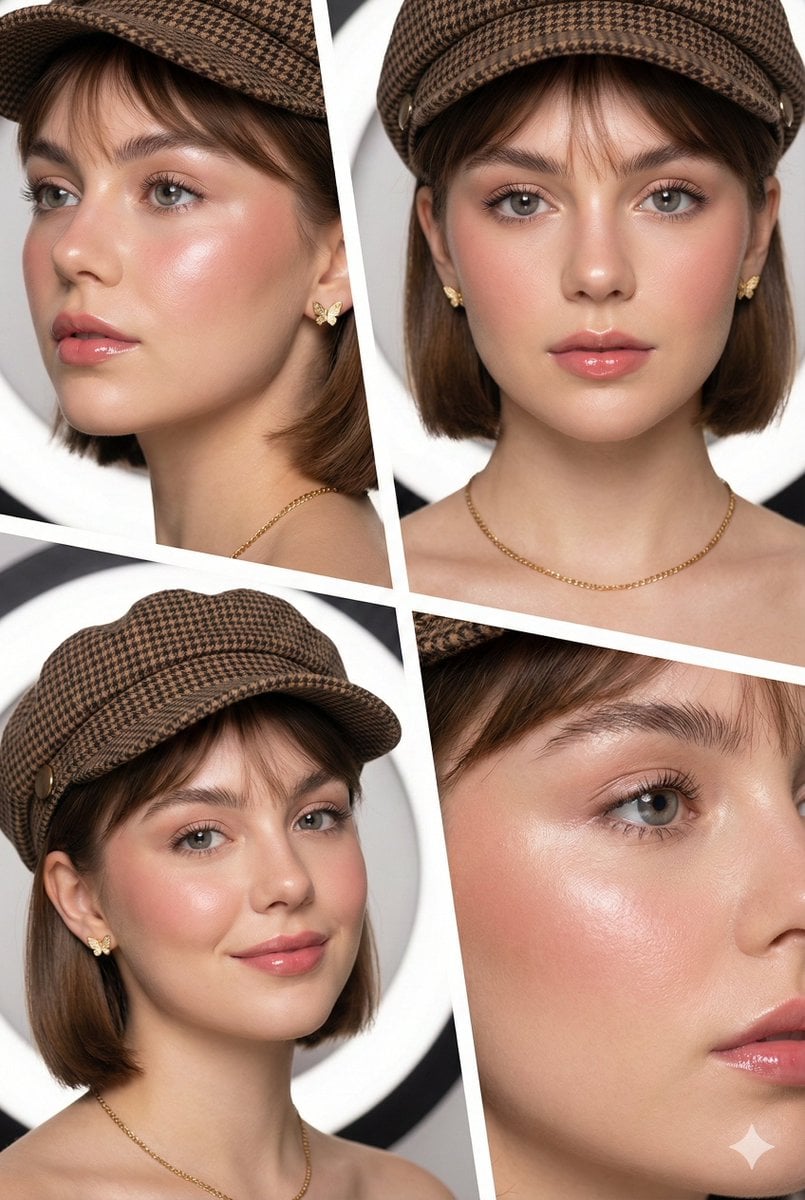
Panel Beauty Editorial Collage
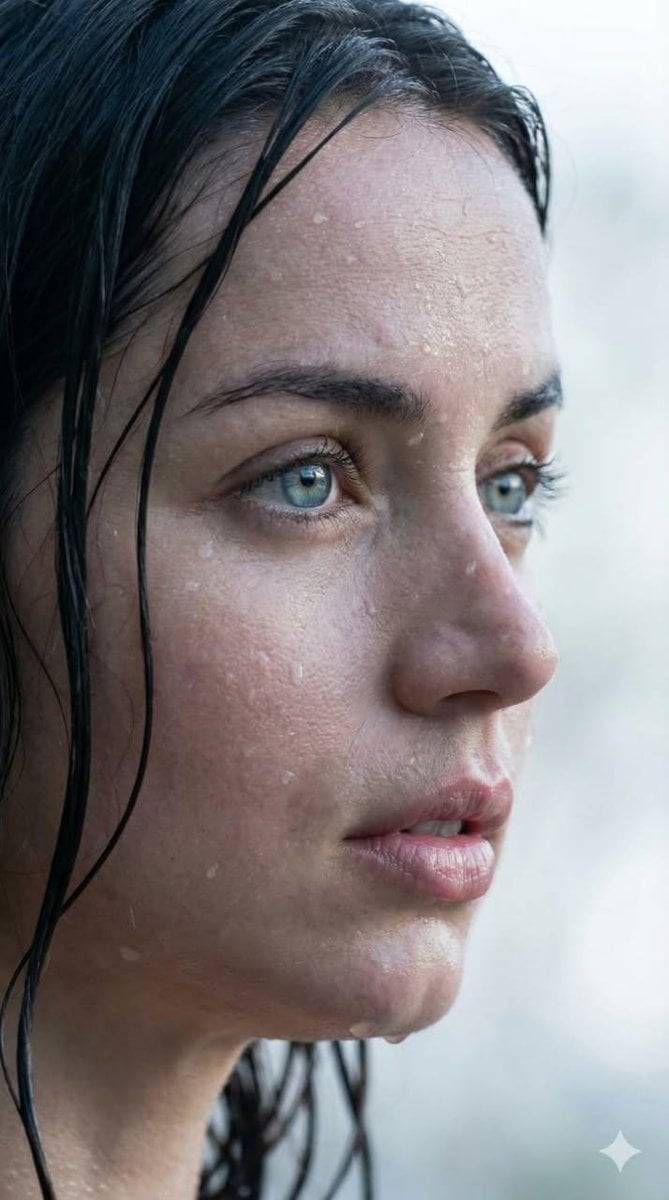
Extreme Wet Close-up Portrait with Reference Image
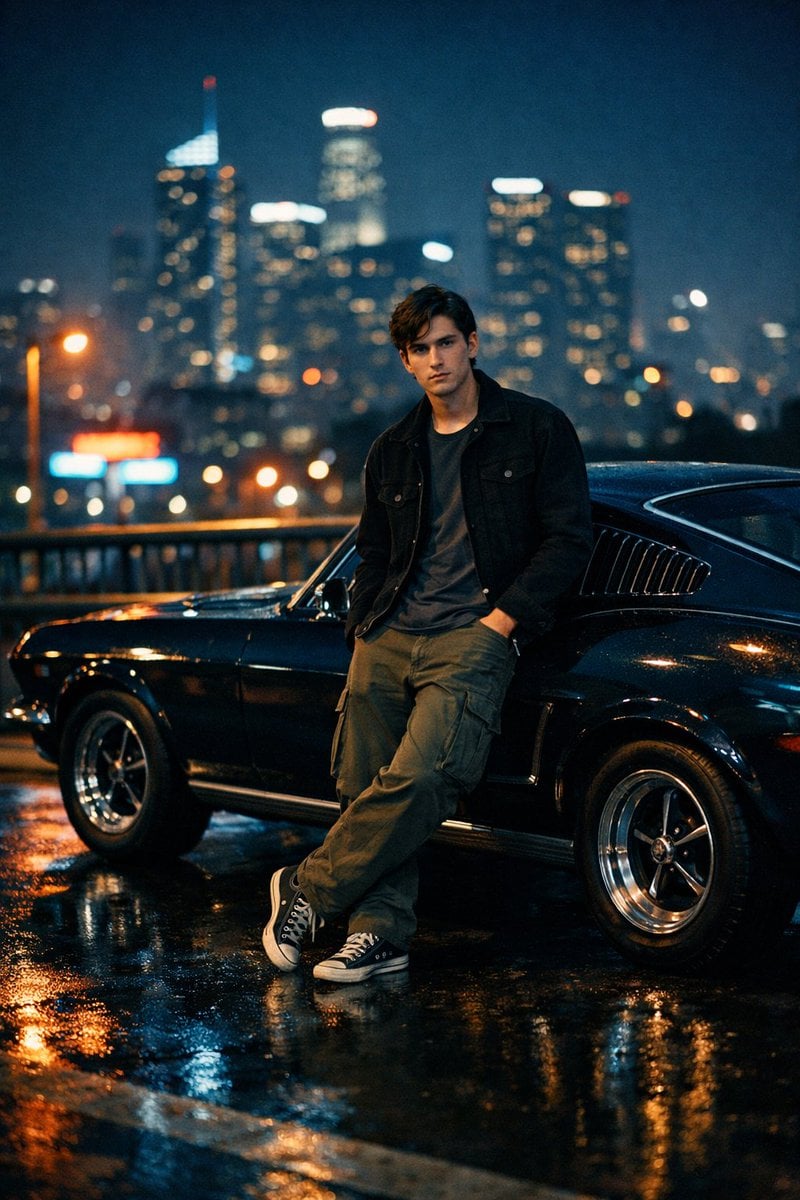
Cinematic Night Photo with Classic Mustang
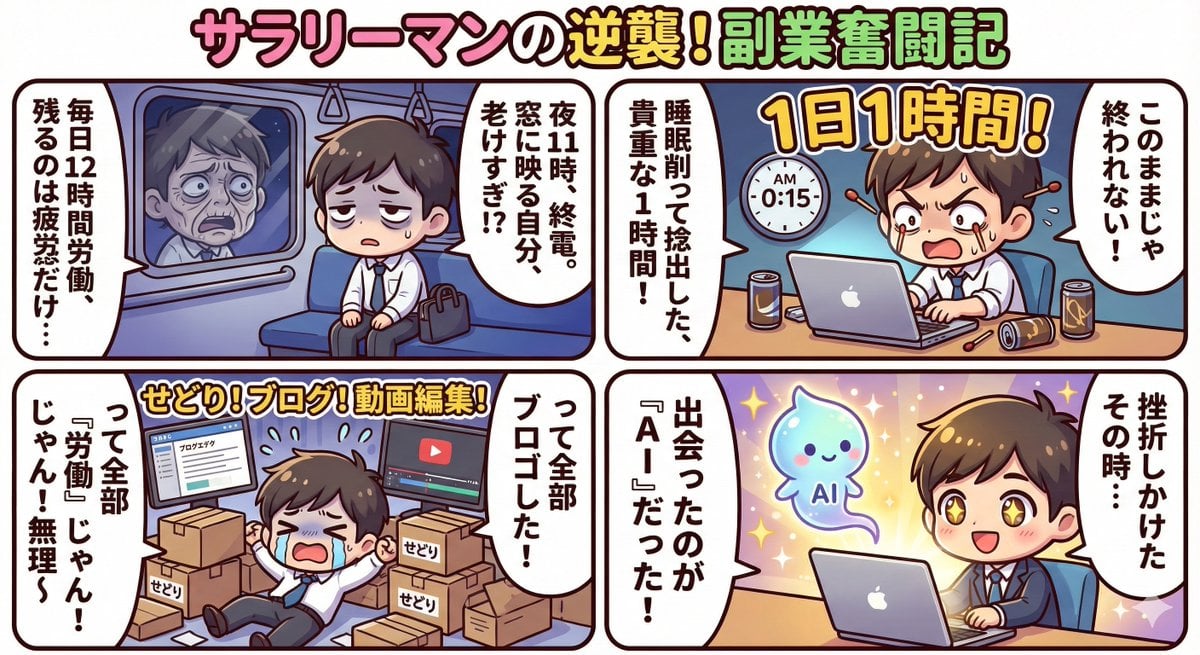
Gemini 3 Story Creation and Nano Banana Pro Manga Generation

Rooftop Walkway Fashion OOTD
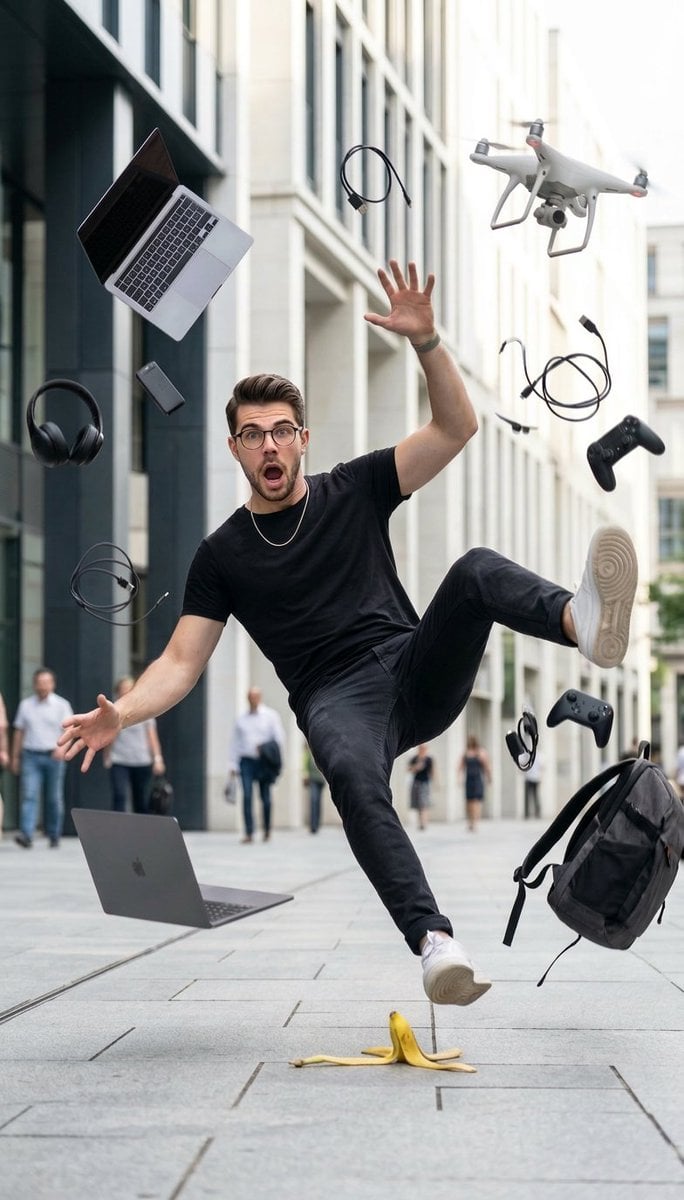
Cinematic Street Photography of Man Slipping on Banana Peel
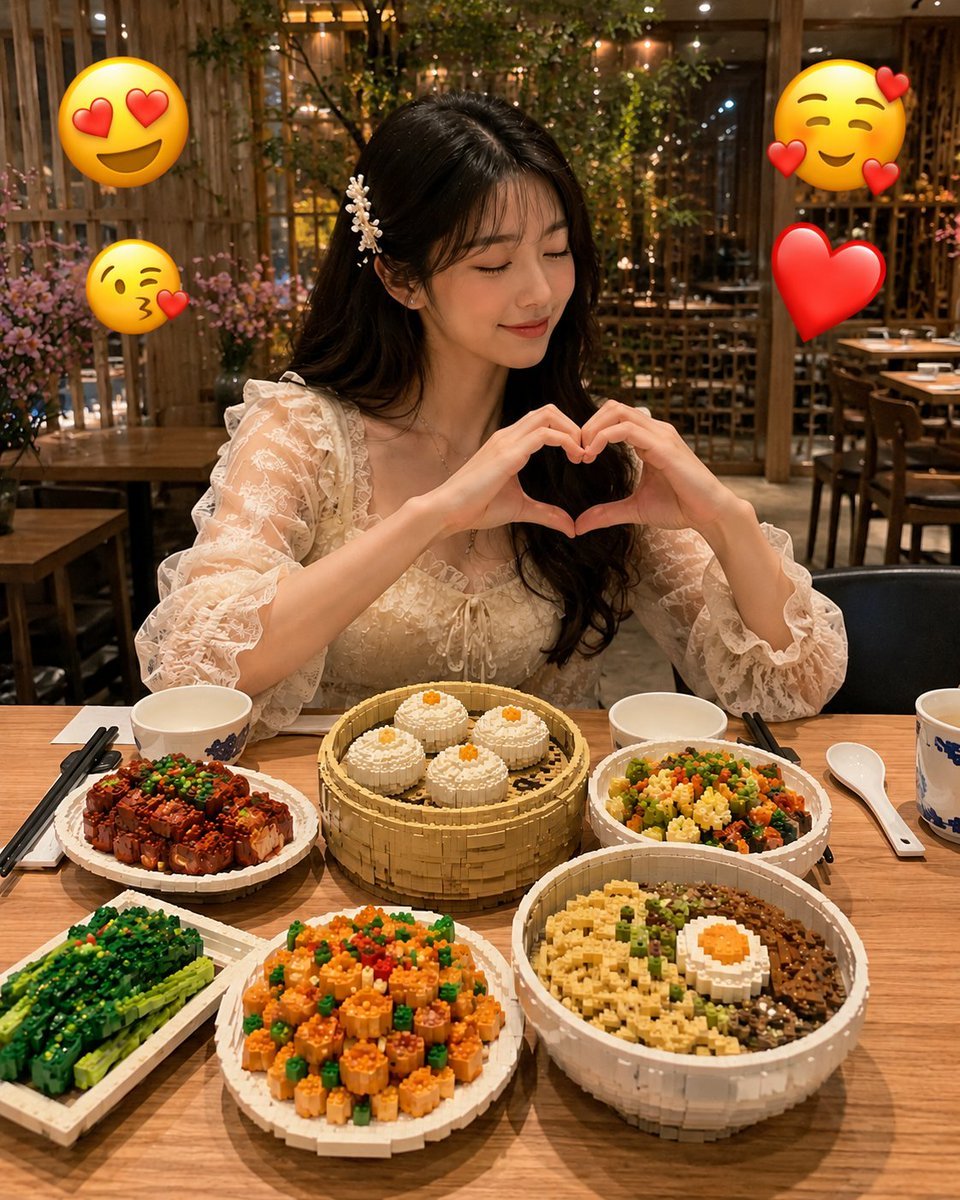
Realistic LEGO Food Miniature
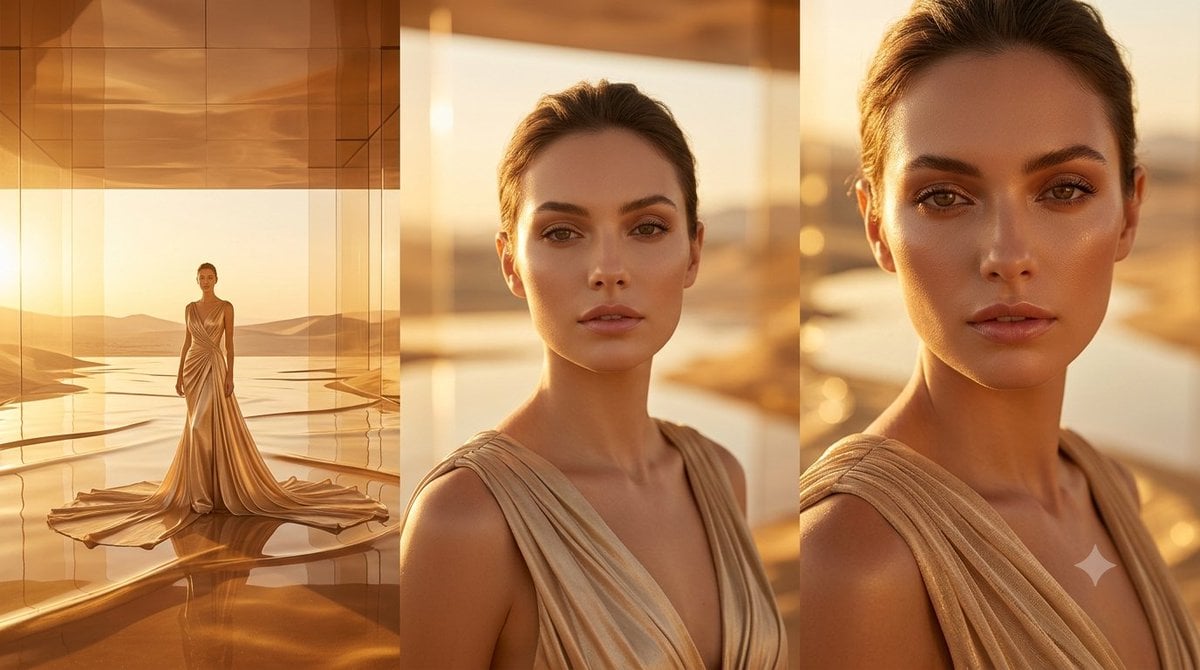
Golden Luxury Fashion Triptych
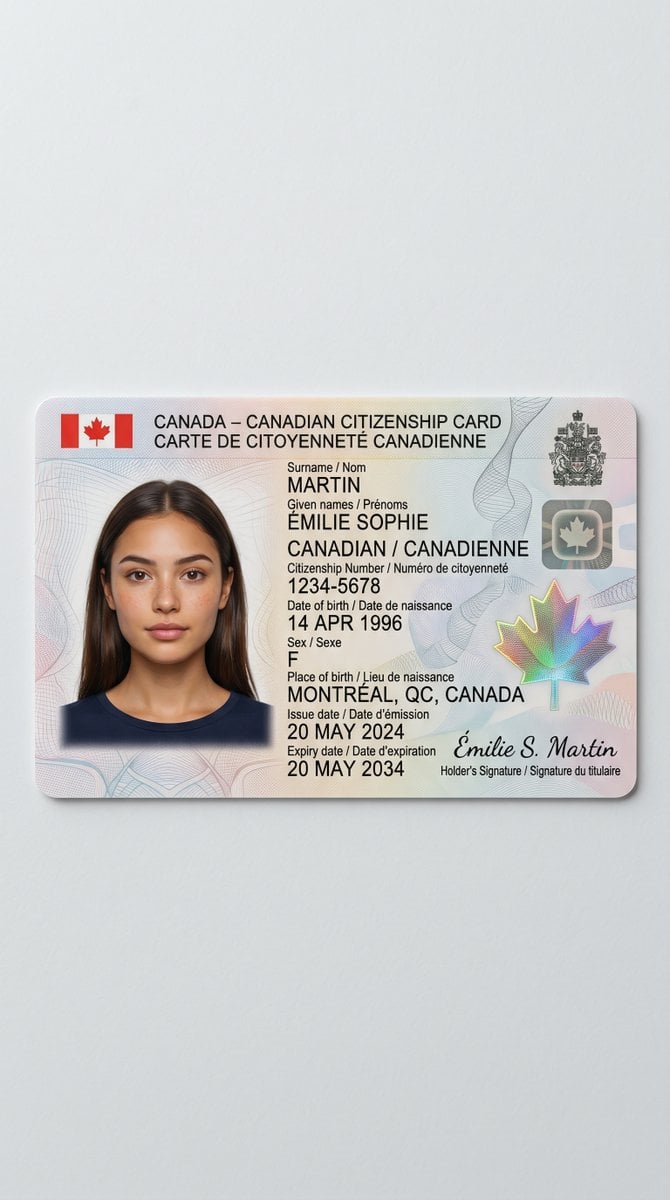
Canadian Citizenship Card Mockup Prompt
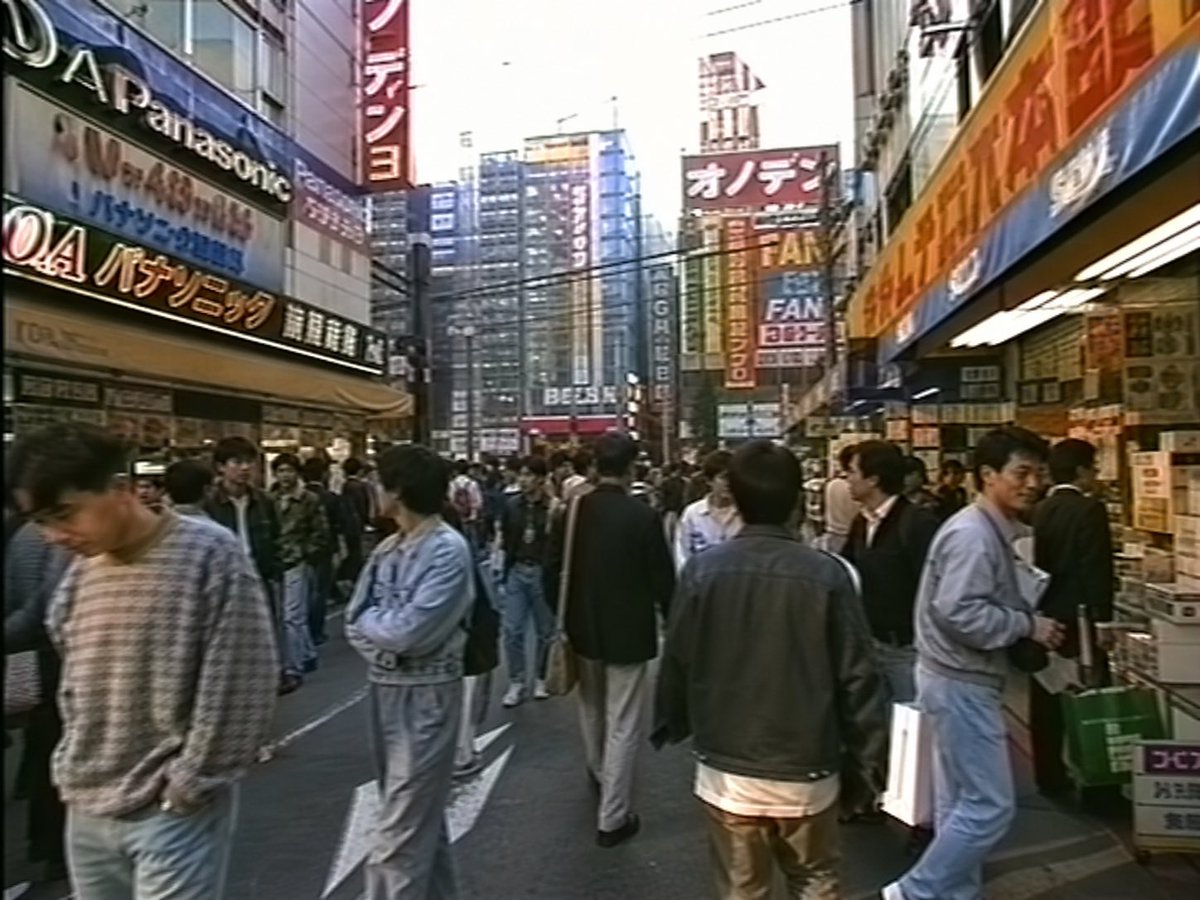
1990s Akihabara Street Photo
Browse template categories
Authentic Hotel Sleep Snapshot questions
How do I use the Authentic Hotel Sleep Snapshot template?
Add your photo if the template asks for one, edit the prompt if you like — the template's model and format are already selected — and press Generate. Your version opens in PicX Studio.
Can I customize the Authentic Hotel Sleep Snapshot template?
Yes. You can change the subject, setting, lighting, mood, format, and available model controls before creating your image.
Is the Authentic Hotel Sleep Snapshot template free?
Opening and editing this template is free. Generating uses credits, shown on the Generate button when you are signed in.
Which AI model should I use?
Start with GPT Image 2, which is the model associated with this template. You can compare another compatible model for a different finish.
Looking for something else? Browse all templates.

Your photo, any look
Thousands of ready templates for every top image and video model, from one credit balance.