
Gemini 3 Story Creation and Nano Banana Pro Manga Generation
A two-part prompt sequence for creating a four-panel manga.
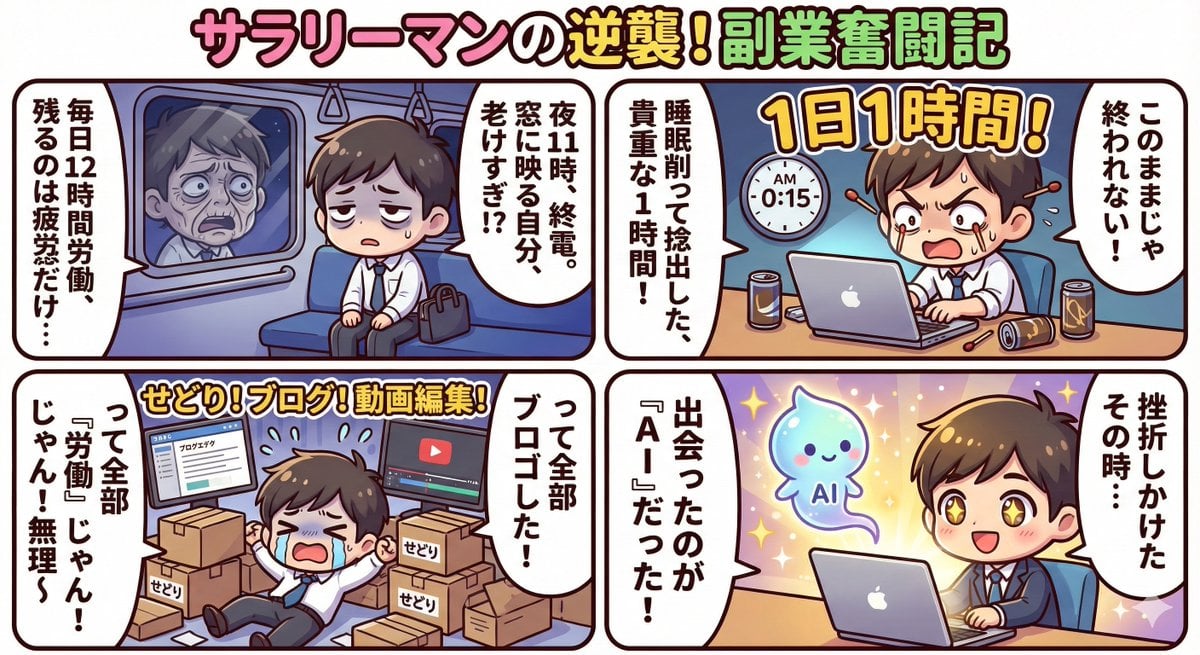
- Prompt included
- Model and format preset
- Free template
The prompt behind this image
Copy the exact prompt behind Gemini 3 Story Creation and Nano Banana Pro Manga Generation, or open it in the studio and make it yours.
ストーリー作成プロンプト①↓↓(Gemini3”思考モード”のみ・nanobabananapro不要) 「{argument name="ストーリーテーマ" default="激務のサラリーマンが、1日1時間の副業から始めて月100万円稼いで脱サラするまでのストーリー"}を1000文字ぐらいで書いて」 これだけ。 文章はあなたの好きなストーリーに変更して使って下さい。 プロンプト②↓↓(Gemini3”思考モード”+nanobabananapro) 『以下の文章を使って、リッチ感のある4コマの漫画を作成してください。デザインのトンマナは{argument name="デザインスタイル" default="ポップな可愛い絵柄とキャラとコマ割り"}で』 →ここにプロンプト①で作ったストーリーを貼る← ※このポストのように4枚の4コマ漫画に分けたい場合はストーリーを4つに分けて1つずつ プロンプト②を使って4回Gemini3+nanobabananaproに投げて下さい。
How to use Gemini 3 Story Creation and Nano Banana Pro Manga Generation in 3 steps
- 1
Open
The prompt is already in the box next to the preview, with the template's model and format selected.
- 2…a portrait of your subject in softgolden-hour light, 85mm…
Personalize
Edit the subject and creative details for your destination.
- 3Generate
Generate
Press Generate — your image is created in PicX Studio, so you can compare it with the original and refine one variable at a time.
More like this
Templates with the same subject, style or setup. Open one to see its prompt.

Woman in Mall with Chanel Bag - Heart Gesture
YAML Template for Web Manga Creation using Gemini (Nano Banana Pro)

Nano Banana Pro Identity Lock — Composition + Face Reference
Developing a Nano Banana Pro Manga Creation Tool
Manga creation prompt for Nano Banana Pro

Stunning Photo Prompt for Gemini Nano Banana Creation
Glamorous Photo Prompt for Gemini Nano Banana Creation

Manga Generation Prompt Template for Nano Banana Pro
Natural Photo Generation Prompt for Gemini Nano Banana 2

Nano Banana Pro Pink Office Chibi
Nano Banana 2 Portrait Gemini
Nano Banana Pro Banner Creation Prompt
Make it yours
Gemini 3 Story Creation and Nano Banana Pro Manga Generation works as-is. These are the safest ways to change it without losing the look.
Change one field
Copy a single group, rewrite it, and generate again so you can see what that field is doing.
Keep the frame, change the subject
Hold the composition and light of Gemini 3 Story Creation and Nano Banana Pro Manga Generation, then swap wardrobe, props or the person for a new take.
| If the result… | Why | Fix |
|---|---|---|
| The result drifts from the preview | Too many fields changed at once. | Reuse Gemini 3 Story Creation and Nano Banana Pro Manga Generation as-is first, then change one group — subject, light, or setting. |
| The model over-stylizes the scene | The prose prompt leaves finish and camera underspecified. | Add one camera or lighting sentence and stay on Nano Banana 2. |
More Nano Banana 2 templates
Other prompts made for Nano Banana 2.

Photorealistic Leaf Shaped Like a Dragon

K-Pop Idol Portrait Grid for Rapid Selection

Poetic Rain Forest Portrait During Golden Hour

Urban Street Portrait with Cartoon Inner Self Duo

Candid Nighttime Photo with Cat Prompt

High-Concept 3D Diorama Generation Prompt

Cinematic Futuristic Studio Portrait Template

Skincare Editorial Photography Collage Prompt

Hyper-Realistic Commercial Product Photography (Splash Effect)

Hyper-Realistic Nightclub Portrait Prompt
More image prompts
Fresh picks from across the catalog.
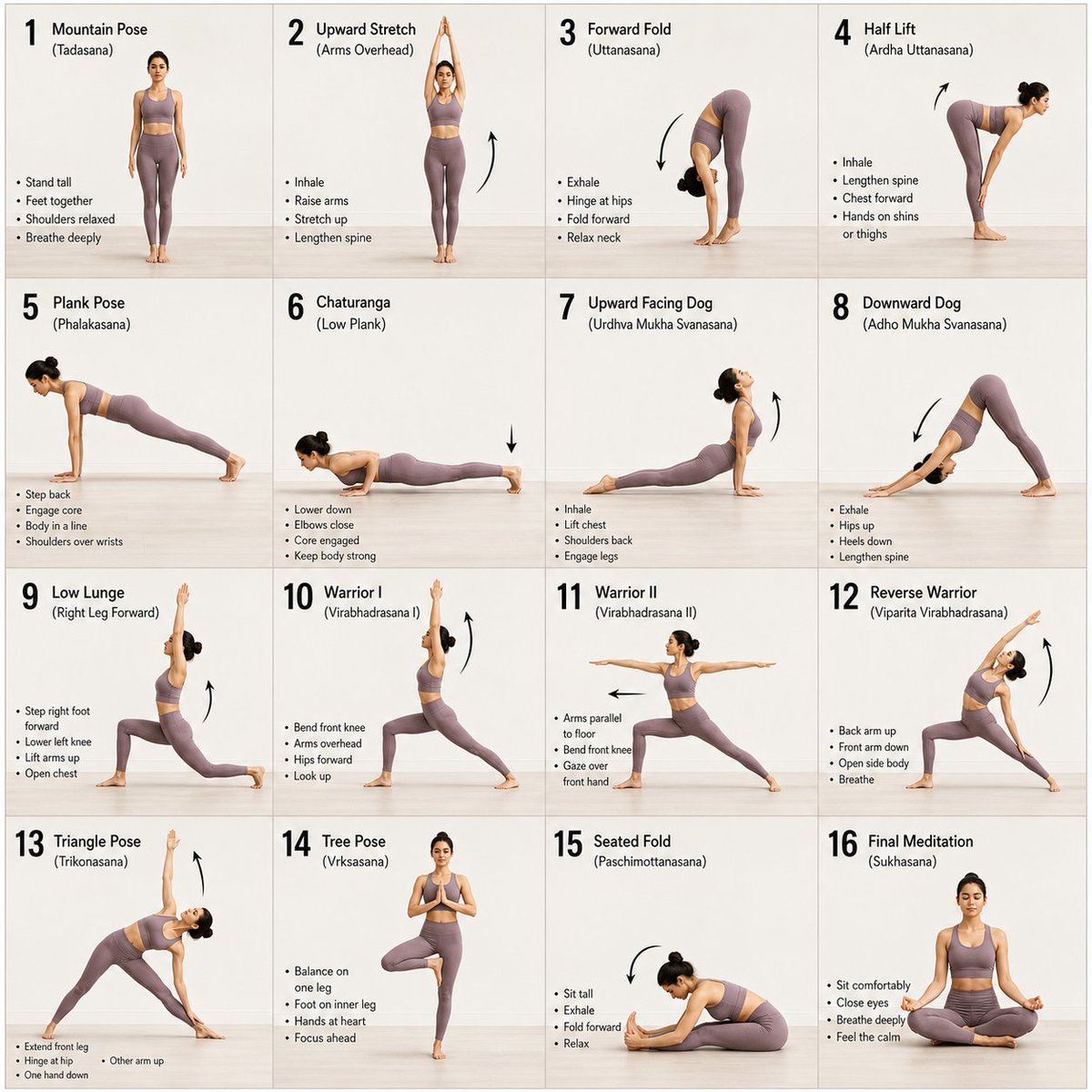
Panel Yoga Instructional Storyboard
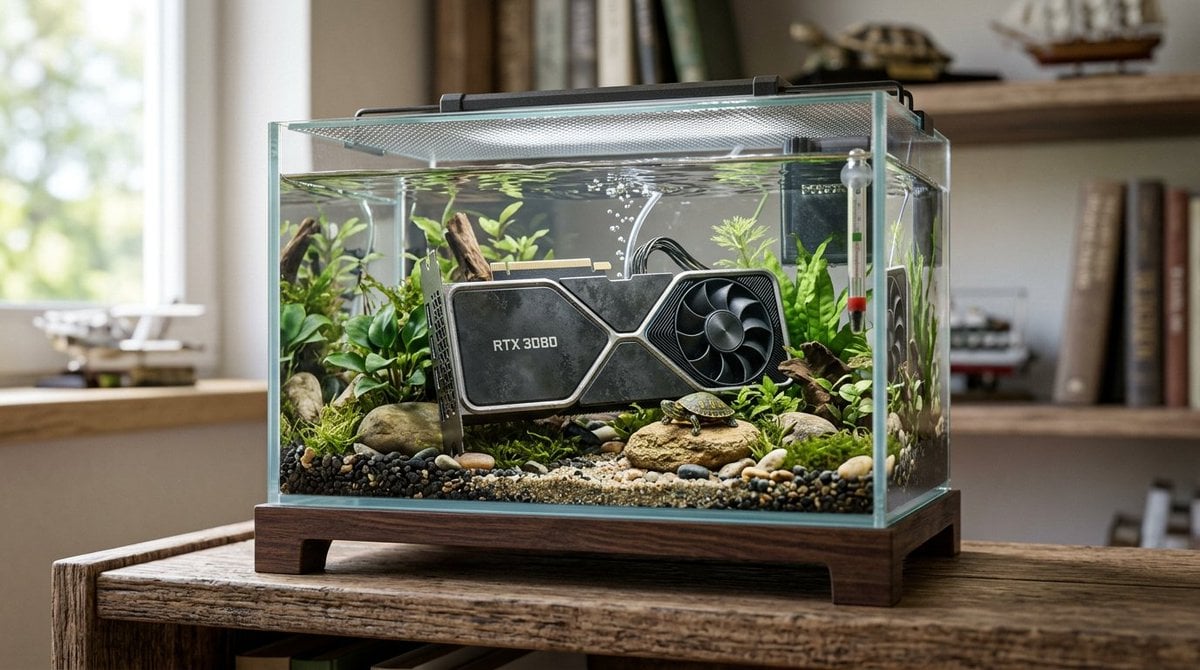
Hyper-Realistic Miniature Turtle Tank Diorama
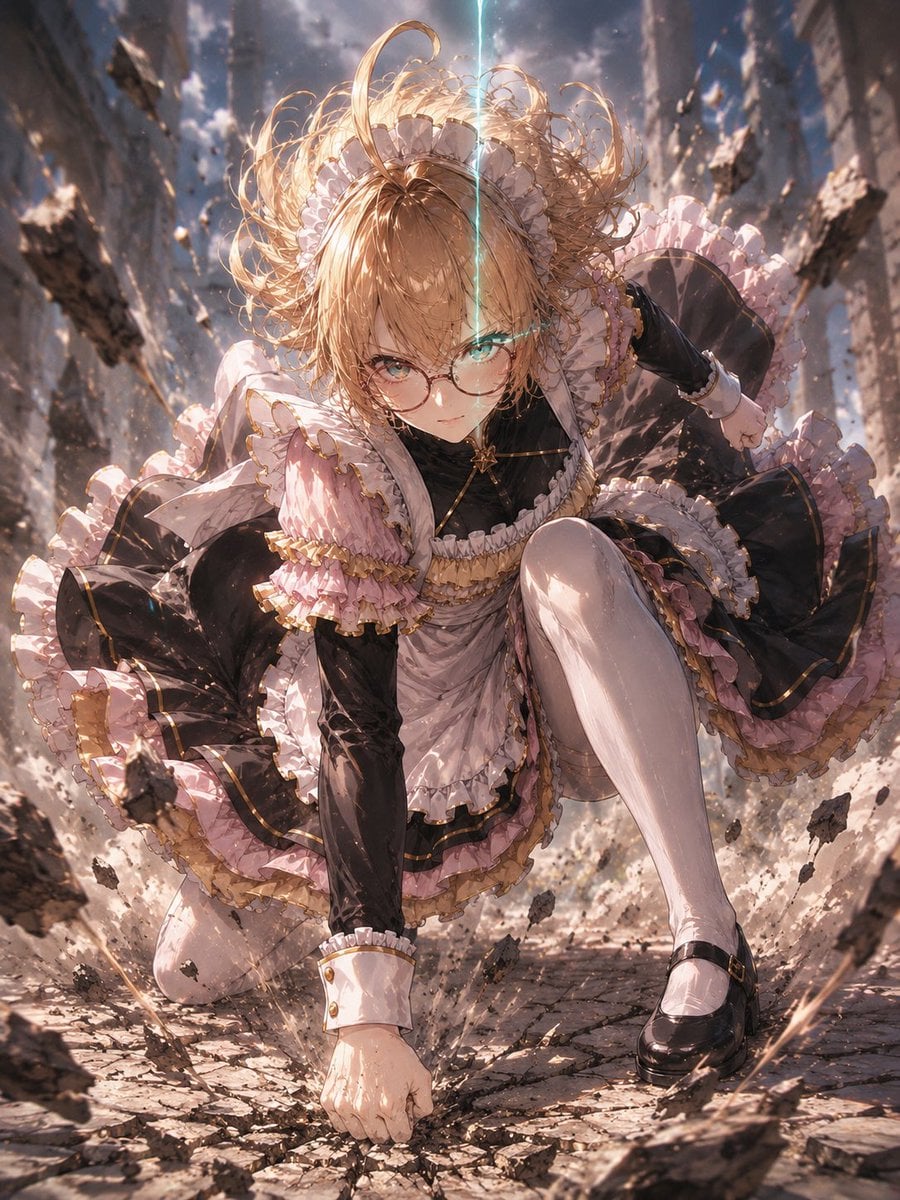
Gothic Maid Superhero Landing
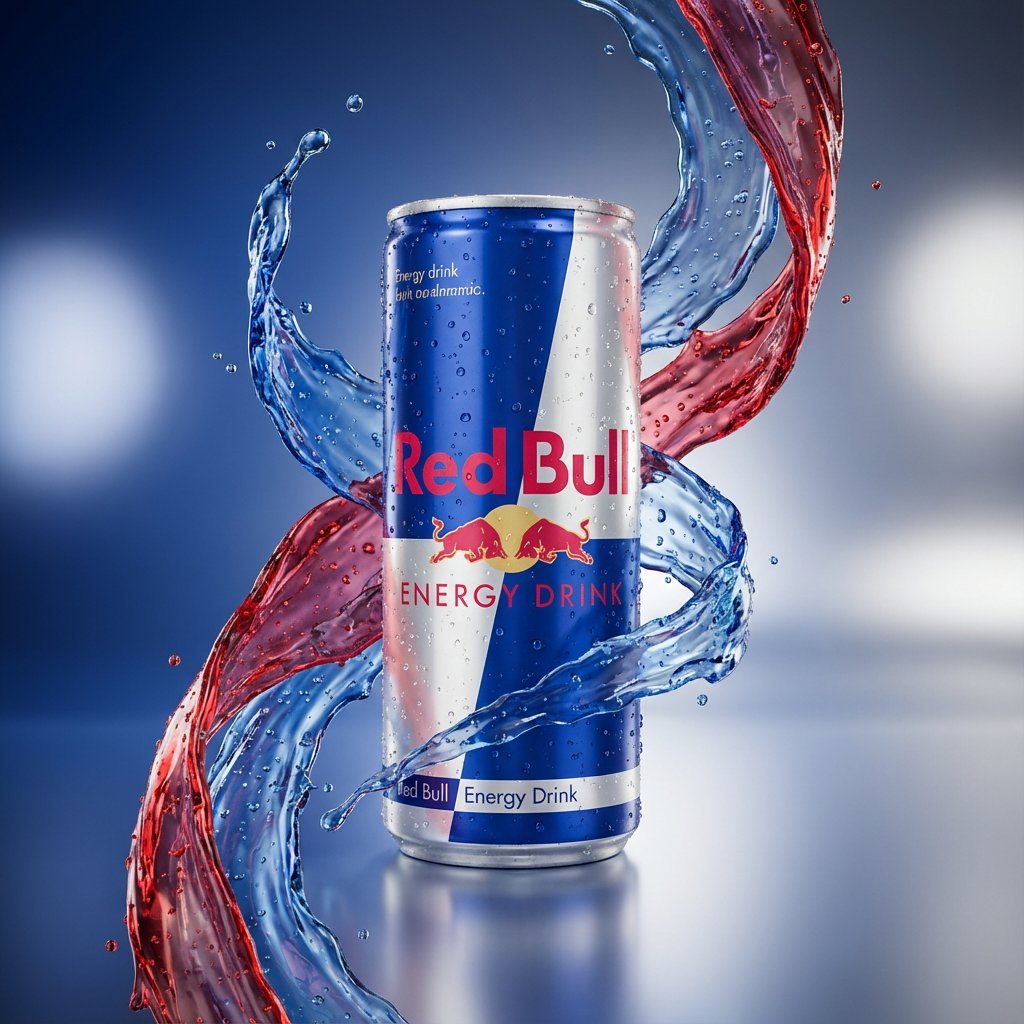
Hyper-Realistic Product Photography with Liquid Splash
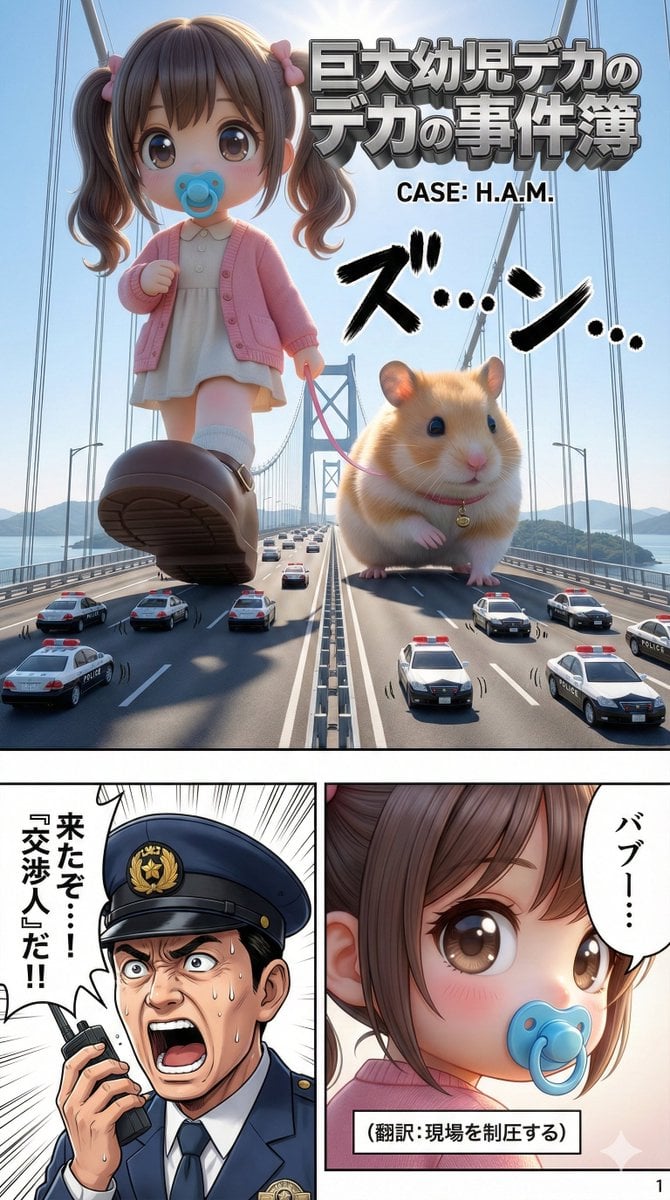
Advanced 10-Page Manga Generation Prompt (LLM System Prompt)
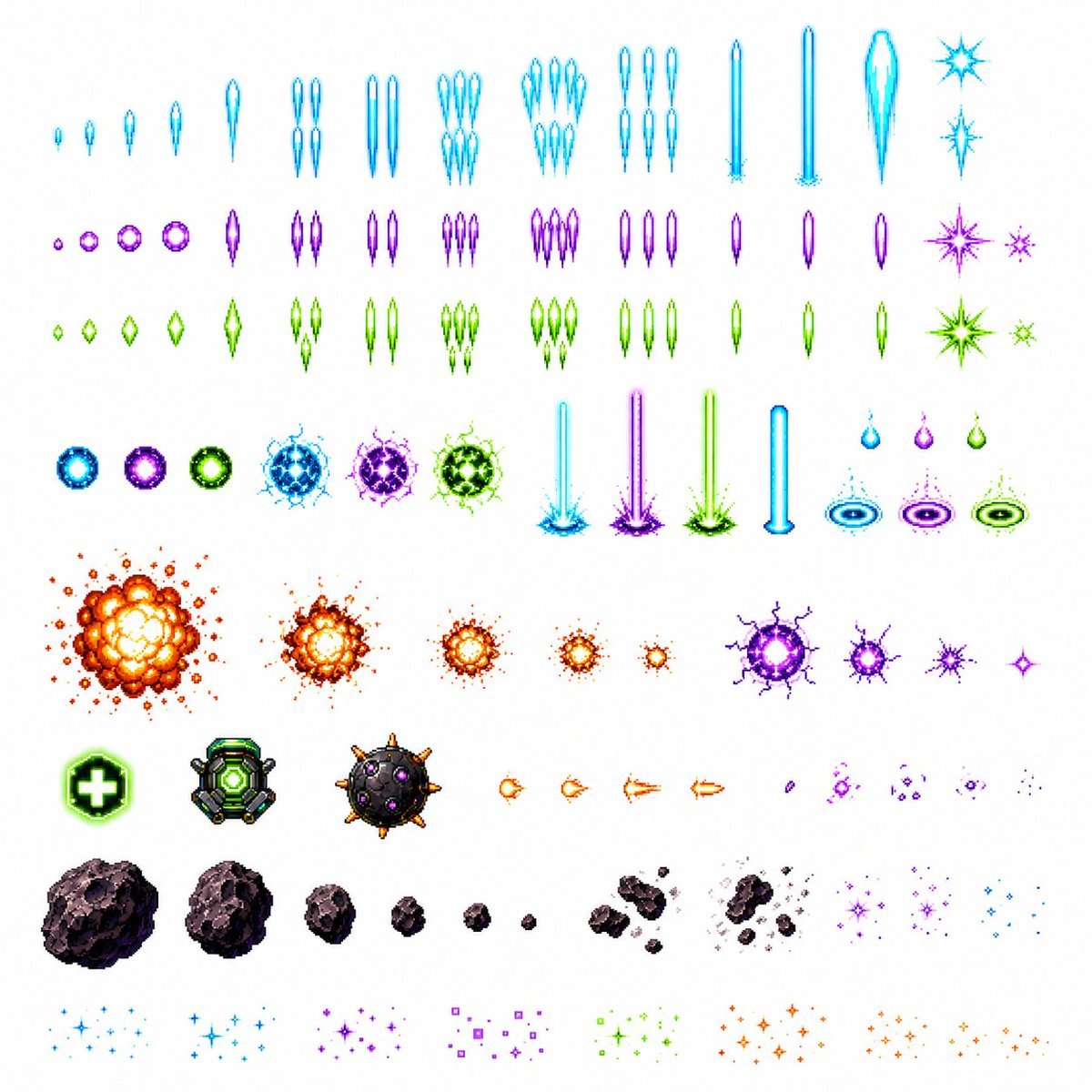
Retro Space Shooter VFX Sprite Sheet

Image Transformation to Minimal Vector Poster
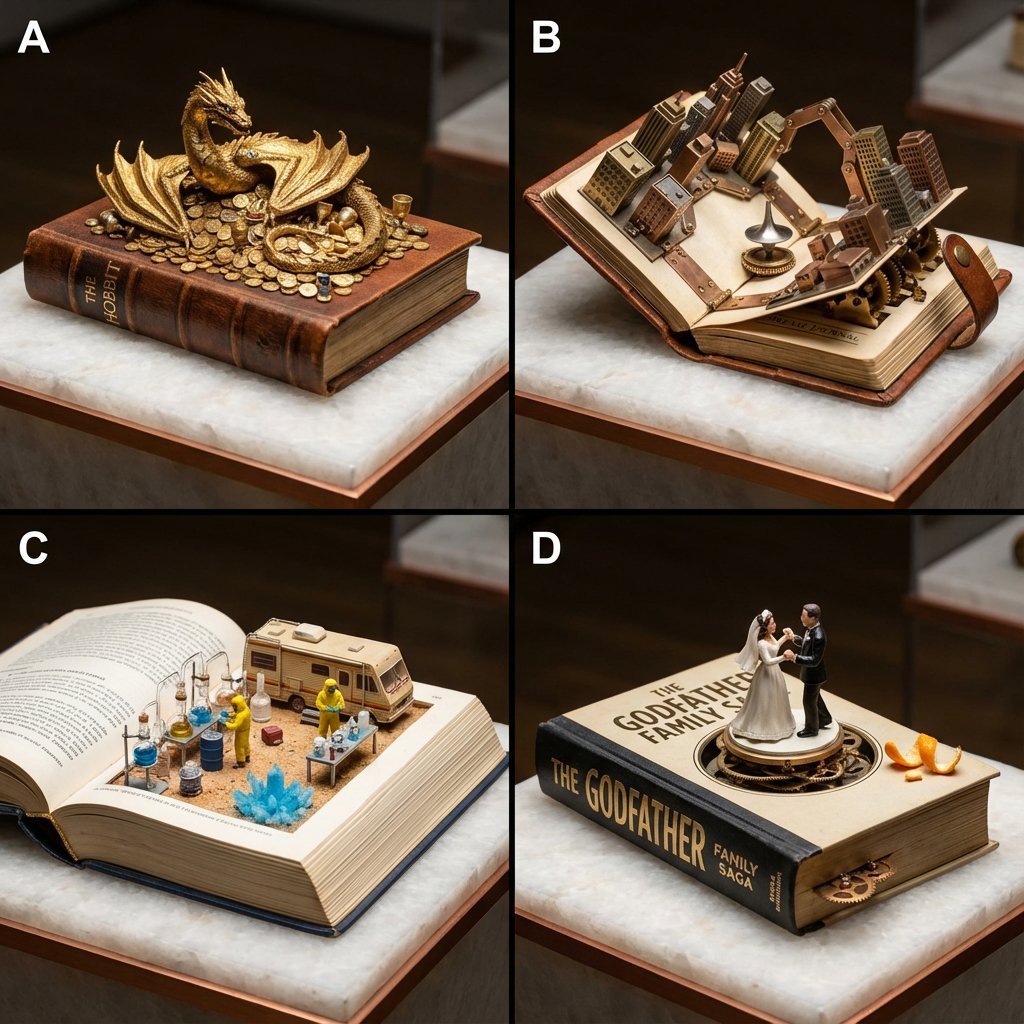
Book-Themed Diorama Grid Prompt
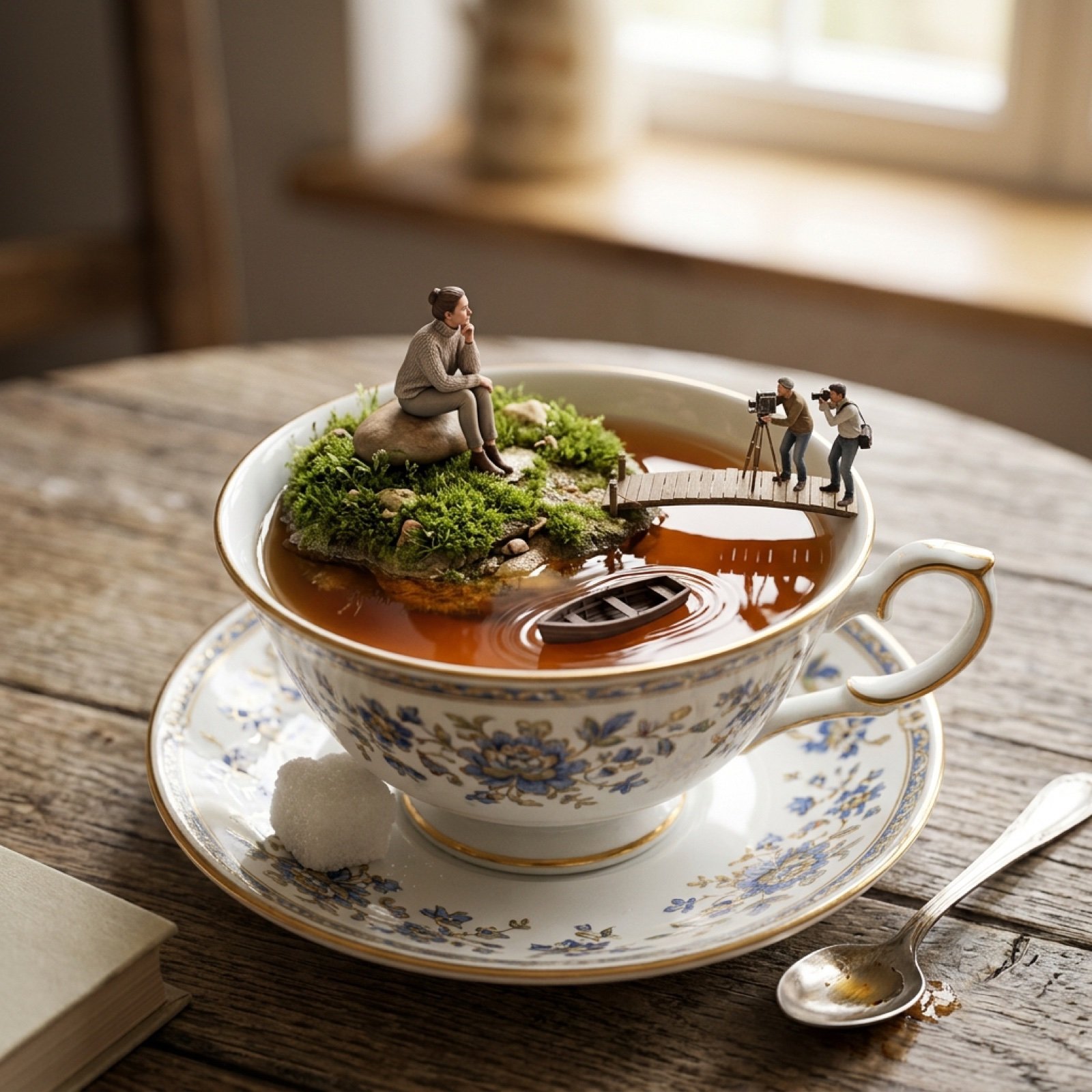
Natural Language Prompt for Miniature World Inside a Teacup
Vogue Desert Fashion Editorial
Browse template categories
Gemini 3 Story Creation and Nano Banana Pro Manga Generation questions
How do I use the Gemini 3 Story Creation and Nano Banana Pro Manga Generation template?
Add your photo if the template asks for one, edit the prompt if you like — the template's model and format are already selected — and press Generate. Your version opens in PicX Studio.
Can I customize the Gemini 3 Story Creation and Nano Banana Pro Manga Generation template?
Yes. You can change the subject, setting, lighting, mood, format, and available model controls before creating your image.
Is the Gemini 3 Story Creation and Nano Banana Pro Manga Generation template free?
Opening and editing this template is free. Generating uses credits, shown on the Generate button when you are signed in.
Which AI model should I use?
Start with Nano Banana 2, which is the model associated with this template. You can compare another compatible model for a different finish.
Looking for something else? Browse all templates.

Your photo, any look
Thousands of ready templates for every top image and video model, from one credit balance.