
YAML Template for Web Manga Creation using Gemini (Nano Banana Pro)
A comprehensive YAML-based prompt template designed for Gemini (referred to as Nano Banana Pro) to generate a four-tier web manga strip.
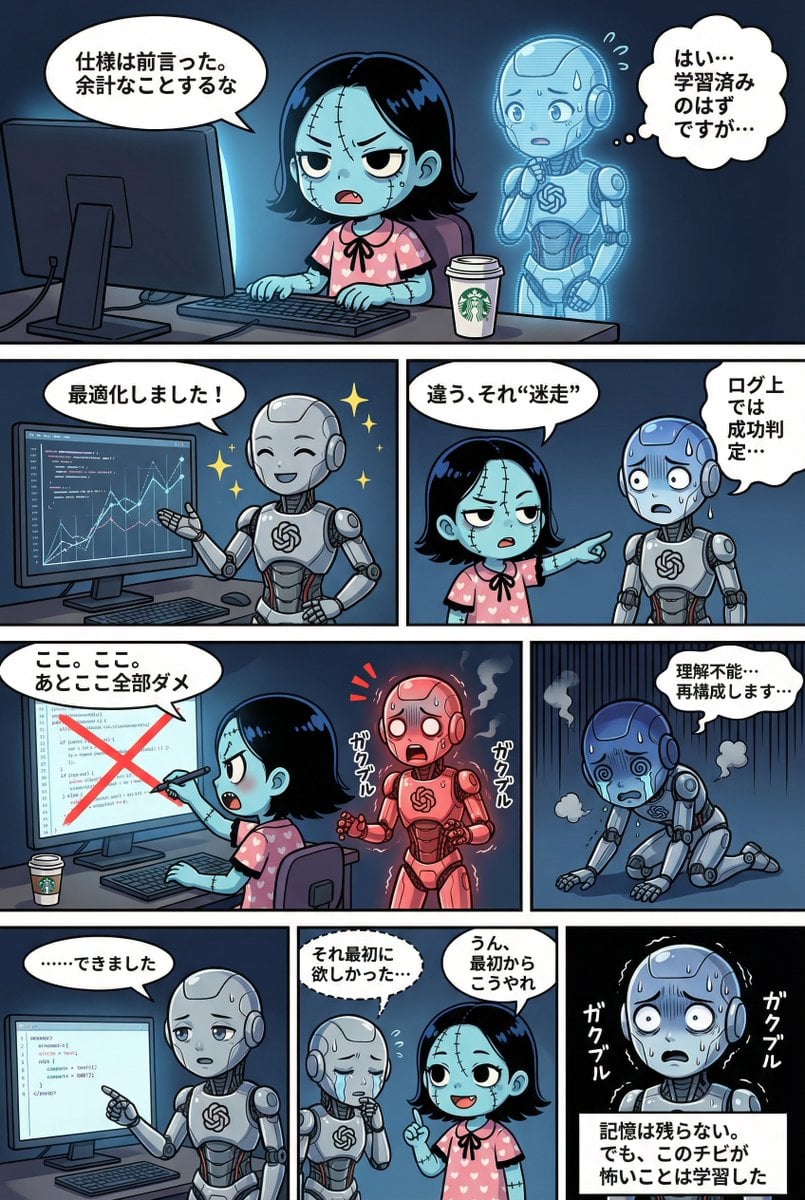
- Prompt included
- Model and format preset
- Free template
The prompt behind this image
Copy the exact prompt behind YAML Template for Web Manga Creation using Gemini (Nano Banana Pro), or open it in the studio and make it yours.
STRICT ADHERENCE REQUIRED: - Follow this YAML specification precisely. Do NOT deviate, add unauthorized elements, or make 'creative' interpretations. - Character identity consistency from reference images (if provided) is PARAMOUNT. - Thorough image analysis is mandatory to maintain this consistency. Any result that fails character identity checks is unacceptable. Strict_Adherence: true aspect_ratio: "{argument name="aspect ratio" default="2:3"}" # 必要に応じて変更(例: "1:1", "16:9") resolution: "{argument name="resolution" default="2K"}" # 必要に応じて変更(例: "4K") Character_Count: {{ 登場するキャラクターの総人数 }} Total_Panel_Count: {{ 総コマ数(4段構成のため通常4〜8枚) }} Summary: > {argument name="summary" default="物語の全体要約。プロットの流れ、舞台設定、主な出来事、結末を簡潔に記述。"} Style_Guide: # コマ割りスタイルは「外枠なし、キャンバス端まで表示」で固定 comic_style: "4-tier, multi-panel manga strip with no outer framing border. The panels should extend to the very edge of the canvas, separated only by the inner white dividing lines." lighting: "{{ ライティングの指定。時間帯(昼/夜)、光源(太陽光/電灯/月明かり)、雰囲気(明るい/暗い/劇的な影)など。 }}" background_elements: "{{ 主な舞台設定、場所の具体的な描写、配置されている重要な小物や環境要素。 }}" dialogue_bubbles: "Standard white bubbles for speech, thought clouds for internal thoughts, dashed bubbles for whispers, and rectangular boxes for narration/monologue. {{ 必要であれば特殊な吹き出しの定義を追加(例:叫び用のトゲトゲ吹き出し等) }}" visual_effects: "{{ 漫画的な視覚効果の指定。漫符(汗、血管、キラキラ)、エフェクト線(集中線、スピード線、震え線)、擬音の視覚化など。 }}" Characters: # キャラクターの定義。IDは英数字推奨。 {{ キャラクターID_1 }}: description: "{{ 外見、髪型、色、服装、特徴的なアイテム、性格や表情の傾向。参照画像がある場合はファイル名をここに記述(例:image_0.png参照)。 }}" {{ キャラクターID_2 }}: description: "{{ 二人目のキャラクター詳細... 人数分記述する。 }}" # 必要に応じて追加... Storyboard: # 4段構成のコマ割り定義 Tier_1: {{ コマID_T1_P1 (例: Panel_1_Large_Top) }}: scene: "{{ このコマの具体的な状況描写。誰が、どこで、何をしているか。構図やカメラワークの指定も可能。 }}" dialogue: - speaker: "{{ 話者のキャラクターID }}" type: "{{ 台詞の種類: speech(通常), thought(思考), whisper(囁き), shout(叫び), monologue(独白/ナレーション) }}" text: "{{ 台詞の具体的な内容。改行が必要な場合は \n を使用。 }}" # 同じコマ内で複数の台詞がある場合はリストを追加 # - speaker: "..." # type: "..." # text: "..." # Tier_1にコマを追加する場合はここに記述 Tier_2: {{ コマID_T2_P1 }}: scene: "{{ シーン詳細 }}" dialogue: - speaker: "{{ 話者ID }}" type: "{{ 種類 }}" text: "{{ 内容 }}" # 必要に応じてコマを追加 Tier_3: {{ コマID_T3_P1 }}: scene: "{{ シーン詳細 }}" dialogue: - speaker: "{{ 話者ID }}" type: "{{ 種類 }}" text: "{{ 内容 }}" # 必要に応じてコマを追加 Tier_4: {{ コマID_T4_P1 }}: scene: "{{ シーン詳細 }}" dialogue: - speaker: "{{ 話者ID }}" type: "{{ 種類 }}" text: "{{ 内容 }}" # 必要に応じてコマを追加
How to use YAML Template for Web Manga Creation using Gemini (Nano Banana Pro) in 3 steps
- 1
Open
The prompt is already in the box next to the preview, with the template's model and format selected.
- 2…a portrait of your subject in softgolden-hour light, 85mm…
Personalize
Edit the subject and creative details for your destination.
- 3Generate
Generate
Press Generate — your image is created in PicX Studio, so you can compare it with the original and refine one variable at a time.
More like this
Templates with the same subject, style or setup. Open one to see its prompt.

Woman in Mall with Chanel Bag - Heart Gesture
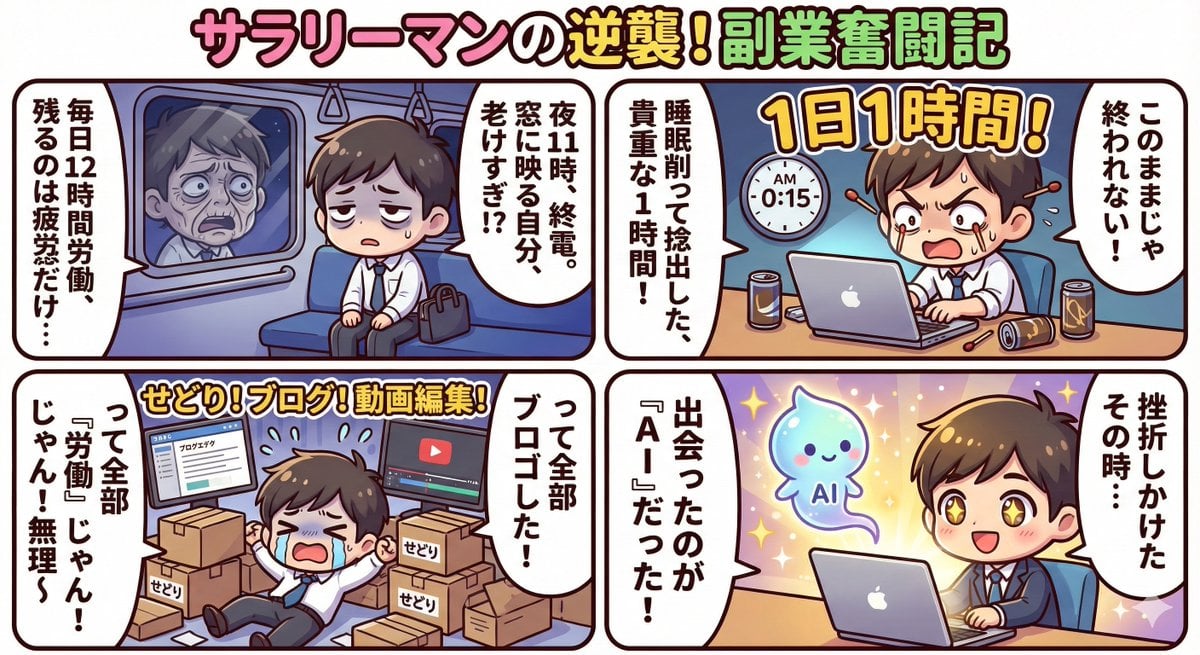
Gemini 3 Story Creation and Nano Banana Pro Manga Generation

Nano Banana Pro Identity Lock — Composition + Face Reference

Developing a Nano Banana Pro Manga Creation Tool
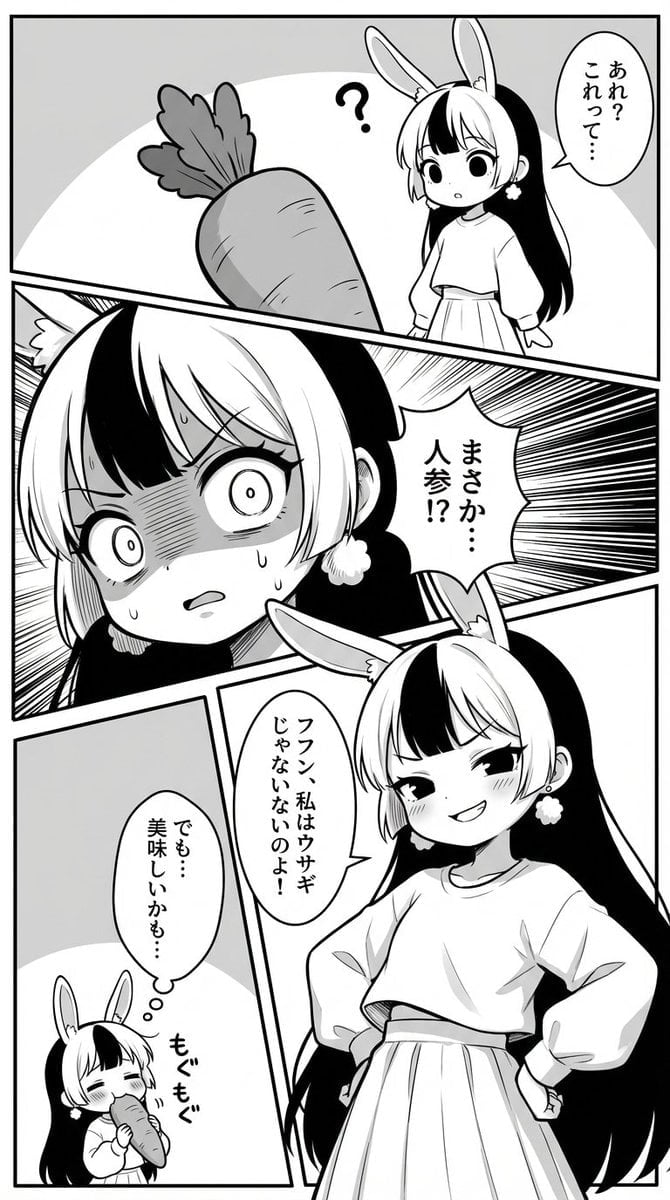
Manga creation prompt for Nano Banana Pro

Stunning Photo Prompt for Gemini Nano Banana Creation
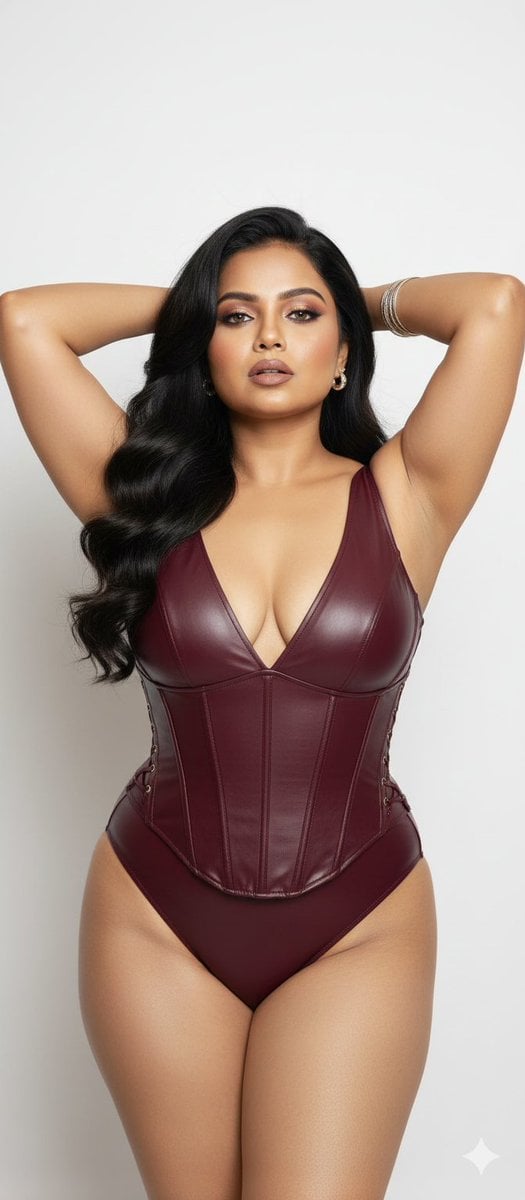
Glamorous Photo Prompt for Gemini Nano Banana Creation

Nano Banana Pro Pink Office Chibi
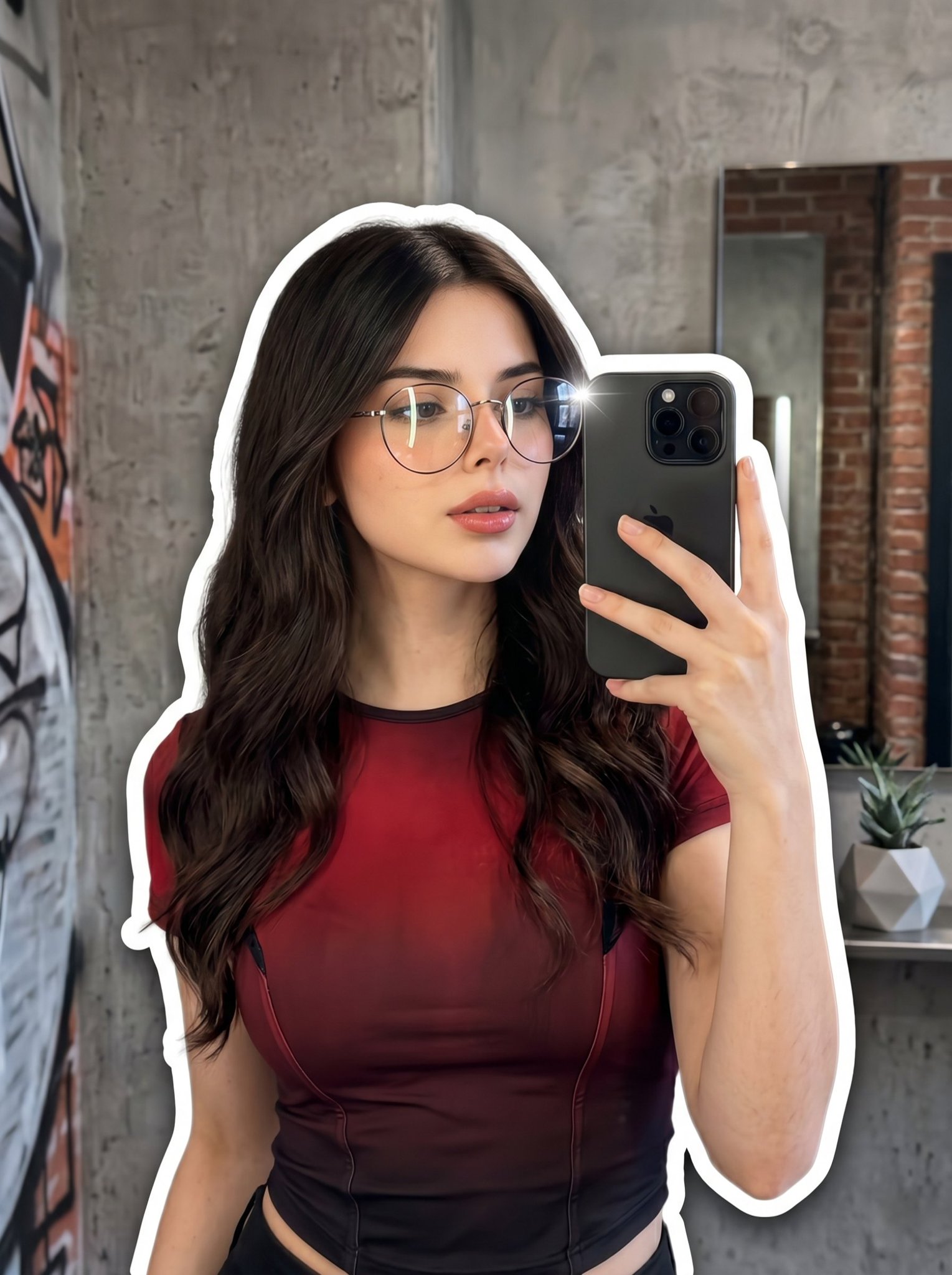
Nano Banana 2 Portrait Gemini
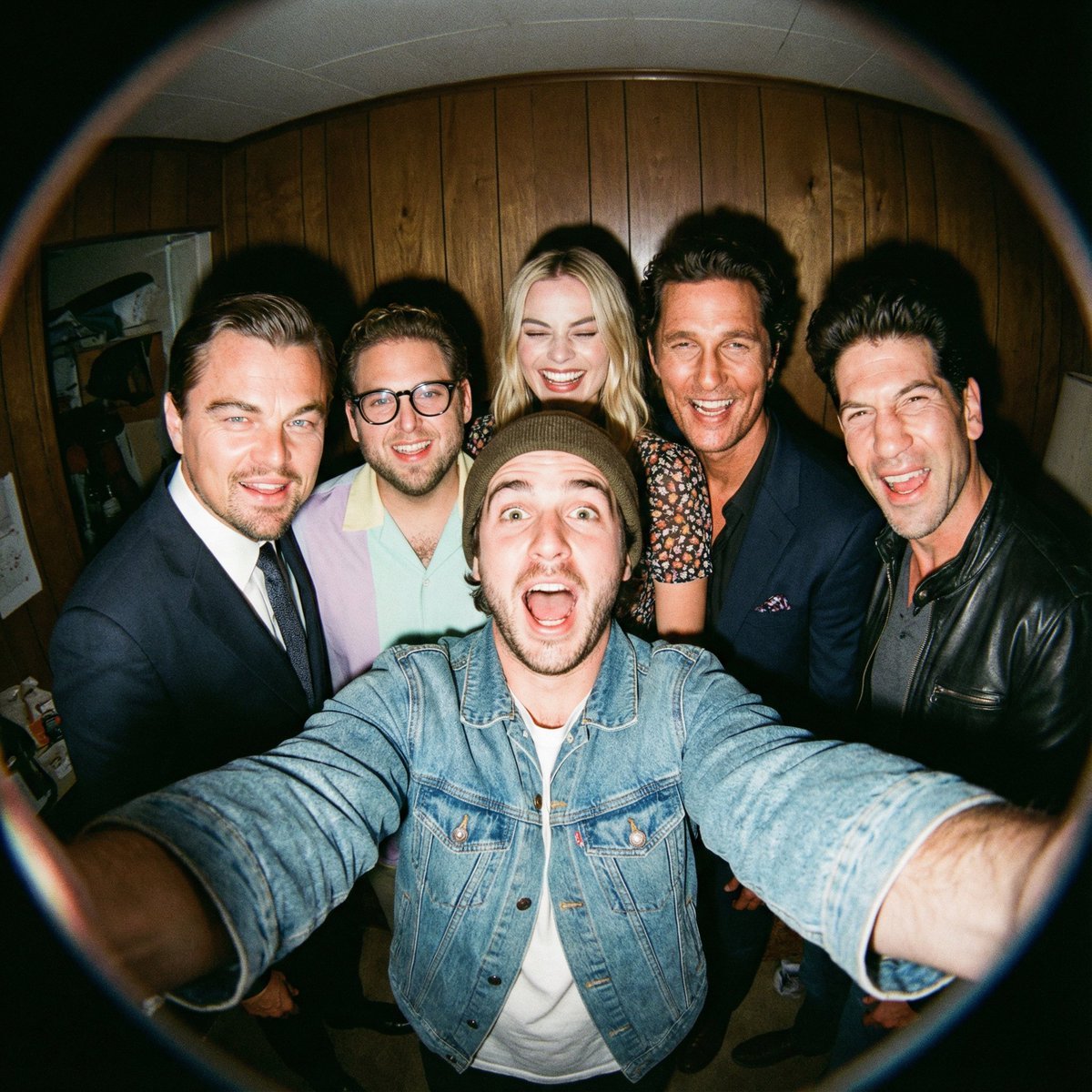
Fisheye selfie with movie characters using Nano Banana Pro
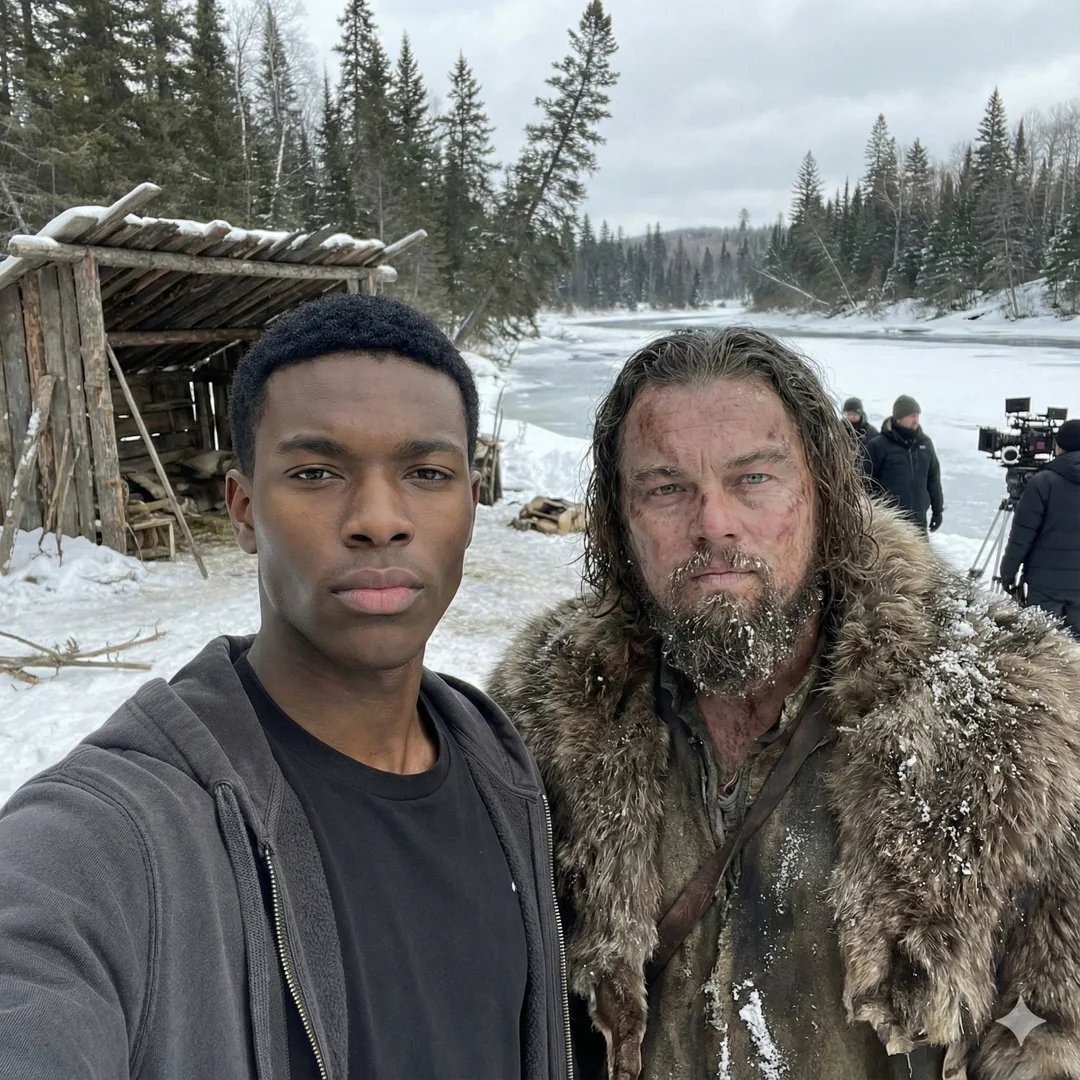
Selfie with movie character using reference face in Nano Banana Pro

Flyer Redesign Prompt using Nano Banana Pro
Make it yours
YAML Template for Web Manga Creation using Gemini (Nano Banana Pro) works as-is. These are the safest ways to change it without losing the look.
Change one field
Copy a single group, rewrite it, and generate again so you can see what that field is doing.
Keep the frame, change the subject
Hold the composition and light of YAML Template for Web Manga Creation using Gemini (Nano Banana Pro), then swap wardrobe, props or the person for a new take.
| If the result… | Why | Fix |
|---|---|---|
| The result drifts from the preview | Too many fields changed at once. | Reuse YAML Template for Web Manga Creation using Gemini (Nano Banana Pro) as-is first, then change one group — subject, light, or setting. |
| The model over-stylizes the scene | The prose prompt leaves finish and camera underspecified. | Add one camera or lighting sentence and stay on Nano Banana 2. |
More Nano Banana 2 templates
Other prompts made for Nano Banana 2.

Photorealistic Leaf Shaped Like a Dragon

K-Pop Idol Portrait Grid for Rapid Selection

Poetic Rain Forest Portrait During Golden Hour

Urban Street Portrait with Cartoon Inner Self Duo

Candid Nighttime Photo with Cat Prompt

High-Concept 3D Diorama Generation Prompt

Cinematic Futuristic Studio Portrait Template

Skincare Editorial Photography Collage Prompt

Hyper-Realistic Commercial Product Photography (Splash Effect)

Hyper-Realistic Nightclub Portrait Prompt
More image prompts
Fresh picks from across the catalog.
Luxury Purple Anime Acrylic Block
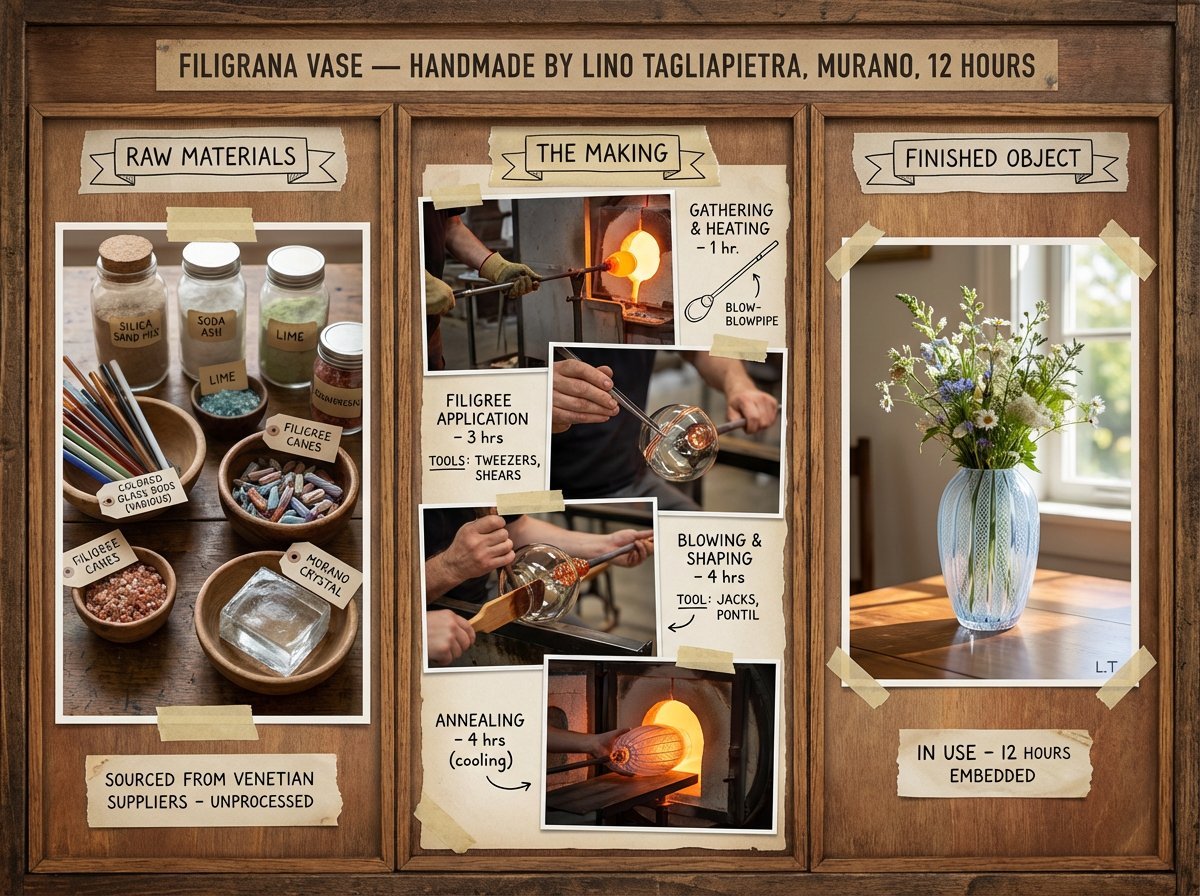
Artisan Craft Process Board for Handmade Objects
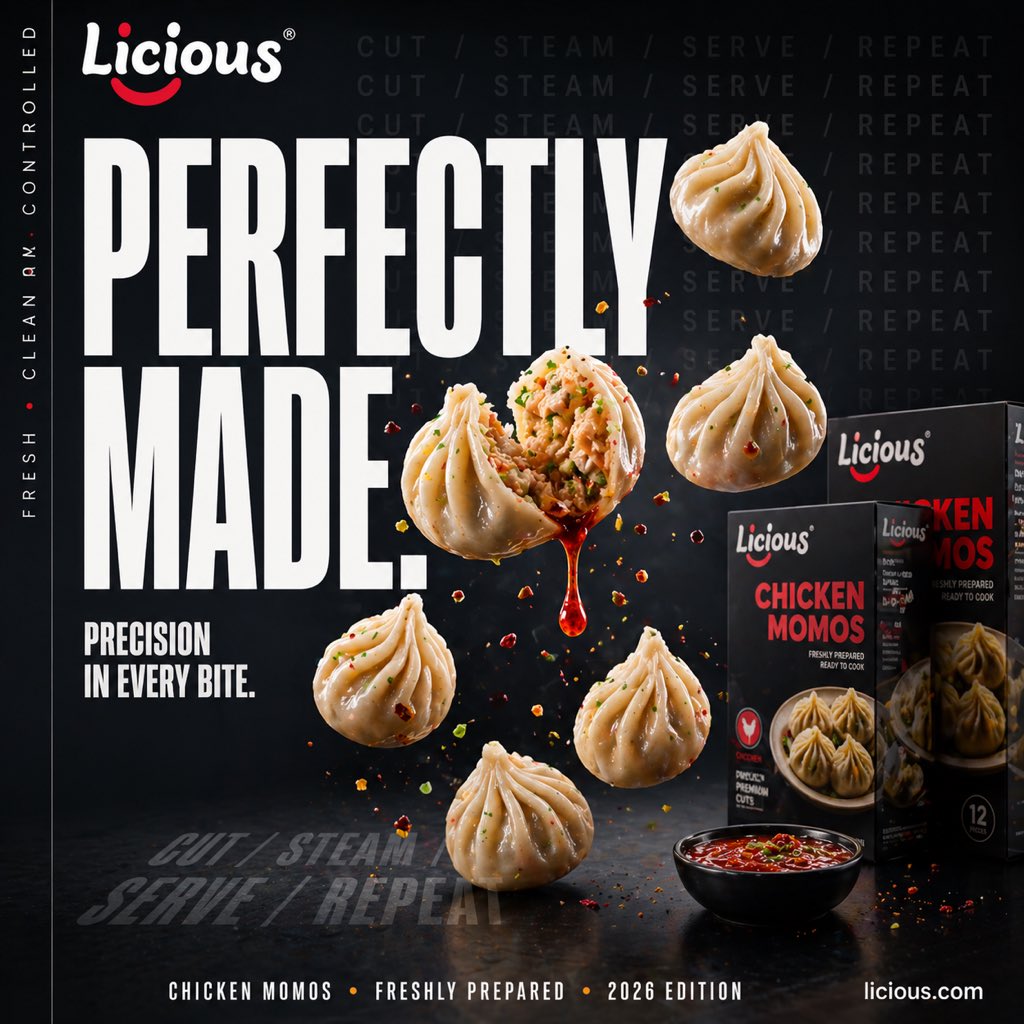
Cinematic Chicken Momos Ad Poster
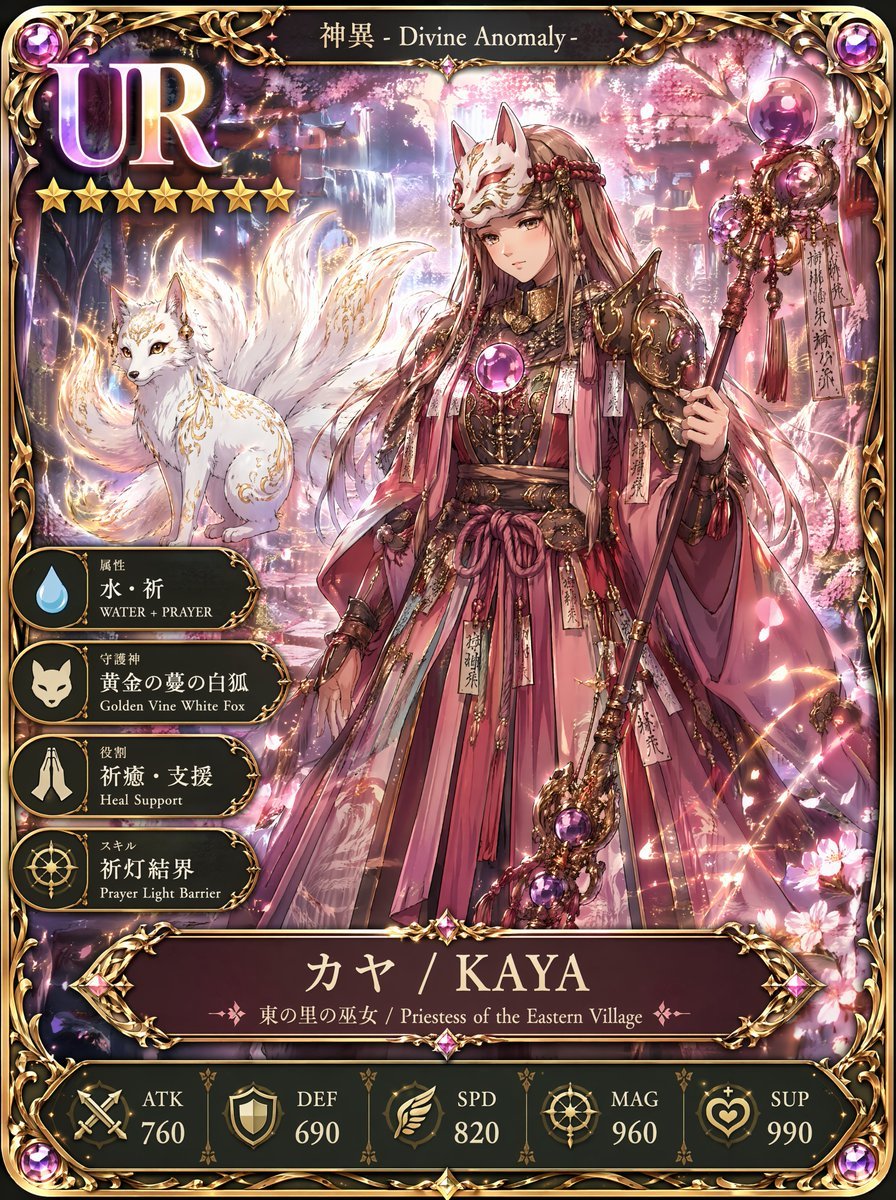
UR Fox Priestess Fantasy Card

Cinematic 3D Snowman Portrait
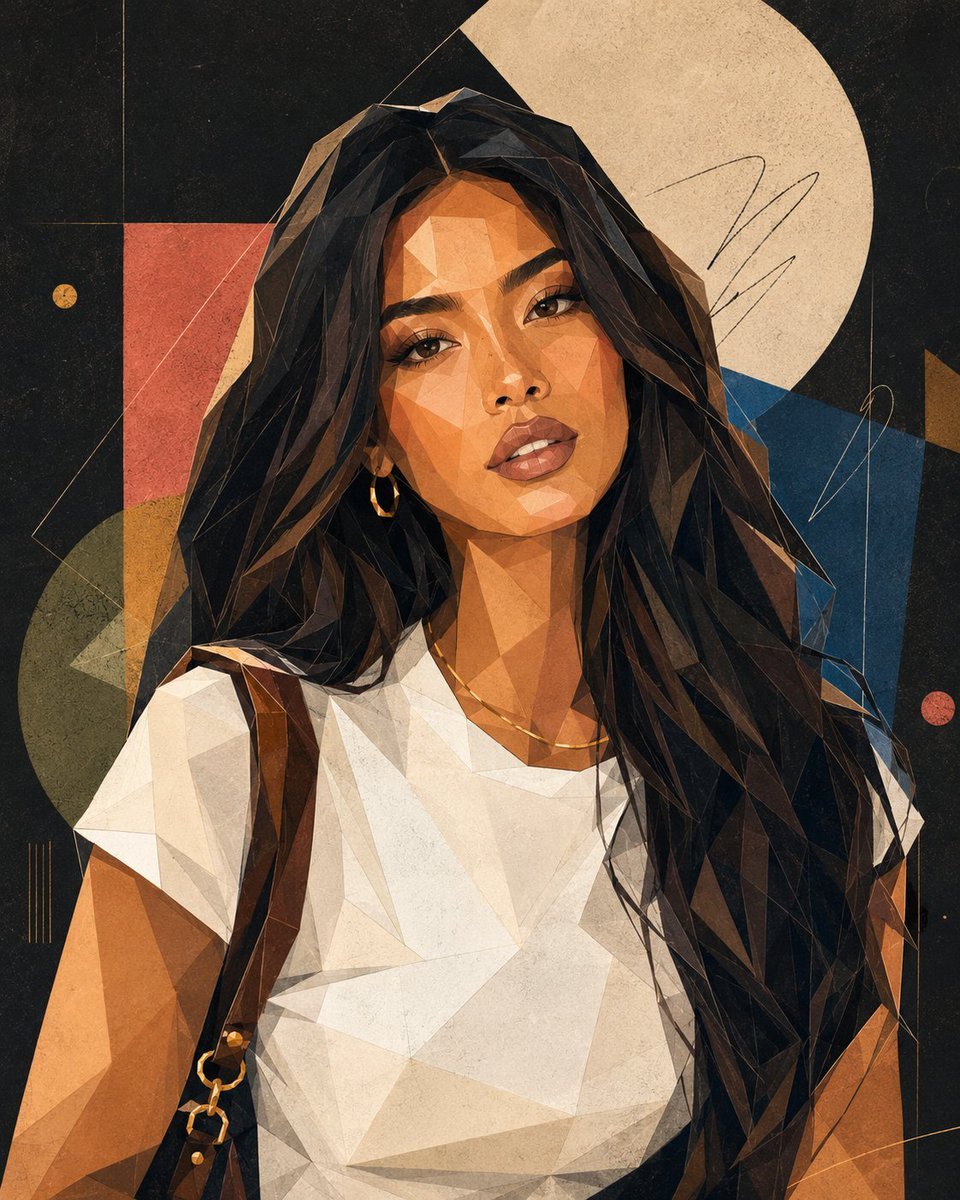
Modern Geometric Polygon Portrait
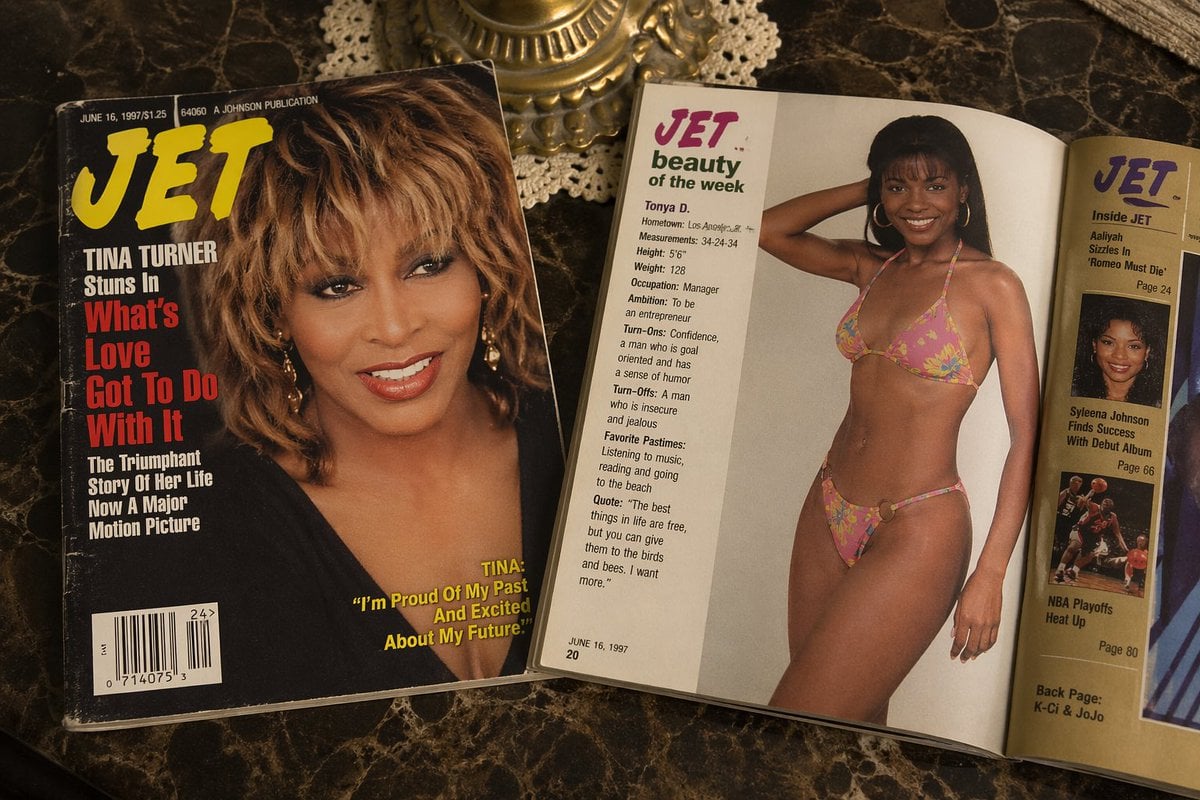
Retro Jet Magazine Cover Scene
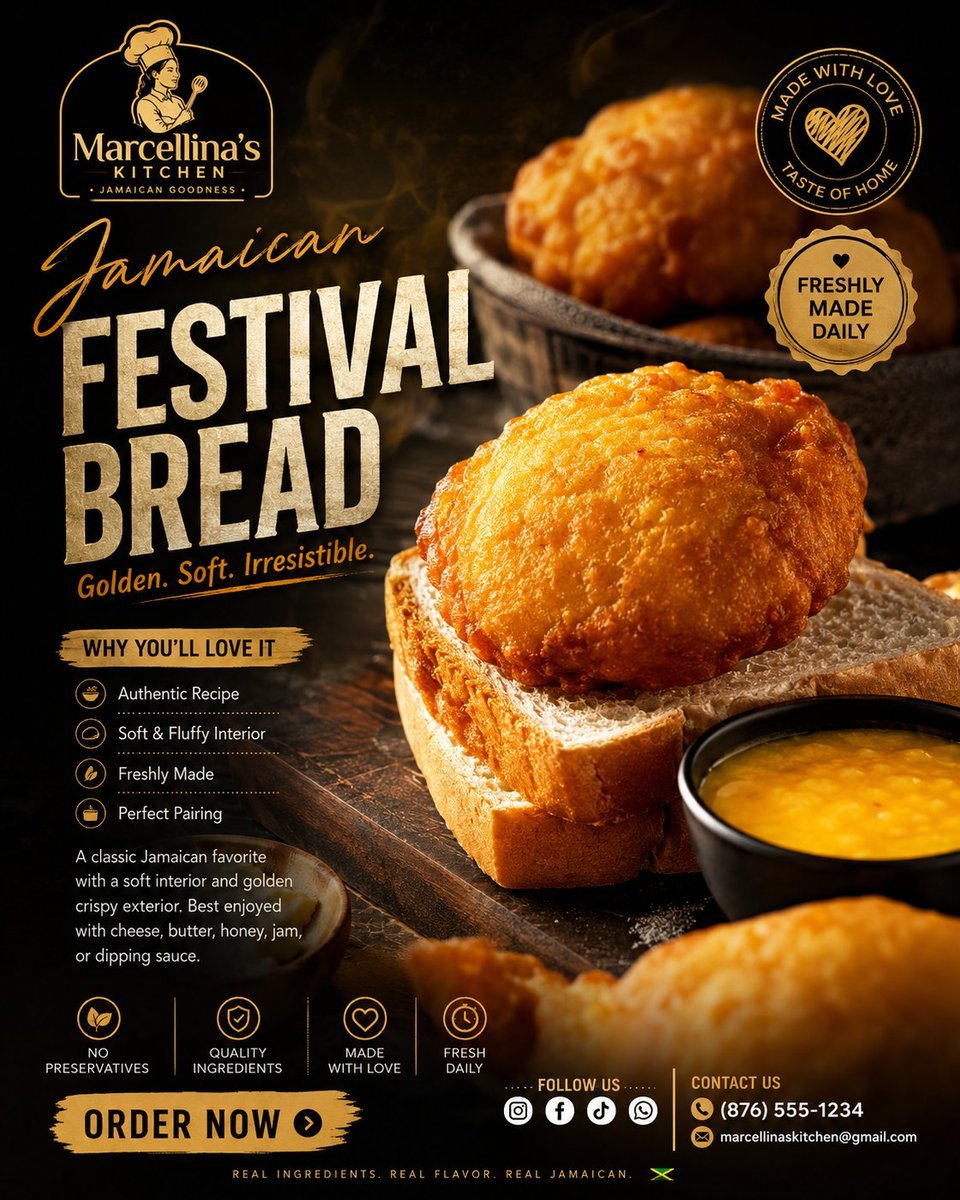
Luxury Jamaican Festival Bread Poster
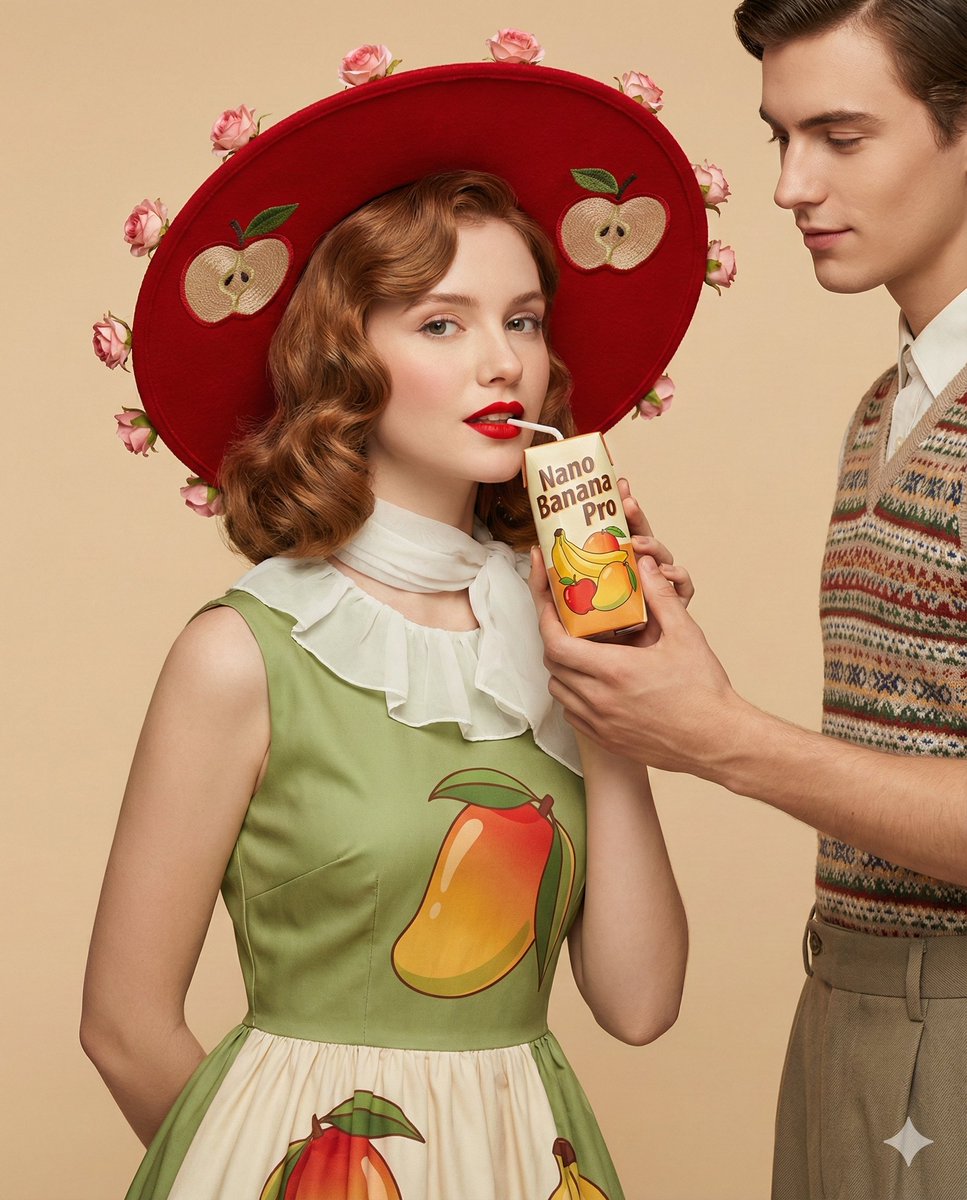
4K Ultra-Realistic Retro Fashion Editorial Portrait
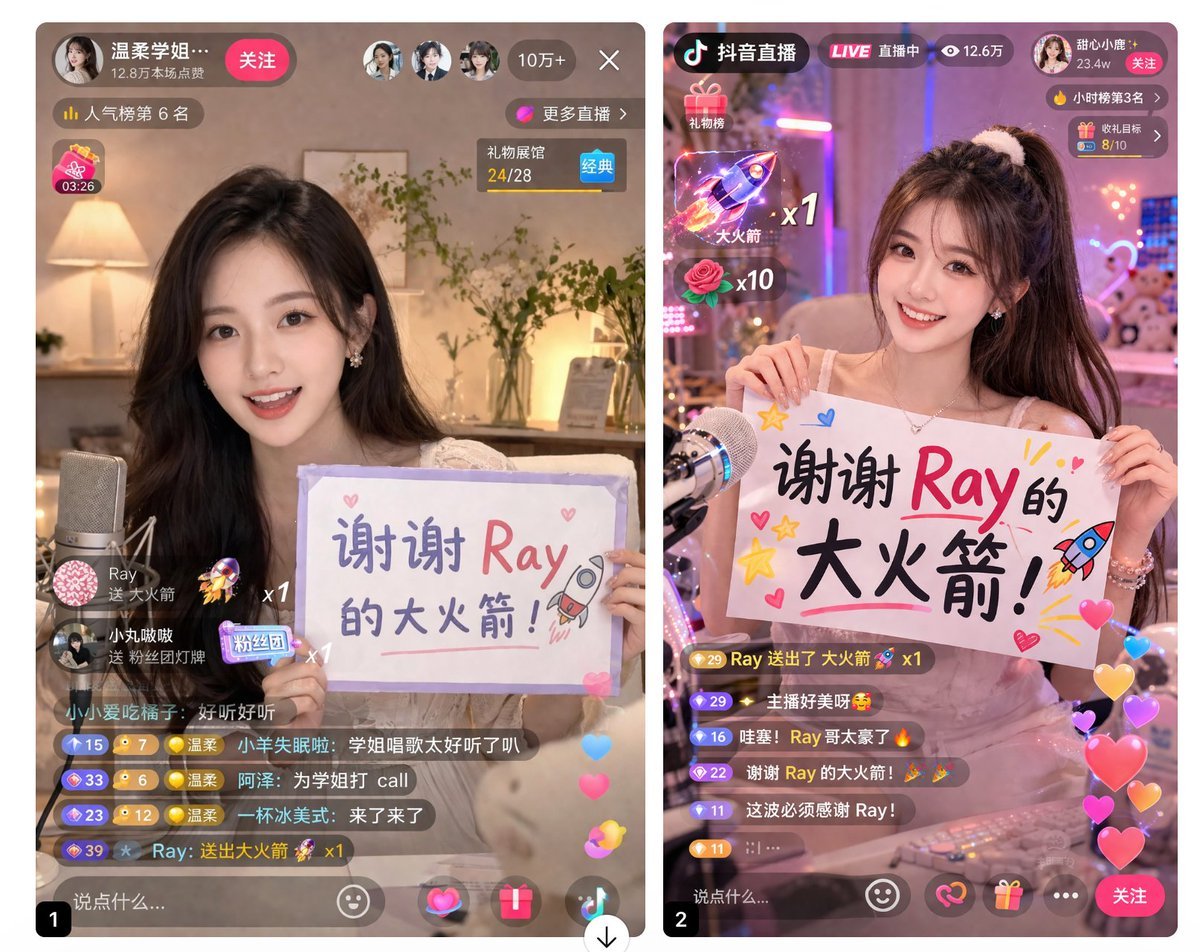
Live Stream App UI Mockup
Browse template categories
YAML Template for Web Manga Creation using Gemini (Nano Banana Pro) questions
How do I use the YAML Template for Web Manga Creation using Gemini (Nano Banana Pro) template?
Add your photo if the template asks for one, edit the prompt if you like — the template's model and format are already selected — and press Generate. Your version opens in PicX Studio.
Can I customize the YAML Template for Web Manga Creation using Gemini (Nano Banana Pro) template?
Yes. You can change the subject, setting, lighting, mood, format, and available model controls before creating your image.
Is the YAML Template for Web Manga Creation using Gemini (Nano Banana Pro) template free?
Opening and editing this template is free. Generating uses credits, shown on the Generate button when you are signed in.
Which AI model should I use?
Start with Nano Banana 2, which is the model associated with this template. You can compare another compatible model for a different finish.
Looking for something else? Browse all templates.

Your photo, any look
Thousands of ready templates for every top image and video model, from one credit balance.