
Modern Geometric Polygon Portrait
Transforms portrait photos into modern geometric polygon art posters, combining contemporary portraiture with fashion magazine illustration styles.
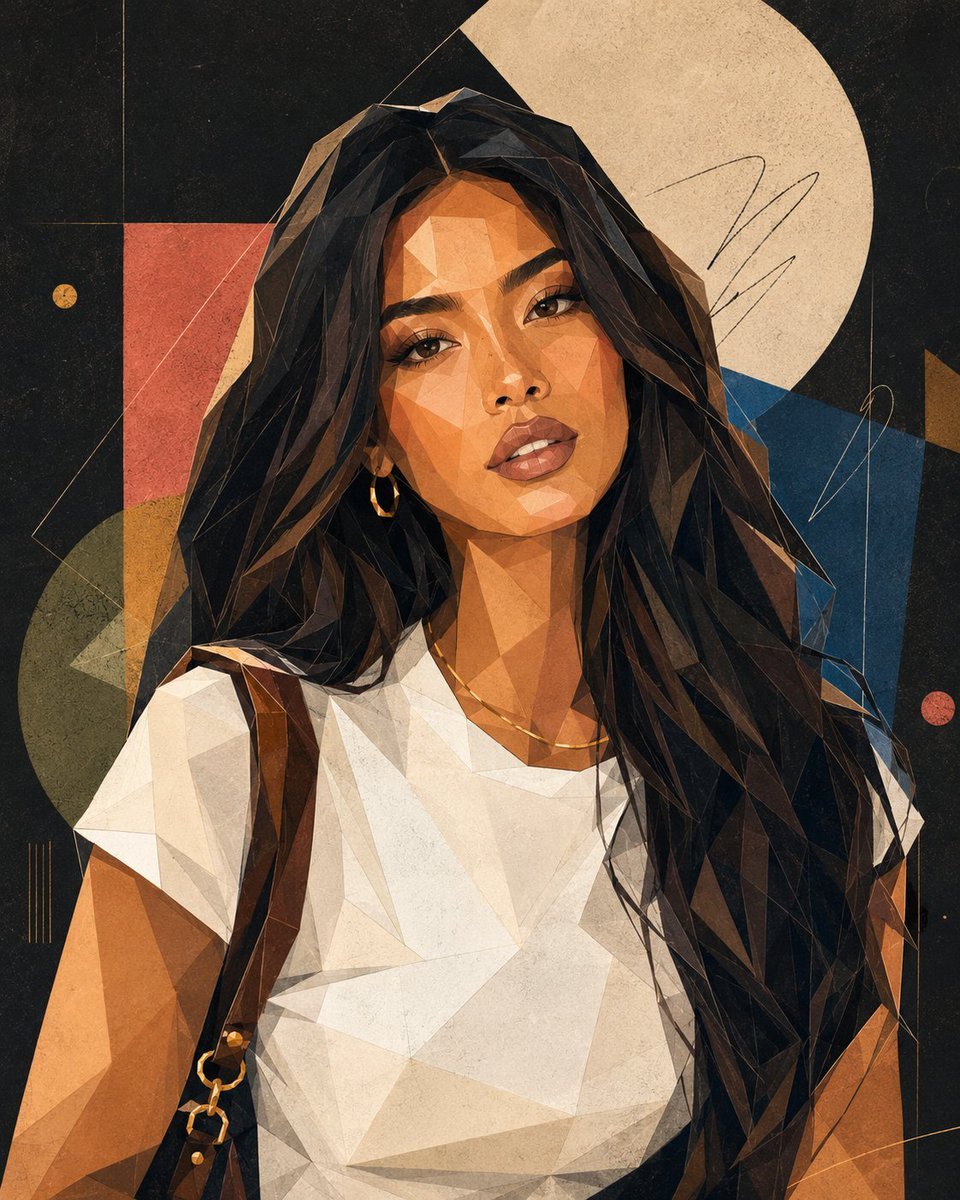
- Prompt included
- Model and format preset
- Free template
The prompt behind this image
Copy the exact prompt behind Modern Geometric Polygon Portrait, or open it in the studio and make it yours.
Based on the uploaded portrait photo, create a {argument name="style" default="modern geometric polygon style"} portrait art poster. Strictly preserve the recognizability of the actual person — including face shape, the relationship between the features, hairstyle silhouette, expression, and overall aura — so that the final image is still clearly recognizable as the same real person or public figure. The overall style should lean toward "contemporary geometric portrait + fashion magazine illustration + gallery art poster." The face should be built from simplified polygonal facets, geometric color blocks, and clean outlines, keeping a moderate sense of abstraction while still preserving the person's recognizability. The facial features can be moderately simplified — for example, the eyes, nose, and mouth can be graphically generalized — but must not lose the person's expressive characteristics. The hair can be treated with a geometric, block-like feel and polygonal contours; the facial structure should emphasize faceted planes, polygonal facets, and abstract polygon composition. The overall image should use flat color blocks, clean vector shapes, clear outlines, a sense of negative space, and poster-level composition. Slight oil-pastel grain, screen-printing noise, handwritten doodle marks, and pigment texture may be added to make the image feel more like a high-end art print poster. For the color palette, use a limited but vivid, premium color scheme — options include black, charcoal gray, cream white, cobalt blue, brick red, mustard yellow, sage green, coral pink, and warm beige. The background can be a deep matte black, deep charcoal gray, or a premium solid color, to enhance the high-end feel of a gallery poster or fashion cover. The overall composition should look like a high-end art poster or fashion cover, with the person as the main subject, leaving typographic space for a title area and a subtitle area — overall giving a modern, artistic, fashionable, printable poster feel. Avoid: photorealistic rendering, 3D effects, an anime look, a cheap cartoonish feel, overly fragmented cubism, directly imitating Picasso, cluttered/messy backgrounds, and overly distorted facial features.
How to use Modern Geometric Polygon Portrait in 3 steps
- 1Upload ImagePNG, JPG or paste
Add your photo
Upload the photo the template builds on. The prompt, model and format are already set.
- 2…a portrait of your subject in softgolden-hour light, 85mm…
Personalize
Edit the subject and creative details for your destination.
- 3Generate
Generate
Press Generate — your image is created in PicX Studio, so you can compare it with the original and refine one variable at a time.
More like this
Templates with the same subject, style or setup. Open one to see its prompt.

Geometric Color-Block Beauty Editorial Portrait
High-Fashion Bauhaus Geometric Cutout Editorial
High-Fashion Bauhaus Geometric Cutout Editorial

Found Photograph: Us, 1970

80s Couple Studio Portrait

80s Bollywood Star

80s Golden Hour Cinema

Me in 1985

1985 Studio Portrait
Modern Geometric Mosaic Collage Poster

Hyper-Realistic Minecraft POV Portrait

Rooftop Fisheye — Cat-Ear Balaclava at Golden Hour
Make it yours
Modern Geometric Polygon Portrait works as-is. These are the safest ways to change it without losing the look.
Change one field
Copy a single group, rewrite it, and generate again so you can see what that field is doing.
Keep the frame, change the subject
Hold the composition and light of Modern Geometric Polygon Portrait, then swap wardrobe, props or the person for a new take.
| If the result… | Why | Fix |
|---|---|---|
| The result drifts from the preview | Too many fields changed at once. | Reuse Modern Geometric Polygon Portrait as-is first, then change one group — subject, light, or setting. |
| The model over-stylizes the scene | The prose prompt leaves finish and camera underspecified. | Add one camera or lighting sentence and stay on GPT Image 2. |
More GPT Image 2 templates
Other prompts made for GPT Image 2.

Six VTuber Japanese Logo Sheet

Realistic Portrait of Woman and Deer

The Vista Modular Condo Poster

AI Model Routing Comparison Infographic

2.5D Anime Art Board

Isometric Productivity Desk Scene

New York Double Exposure Poster

Four-Panel AI Landscape Comparison

Japanese Tatami Lifestyle Magazine Cover

NESCAFÉ Coffee Map Poster
More image prompts
Fresh picks from across the catalog.
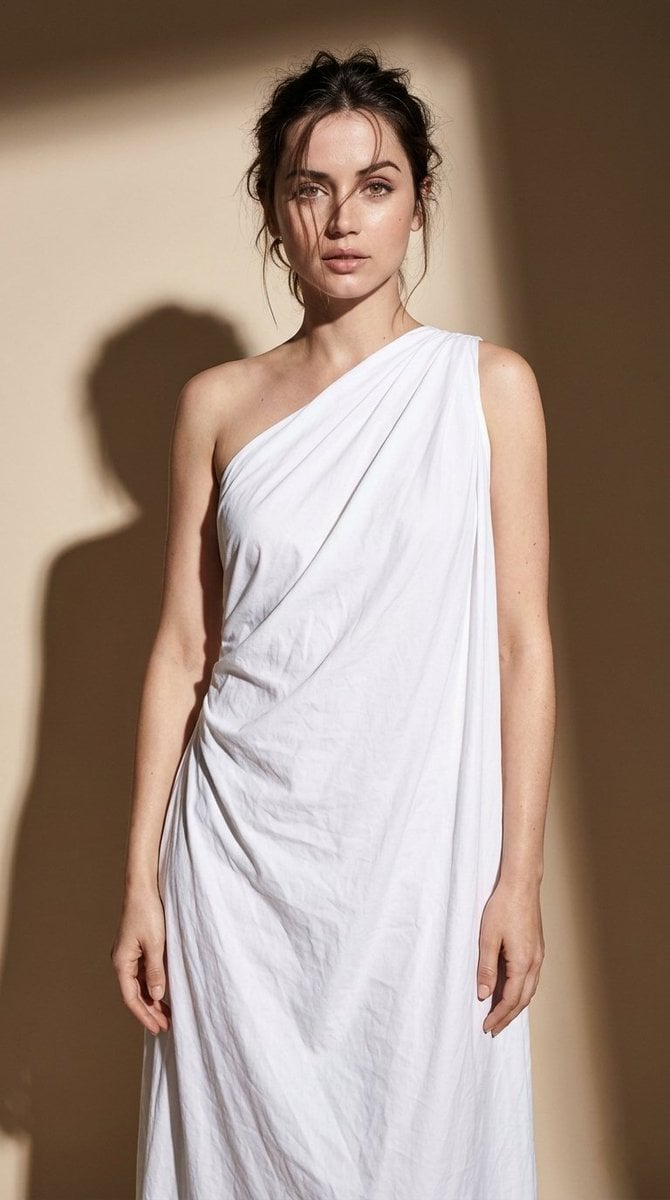
Minimal High-Contrast Studio Fashion Editorial
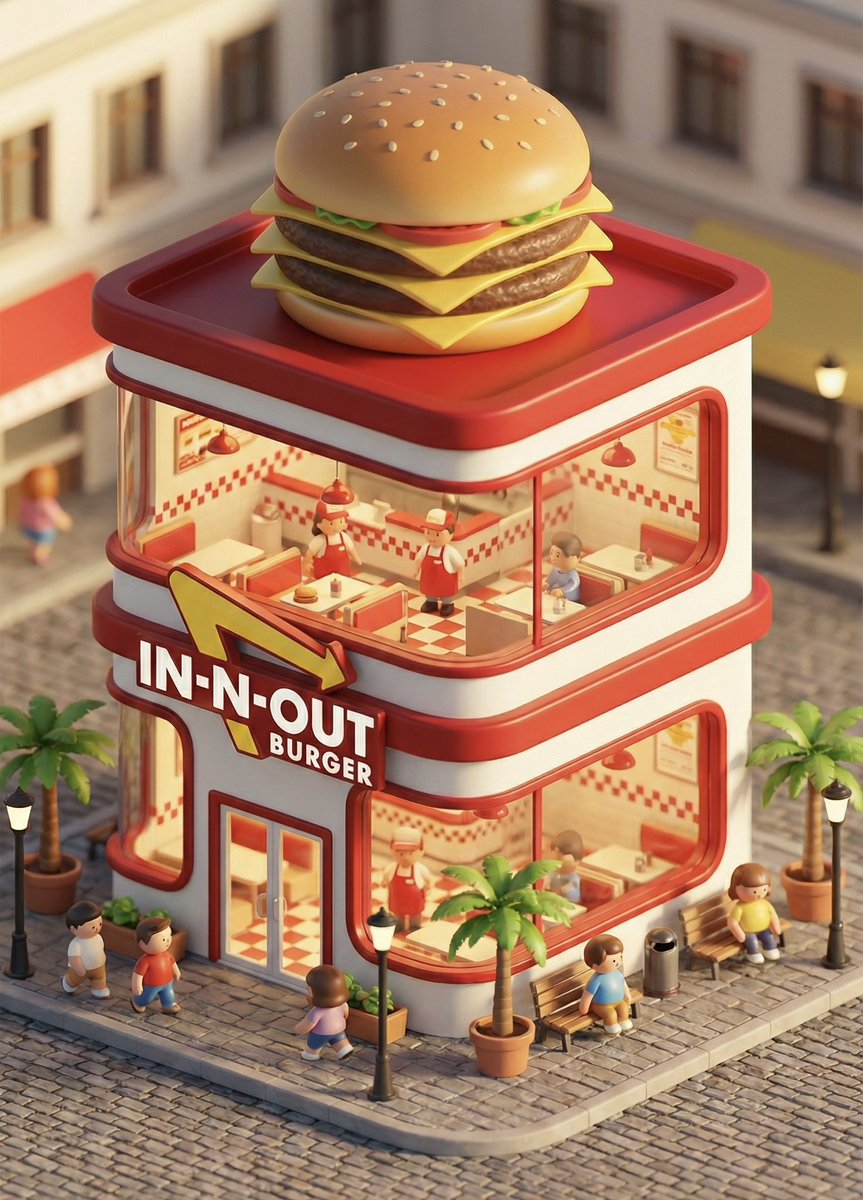
3D chibi concept store brand prompt
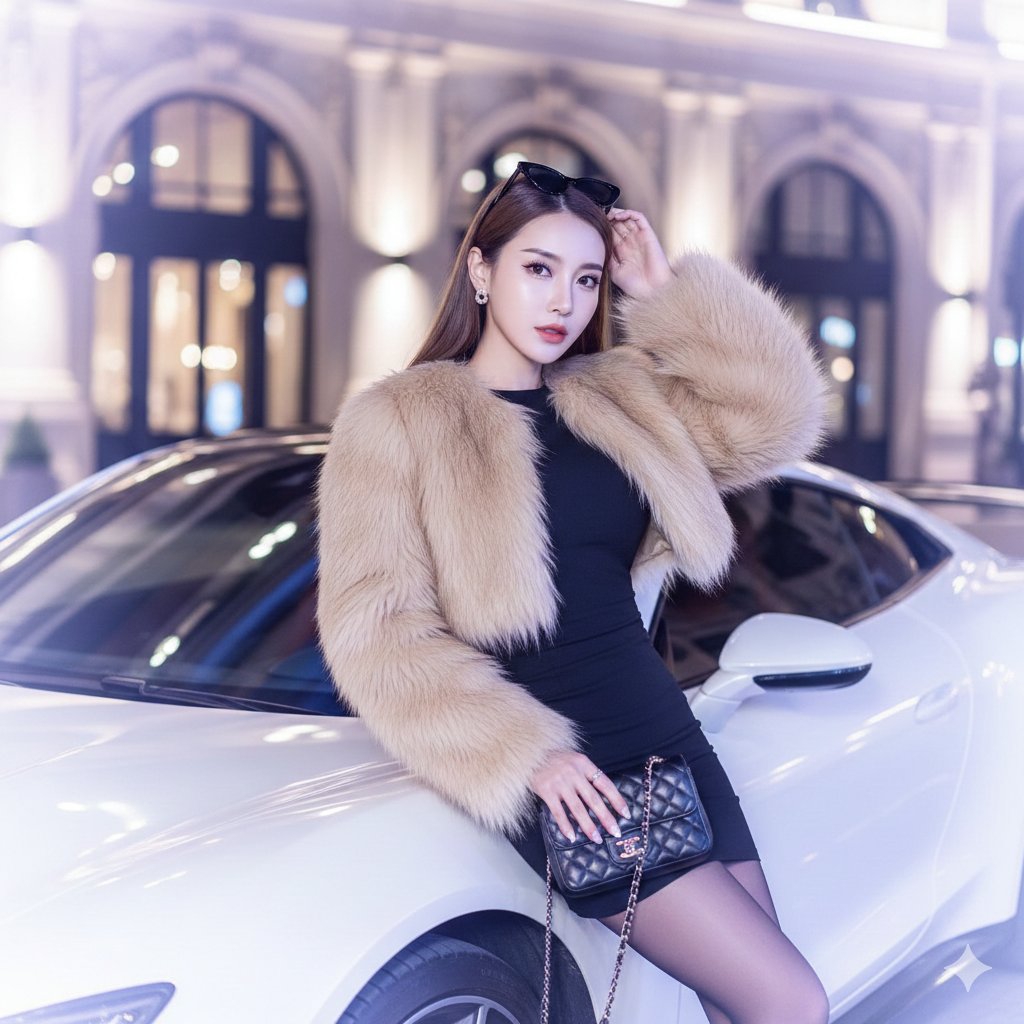
Douyin Luxury Night Portrait Prompt
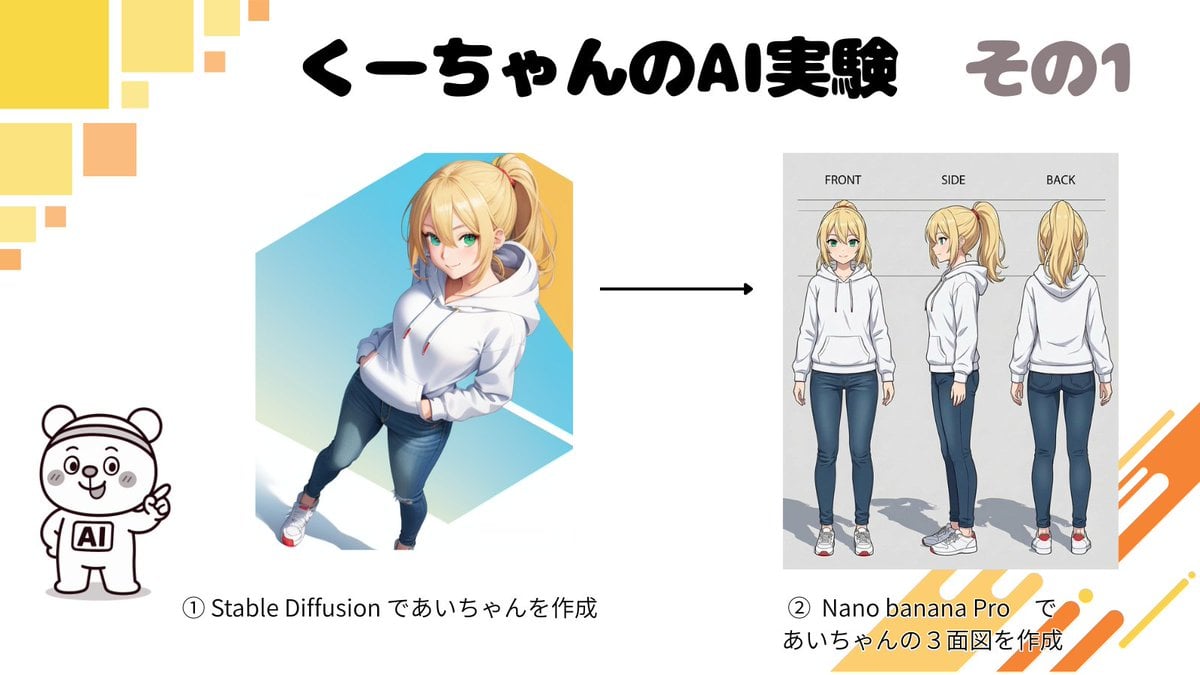
Character Turnaround Sheet Generation
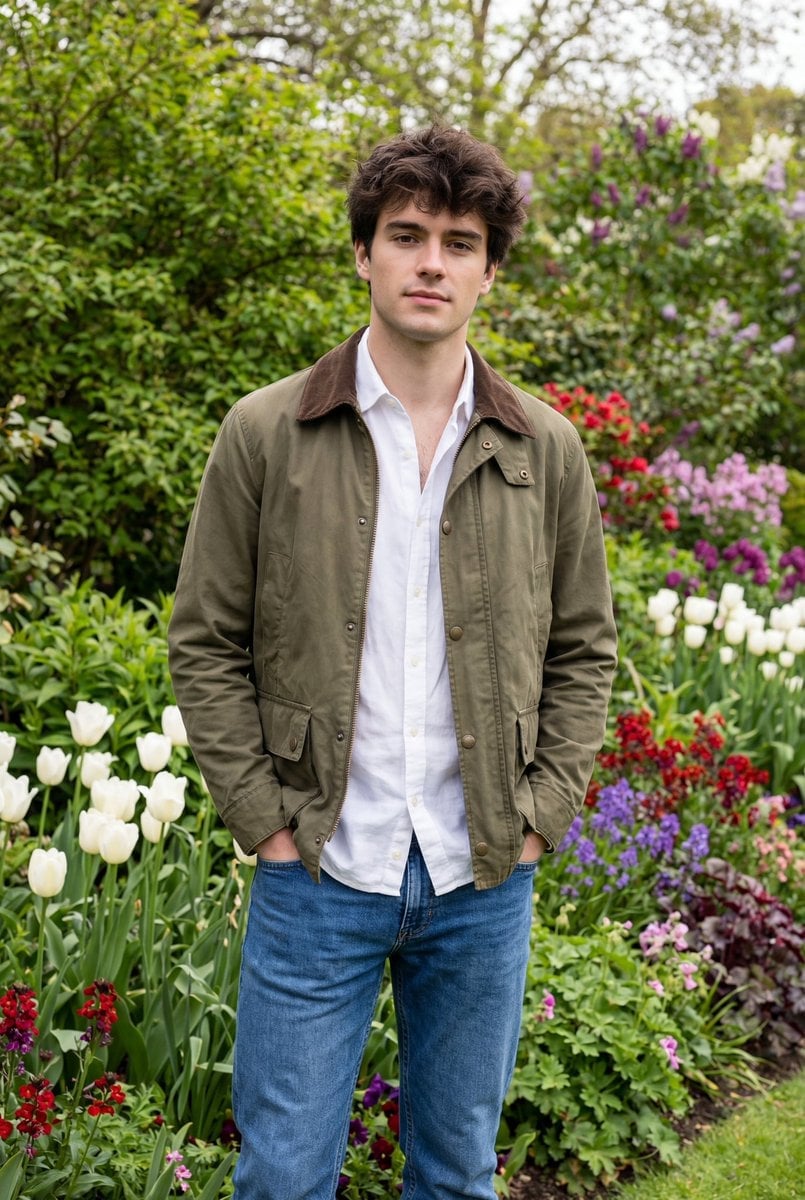
Natural Editorial Portrait of a Man in a Garden
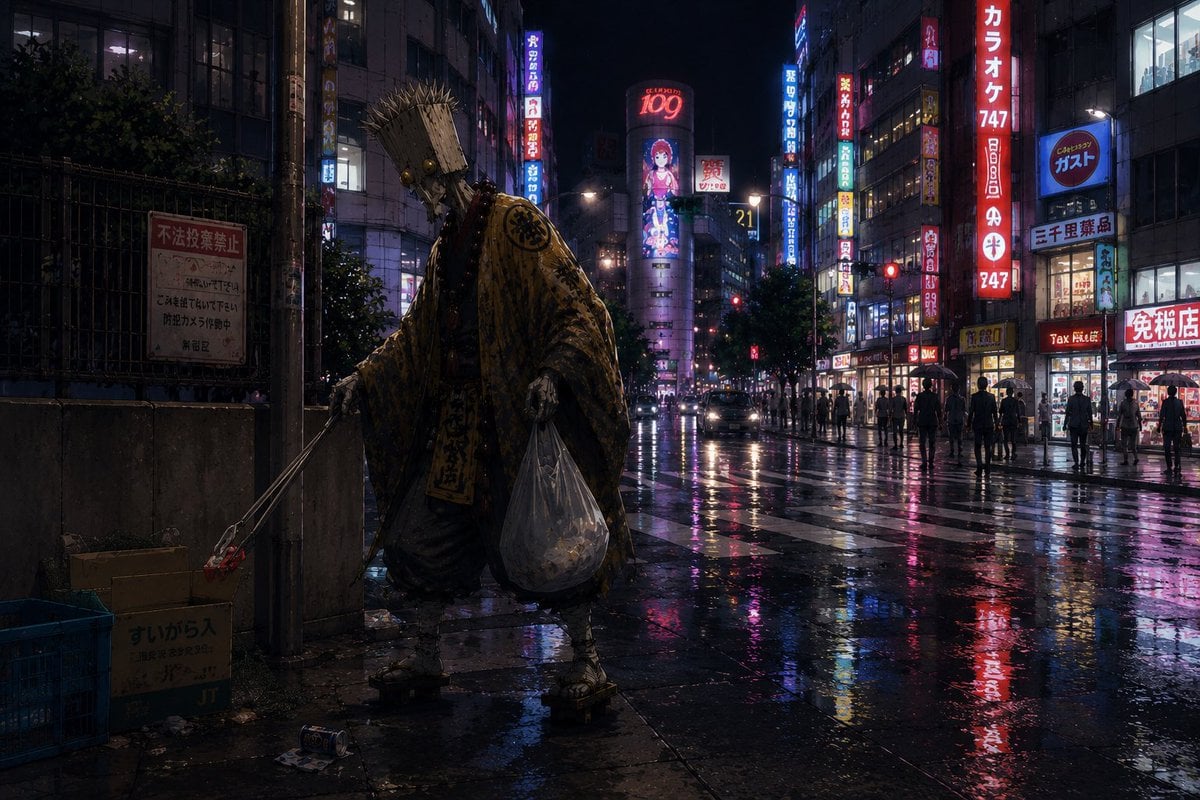
Ascetic Monk Cleaning Neon Tokyo
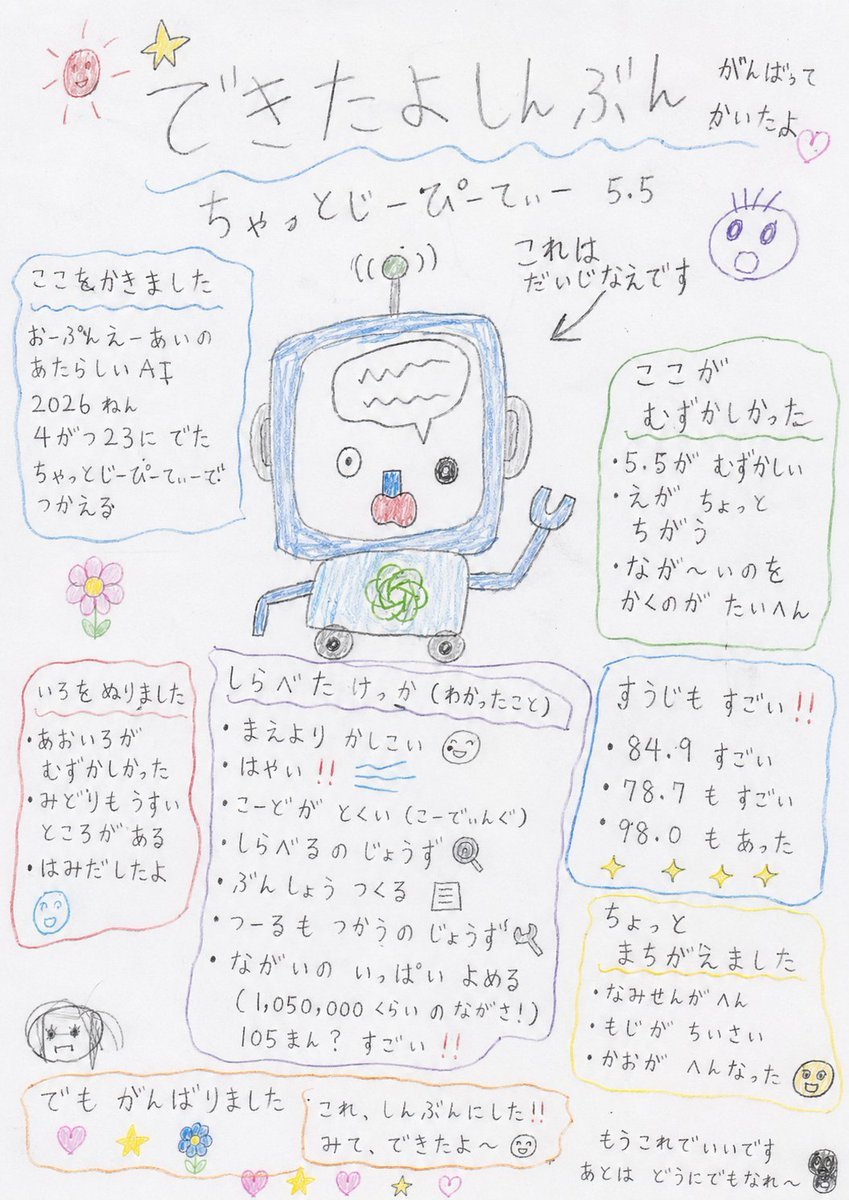
Hand-drawn Kindergarten Newspaper
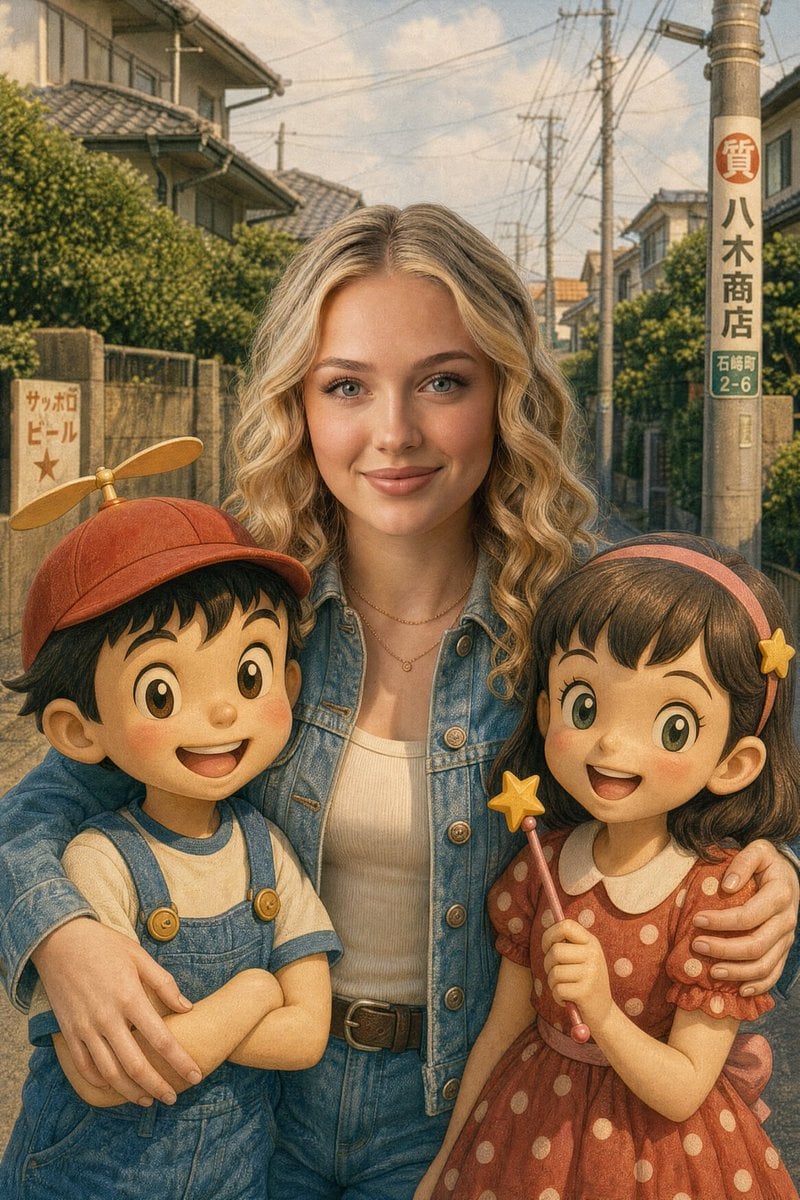
Vintage Anime Figurine Portrait
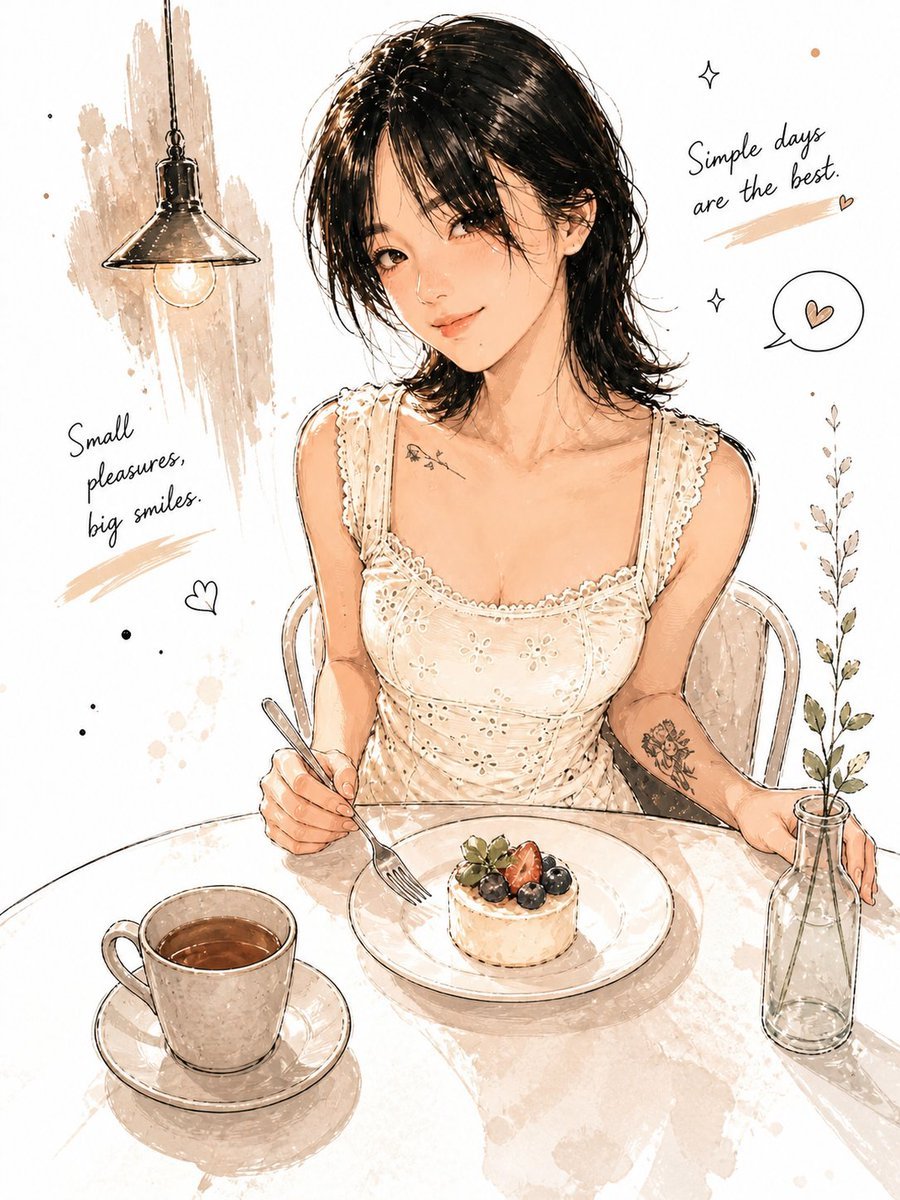
Minimalist Watercolor Cafe Illustration
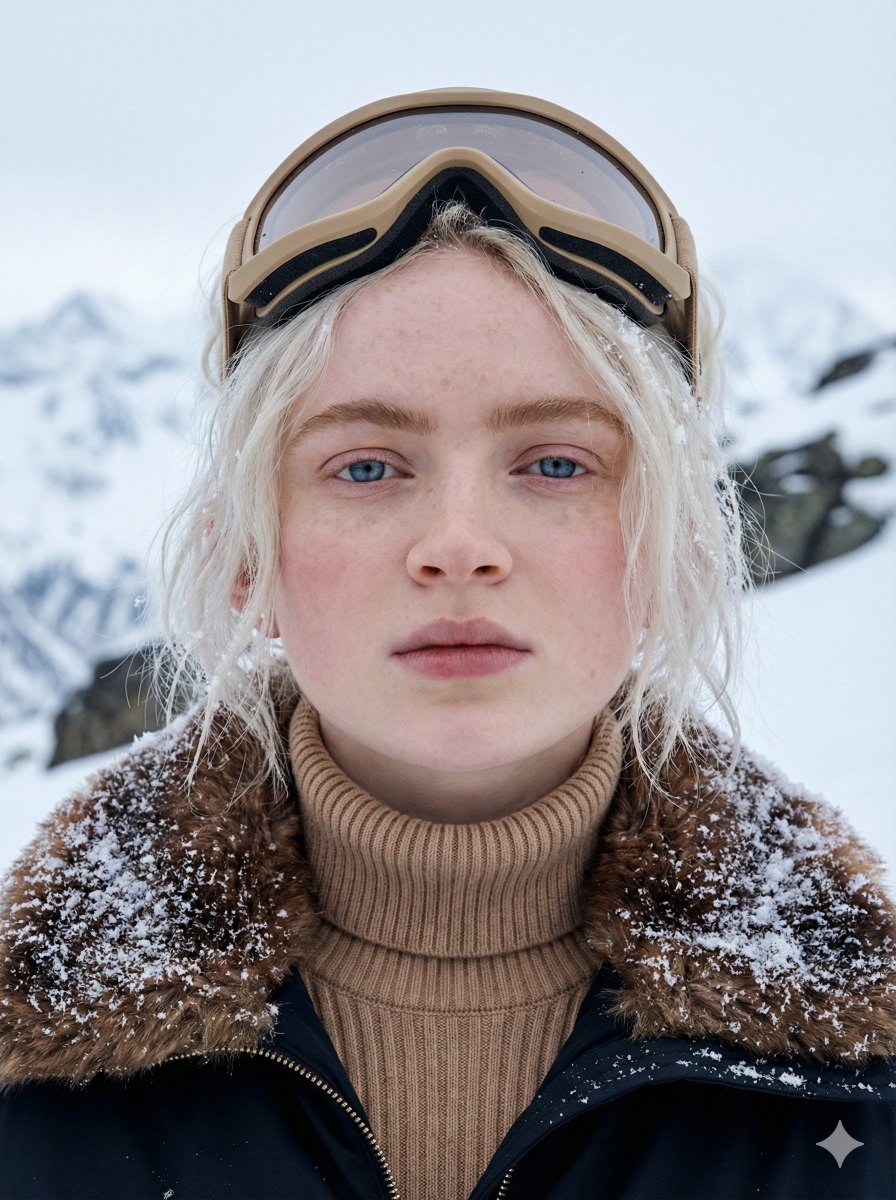
Cinematic Close-up Portrait in Alpine Environment
Browse template categories
Modern Geometric Polygon Portrait questions
How do I use the Modern Geometric Polygon Portrait template?
Add your photo if the template asks for one, edit the prompt if you like — the template's model and format are already selected — and press Generate. Your version opens in PicX Studio.
Can I customize the Modern Geometric Polygon Portrait template?
Yes. You can change the subject, setting, lighting, mood, format, and available model controls before creating your image.
Is the Modern Geometric Polygon Portrait template free?
Opening and editing this template is free. Generating uses credits, shown on the Generate button when you are signed in.
Which AI model should I use?
Start with GPT Image 2, which is the model associated with this template. You can compare another compatible model for a different finish.
Looking for something else? Browse all templates.

Your photo, any look
Thousands of ready templates for every top image and video model, from one credit balance.