
Minimalist Watercolor Cafe Illustration
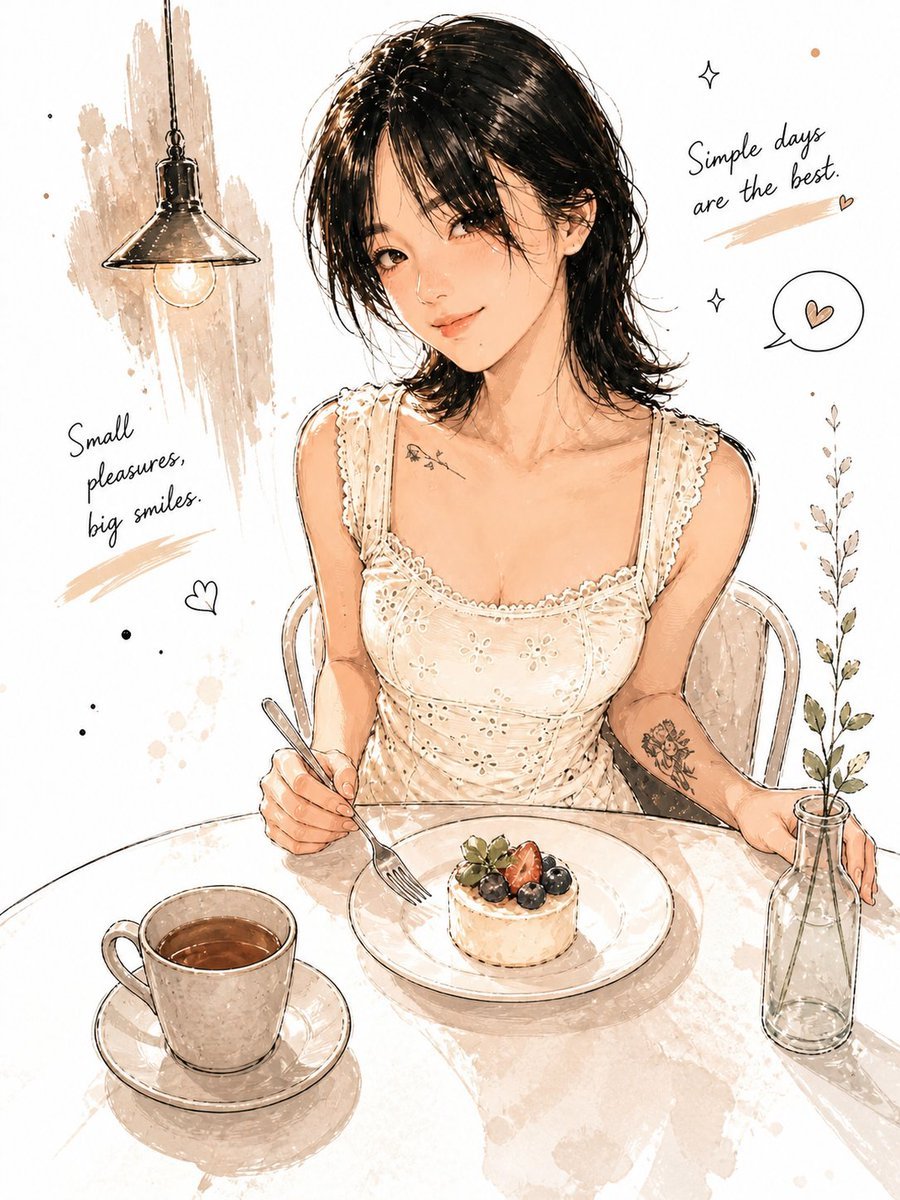
A comprehensive JSON-structured prompt for creating a cozy, hand-drawn cafe scene in a soft anime watercolor style with detailed subject and layout instructions.
- Prompt included
- Model and format preset
- Free template
The prompt behind this image
Copy the exact prompt behind Minimalist Watercolor Cafe Illustration, or open it in the studio and make it yours.
- Style
- minimal watercolor ink illustration, soft anime realism, hand-drawn sketch aesthetic, cozy café editorial art
- Scene › Location
- minimal modern café table
- Scene › Mood
- warm, intimate, calm, aesthetic, cozy
- Scene › Composition
- medium portrait shot from slightly elevated angle
- Scene › Background
- clean white background with sparse ink splashes, handwritten typography, tiny doodles, and soft brush textures
- Subject › Gender
- young woman
- Subject › Appearance › Hair
- short layered black hair with soft messy strands
- Subject › Appearance › Skin
- fair glowing skin
- Subject › Appearance › Expression
- gentle smile with relaxed eyes
- Subject › Appearance › Body Type
- slim
- Subject › Outfit › Top
- cream embroidered sleeveless dress with delicate lace details
- Subject › Outfit › Style
- soft feminine café fashion
- Subject › Pose
- sitting naturally at a café table holding a fork while resting one hand beside a glass bottle
- Table Objects › 0 › Item
- small berry cheesecake
- Table Objects › 0 › Placement
- center plate
- Table Objects › 1 › Item
- minimal ceramic coffee cup
- Table Objects › 1 › Placement
- left side
- Table Objects › 2 › Item
- transparent glass bottle with tiny plant stem
- Table Objects › 2 › Placement
- right side
- Decor Elements
- hanging industrial café lamp, tiny heart doodles, minimal botanical sketch, soft watercolor stains, small sparkles, handwritten quotes
- Text Elements
- Simple days are the best, Small pleasures, big smiles
- Lighting › Type
- soft warm ambient café lighting
- Lighting › Effect
- gentle highlights with subtle shadows
- Color Palette
- warm beige, cream, soft brown, light sepia, muted black
Raw JSON
{
  "style": "minimal watercolor ink illustration, soft anime realism, hand-drawn sketch aesthetic, cozy café editorial art",
  "scene": {
    "location": "minimal modern café table",
    "mood": "warm, intimate, calm, aesthetic, cozy",
    "composition": "medium portrait shot from slightly elevated angle",
    "background": "clean white background with sparse ink splashes, handwritten typography, tiny doodles, and soft brush textures"
  },
  "subject": {
    "gender": "young woman",
    "appearance": {
      "hair": "short layered black hair with soft messy strands",
      "skin": "fair glowing skin",
      "expression": "gentle smile with relaxed eyes",
      "body_type": "slim"
    },
    "outfit": {
      "top": "cream embroidered sleeveless dress with delicate lace details",
      "style": "soft feminine café fashion"
    },
    "pose": "sitting naturally at a café table holding a fork while resting one hand beside a glass bottle"
  },
  "table_objects": [
    {
      "item": "small berry cheesecake",
      "placement": "center plate"
    },
    {
      "item": "minimal ceramic coffee cup",
      "placement": "left side"
    },
    {
      "item": "transparent glass bottle with tiny plant stem",
      "placement": "right side"
    }
  ],
  "decor_elements": [
    "hanging industrial café lamp",
    "tiny heart doodles",
    "minimal botanical sketch",
    "soft watercolor stains",
    "small sparkles",
    "handwritten quotes"
  ],
  "text_elements": [
    "Simple days are the best",
    "Small pleasures, big smiles"
  ],
  "lighting": {
    "type": "soft warm ambient café lighting",
    "effect": "gentle highlights with subtle shadows"
  },
  "color_palette": [
    "warm beige",
    "cream",
    "soft brown",
    "light sepia",
    "muted black"
  ],
  "render_details": {
    "linework": "fine sketch ink outlines",
    "texture": "watercolor paper texture",
    "detail_level": "medium-high",
    "quality": "highly polished illustration"
  },
  "camera": {
    "angle": "slightly top-down portrait framing",
    "focus": "sharp focus on girl and table items",
    "depth_of_field": "soft shallow depth"
  },
  "negative_prompt": [
    "cluttered background",
    "heavy saturation",
    "3D render look",
    "photorealism",
    "low quality",
    "extra limbs",
    "messy composition",
    "dark lighting",
    "crowded table"
  ],
  "aspect_ratio": "9:13"
}How to use Minimalist Watercolor Cafe Illustration in 3 steps
- 1
Open
The prompt is already in the box next to the preview, with the template's model and format selected.
- 2…a portrait of your subject in softgolden-hour light, 85mm…
Personalize
Edit the subject and creative details for your destination.
- 3Generate
Generate
Press Generate — your image is created in PicX Studio, so you can compare it with the original and refine one variable at a time.
More like this
Templates with the same subject, style or setup. Open one to see its prompt.

Delicate Japanese Café Lifestyle Illustration

Quiet Minimalist Anime Style Guide

Watercolor Café Cheesecake Editorial Illustration

Watercolor Anim Cafe Morning
Quiet Minimalist Anime Style Guide

Japanese Café Sketch Duo Illustration
Japanese Café Sketch Duo Illustration
Delicate Japanese Café Lifestyle Illustration
Cozy Storybook Minimalist Illustration
Folk Art Cafe Date Illustration
Watercolor Woodland Children Illustrations
Watercolor Affirmation Illustration
Make it yours
Minimalist Watercolor Cafe Illustration works as-is. These are the safest ways to change it without losing the look.
Swap the setting
Keep the rest of the prompt and replace the location block. The current setting is “minimal modern café table”.
Swap the light
One lighting change is enough to compare takes. Current light: “soft warm ambient café lighting”.
Change one field
Copy a single group, rewrite it, and generate again so you can see what that field is doing.
| If the result… | Why | Fix |
|---|---|---|
| The result drifts from the preview | Too many fields changed at once. | Reuse Minimalist Watercolor Cafe Illustration as-is first, then change one group — subject, light, or setting. |
| GPT Image 2 ignores part of the JSON | Some models flatten or skip nested keys. | Keep the same values and paste them as a short paragraph instead. |
More GPT Image 2 templates
Other prompts made for GPT Image 2.

Six VTuber Japanese Logo Sheet

Realistic Portrait of Woman and Deer

The Vista Modular Condo Poster

AI Model Routing Comparison Infographic

2.5D Anime Art Board

Isometric Productivity Desk Scene

New York Double Exposure Poster

Four-Panel AI Landscape Comparison

Japanese Tatami Lifestyle Magazine Cover

NESCAFÉ Coffee Map Poster
More image prompts
Fresh picks from across the catalog.
British Shorthair Encyclopedia Card
Oppenheimer Scene Face Swap and Restoration
Kawaii Felt Easter Bunny with Customizable Outfit
Zhang Qian 3D Historical Archive Poster
Conceptual Fire and Water Portrait
90s Sci-Fi Cliffhanger Movie Still
High-Fidelity Portrait with Extreme Identity Mapping and Technical Rib-Knit Texture
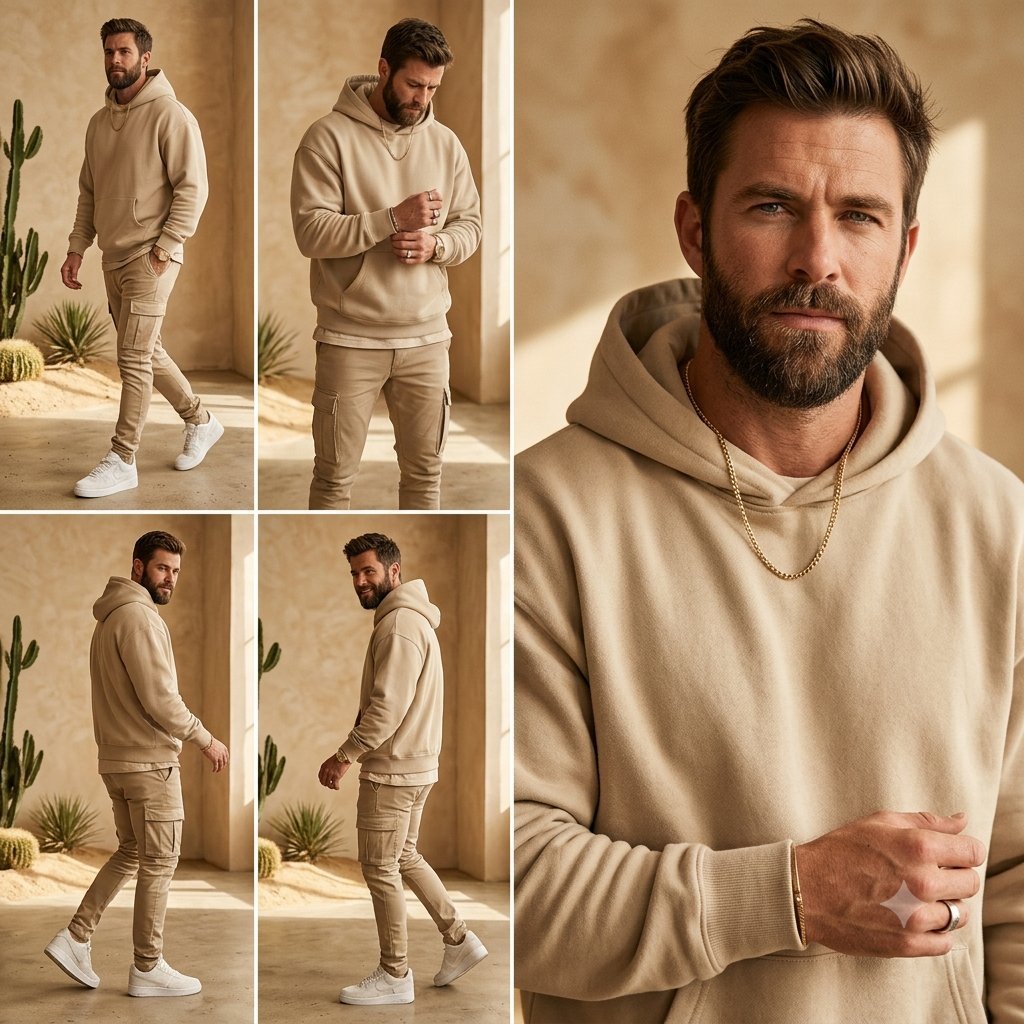
Beige Menswear Lookbook Collage

Neo-noir psychological thriller movie poster
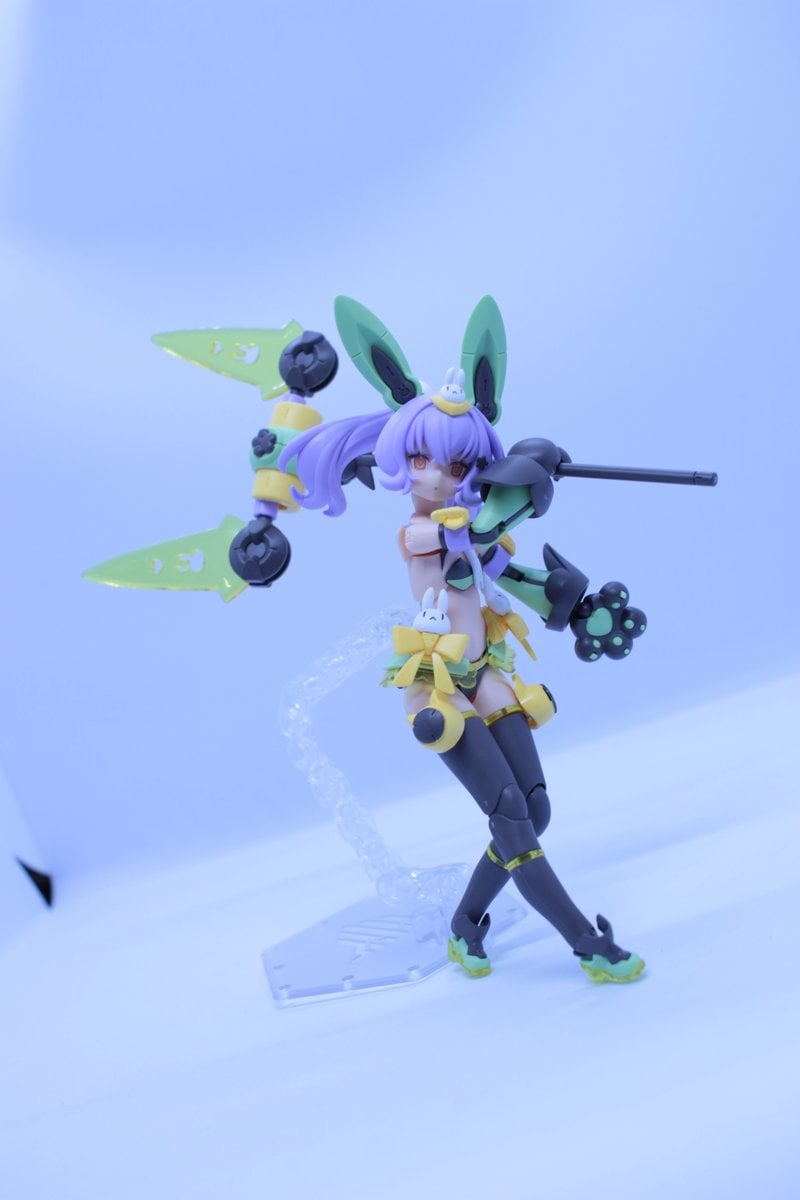
Low-Poly Character Figure of Megami Device
Browse template categories
Minimalist Watercolor Cafe Illustration questions
How do I use the Minimalist Watercolor Cafe Illustration template?
Add your photo if the template asks for one, edit the prompt if you like — the template's model and format are already selected — and press Generate. Your version opens in PicX Studio.
Can I customize the Minimalist Watercolor Cafe Illustration template?
Yes. You can change the subject, setting, lighting, mood, format, and available model controls before creating your image.
Is the Minimalist Watercolor Cafe Illustration template free?
Opening and editing this template is free. Generating uses credits, shown on the Generate button when you are signed in.
Which AI model should I use?
Start with GPT Image 2, which is the model associated with this template. You can compare another compatible model for a different finish.
Looking for something else? Browse all templates.

Your photo, any look
Thousands of ready templates for every top image and video model, from one credit balance.