
Watercolor Café Cheesecake Editorial Illustration
Curated from MeiGen gallery ID 2051893745692586048: Watercolor Café Cheesecake Editorial Illustration.

- Prompt included
- Model and format preset
- Free template
The prompt behind this image
Copy the exact prompt behind Watercolor Café Cheesecake Editorial Illustration, or open it in the studio and make it yours.
Minimal watercolor ink illustration, soft anime realism, hand-drawn sketch aesthetic, cozy café editorial art. A young woman with short layered black hair and messy strands sits at a modern café table holding a fork while resting one hand beside a glass bottle. Small berry cheesecake on a center plate, minimal ceramic coffee cup on left, transparent glass bottle with tiny plant stem on right. Warm beige, cream, soft brown, light sepia, muted black palette. Fine sketch ink outlines, watercolor paper texture, slightly top-down portrait framing, soft shallow depth. Quiet intimate layered café atmosphere. Avoid cluttered background, heavy saturation, 3D render look, photorealism, dark lighting.
How to use Watercolor Café Cheesecake Editorial Illustration in 3 steps
- 1
Open
The prompt is already in the box next to the preview, with the template's model and format selected.
- 2…a portrait of your subject in softgolden-hour light, 85mm…
Personalize
Edit the subject and creative details for your destination.
- 3Generate
Generate
Press Generate — your image is created in PicX Studio, so you can compare it with the original and refine one variable at a time.
More like this
Templates with the same subject, style or setup. Open one to see its prompt.

Japanese Café Sketch Duo Illustration

Watercolor Anim Cafe Morning

Anime Character Charm Analysis Sheet

Nano Banana - Paris Cafe Editorial

Mixed Media Editorial Woman Illustration

Hyper-Realistic Cozy Café Scene

Elegant Woman in Red Satin in Cozy Cafe
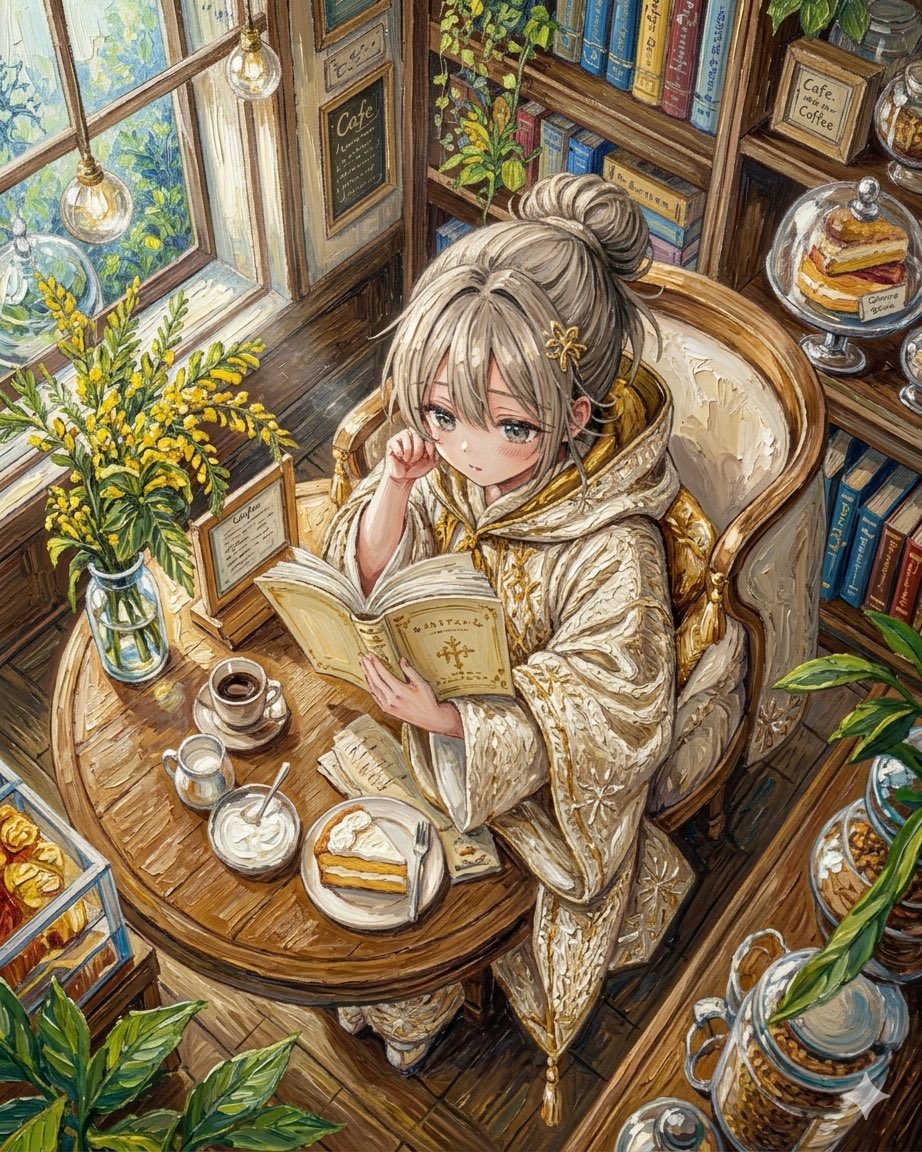
Watercolor Anime Café Colorization

Watercolor Anim Finale Fireworks

Watercolor Anim Garden Maze

Watercolor Anim Rooftop Concert

Watercolor Anim Bicycle Coast
Make it yours
Watercolor Café Cheesecake Editorial Illustration works as-is. These are the safest ways to change it without losing the look.
Change one field
Copy a single group, rewrite it, and generate again so you can see what that field is doing.
Keep the frame, change the subject
Hold the composition and light of Watercolor Café Cheesecake Editorial Illustration, then swap wardrobe, props or the person for a new take.
| If the result… | Why | Fix |
|---|---|---|
| The result drifts from the preview | Too many fields changed at once. | Reuse Watercolor Café Cheesecake Editorial Illustration as-is first, then change one group — subject, light, or setting. |
| The model over-stylizes the scene | The prose prompt leaves finish and camera underspecified. | Add one camera or lighting sentence and stay on PicX Studio. |
More image prompts
Fresh picks from across the catalog.
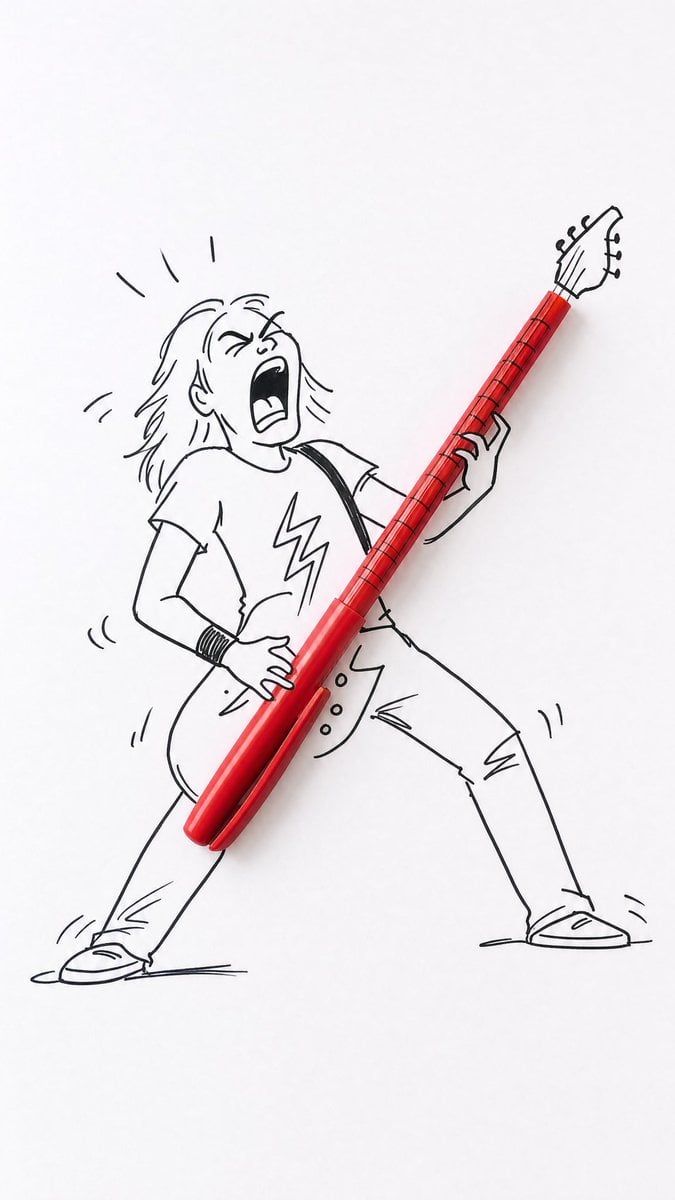
Real Object and Doodle Composite Art

Nano Banana Pro brand hero image
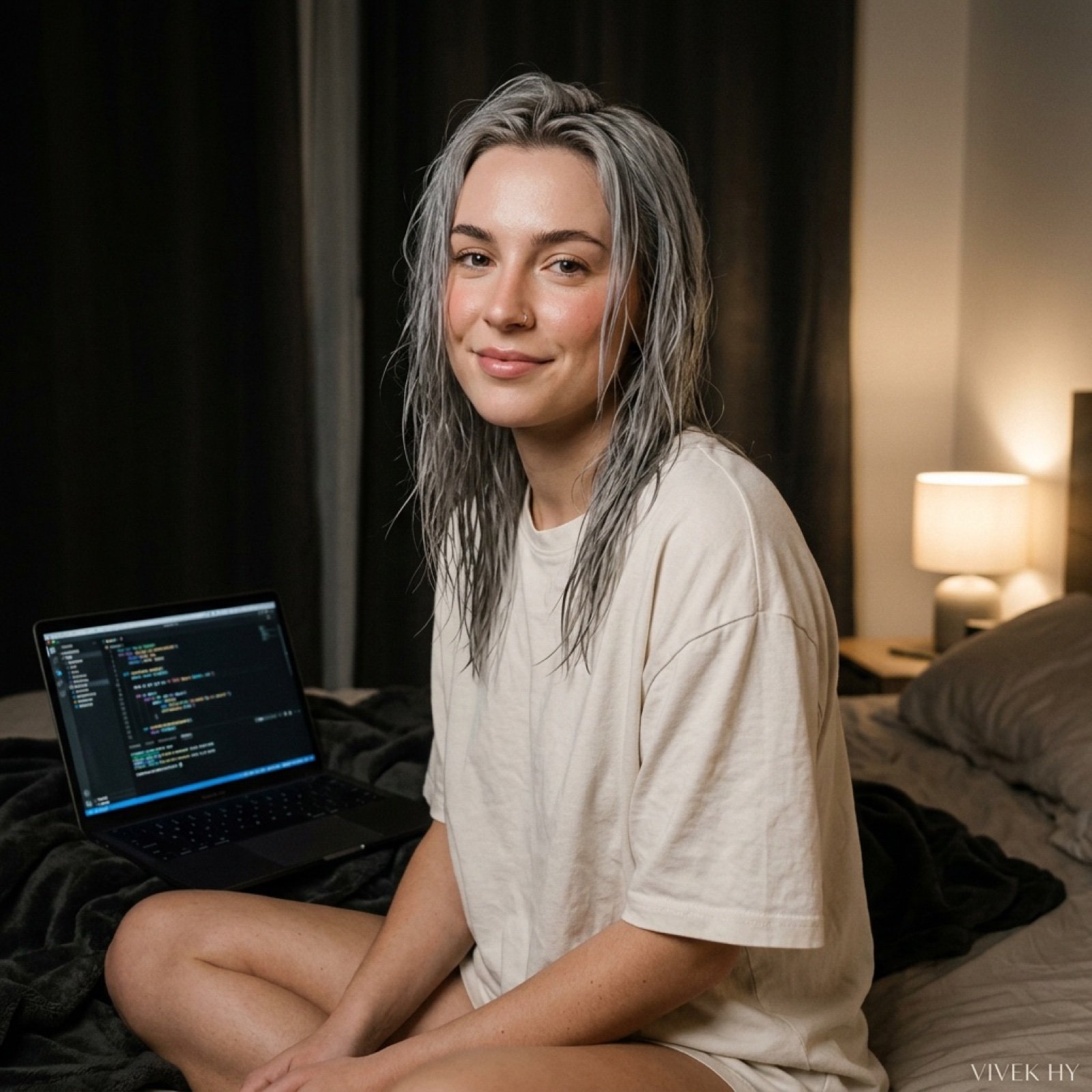
Cozy Bedroom Portrait with Code Editor Prompt
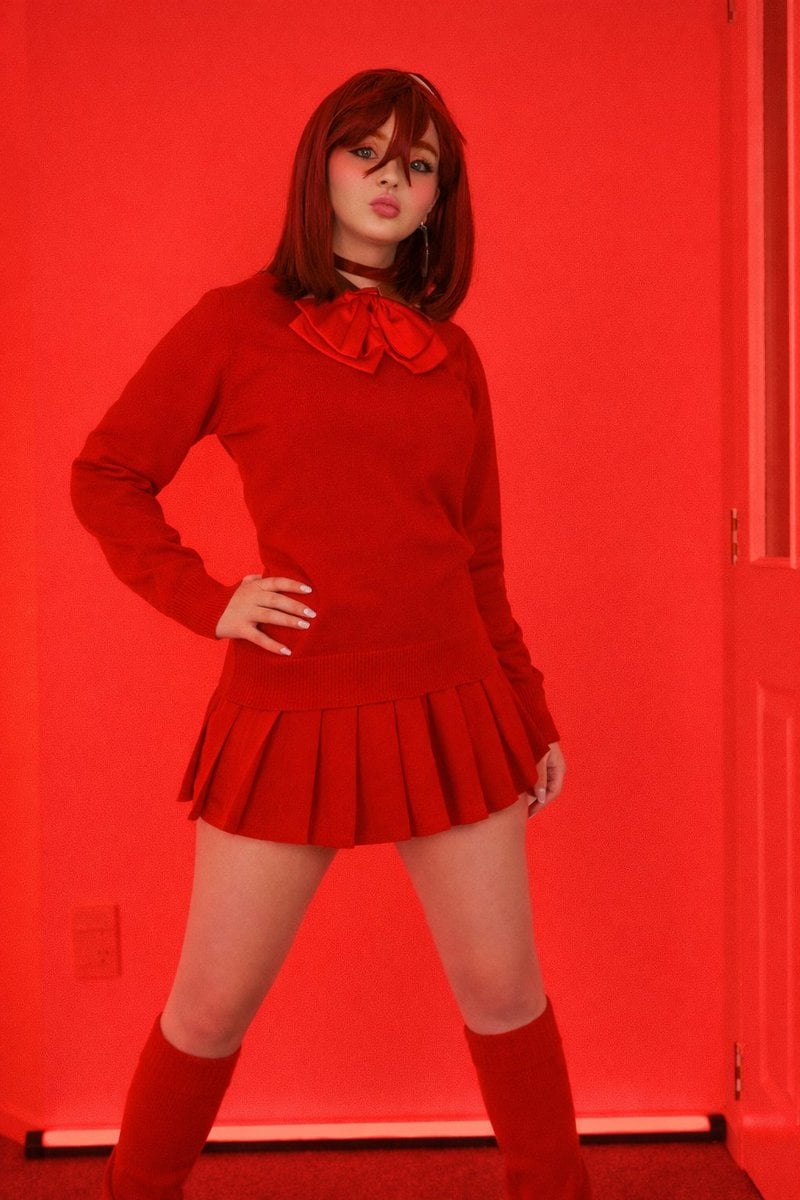
Bold Red Fashion Portrait

Blueprint to 3D Chrome Manifestation Prompt

Ultra-realistic product shot of a premium ice cream bar inspired by Kazakhstan

Arrival Movie AI Poster Prompt
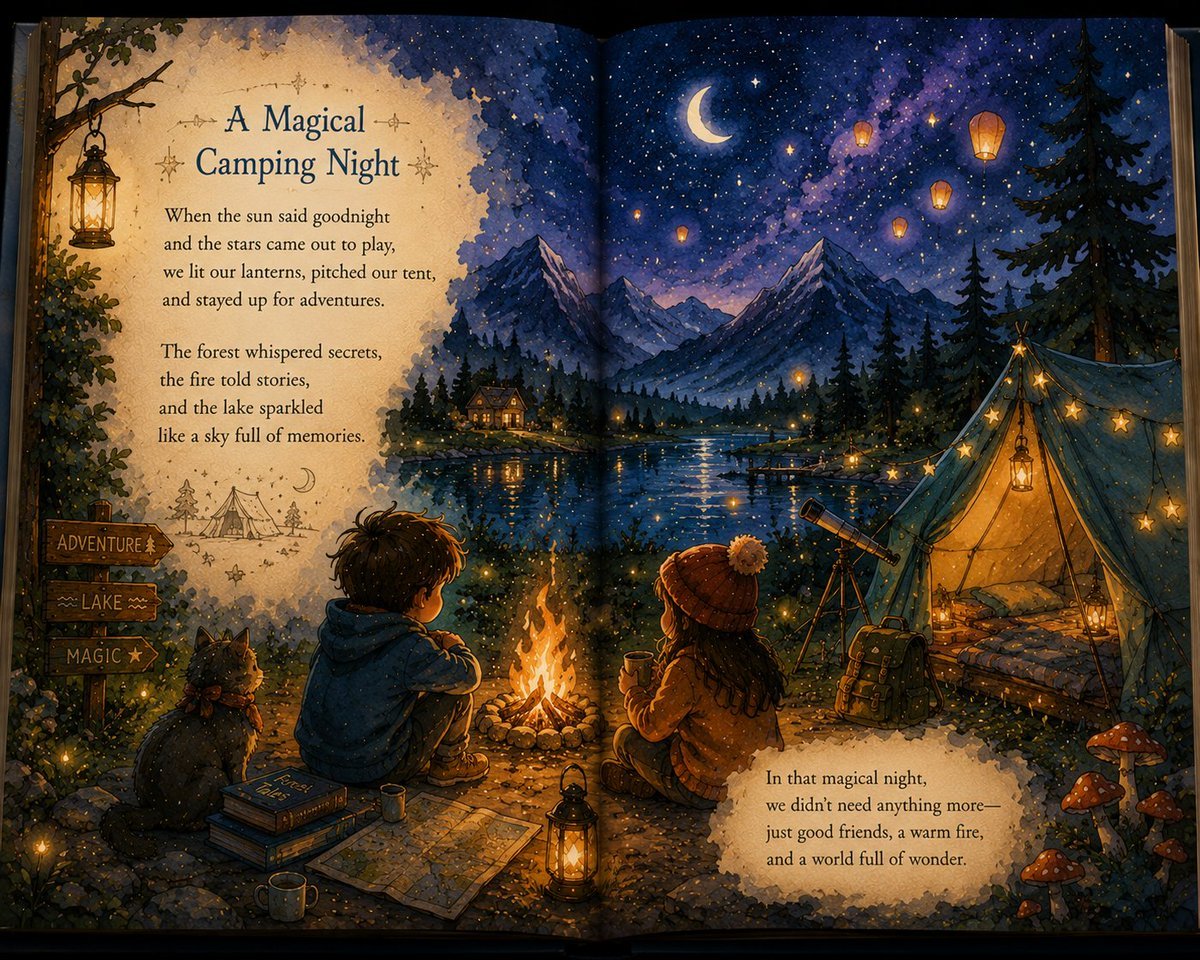
Magical Children's Storybook Illustration
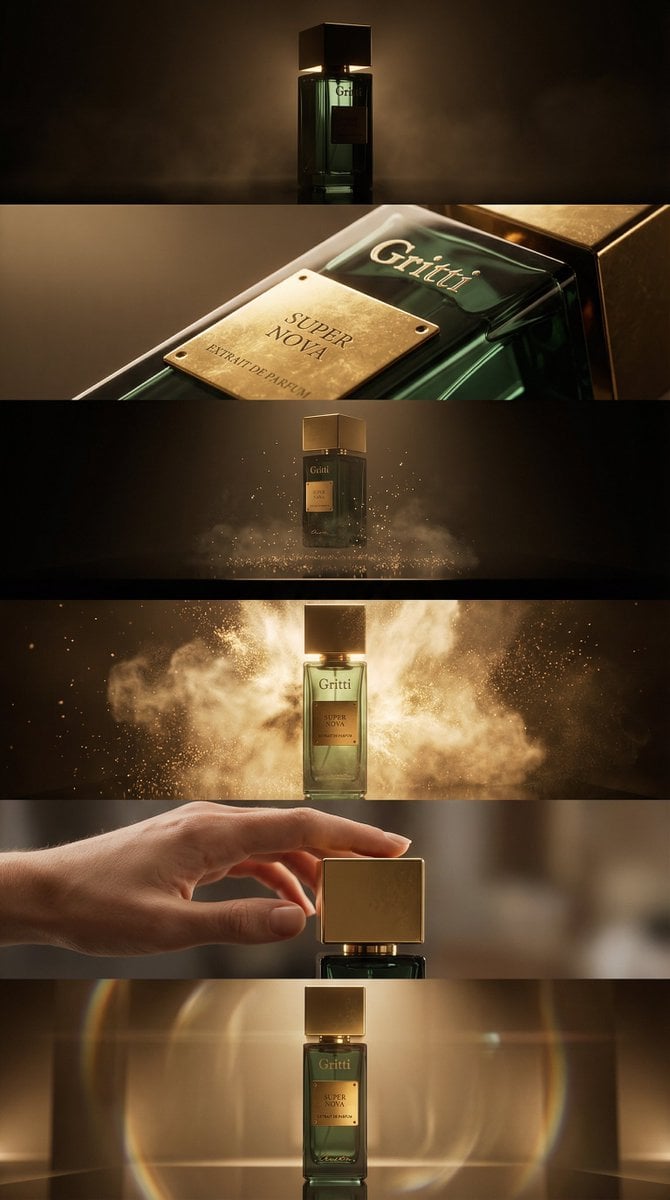
Luxury Product Reveal Cinematic Sequence Prompt

Surreal Floating Man Dissolving Into Ash
Browse template categories
Watercolor Café Cheesecake Editorial Illustration questions
How do I use the Watercolor Café Cheesecake Editorial Illustration template?
Add your photo if the template asks for one, edit the prompt if you like — the template's model and format are already selected — and press Generate. Your version opens in PicX Studio.
Can I customize the Watercolor Café Cheesecake Editorial Illustration template?
Yes. You can change the subject, setting, lighting, mood, format, and available model controls before creating your image.
Is the Watercolor Café Cheesecake Editorial Illustration template free?
Opening and editing this template is free. Generating uses credits, shown on the Generate button when you are signed in.
Which AI model should I use?
Choose a compatible model in PicX Studio based on the style, speed, and output controls your project needs.
Looking for something else? Browse all templates.

Your photo, any look
Thousands of ready templates for every top image and video model, from one credit balance.