How do I use the Elegant Woman in Red Satin in Cozy Cafe template?
Choose the primary action to open PicX Studio with the available template settings. Review the model and format, personalize the creative direction, and generate when ready.
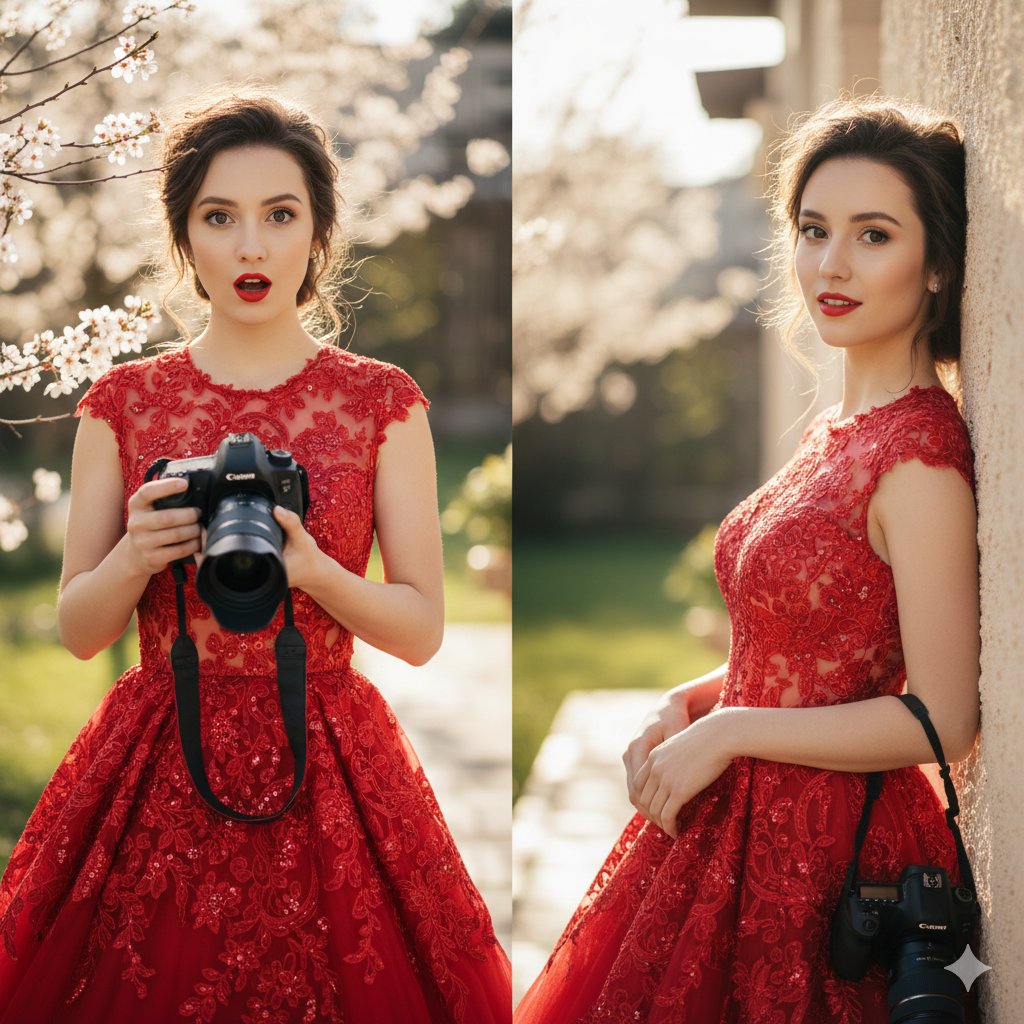
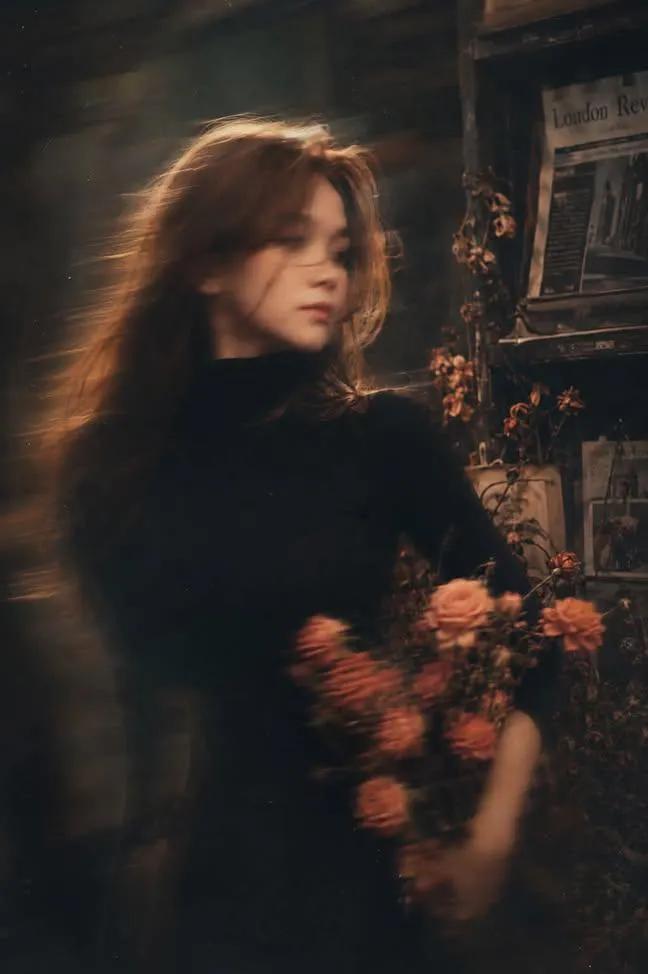
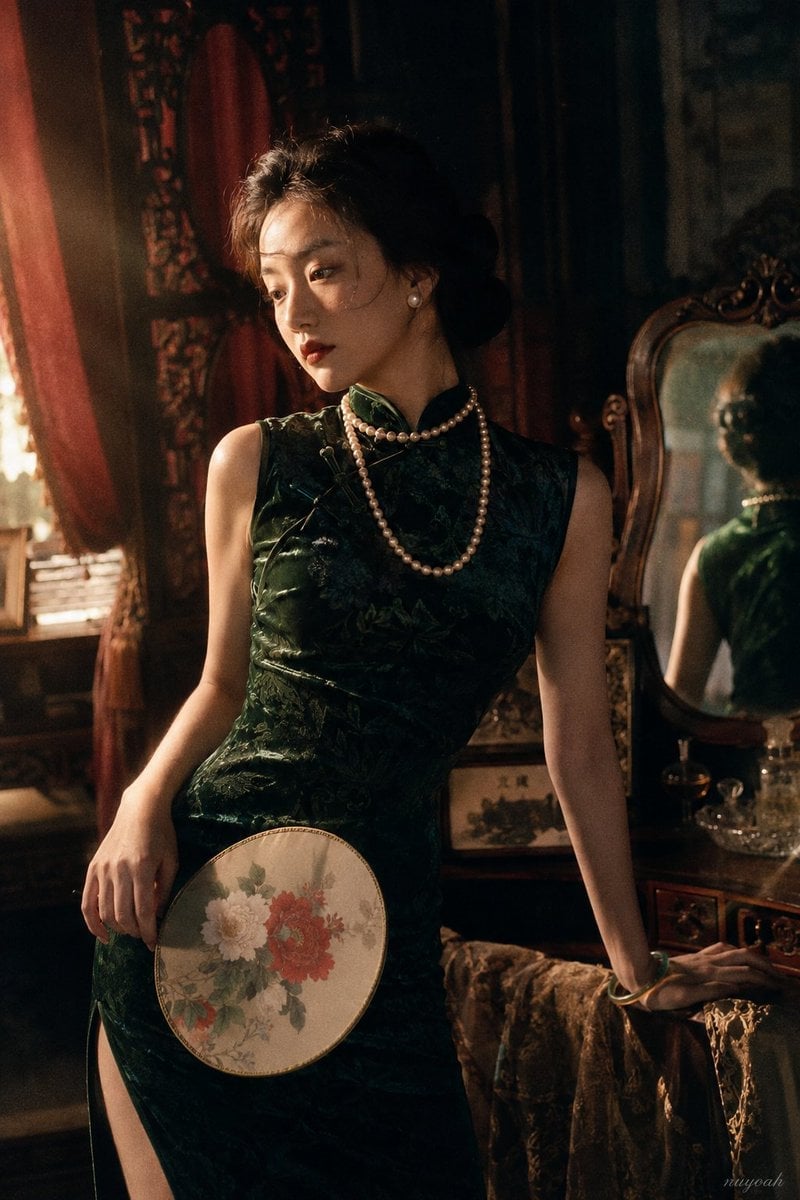
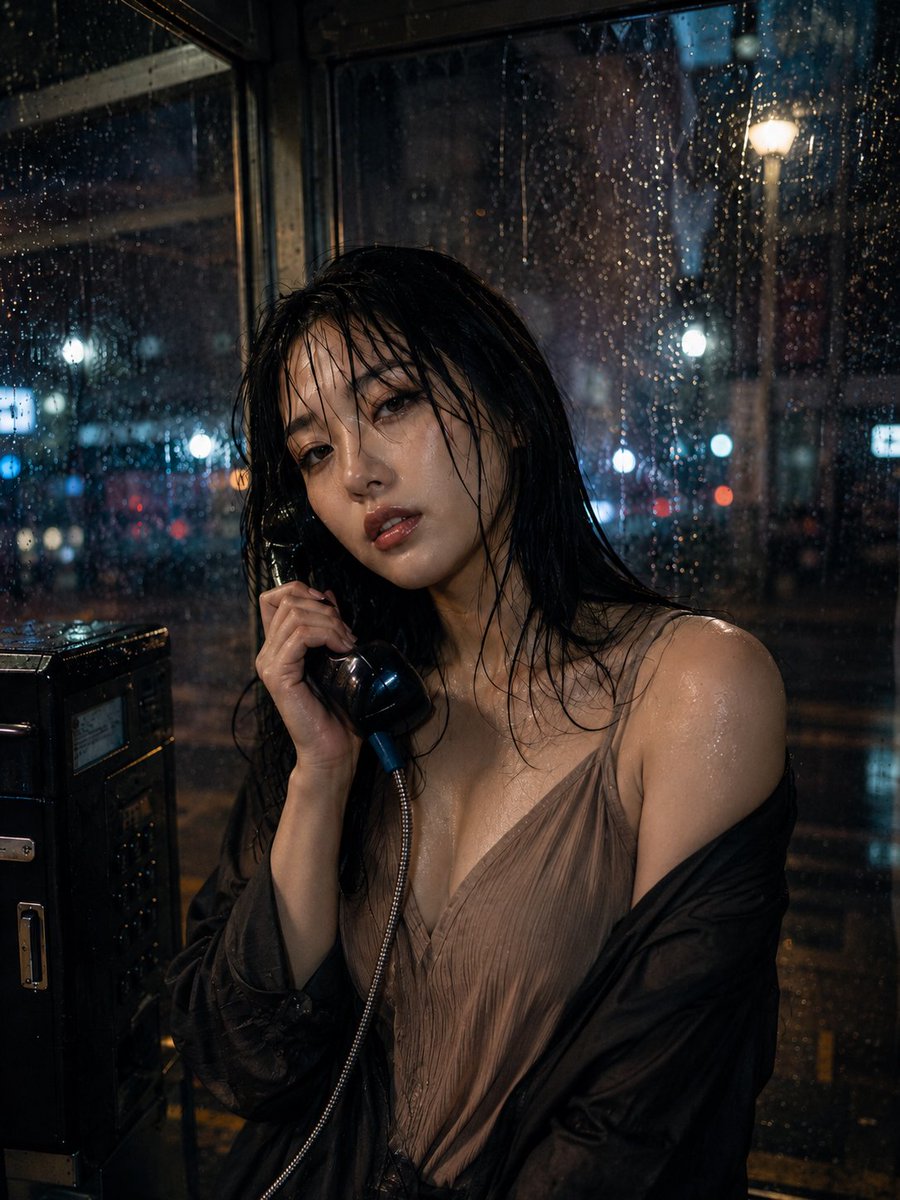
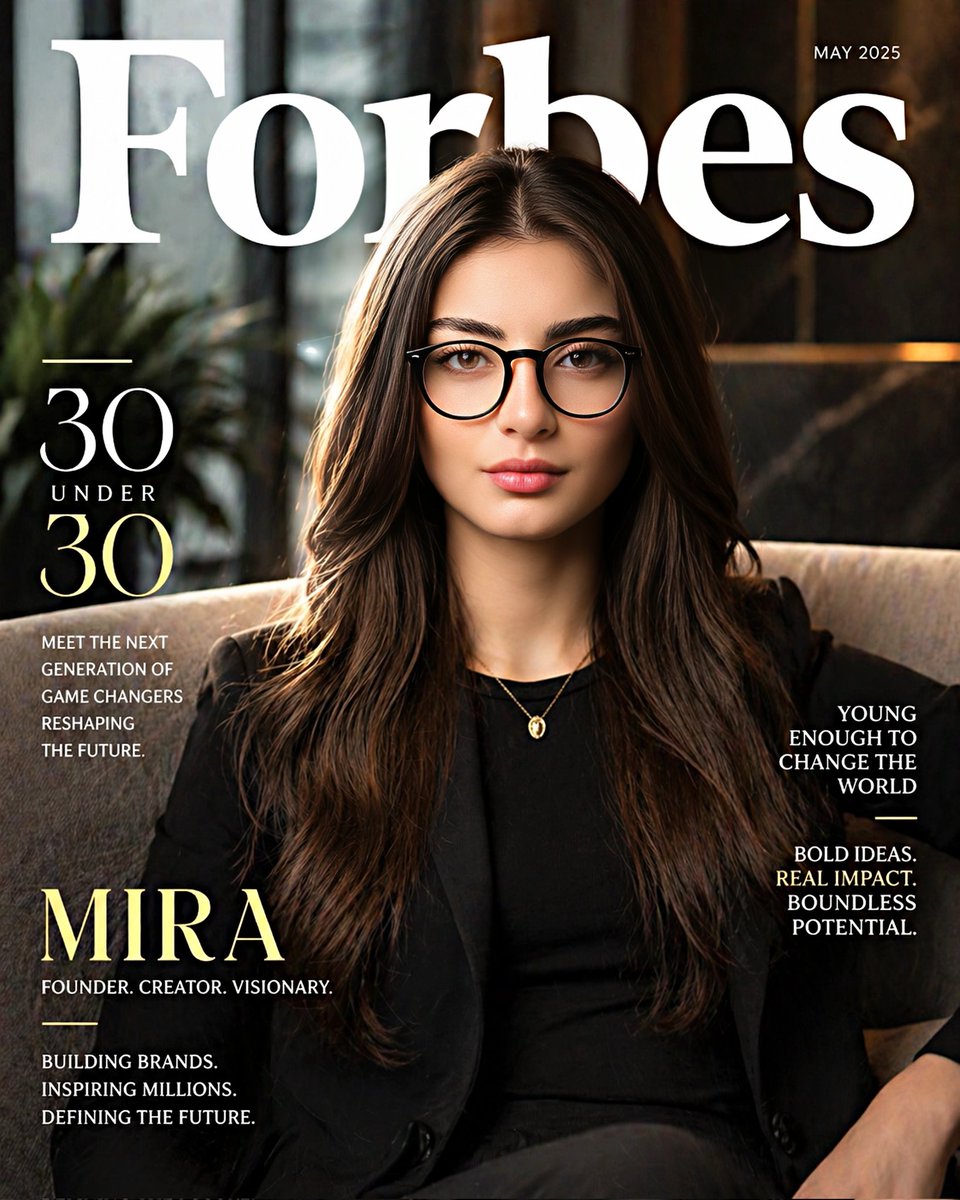
A moody vertical portrait of a woman in a red satin dress, featuring golden-hour backlight and an intimate cafe atmosphere.

A cinematic, close-up vertical portrait of a {argument name="subject" default="beautiful woman with wavy brown hair"} smiling elegantly while sitting in a {argument name="setting" default="cozy cafe"}, wearing a {argument name="clothing" default="stylish red satin dress with a subtle cowl neckline"} and delicate gold necklaces, with a soft-focus warm red and wooden background. The image should combine elements of dramatic lighting, capturing the essence of long, dark hair caught beautifully in a warm, golden-hour backlight with a soft breeze, creating a glowing halo effect. The woman possesses a captivating, gentle gaze, soft features, and expressive eyes, wearing a richly textured red dress with intricate lace or embroidered details. The overall atmosphere is intimate and moody, enhanced by a dark, atmospheric background filled with soft, out-of-focus golden bokeh lights that cast a warm, cinematic glow on her face.
Choose the primary action to open PicX Studio with the available template settings. Review the model and format, personalize the creative direction, and generate when ready.
Yes. You can change the subject, setting, lighting, mood, format, and available model controls before creating your image.
This template is free to open and customize. Generation usage is shown in PicX Studio before you create.
Start with Nano Banana 2, which is the model associated with this template. You can compare another compatible model for a different finish.
Follow a topic to a crawlable collection of related PicX Studio templates.