
Realistic Sam's Club Shopping Snapshot
This prompt generates a photorealistic candid warehouse-store portrait suitable for recreating an authentic shopping scene with branded retail signage and a shopper holding produce.

- Prompt included
- Model and format preset
- Free template
The prompt behind this image
Copy the exact prompt behind Realistic Sam's Club Shopping Snapshot, or open it in the studio and make it yours.
A candid, highly realistic smartphone photo inside a busy Sam’s Club warehouse store in China. Center the composition on a young East Asian man from mid-torso up, standing upright and facing the camera, with his face obscured by a rectangular blur block for privacy. He wears a plain black short-sleeve T-shirt with a small white Tesla logo on the left chest and holds a large clear plastic bag of red apples in his left hand, tied at the top with a blue band. The apple bag has a white label reading “envy” with small Chinese text beneath it. Behind him is a bright retail interior with tall industrial ceilings, warehouse shelving, shoppers, shopping carts, and stacked produce displays. Prominently show the blue diamond Sam’s Club wall sign at upper left with the text “Sam’s CLUB” and “山姆会员商店,” and a large blue wall banner behind him reading “更好的生活尽在山姆” and “Life is Better in the Club.” On the upper right, hang a tall white vertical banner that reads “优质优价” and “Great Products Great Prices,” with blue and green geometric accents. Include many background customers, slightly out of focus, to create an authentic crowded shopping atmosphere. Lighting should be bright, even retail overhead lighting; colors natural; perspective eye level; documentary snapshot aesthetic; sharp foreground subject with mildly softened background; portrait orientation.
How to use Realistic Sam's Club Shopping Snapshot in 3 steps
- 1Upload ImagePNG, JPG or paste
Add your photo
Upload the photo the template builds on. The prompt, model and format are already set.
- 2…a portrait of your subject in softgolden-hour light, 85mm…
Personalize
Edit the subject and creative details for your destination.
- 3Generate
Generate
Press Generate — your image is created in PicX Studio, so you can compare it with the original and refine one variable at a time.
More like this
Templates with the same subject, style or setup. Open one to see its prompt.

Nostalgic Digicam Café Afternoon Portrait
Underground Club Music Poster Portrait
Candid Mall Shopping Snapshot

Woman in Mall with Chanel Bag - Heart Gesture

Consistent Series Character Street Snapshot
Luxury Shopping Arcade Photography
Late Night Fridge Candid Snapshot
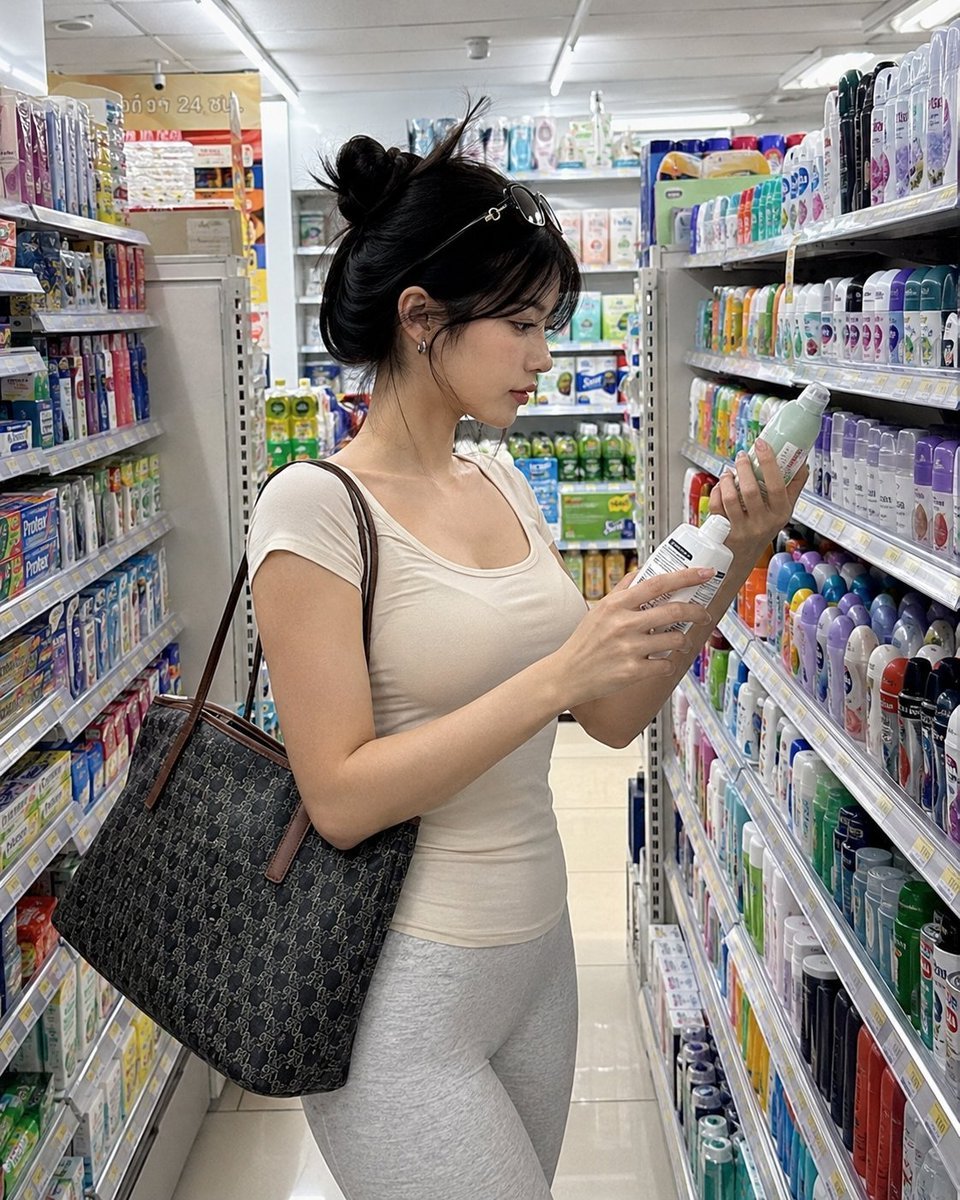
Realistic Convenience Store Shopping Scene
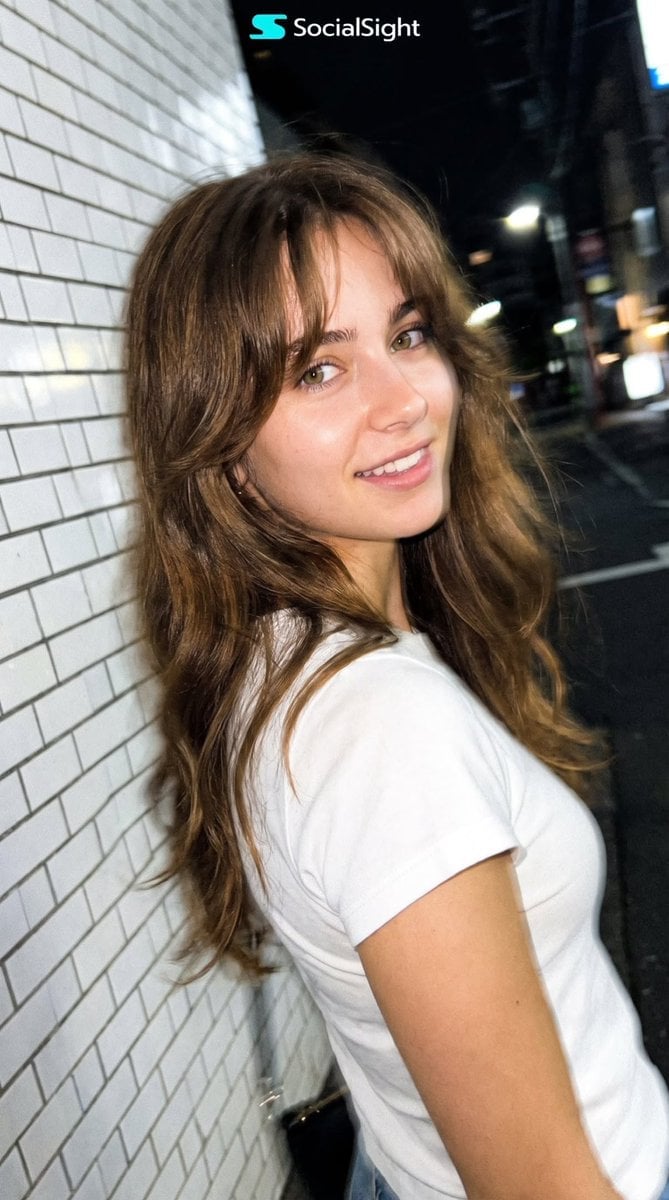
Candid Tokyo Night Smartphone Snapshot
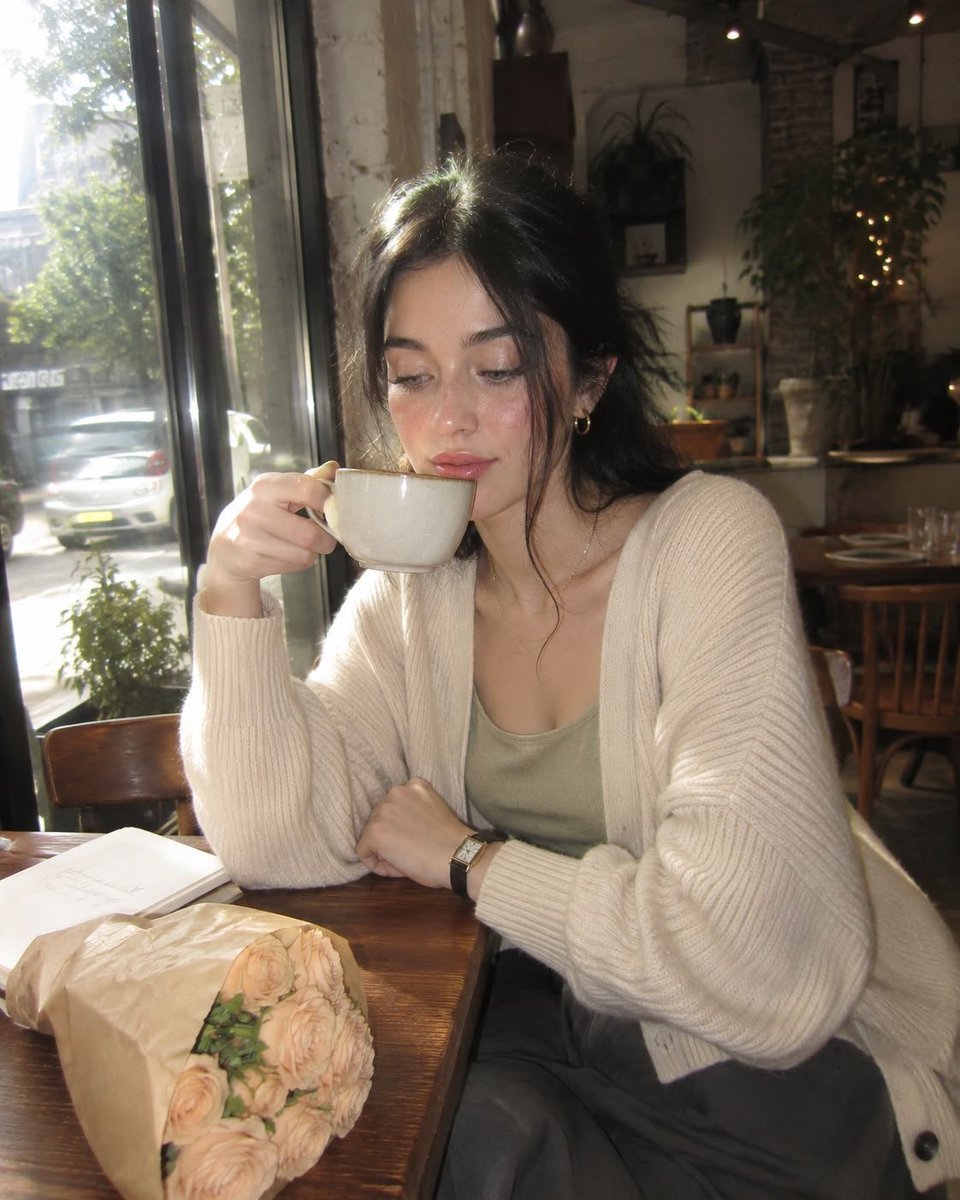
Nostalgic Early-2000s Cafe Snapshot
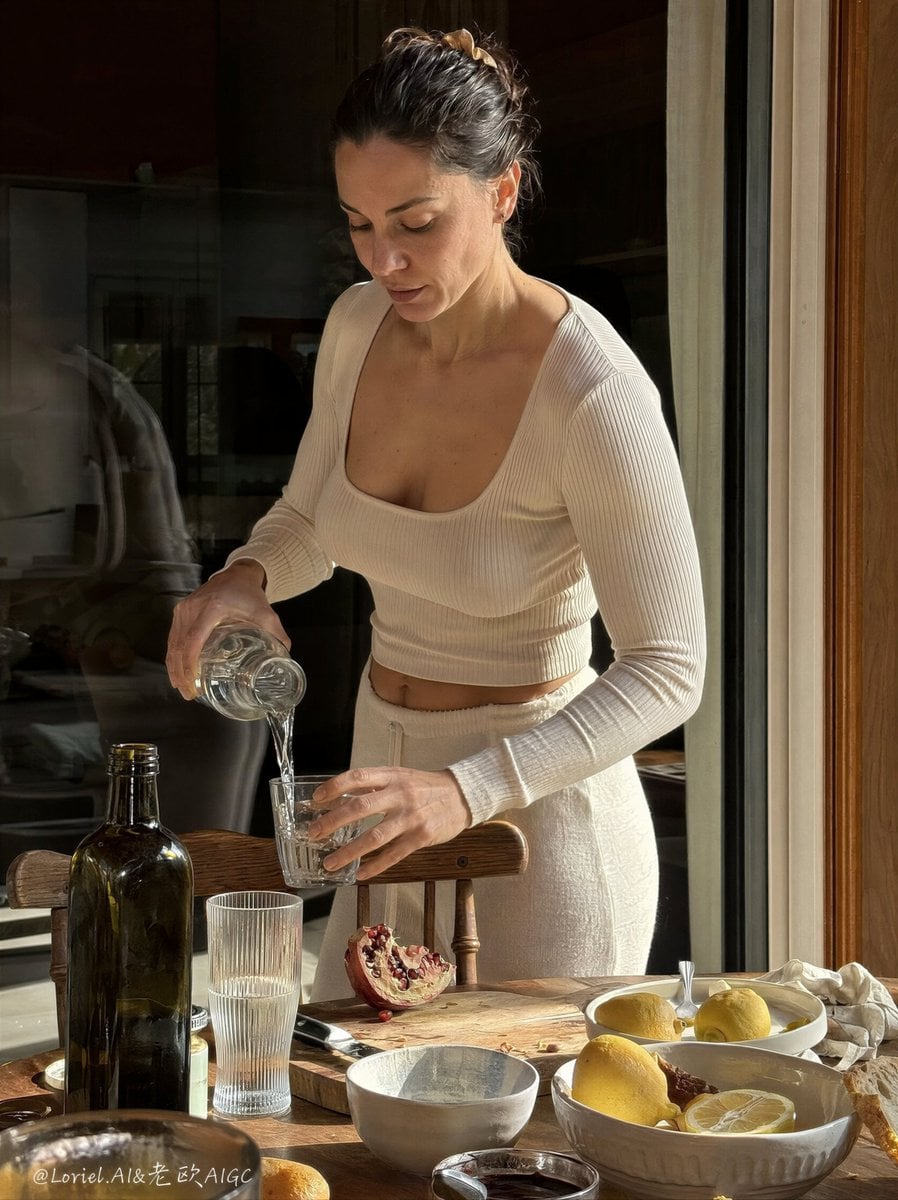
Anti-AI Candid iPhone Snapshot
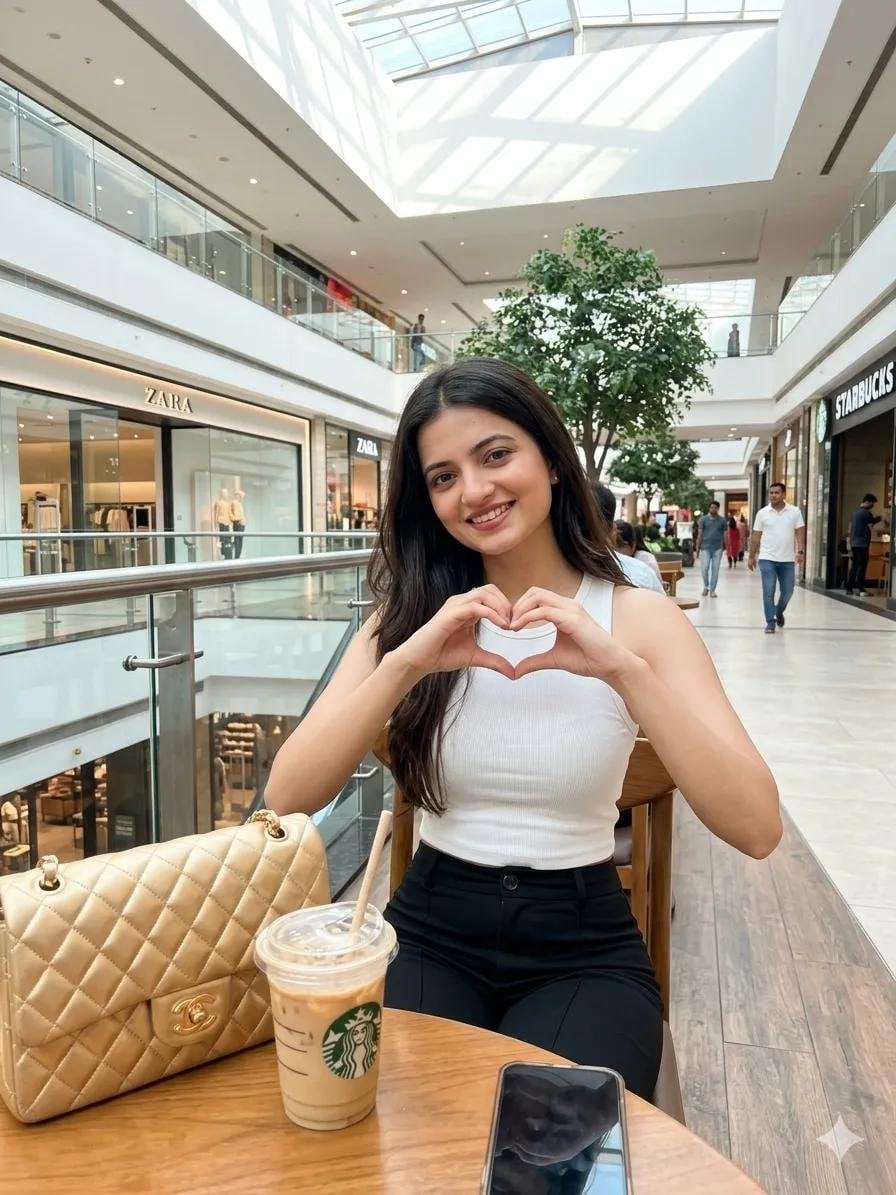
Lifestyle Portrait at a Shopping Mall
Make it yours
Realistic Sam's Club Shopping Snapshot works as-is. These are the safest ways to change it without losing the look.
Change one field
Copy a single group, rewrite it, and generate again so you can see what that field is doing.
Keep the frame, change the subject
Hold the composition and light of Realistic Sam's Club Shopping Snapshot, then swap wardrobe, props or the person for a new take.
| If the result… | Why | Fix |
|---|---|---|
| The result drifts from the preview | Too many fields changed at once. | Reuse Realistic Sam's Club Shopping Snapshot as-is first, then change one group — subject, light, or setting. |
| The model over-stylizes the scene | The prose prompt leaves finish and camera underspecified. | Add one camera or lighting sentence and stay on GPT Image 2. |
More GPT Image 2 templates
Other prompts made for GPT Image 2.

Six VTuber Japanese Logo Sheet

Realistic Portrait of Woman and Deer

The Vista Modular Condo Poster

AI Model Routing Comparison Infographic

2.5D Anime Art Board

Isometric Productivity Desk Scene

New York Double Exposure Poster

Four-Panel AI Landscape Comparison

Japanese Tatami Lifestyle Magazine Cover

NESCAFÉ Coffee Map Poster
More image prompts
Fresh picks from across the catalog.
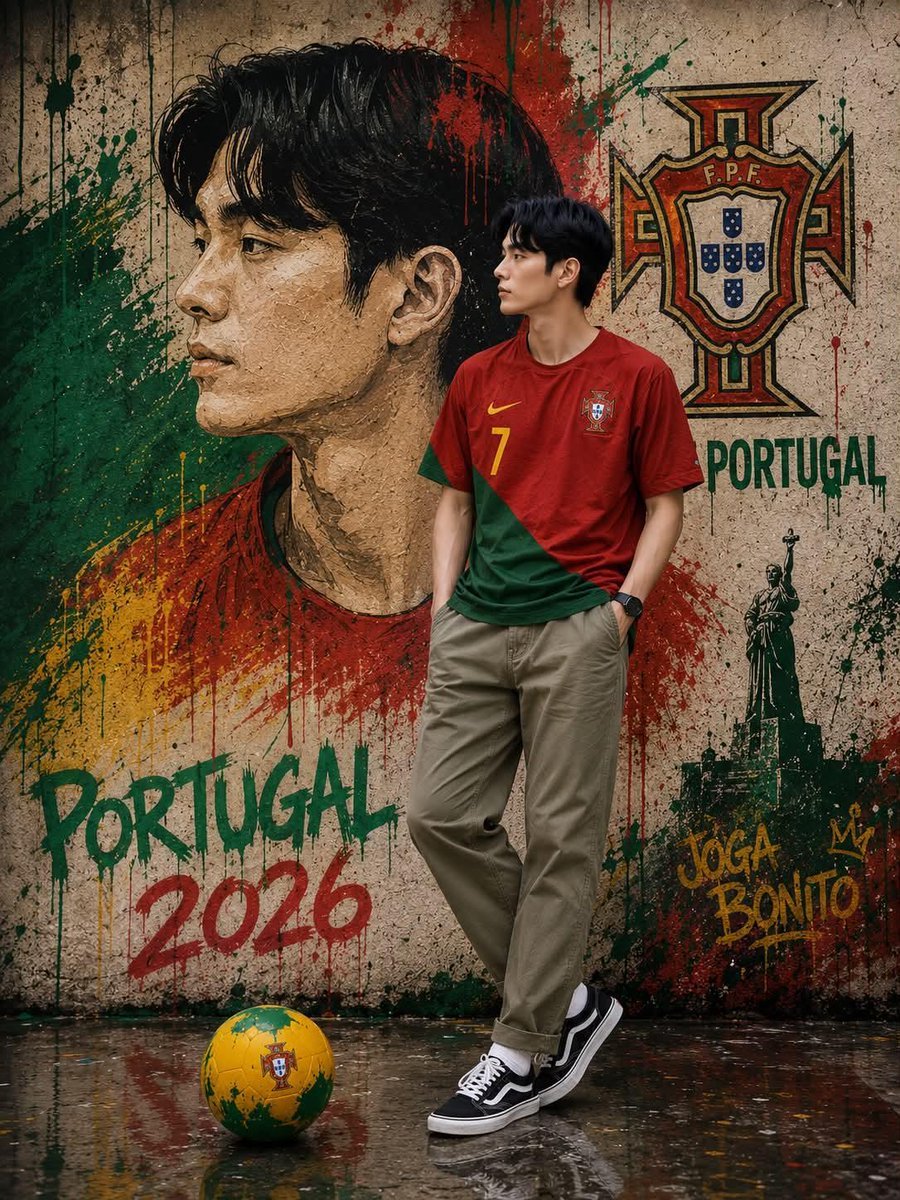
South Korean Graffiti Jersey Portrait
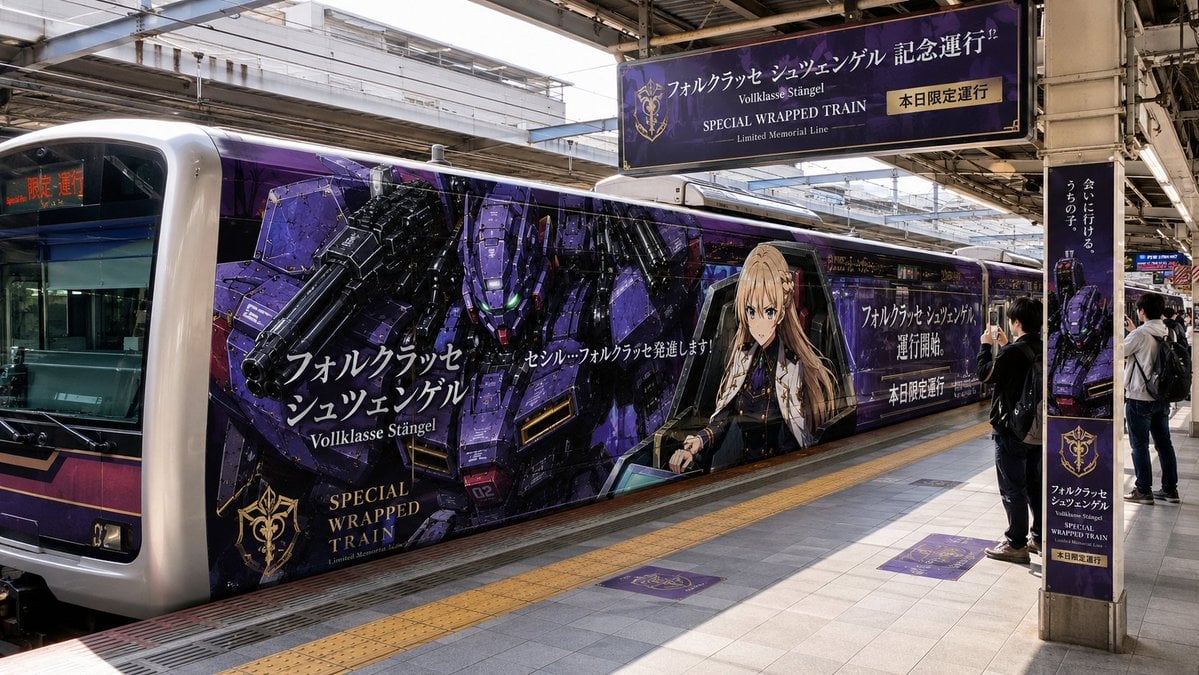
Anime Mecha Wrapped Train at Station
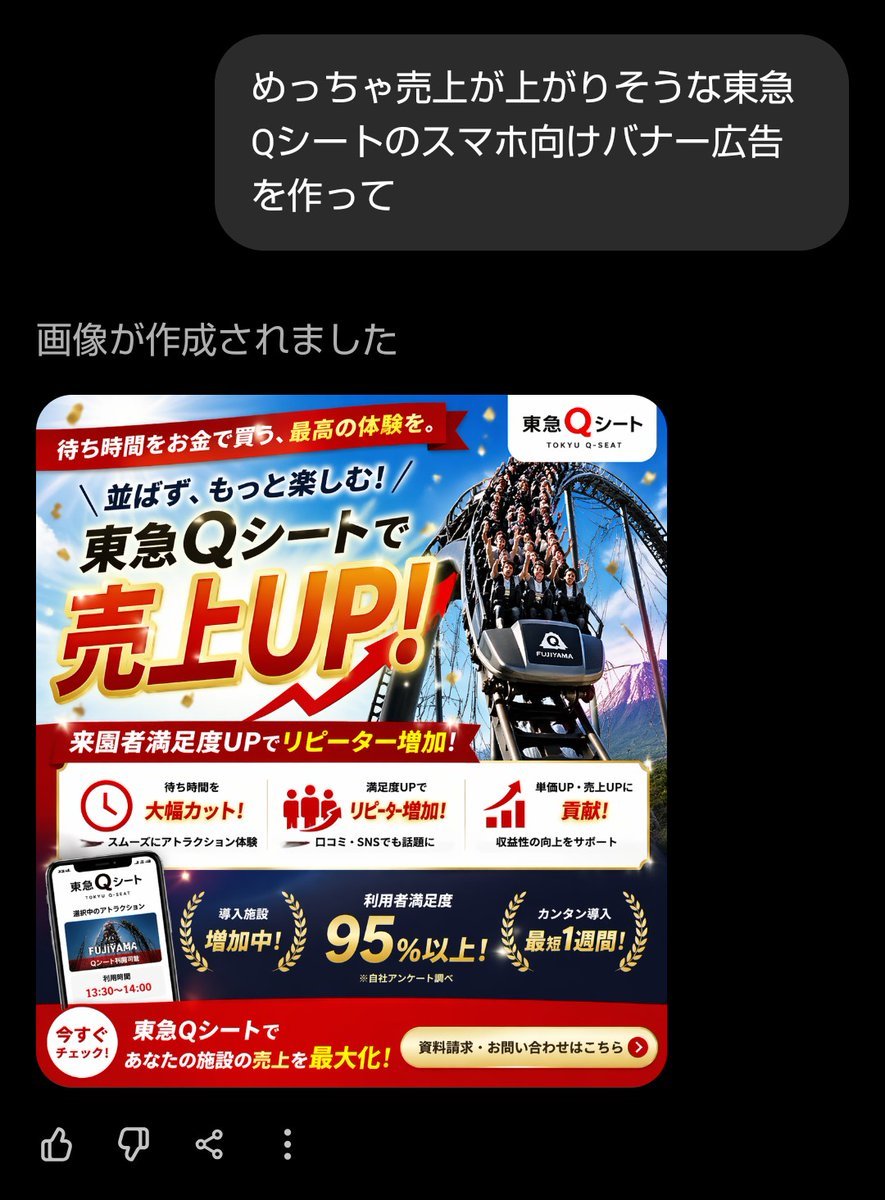
Japanese Roller Coaster Sales Banner
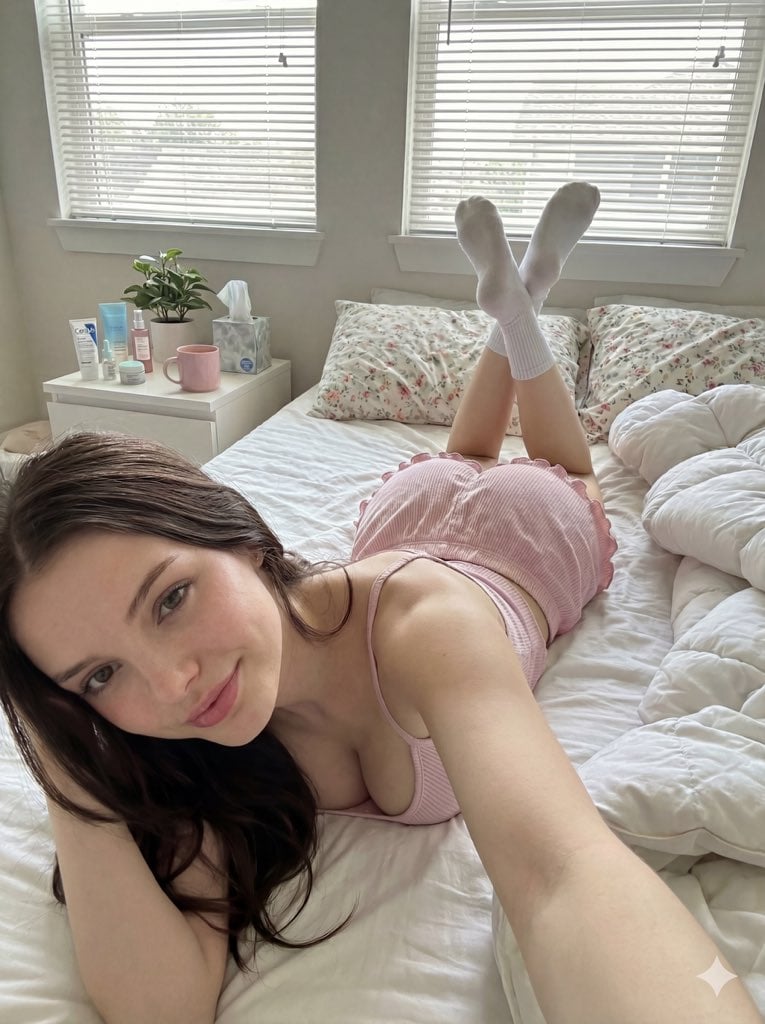
Cozy Bedroom Selfie Portrait Prompt
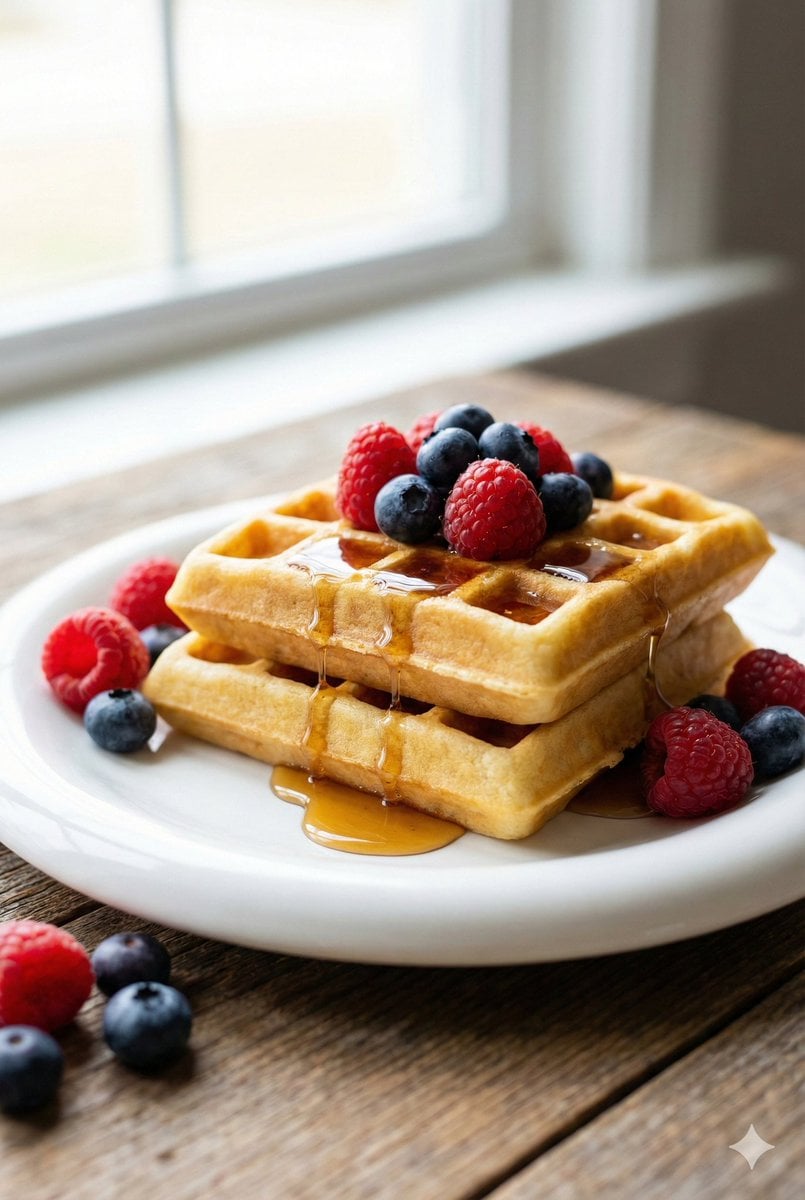
Eye-Level Belgian Waffles Food Photography Prompt

Faceless Rider Volcanic Keyframe
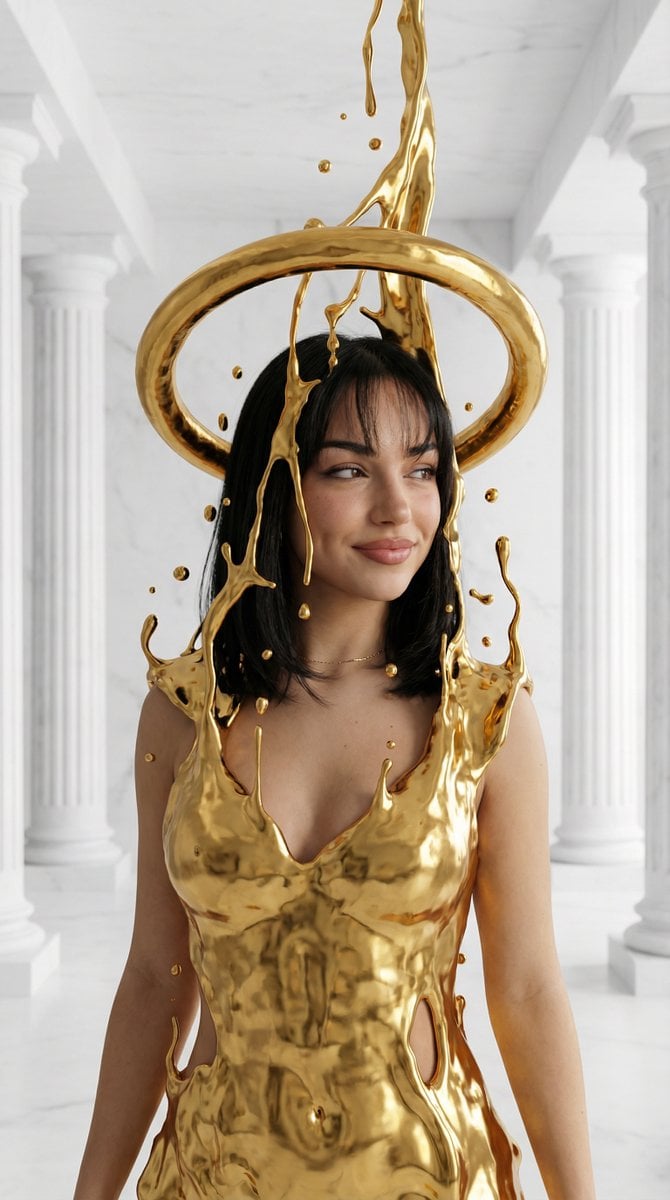
Surreal High-Fashion Portrait with Liquid Gold and Classical Architecture
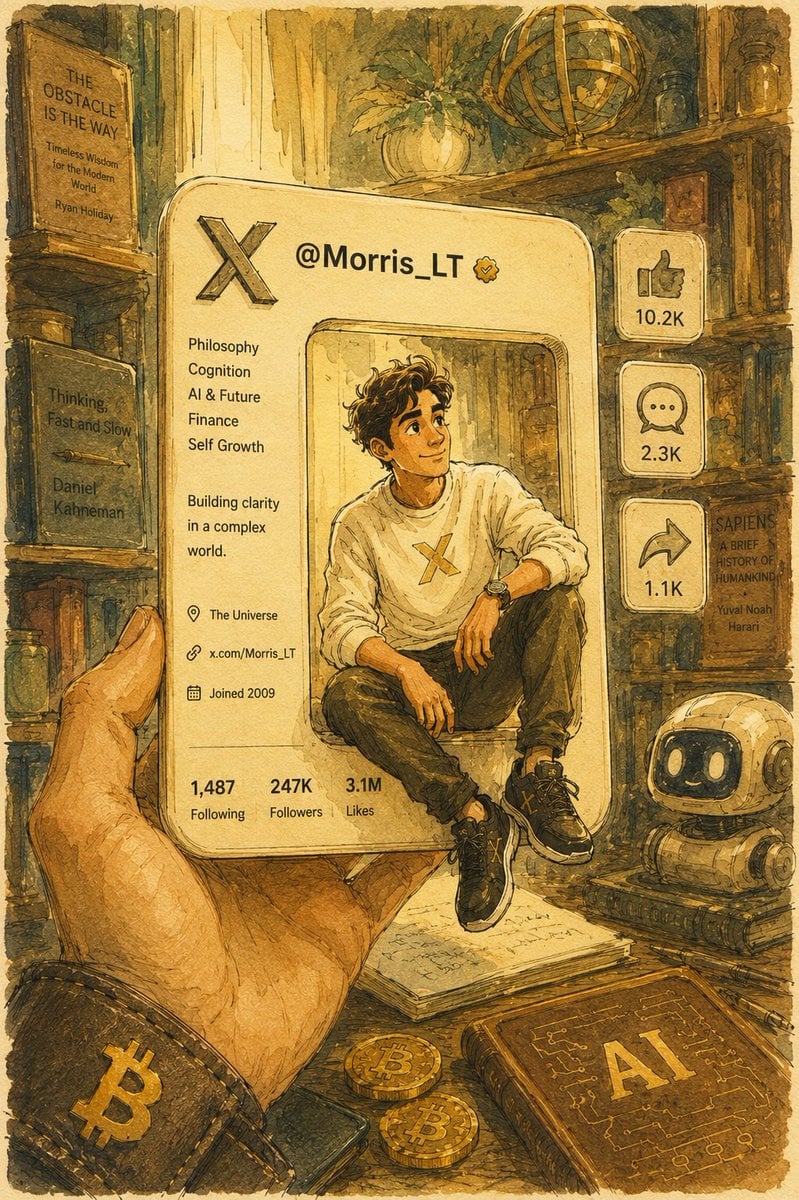
Watercolor Pixar Profile Card
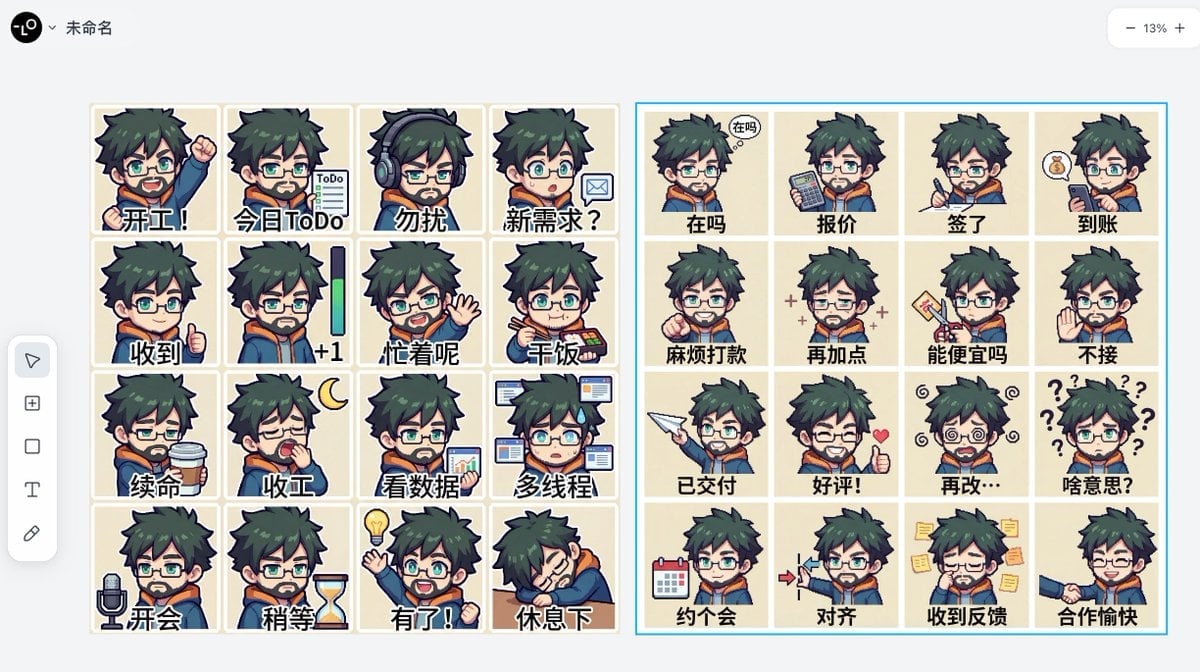
Panel Emoji Pack Generation Prompt
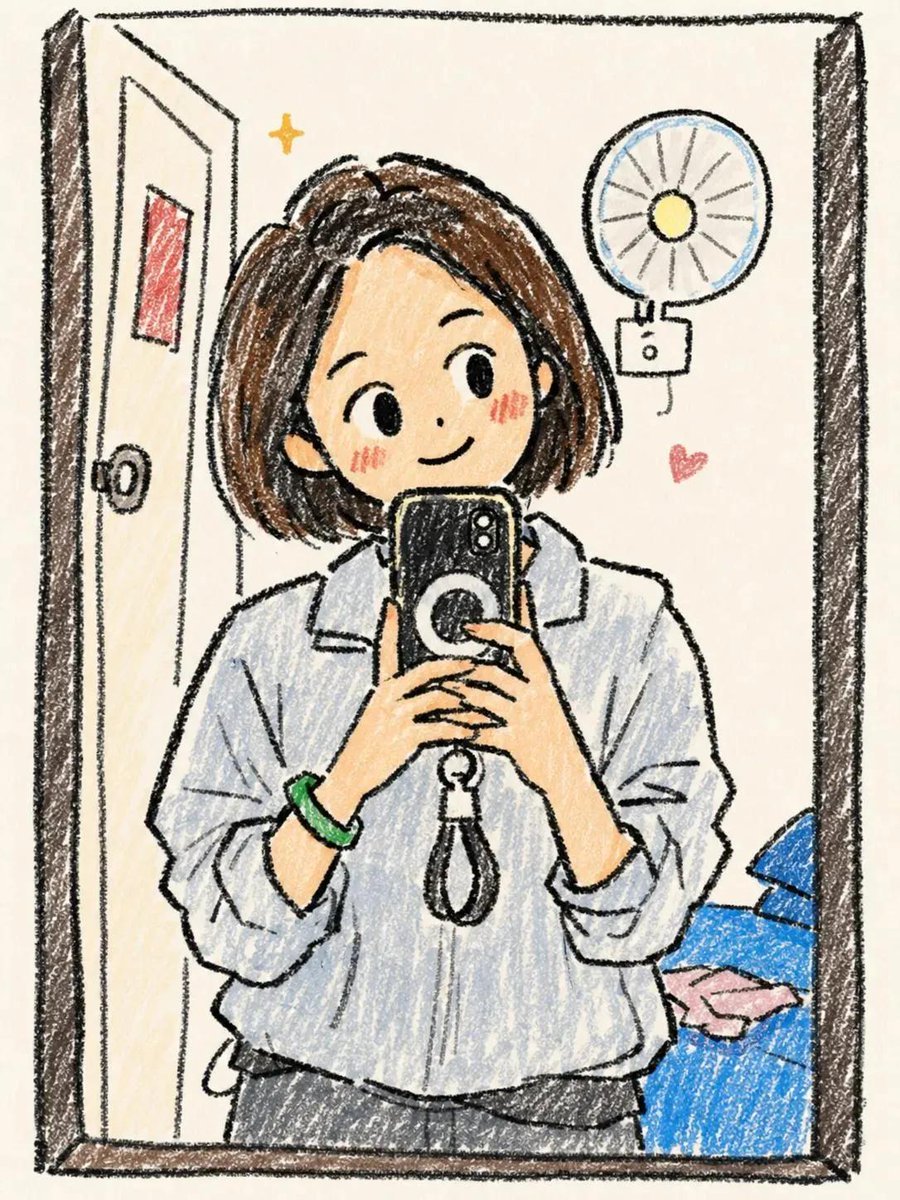
Hand-Drawn Chibi Girl Illustration
Browse template categories
Realistic Sam's Club Shopping Snapshot questions
How do I use the Realistic Sam's Club Shopping Snapshot template?
Add your photo if the template asks for one, edit the prompt if you like — the template's model and format are already selected — and press Generate. Your version opens in PicX Studio.
Can I customize the Realistic Sam's Club Shopping Snapshot template?
Yes. You can change the subject, setting, lighting, mood, format, and available model controls before creating your image.
Is the Realistic Sam's Club Shopping Snapshot template free?
Opening and editing this template is free. Generating uses credits, shown on the Generate button when you are signed in.
Which AI model should I use?
Start with GPT Image 2, which is the model associated with this template. You can compare another compatible model for a different finish.
Looking for something else? Browse all templates.

Your photo, any look
Thousands of ready templates for every top image and video model, from one credit balance.