
Anime Mecha Wrapped Train at Station
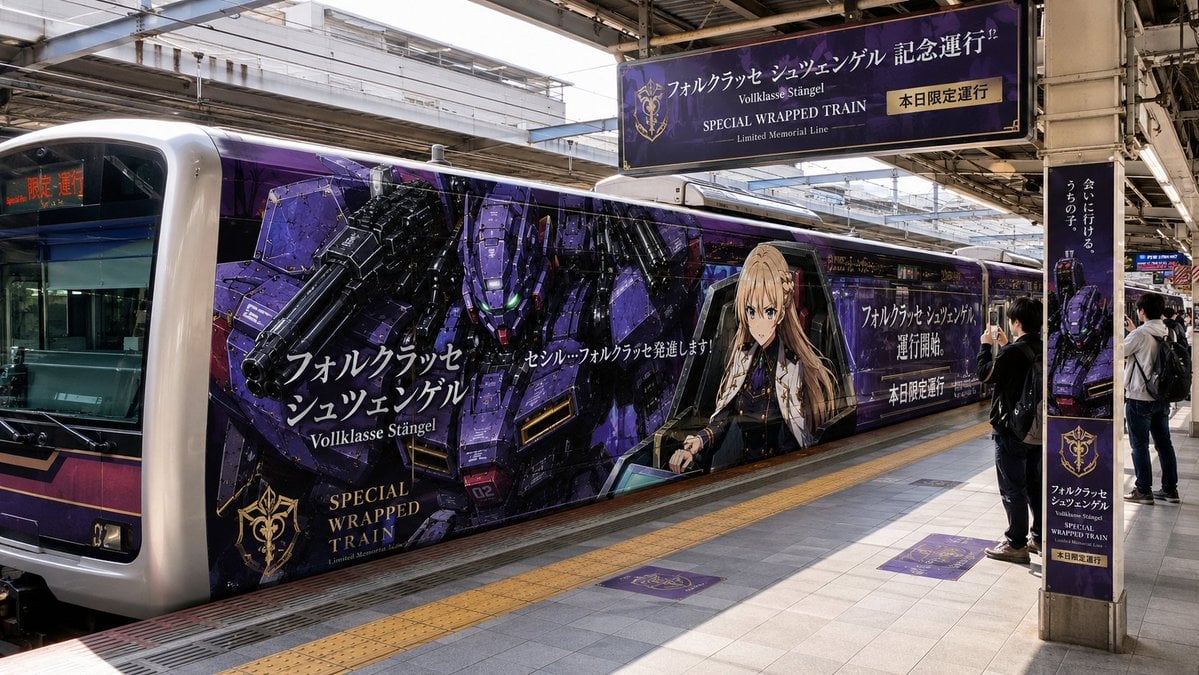
A photorealistic prompt for generating a Japanese station scene with a purple anime mecha special wrapped commuter train and matching event signage.
- Prompt included
- Model and format preset
- Free template
The prompt behind this image
Copy the exact prompt behind Anime Mecha Wrapped Train at Station, or open it in the studio and make it yours.
Goal: Create a photorealistic wide-angle documentary photo of a Japanese railway station platform featuring a full-size commuter train covered in a dark purple anime/mecha collaboration wrap for {argument name="campaign name" default="Volklasse Stängel"}, styled like a limited memorial special train. Canvas: 16:9 horizontal image, eye-level perspective from the opposite platform, realistic station lighting, sharp details, no illustration filter. Scene and layout: A silver commuter train is stopped along the left and center of the frame under a metal station roof. The front cab is visible at the far left with a black windshield and red LED destination text. The side of the train dominates the image and is wrapped in glossy purple graphics. On the right side of the platform, exactly 3 visible passengers stand near the train: 1 person in black holding up a phone to photograph the train, and 2 people farther right near a pillar. The platform has gray tile flooring, a yellow tactile safety strip, rails at the far left, overhead beams, fluorescent lights, and urban buildings visible beyond the station canopy. Train wrap details: The wrap is a dramatic dark violet and black sci-fi design with gold accents. It features exactly 2 main illustrated subjects on the train side: 1 large armored purple mecha with glowing green eyes and a huge cannon on the left-center, and 1 blonde anime-style female officer seated in a cockpit-like frame on the right-center. Include layered angular panels, subtle starry textures, metallic highlights, and gold crest emblems. Visible signage and repeated elements: Include exactly 4 campaign sign/decal elements besides the train wrap: 1 large overhead hanging banner above the platform, 1 vertical pillar poster on the right, and 2 purple square floor decals on the platform. The overhead banner should read Japanese-style promotional text plus English lines: "SPECIAL WRAPPED TRAIN" and "Limited Memorial Line," with a small gold label reading "today only service." The pillar poster should repeat the purple mecha artwork and special-train branding. The 2 floor decals should be purple squares with gold crest marks. Text content on the train: Add large white Japanese-style title text on the train side using {argument name="main Japanese title" default="フォルクラッセ シュツェンゲル"}, smaller Roman text "Volklasse Stängel," gold serif text "SPECIAL WRAPPED TRAIN," and additional white promotional copy across the panels. Text should look like real printed train-advertising typography, integrated into the wrap, not floating. Visual style: High-resolution realistic photography, natural daylight mixed with station shade, accurate reflections on windows and glossy vinyl, strong perspective lines, authentic Japanese commuter-station atmosphere, promotional event feel. Constraints: Keep the train and station photorealistic, avoid extra characters or extra decals beyond the counted elements, do not add watermarks, do not make it look like a toy or miniature, and keep all advertising graphics printed on physical surfaces.
How to use Anime Mecha Wrapped Train at Station in 3 steps
- 1Upload ImagePNG, JPG or paste
Add your photo
Upload the photo the template builds on. The prompt, model and format are already set.
- 2…a portrait of your subject in softgolden-hour light, 85mm…
Personalize
Edit the subject and creative details for your destination.
- 3Generate
Generate
Press Generate — your image is created in PicX Studio, so you can compare it with the original and refine one variable at a time.
More like this
Templates with the same subject, style or setup. Open one to see its prompt.
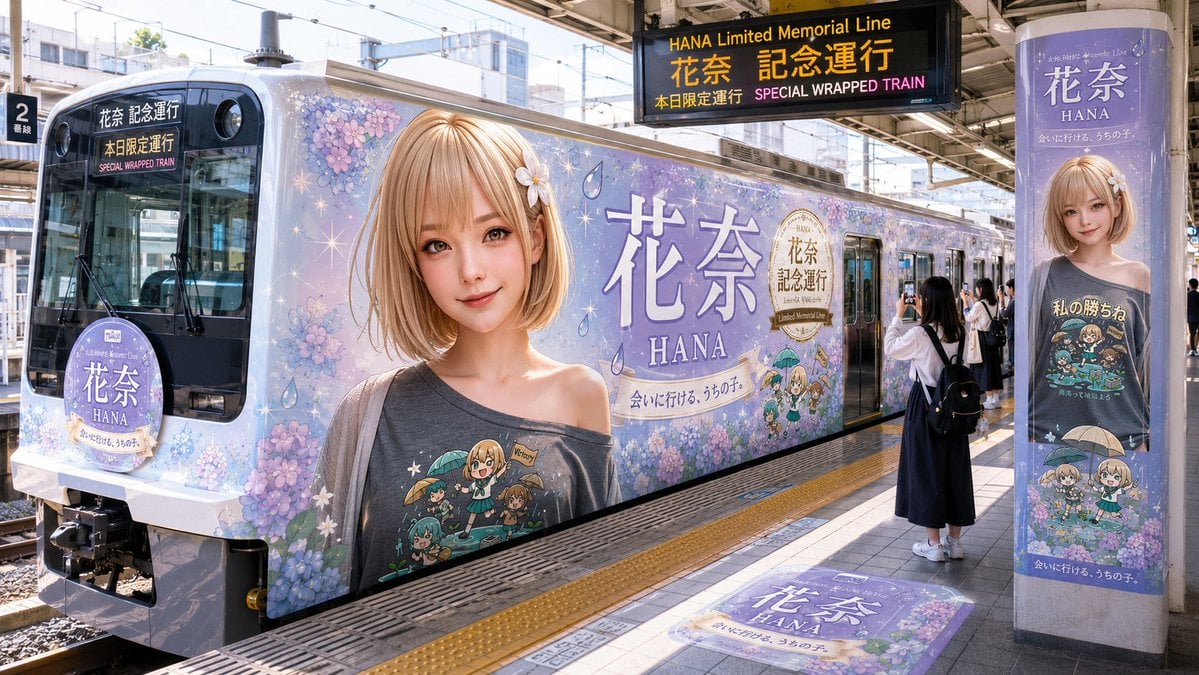
HANA Anime Wrapped Train at Station
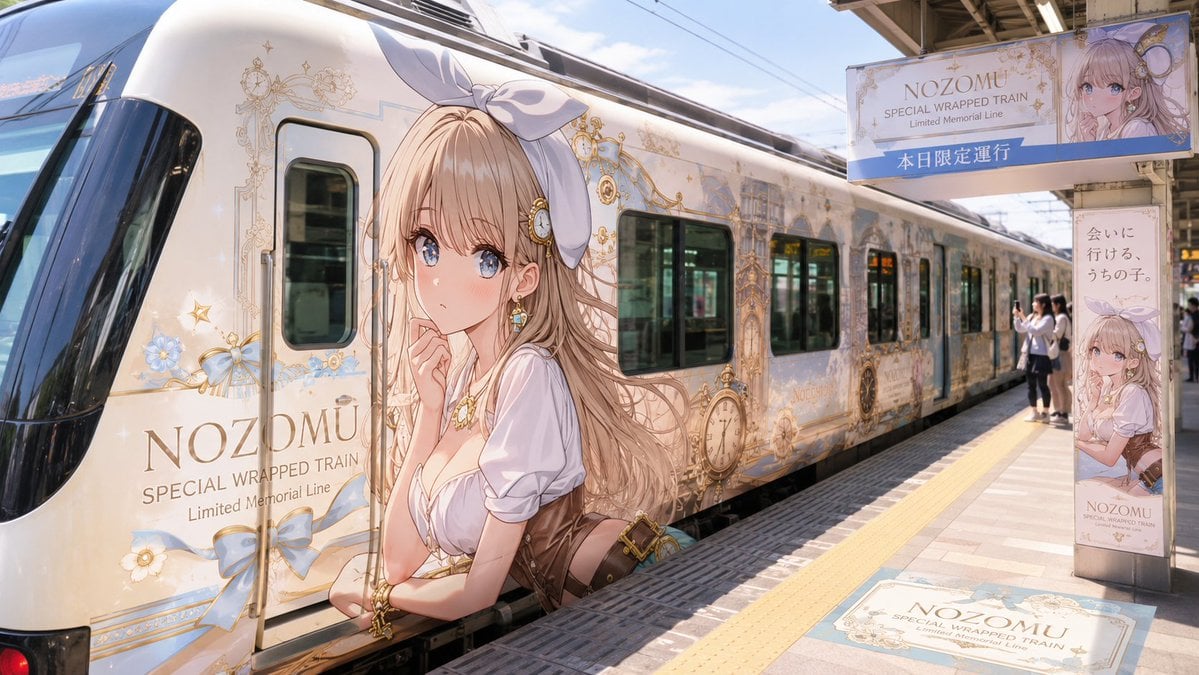
Anime Wrapped Train at Japanese Station

Cel 2D Train Window
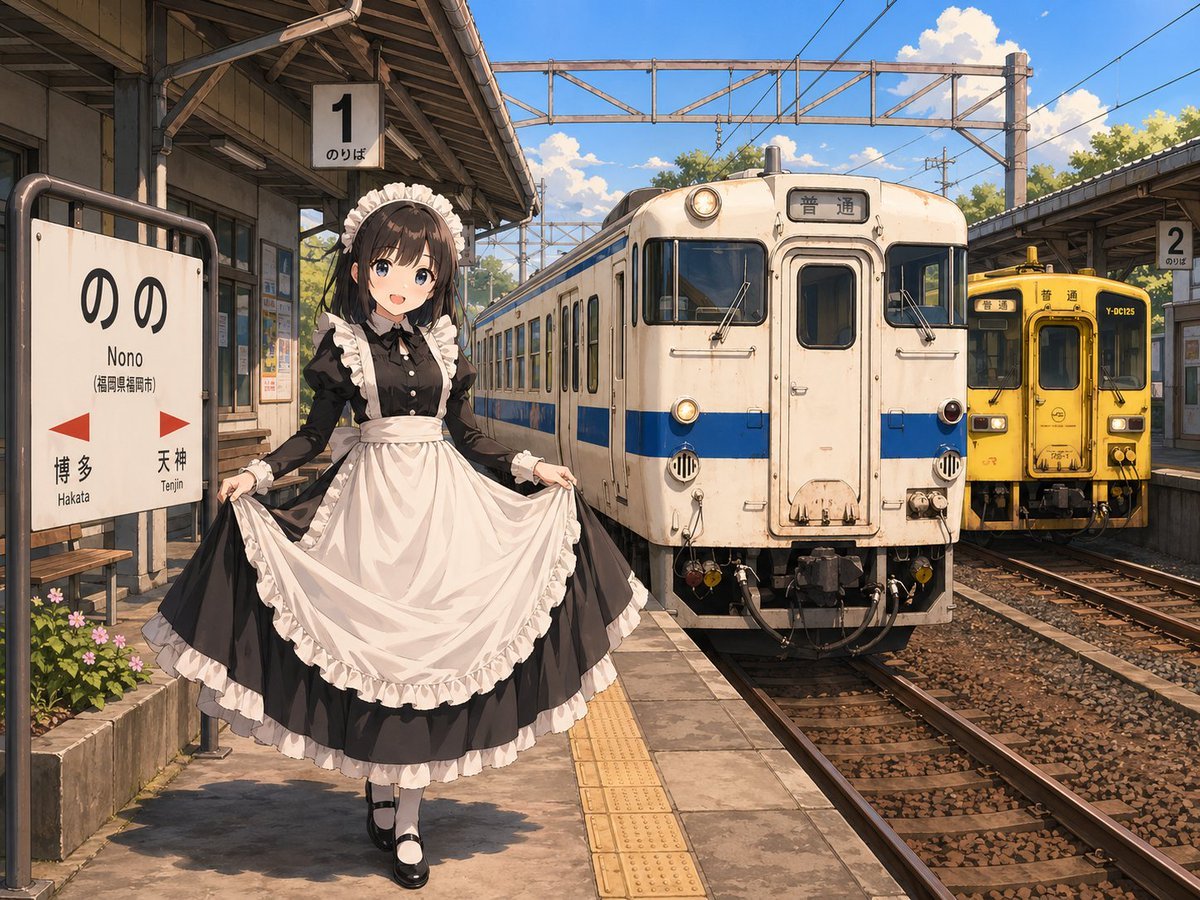
Anime Maid at Rural Train Station
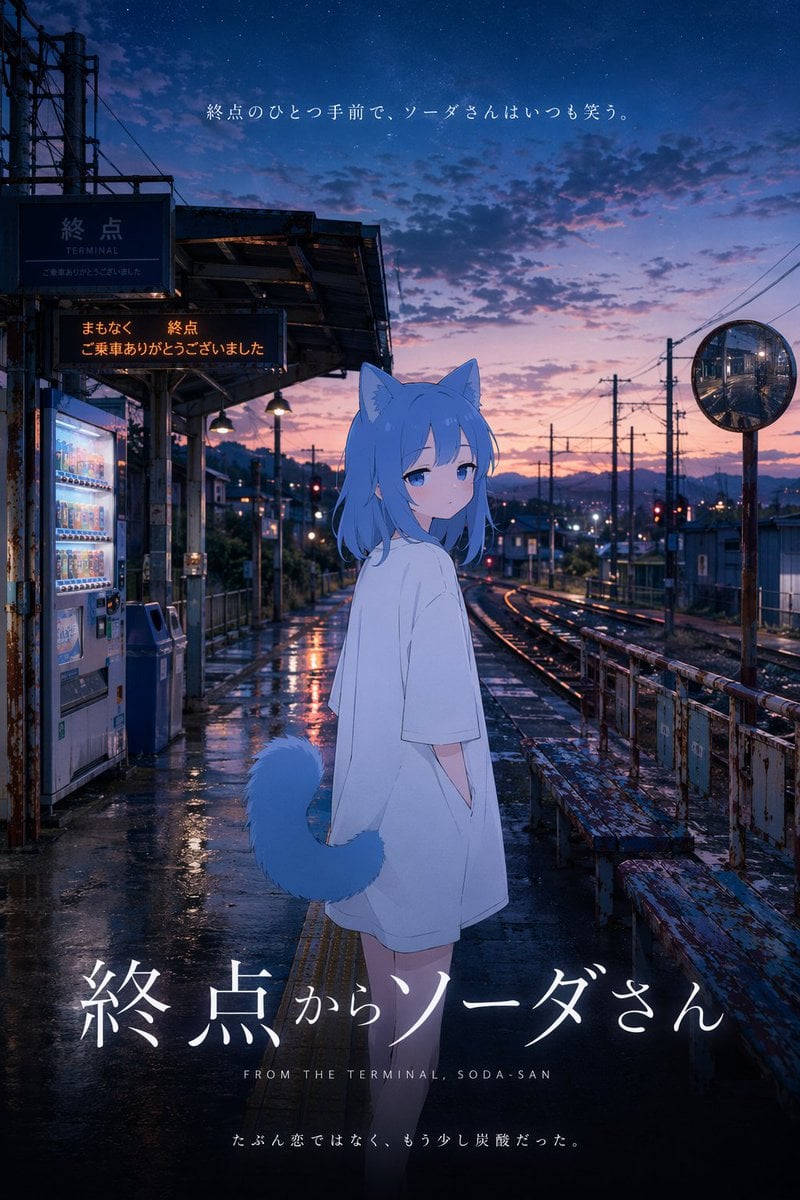
Cinematic Anime Train Station Poster
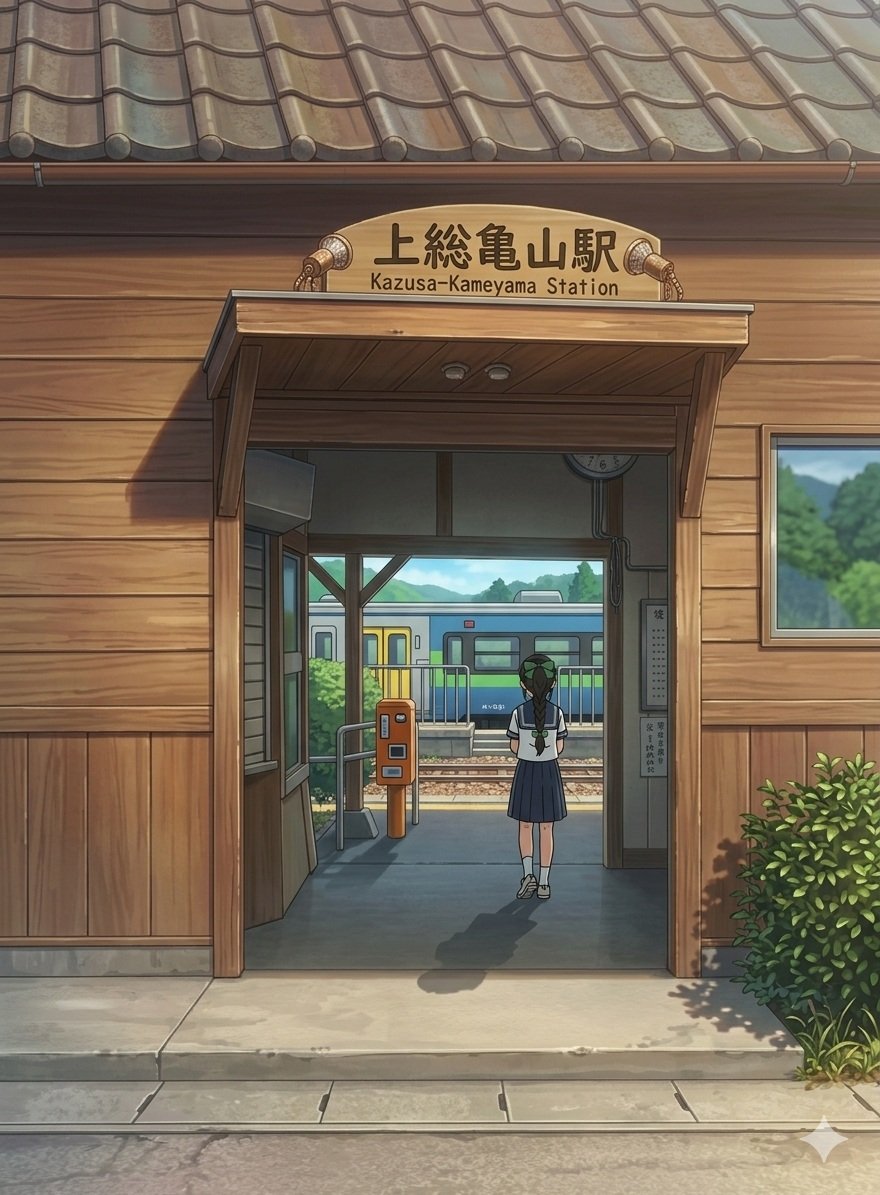
Anime Railway Station Transformation

Cel 2D Finale Fireworks

Cel 2D Garden Maze

Cel 2D Rooftop Concert

Cel 2D Bicycle Coast

Cel 2D Castle Gate

Cel 2D Kitchen Chaos
Make it yours
Anime Mecha Wrapped Train at Station works as-is. These are the safest ways to change it without losing the look.
Change one field
Copy a single group, rewrite it, and generate again so you can see what that field is doing.
Keep the frame, change the subject
Hold the composition and light of Anime Mecha Wrapped Train at Station, then swap wardrobe, props or the person for a new take.
| If the result… | Why | Fix |
|---|---|---|
| The result drifts from the preview | Too many fields changed at once. | Reuse Anime Mecha Wrapped Train at Station as-is first, then change one group — subject, light, or setting. |
| The model over-stylizes the scene | The prose prompt leaves finish and camera underspecified. | Add one camera or lighting sentence and stay on GPT Image 2. |
More GPT Image 2 templates
Other prompts made for GPT Image 2.

Six VTuber Japanese Logo Sheet

Realistic Portrait of Woman and Deer

The Vista Modular Condo Poster

AI Model Routing Comparison Infographic

2.5D Anime Art Board

Isometric Productivity Desk Scene

New York Double Exposure Poster

Four-Panel AI Landscape Comparison

Japanese Tatami Lifestyle Magazine Cover

NESCAFÉ Coffee Map Poster
More image prompts
Fresh picks from across the catalog.
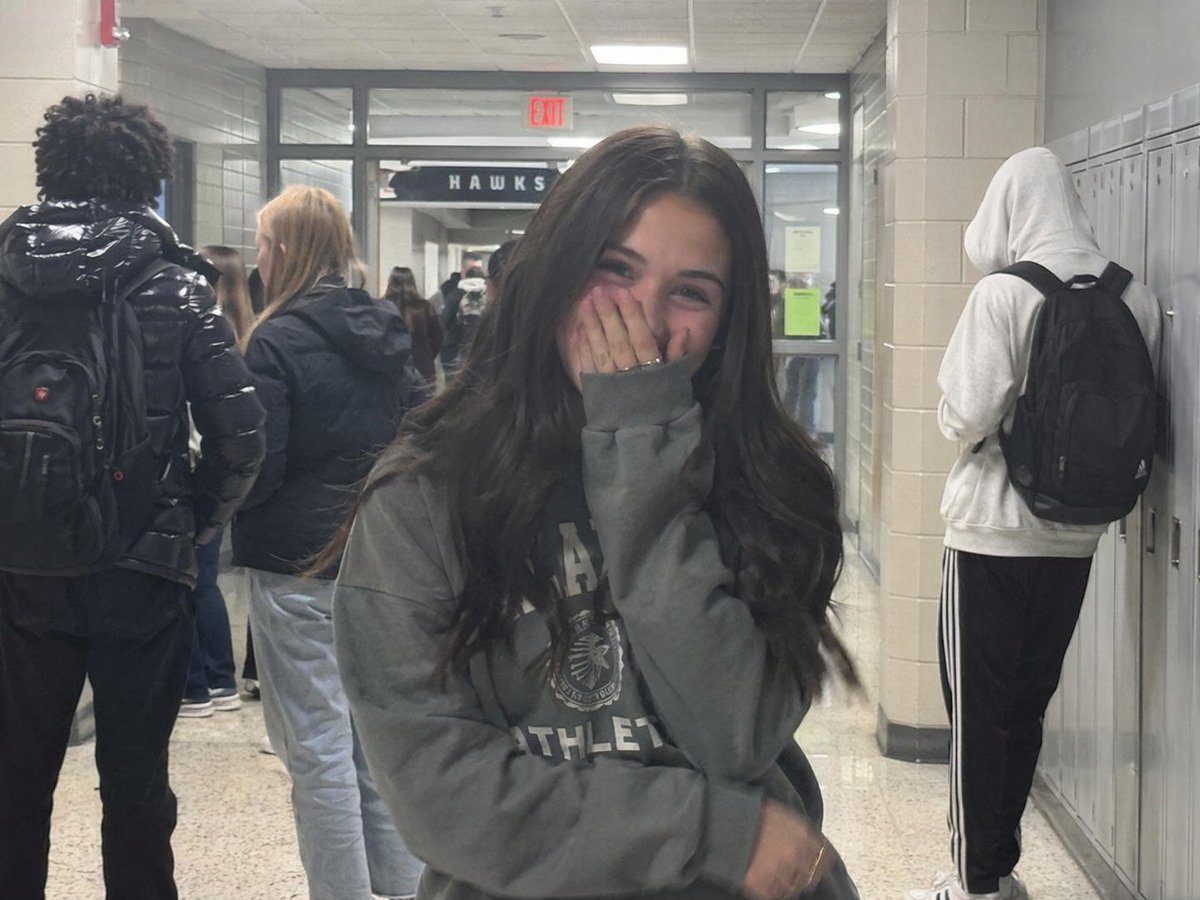
Early 2020s High School Photo
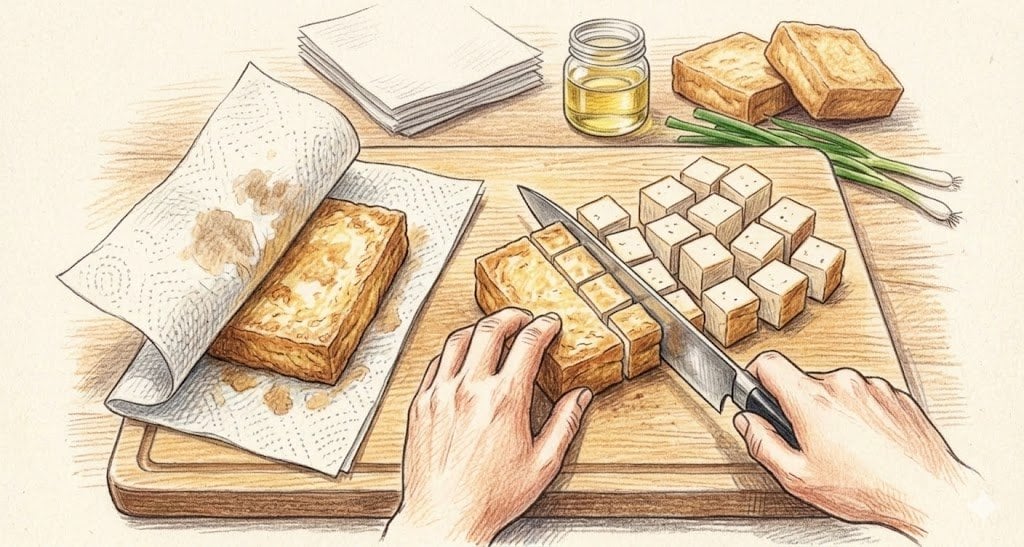
Nano Banana 2 Feature Showcase (Cooking Instructions)
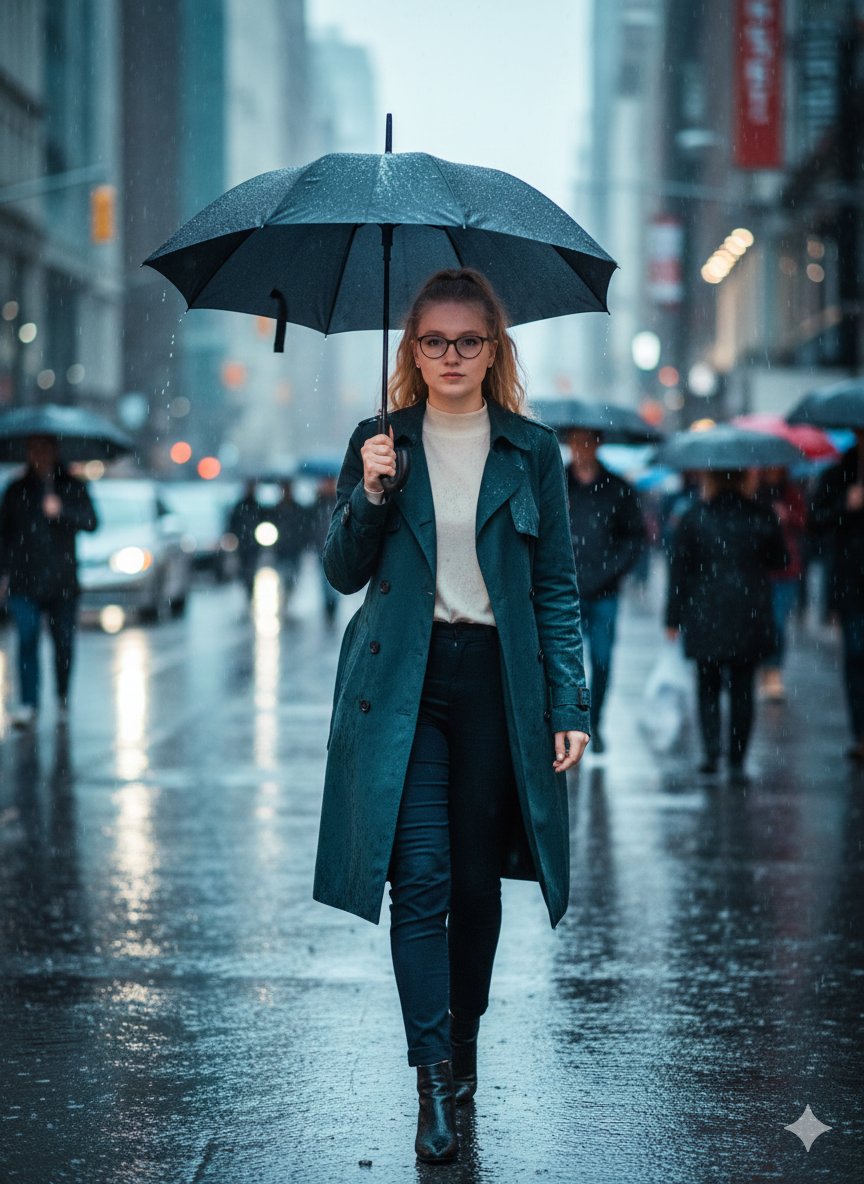
Cinematic Rainy Street Photo Prompt
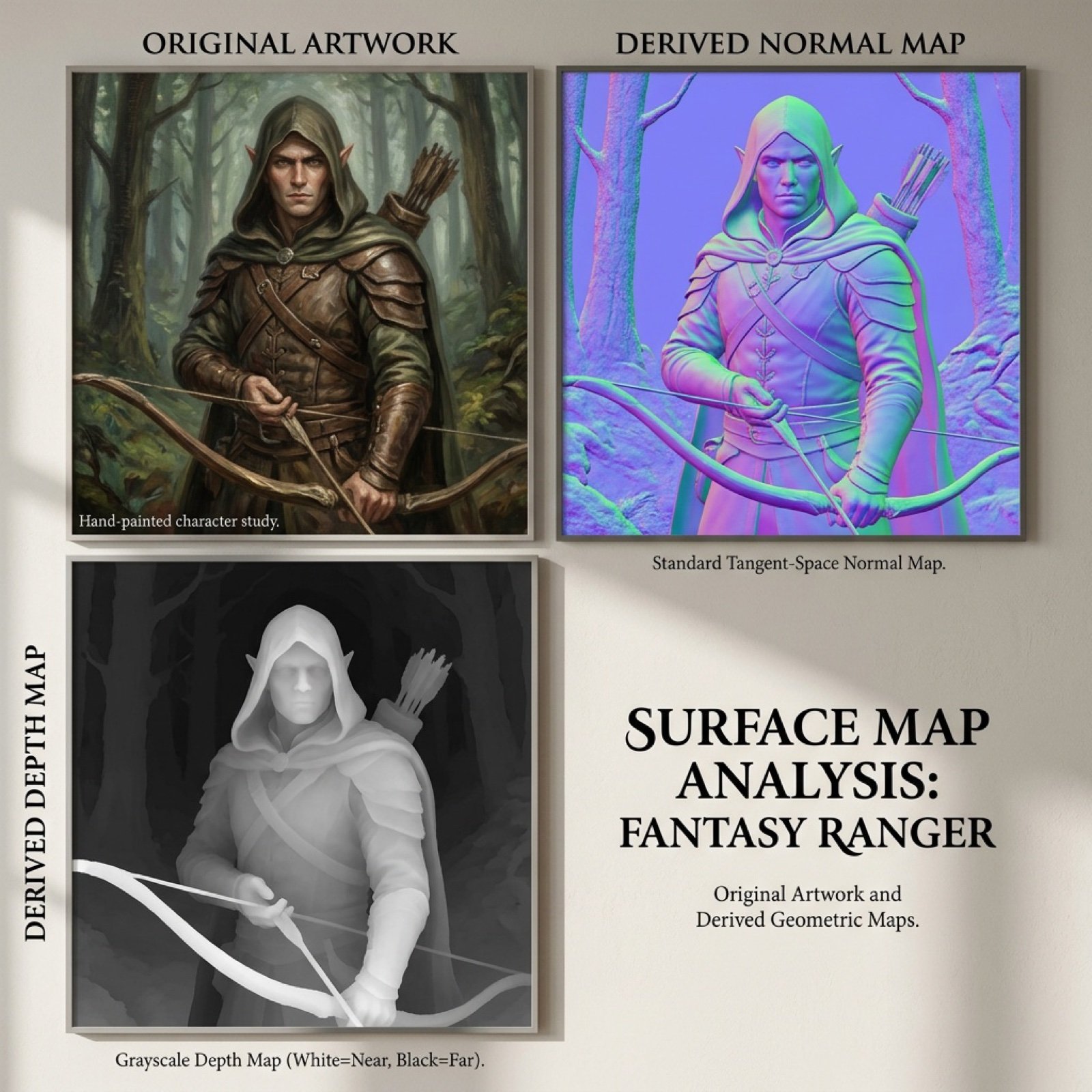
Normal and depth map generation prompts for Nano Banana Pro

Adding Food to Character Prompts
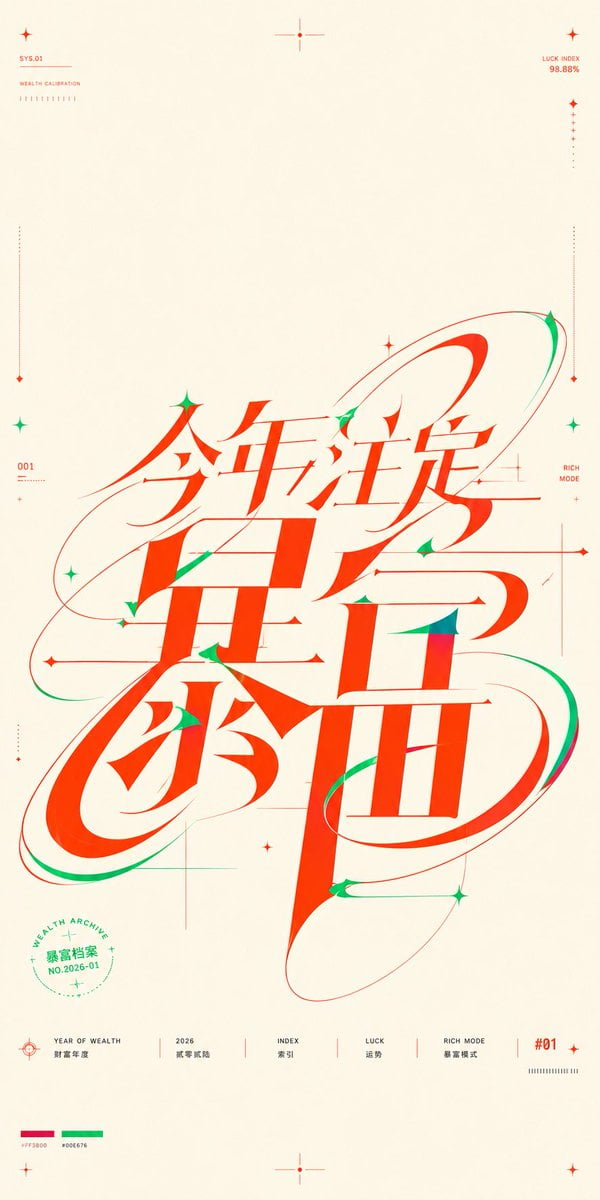
Chinese Wealth Typography Poster
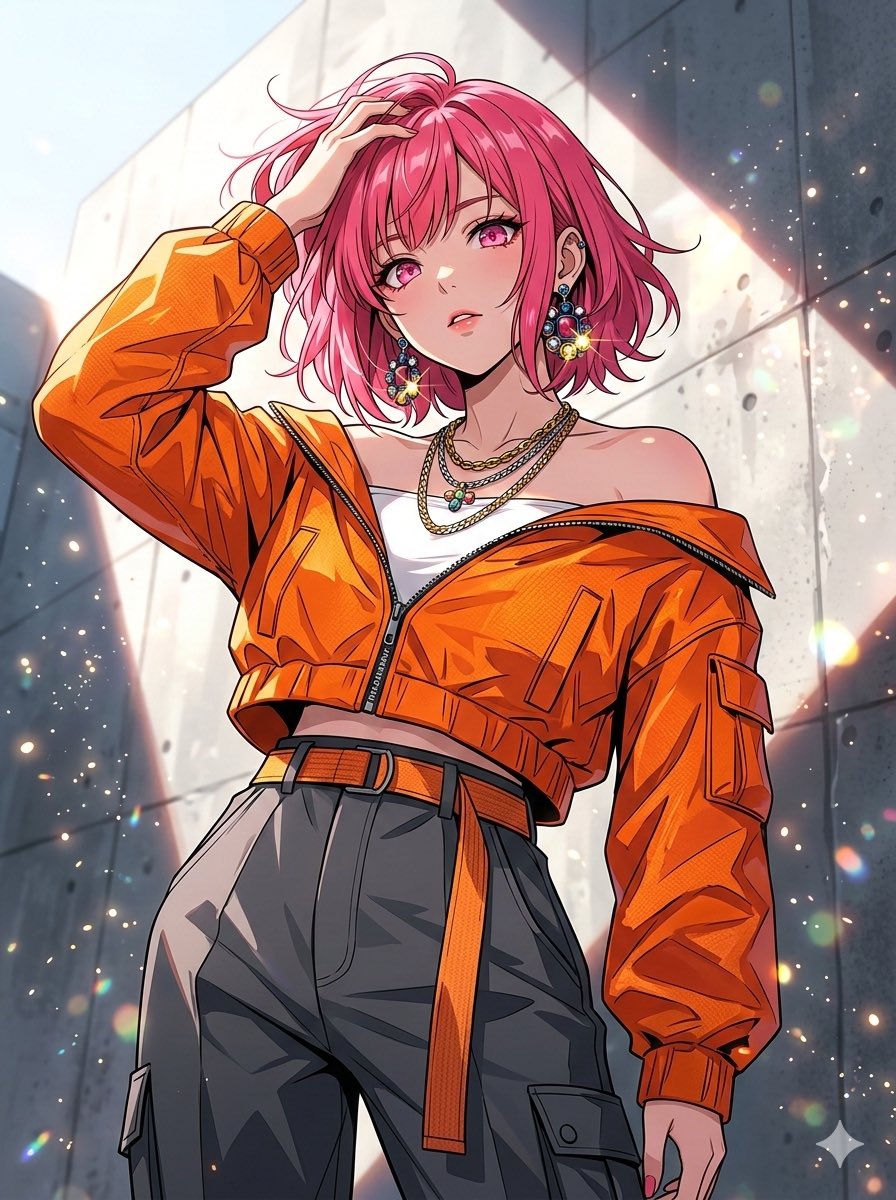
Nano Banana 2 vs Pro Comparison (Character Art)
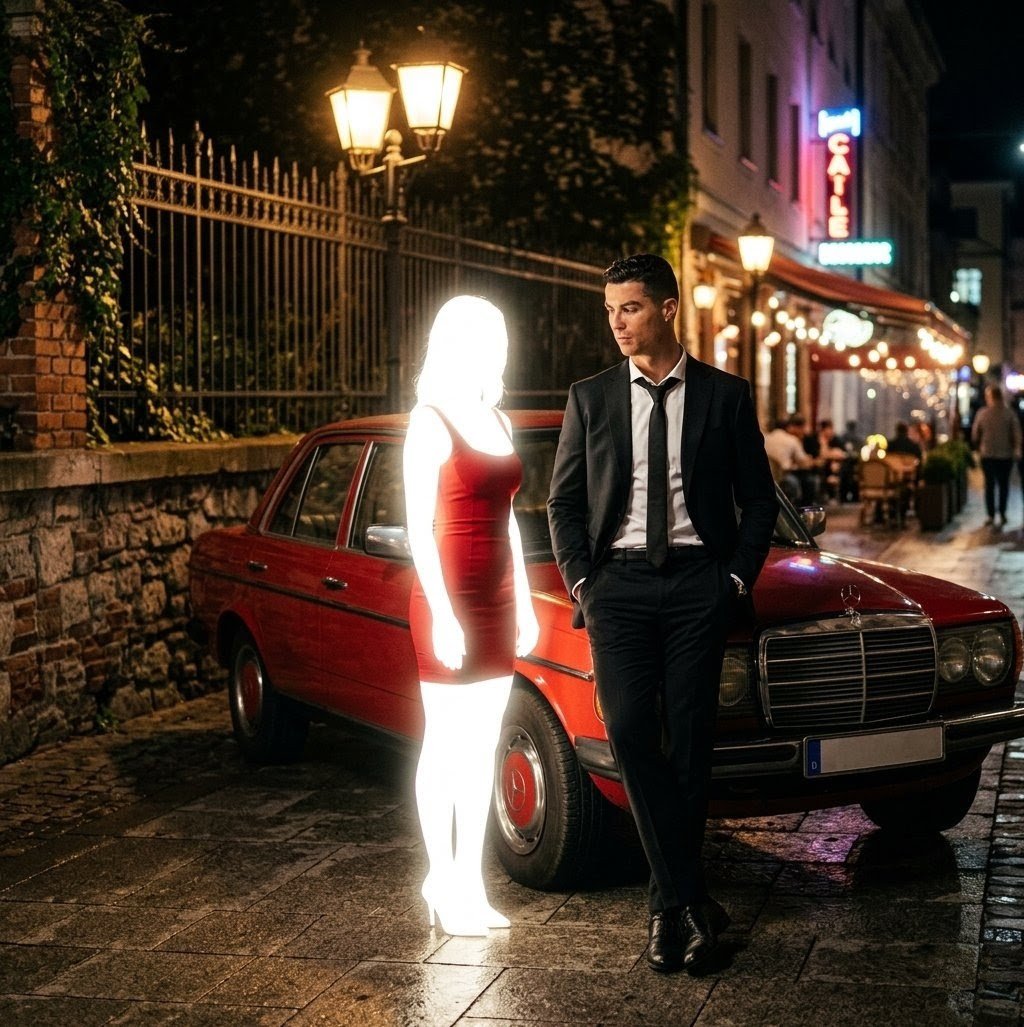
Cinematic Night Scene Prompt for Nano Banana
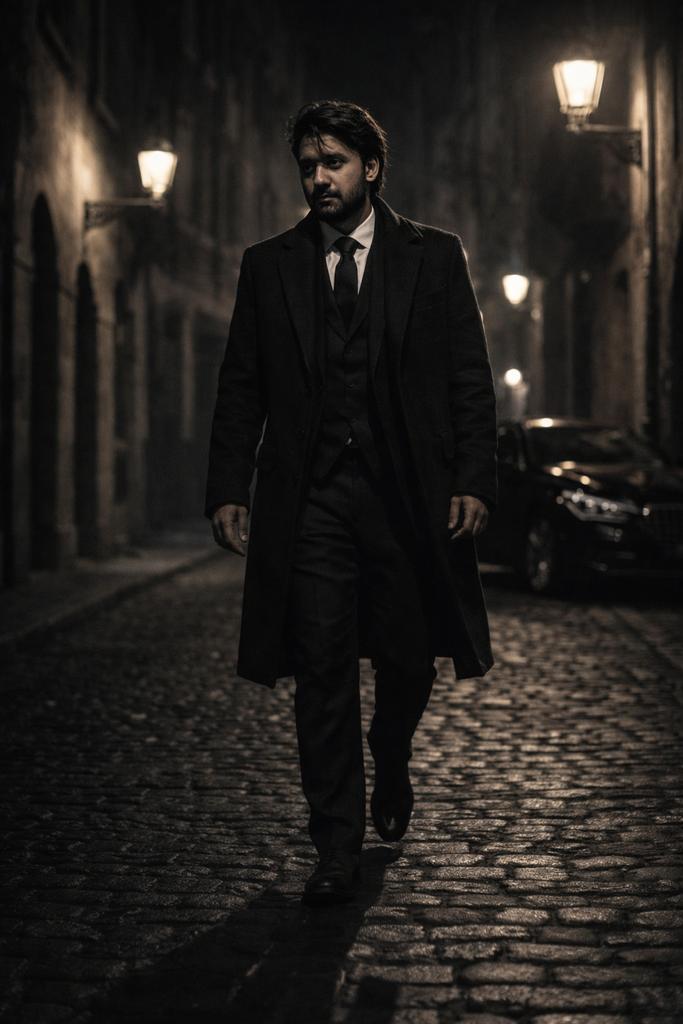
Cinematic Noir Night Street Walk
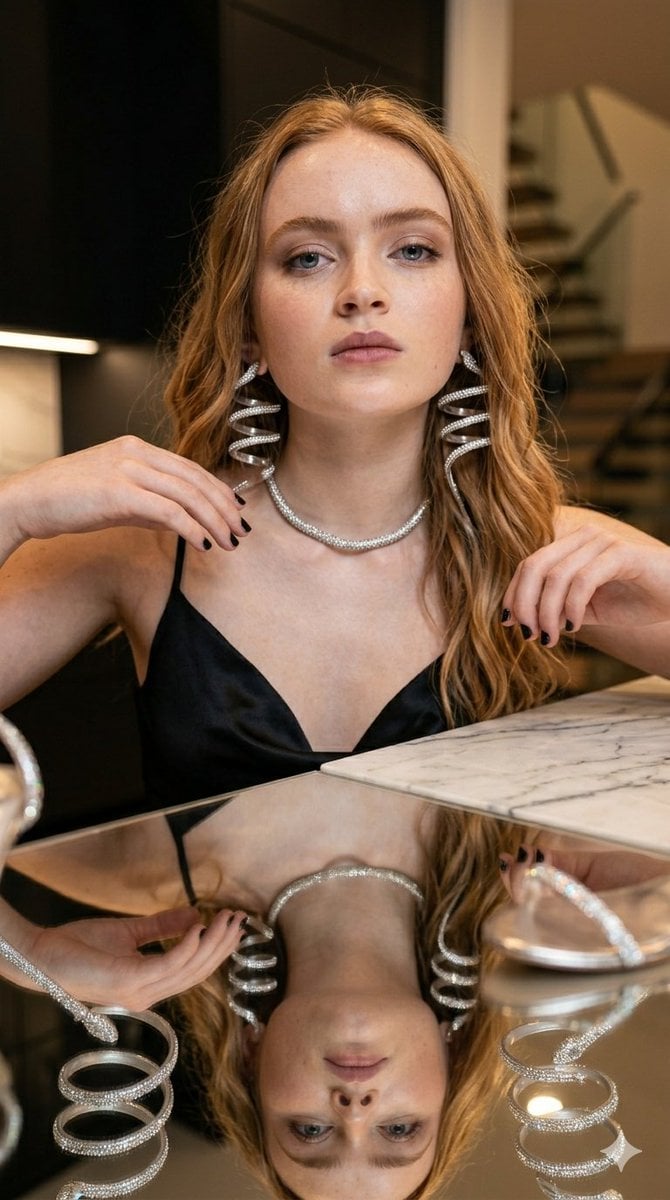
Glamorous Luxury Interior Fashion Shot
Browse template categories
Anime Mecha Wrapped Train at Station questions
How do I use the Anime Mecha Wrapped Train at Station template?
Add your photo if the template asks for one, edit the prompt if you like — the template's model and format are already selected — and press Generate. Your version opens in PicX Studio.
Can I customize the Anime Mecha Wrapped Train at Station template?
Yes. You can change the subject, setting, lighting, mood, format, and available model controls before creating your image.
Is the Anime Mecha Wrapped Train at Station template free?
Opening and editing this template is free. Generating uses credits, shown on the Generate button when you are signed in.
Which AI model should I use?
Start with GPT Image 2, which is the model associated with this template. You can compare another compatible model for a different finish.
Looking for something else? Browse all templates.

Your photo, any look
Thousands of ready templates for every top image and video model, from one credit balance.