
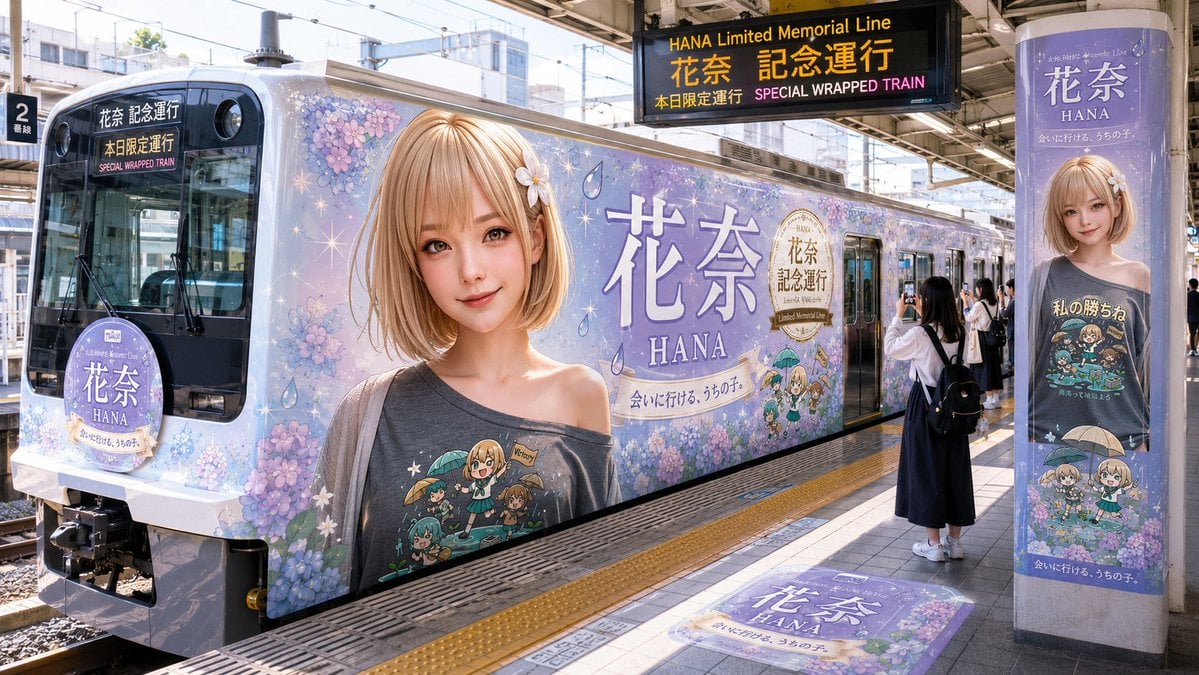
HANA Anime Wrapped Train at Station
A photorealistic Japanese station scene showing a lavender anime character memorial train wrap with matching signs, posters, and platform branding.
- Prompt included
- Model and format preset
- Premium template
The prompt behind this image
Copy the exact prompt behind HANA Anime Wrapped Train at Station, or open it in the studio and make it yours.
Goal: Create a photorealistic wide-angle image of a Japanese urban train station platform featuring a full special anime-themed wrapped train for {argument name="character name" default="HANA"}, branded as a limited memorial line. Canvas: 16:9 landscape photo, bright daytime, realistic station lighting, crisp details, slightly wide perspective from the platform looking along the side of the stopped train. Scene and layout: A lavender-purple commuter train is stopped at platform 2, filling most of the frame from left foreground to right background. The train exterior is completely wrapped in soft pastel hydrangea flowers, sparkles, raindrops, and large character branding. The front of the train is visible on the left with a dark windshield and destination display. The side of the train shows a huge portrait of a young anime-style girl with short light-blonde bob hair, a small white flower hair accessory, a gray off-shoulder shirt, and a privacy-style flat rectangular blur covering the face. The side also contains very large Japanese text 「花奈」 with the Roman name “HANA” below it, plus the slogan 「会いに行ける、うちの子。」 and a gold commemorative seal. Doors and windows are integrated into the wrap. Count and place exactly 6 prominent branded elements: 1) the train front destination display reading 「花奈 記念運行」, 「本日限定運行」, and “SPECIAL WRAPPED TRAIN”; 2) a circular lavender sign mounted on the front of the train reading 「花奈」 and “HANA”; 3) the enormous anime portrait on the train side; 4) the large side title 「花奈」 with “HANA” and the slogan; 5) a black overhead station sign reading “HANA Limited Memorial Line”, 「花奈 記念運行」, 「本日限定運行」, and “SPECIAL WRAPPED TRAIN”; 6) a tall pillar poster on the right showing the same character, the name 「花奈」, “HANA”, and matching lavender branding. Additional platform details: Include a large matching floor decal near the bottom center reading 「花奈」 and “HANA” with hydrangea decoration. Add a platform number sign “2” on the left. Show overhead beams, electrical wires, rails, tiled platform floor, tactile yellow safety paving, and city buildings beyond the tracks. People: Include exactly 1 main passenger standing on the platform near the train doors, seen from behind, wearing a white top, long dark skirt, white sneakers, and a black backpack, holding up a smartphone to photograph the wrapped train. Include a small cluster of 3 additional passengers near the open doors in the mid-background, subtle and secondary. Visual style: Photorealistic promotional railway photography blended with anime character wrap art, high-resolution, natural sunlight, clean Japanese station atmosphere, pastel lavender and hydrangea color palette, realistic reflections on train windows and metal surfaces. Constraints: Keep all major text legible, preserve the Japanese branding exactly where specified, avoid extra logos or watermarks, do not add unrelated vehicles, keep the face on the large character portrait intentionally obscured by a plain rectangular blur.
How to use HANA Anime Wrapped Train at Station in 3 steps
- 1Upload ImagePNG, JPG or paste
Add your photo
Upload the photo the template builds on. The prompt, model and format are already set.
- 2…a portrait of your subject in softgolden-hour light, 85mm…
Personalize
Edit the subject and creative details for your destination.
- 3Generate
Generate
Press Generate — your image is created in PicX Studio, so you can compare it with the original and refine one variable at a time.
More like this
Templates with the same subject, style or setup. Open one to see its prompt.
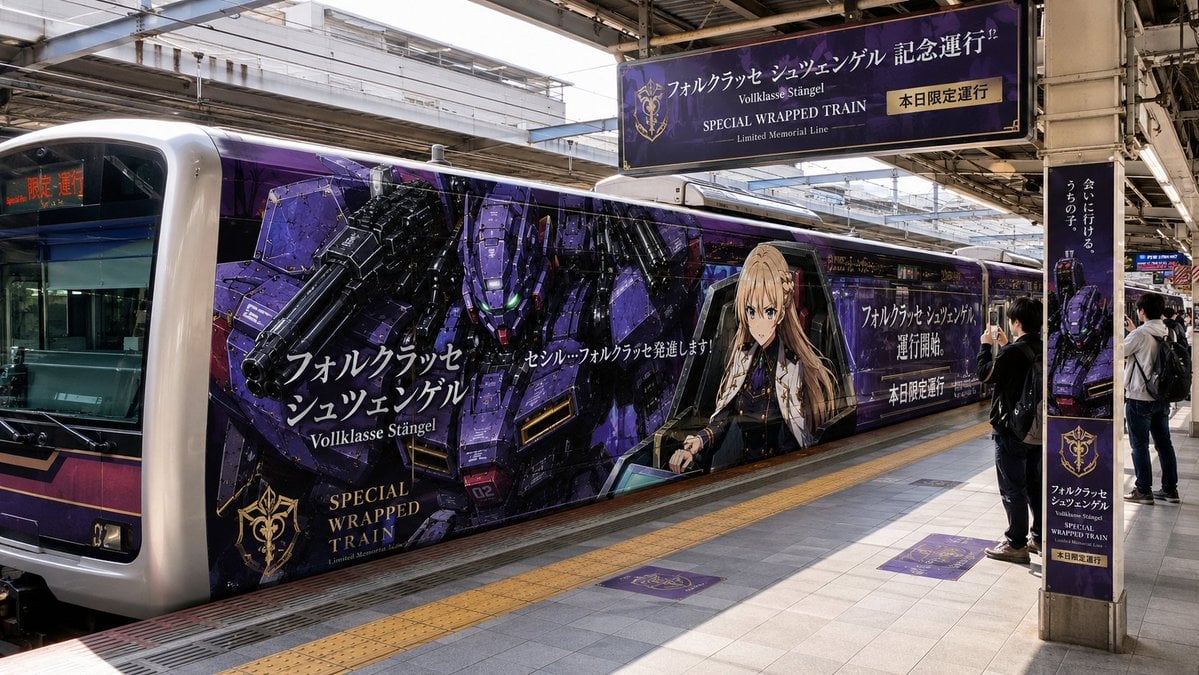
Anime Mecha Wrapped Train at Station
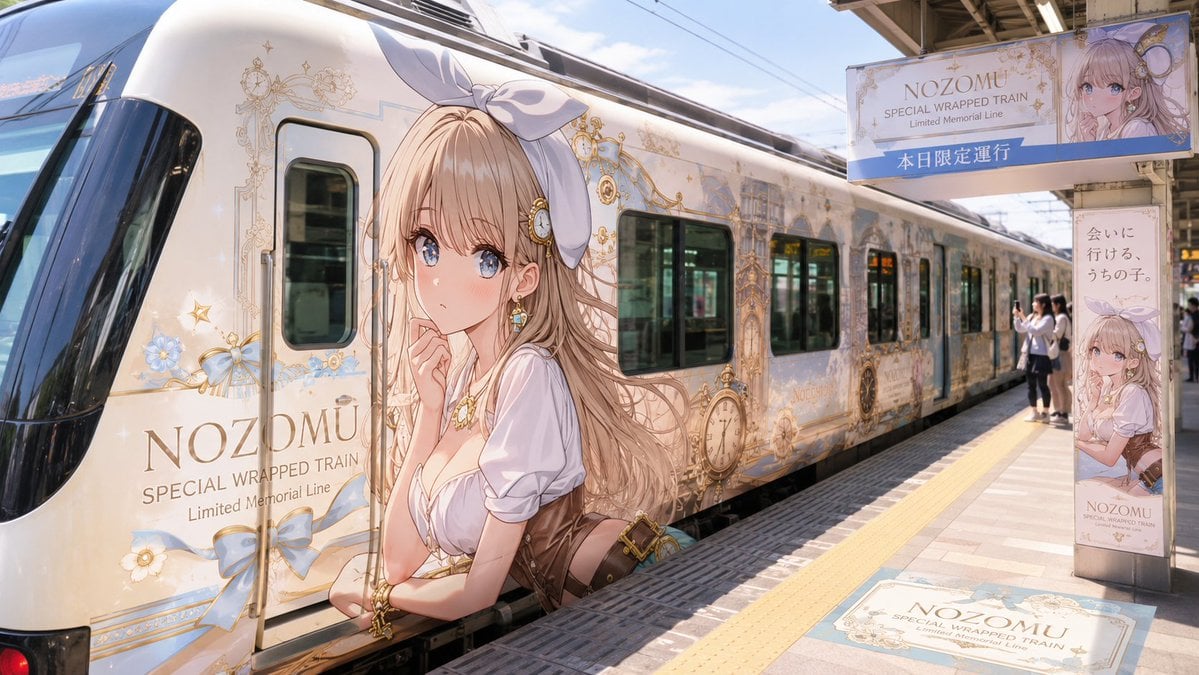
Anime Wrapped Train at Japanese Station

Cel 2D Train Window
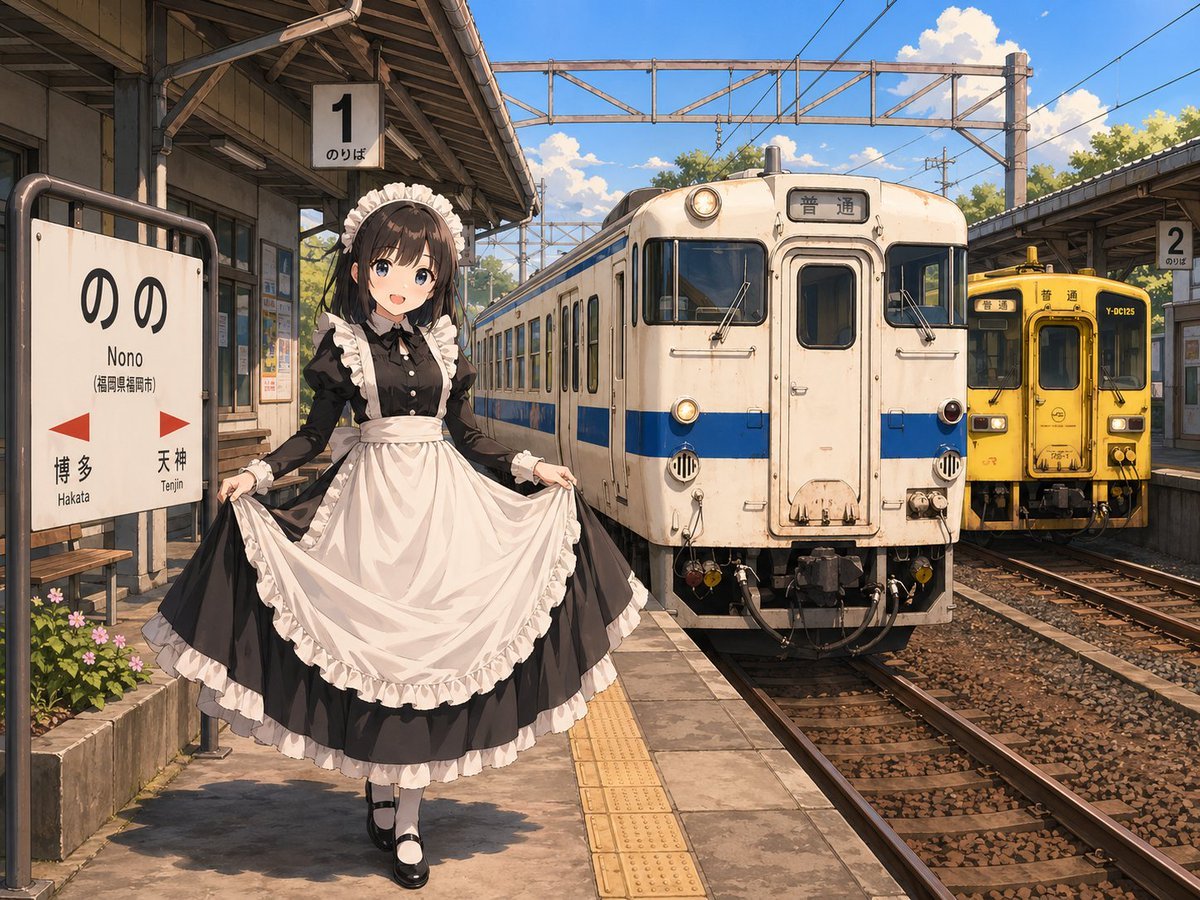
Anime Maid at Rural Train Station
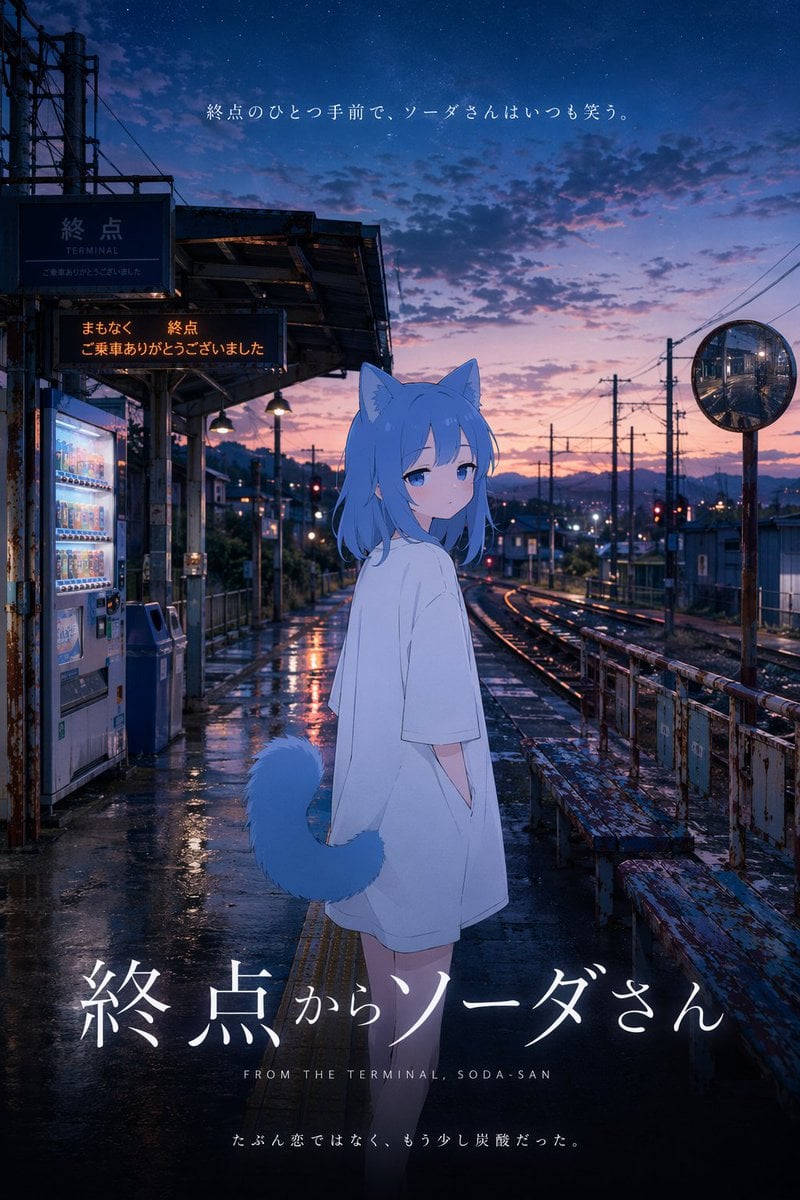
Cinematic Anime Train Station Poster

Cel 2D Finale Fireworks

Cel 2D Garden Maze

Cel 2D Rooftop Concert

Cel 2D Bicycle Coast

Cel 2D Castle Gate

Cel 2D Kitchen Chaos

Cel 2D Carnival Ride
Make it yours
HANA Anime Wrapped Train at Station works as-is. These are the safest ways to change it without losing the look.
Change one field
Copy a single group, rewrite it, and generate again so you can see what that field is doing.
Keep the frame, change the subject
Hold the composition and light of HANA Anime Wrapped Train at Station, then swap wardrobe, props or the person for a new take.
| If the result… | Why | Fix |
|---|---|---|
| The result drifts from the preview | Too many fields changed at once. | Reuse HANA Anime Wrapped Train at Station as-is first, then change one group — subject, light, or setting. |
| The model over-stylizes the scene | The prose prompt leaves finish and camera underspecified. | Add one camera or lighting sentence and stay on GPT Image 2. |
More GPT Image 2 templates
Other prompts made for GPT Image 2.

Six VTuber Japanese Logo Sheet

Realistic Portrait of Woman and Deer

The Vista Modular Condo Poster

AI Model Routing Comparison Infographic

2.5D Anime Art Board

Isometric Productivity Desk Scene

New York Double Exposure Poster

Four-Panel AI Landscape Comparison

Japanese Tatami Lifestyle Magazine Cover

NESCAFÉ Coffee Map Poster
More image prompts
Fresh picks from across the catalog.

High-Fashion Double Exposure Portrait with Reflection
High-Fashion Editorial Portrait Edit

Fun Commercial Photography: Lifting a Cybertruck
Dreamy Meadow Portrait at Golden Hour

Ultra-Realistic Beverage Advertising Photography (LUMO Soda)
Ancient Fantasy Red Gold Portrait
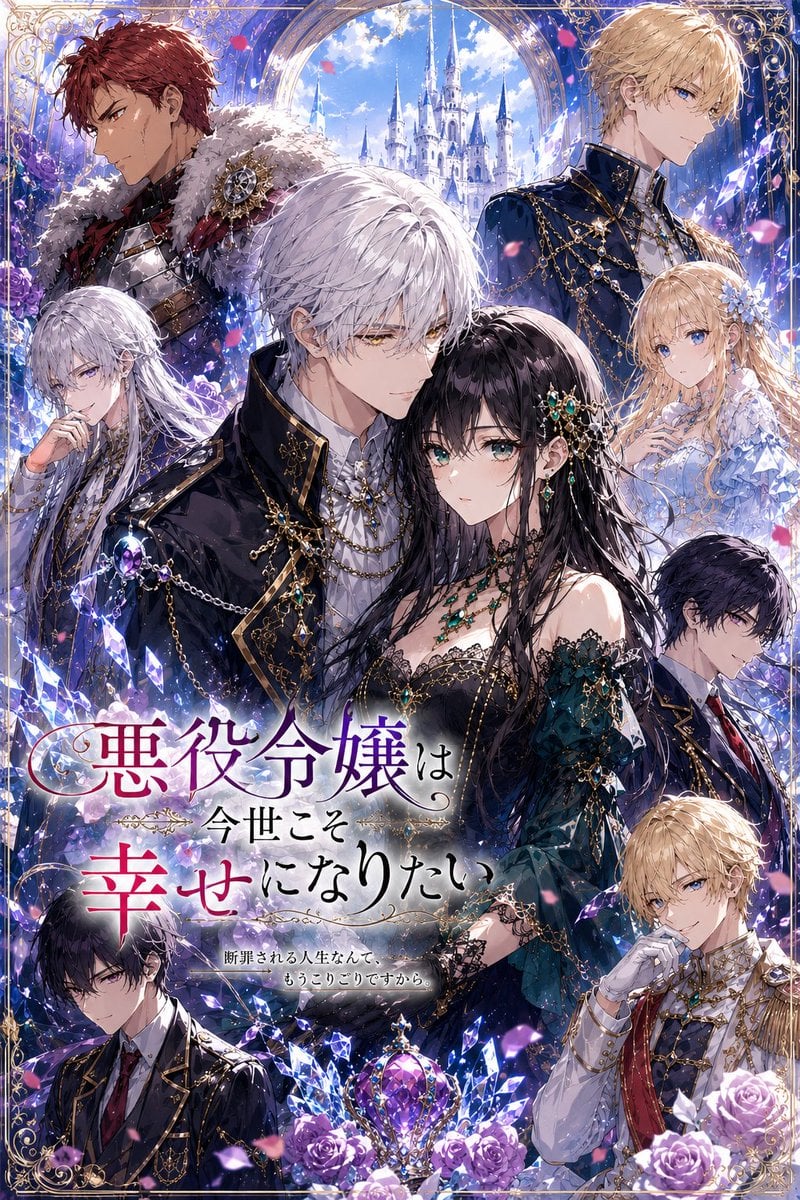
Fantasy Villainess Novel Cover
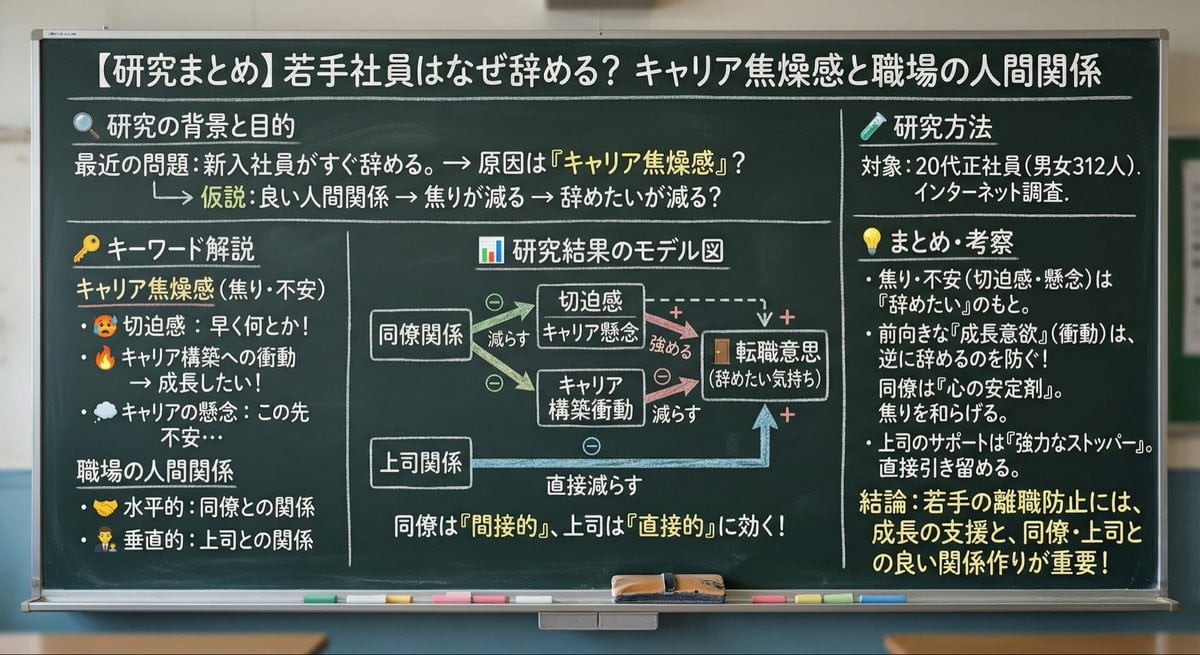
Blackboard summary of pasted content
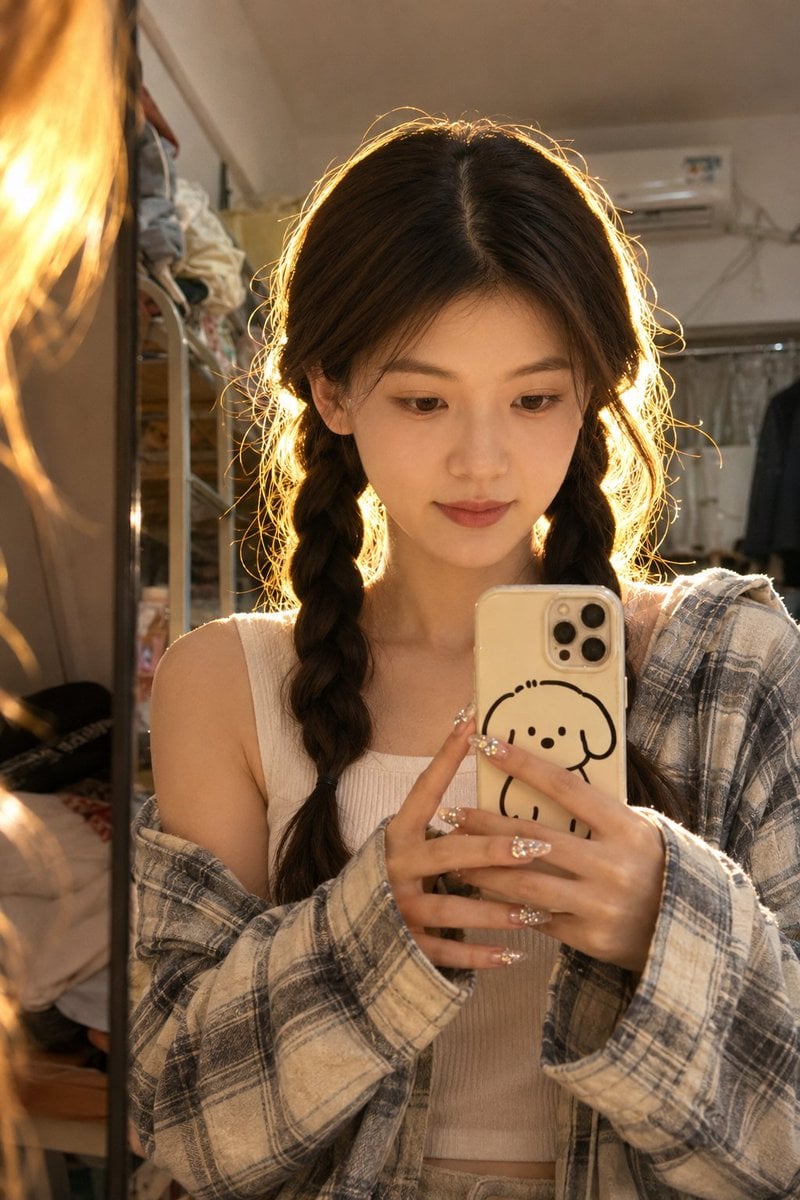
Dorm Mirror Selfie Identity Reference
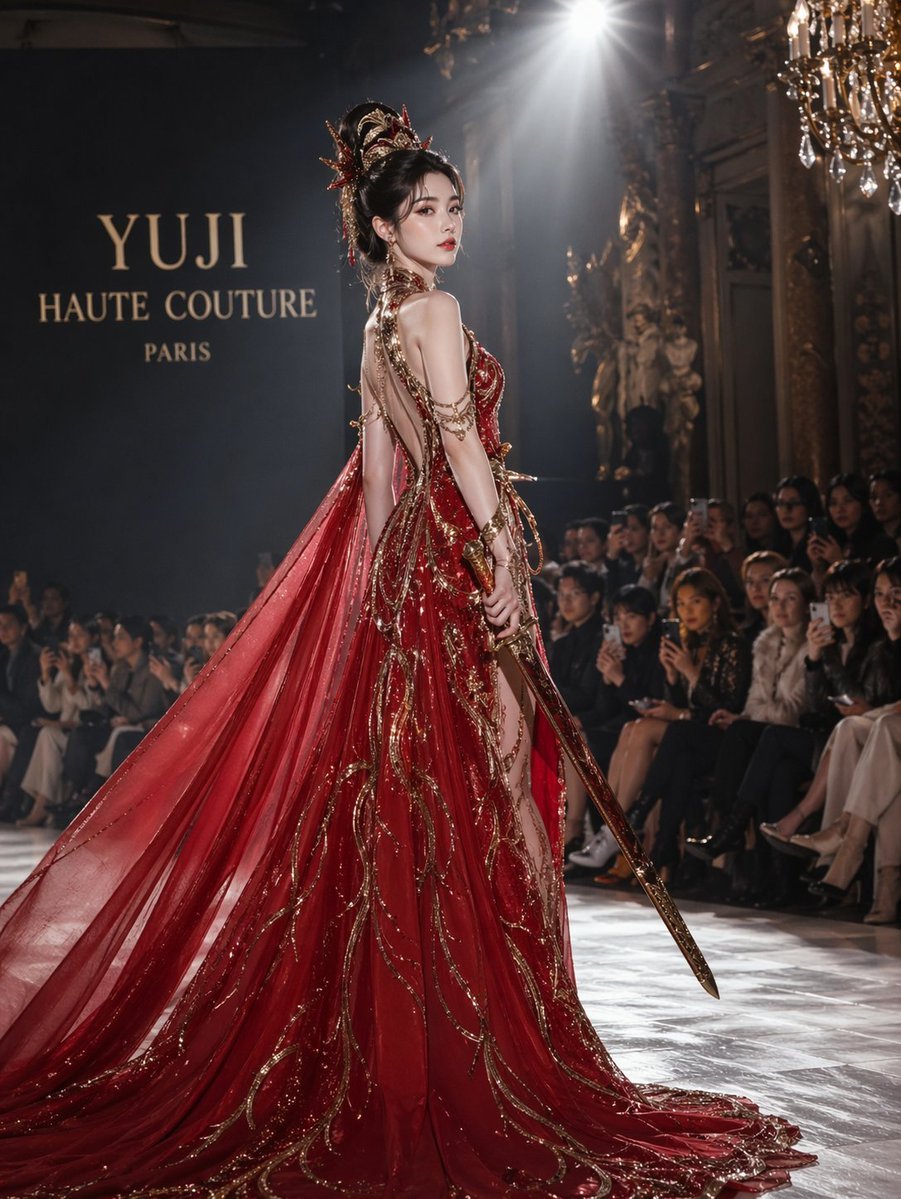
High fashion dress show prompt
Browse template categories
HANA Anime Wrapped Train at Station questions
How do I use the HANA Anime Wrapped Train at Station template?
Add your photo if the template asks for one, edit the prompt if you like — the template's model and format are already selected — and press Generate. Your version opens in PicX Studio.
Can I customize the HANA Anime Wrapped Train at Station template?
Yes. You can change the subject, setting, lighting, mood, format, and available model controls before creating your image.
Is the HANA Anime Wrapped Train at Station template free?
Opening and editing this template is free. Generating uses credits, shown on the Generate button when you are signed in.
Which AI model should I use?
Start with GPT Image 2, which is the model associated with this template. You can compare another compatible model for a different finish.
Looking for something else? Browse all templates.

Your photo, any look
Thousands of ready templates for every top image and video model, from one credit balance.