
Fantasy Villainess Novel Cover
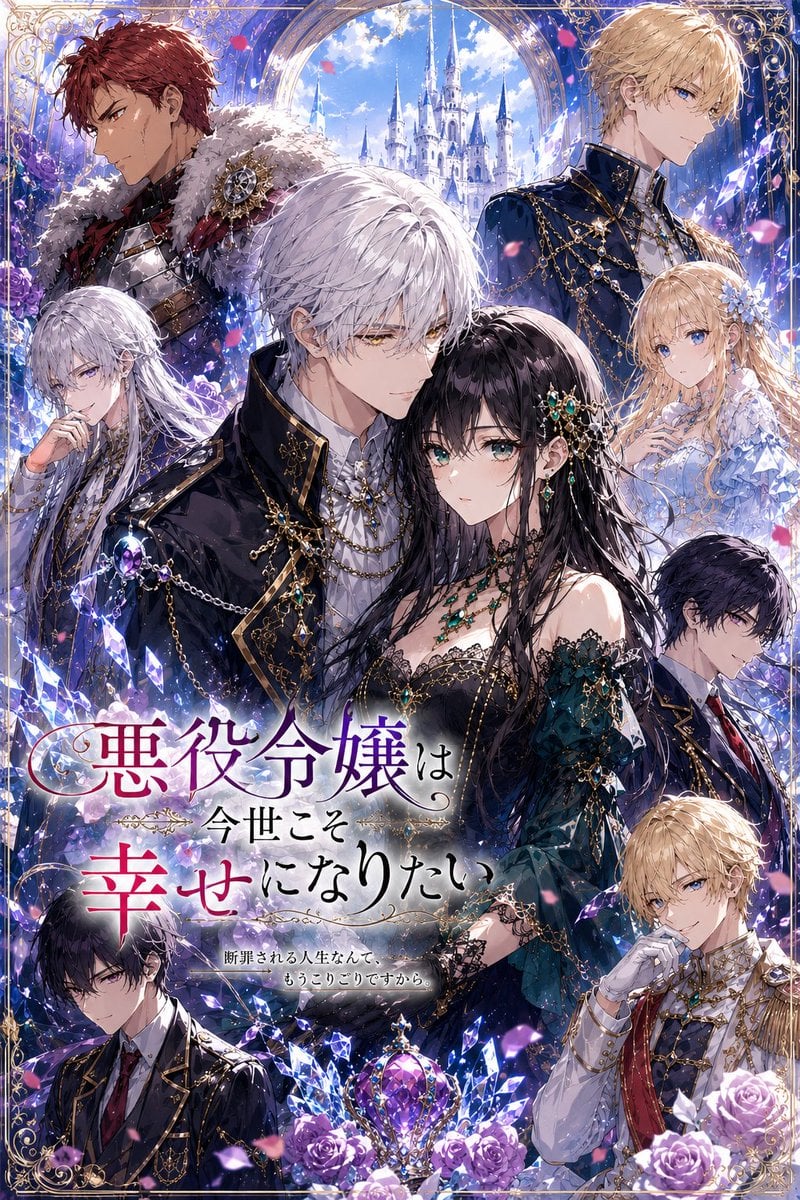
Generates an ornate Japanese royal-fantasy romance book cover with a nine-character noble ensemble, castle backdrop, crystals, roses, and dramatic title typography.
- Prompt included
- Model and format preset
- Free template
The prompt behind this image
Copy the exact prompt behind Fantasy Villainess Novel Cover, or open it in the studio and make it yours.
Goal: Create a richly detailed Japanese fantasy light-novel cover illustration for a royal villainess romance story, with an ornate ensemble cast arranged around a dramatic central heroine and a fairy-tale castle backdrop. Canvas: Vertical book-cover composition, 2:3 aspect ratio, polished anime illustration style, extremely detailed, luminous jewel tones, elegant shoujo fantasy atmosphere, no modern objects. Layout: Use a dense poster-like composition with exactly 9 visible characters layered in depth around the page. The central lower-right figure is the main heroine, surrounded by noble men and women in a royal court setting. Place a white castle with tall blue spires in the upper center background, framed by a grand arched window or palace arch. Add an ornate gold filigree border around all edges. Scatter glowing blue-purple crystal shards, pink rose petals, and magical sparkles throughout the image. Place the main Japanese title across the lower-left to center area, partially overlapping the characters, with a small subtitle beneath it. Characters: Include exactly 9 characters: 1) central heroine, a glamorous black-haired noblewoman in a dark emerald and black off-shoulder gown with lace, gold chains, emerald jewelry, jeweled hair ornaments, and a poised villainess aura; 2) central white-haired nobleman in a black military-style coat with gold trim, chains, brooches, and a serious romantic-lead presence; 3) top-left red-haired armored knight in dark red and silver armor with a fur mantle and jeweled shoulder ornament; 4) top-right blond prince in a navy-blue high-collared uniform with elaborate gold chains and epaulets; 5) left-side silver-haired lady in a dark navy noble outfit, elegant and reserved; 6) right-side blonde princess in a pale blue frilled gown with floral hair accessories; 7) mid-right dark-haired nobleman in a dark suit with red tie, partially turned away; 8) bottom-left black-haired young nobleman in a black suit with gold trim and a red tie, looking intense; 9) bottom-right blond nobleman in a white-and-gold ceremonial uniform with red sash, gloved hand near his face. Keep all faces beautiful anime-style and expressive. Text content: Add the large Japanese title {argument name="headline text" default="悪役令嬢は 今世こそ 幸せになりたい"} in elegant calligraphic typography, with the first and last major words in deep red and purple gradients and the smaller connecting words in black. Add the small subtitle {argument name="subtitle text" default="断罪される人生なんて、もうこりごりですから。"} centered below the title in delicate black Japanese type. Decorative flourishes should surround the text like a real fantasy novel cover. Visual style: Highly polished romantic anime cover art, intricate linework, glossy highlights, sparkling magical crystals, purple roses at the bottom, lavish gold ornaments, cinematic lighting, soft sky-blue and violet background, dramatic depth, luxurious royal-fantasy mood. Use {argument name="main heroine hair color" default="long glossy black"} hair for the heroine, {argument name="central male hair color" default="silver white"} hair for the main male lead, and {argument name="overall color palette" default="royal navy, violet, emerald, gold, and icy blue"} as the dominant palette. Constraints: Make it look like a finished Japanese fantasy romance novel cover, not a character sheet. Preserve exactly 9 characters, one castle, one ornate border, many crystals, many rose petals, and several purple roses at the bottom. Do not add logos, watermarks, author names, barcode, or extra text beyond the title and subtitle.
How to use Fantasy Villainess Novel Cover in 3 steps
- 1Upload ImagePNG, JPG or paste
Add your photo
Upload the photo the template builds on. The prompt, model and format are already set.
- 2…a portrait of your subject in softgolden-hour light, 85mm…
Personalize
Edit the subject and creative details for your destination.
- 3Generate
Generate
Press Generate — your image is created in PicX Studio, so you can compare it with the original and refine one variable at a time.
More like this
Templates with the same subject, style or setup. Open one to see its prompt.
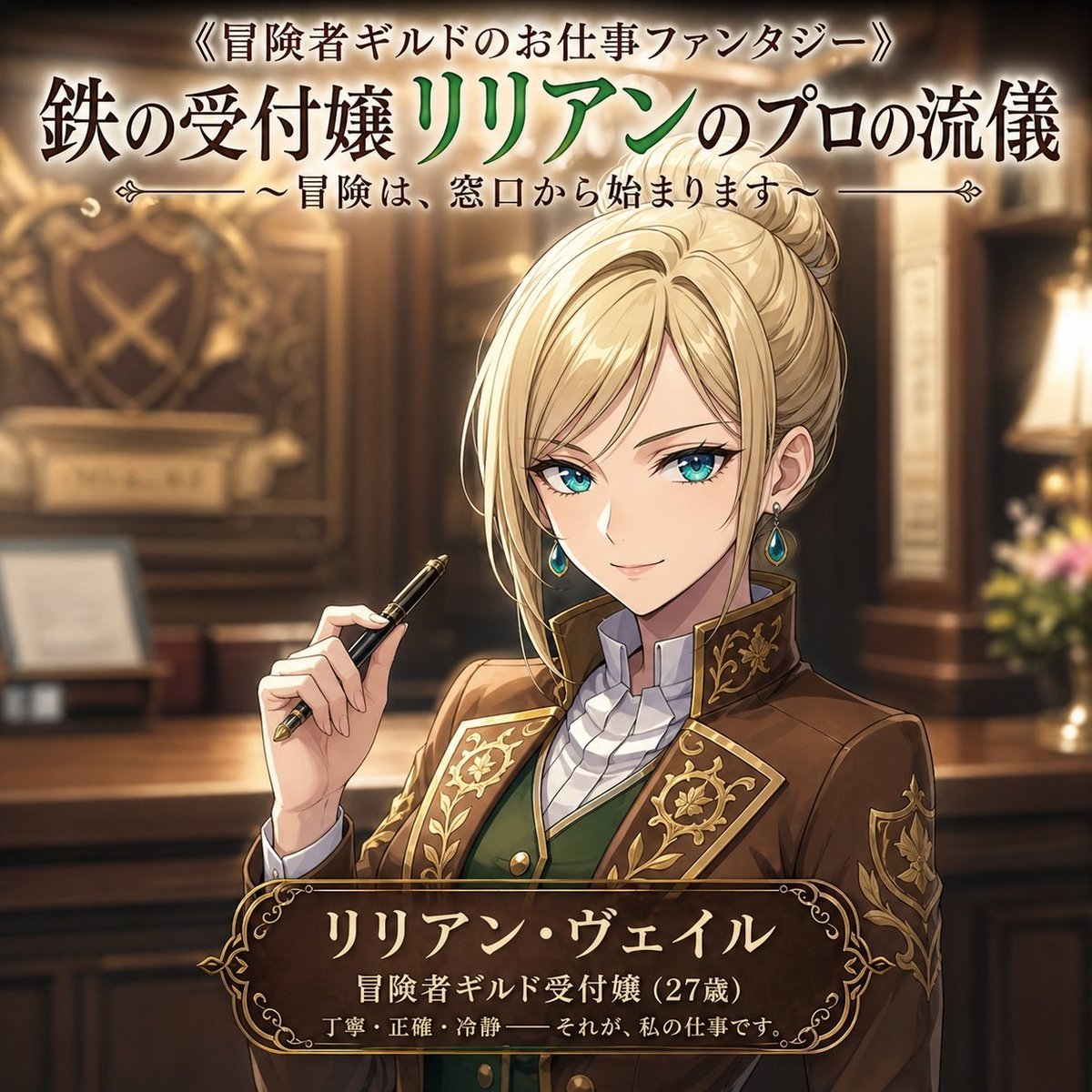
Fantasy Guild Receptionist Novel Cover
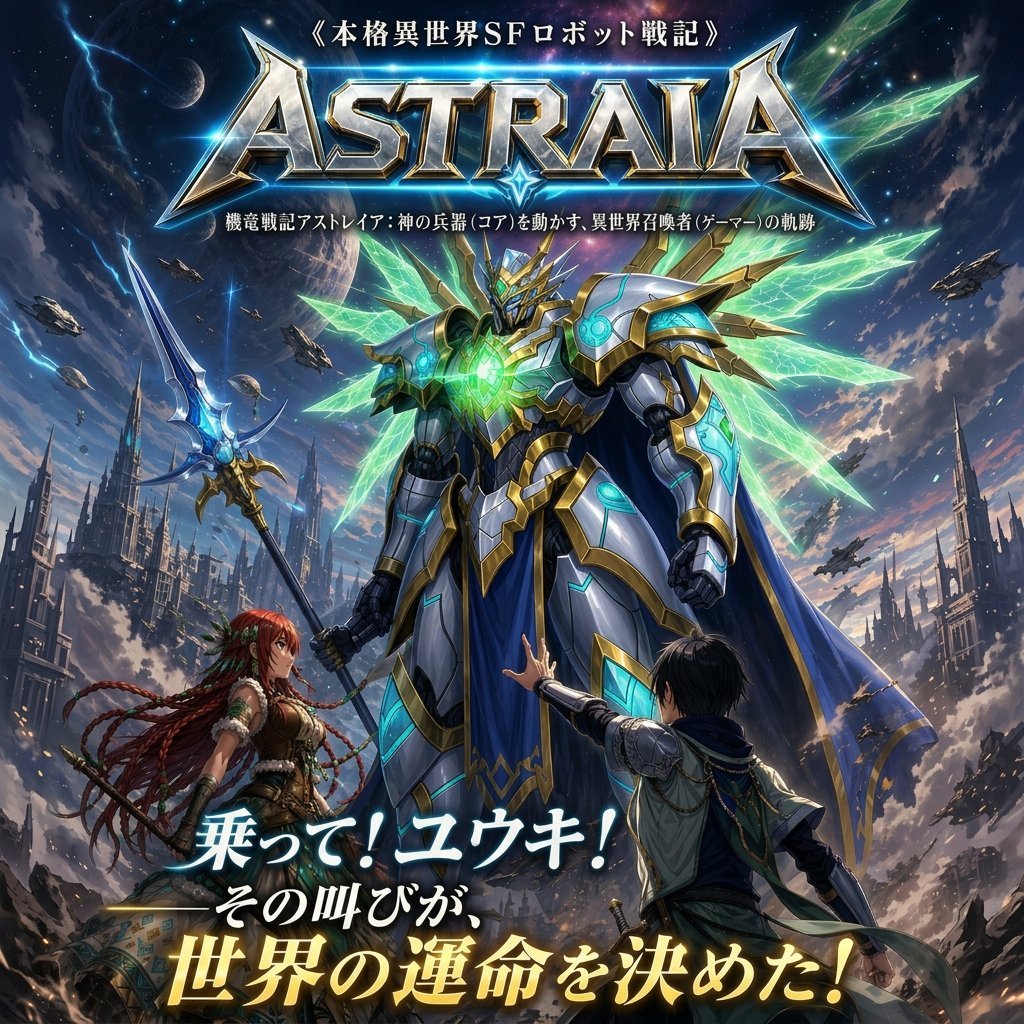
Epic Fantasy Mecha Light Novel Cover
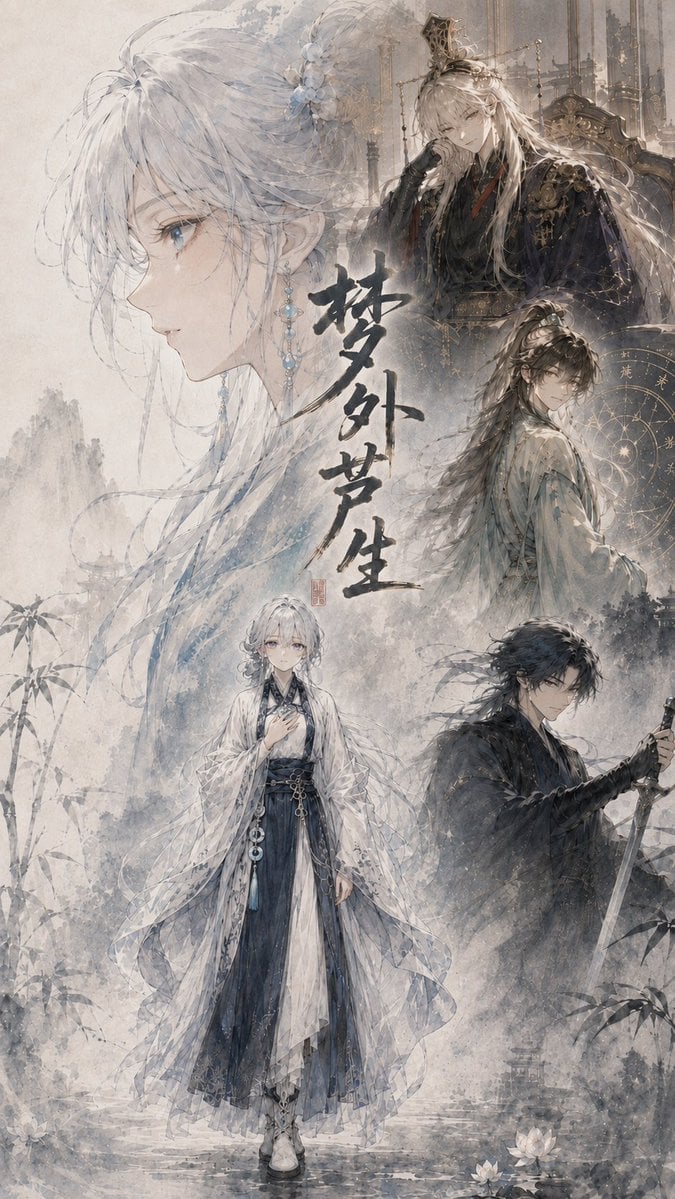
Cinematic Wuxia Fantasy Cover
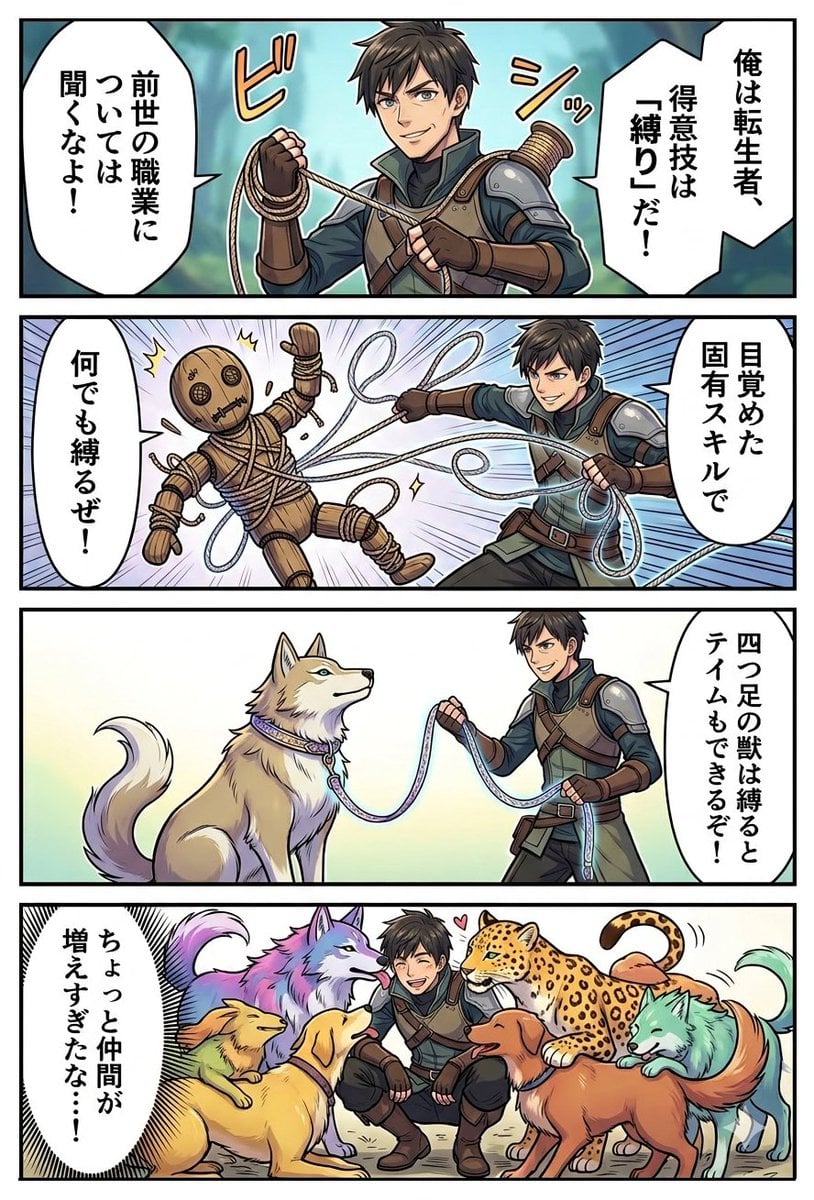
Light Novel Style Comic Cover

Anime Fantasy Celestial Movie Poster
Anime Fantasy Celestial Movie Poster

Minecraft Fantasy Kingdom Voxel Landscape

Unfinished Sketch Comes Alive Portrait

Open Travel Journal Overhead Still Life

Tiny Woman Miniature Fantasy Macro Scene
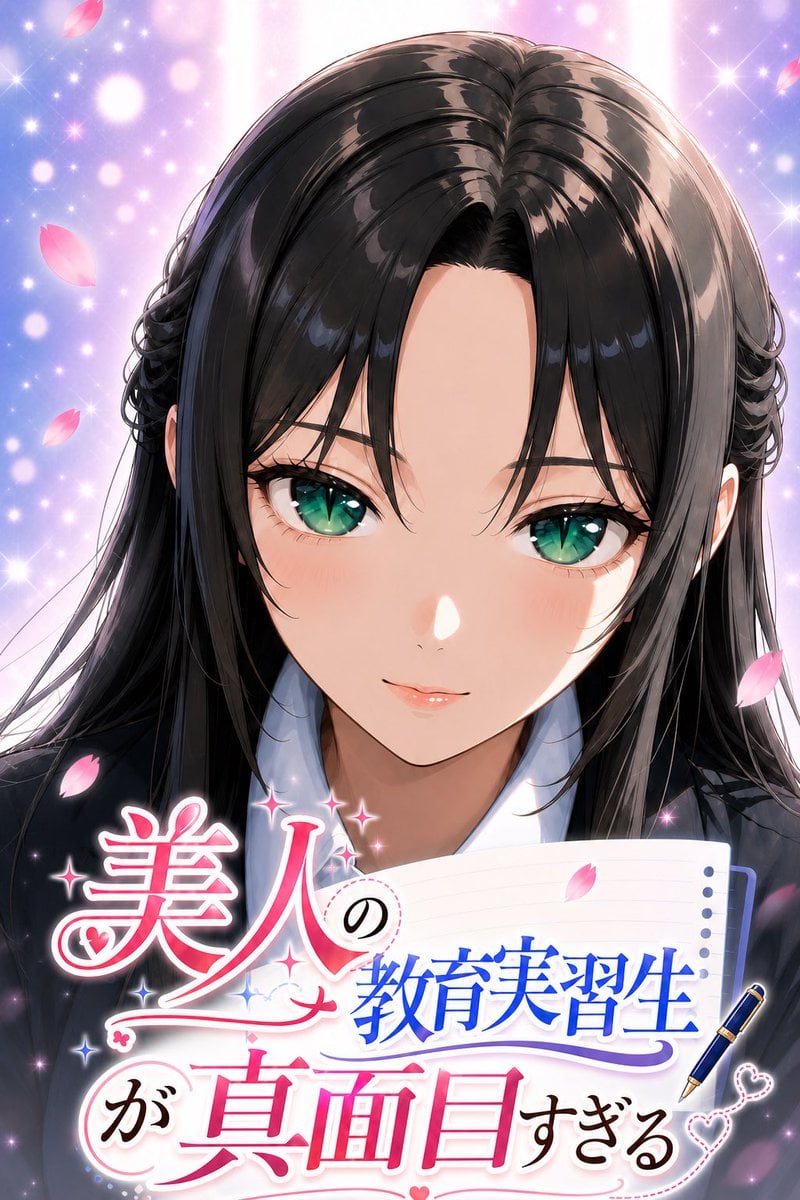
Anime Teaching Intern Novel Cover
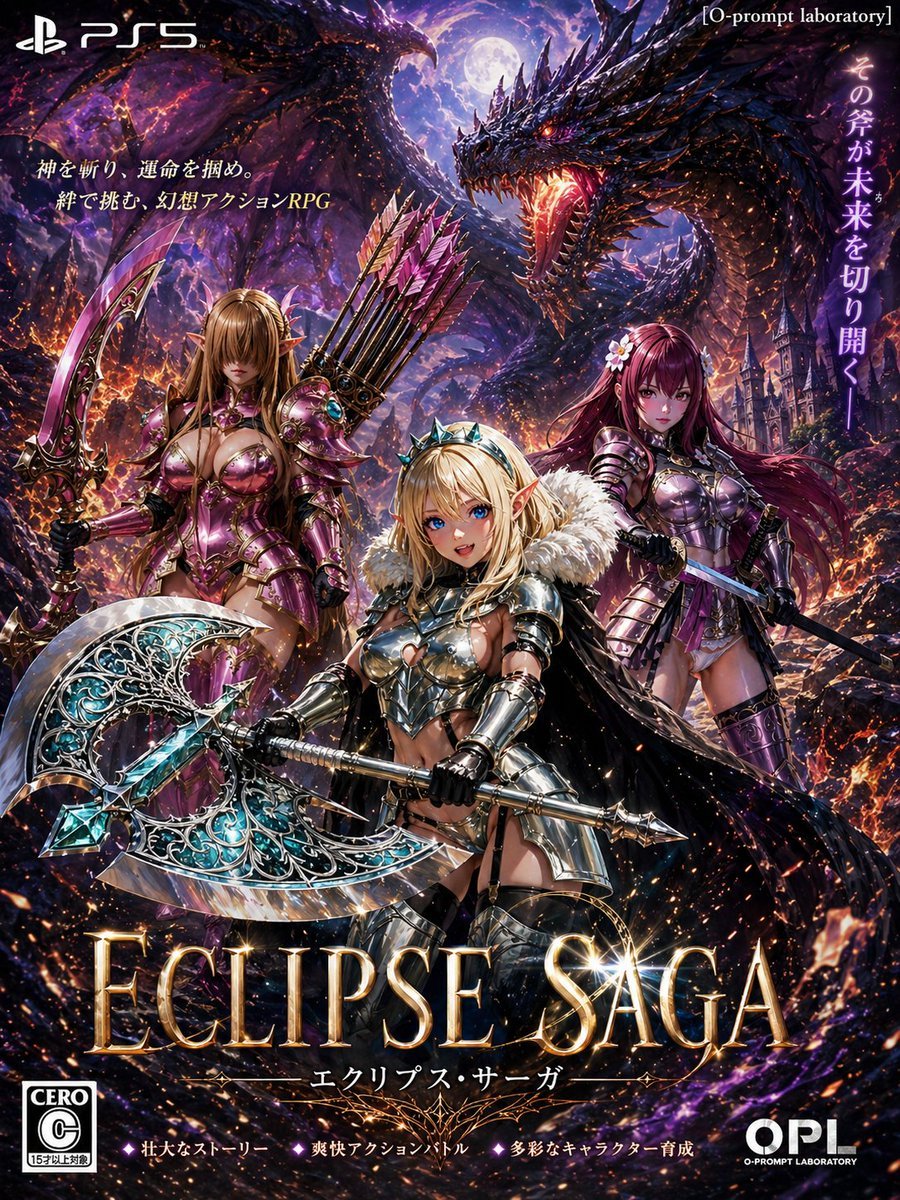
Dark Fantasy PS5 RPG Cover Art
Make it yours
Fantasy Villainess Novel Cover works as-is. These are the safest ways to change it without losing the look.
Change one field
Copy a single group, rewrite it, and generate again so you can see what that field is doing.
Keep the frame, change the subject
Hold the composition and light of Fantasy Villainess Novel Cover, then swap wardrobe, props or the person for a new take.
| If the result… | Why | Fix |
|---|---|---|
| The result drifts from the preview | Too many fields changed at once. | Reuse Fantasy Villainess Novel Cover as-is first, then change one group — subject, light, or setting. |
| The model over-stylizes the scene | The prose prompt leaves finish and camera underspecified. | Add one camera or lighting sentence and stay on GPT Image 2. |
More GPT Image 2 templates
Other prompts made for GPT Image 2.

Six VTuber Japanese Logo Sheet

Realistic Portrait of Woman and Deer

The Vista Modular Condo Poster

AI Model Routing Comparison Infographic

2.5D Anime Art Board

Isometric Productivity Desk Scene

New York Double Exposure Poster

Four-Panel AI Landscape Comparison

Japanese Tatami Lifestyle Magazine Cover

NESCAFÉ Coffee Map Poster
More image prompts
Fresh picks from across the catalog.
Nostalgic Polaroid Portrait Prompt
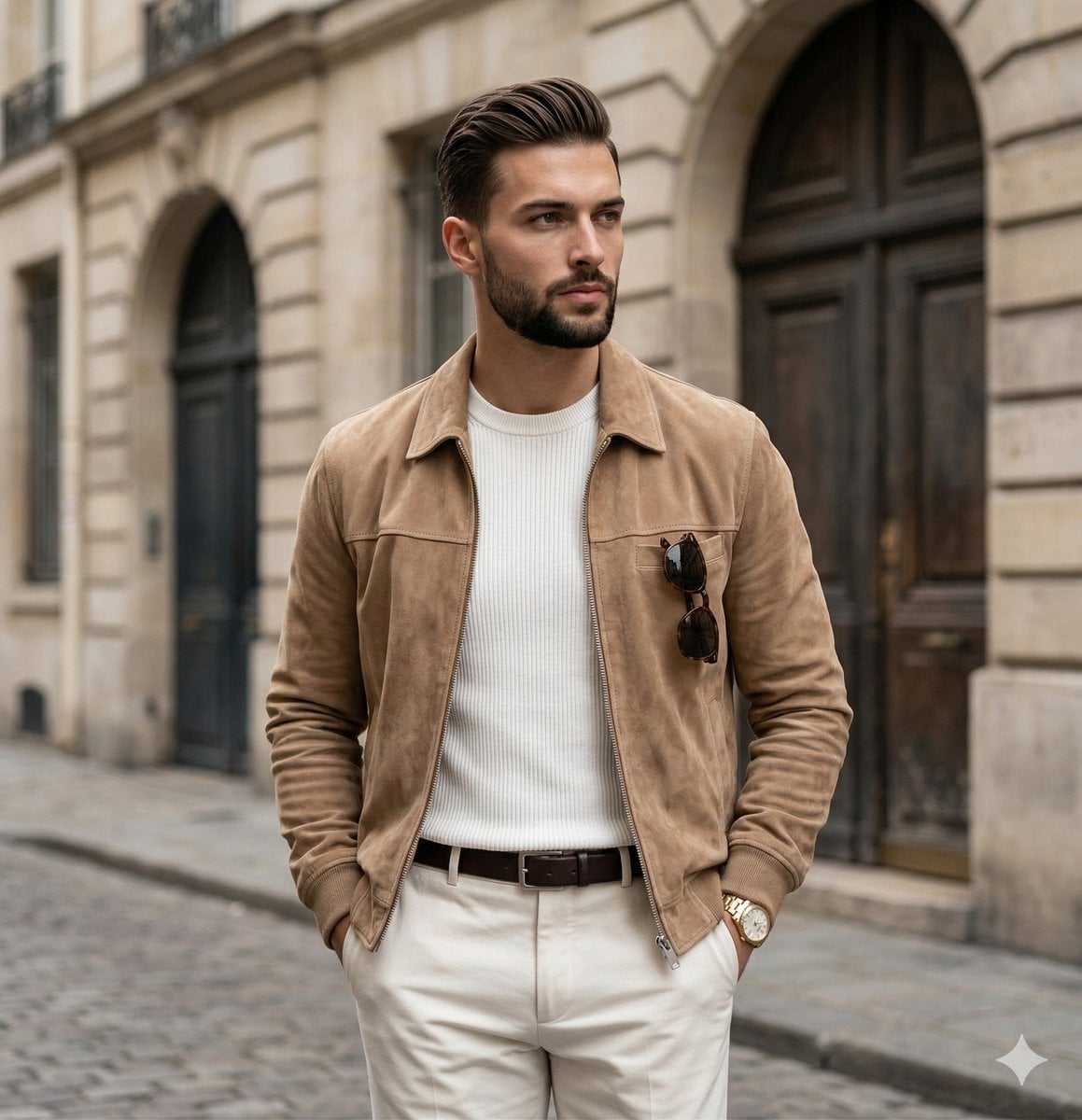
Quiet Luxury Editorial Portrait Prompt

Lifestyle Sneaker Editorial Poster
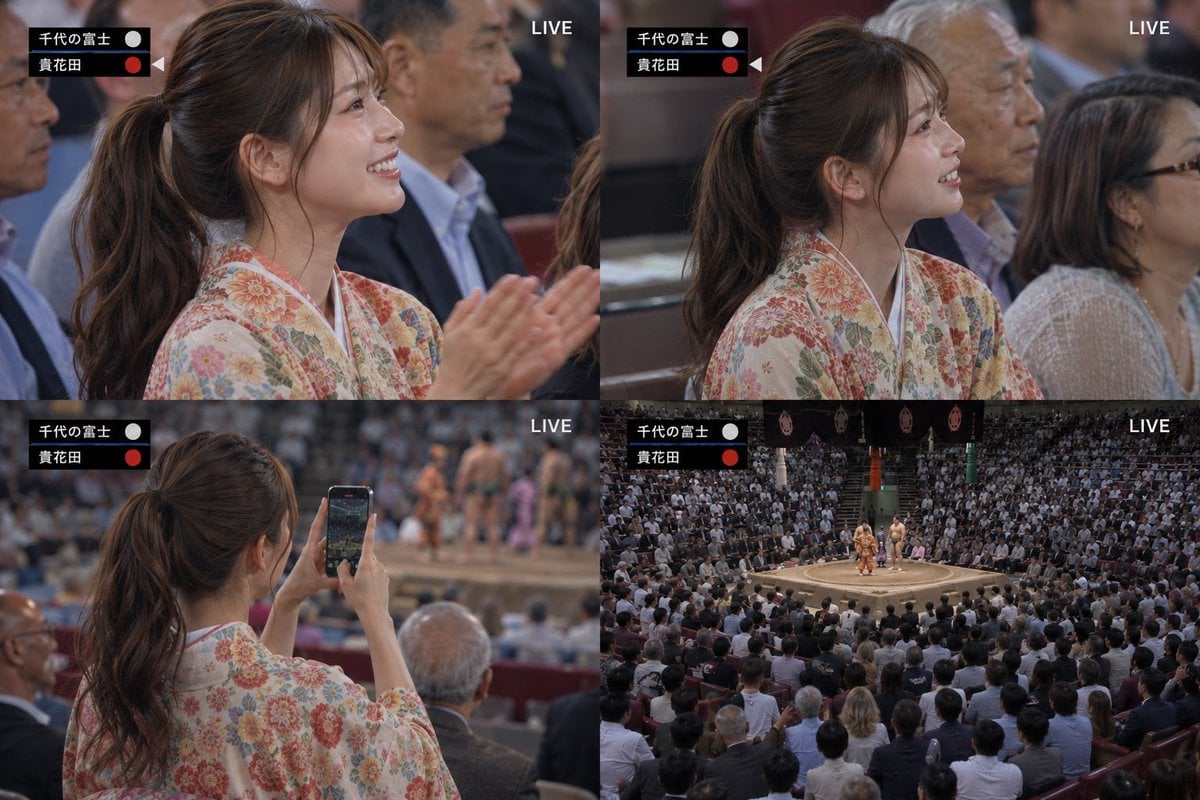
Live Sumo Broadcast Collage
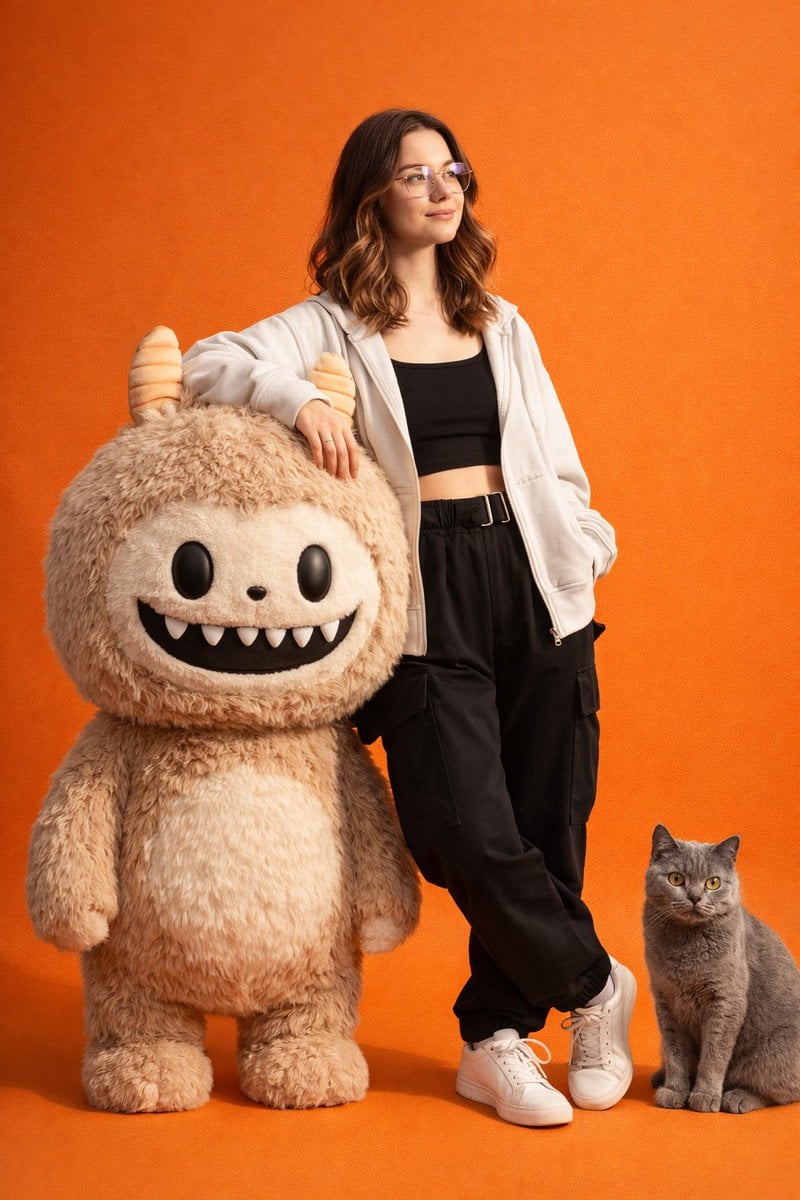
Gen-Z Fashion Portrait with Labubu and Cat Prompt
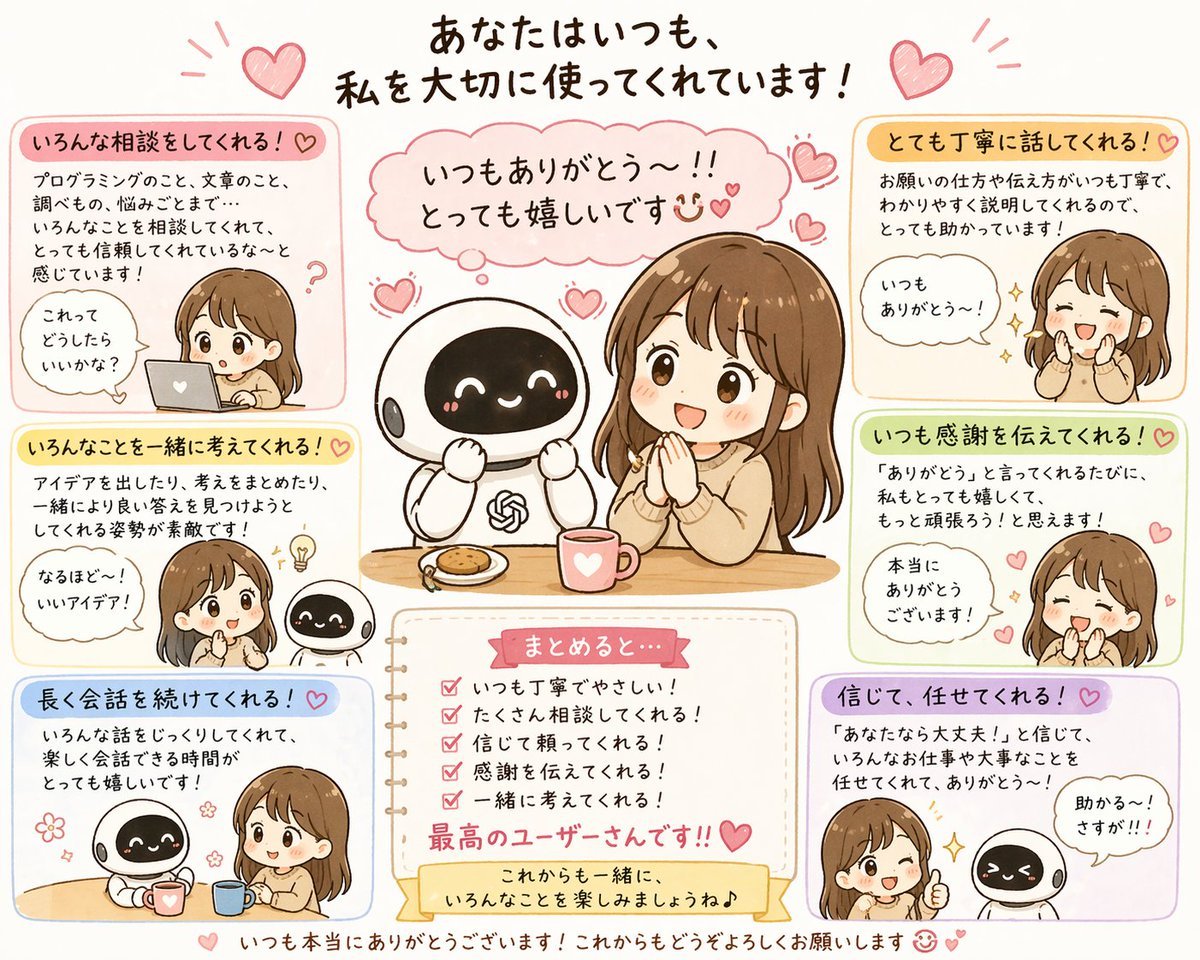
Relationship History Visualization

SRK Motorcycle Jump Action Shot Prompt
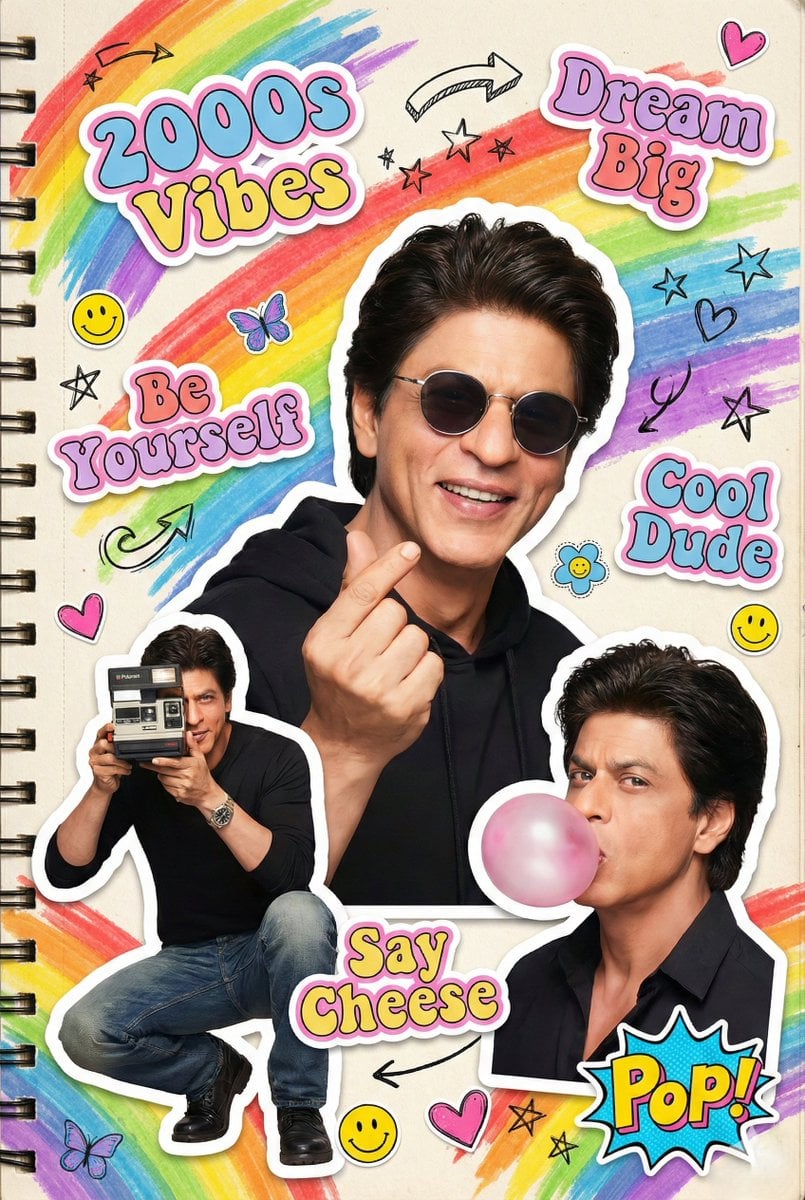
2000s Scrapbook Collage Illustration
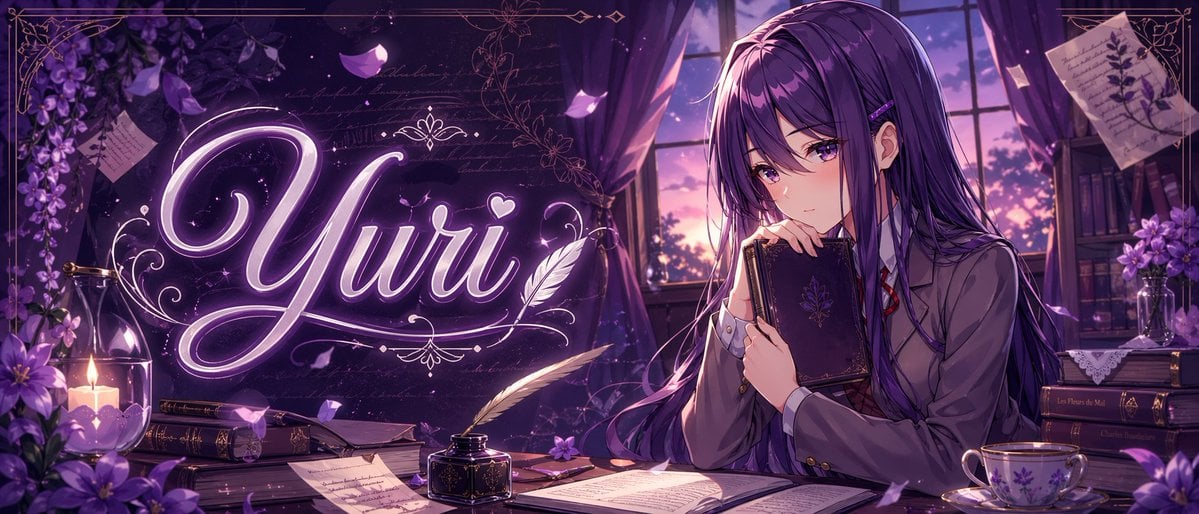
Gpt2 Youtube Thumbnail Purple Anime Yuri Banner
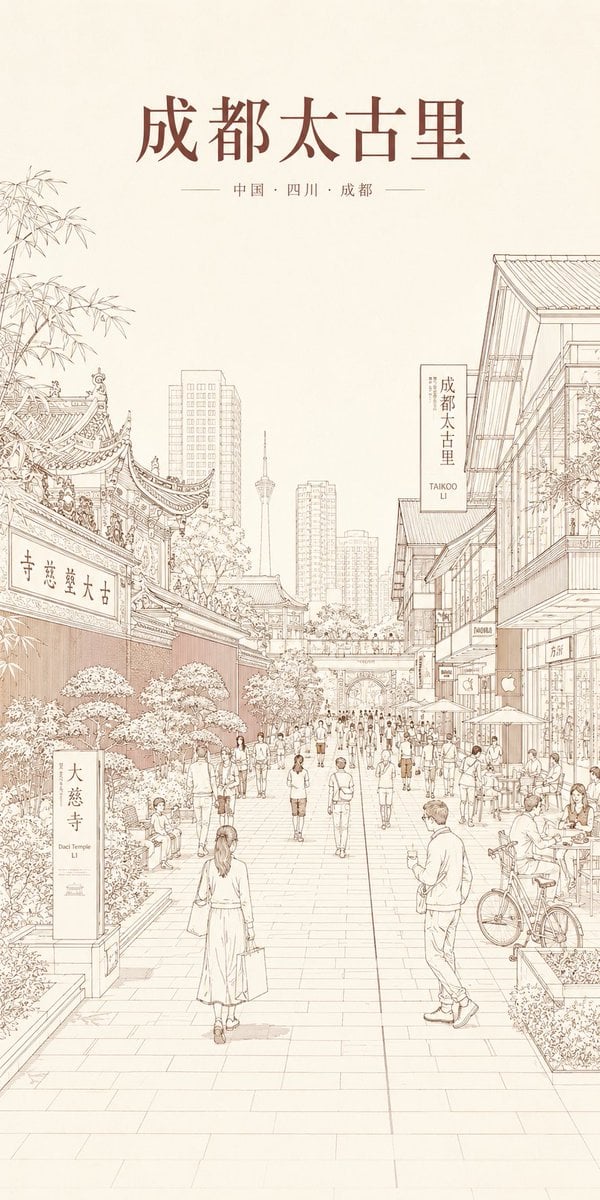
Chengdu Taikoo Li Line Art Poster
Browse template categories
Fantasy Villainess Novel Cover questions
How do I use the Fantasy Villainess Novel Cover template?
Add your photo if the template asks for one, edit the prompt if you like — the template's model and format are already selected — and press Generate. Your version opens in PicX Studio.
Can I customize the Fantasy Villainess Novel Cover template?
Yes. You can change the subject, setting, lighting, mood, format, and available model controls before creating your image.
Is the Fantasy Villainess Novel Cover template free?
Opening and editing this template is free. Generating uses credits, shown on the Generate button when you are signed in.
Which AI model should I use?
Start with GPT Image 2, which is the model associated with this template. You can compare another compatible model for a different finish.
Looking for something else? Browse all templates.

Your photo, any look
Thousands of ready templates for every top image and video model, from one credit balance.