
Dark Fantasy PS5 RPG Cover Art
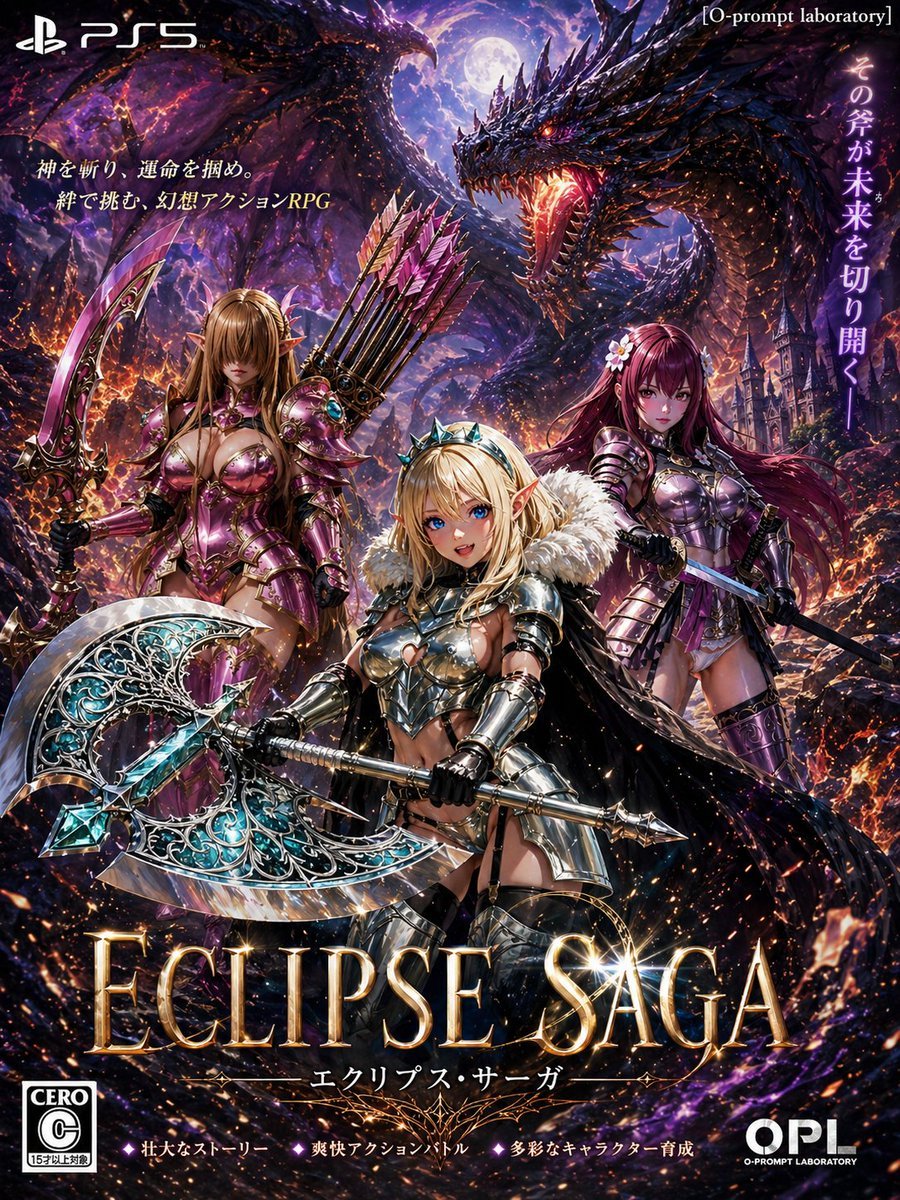
This prompt generates a faux PS5 fantasy action RPG cover featuring three armored elf heroines, two dragons, and dramatic Japanese game-poster typography, ideal for mock game key art.
- Prompt included
- Model and format preset
- Premium template
The prompt behind this image
Copy the exact prompt behind Dark Fantasy PS5 RPG Cover Art, or open it in the studio and make it yours.
A dramatic Japanese fantasy action RPG key art designed like a PlayStation 5 game cover poster. Vertical composition, ultra-detailed, high-contrast, cinematic dark fantasy. In the background, count 2 enormous black-purple dragons: one dominant dragon on the upper right with mouth wide open, glowing orange fire in its throat, jagged obsidian scales, and blazing eyes; one second dragon silhouette on the upper left with wings spread across the sky. Full moon in the center-top sky, purple nebula clouds, embers, ash, magical sparks, and a ruined gothic castle city on the right background. In the foreground, count 3 female elf warriors standing in a heroic triangular formation, all wearing ornate metallic armor with glossy magenta, silver, and violet tones. Center character: blonde elf princess-warrior, short to medium hair, small crown or jeweled tiara, white fur mantle over shoulders, polished silver armor exposing midriff, black gloves, confident battle stance, wielding a gigantic double-bladed ceremonial axe with intricate filigree, turquoise crystal core, and engraved silver-blue blades. Left character: taller elf archer-warrior with long light brown hair, pointed ears, elaborate rose-magenta armor, large curved fantasy sword in her right hand, and a quiver of pink-fletched arrows on her back. Right character: long dark magenta-haired elf swordswoman with floral hair ornaments, violet-magenta armor, black cape, holding a slender sword angled downward. The image should feel like premium box art for an original game titled {argument name="game title" default="ECLIPSE SAGA"}. Include visible game-package typography and branding elements: top left white PS5 logo; top right small bracketed studio tag [O-prompt laboratory]; large vertical Japanese slogan on the right side; count 2 lines of Japanese promotional copy on the upper left; the main title in huge glowing gold serif letters across the bottom center reading {argument name="game title" default="ECLIPSE SAGA"}; a smaller Japanese subtitle beneath it; bottom left CERO C rating badge; bottom center count 3 short Japanese feature blurbs separated by diamond icons; bottom right OPL logo. Use a lavish painted-anime-meets-hyperreal style, dense detail, polished reflections, fiery rim light, purple and orange color contrast, and the overall feel of a mature-rated epic console fantasy adventure cover.
How to use Dark Fantasy PS5 RPG Cover Art in 3 steps
- 1Upload ImagePNG, JPG or paste
Add your photo
Upload the photo the template builds on. The prompt, model and format are already set.
- 2…a portrait of your subject in softgolden-hour light, 85mm…
Personalize
Edit the subject and creative details for your destination.
- 3Generate
Generate
Press Generate — your image is created in PicX Studio, so you can compare it with the original and refine one variable at a time.
More like this
Templates with the same subject, style or setup. Open one to see its prompt.
Fantasy RPG Game Cover with Three Knight Women
Dark Fantasy RPG Key Visual Poster
Dark Fantasy RPG Boss Fight Screenshot
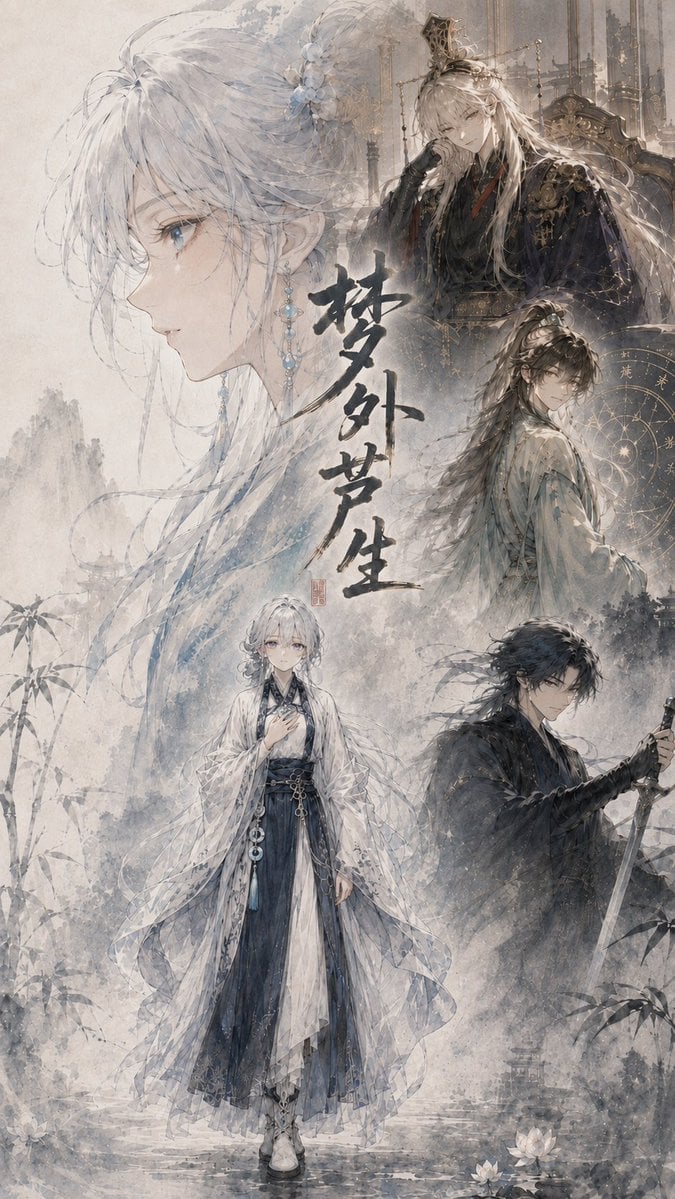
Cinematic Wuxia Fantasy Cover
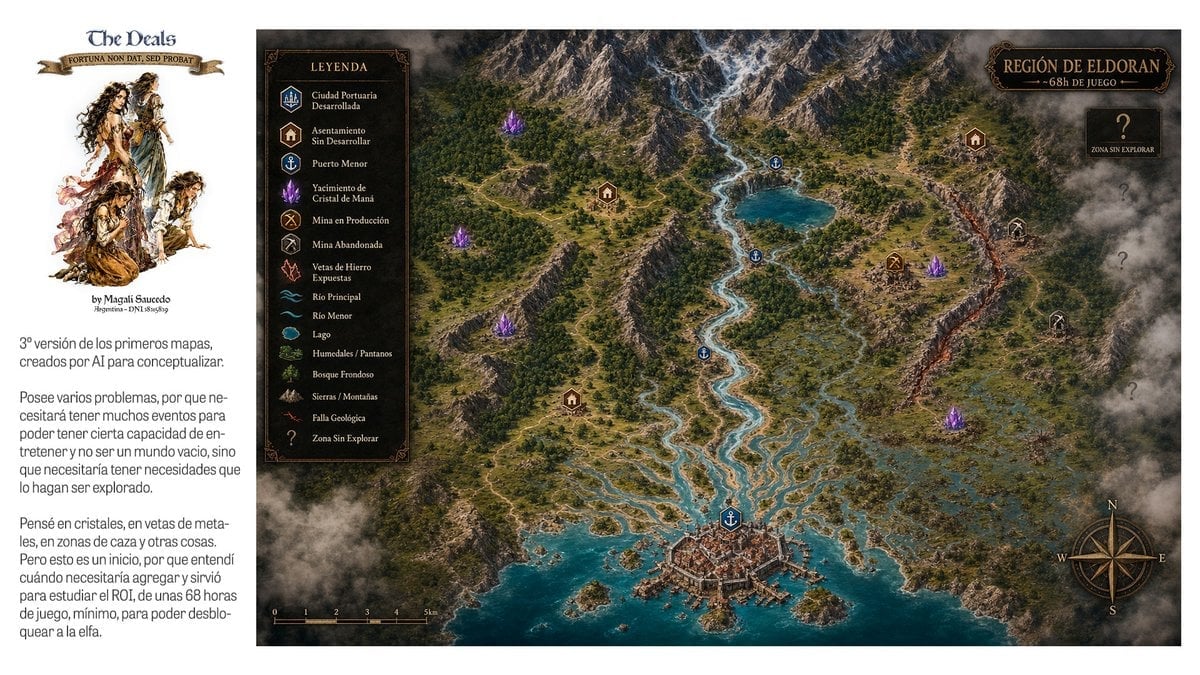
Fantasy RPG Region Map Sheet
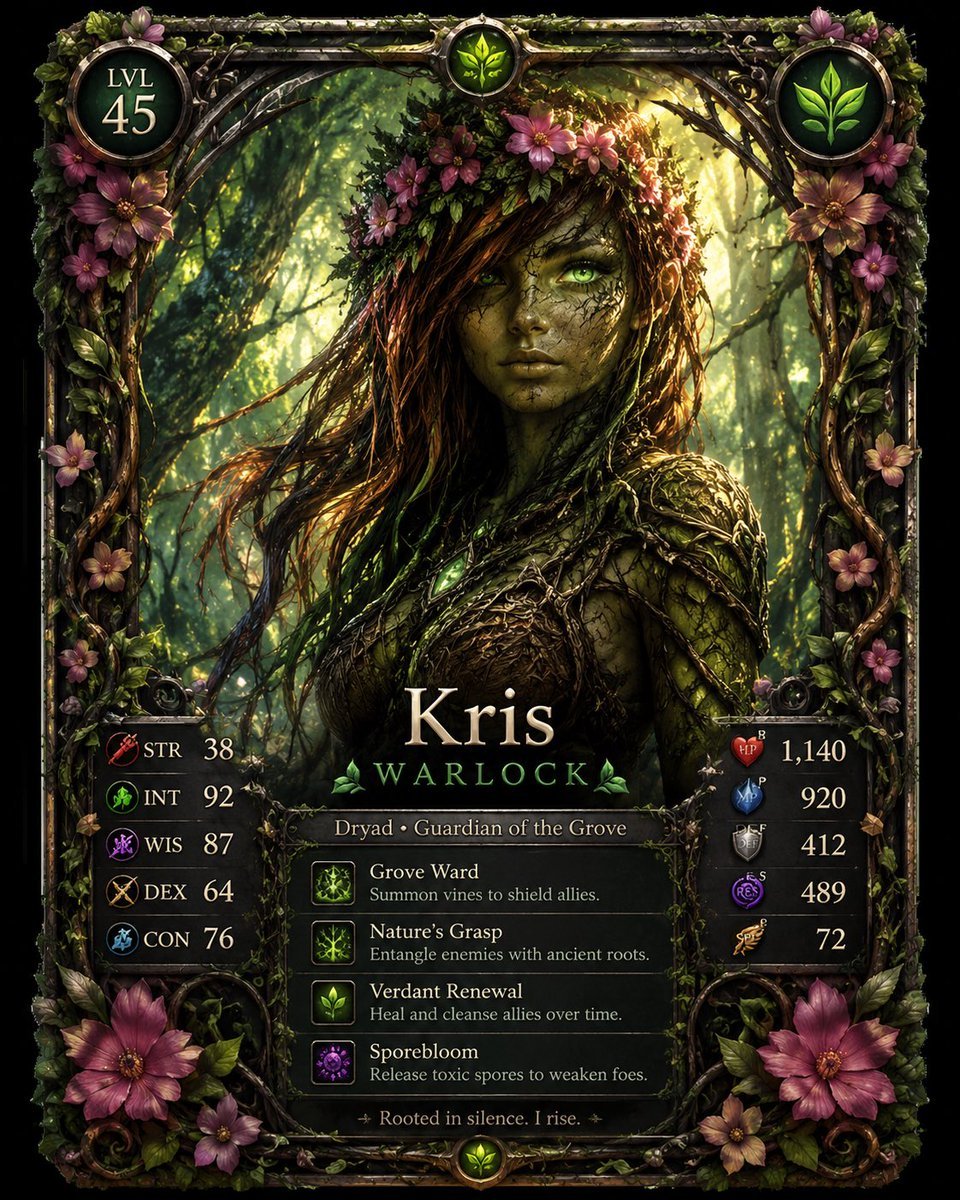
Fantasy Dryad RPG Character Card

Dark Fantasy Sorceress Storyboard

Dark Fantasy Smoke Monster Transformation

Anime Fantasy Celestial Movie Poster
Anime Fantasy Celestial Movie Poster

Selective Color Monochrome Football Poster

Minecraft Fantasy Kingdom Voxel Landscape
Make it yours
Dark Fantasy PS5 RPG Cover Art works as-is. These are the safest ways to change it without losing the look.
Change one field
Copy a single group, rewrite it, and generate again so you can see what that field is doing.
Keep the frame, change the subject
Hold the composition and light of Dark Fantasy PS5 RPG Cover Art, then swap wardrobe, props or the person for a new take.
| If the result… | Why | Fix |
|---|---|---|
| The result drifts from the preview | Too many fields changed at once. | Reuse Dark Fantasy PS5 RPG Cover Art as-is first, then change one group — subject, light, or setting. |
| The model over-stylizes the scene | The prose prompt leaves finish and camera underspecified. | Add one camera or lighting sentence and stay on GPT Image 2. |
More GPT Image 2 templates
Other prompts made for GPT Image 2.

Six VTuber Japanese Logo Sheet

Realistic Portrait of Woman and Deer

The Vista Modular Condo Poster

AI Model Routing Comparison Infographic

2.5D Anime Art Board

Isometric Productivity Desk Scene

New York Double Exposure Poster

Four-Panel AI Landscape Comparison

Japanese Tatami Lifestyle Magazine Cover

NESCAFÉ Coffee Map Poster
More image prompts
Fresh picks from across the catalog.
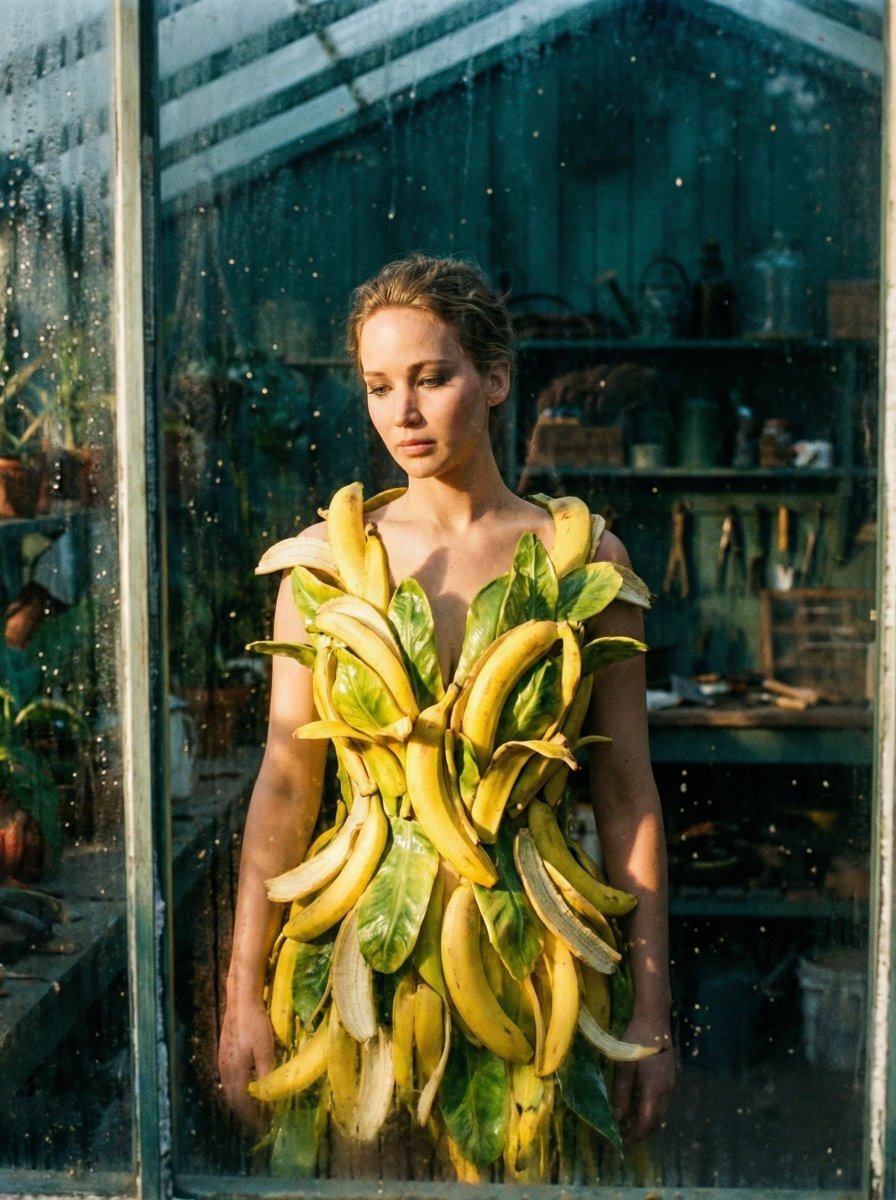
Tropical Melancholy Laboratory Surreal Portrait
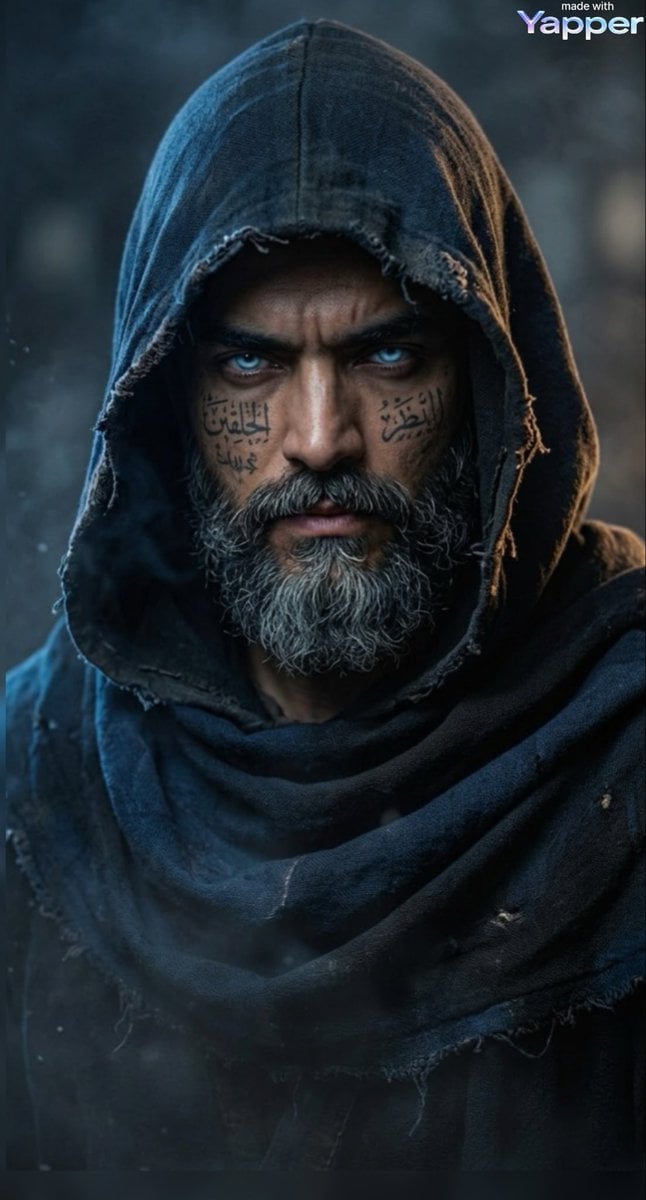
Cinematic Portrait of a Mysterious Hooded Warrior
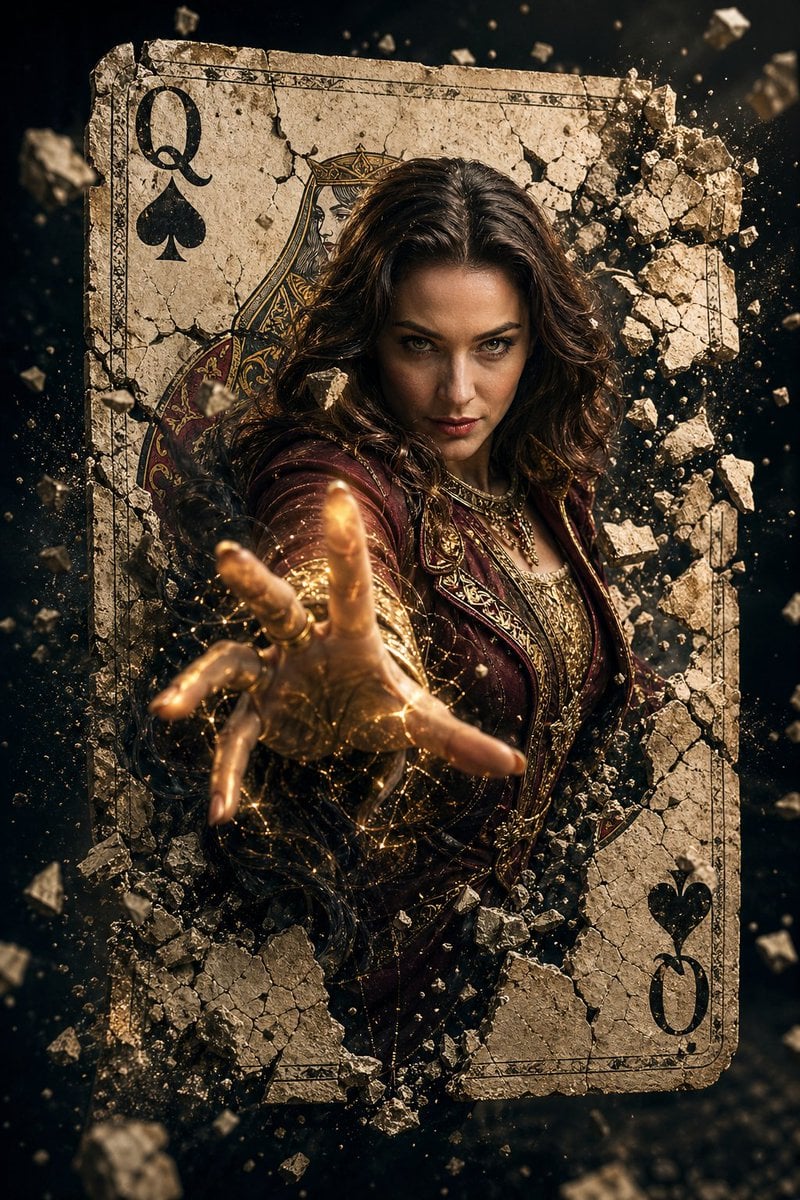
Epic Fantasy Movie Poster
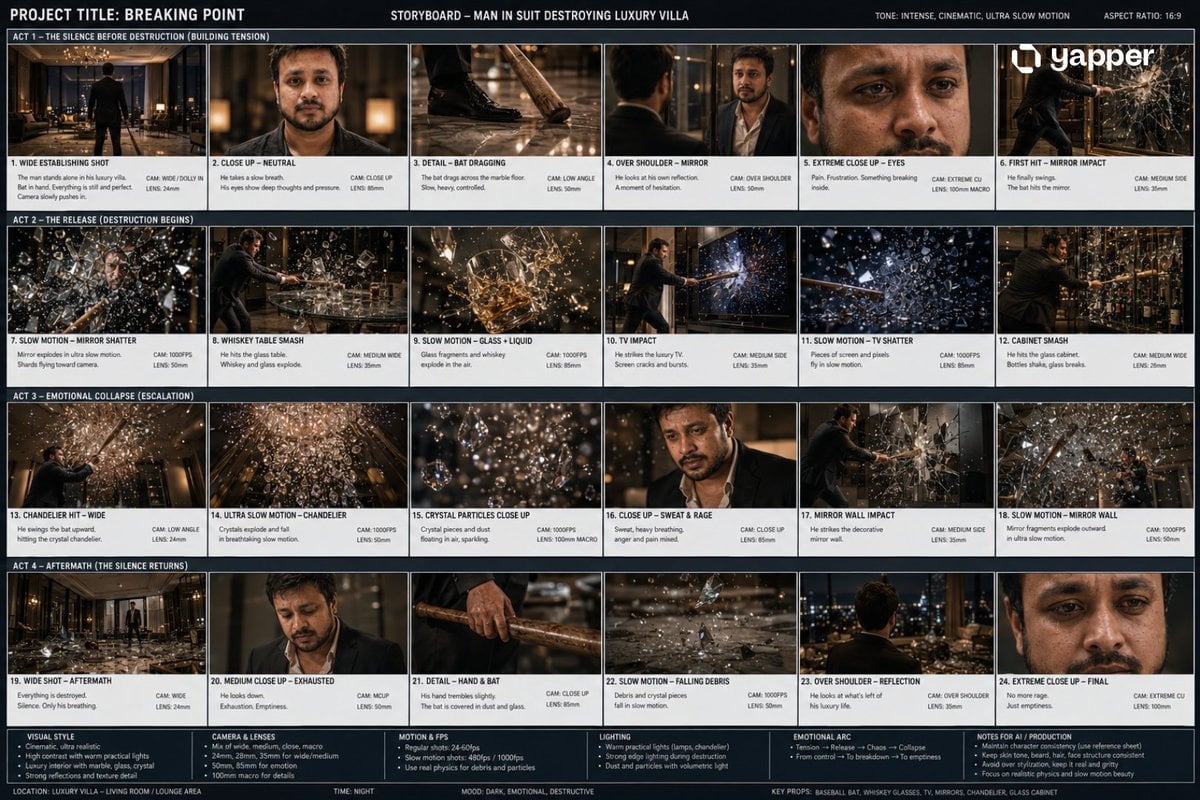
Cinematic Luxury Villa Scene
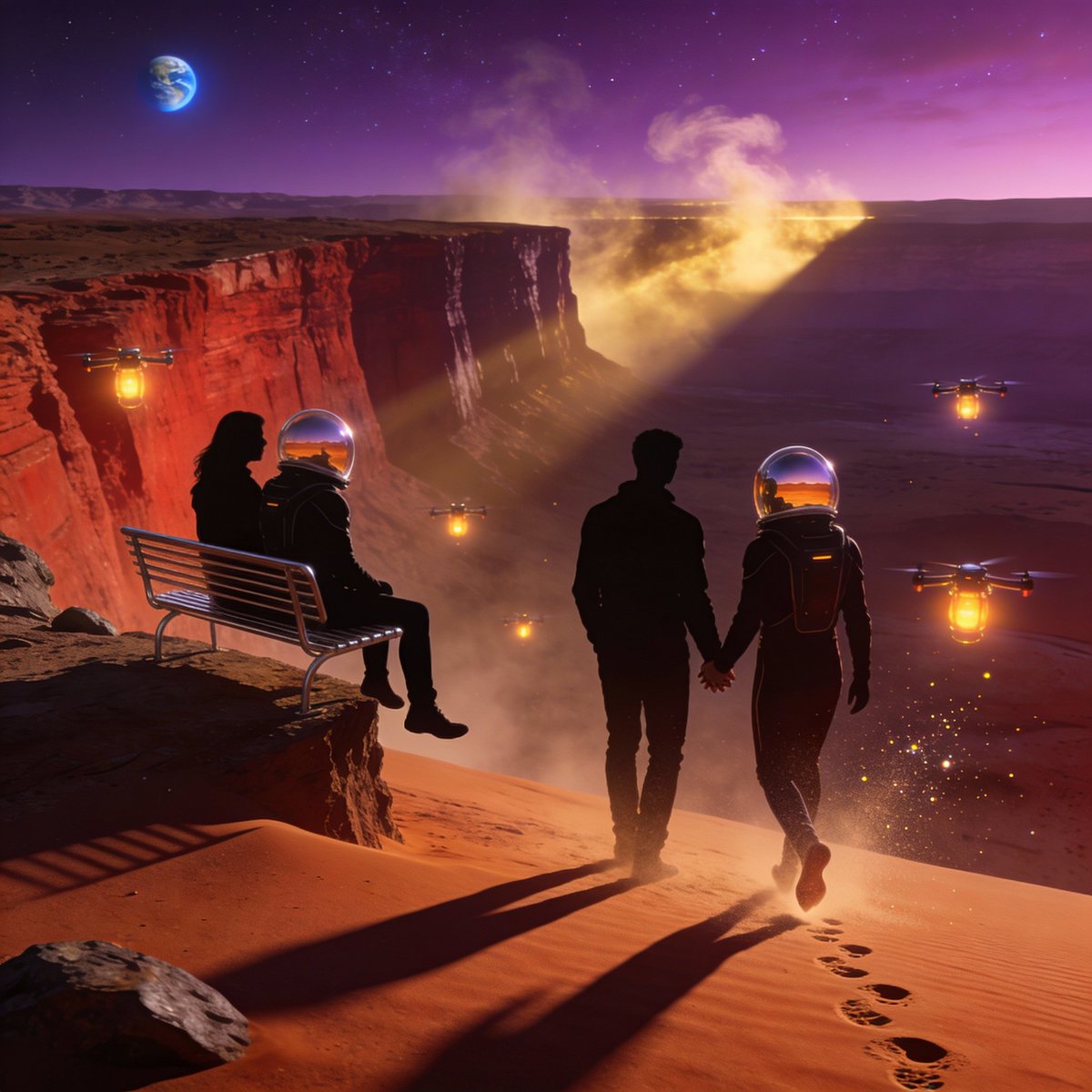
Ultra-Real 16K Cinematic Scene of Romantic Date on Mars
True Crime Investigation Thumbnail
Luxury Beauty Product Photography Prompt
Tropical Night Market Portrait
3x3 Grid Visual Concept Presentation
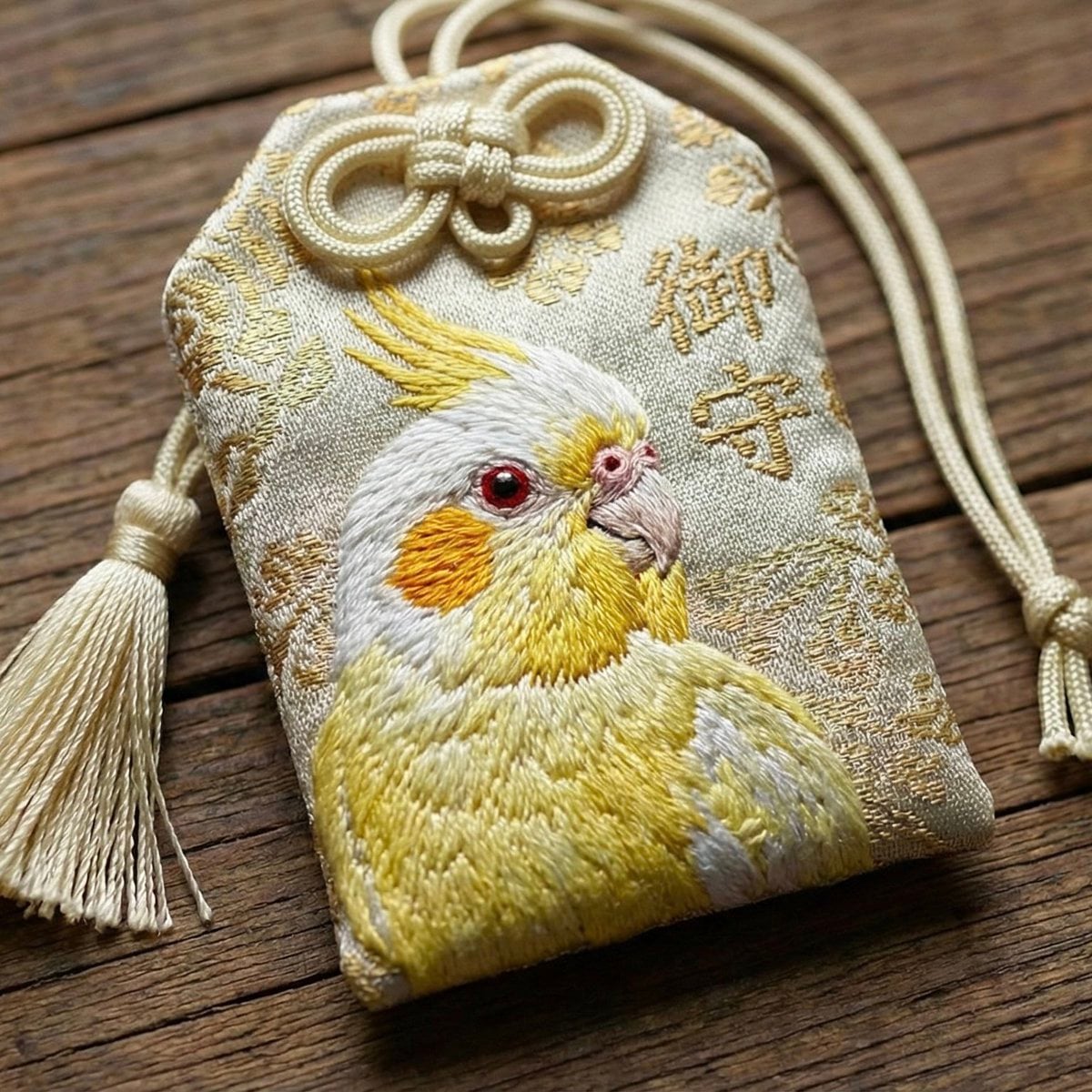
Realistic Cockatiel Amulet Generation
Browse template categories
Dark Fantasy PS5 RPG Cover Art questions
How do I use the Dark Fantasy PS5 RPG Cover Art template?
Add your photo if the template asks for one, edit the prompt if you like — the template's model and format are already selected — and press Generate. Your version opens in PicX Studio.
Can I customize the Dark Fantasy PS5 RPG Cover Art template?
Yes. You can change the subject, setting, lighting, mood, format, and available model controls before creating your image.
Is the Dark Fantasy PS5 RPG Cover Art template free?
Opening and editing this template is free. Generating uses credits, shown on the Generate button when you are signed in.
Which AI model should I use?
Start with GPT Image 2, which is the model associated with this template. You can compare another compatible model for a different finish.
Looking for something else? Browse all templates.

Your photo, any look
Thousands of ready templates for every top image and video model, from one credit balance.