
Epic Fantasy Movie Poster
A cinematic movie poster prompt featuring a female sorcerer bursting through a playing card, utilizing reference photo likeness.

- Prompt included
- Model and format preset
- Free template
The prompt behind this image
Copy the exact prompt behind Epic Fantasy Movie Poster, or open it in the studio and make it yours.
A hyper-realistic cinematic movie poster of a powerful {argument name="subject" default="female sorcerer"} with the same facial structure and likeness as the uploaded reference photo, bursting through a {argument name="object" default="cracked Queen of Spades playing card"}. The card explodes outward with stone fragments, dust, and debris frozen mid-air. She wears an ornate {argument name="outfit color" default="royal maroon and gold"} embroidered medieval fantasy jacket, rich fabric textures, intricate detailing, regal and mystical.The sorcerer extends one hand forward toward the viewer, fingers glowing with intense magical energy, subtle golden sparks and dark arcane aura surrounding the hand. Intense piercing gaze, confident and dominant expression, cinematic hero framing. Dramatic chiaroscuro lighting, dark moody background, volumetric light rays, ultra-detailed textures, shallow cinematic depth of field. Photorealistic face, epic fantasy realism, movie poster composition, high contrast, dynamic motion, dust particles, masterpiece quality, ultra-sharp focus, 8K resolution, cinematic color grading
How to use Epic Fantasy Movie Poster in 3 steps
- 1Upload ImagePNG, JPG or paste
Add your photo
Upload the photo the template builds on. The prompt, model and format are already set.
- 2…a portrait of your subject in softgolden-hour light, 85mm…
Personalize
Edit the subject and creative details for your destination.
- 3Generate
Generate
Press Generate — your image is created in PicX Studio, so you can compare it with the original and refine one variable at a time.
More like this
Templates with the same subject, style or setup. Open one to see its prompt.

Anime Fantasy Celestial Movie Poster
Anime Fantasy Celestial Movie Poster

Gpt2 Youtube Thumbnail Wuxia Movie Character Posters
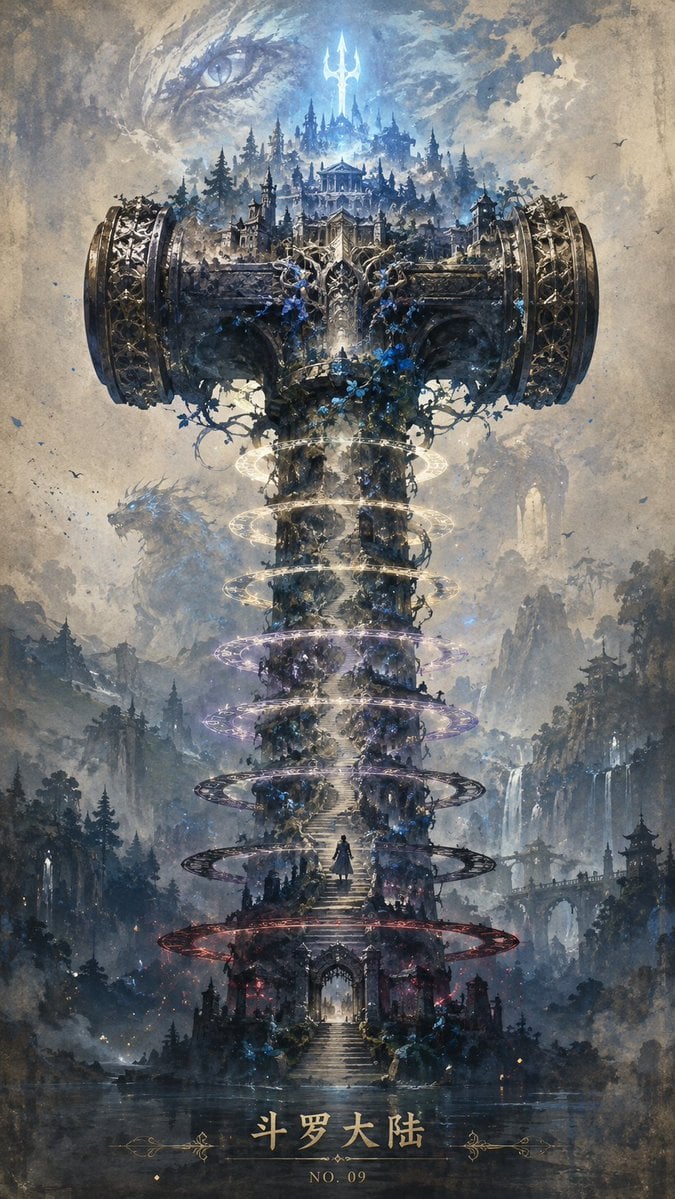
Epic Douluo Fantasy Tower Poster

Epic Fantasy Battle Memory Poster
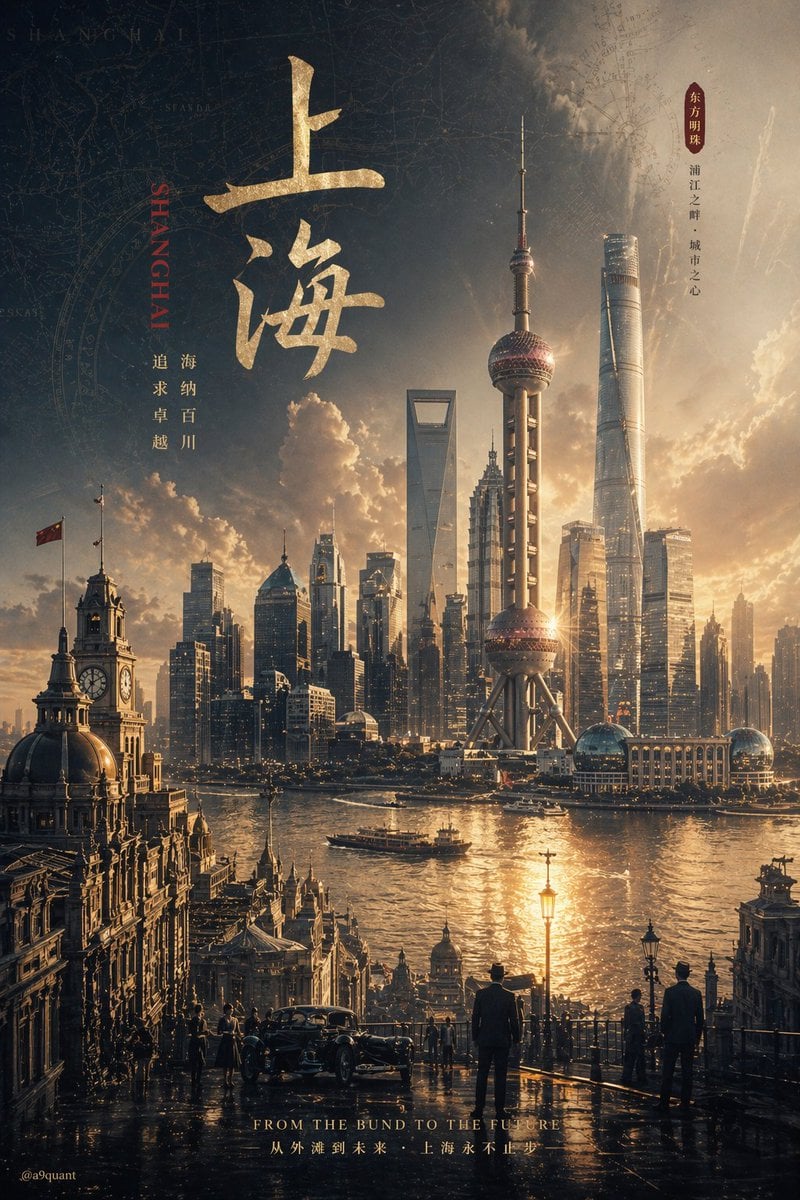
Epic Concept/Movie Poster Generator

Epic Anime Movie Poster from Photo

Epic Fantasy Double-Exposure Poster

Epic LEGO Spider-Man movie poster scene

Epic Fantasy Warriors: Fire and Ice Cinematic Poster

Japan Travel Brochure Poster

Cartoon TV Show Poster Pack
Make it yours
Epic Fantasy Movie Poster works as-is. These are the safest ways to change it without losing the look.
Change one field
Copy a single group, rewrite it, and generate again so you can see what that field is doing.
Keep the frame, change the subject
Hold the composition and light of Epic Fantasy Movie Poster, then swap wardrobe, props or the person for a new take.
| If the result… | Why | Fix |
|---|---|---|
| The result drifts from the preview | Too many fields changed at once. | Reuse Epic Fantasy Movie Poster as-is first, then change one group — subject, light, or setting. |
| The model over-stylizes the scene | The prose prompt leaves finish and camera underspecified. | Add one camera or lighting sentence and stay on GPT Image 2. |
More GPT Image 2 templates
Other prompts made for GPT Image 2.

Six VTuber Japanese Logo Sheet

Realistic Portrait of Woman and Deer

The Vista Modular Condo Poster

AI Model Routing Comparison Infographic

2.5D Anime Art Board

Isometric Productivity Desk Scene

New York Double Exposure Poster

Four-Panel AI Landscape Comparison

Japanese Tatami Lifestyle Magazine Cover

NESCAFÉ Coffee Map Poster
More image prompts
Fresh picks from across the catalog.

Sad Child by Rainy Window
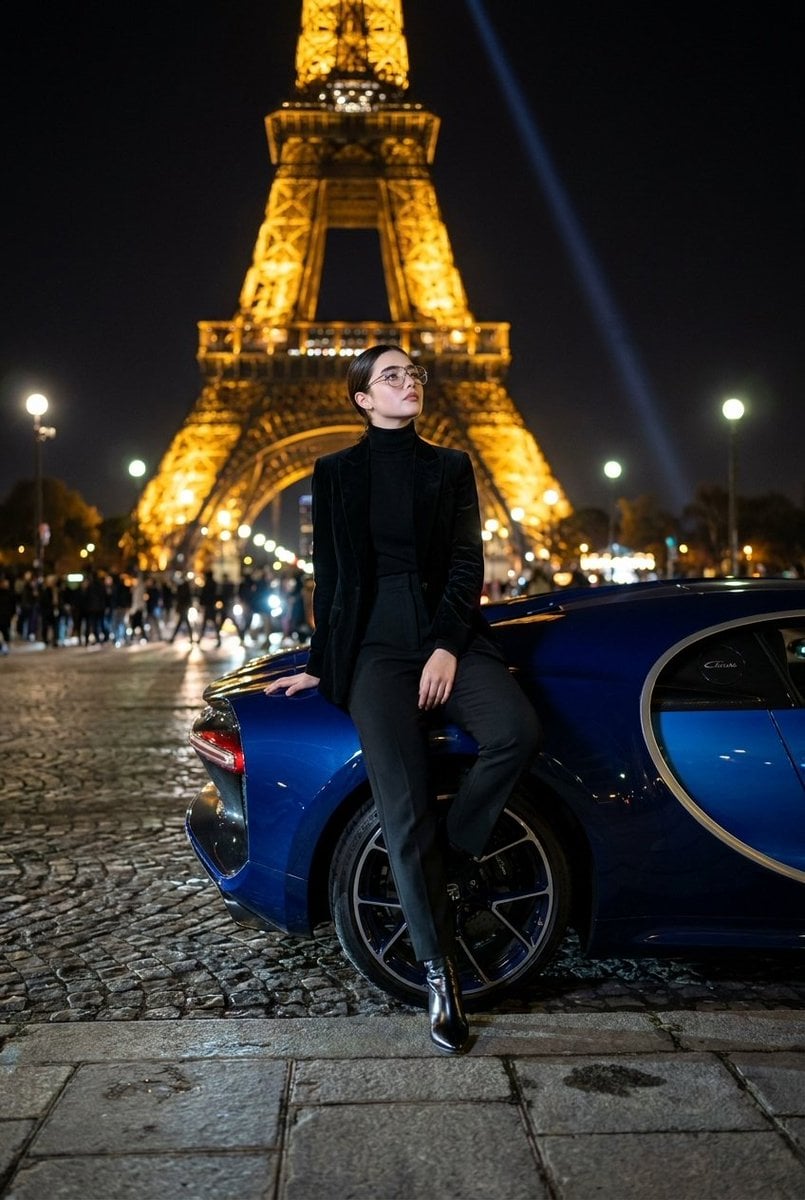
Fashion Editorial at Trocadéro
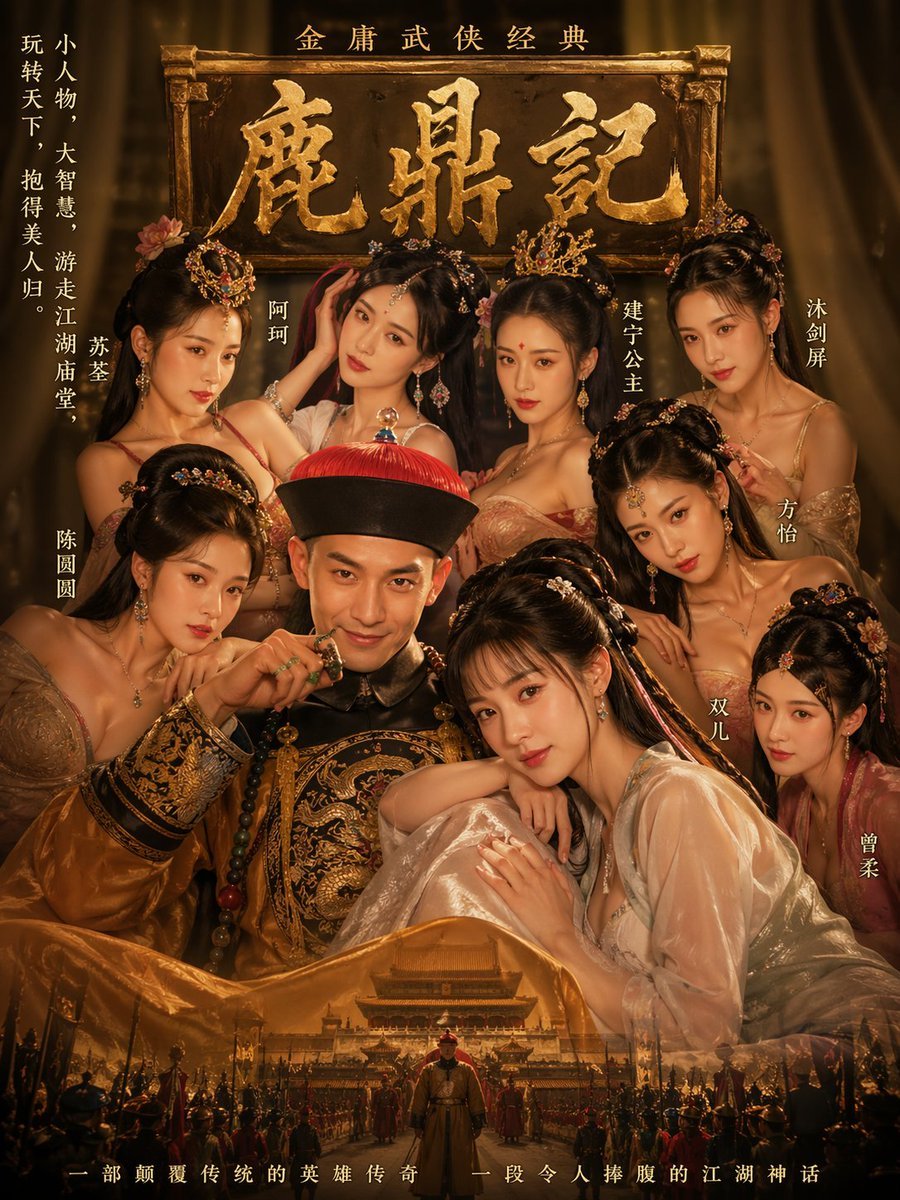
Golden Wuxia Palace Poster
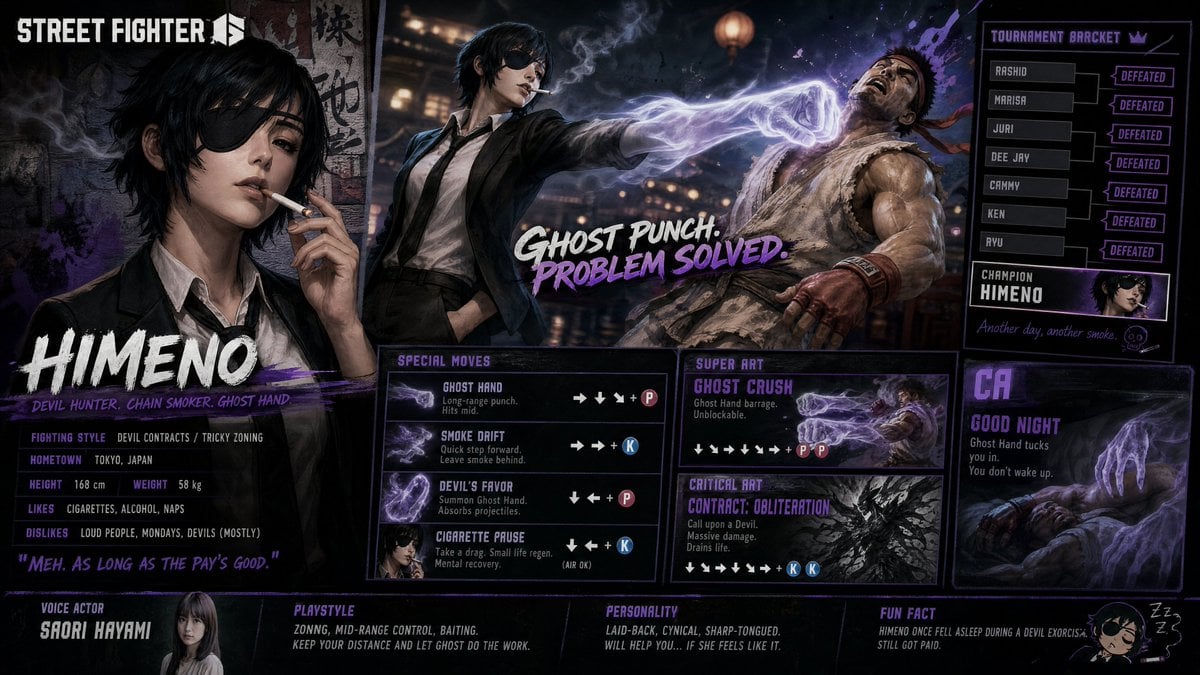
Street Fighter 6 Himeno Crossover Poster

Epic Frozen Cliff Warrior Scene

Cinematic Athlete Journey Portrait

Cinematic Cherry Blossom Portrait

Anonymous Kids Studio Fashion Portrait

Teenage Sketchbook Caricature Transformation
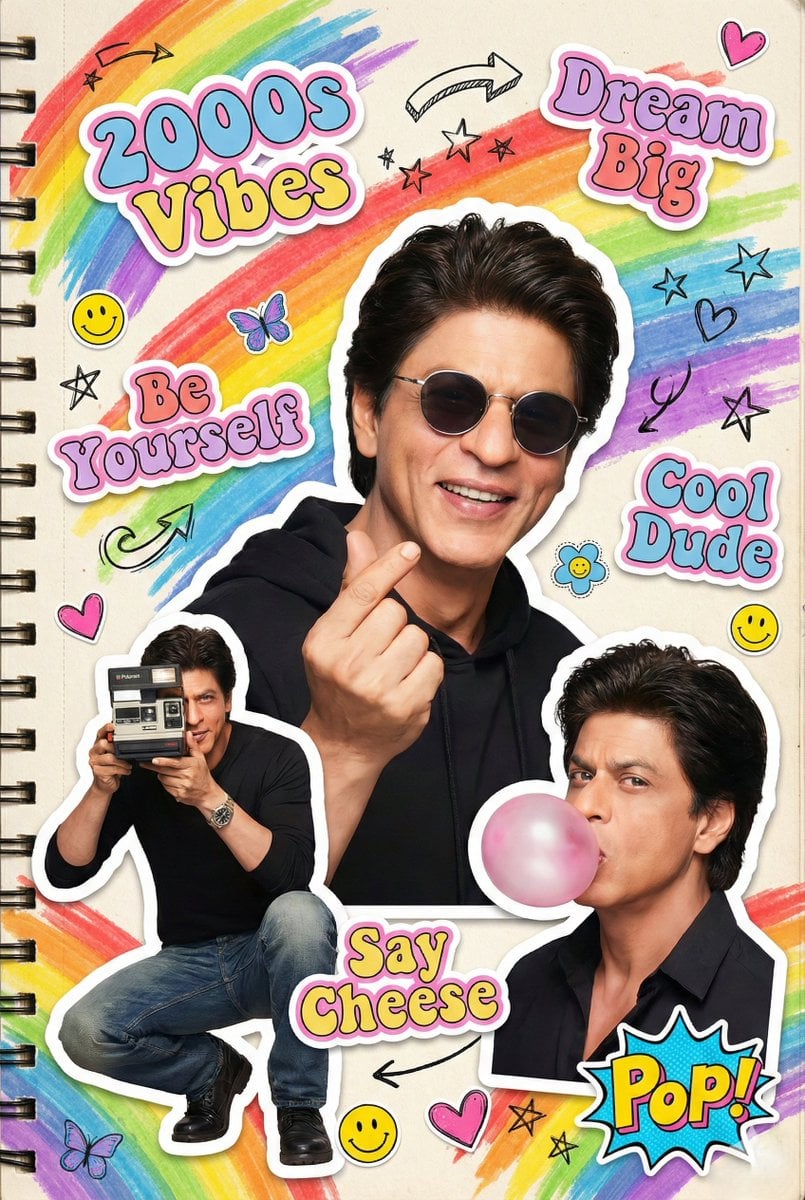
2000s Scrapbook Collage Illustration
Browse template categories
Epic Fantasy Movie Poster questions
How do I use the Epic Fantasy Movie Poster template?
Add your photo if the template asks for one, edit the prompt if you like — the template's model and format are already selected — and press Generate. Your version opens in PicX Studio.
Can I customize the Epic Fantasy Movie Poster template?
Yes. You can change the subject, setting, lighting, mood, format, and available model controls before creating your image.
Is the Epic Fantasy Movie Poster template free?
Opening and editing this template is free. Generating uses credits, shown on the Generate button when you are signed in.
Which AI model should I use?
Start with GPT Image 2, which is the model associated with this template. You can compare another compatible model for a different finish.
Looking for something else? Browse all templates.

Your photo, any look
Thousands of ready templates for every top image and video model, from one credit balance.