
Epic Fantasy Battle Memory Poster
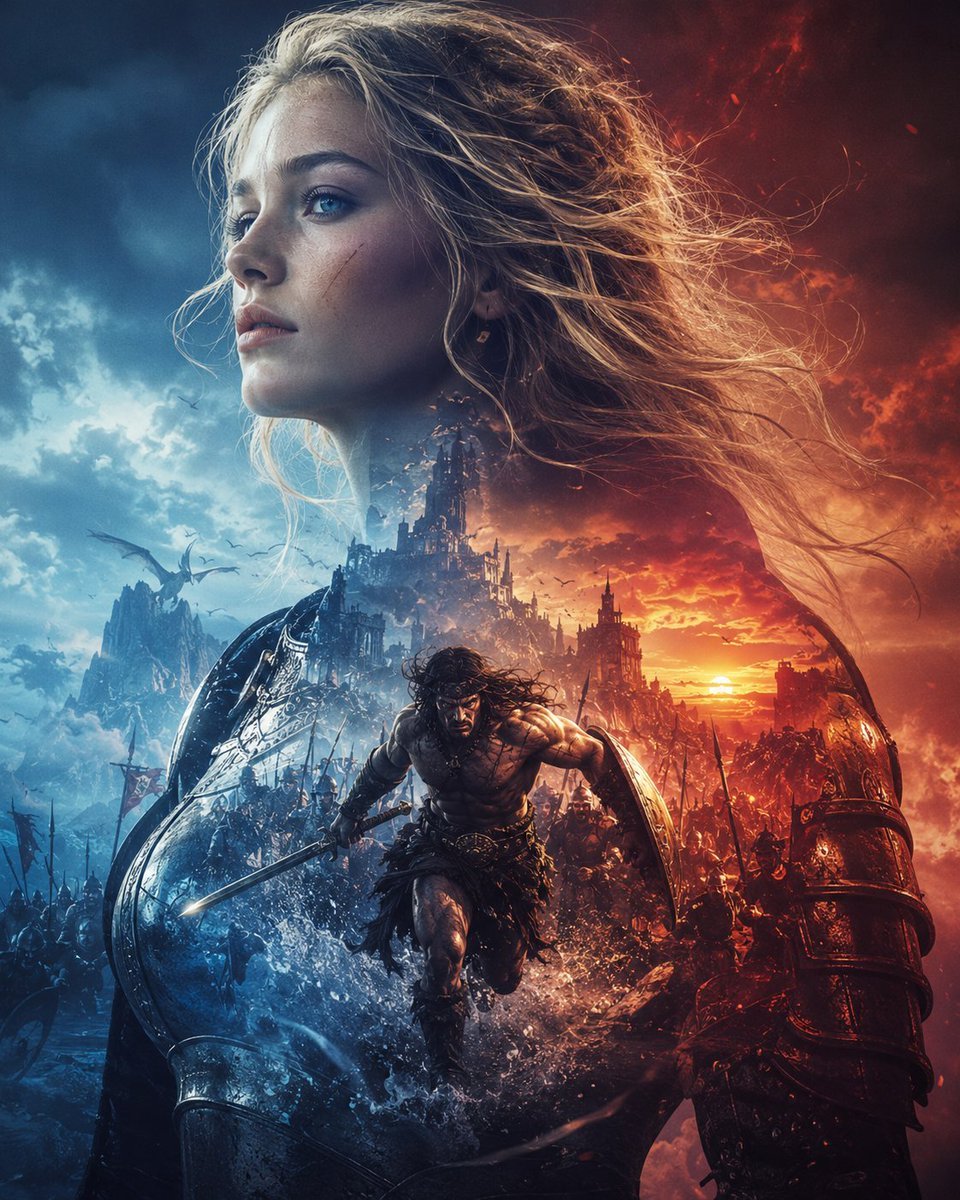
Generates a dramatic vertical dark-fantasy war poster with a charging warrior, a colossal goddess-like figure, and split blue-versus-red cinematic lighting.
- Prompt included
- Model and format preset
- Free template
The prompt behind this image
Copy the exact prompt behind Epic Fantasy Battle Memory Poster, or open it in the studio and make it yours.
Create an epic dark-fantasy cinematic poster titled by mood rather than typography, evoking {argument name="theme" default="memories"}: a colossal blonde female warrior or goddess fills the entire composition from the upper left to the lower right, her long windblown hair streaming across the fiery sky, her face intentionally covered by a large plain square gray censor block in the upper center-left. Below her, a muscular barbarian hero with long dark hair charges forward through splashing water and battlefield debris, holding a sword in his right hand and a round shield on his left arm, with his face also obscured by a small soft dark square blur. Surround the hero with a massive medieval battle: armies with spears and banners, ruined gothic castles, jagged mountains, flying dragons or large birds, smoke, sparks, and silhouettes of soldiers. Split the lighting dramatically into two opposing color worlds: icy blue storm clouds and cold mist on the left, burning orange-red sunset, fire, and embers on the right. In the foreground, show huge dark armored forms and shields curving up from both lower corners, including a red-lit armored limb or gauntlet on the right and a blue-lit metallic shield-like structure on the left, framing the charging hero. Use hyper-detailed fantasy realism, high contrast, extreme dynamic motion, volumetric clouds, rain spray, glowing sunset horizon, cinematic concept art, intricate armor textures, chaotic war atmosphere, vertical poster composition, no readable text, no logo, no watermark. Customize the central hero as {argument name="hero archetype" default="barbarian warrior"}, the giant figure as {argument name="giant figure" default="blonde female warrior goddess"}, the left-side palette as {argument name="cold color palette" default="icy blue storm"}, and the right-side palette as {argument name="warm color palette" default="fiery orange-red sunset"}.
How to use Epic Fantasy Battle Memory Poster in 3 steps
- 1Upload ImagePNG, JPG or paste
Add your photo
Upload the photo the template builds on. The prompt, model and format are already set.
- 2…a portrait of your subject in softgolden-hour light, 85mm…
Personalize
Edit the subject and creative details for your destination.
- 3Generate
Generate
Press Generate — your image is created in PicX Studio, so you can compare it with the original and refine one variable at a time.
More like this
Templates with the same subject, style or setup. Open one to see its prompt.
Seedance - Dragon vs Python Battle
Seedance - Arrow Microscopic Battle
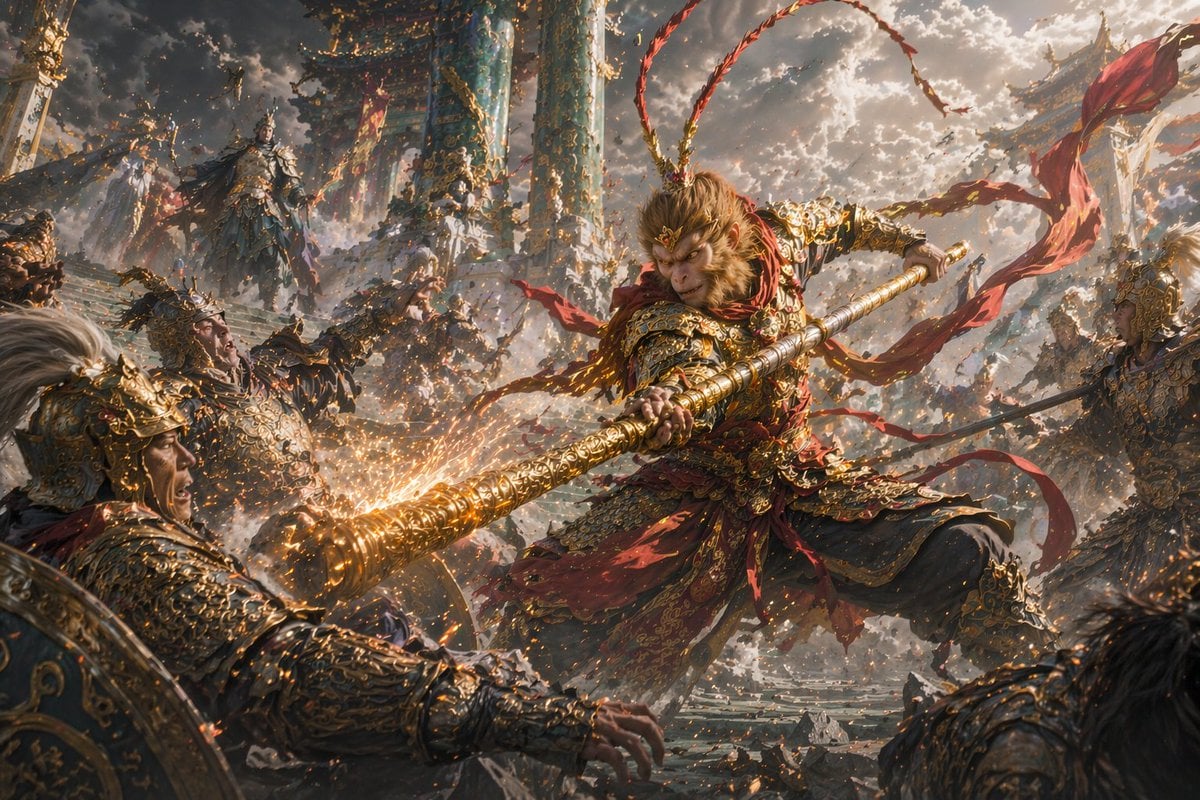
Epic Fantasy Monkey King Battle
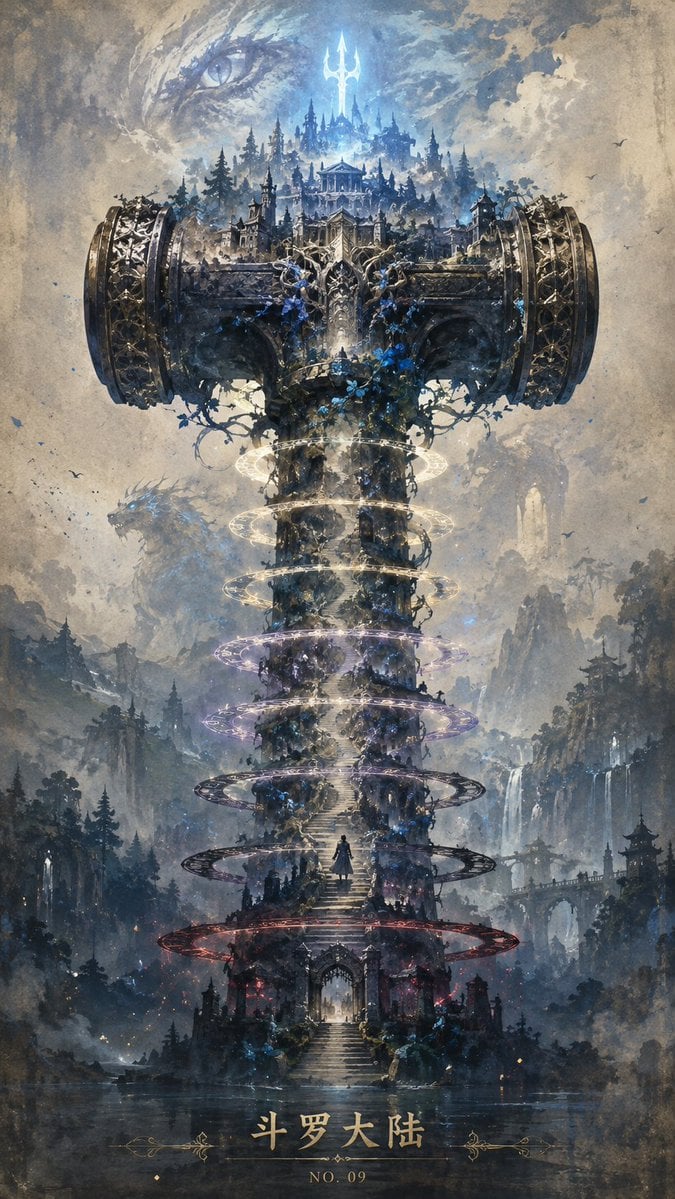
Epic Douluo Fantasy Tower Poster

Anime Fantasy Celestial Movie Poster
Anime Fantasy Celestial Movie Poster
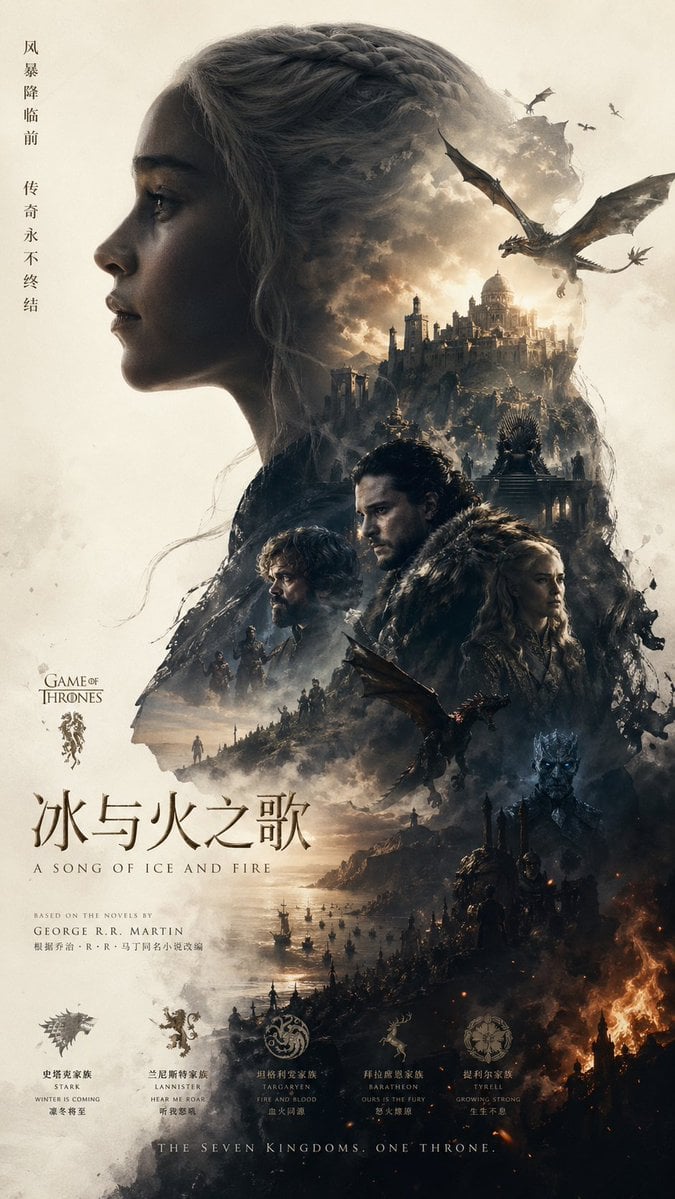
Epic Fantasy Double-Exposure Poster
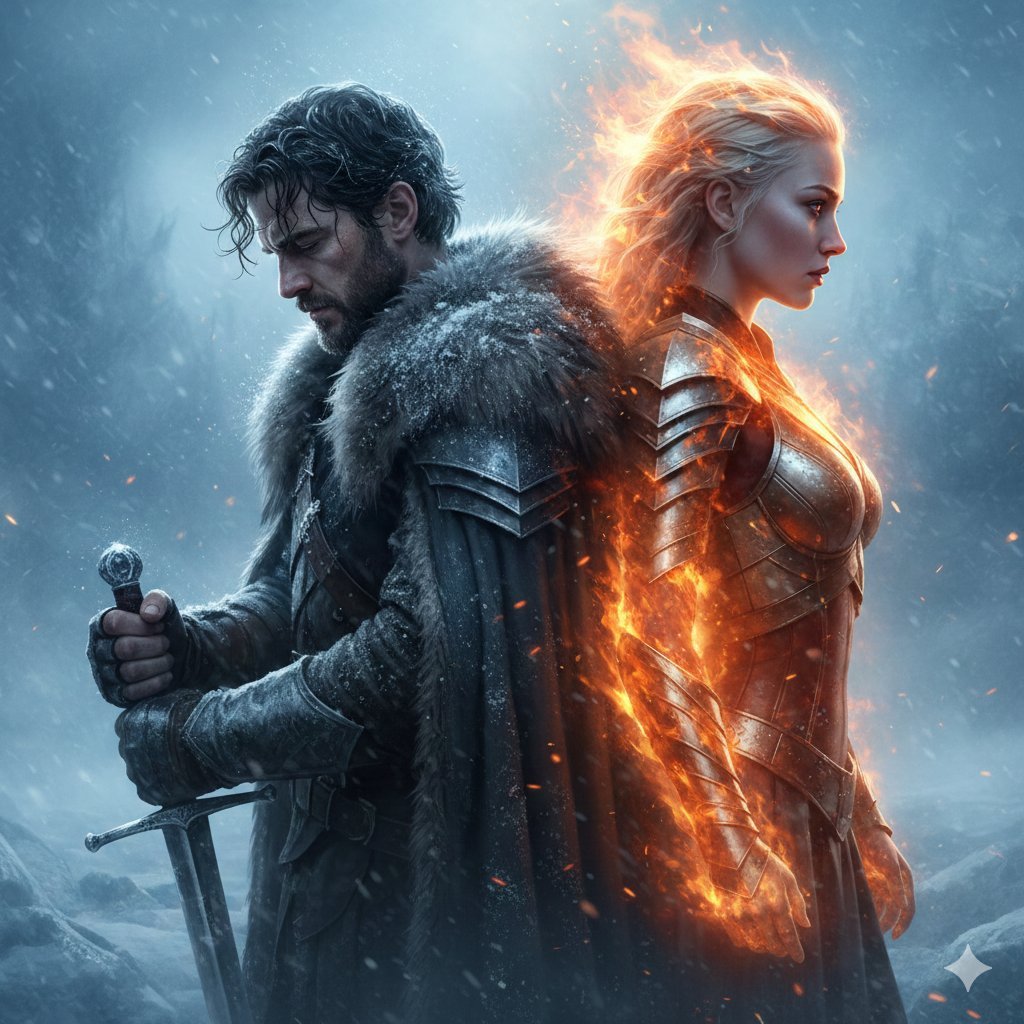
Epic Fantasy Warriors: Fire and Ice Cinematic Poster

Japan Travel Brochure Poster
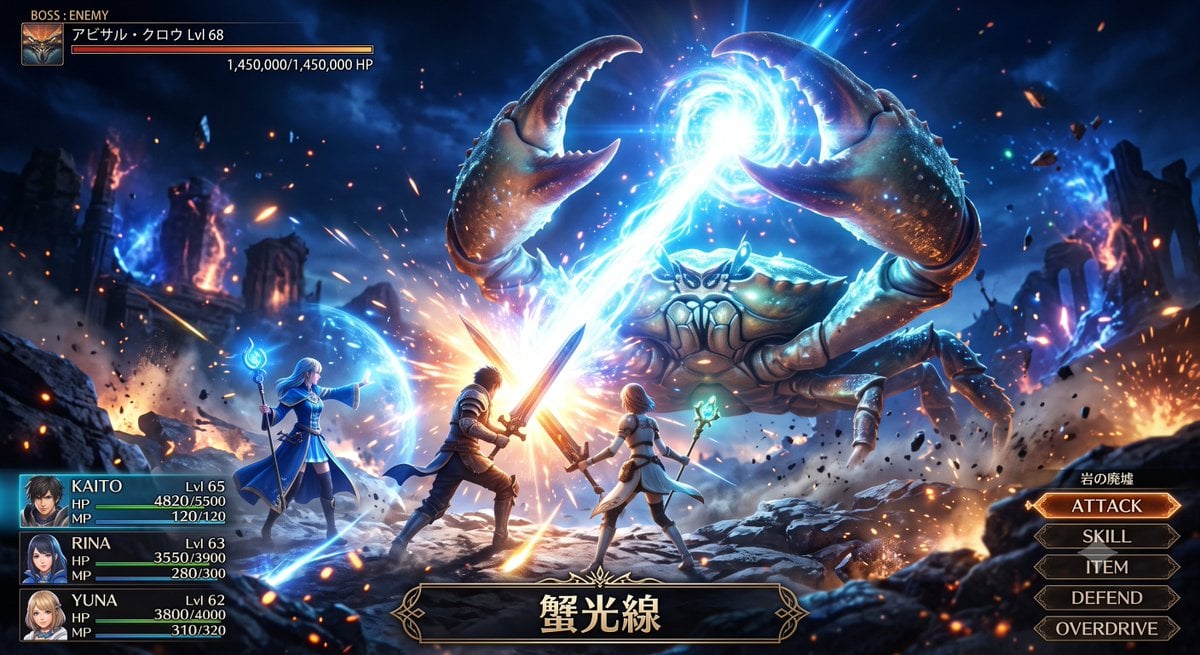
Fantasy Crab Boss Battle UI

Cartoon TV Show Poster Pack

Trendy Cafe Drink Promo Poster
Make it yours
Epic Fantasy Battle Memory Poster works as-is. These are the safest ways to change it without losing the look.
Change one field
Copy a single group, rewrite it, and generate again so you can see what that field is doing.
Keep the frame, change the subject
Hold the composition and light of Epic Fantasy Battle Memory Poster, then swap wardrobe, props or the person for a new take.
| If the result… | Why | Fix |
|---|---|---|
| The result drifts from the preview | Too many fields changed at once. | Reuse Epic Fantasy Battle Memory Poster as-is first, then change one group — subject, light, or setting. |
| The model over-stylizes the scene | The prose prompt leaves finish and camera underspecified. | Add one camera or lighting sentence and stay on GPT Image 2. |
More GPT Image 2 templates
Other prompts made for GPT Image 2.

Six VTuber Japanese Logo Sheet

Realistic Portrait of Woman and Deer

The Vista Modular Condo Poster

AI Model Routing Comparison Infographic

2.5D Anime Art Board

Isometric Productivity Desk Scene

New York Double Exposure Poster

Four-Panel AI Landscape Comparison

Japanese Tatami Lifestyle Magazine Cover

NESCAFÉ Coffee Map Poster
More image prompts
Fresh picks from across the catalog.

Ultra-Close Photorealistic Couple Selfie with Heart Cheek Paint
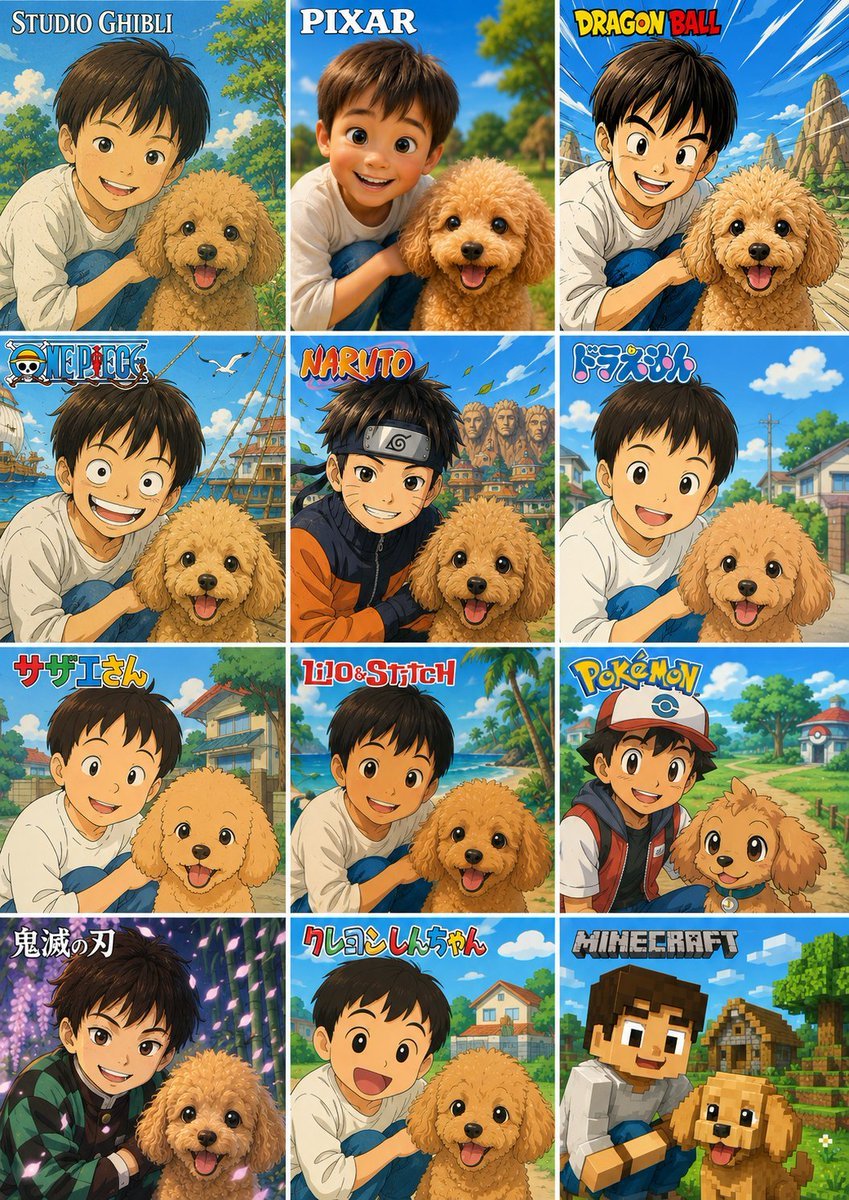
Style Anime Photo Transformation Grid
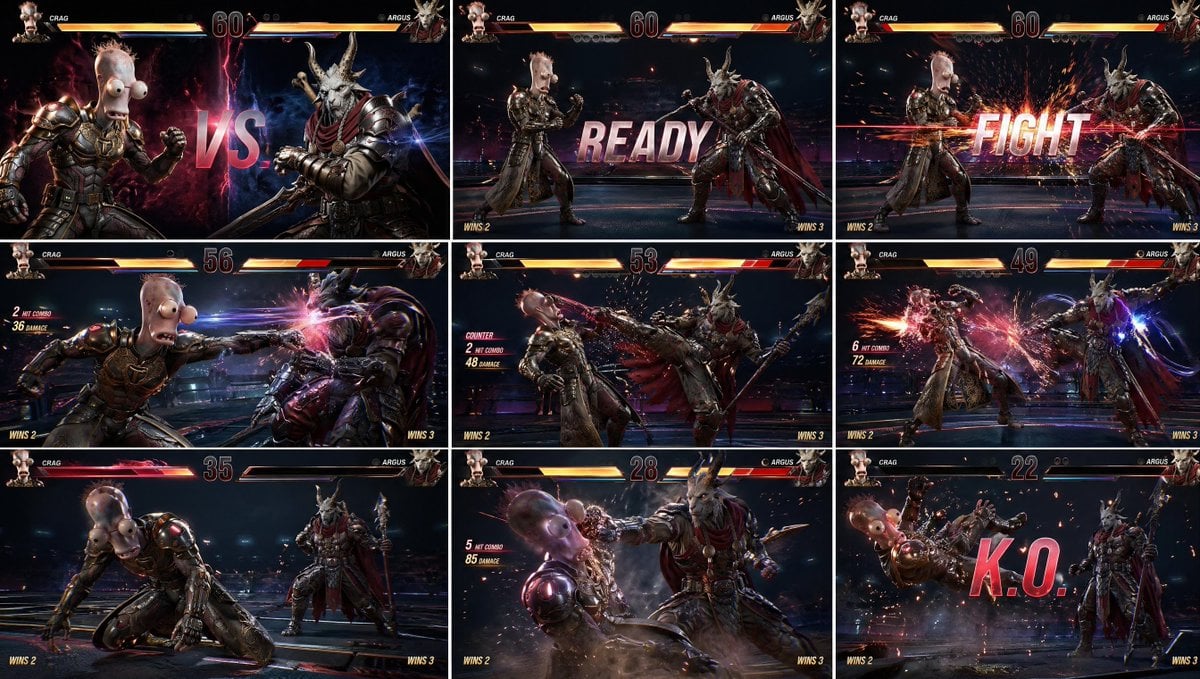
AAA Fighting Game Storyboard Grid
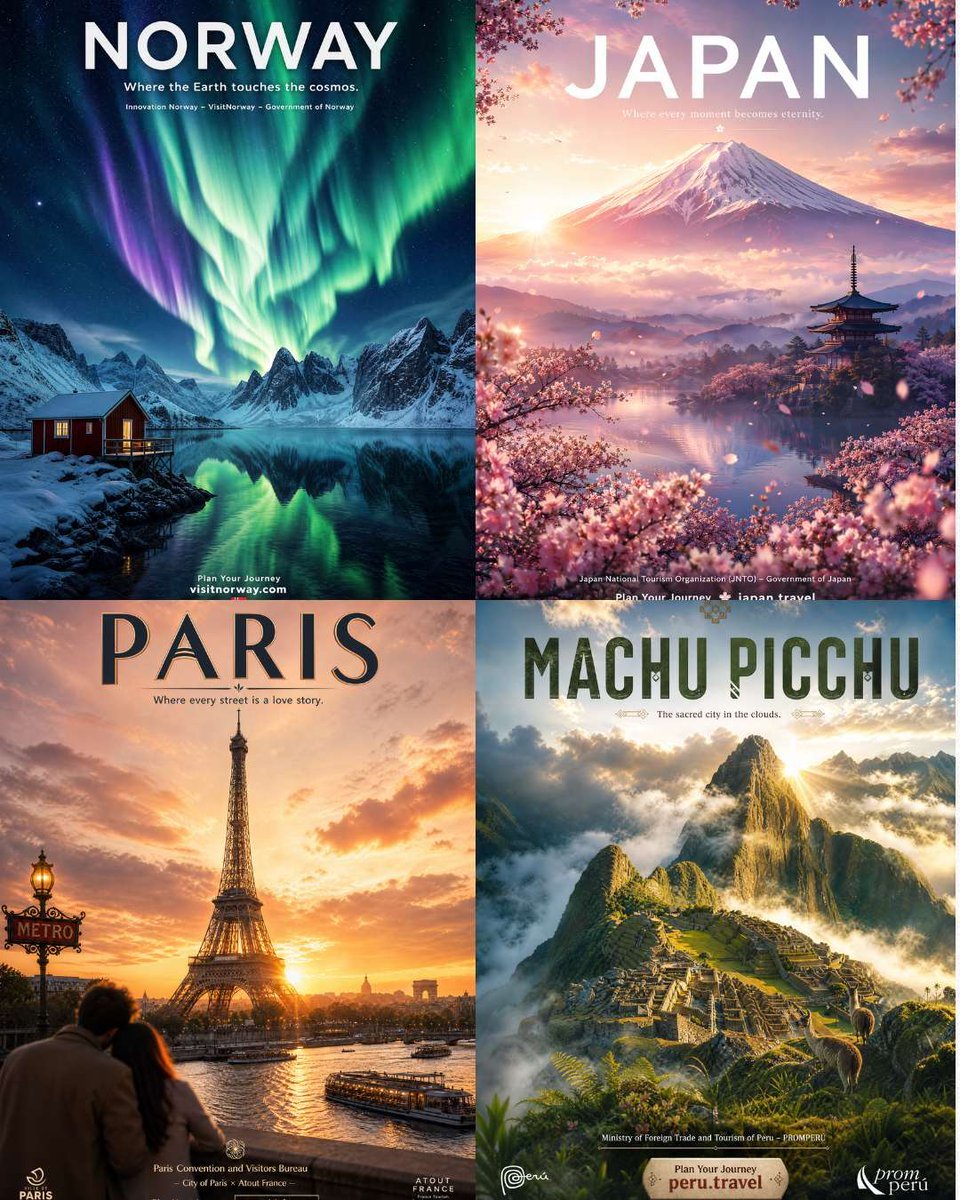
Four Destination Tourism Poster Grid
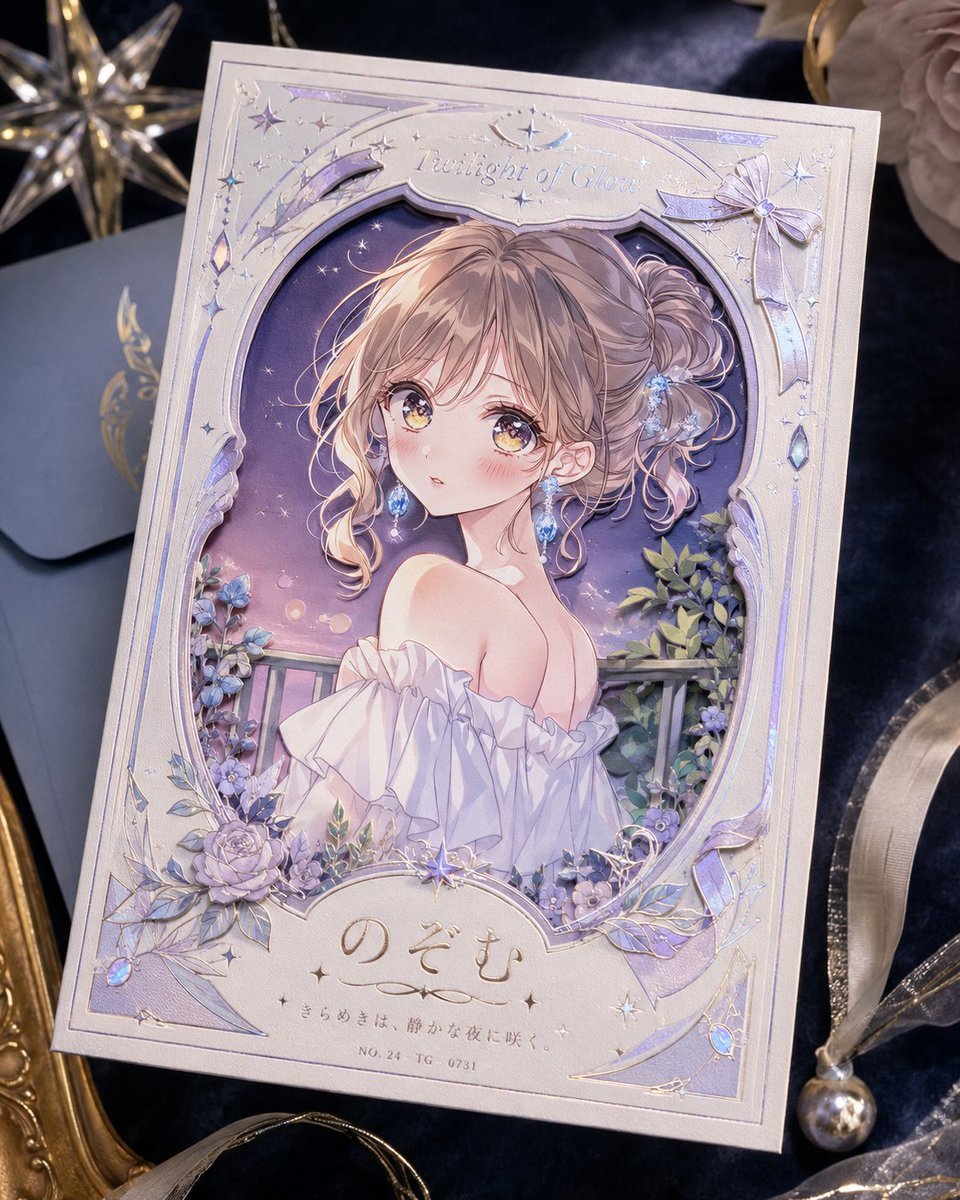
Foil Anime Postcard Design

Celestial Blue Anime Princess
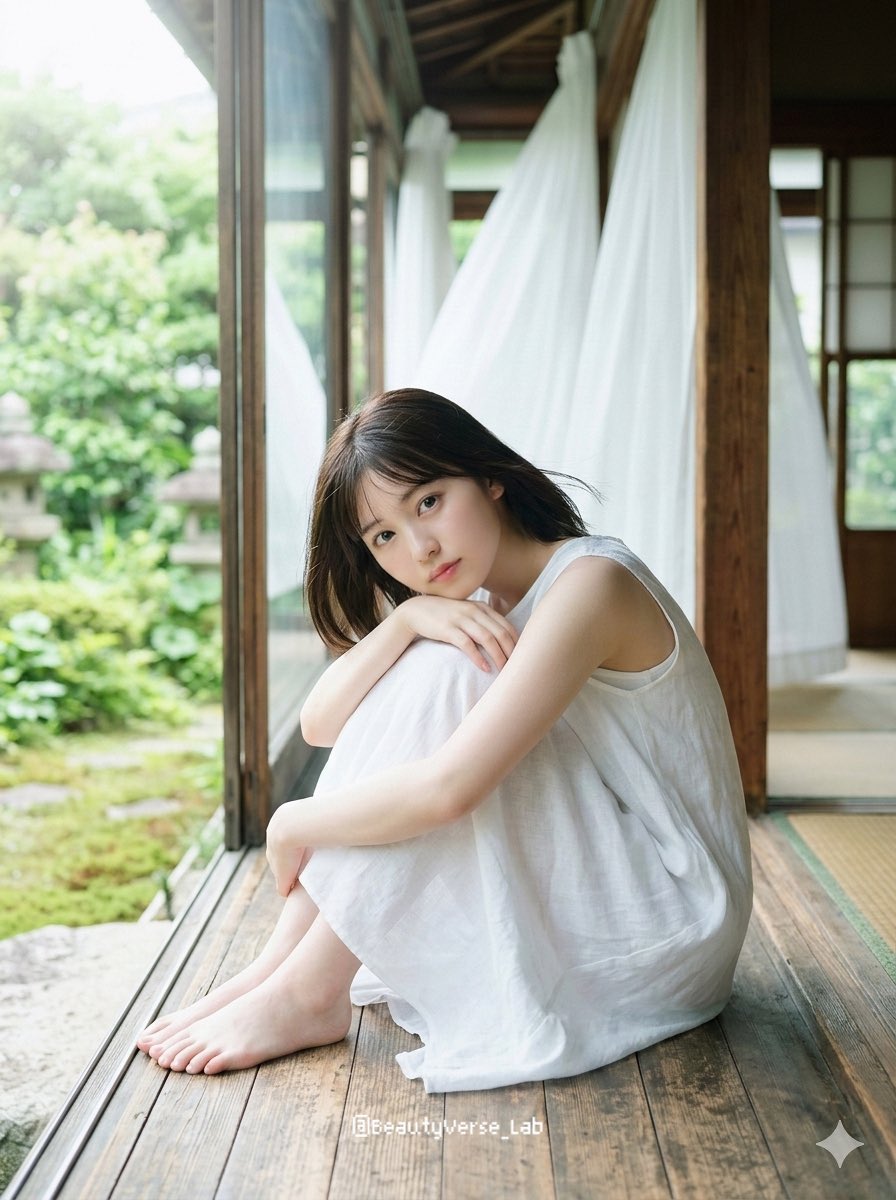
Translucent Airy Japanese Idol Photoshoot
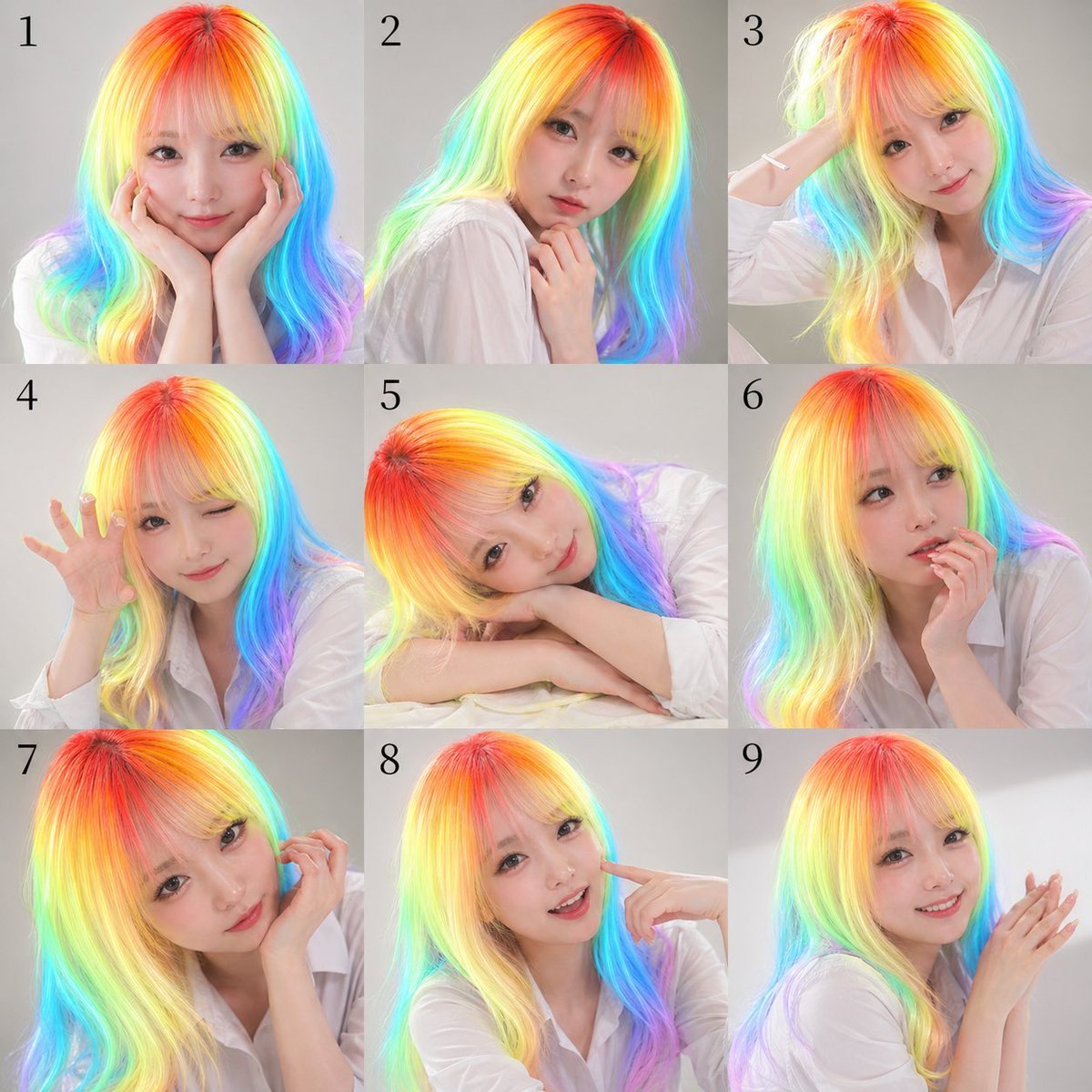
Nine-Panel Rainbow Hair Portrait Sheet
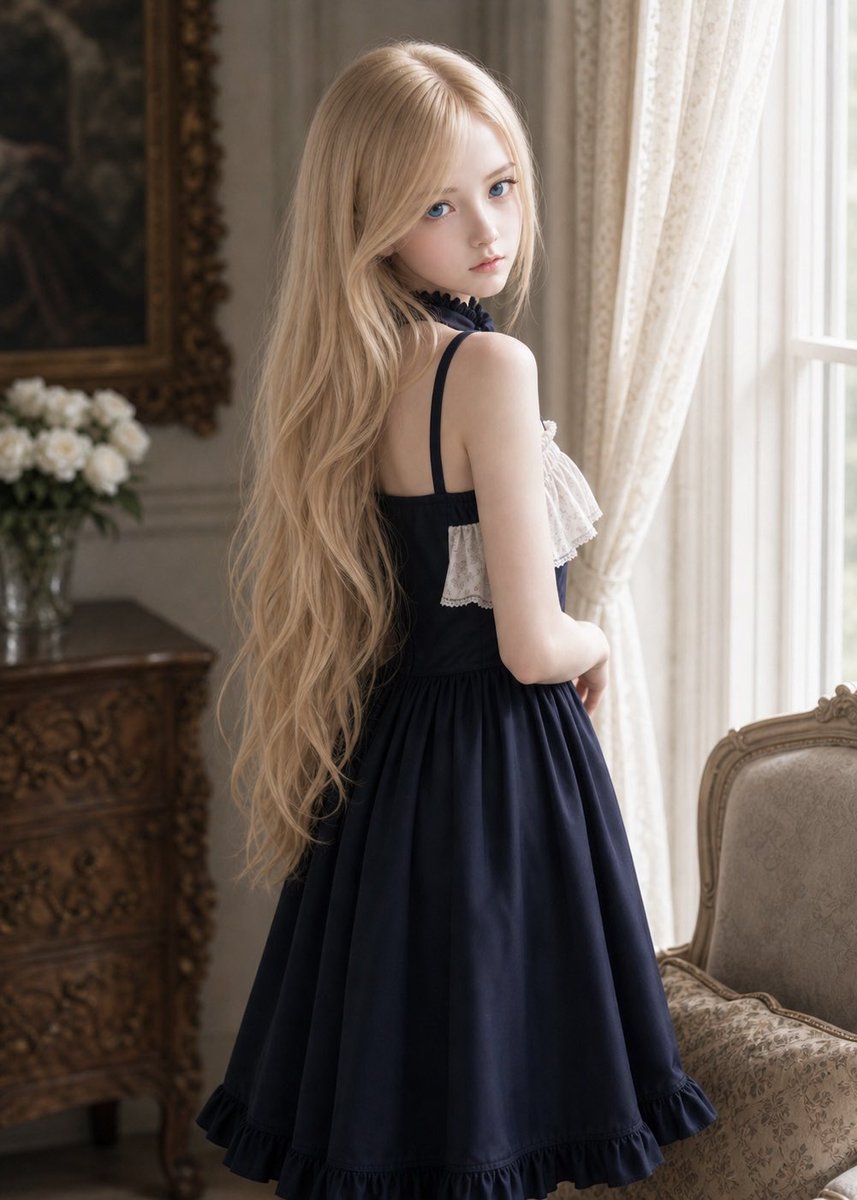
Vintage Lolita Portrait With Face Glitch
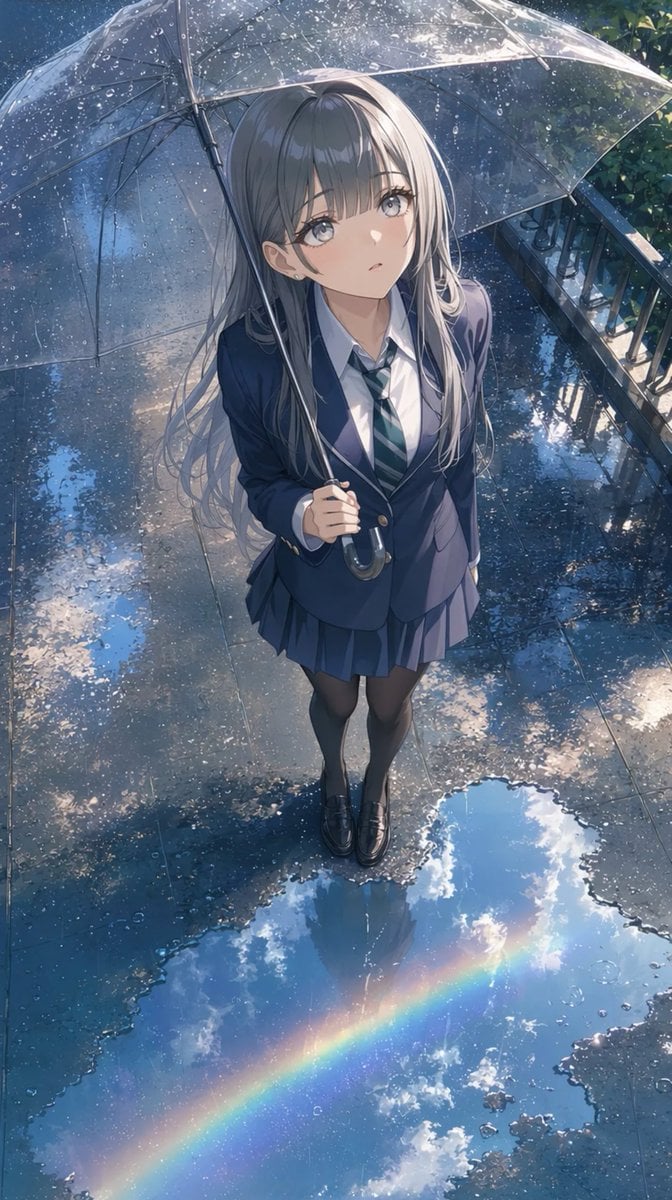
Anime Schoolgirl Under Clear Umbrella
Browse template categories
Epic Fantasy Battle Memory Poster questions
How do I use the Epic Fantasy Battle Memory Poster template?
Add your photo if the template asks for one, edit the prompt if you like — the template's model and format are already selected — and press Generate. Your version opens in PicX Studio.
Can I customize the Epic Fantasy Battle Memory Poster template?
Yes. You can change the subject, setting, lighting, mood, format, and available model controls before creating your image.
Is the Epic Fantasy Battle Memory Poster template free?
Opening and editing this template is free. Generating uses credits, shown on the Generate button when you are signed in.
Which AI model should I use?
Start with GPT Image 2, which is the model associated with this template. You can compare another compatible model for a different finish.
Looking for something else? Browse all templates.

Your photo, any look
Thousands of ready templates for every top image and video model, from one credit balance.