
Epic Fantasy Double-Exposure Poster
A cinematic fantasy series poster prompt for generating a dark double-exposure silhouette composition with dragons, castles, war, and bilingual title typography.
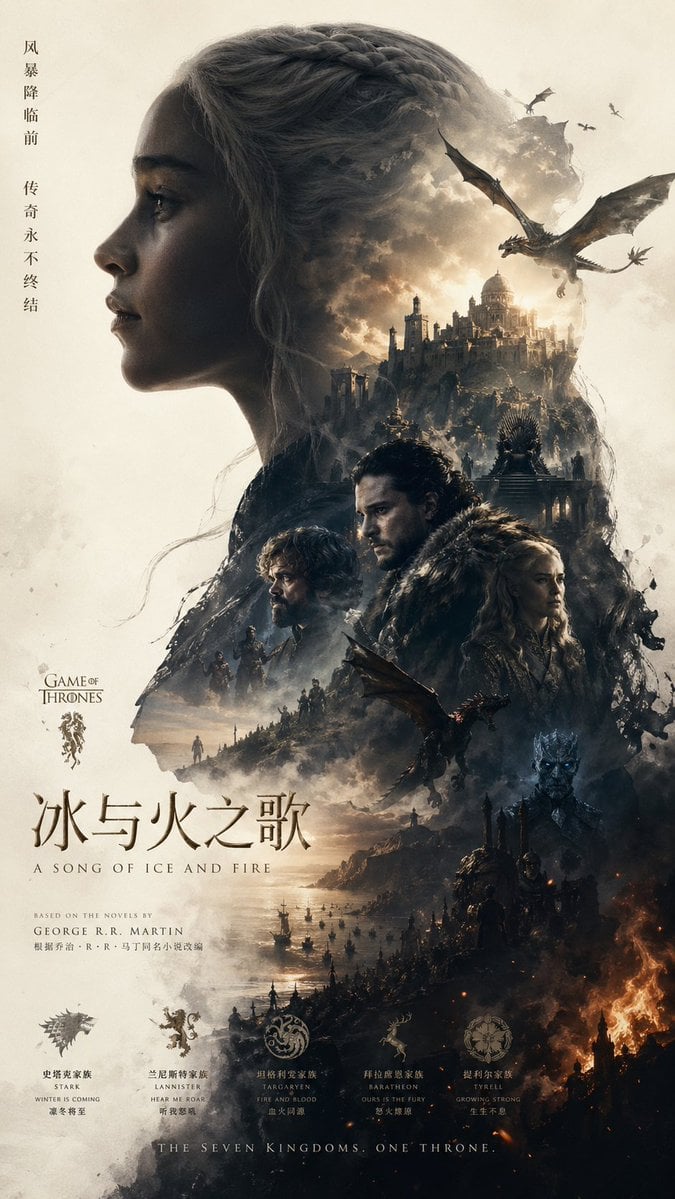
- Prompt included
- Model and format preset
- Free template
The prompt behind this image
Copy the exact prompt behind Epic Fantasy Double-Exposure Poster, or open it in the studio and make it yours.
A vertically oriented epic fantasy poster in the style of a prestige television series one-sheet, designed like a Chinese theatrical promotional poster for {argument name="franchise title" default="Game of Thrones"}. The composition is a dramatic double-exposure silhouette of a woman in left-facing side profile occupying most of the frame, her braided hair forming the crown and upper contour of the silhouette. Inside and around the silhouette, blend a vast dark medieval fantasy world with storm clouds, smoke, mountains, castles, dragons, armies, and fire. At the top inside the head area, place 1 grand stone city or castle complex glowing with pale golden light beneath turbulent clouds, and 3 dragons in the sky: 1 large dragon flying prominently on the upper right and 2 smaller distant dragons near the top edge. In the midsection, show 2 fur-cloaked heroic figures standing close together in a bleak winter atmosphere, one centered and one slightly left, with a looming iron-throne-like structure behind them. In the lower right interior, include 1 icy blue-eyed undead king emerging from darkness. Across the lower half, transition from cold mist and coastal water on the left into burning ruins and orange fire on the right, with 1 medium dragon flying near the center-lower area above the battlefield. Scatter tiny marching soldiers and riders along ridgelines and paths to imply war across the landscape. Use a muted palette of ash white, charcoal black, slate blue, steel gray, sepia, and ember orange, with cinematic high contrast, volumetric fog, painterly photo-collage realism, and intricate textured detail. Leave negative space around the silhouette on a warm off-white paper-like background. Add vertical Chinese slogan text along the upper left margin reading {argument name="vertical slogan" default="风暴降临前 传奇永不终结"}. Add a small English logo area on the left reading {argument name="series logo" default="GAME OF THRONES"}. Place a large Chinese title near the lower left reading {argument name="main title" default="冰与火之歌"}, with the English subtitle "A SONG OF ICE AND FIRE" beneath it. Add small credit text below for the novel author George R. R. Martin. Along the bottom, display 5 house sigils in a horizontal row with bilingual labels: Stark, Lannister, Targaryen, Baratheon, Tarly. Beneath them, add the tagline {argument name="bottom tagline" default="THE SEVEN KINGDOMS, ONE THRONE."}. Premium, moody, majestic, collectible poster design.
How to use Epic Fantasy Double-Exposure Poster in 3 steps
- 1Upload ImagePNG, JPG or paste
Add your photo
Upload the photo the template builds on. The prompt, model and format are already set.
- 2…a portrait of your subject in softgolden-hour light, 85mm…
Personalize
Edit the subject and creative details for your destination.
- 3Generate
Generate
Press Generate — your image is created in PicX Studio, so you can compare it with the original and refine one variable at a time.
More like this
Templates with the same subject, style or setup. Open one to see its prompt.
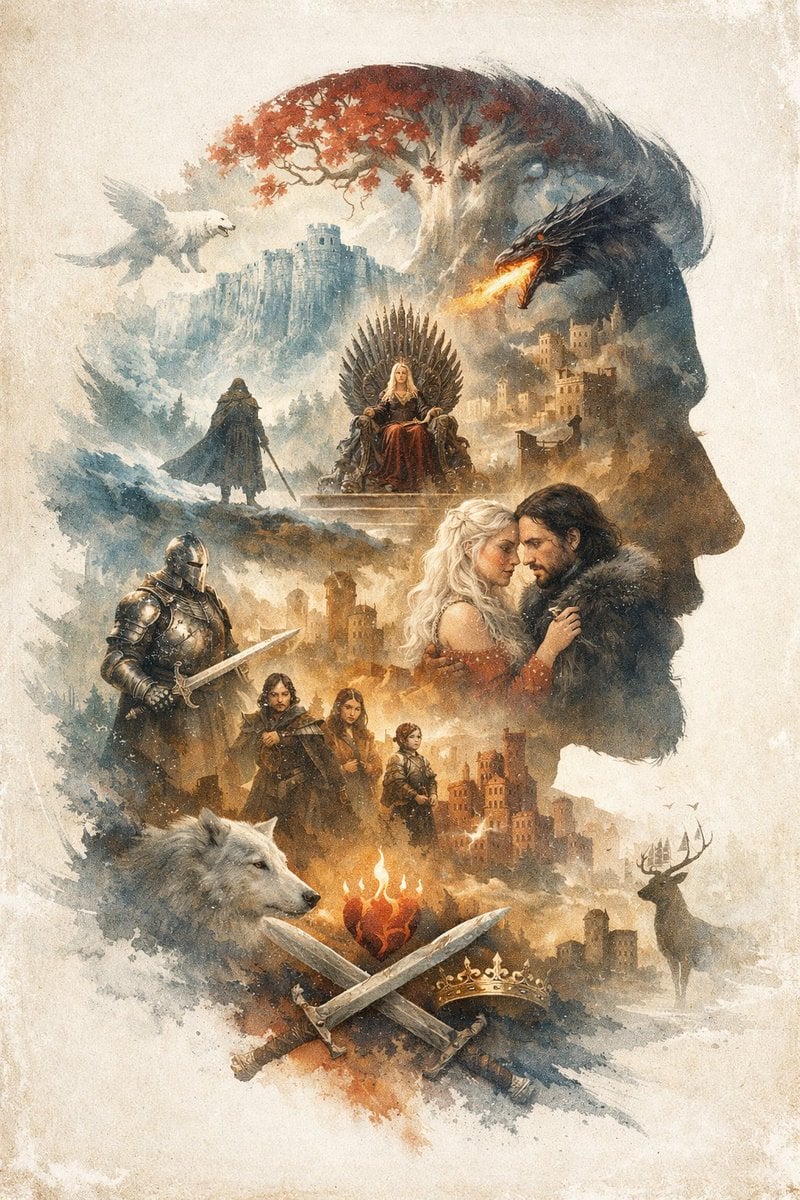
Epic Fantasy Double Exposure Silhouette
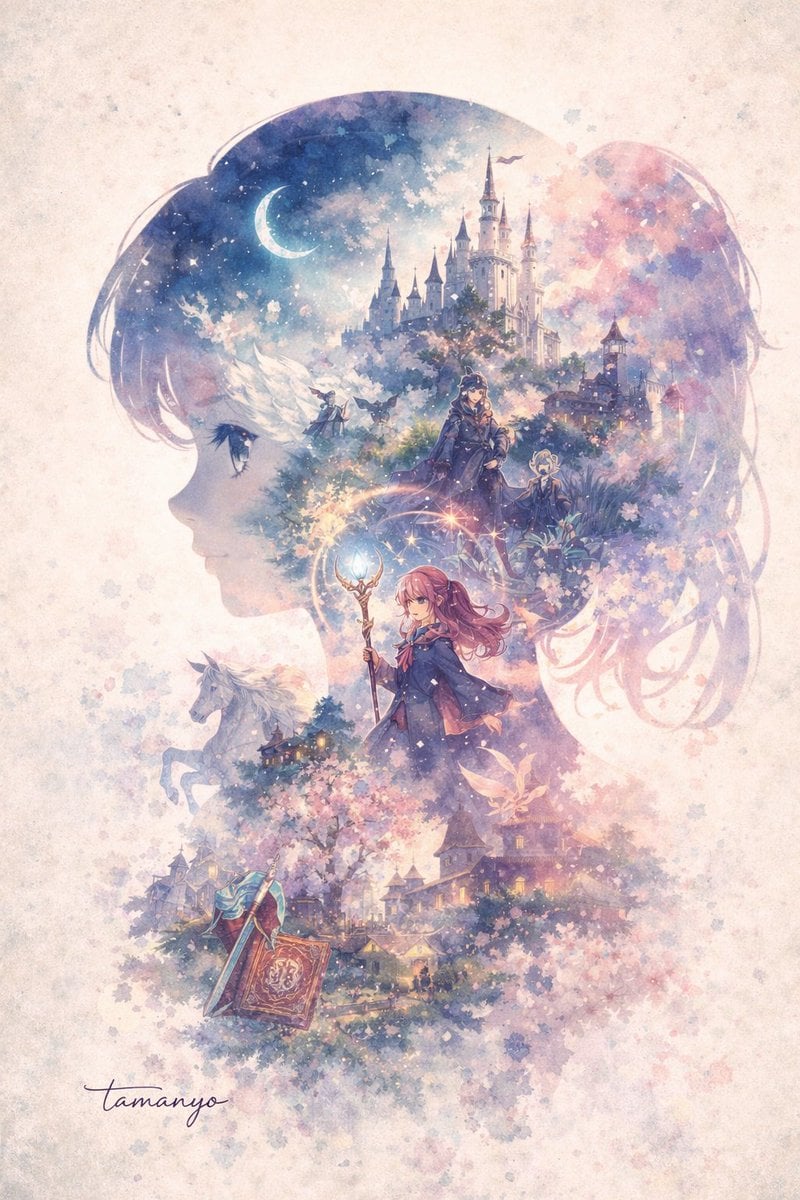
Watercolor Double-Exposure Fantasy Silhouette
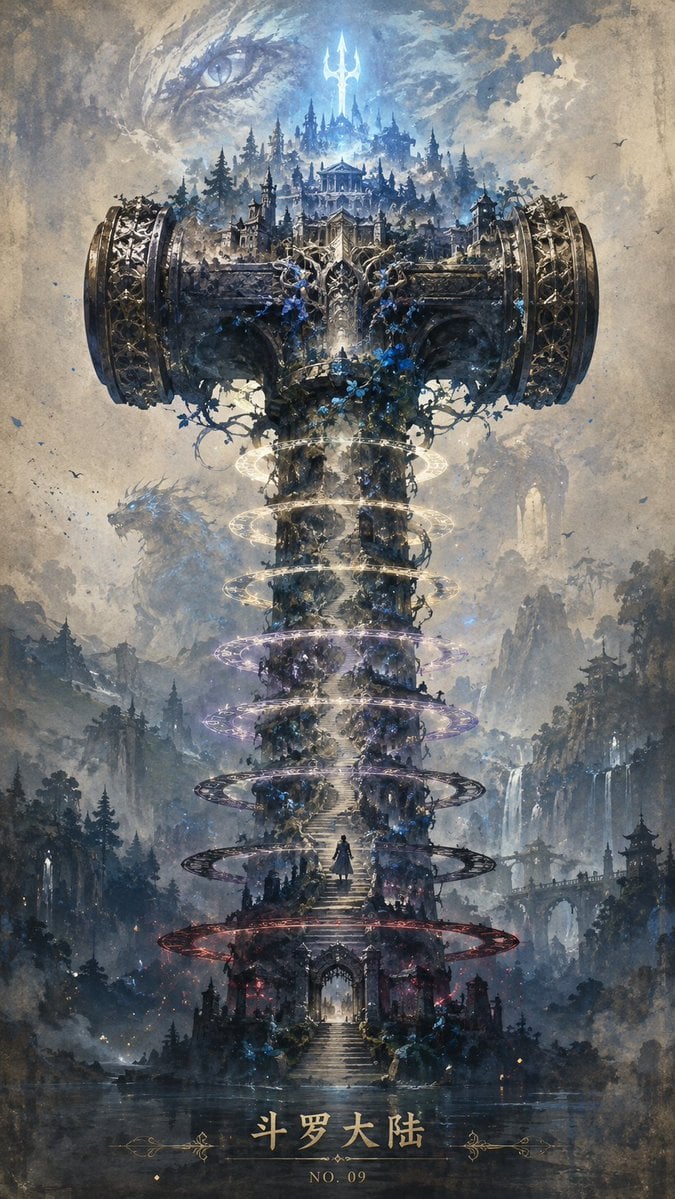
Epic Douluo Fantasy Tower Poster
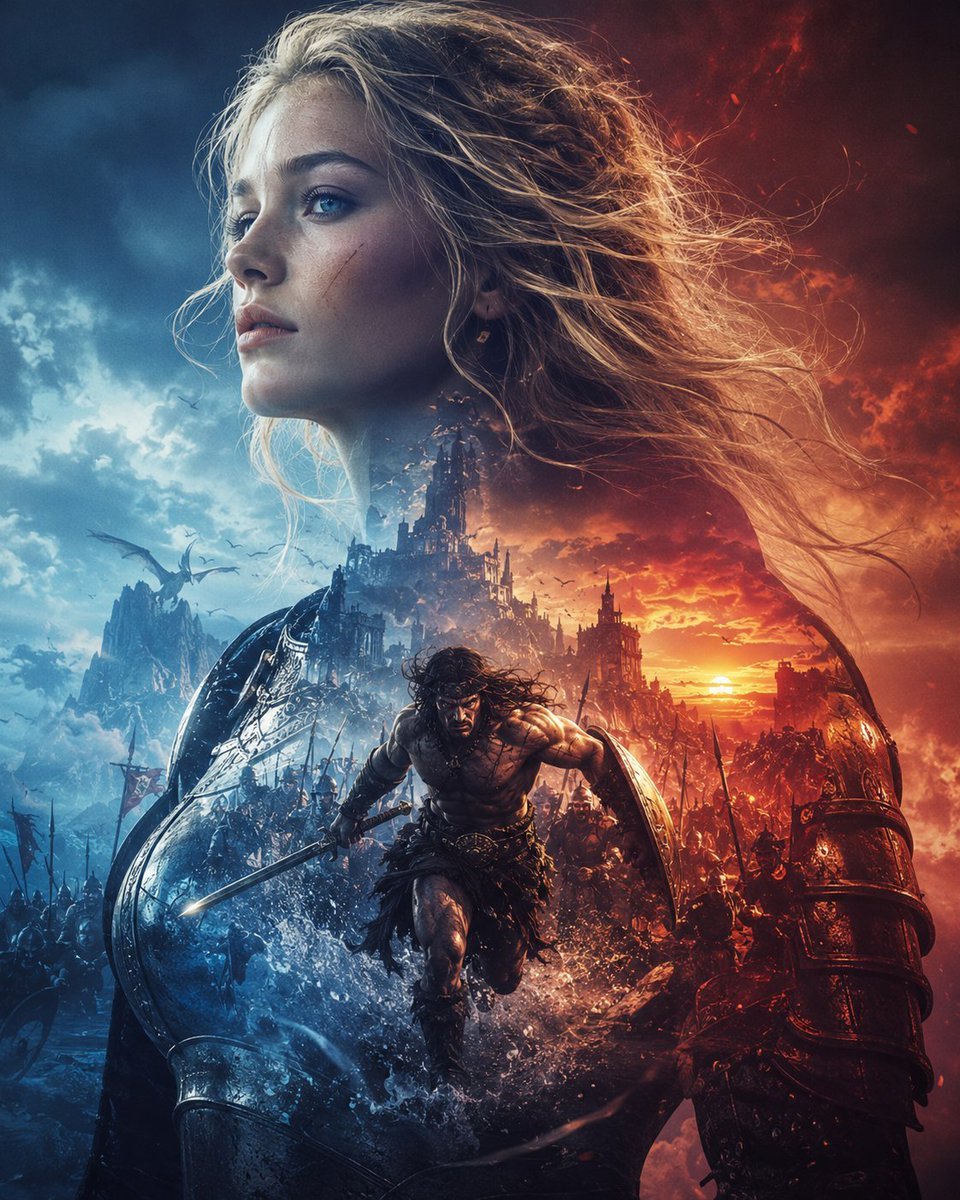
Epic Fantasy Battle Memory Poster
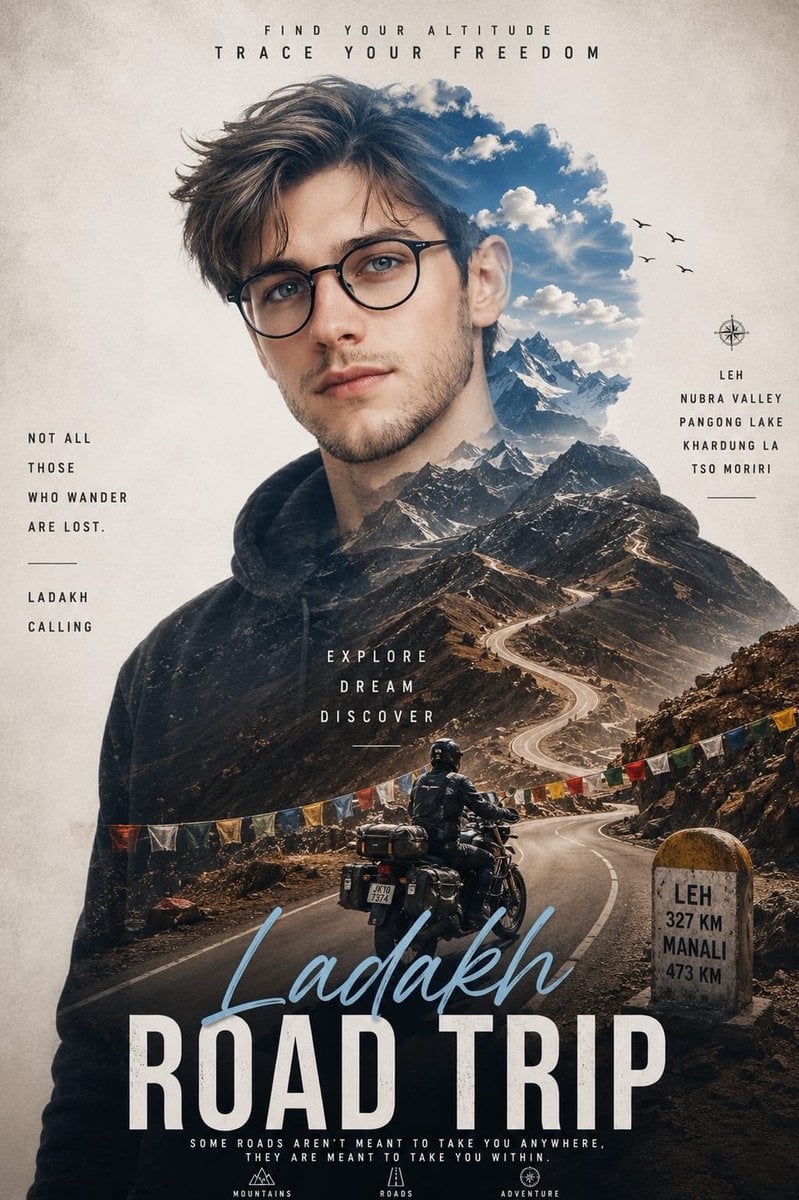
Double Exposure Ladakh Road Trip Poster

New York Double Exposure Poster
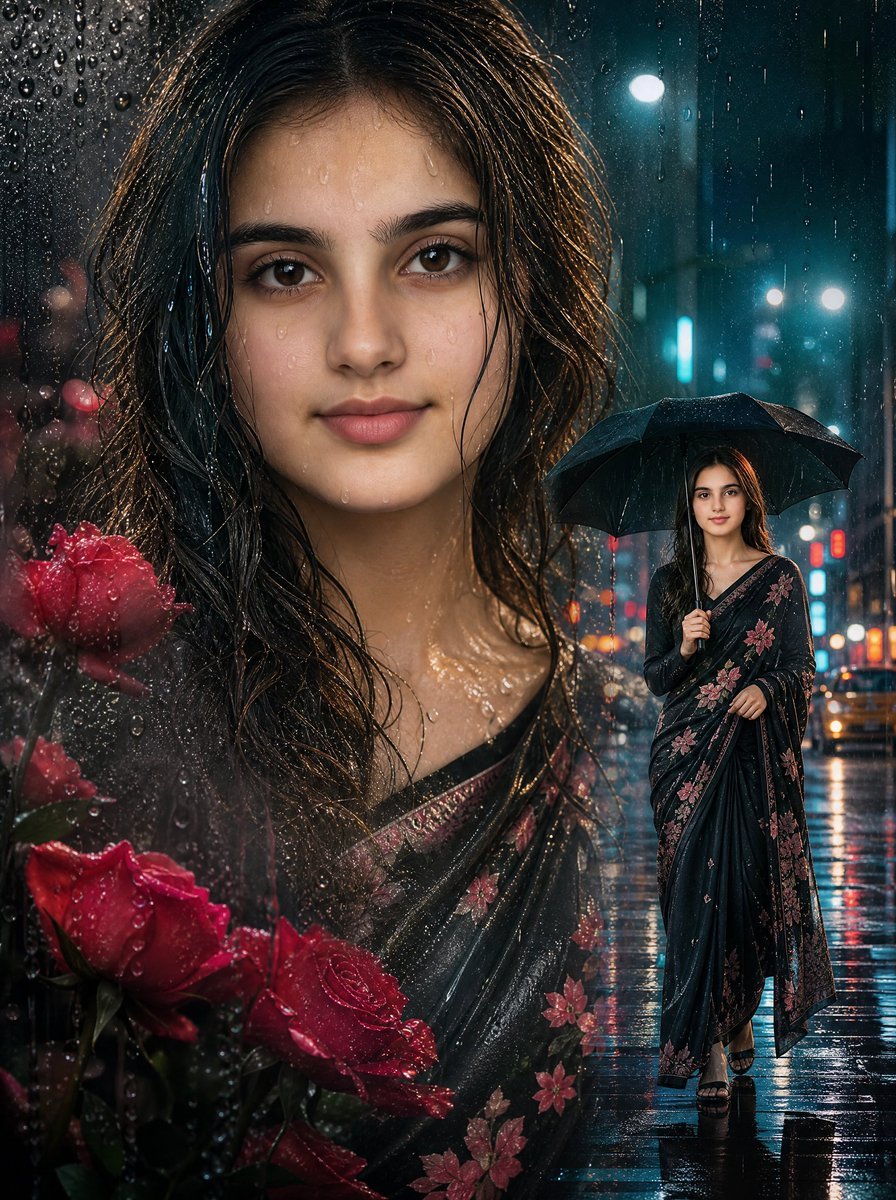
Rainy Double Exposure Movie Poster
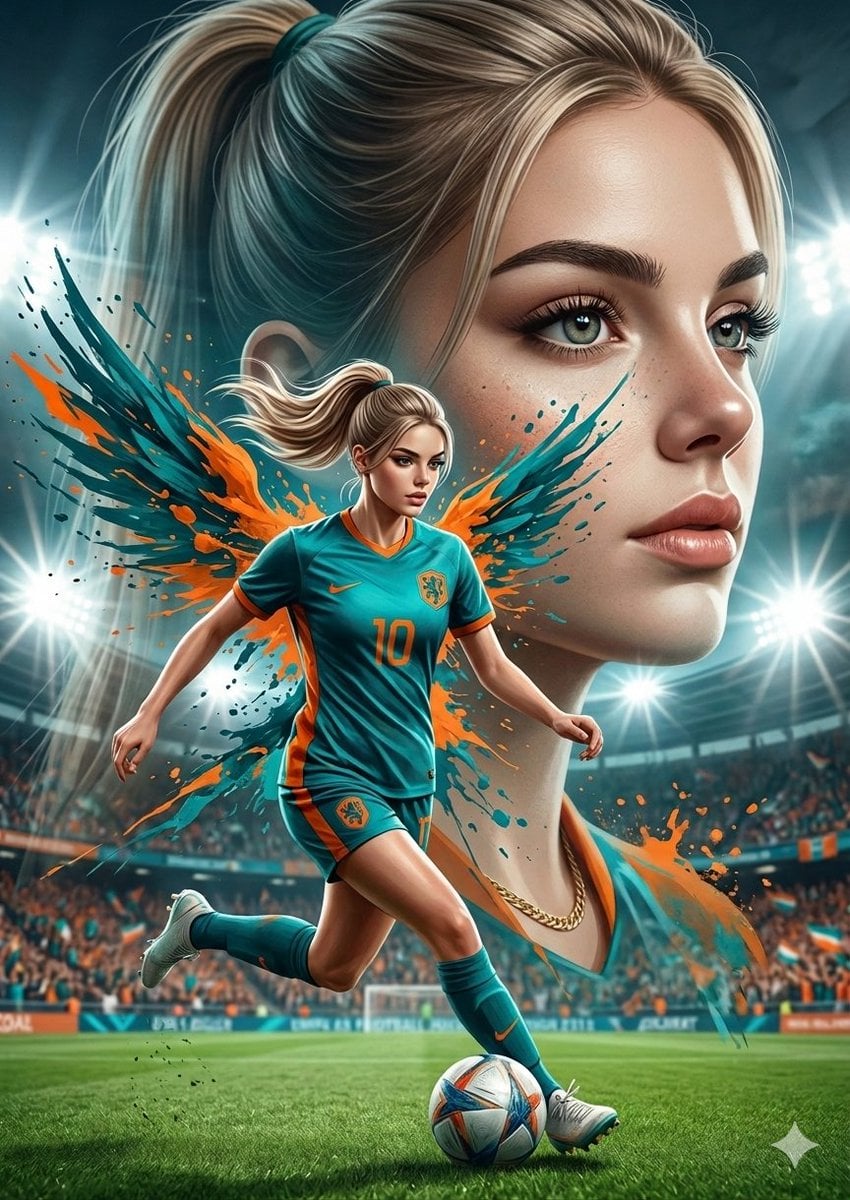
Double Exposure Football Poster

Anime Fantasy Celestial Movie Poster
Anime Fantasy Celestial Movie Poster
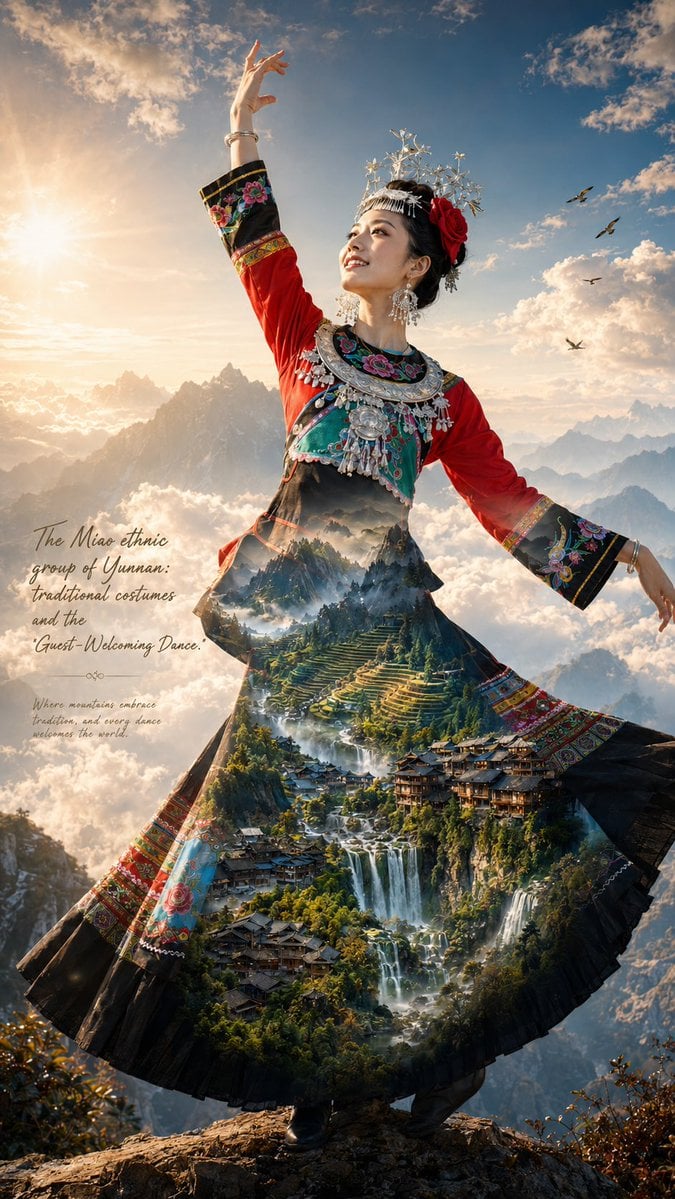
Miao Ethnic Double Exposure Poster
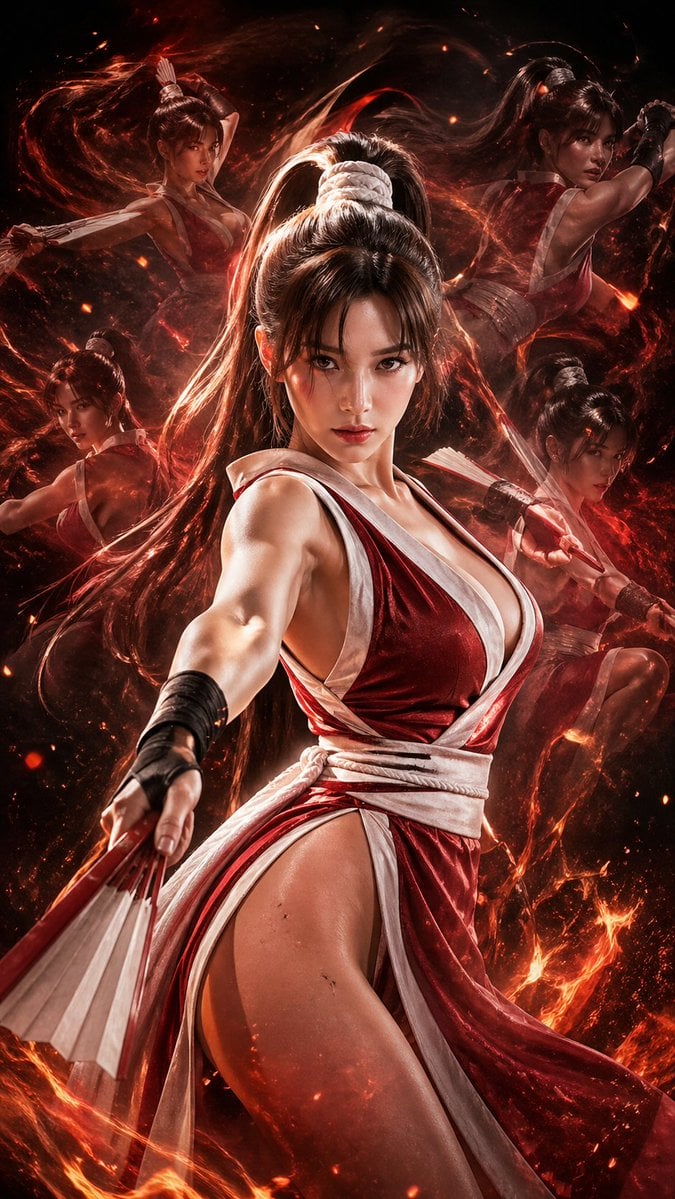
Double Exposure Cinematic Character Poster
Make it yours
Epic Fantasy Double-Exposure Poster works as-is. These are the safest ways to change it without losing the look.
Change one field
Copy a single group, rewrite it, and generate again so you can see what that field is doing.
Keep the frame, change the subject
Hold the composition and light of Epic Fantasy Double-Exposure Poster, then swap wardrobe, props or the person for a new take.
| If the result… | Why | Fix |
|---|---|---|
| The result drifts from the preview | Too many fields changed at once. | Reuse Epic Fantasy Double-Exposure Poster as-is first, then change one group — subject, light, or setting. |
| The model over-stylizes the scene | The prose prompt leaves finish and camera underspecified. | Add one camera or lighting sentence and stay on GPT Image 2. |
More GPT Image 2 templates
Other prompts made for GPT Image 2.

Six VTuber Japanese Logo Sheet

Realistic Portrait of Woman and Deer

The Vista Modular Condo Poster

AI Model Routing Comparison Infographic

2.5D Anime Art Board

Isometric Productivity Desk Scene

Four-Panel AI Landscape Comparison

Japanese Tatami Lifestyle Magazine Cover

NESCAFÉ Coffee Map Poster

Brutalist Cogito Chinese Typography Poster
More image prompts
Fresh picks from across the catalog.
Cyberpunk Anime Character in Neon Tub
Fashion Portrait with Chinese Dragon Qipao
iPhone Mirror Selfie with Old Money Corporate Elegance Vibe

Layered Papercraft Chibi World
Red Alert Style Pixel Sprite Sheet
Cinematic Photoreal Portrait in a Forest Stream (Pocahontas Inspired)
Vintage Writer Cinematic Portrait

Neon Cyborg Girl Portrait Prompt
Surreal Cowboy Fashion Portrait
Candid Bedroom Selfie of Three Freckled Girls
Browse template categories
Epic Fantasy Double-Exposure Poster questions
How do I use the Epic Fantasy Double-Exposure Poster template?
Add your photo if the template asks for one, edit the prompt if you like — the template's model and format are already selected — and press Generate. Your version opens in PicX Studio.
Can I customize the Epic Fantasy Double-Exposure Poster template?
Yes. You can change the subject, setting, lighting, mood, format, and available model controls before creating your image.
Is the Epic Fantasy Double-Exposure Poster template free?
Opening and editing this template is free. Generating uses credits, shown on the Generate button when you are signed in.
Which AI model should I use?
Start with GPT Image 2, which is the model associated with this template. You can compare another compatible model for a different finish.
Looking for something else? Browse all templates.

Your photo, any look
Thousands of ready templates for every top image and video model, from one credit balance.