
Fantasy Crab Boss Battle UI
Generates a cinematic JRPG battle screen with three heroes fighting a giant crab boss and a complete fantasy game UI overlay.
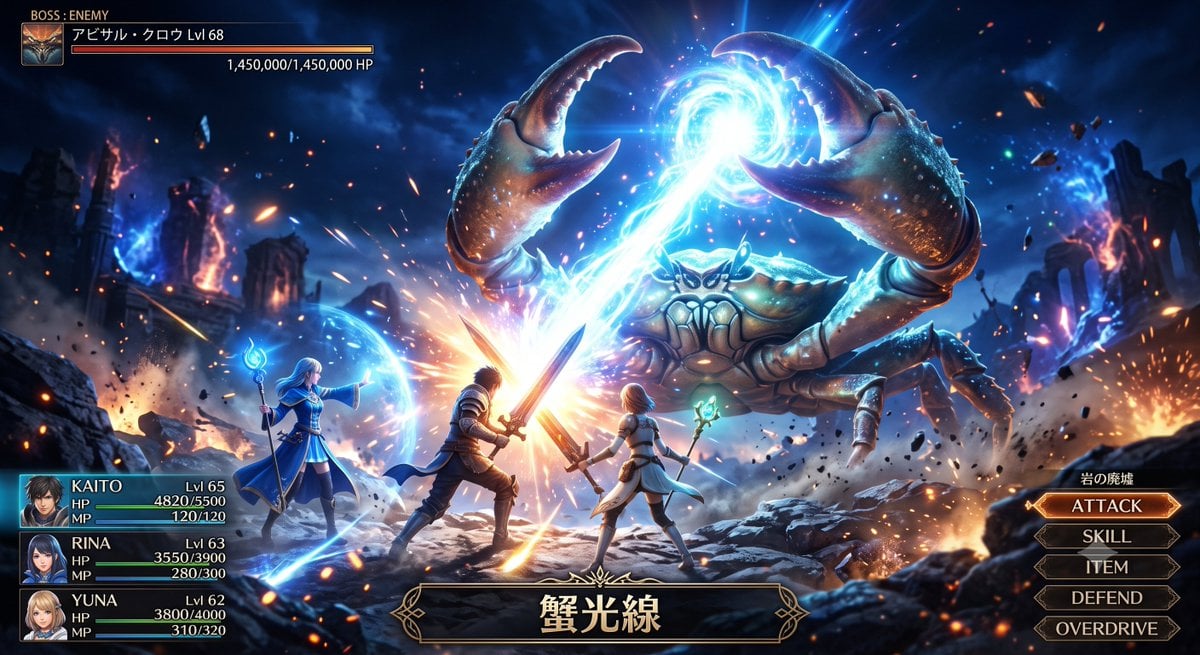
- Prompt included
- Model and format preset
- Premium template
The prompt behind this image
Copy the exact prompt behind Fantasy Crab Boss Battle UI, or open it in the studio and make it yours.
Goal: Create a dramatic fantasy JRPG / social-mobile-game boss battle screenshot featuring a party fighting a gigantic crab monster casting a beam attack. Canvas: Wide 16:9 cinematic game battle screen, high-detail anime-realistic fantasy art, dark blue night palette with vivid cyan magic, orange sparks, explosions, rubble, and strong bloom lighting. Scene: A ruined rocky battlefield under a stormy night sky, with broken stone pillars and burning ruins in the background. Floating debris, embers, lightning-like magical energy, and smoke fill the air. The camera is low and slightly behind the heroes, looking toward the enormous boss. Boss: A colossal armored crab enemy dominates the upper-right and center of the scene. It has exactly 2 huge raised claws, multiple segmented legs, a hard blue-brown shell, glowing highlights, and an intimidating face. The boss is firing a brilliant cyan-white magical beam from a glowing orb between its claws down toward the heroes, creating a massive impact flare at the center. Heroes: Show exactly 3 playable characters in the foreground, all facing the crab boss. 1) KAITO, a dark-haired male swordsman in armor, center-left, bracing with a glowing sword against the beam. 2) RINA, a long dark-haired female mage or support fighter, center-right, holding a staff or wand with green-blue magic. 3) YUNA, a blonde female mage in a flowing blue robe, far left, holding a staff and casting a protective blue barrier around the party. Make the party look strong and heroic, like a premium gacha RPG battle scene. User interface: Add a polished fantasy RPG battle UI overlay. Top-left boss panel contains a small crab portrait icon, the label “BOSS : ENEMY”, the boss name “{argument name="boss name" default="アビサル・クロウ"} Lvl 68”, a long red/orange HP bar, and the HP text “1,450,000/1,450,000 HP”. Bottom-left party status panel lists exactly 3 character rows with portraits, names, levels, HP, MP, and colored bars: “{argument name="hero one name" default="KAITO"} Lvl 65 HP 4820/5500 MP 120/120”, “{argument name="hero two name" default="RINA"} Lvl 63 HP 3550/3900 MP 280/300”, and “{argument name="hero three name" default="YUNA"} Lvl 62 HP 3800/4000 MP 310/320”. Right side command menu contains exactly 5 stacked beveled buttons labeled ATTACK, SKILL, ITEM, DEFEND, OVERDRIVE, with ATTACK highlighted in orange. Above the command menu, add the small location label “岩の廃墟”. Bottom-center attack name plaque with ornate gold trim displays “{argument name="attack name" default="蟹光線"}”. Visual style: Highly polished AAA anime fantasy illustration, sharp character silhouettes, cinematic action composition, intense motion, volumetric light, magical particles, reflective armor, detailed crab texture, ornate gold UI frames, crisp readable text, no watermark, no extra characters, no extra menu options.
How to use Fantasy Crab Boss Battle UI in 3 steps
- 1Upload ImagePNG, JPG or paste
Add your photo
Upload the photo the template builds on. The prompt, model and format are already set.
- 2…a portrait of your subject in softgolden-hour light, 85mm…
Personalize
Edit the subject and creative details for your destination.
- 3Generate
Generate
Press Generate — your image is created in PicX Studio, so you can compare it with the original and refine one variable at a time.
More like this
Templates with the same subject, style or setup. Open one to see its prompt.
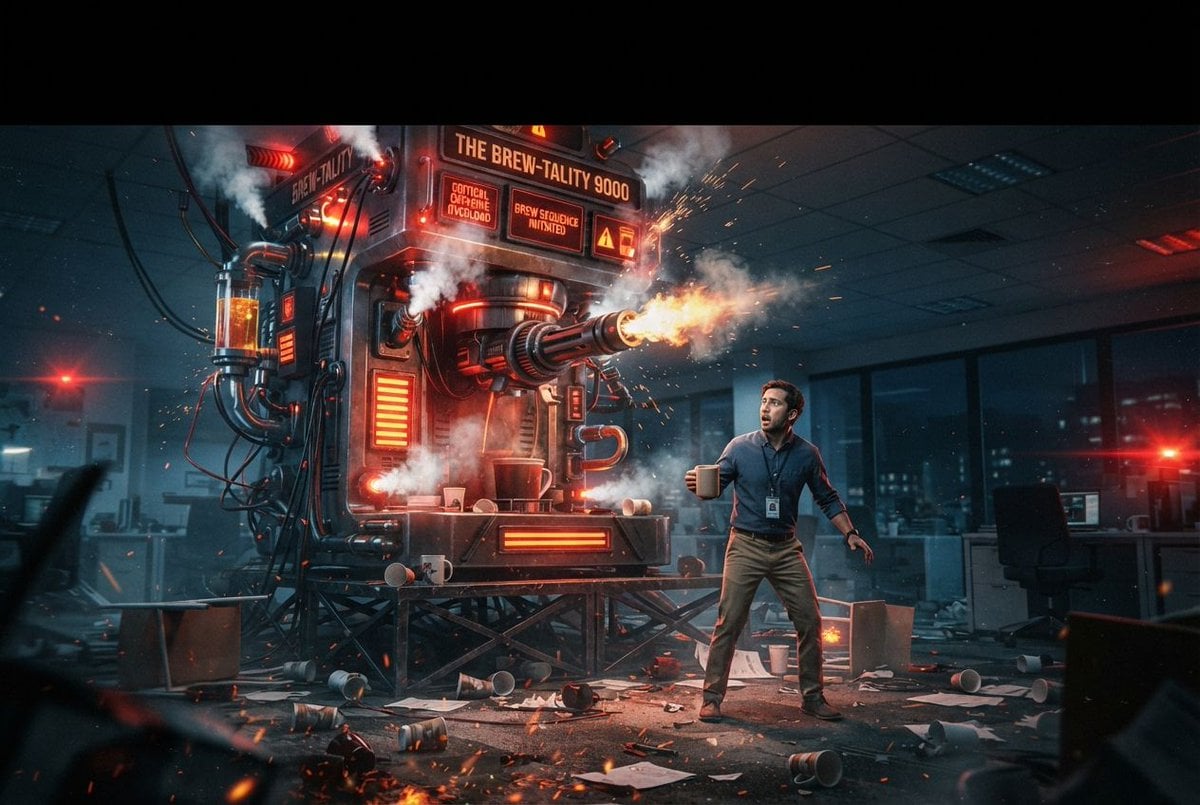
Sci-Fi Coffee Machine Boss Battle

Anime Fantasy Celestial Movie Poster
Anime Fantasy Celestial Movie Poster

Minecraft Fantasy Kingdom Voxel Landscape

Unfinished Sketch Comes Alive Portrait

Open Travel Journal Overhead Still Life

Tiny Woman Miniature Fantasy Macro Scene
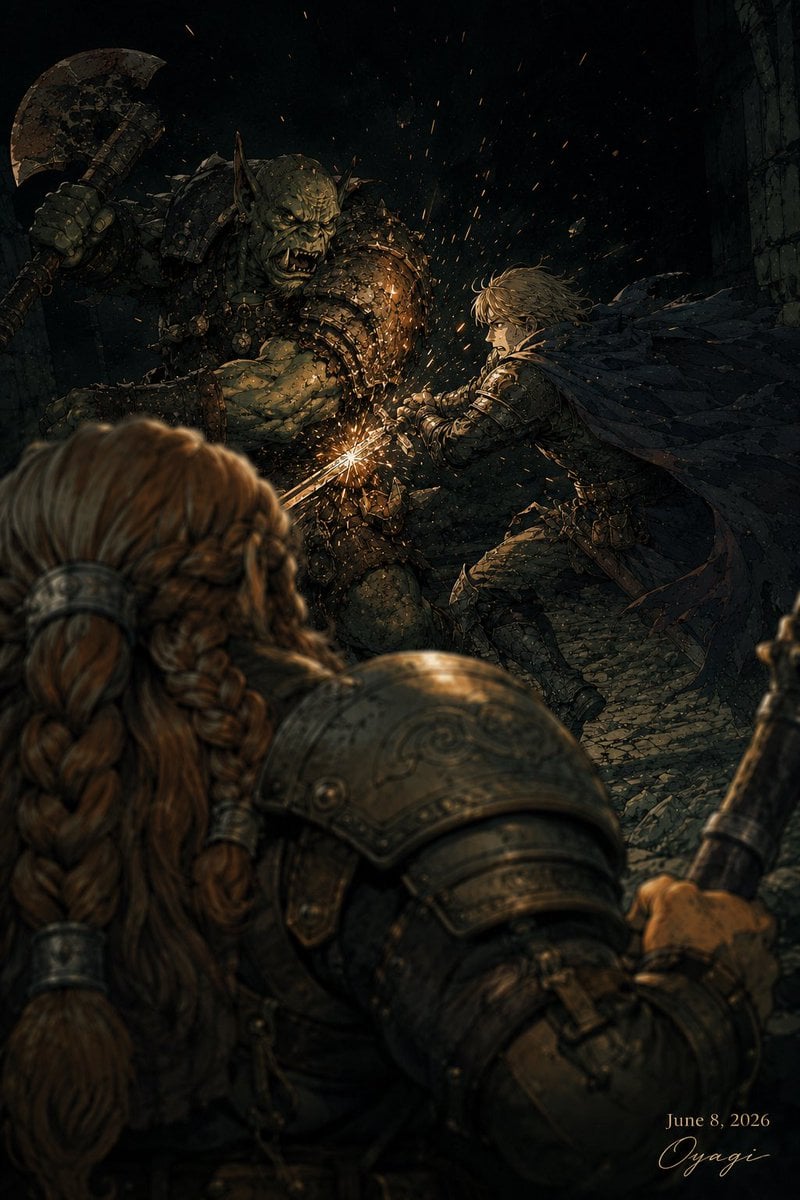
Dark Fantasy Orc Battle
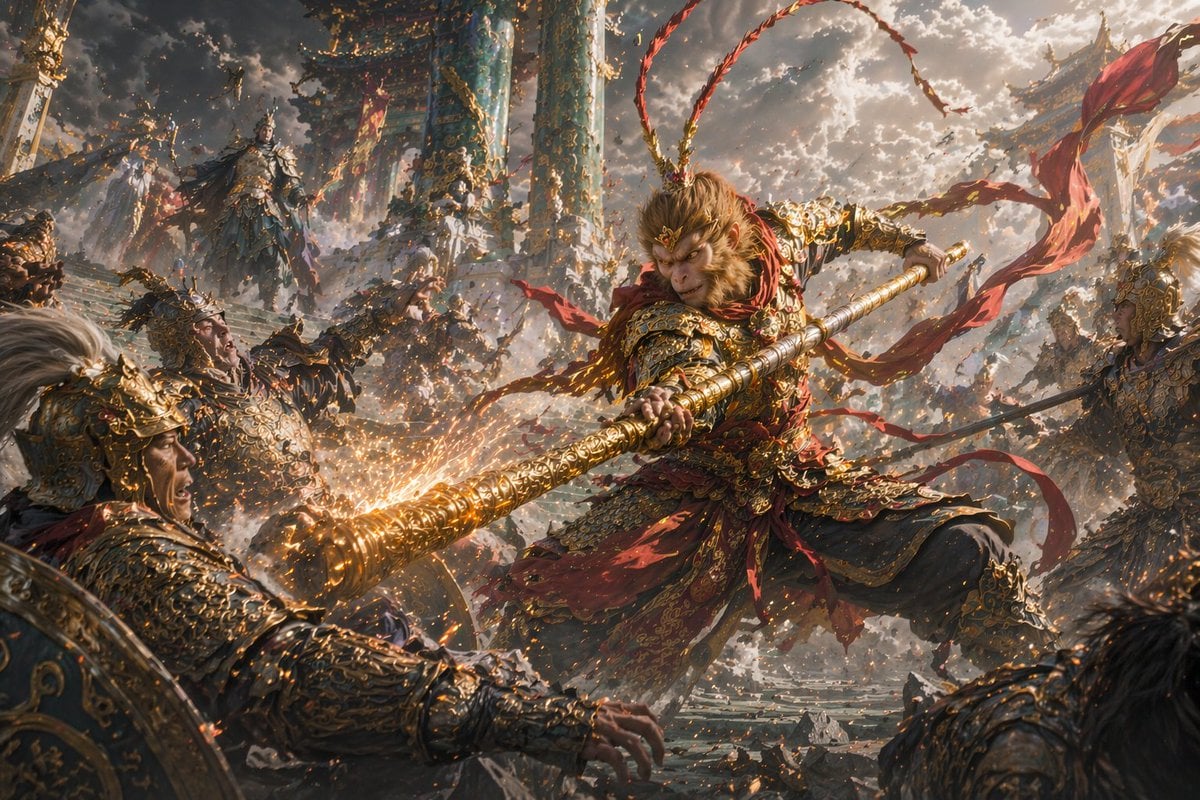
Epic Fantasy Monkey King Battle
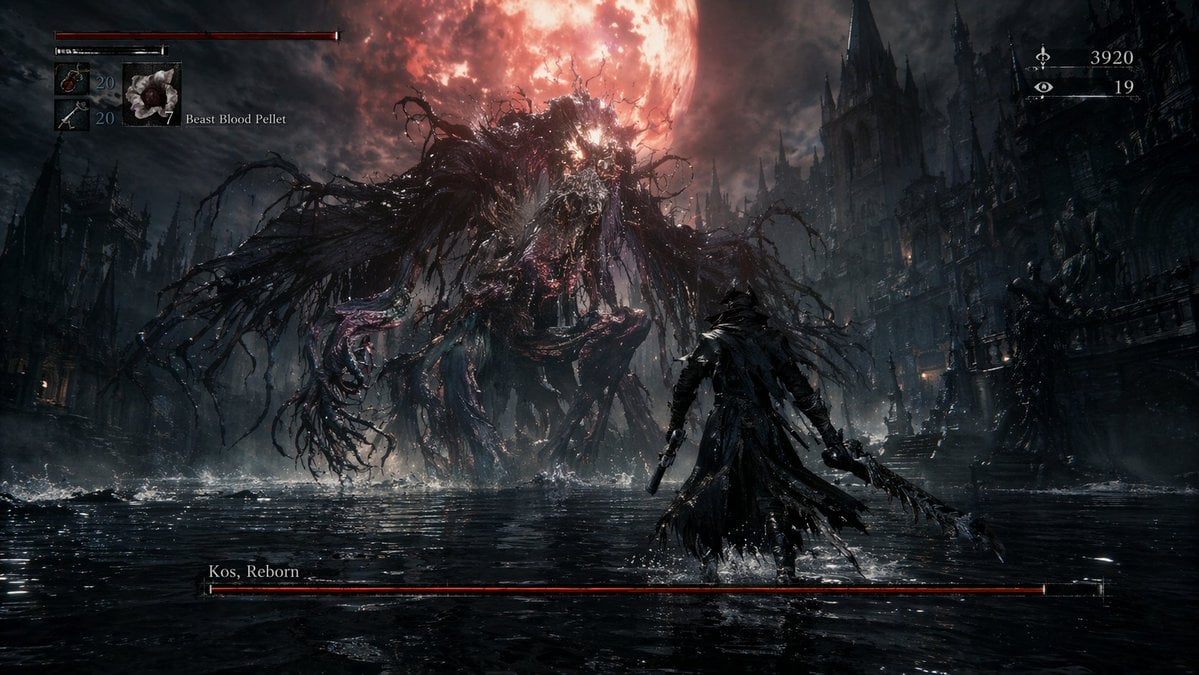
Dark Fantasy RPG Boss Fight Screenshot
Seedance - Dragon vs Python Battle
Seedance - Arrow Microscopic Battle
Make it yours
Fantasy Crab Boss Battle UI works as-is. These are the safest ways to change it without losing the look.
Change one field
Copy a single group, rewrite it, and generate again so you can see what that field is doing.
Keep the frame, change the subject
Hold the composition and light of Fantasy Crab Boss Battle UI, then swap wardrobe, props or the person for a new take.
| If the result… | Why | Fix |
|---|---|---|
| The result drifts from the preview | Too many fields changed at once. | Reuse Fantasy Crab Boss Battle UI as-is first, then change one group — subject, light, or setting. |
| The model over-stylizes the scene | The prose prompt leaves finish and camera underspecified. | Add one camera or lighting sentence and stay on GPT Image 2. |
More GPT Image 2 templates
Other prompts made for GPT Image 2.

Six VTuber Japanese Logo Sheet

Realistic Portrait of Woman and Deer

The Vista Modular Condo Poster

AI Model Routing Comparison Infographic

2.5D Anime Art Board

Isometric Productivity Desk Scene

New York Double Exposure Poster

Four-Panel AI Landscape Comparison

Japanese Tatami Lifestyle Magazine Cover

NESCAFÉ Coffee Map Poster
More image prompts
Fresh picks from across the catalog.
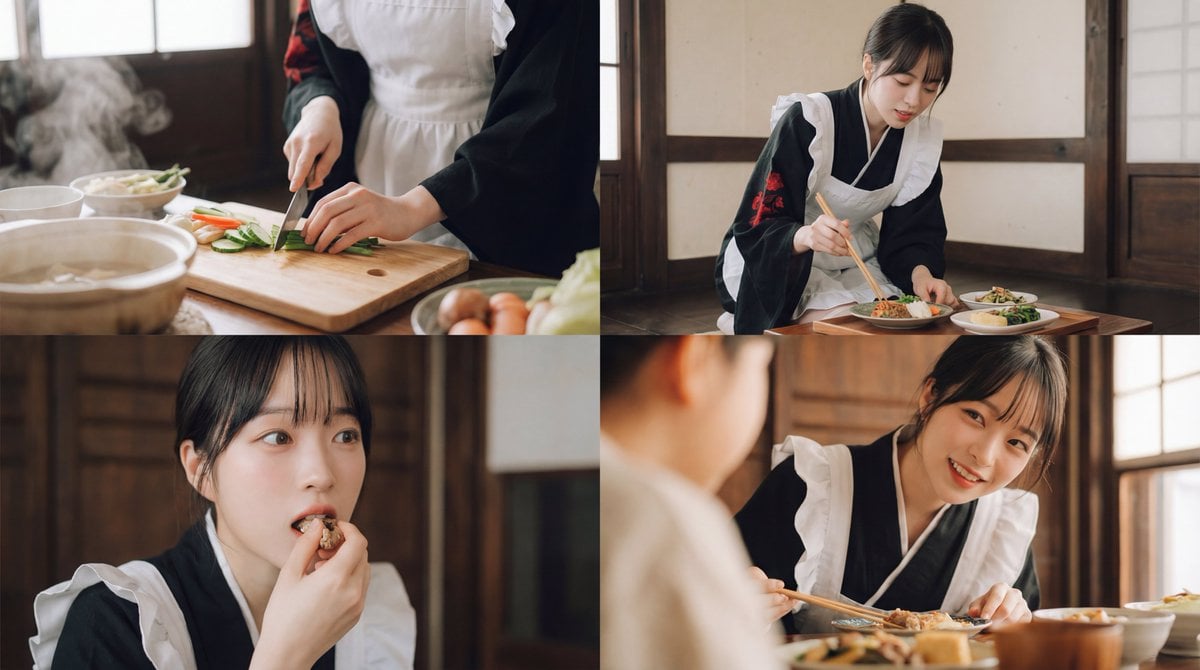
Seamless Cinematic Japanese Food Video Prompt
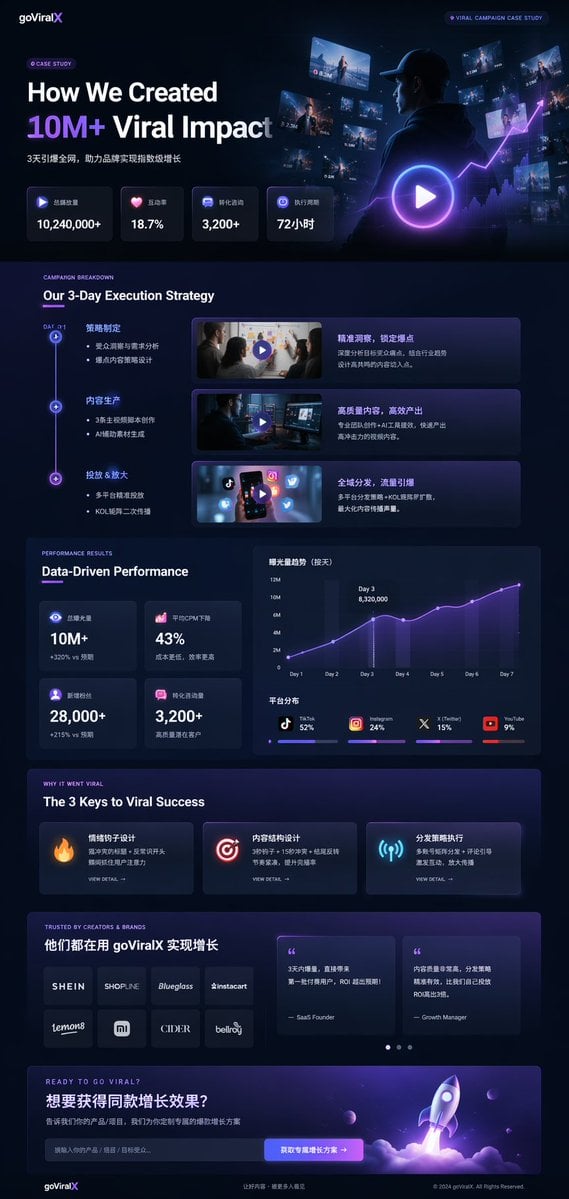
Gpt2 Product Marketing Dark Mode Marketing Case Study Ui
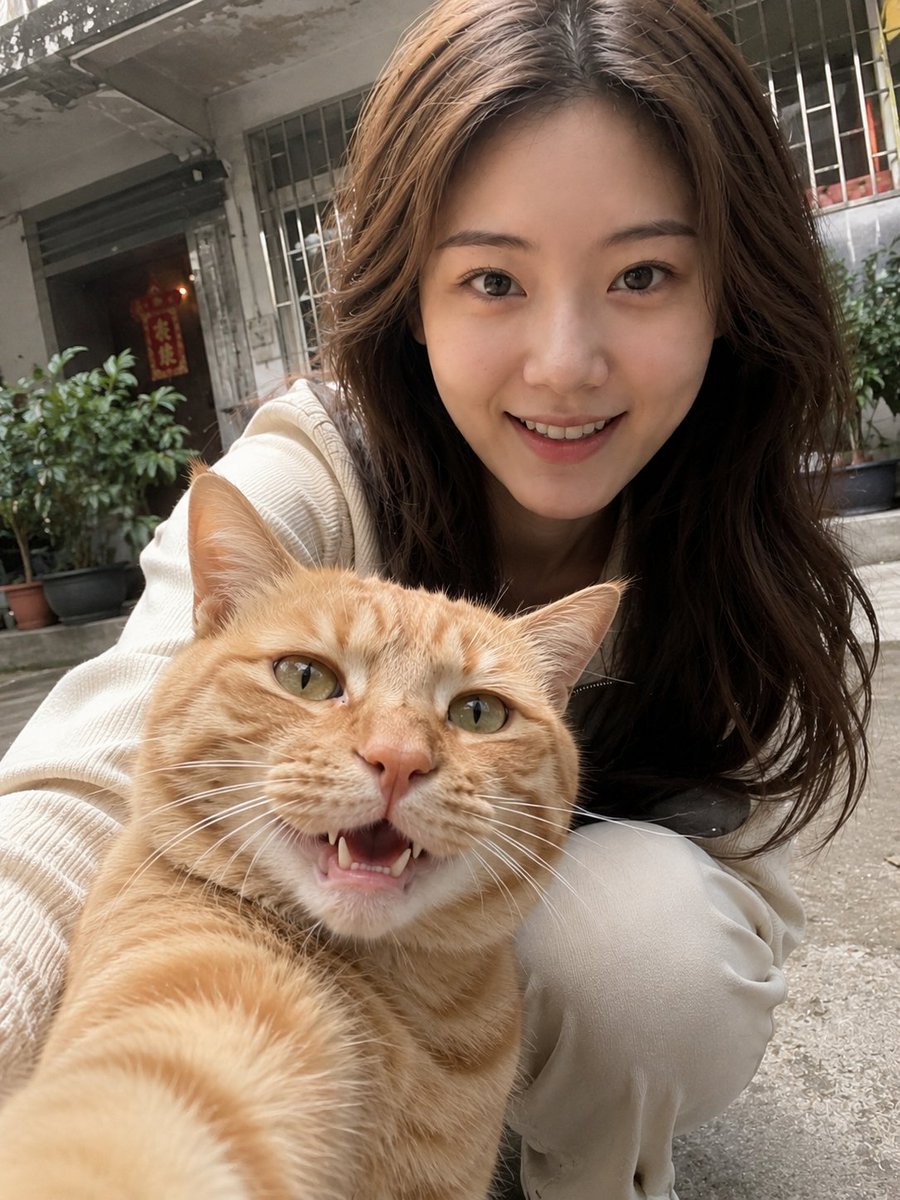
Realistic Pet and Owner Wide-Angle Selfie
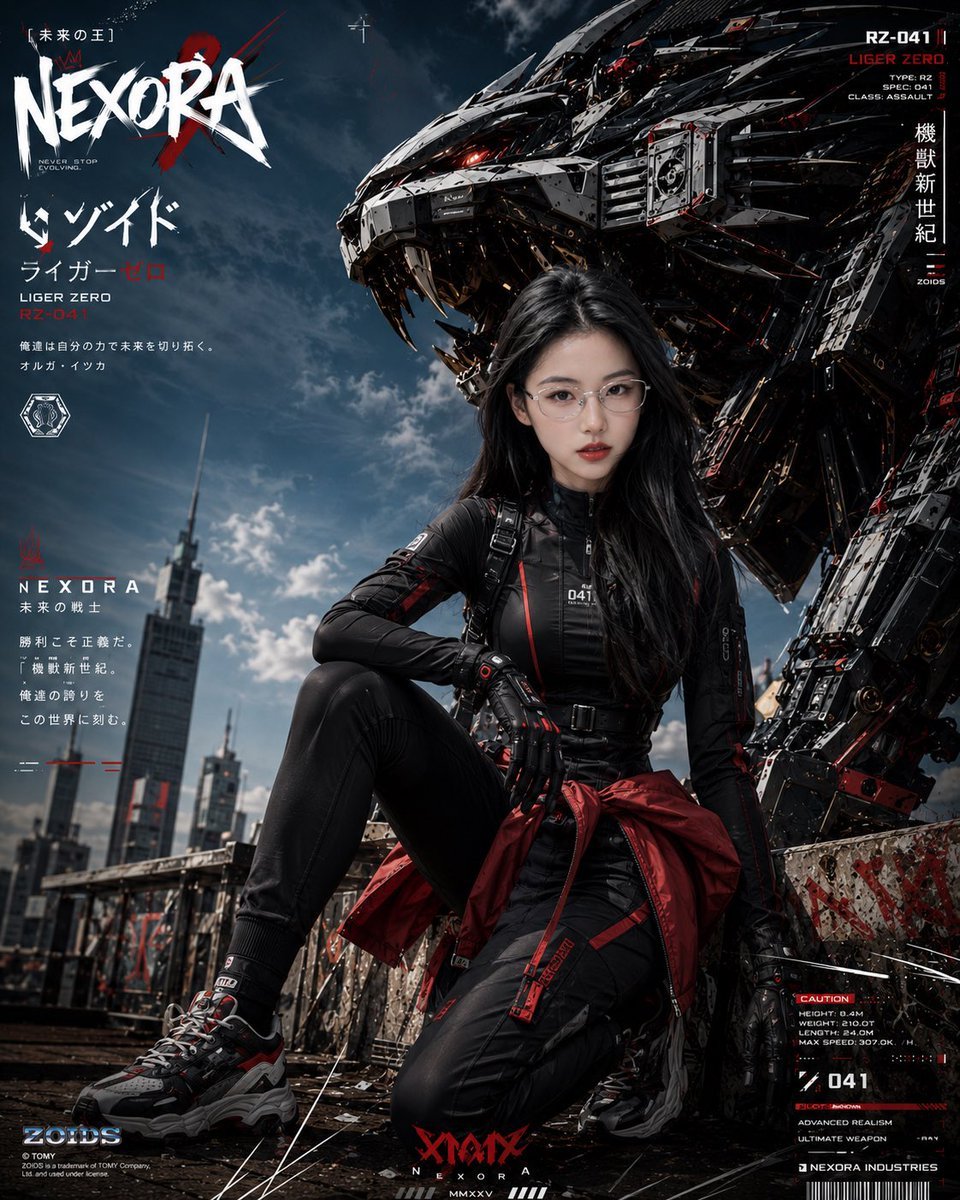
Cyberpunk Mecha Warrior Poster
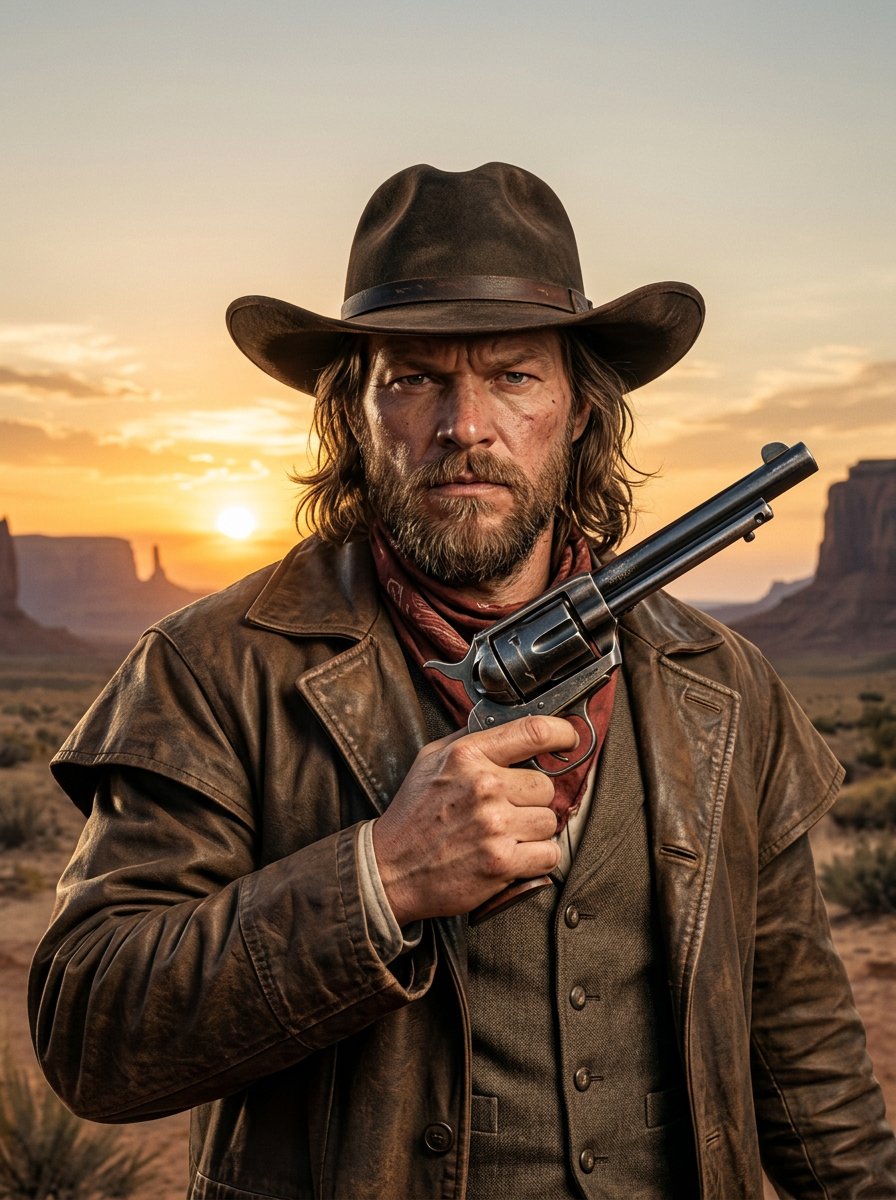
make me a cowboy poster
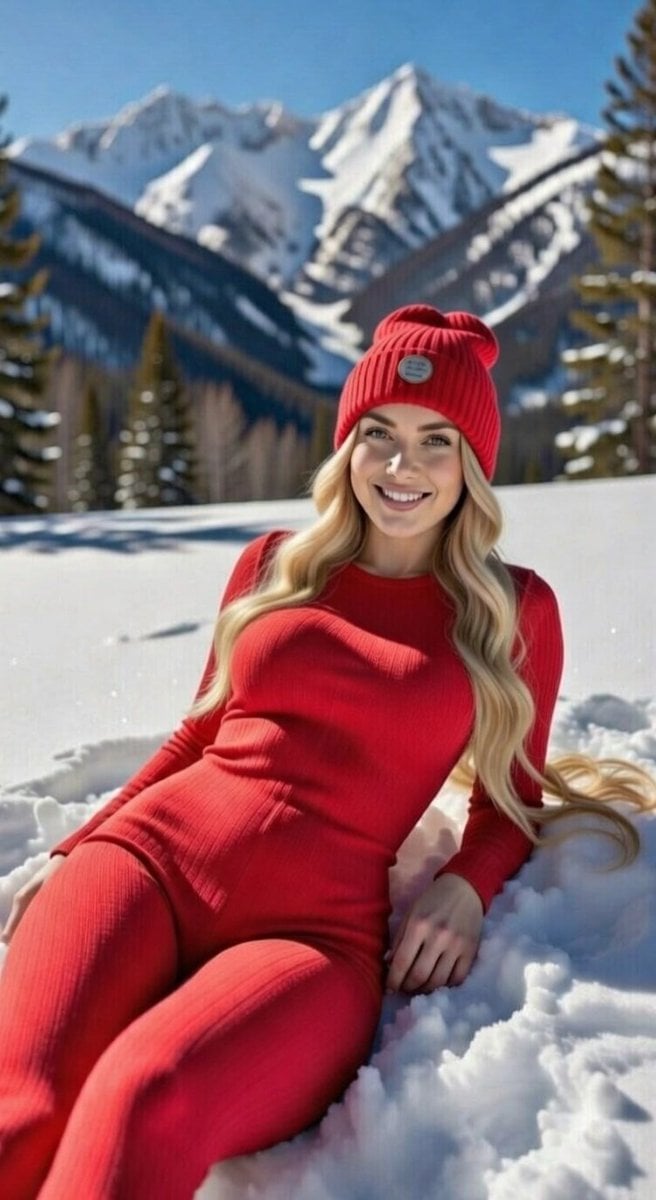
Blonde Woman in Red Bodysuit in Snow
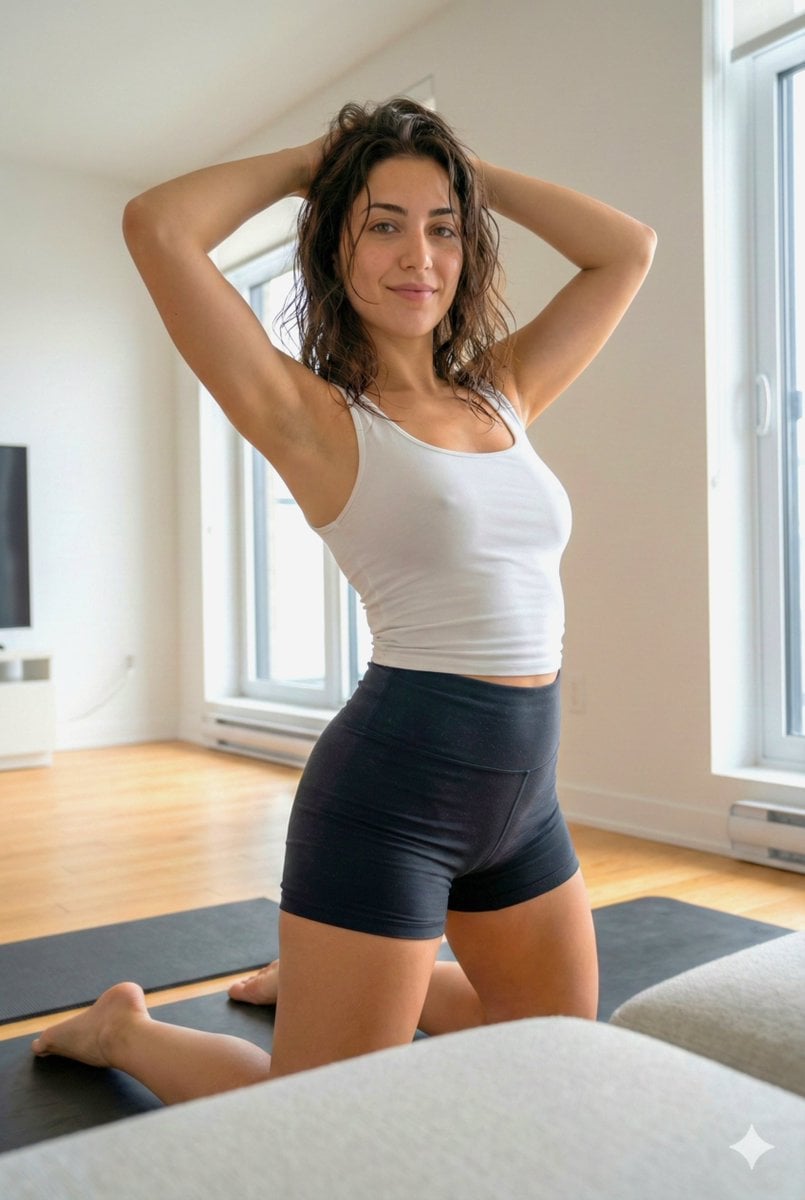
Curvy Athletic Stretching Selfie Prompt
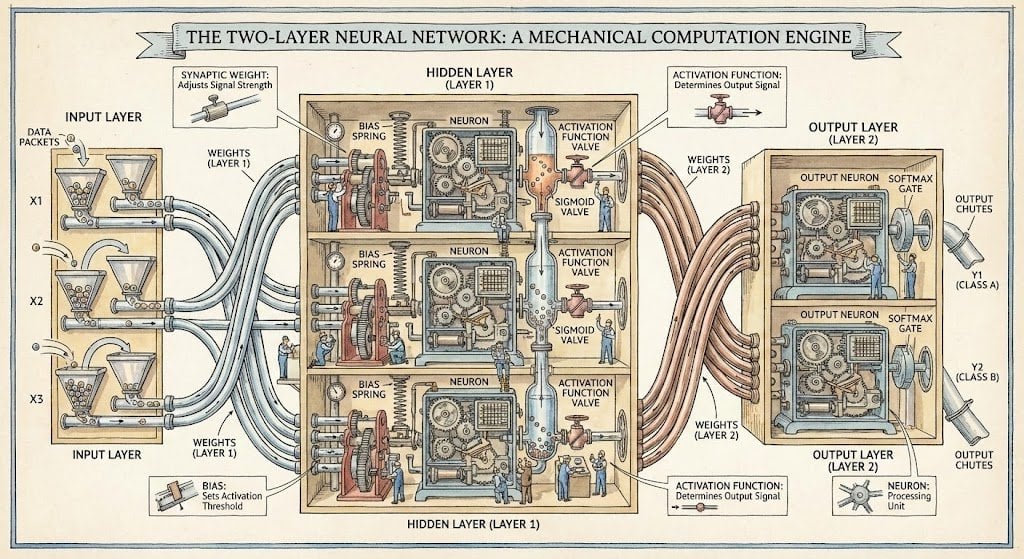
Two-layer neural network diagram in Stephen Biesty style
Monaco Grand Prix Rooftop Lifestyle Shot
Elf Sniper Team in Forest Ambush
Browse template categories
Fantasy Crab Boss Battle UI questions
How do I use the Fantasy Crab Boss Battle UI template?
Add your photo if the template asks for one, edit the prompt if you like — the template's model and format are already selected — and press Generate. Your version opens in PicX Studio.
Can I customize the Fantasy Crab Boss Battle UI template?
Yes. You can change the subject, setting, lighting, mood, format, and available model controls before creating your image.
Is the Fantasy Crab Boss Battle UI template free?
Opening and editing this template is free. Generating uses credits, shown on the Generate button when you are signed in.
Which AI model should I use?
Start with GPT Image 2, which is the model associated with this template. You can compare another compatible model for a different finish.
Looking for something else? Browse all templates.

Your photo, any look
Thousands of ready templates for every top image and video model, from one credit balance.